Cinematic Fog
Bedrock texture pack listed for Minecraft 1.21–26.x. File opened and checked on 22 Oct 2026; installs from the MC Bedrock Mods app on Android.
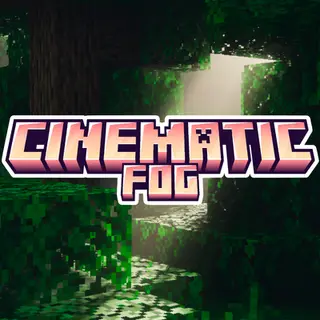
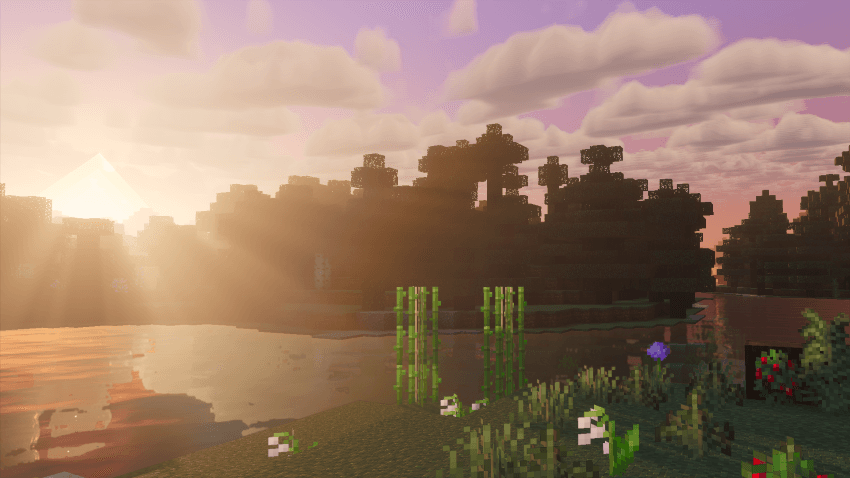
Cinematic Fog adds thick atmospheric fog, dramatic god-rays, and per-biome depth to Minecraft Bedrock for Vibrant Visuals.
⬇ Download on CurseForgeThe author built this one for Minecraft 1.21.90–26.50. On other versions it may install and then do nothing.
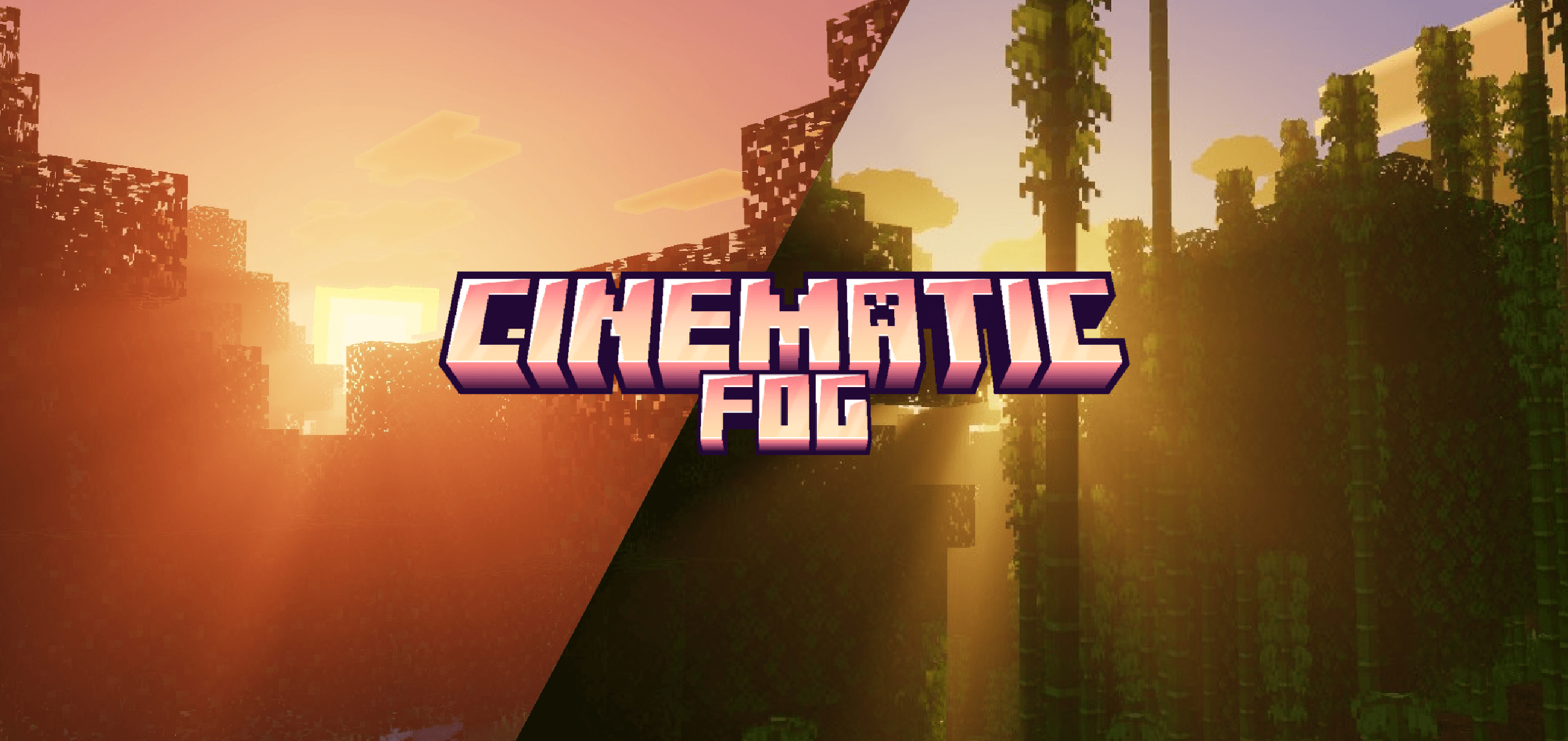
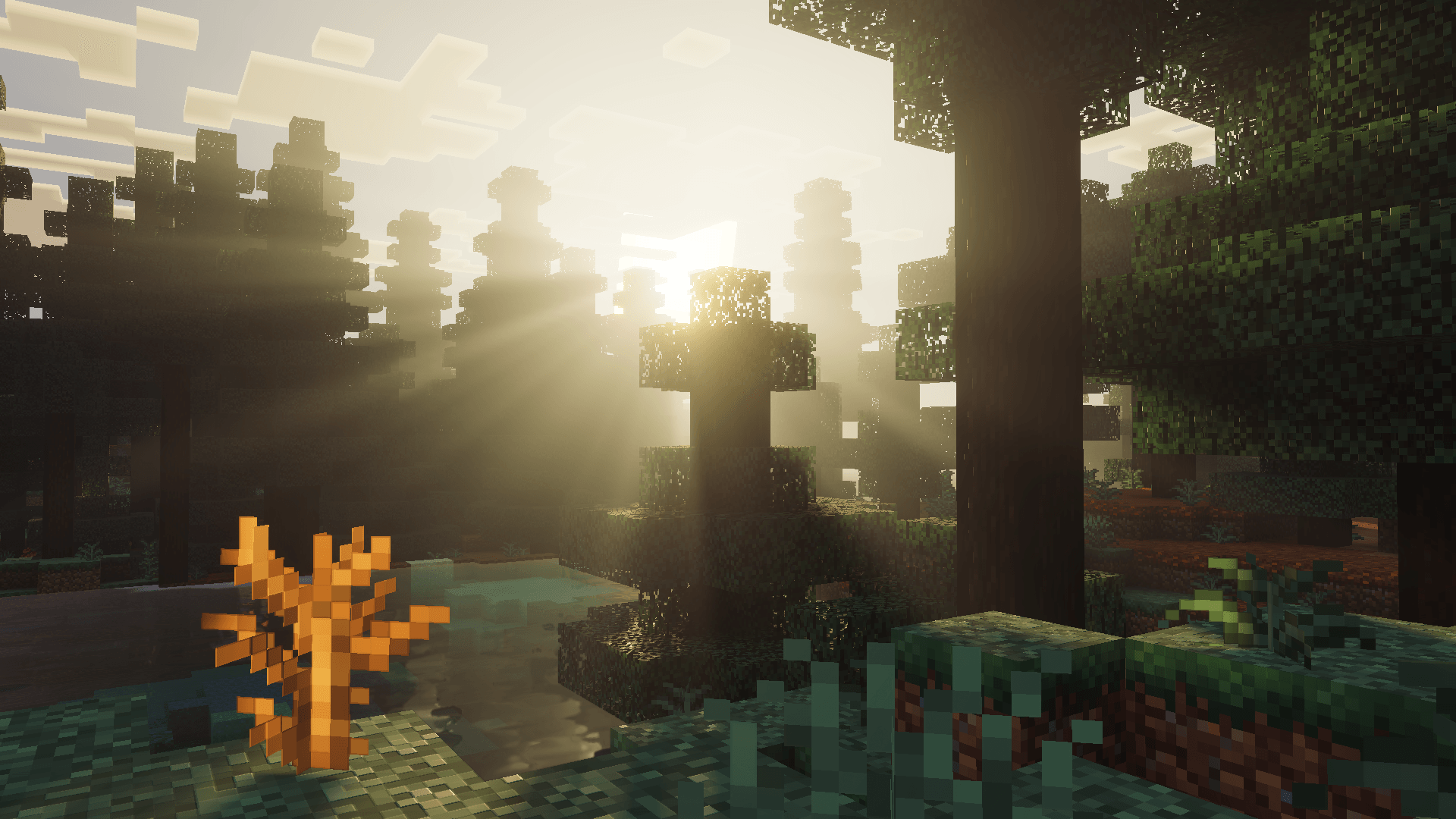
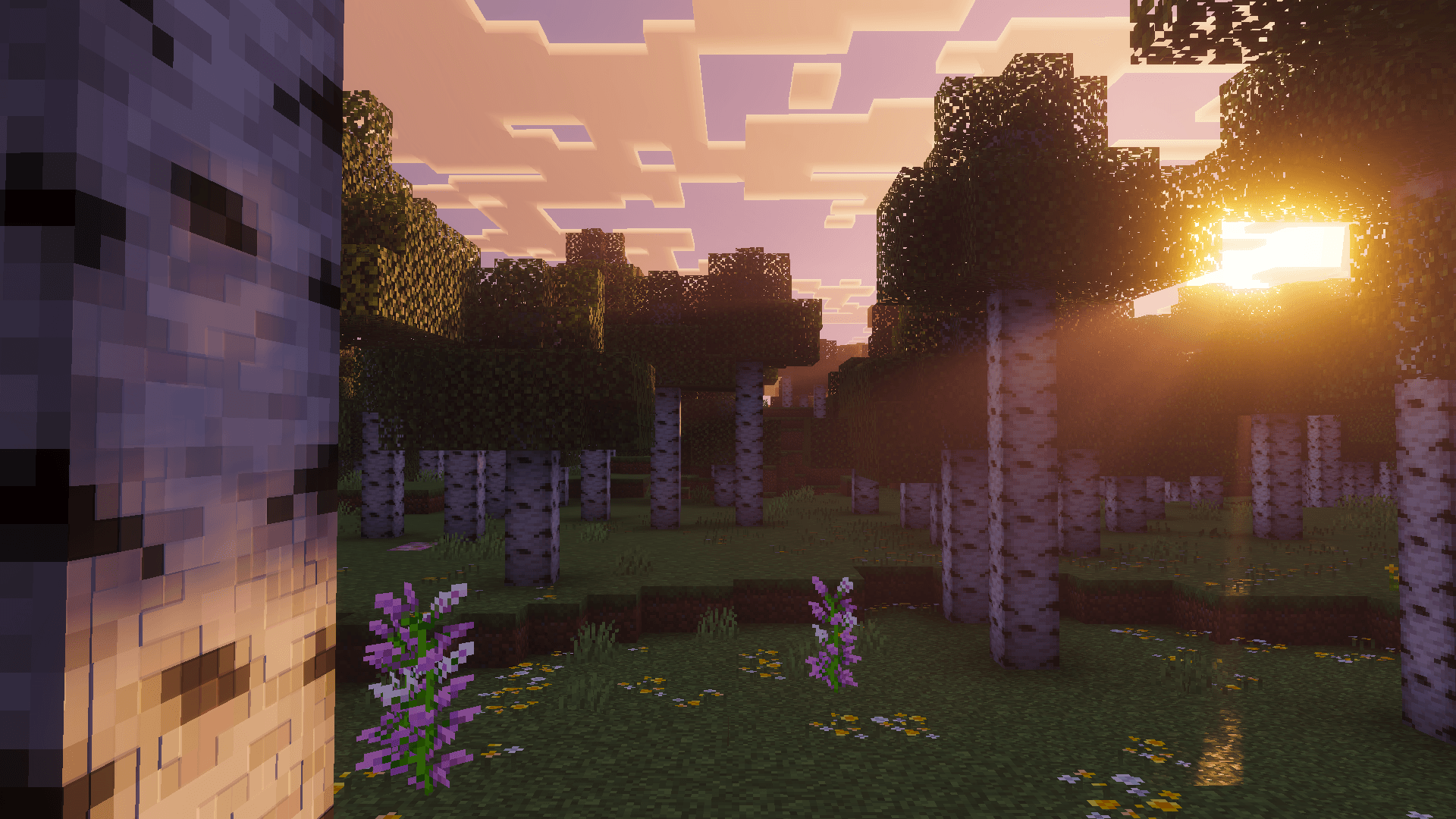
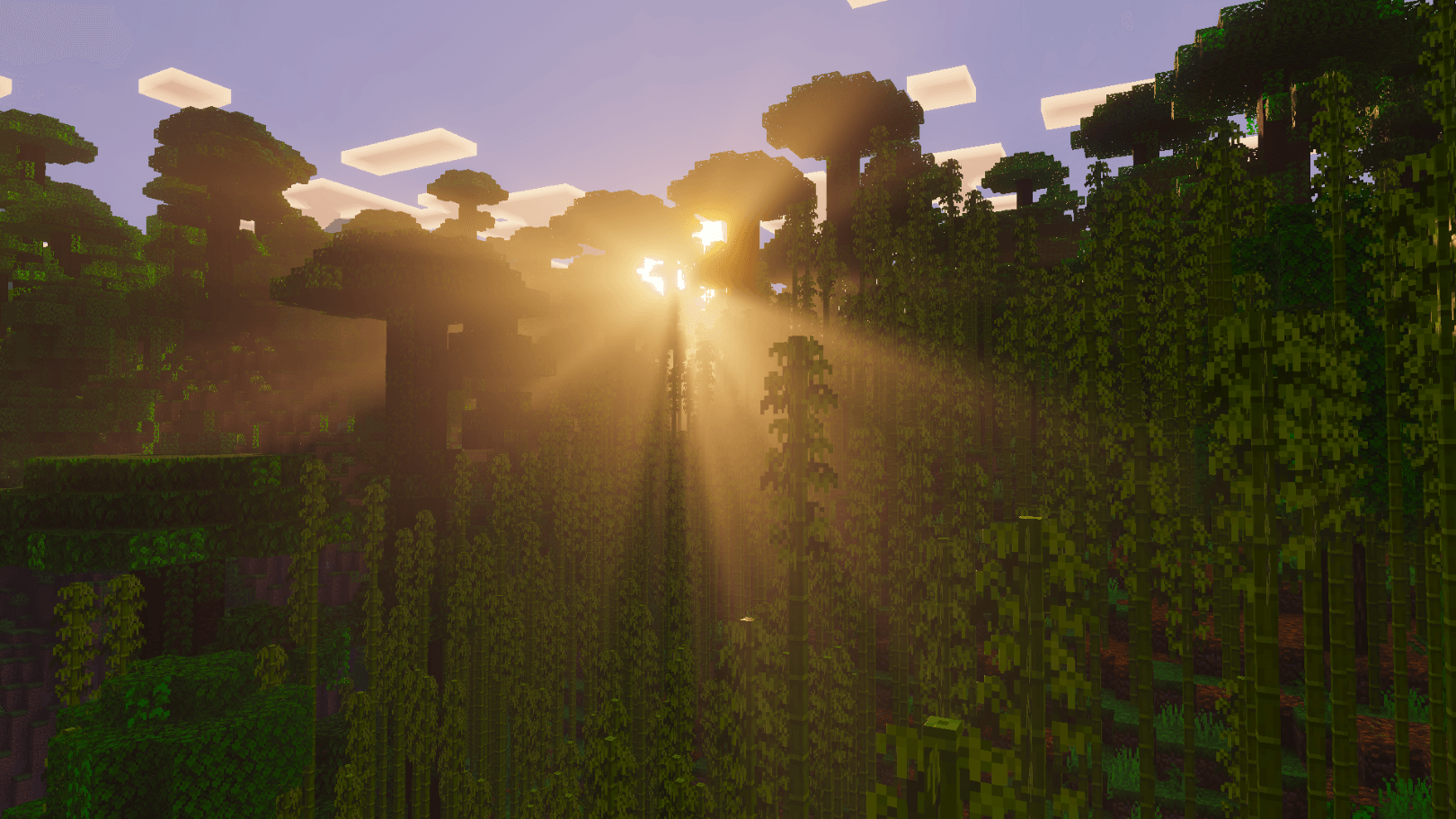
Cinematic Fog adds thick atmospheric fog, dramatic sunrays and biome-tinted volumetric depth to Minecraft Bedrock. Place it above any Vibrant Visuals shader to deepen the atmosphere without replacing your visuals.
Features
21 biome fogs — every biome gets a fog that fits it: forests, birch, dark oak, taiga, jungle, swamp, cherry grove, dappled forest, pale garden, mesa & desert, savanna, mountains, snowy biomes, mushroom island, oceans, cold oceans, caves, sulfur caves, the Nether and the End.
Volumetric sunrays — light beams cut through the fog in every biome, from soft morning haze to heavy forest rays.
Distance & rain fog — the horizon fades into a biome-tinted haze, and rain and storms roll in with thicker fog.
Shader friendly — Cinematic Fog only changes fog. Water, lighting and colours stay exactly as your shader makes them.
Recommended Settings
For the best experience, turn on Volumetric Fog in your Vibrant Visuals settings.
Subpacks
MEDIUM (Recommended) — balanced fog with controlled sunrays
HIGH — heavier fog and stronger sunrays for more dramatic lighting
Installation
- Activate Cinematic Fog in Global Resources
- Place it above your Vibrant Visuals shader
- Click the gear icon to choose MEDIUM or HIGH
- Set Graphics Mode to Vibrant Visuals in Video settings
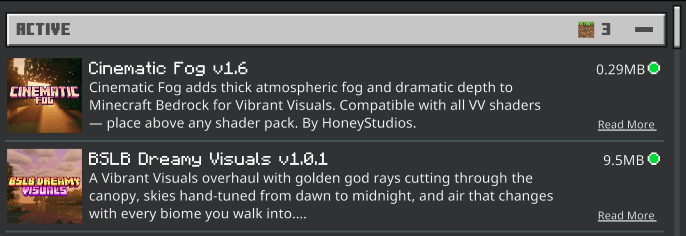
✅ **Compatible with any Vibrant Visuals pack:**
- Edition: Minecraft Bedrock
- File type: .mcpack
- Minecraft versions listed: 1.21.93, 1.21.90, 1.21.101
- How to install: Download the .mcpack. → Open it — Minecraft imports it under Resource Packs. → Activate it in Global Resources, or for one world under Resource Packs → Available.
- Where to get it: Opens on CurseForge — not every file is mirrored on our own servers.
Install steps are the general flow for this file type — How to install Minecraft Bedrock texture packs walks through it step by step.
- Pack type: .mcpack — a single pack
- Manifest requires Minecraft 1.21.90 or newer
- Complete pack — everything it depends on is inside the file
- Download size: 274 KB
- Download link checked 5 Oct 2026 — working
These come from our own check of the pack file, not from the source page.