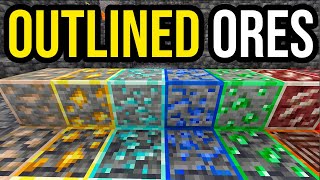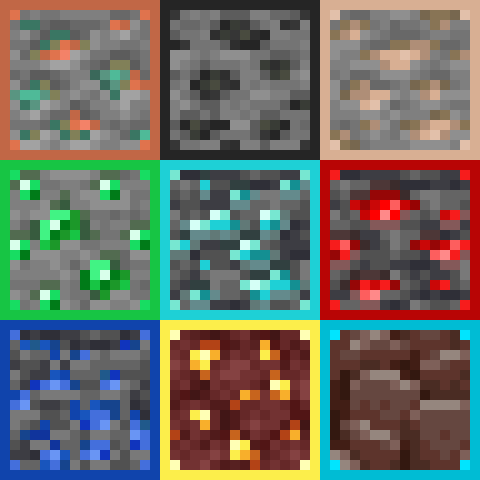
Outlined Ores Texture Pack
Bedrock texture pack listed for Minecraft 1.19–26.x. File opened and checked on 19 Sep 2026; installs from the MC Bedrock Mods app on Android.
All ores are outlined and easily visible, even when partly covered by lava! Make mining easier with ores that stand out in the mines, with this texture…
⬇ Download on CurseForgeThe author built this one for Minecraft 1.20–1.21.124. On other versions it may install and then do nothing.
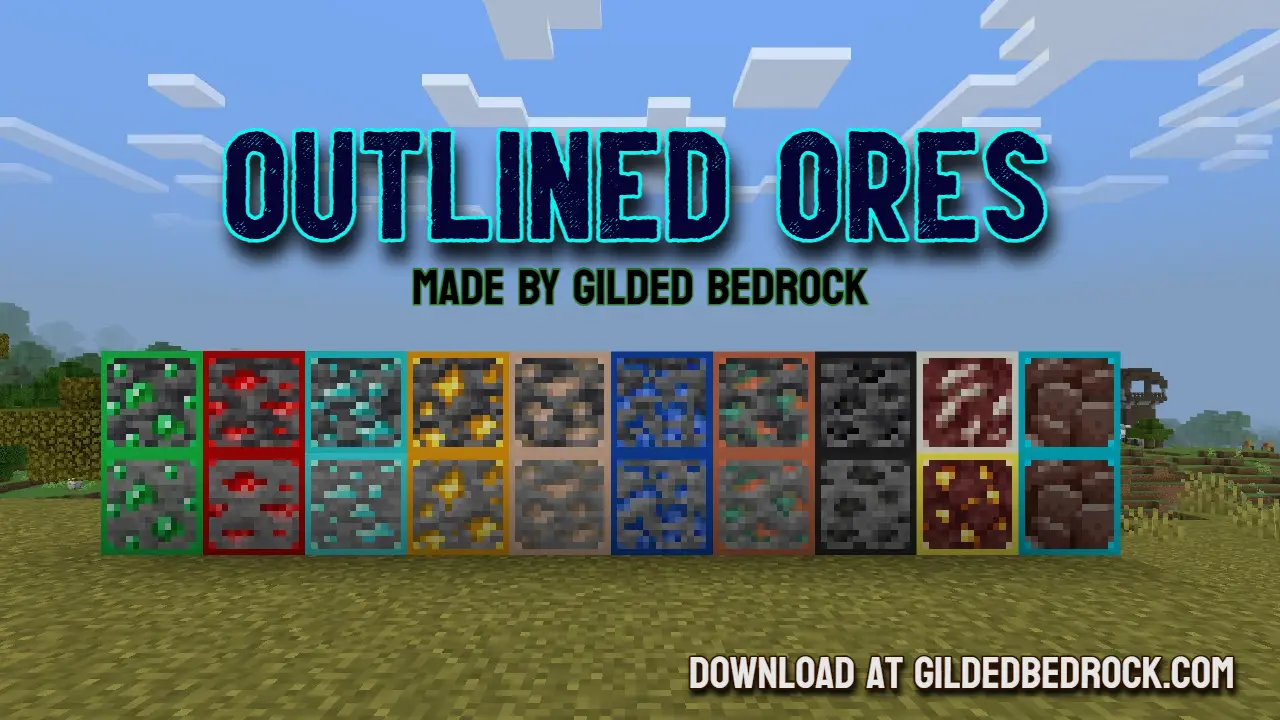
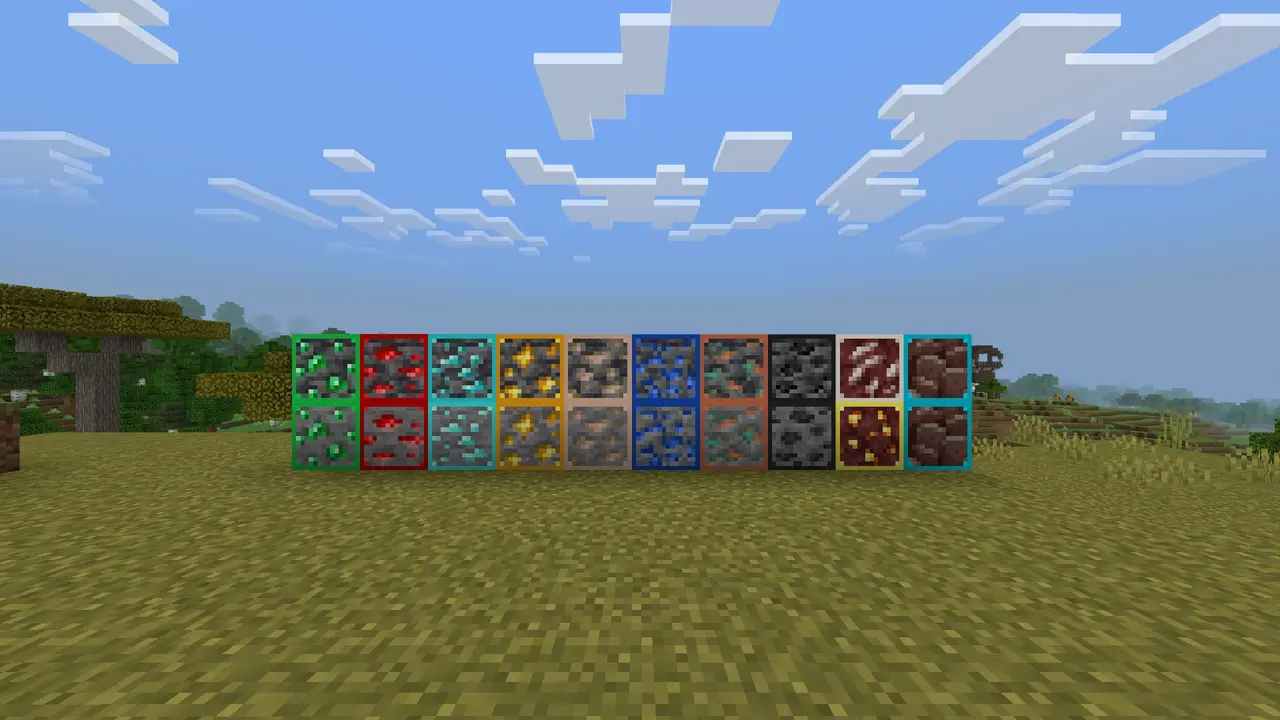
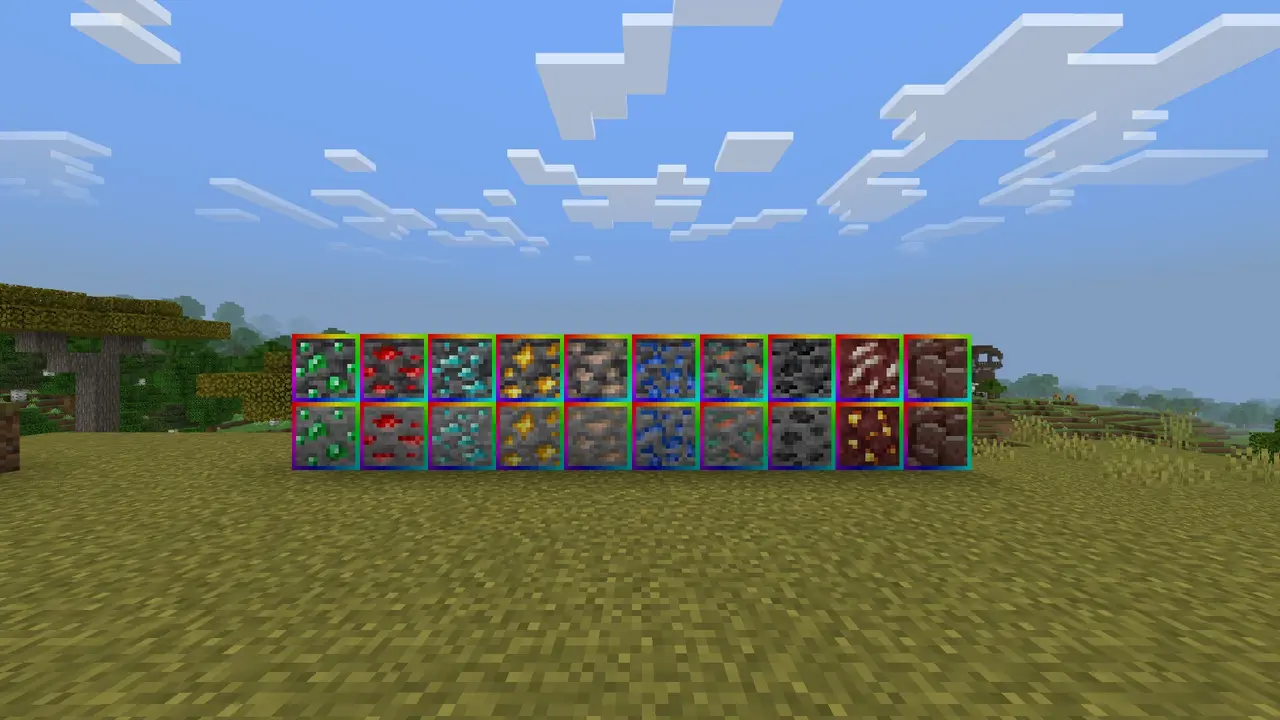
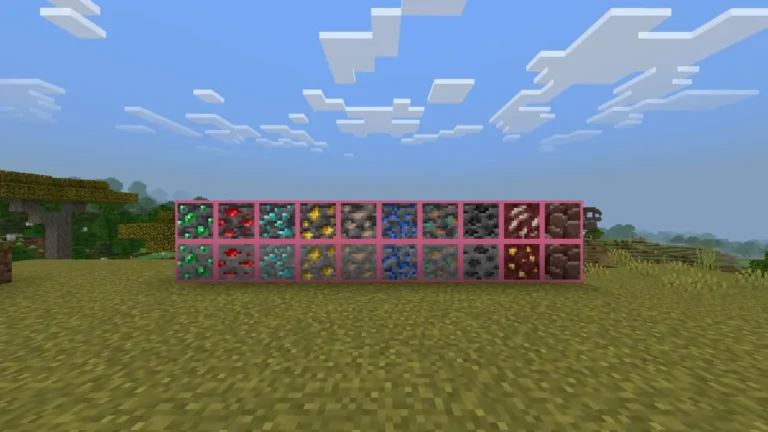
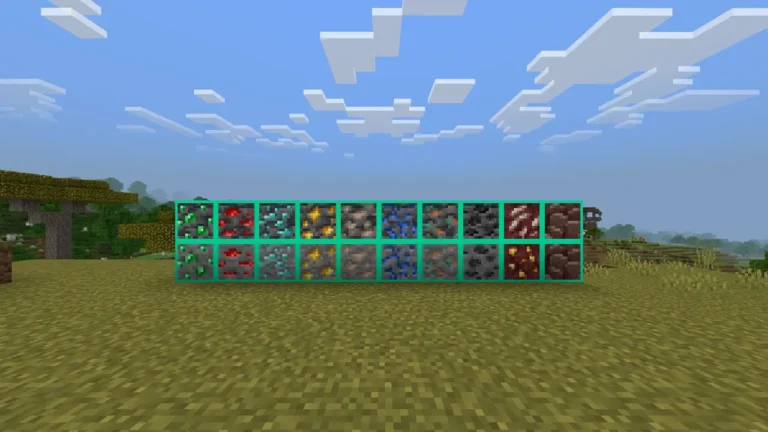
This pack has 13 adjustable options! It includes the new ore textures and the original ore textures, with an option to use borders for both! Choose between red, orange, yellow, green, aqua, blue, pink, purple, RGB, RGB ANIMATED, black, and white!
Easily spot diamonds and Netherite with this enhanced texture pack! All ores are outlined for better visibility—even when partially obscured by lava or fire. Ancient Debris is clearly distinguishable from netherrack, making it much easier to locate in the Nether.
Whether you're blasting for Netherite or exploring deep caves for diamonds, this pack makes hidden ores stand out—even in tight corners or behind hazards. The outlined borders ensure you won’t miss a thing. Good luck, and happy mining!
Texture Variations
This pack offers a variety of color options for ore outlines. You can stick with the default outlines—each tailored to the specific ore—or choose from a range of solid colors like red, green, blue, and more. Some variants feature subtle corner-only outlines for a less intrusive look, or options that highlight only Ancient Debris, keeping other textures untouched while still making Netherite easier to spot.
How to Change the texture for Bedrock Edition?
For Bedrock Edition, everything is included in a single all-in-one pack. To customize the texture style, go to your world settings and open the Resource Packs section. Select the Outlined Ores pack, then click the settings icon. This will bring up a slider that lets you choose the outline color for the ores.
- Edition: Minecraft Bedrock
- File type: .mcpack
- Minecraft versions listed: 1.20.40, 1.21.30, 1.21.50
- How to install: Download the .mcpack. → Open it — Minecraft imports it under Resource Packs. → Activate it in Global Resources, or for one world under Resource Packs → Available.
- Where to get it: Opens on CurseForge — not every file is mirrored on our own servers.
Install steps are the general flow for this file type — How to install Minecraft Bedrock texture packs walks through it step by step.
- Pack type: .mcaddon — behaviour and resource pack in one file
- Manifest requires Minecraft 1.19.20 or newer
- Complete pack — everything it depends on is inside the file
- Download size: 788 KB
- Download link checked 26 Oct 2026 — working
These come from our own check of the pack file, not from the source page.