Boron - All in One FPS Optimizer + No Lag
Bedrock texture pack listed for Minecraft 1.21–26.x. File opened and checked on 3 Oct 2026; installs from the MC Bedrock Mods app on Android.
Boron is a lightweight Minecraft Bedrock resource pack designed to reduce visual clutter and help improve performance. Built for PvP, smoother gameplay…
⬇ Download on CurseForgeThe author built this one for Minecraft 1.21–26.50. On other versions it may install and then do nothing.

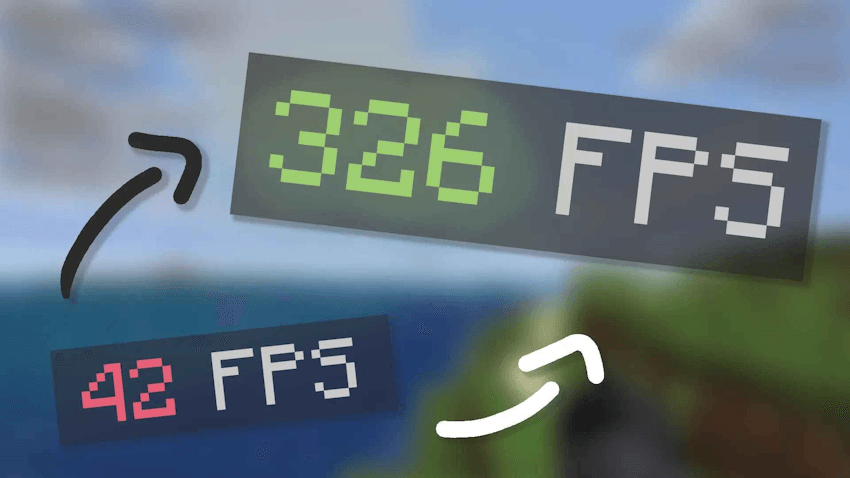
Boron – Ultra Performance Texture Pack for Minecraft Bedrock
Less visual clutter. More focus. A cleaner Minecraft experience.
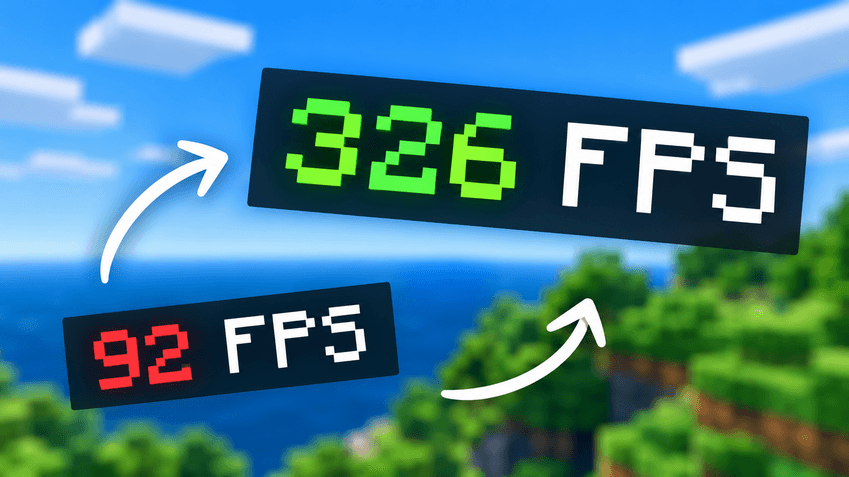
Boron is a lightweight performance-focused resource pack for Minecraft Bedrock Edition. Designed for players who value smooth gameplay and clean visuals, Boron reduces selected visual effects to help minimize unnecessary visual load.
Whether you're fighting in PvP, playing on a low-end device, or simply looking for a cleaner Minecraft experience, Boron keeps things simple and focused.
Features
- Reduced Particles — Removes selected particle effects, including critical-hit, potion-splash, and ambient particles.
- Simplified Animations — Removes selected visual animations, including water, lava, and fire animations.
- Reduced Lightmap Complexity — Simplifies the lighting map for a less visually complex experience.
- PvP-Focused Visuals — Reduces visual distractions to help you stay focused during fights.
- Lightweight x16 Design — Keeps the resource pack simple and suitable for players looking for a lightweight visual setup.
- Built for Performance — Designed with low-end devices and performance-conscious players in mind.
Why Boron?
Boron follows a simple philosophy: remove unnecessary visual elements and keep the experience clean.
Instead of adding more visual complexity, Boron focuses on a lightweight design that prioritizes clarity and performance.
Compatibility
- Made for Minecraft Bedrock Edition. Check the available files and supported game versions before downloading.
Performance Notice
Performance improvements vary depending on your device, graphics settings, game version, and world. Boron is designed to reduce selected visual effects, but specific FPS gains are not guaranteed on every system.
Boron — Keep it clean. Keep it smooth.
- Edition: Minecraft Bedrock
- File type: .mcpack
- Minecraft versions listed: 1.21.93, 1.21.90, 1.21.101
- How to install: Download the .mcpack. → Open it — Minecraft imports it under Resource Packs. → Activate it in Global Resources, or for one world under Resource Packs → Available.
- Where to get it: Opens on CurseForge — not every file is mirrored on our own servers.
Install steps are the general flow for this file type — How to install Minecraft Bedrock texture packs walks through it step by step.
- Save it as Anti-Lag [FPS+].mcaddon before opening — it downloads as .mcpack, but it is a .mcaddon pack
- Manifest requires Minecraft 1.21.90 or newer
- Complete pack — everything it depends on is inside the file
- Download size: 398 KB
- Download link checked 5 Oct 2026 — working
These come from our own check of the pack file, not from the source page.