Aim indicator
Bedrock texture pack listed for Minecraft 1.21–26.x. File opened and checked on 19 Sep 2026; installs from the MC Bedrock Mods app on Android.
⬇ Download on CurseForge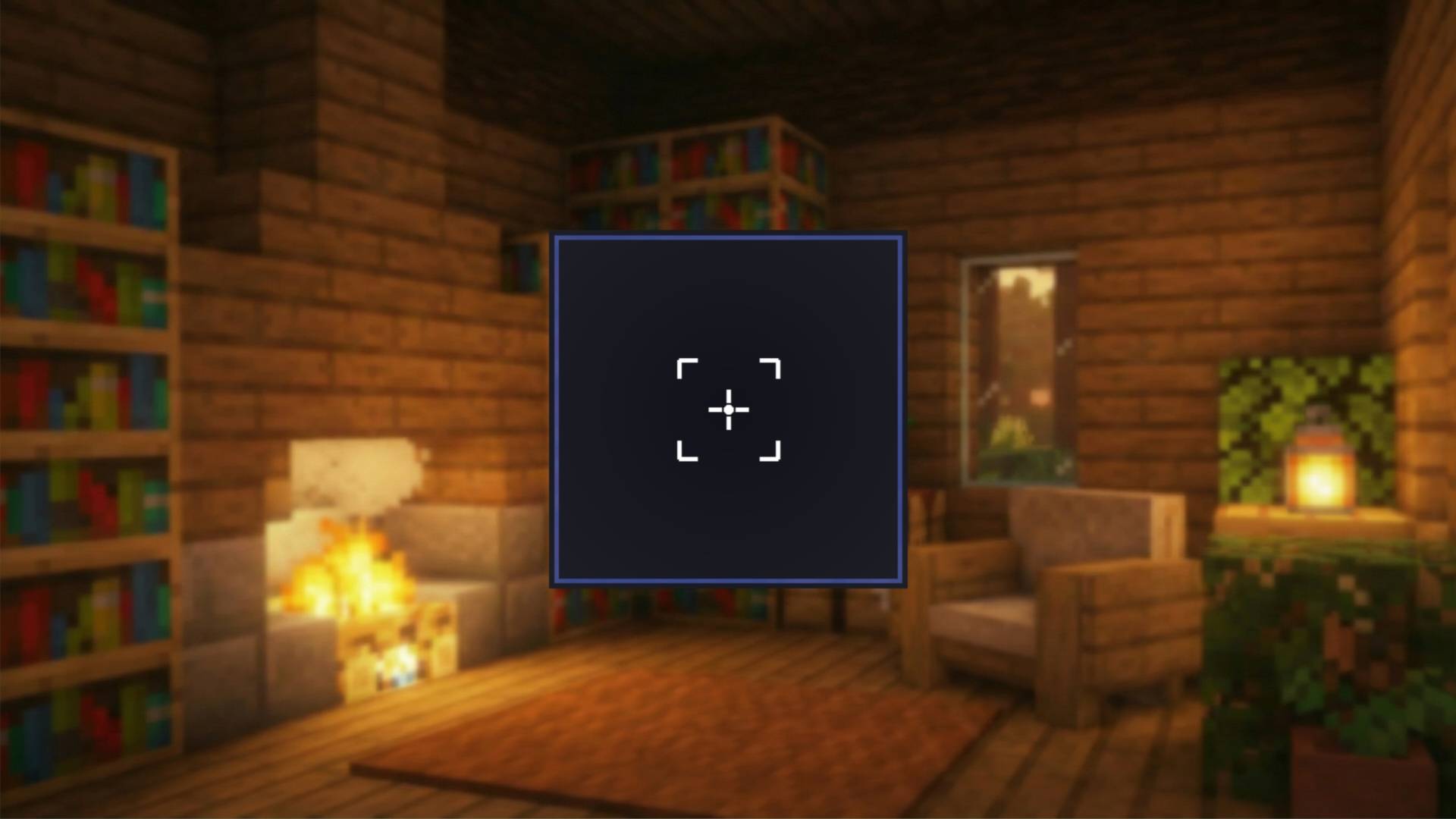
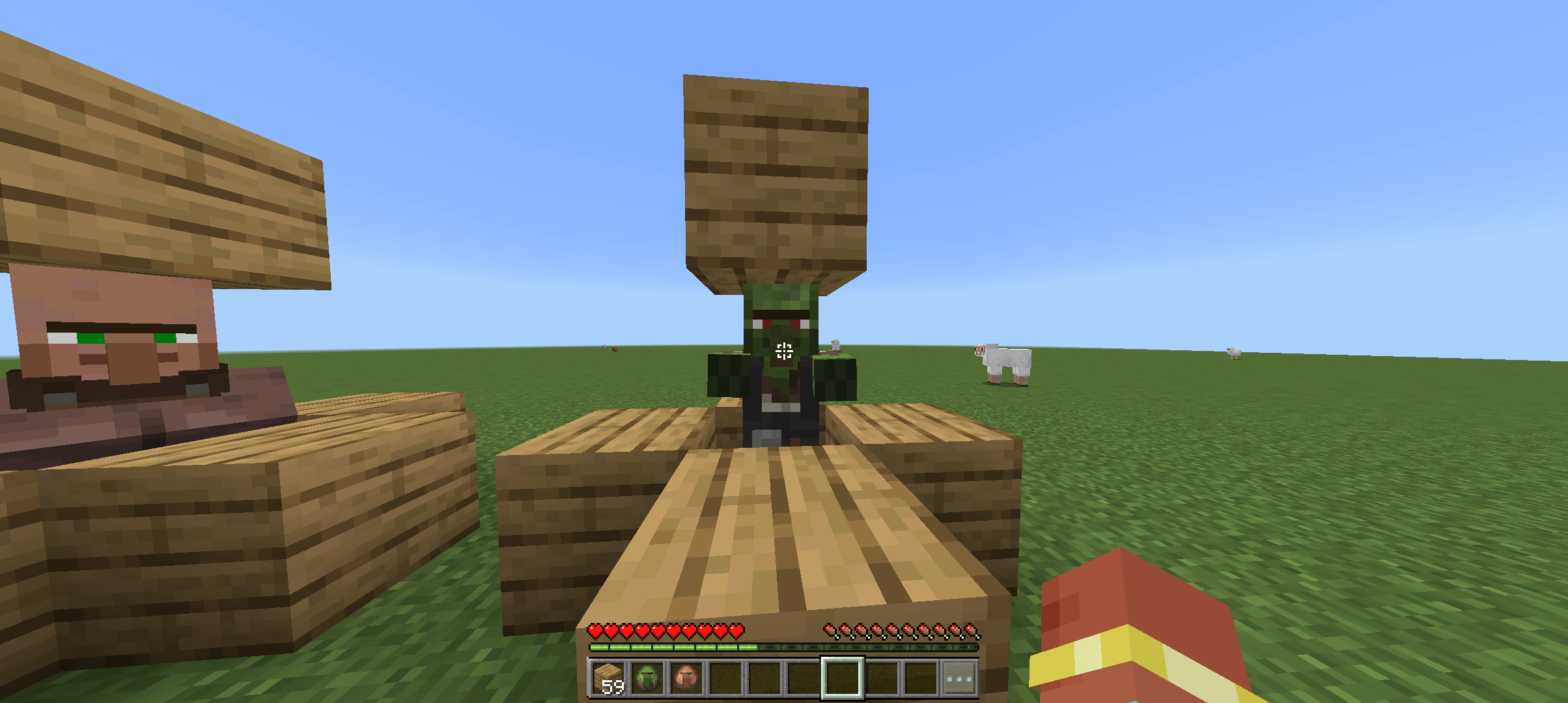
A clean, minimal crosshair pack that reacts to your aim in real time.
• Features
Dynamic crosshair — switches automatically based on what you're targeting
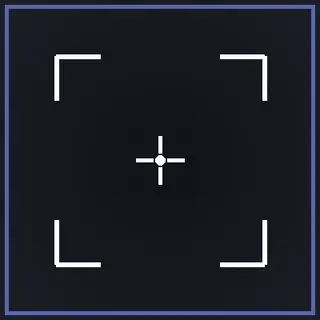
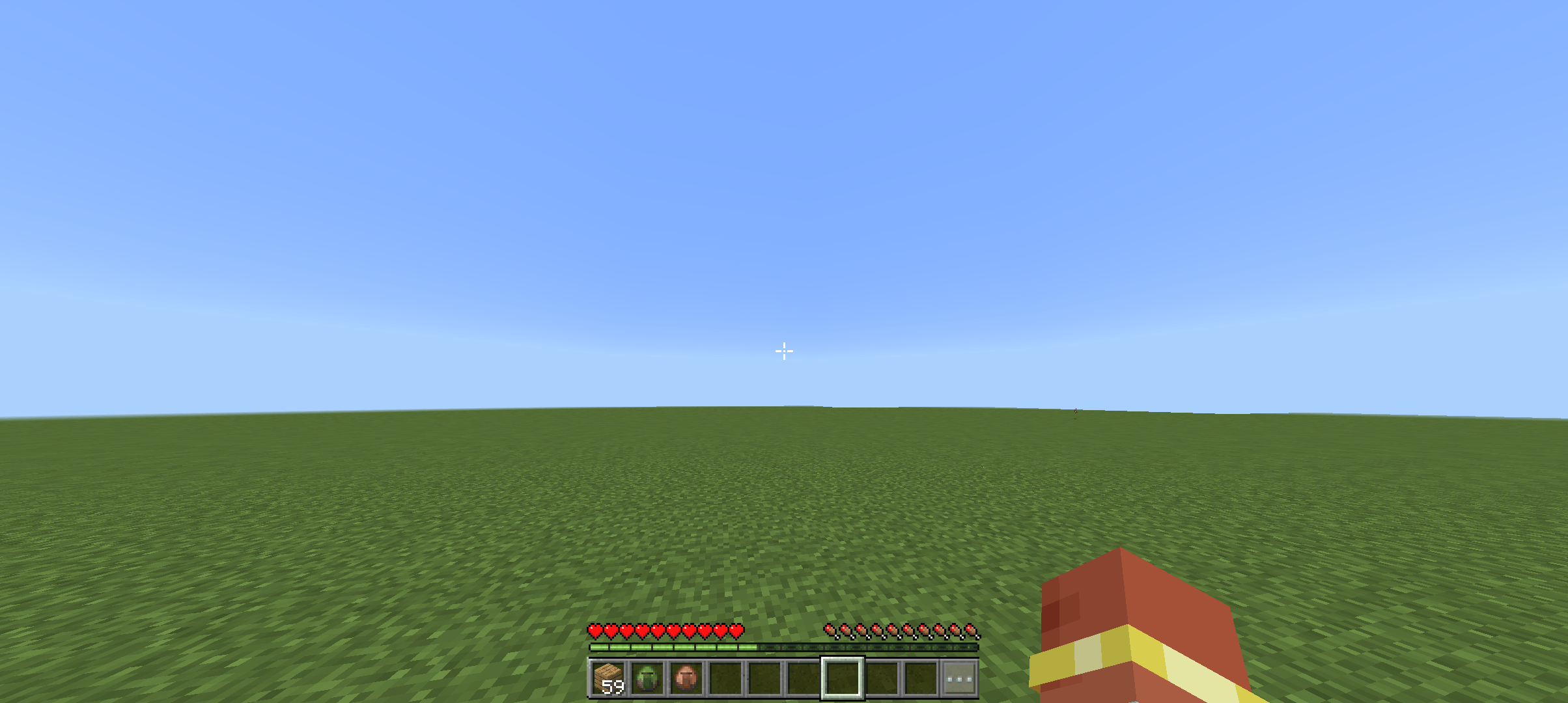
Normal state — clean + crosshair when not aimed at any entity
On hit — corner bracket crosshair appears when an enemy is within attack range
• Installation
Download the .mcpack file
Open it — Minecraft will import it automatically
Go to Settings → Global Resources and activate the pack
Done ✅
🔧 Compatibility
✅ Minecraft Bedrock Edition
✅ iOS / Android / Windows
✅ Version 1.21+
✅ Compatible with most other resource packs
📜 Credits
Made by Kaalu xD, inspired by itzriyo's Dynamic crosshair
- Edition: Minecraft Bedrock
- File type: .mcpack
- Minecraft versions listed: 26.0, 26.0.02, 26.3
- How to install: Download the .mcpack. → Open it — Minecraft imports it under Resource Packs. → Activate it in Global Resources, or for one world under Resource Packs → Available.
- Where to get it: Opens on CurseForge — not every file is mirrored on our own servers.
Install steps are the general flow for this file type — How to install Minecraft Bedrock texture packs walks through it step by step.
- Pack type: .mcpack — a single pack
- Manifest requires Minecraft 1.21.100 or newer
- Complete pack — everything it depends on is inside the file
- Download size: 21 KB
- Download link checked 5 Oct 2026 — working
These come from our own check of the pack file, not from the source page.