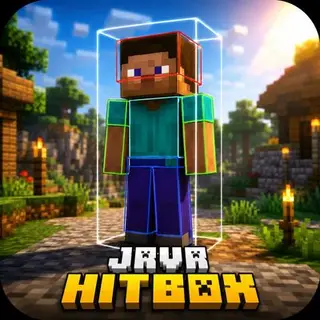
Transparent Touch Buttons v1.1.0
Bedrock texture pack listed for Minecraft 1.16–1.21. File opened and checked on 20 Sep 2026; installs from the MC Bedrock Mods app on Android.
⬇ Download on CurseForge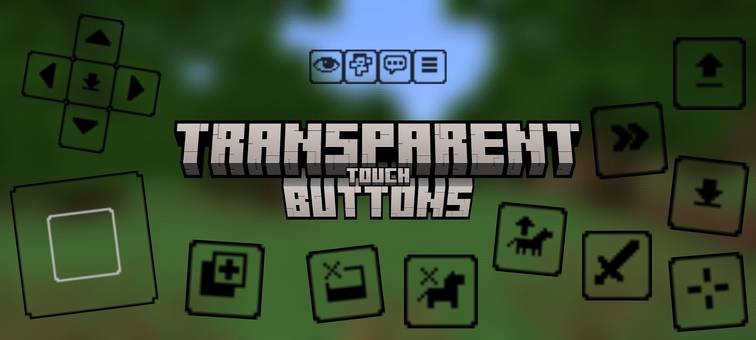
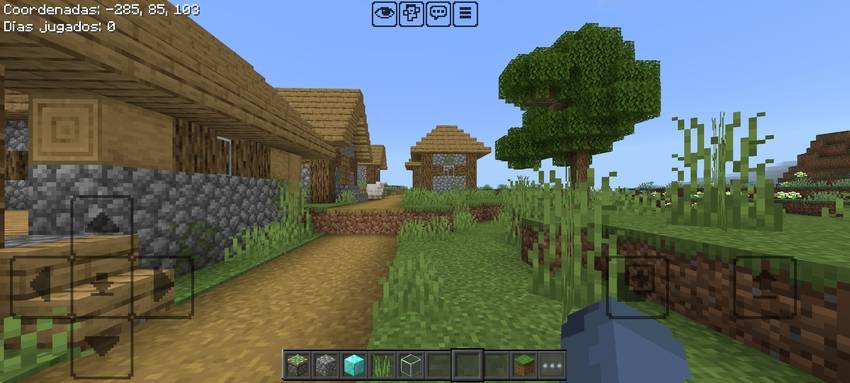
Update ( 07/10/25)
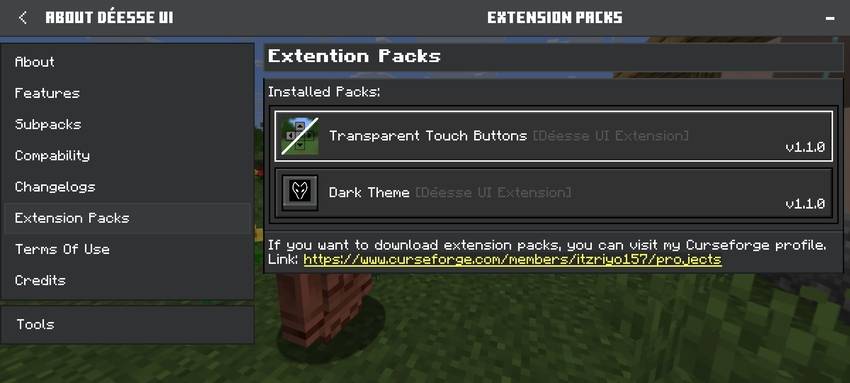
Compatibility with Déesse UI Pack!
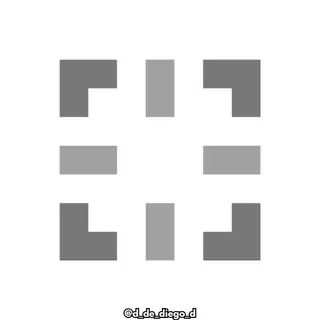
When placing the texture, you must put it in the order shown in the following image:
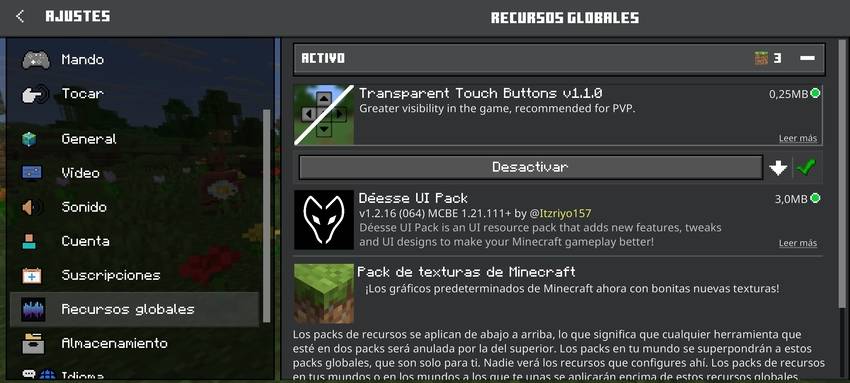
After placing the texture you can play!
__________________________________________________________________________________________________________________
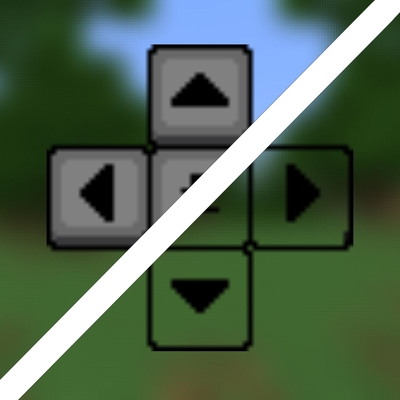
Hey guys, here I bring you this texture pack that removes the background from the buttons.
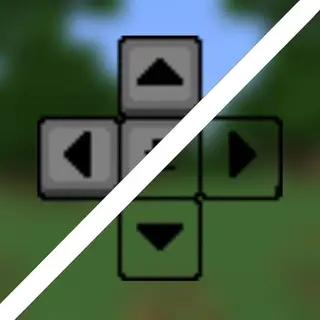
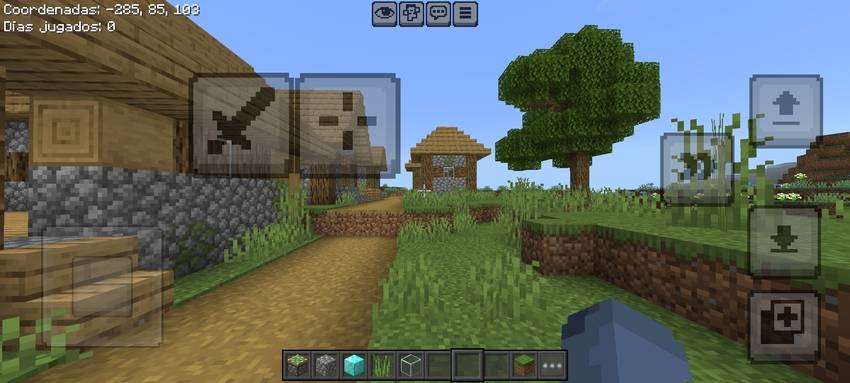
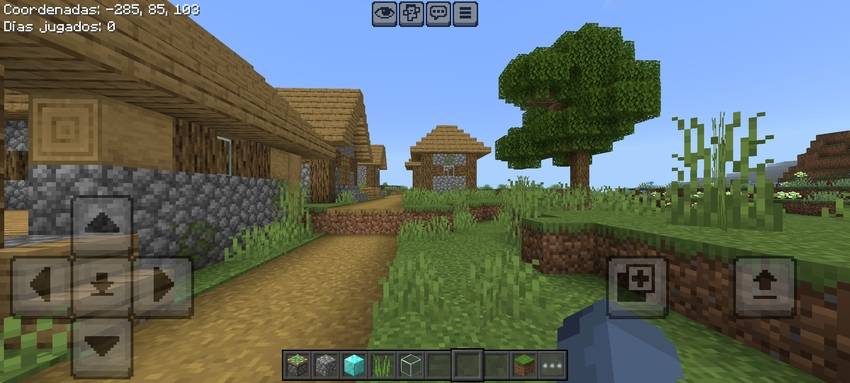
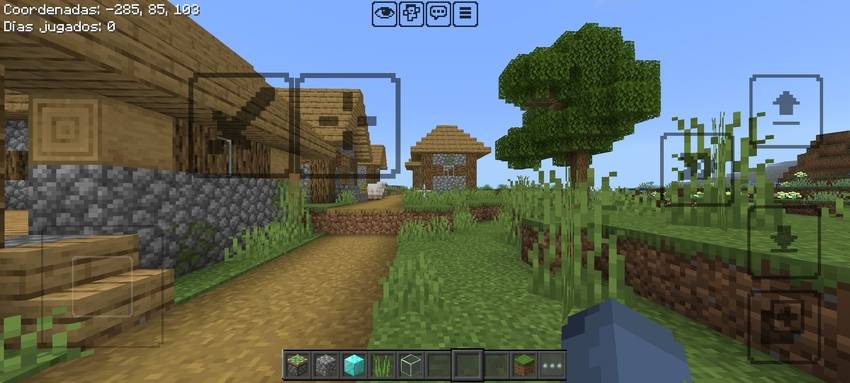
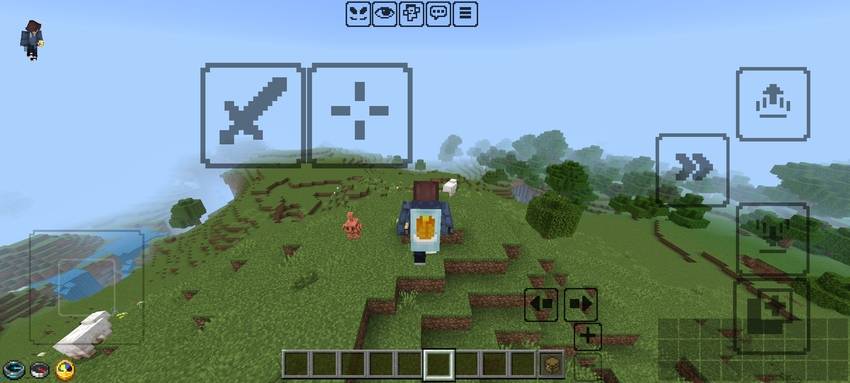
•Remove the background from all buttons that exist in the game.
-Before: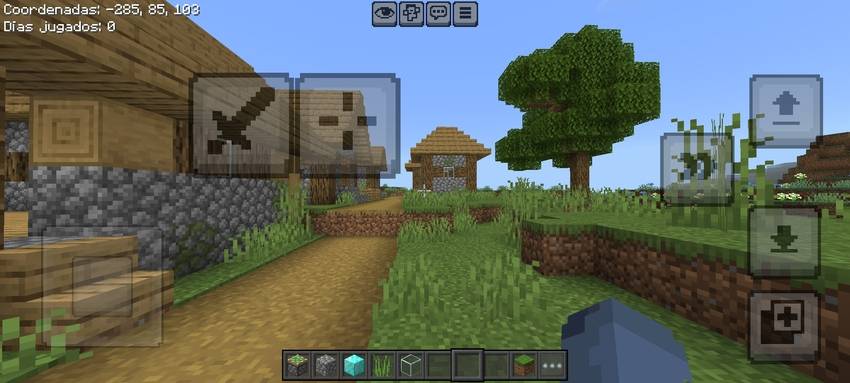
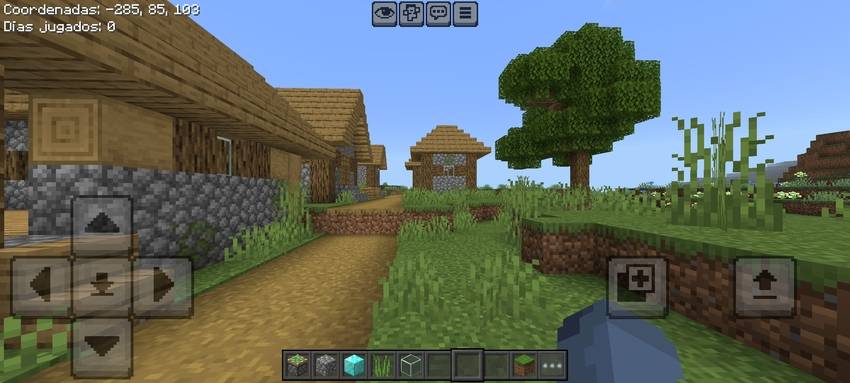
-After: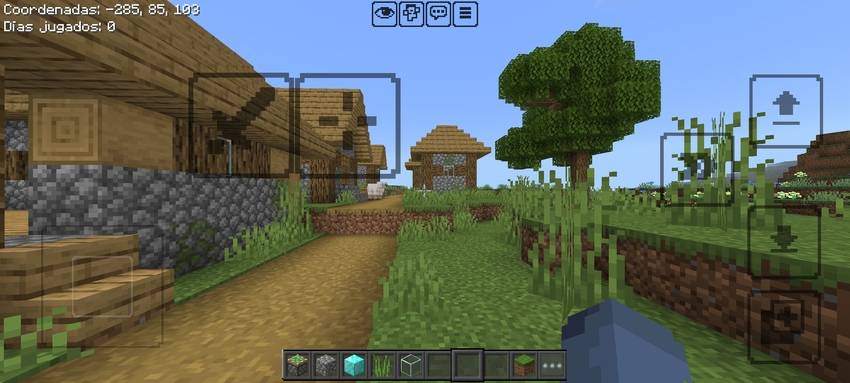
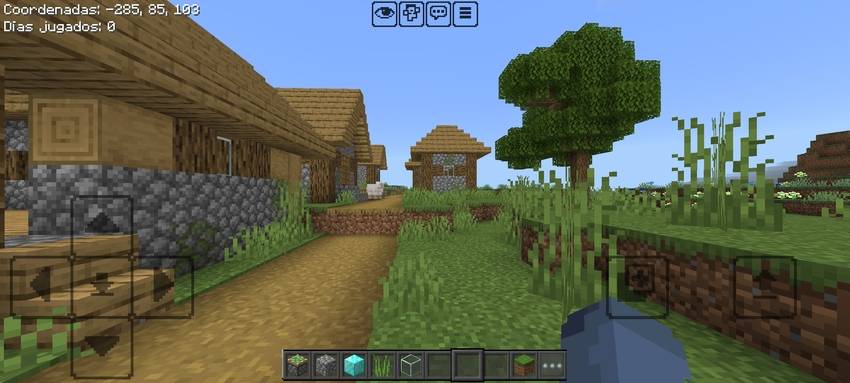
Well that's all about the texture, very simple really and it's also recommended for PvP because it gives you more vision in the game.
If you have any errors or questions, please feel free to write in the comments or on my discord(user:daewron01)
- Edition: Minecraft Bedrock
- File type: .mcpack
- Minecraft versions listed: 1.21.90, 1.21, 1.21.111
- How to install: Download the .mcpack. → Open it — Minecraft imports it under Resource Packs. → Activate it in Global Resources, or for one world under Resource Packs → Available.
- Where to get it: Opens on CurseForge — not every file is mirrored on our own servers.
Install steps are the general flow for this file type — How to install Minecraft Bedrock texture packs walks through it step by step.
- Save it as Transparent Touch Buttons v1.1.0.mcaddon before opening — it downloads as .mcpack, but it is a .mcaddon pack
- Manifest requires Minecraft 1.16.100 or newer
- Complete pack — everything it depends on is inside the file
- Download size: 278 KB
- Download link checked 5 Oct 2026 — working
These come from our own check of the pack file, not from the source page.