HUD-X
Bedrock texture pack listed for Minecraft 1.21. File opened and checked on 22 Oct 2026; installs from the MC Bedrock Mods app on Android.
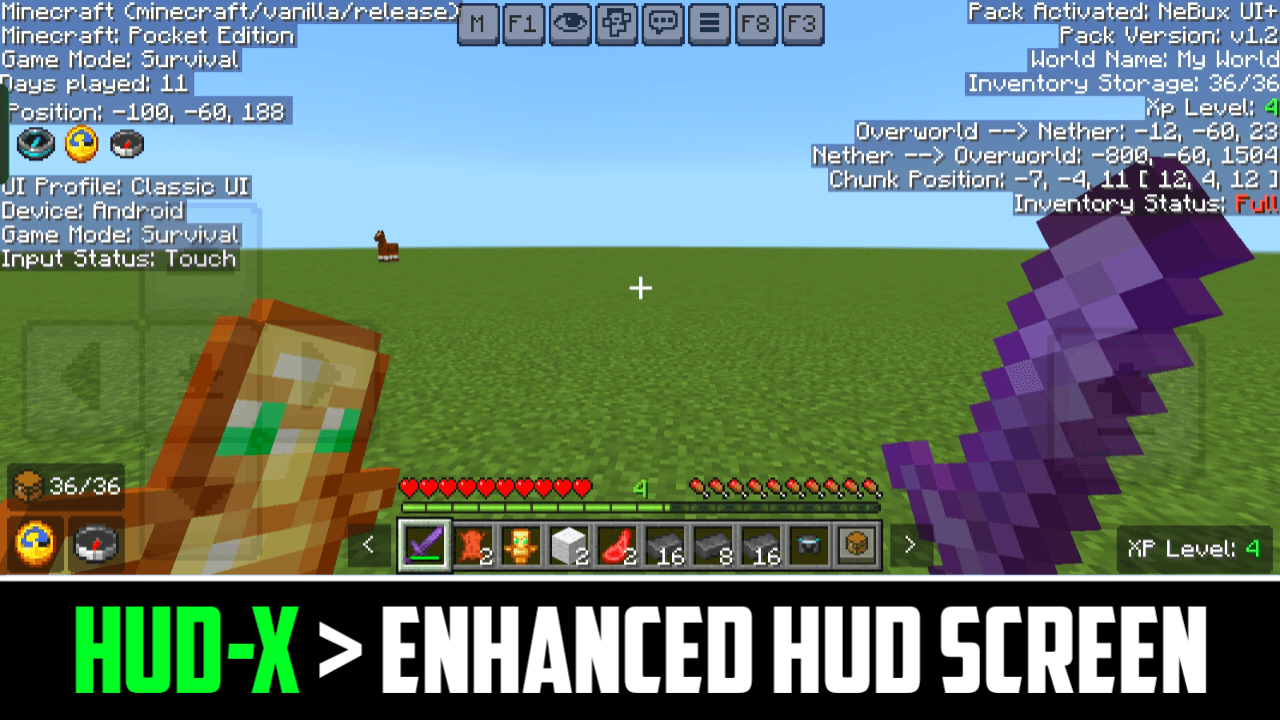
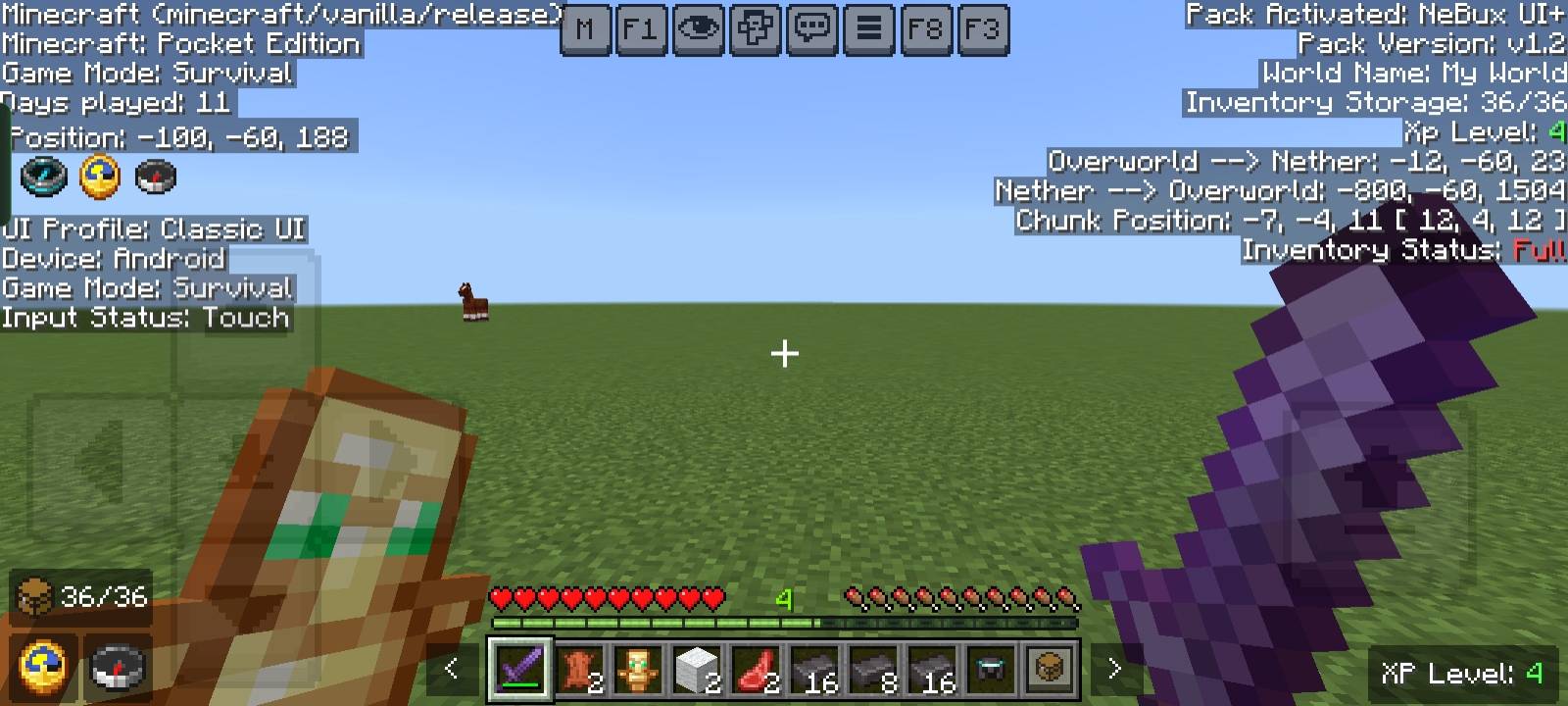
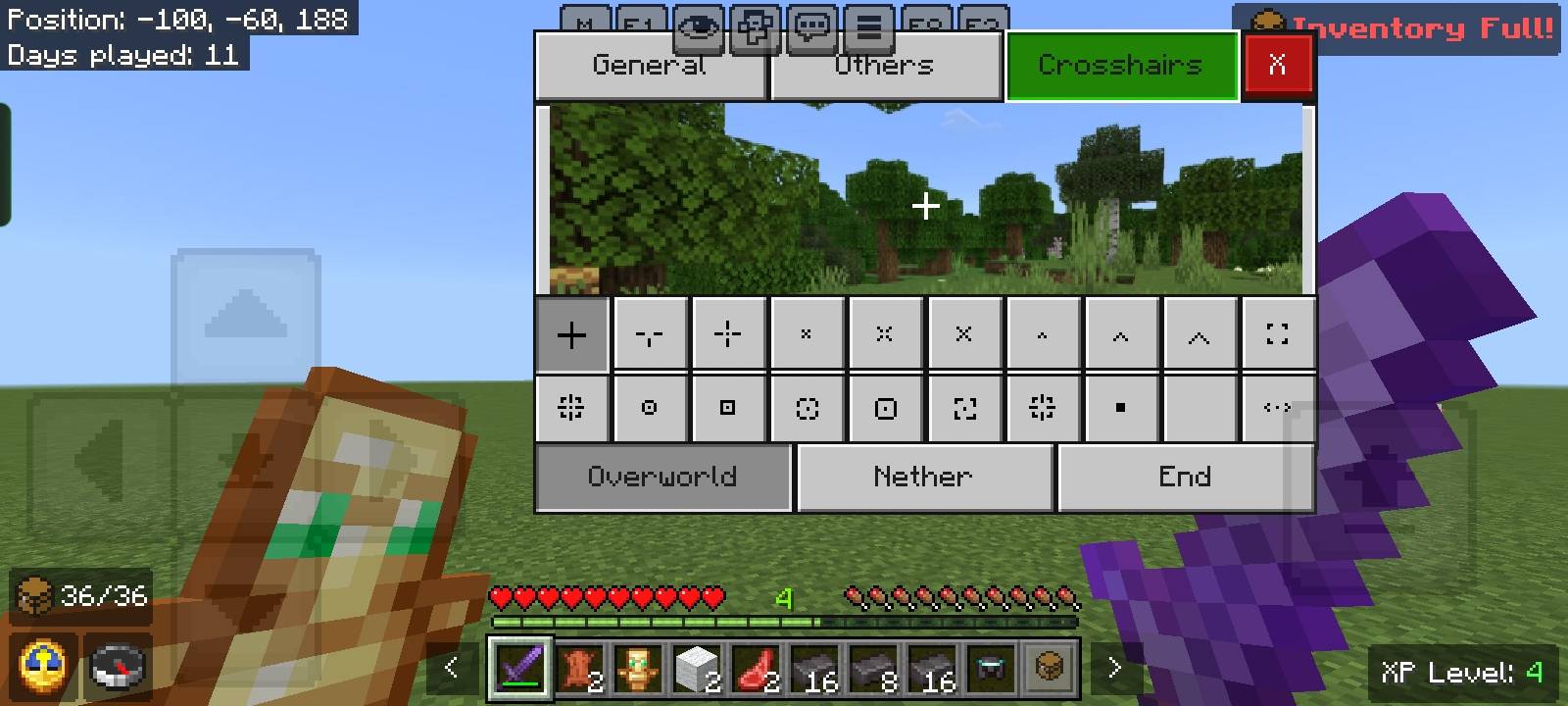
HUD-X enhances your Minecraft HUD by adding F1 (hide HUD), F3 (debug), F8 (paper doll), and M (mod menu) buttons. It also includes a clock, compass…
I don't know my version
HUD-X
Description
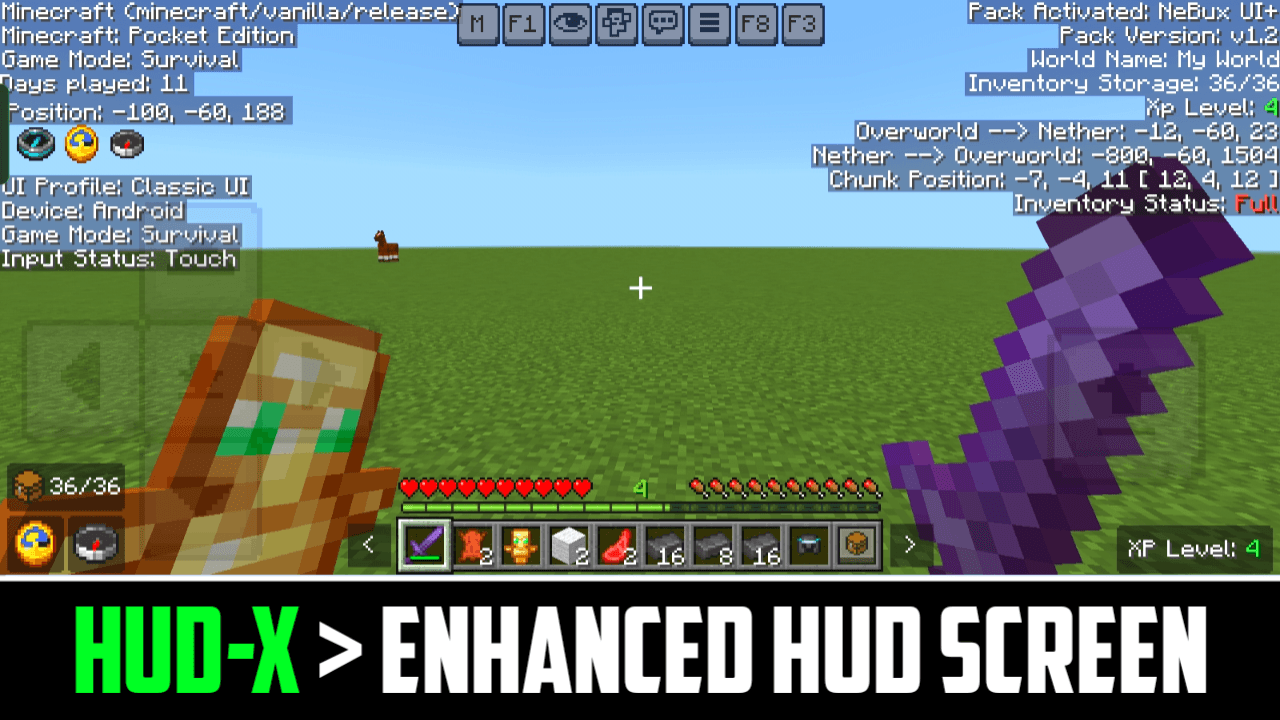
HUD-X is a standalone HUD pack from my NeBux UI+ pack. It enhances your Minecraft HUD screen by adding many useful features and tools. The design is simple, clean, and player-friendly, giving you quick access to buttons, real-time counters, and extra in-game information. With HUD-X, you can manage your gameplay more easily while keeping the screen neat and attractive.
Features
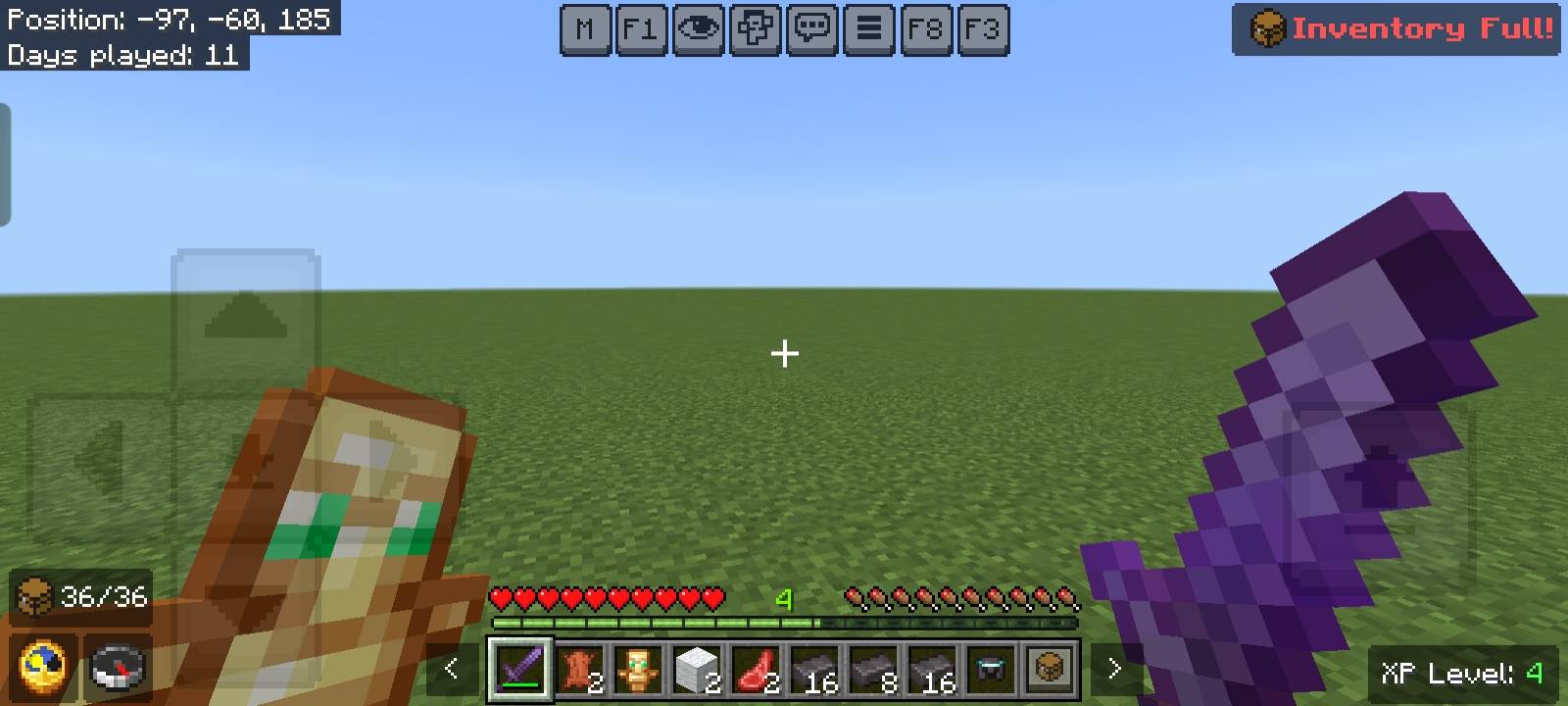
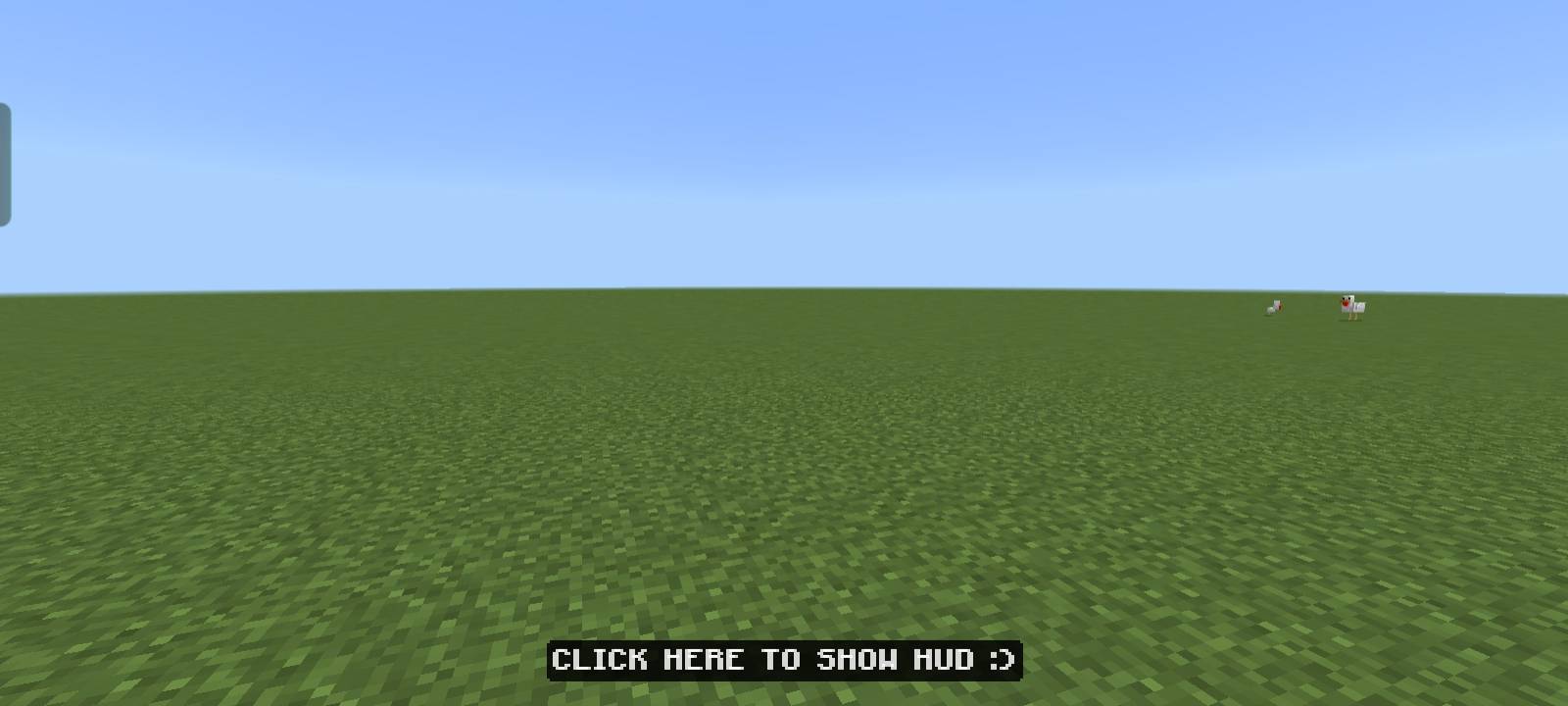
- F1 – Hide or show the HUD instantly.
- F8 – Toggle the Paper Doll.
- F3 – Open the debug screen with advanced info.
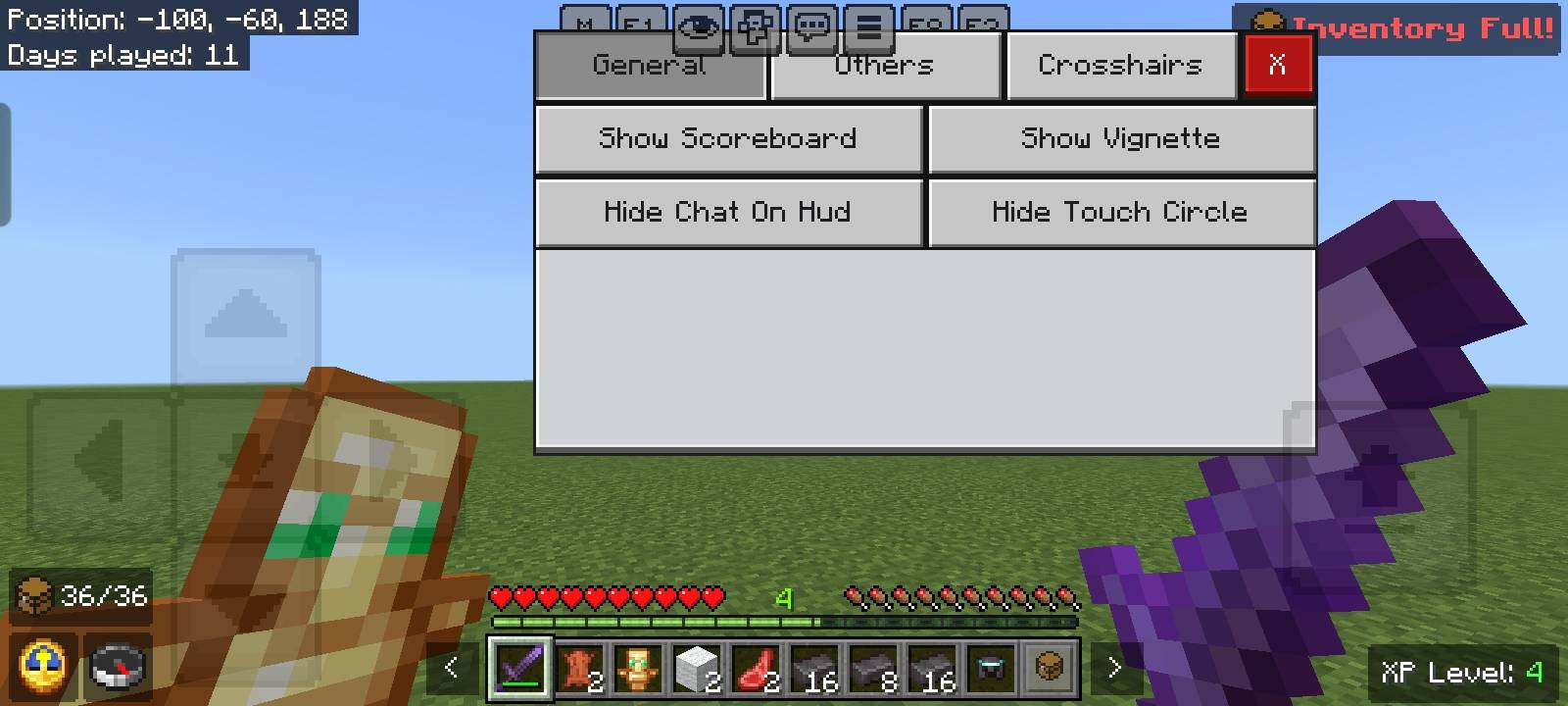
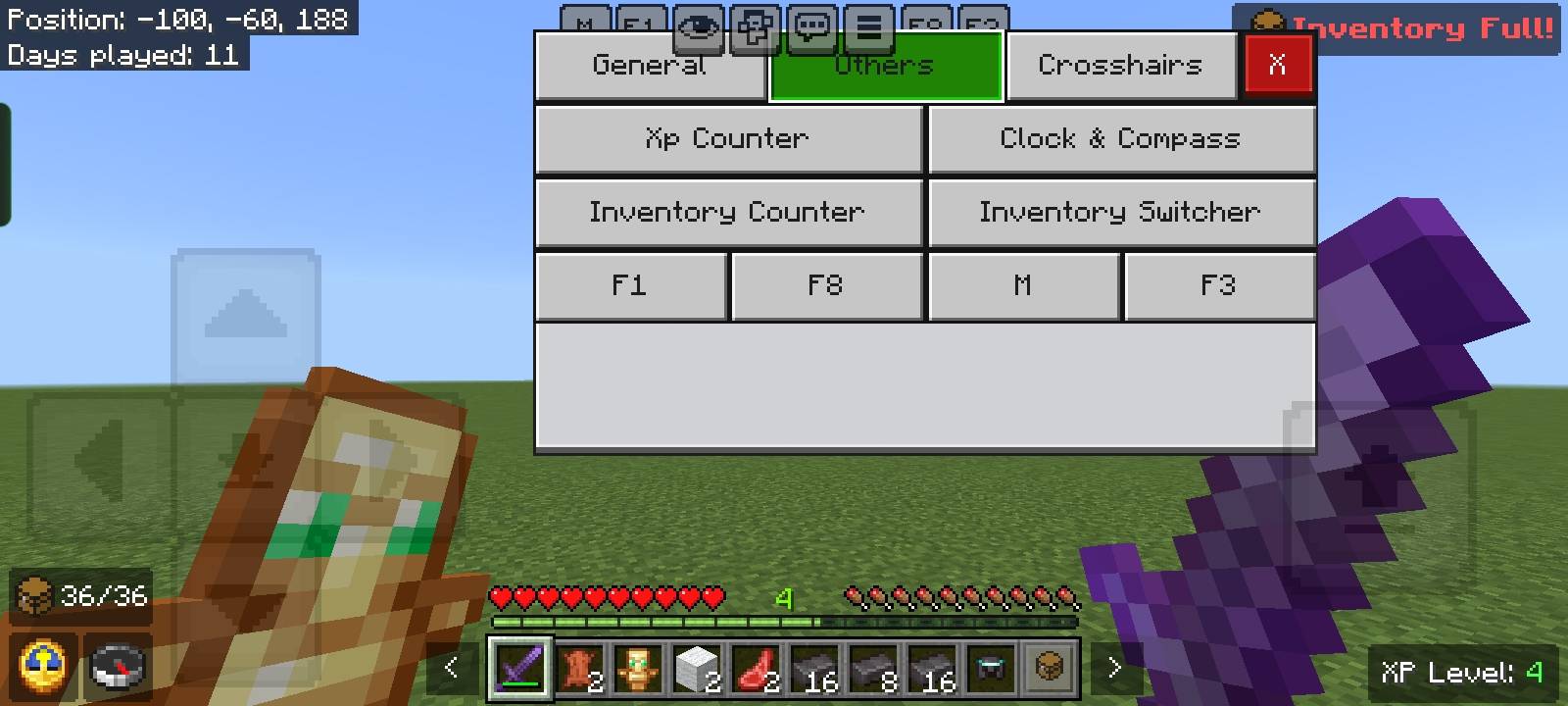
- M – Access the mod menu.
- Clock – Always shows in-game time.
- Compass – Always shows direction.
- Inventory Counter – Displays filled and empty slots.
- XP Counter – Shows your current XP level.
- Inventory Full Warning – Alerts you when your inventory is completely full.
- Debug Screen – Shows inventory status, Nether & Overworld coordinates, chunk coordinates, and more.
If you enjoy my packs and want to support my work
Your support means a lot — thank you!
- Edition: Minecraft Bedrock
- File type: .mcpack
- Minecraft versions listed: 1.21.130, 1.21.120
- How to install: Download the .mcpack. → Open it — Minecraft imports it under Resource Packs. → Activate it in Global Resources, or for one world under Resource Packs → Available.
- Where to get it: In MCModsHub, or directly above on this page.
Install steps are the general flow for this file type — How to install Minecraft Bedrock texture packs walks through it step by step.
- Pack type: .mcpack — a single pack
- Complete pack — everything it depends on is inside the file
- Download size: 990 KB
- Download link checked 3 Aug 2026 — working
These come from our own check of the pack file, not from the source page.


