Phantom Visuals
Bedrock texture pack listed for Minecraft 1.21–26.x. File opened and checked on 18 Sep 2026; installs from the MC Bedrock Mods app on Android.
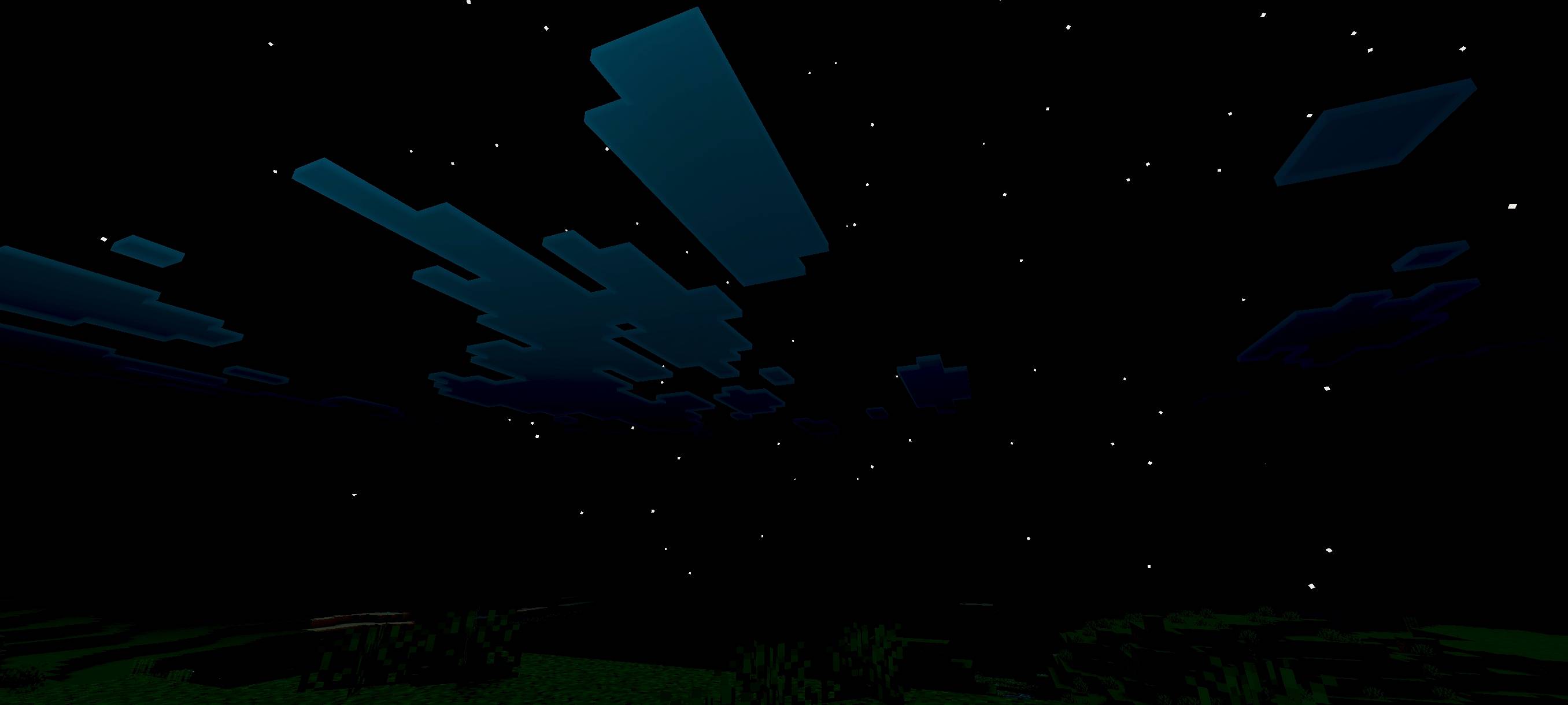
Phantom Visuals adds a warm, saturated look to your world, enhancing colors, lighting and atmosphere for a richer, smoother visual experience. It creates…
⬇ Download on CurseForgeThe author built this one for Minecraft 26.50. On other versions it may install and then do nothing.
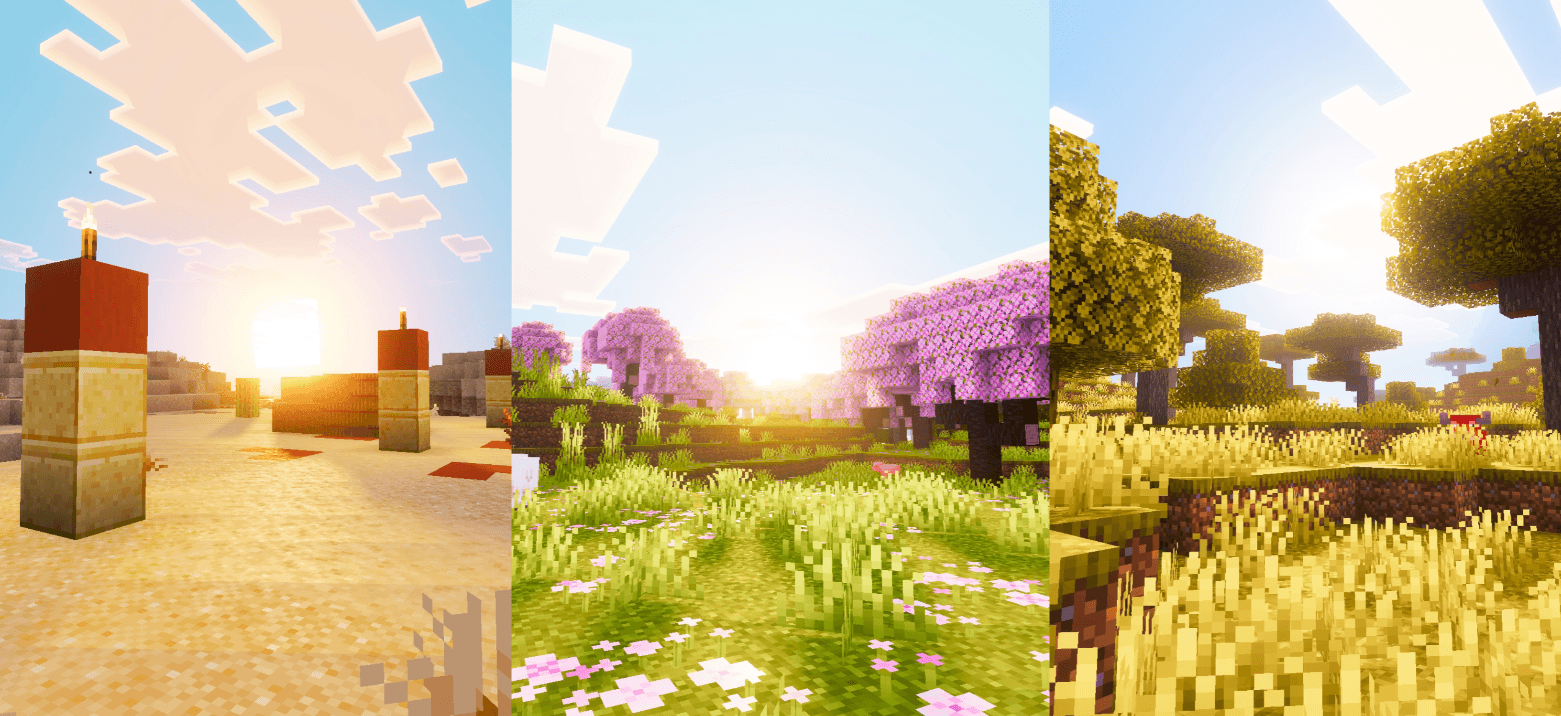
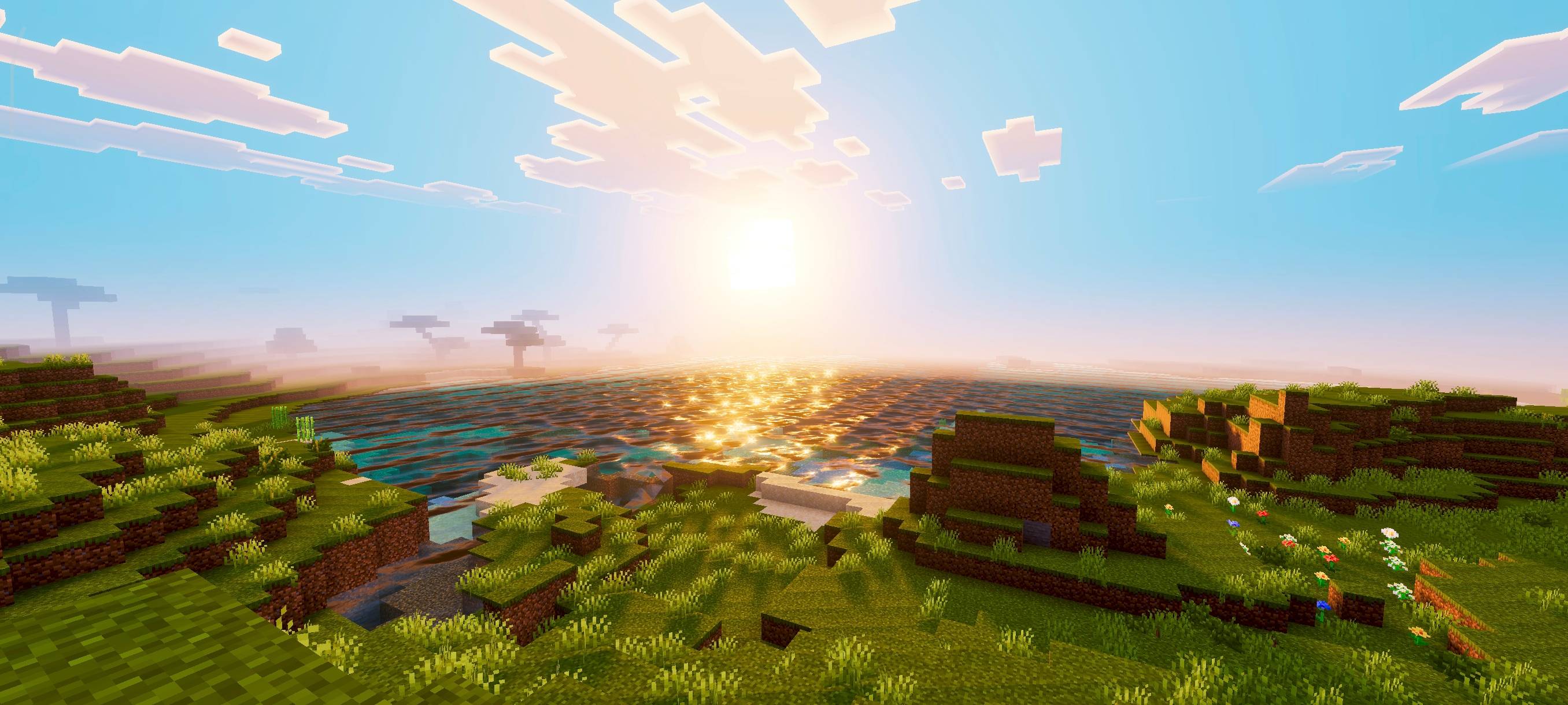
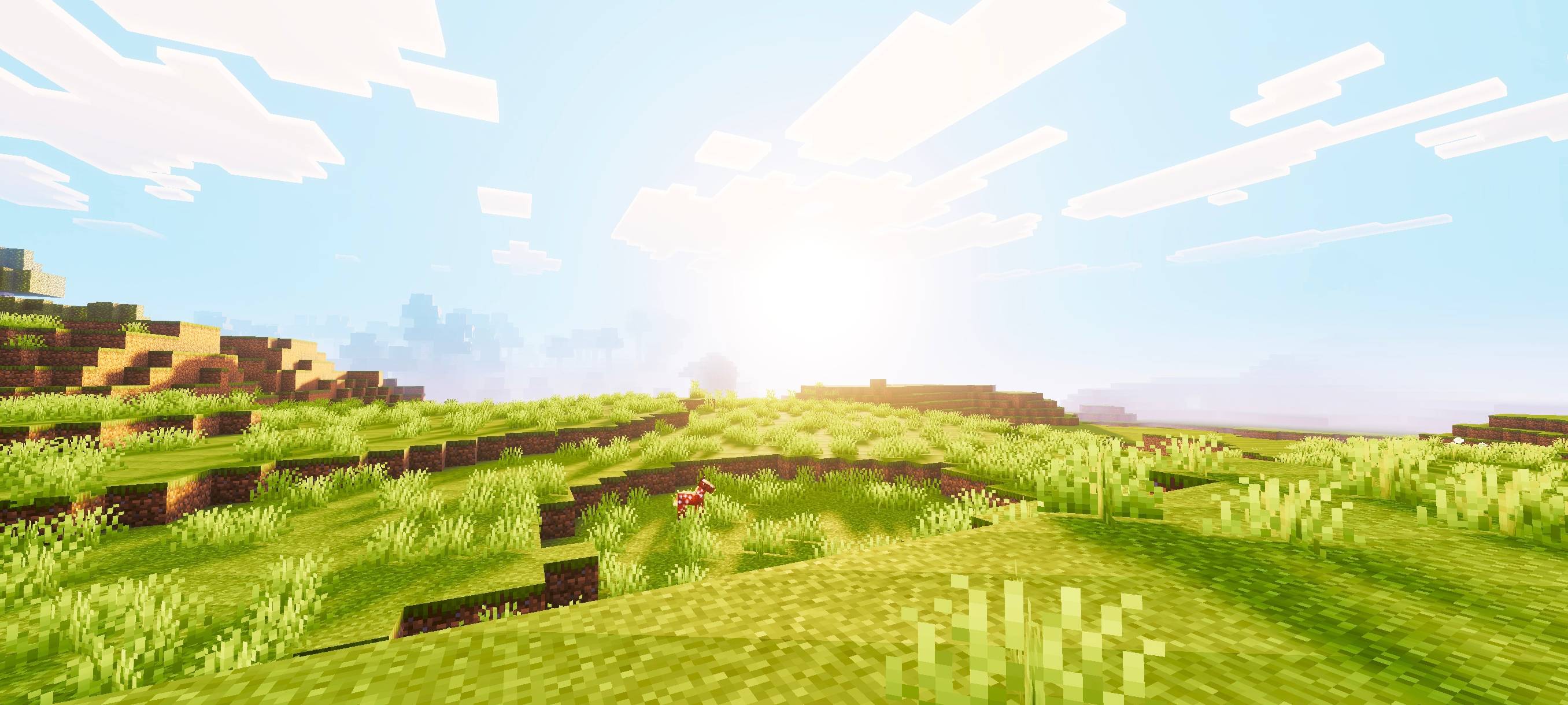
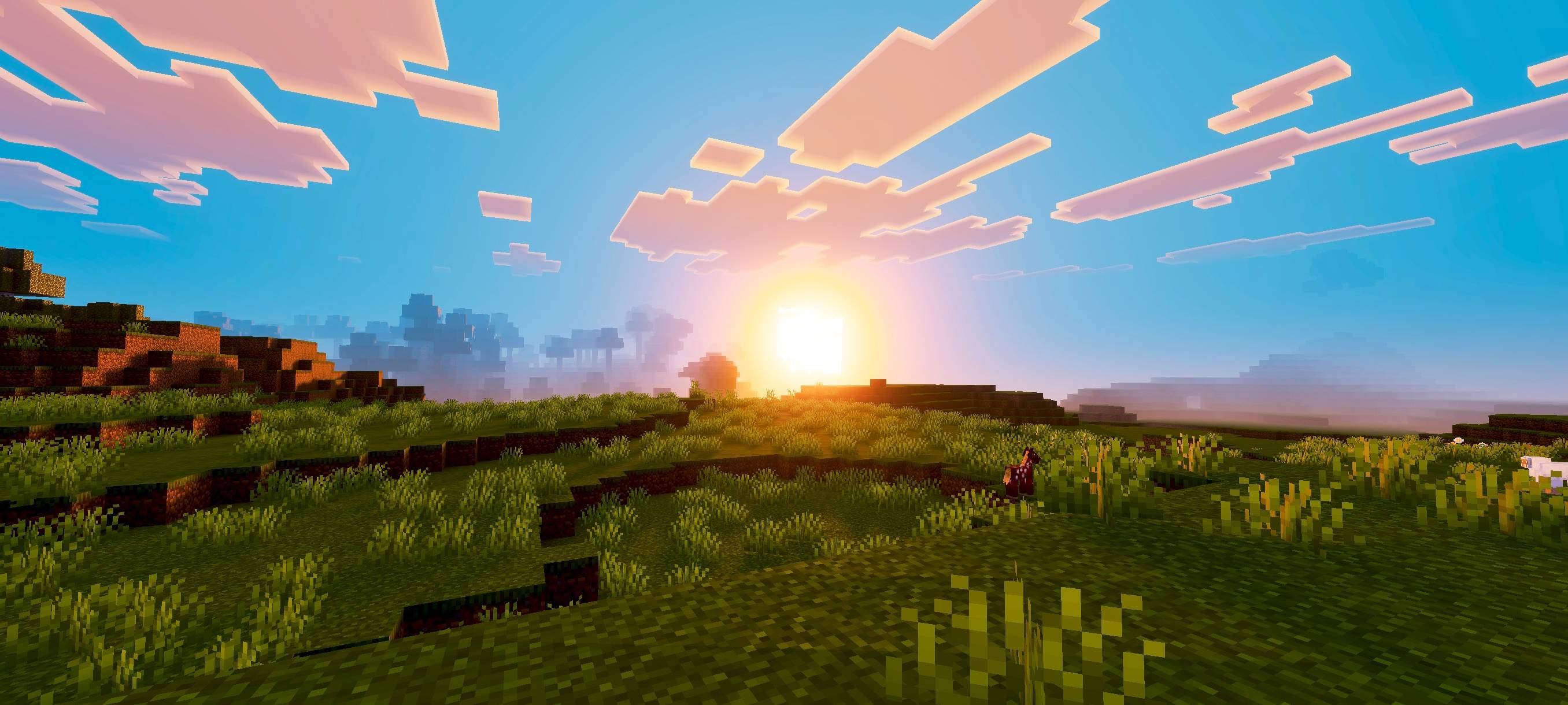
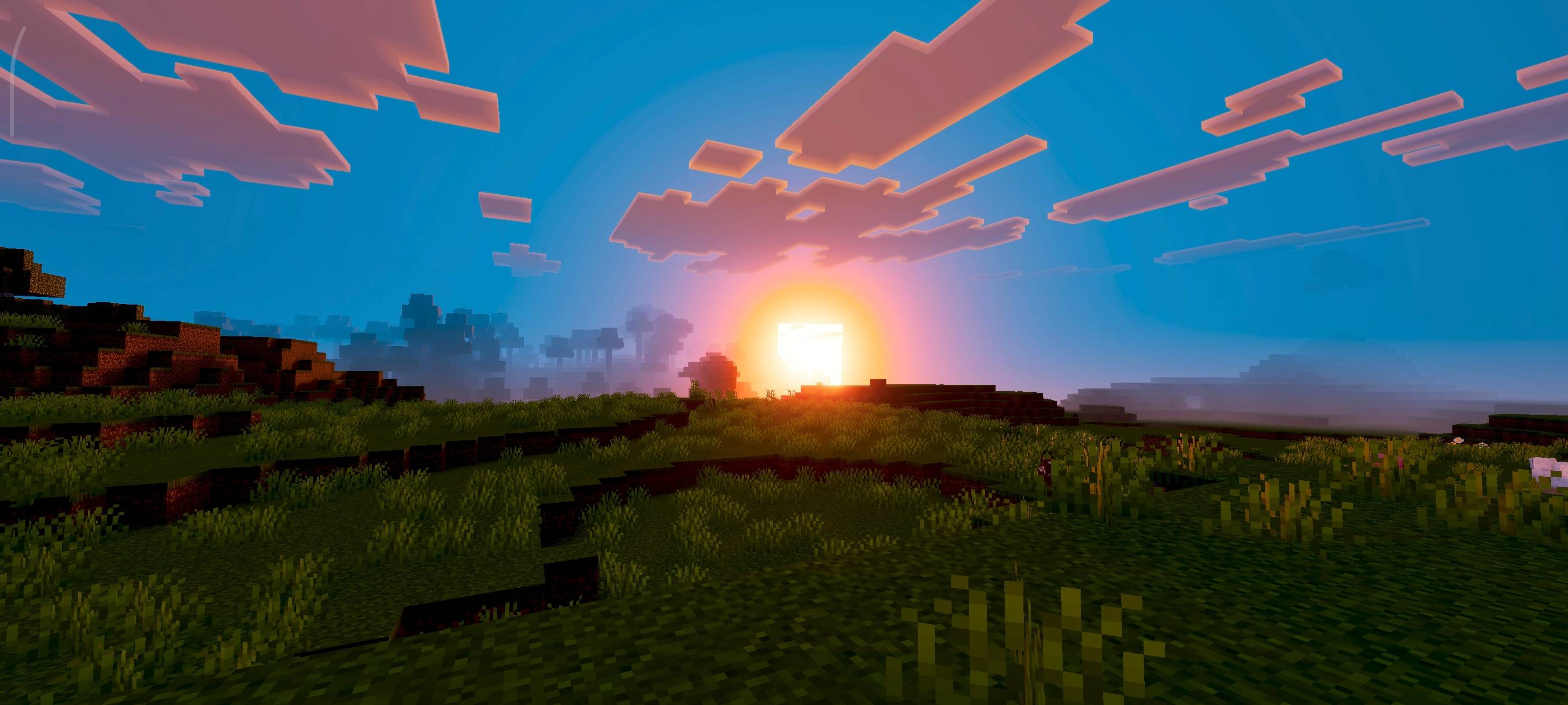
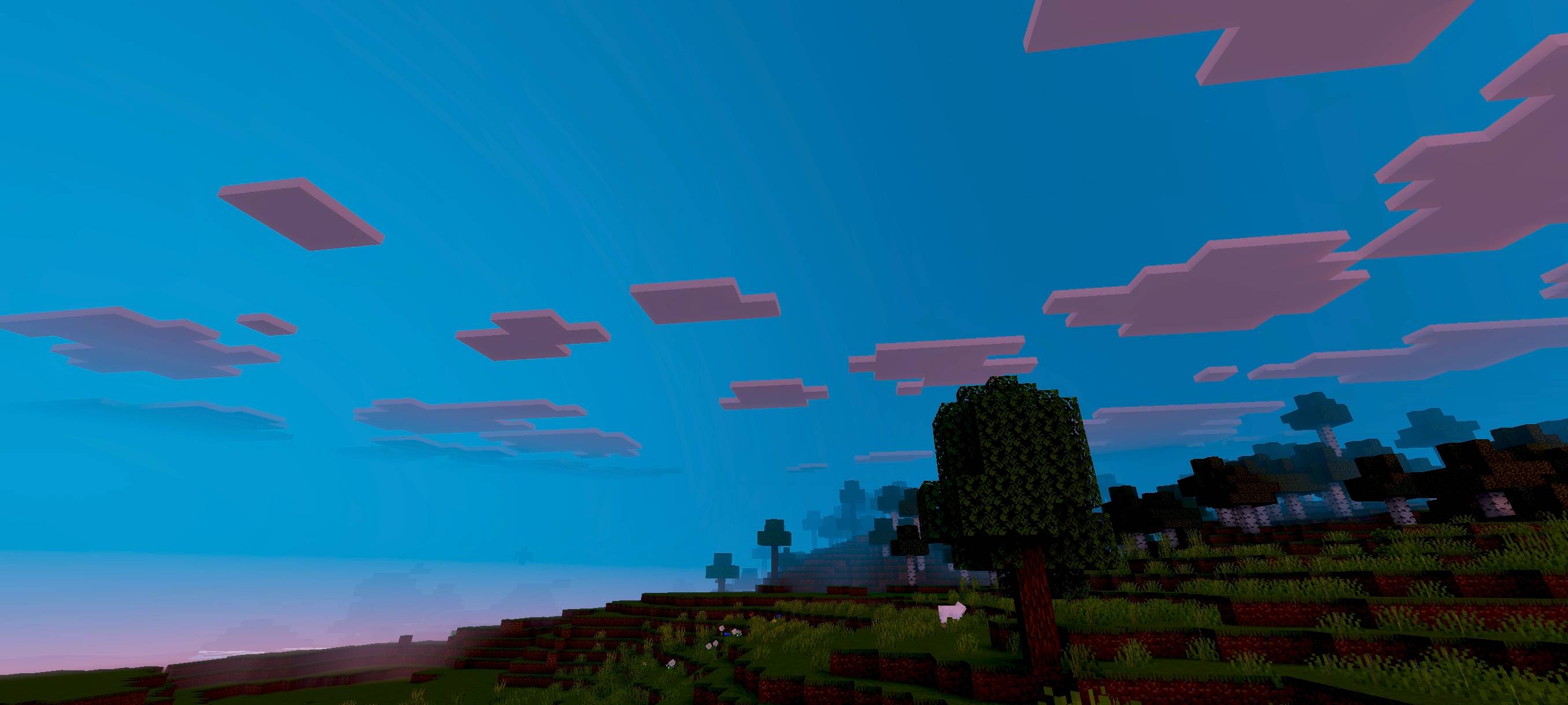
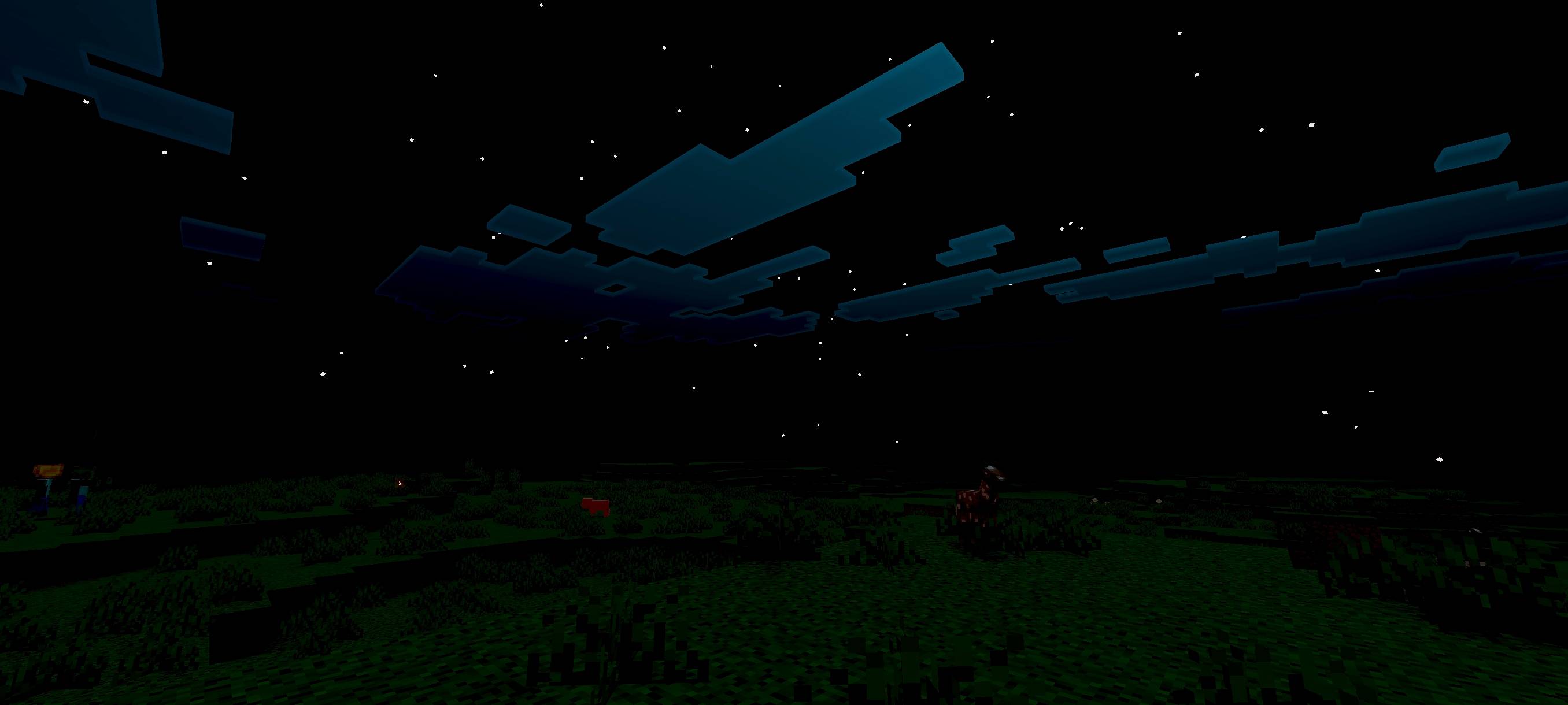
Phantom Visuals
Phantom Visuals gives your world a warm, saturated tone with richer colors and smoother lighting. It enhances atmosphere and contrast to create a soft, vibrant look that makes the game feel more alive and visually appealing.
- Edition: Minecraft Bedrock
- File type: .mcpack
- Minecraft version listed: 26.50
- How to install: Download the .mcpack. → Open it — Minecraft imports it under Resource Packs. → Activate it in Global Resources, or for one world under Resource Packs → Available.
- Where to get it: Opens on CurseForge — not every file is mirrored on our own servers.
Install steps are the general flow for this file type — How to install Minecraft Bedrock texture packs walks through it step by step.
- Save it as Phantom_Visuals.mcaddon before opening — it downloads as .mcpack, but it is a .mcaddon pack
- Manifest requires Minecraft 1.21.130 or newer
- Complete pack — everything it depends on is inside the file
- Download size: 2.1 MB
- Download link checked 5 Oct 2026 — working
These come from our own check of the pack file, not from the source page.


