Dark Mode Theme
Bedrock texture pack listed for Minecraft 1.16–26.x. File opened and checked on 8 Sep 2026; installs from the MC Bedrock Mods app on Android.
⬇ Download on CurseForge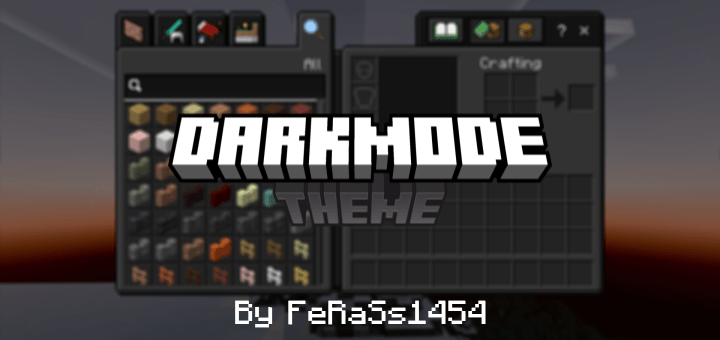
 About:
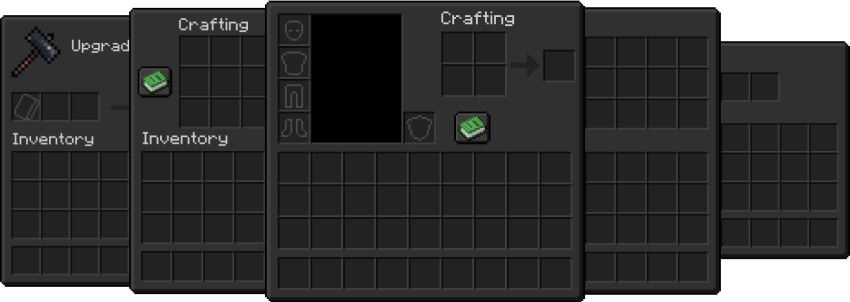
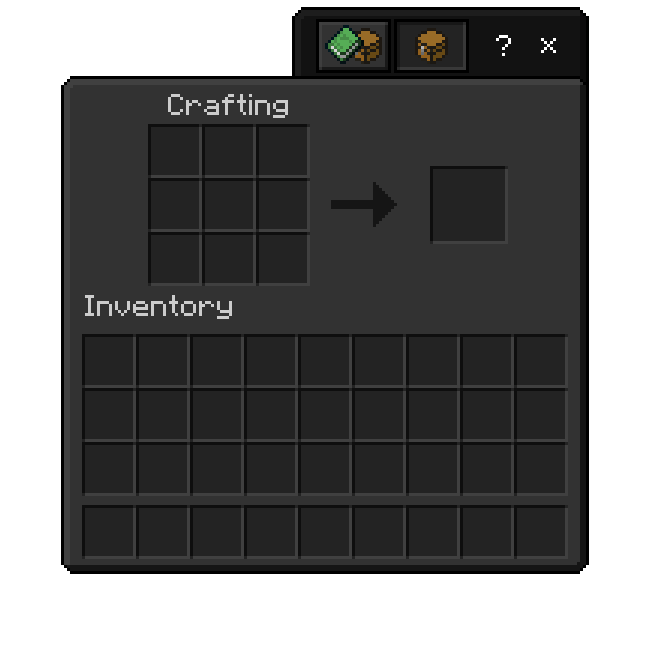
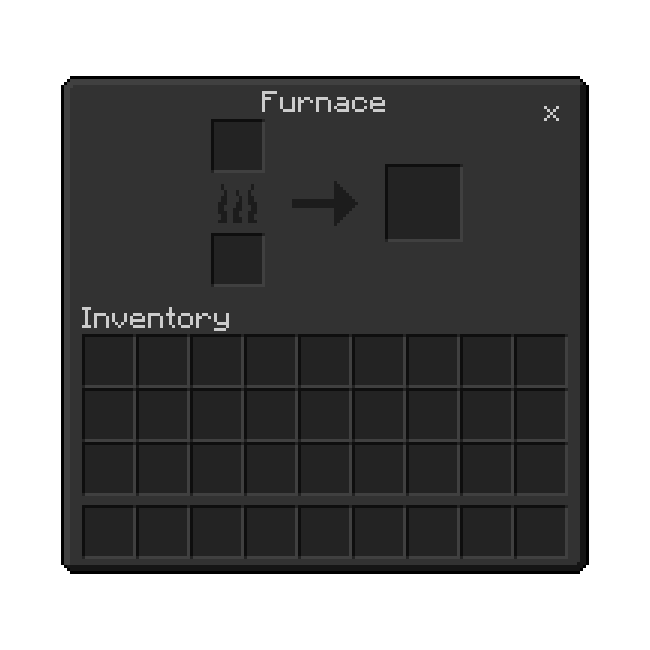
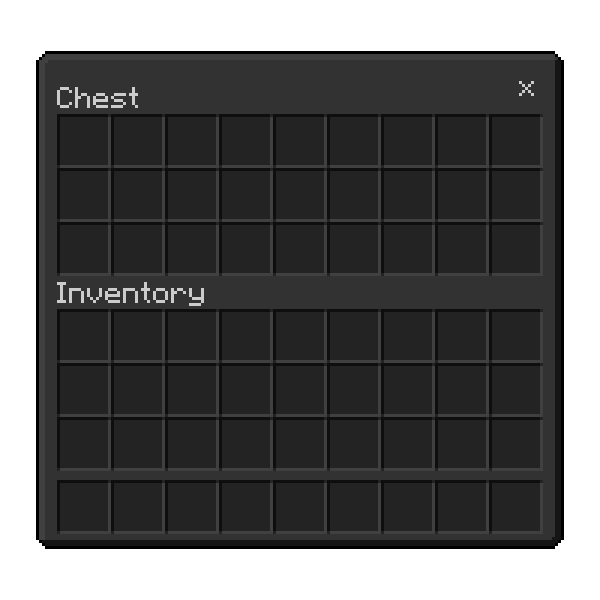
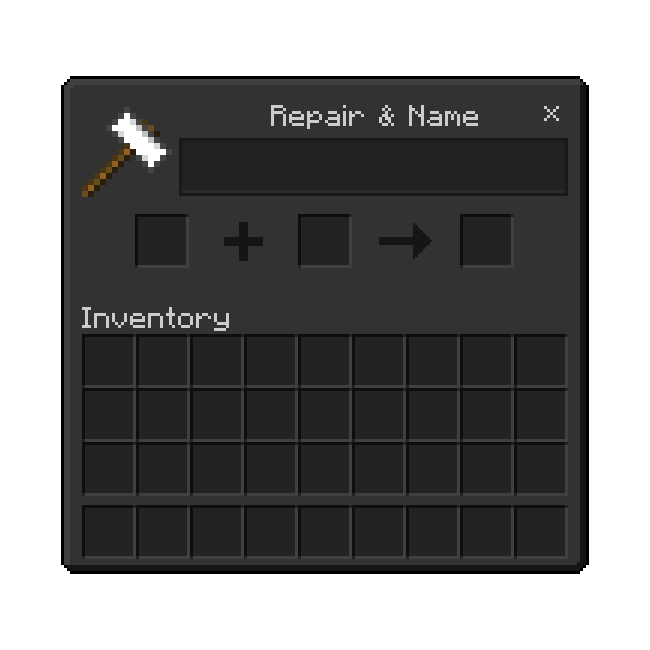
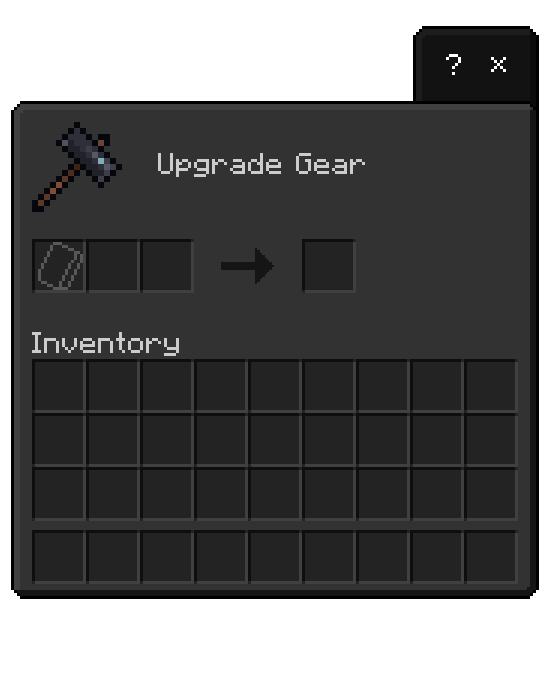
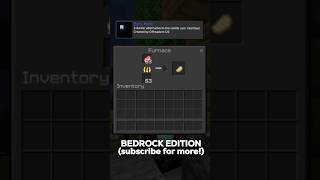
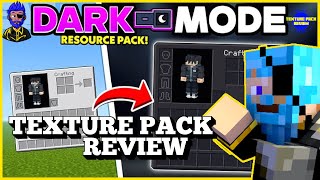
Do you hate Minecraft's default light UI? Do you hope Mojang adds new themes to the game? This pack can change the user interface from Minecraft's default UI to a dark theme UI. Enjoy your experience!
Features:
- Changes the game UI into a dark theme
- Makes the game UI more fancy
- Supports Java & Bedrock versions
Note:
- If you are using another resource or texture pack, make sure you are activating the pack above the resource or texture pack
- Make sure you download the latest version for a better experience

Credits:
- FeRaSs1454, the owner
- ashyleafie, the partner

Download for Java Edition
Join our Discord for more support [Discord]
- Edition: Minecraft Bedrock
- File type: .mcpack
- Minecraft versions listed: 1.18, 1.19, 1.20
- How to install: Download the .mcpack. → Open it — Minecraft imports it under Resource Packs. → Activate it in Global Resources, or for one world under Resource Packs → Available.
- Where to get it: Opens on CurseForge — not every file is mirrored on our own servers.
Install steps are the general flow for this file type — How to install Minecraft Bedrock texture packs walks through it step by step.
- Pack type: .mcpack — a single pack
- Manifest requires Minecraft 1.16.20 or newer
- Complete pack — everything it depends on is inside the file
- Download size: 382 KB
- Download link checked 5 Oct 2026 — working
These come from our own check of the pack file, not from the source page.


![Dark Mode for Minecraft PE/Bedrock 1.21+ [2026] 🔥](https://i.ytimg.com/vi/YEiUe5MhOJo/mqdefault.jpg)