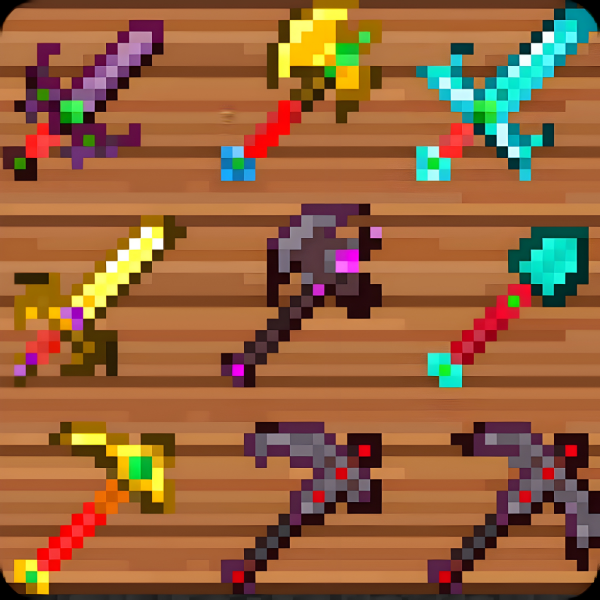
Reimagined Tools
Bedrock texture pack listed for Minecraft 1.21–26.x. File opened and checked on 27 Aug 2026; installs from the MC Bedrock Mods app on Android.
Reimagined Tools refreshes every Minecraft tool with clean, high-detail textures, giving them a modern, powerful look
⬇ Download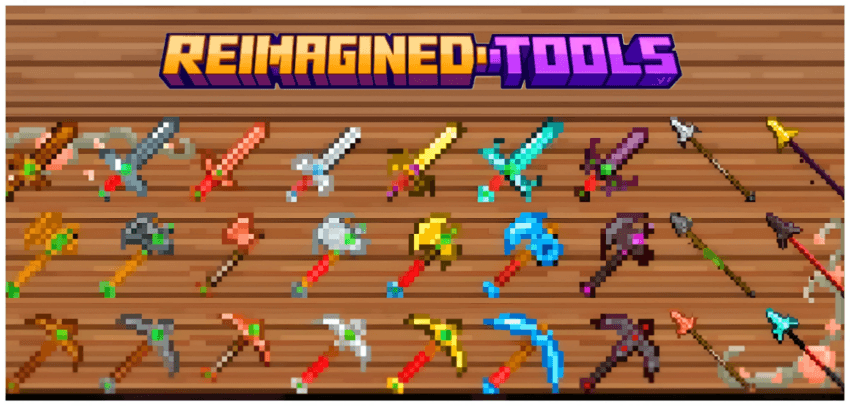
Reimagined Tools completely redesigns every tool in Minecraft with cleaner shapes, sharper pixel detailing, and a modern fantasy-inspired style while keeping the original Minecraft feel. Instead of changing gameplay, this lightweight resource pack focuses purely on high-quality textures, making tools look more powerful, polished, and visually satisfying across all graphics settings.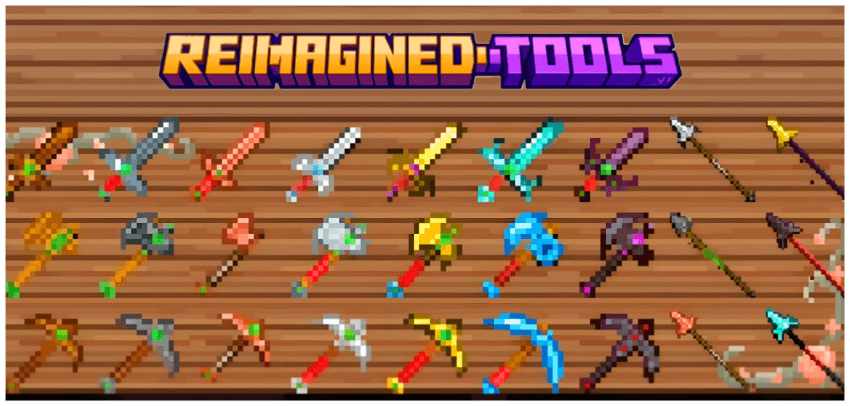
Each tool is redesigned to feel unique, easier to recognize, and more immersive during gameplay, whether you are mining, fighting, or building. The pack keeps the vanilla balance and achievement support while giving your tools a fresh next-gener
*Reimagined Tools introduces a fresh upgrade to new copper tools*
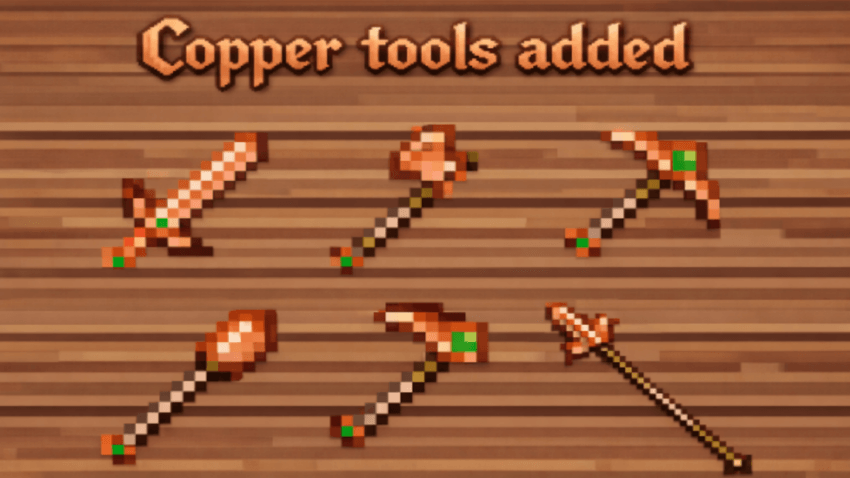
Enjoy smoother gameplay with reimagined, upgraded copper tools.
- Edition: Minecraft Bedrock
- File type: .mcpack
- Minecraft versions listed: 1.21.30, 1.21.50, 1.21.90
- How to install: Download the .mcpack. → Open it — Minecraft imports it under Resource Packs. → Activate it in Global Resources, or for one world under Resource Packs → Available.
- Where to get it: In MCModsHub, or directly above on this page.
Install steps are the general flow for this file type — How to install Minecraft Bedrock texture packs walks through it step by step.
- Pack type: .mcpack — a single pack
- Complete pack — everything it depends on is inside the file
- Download size: 433 KB
- Download link checked 25 Aug 2026 — working
These come from our own check of the pack file, not from the source page.