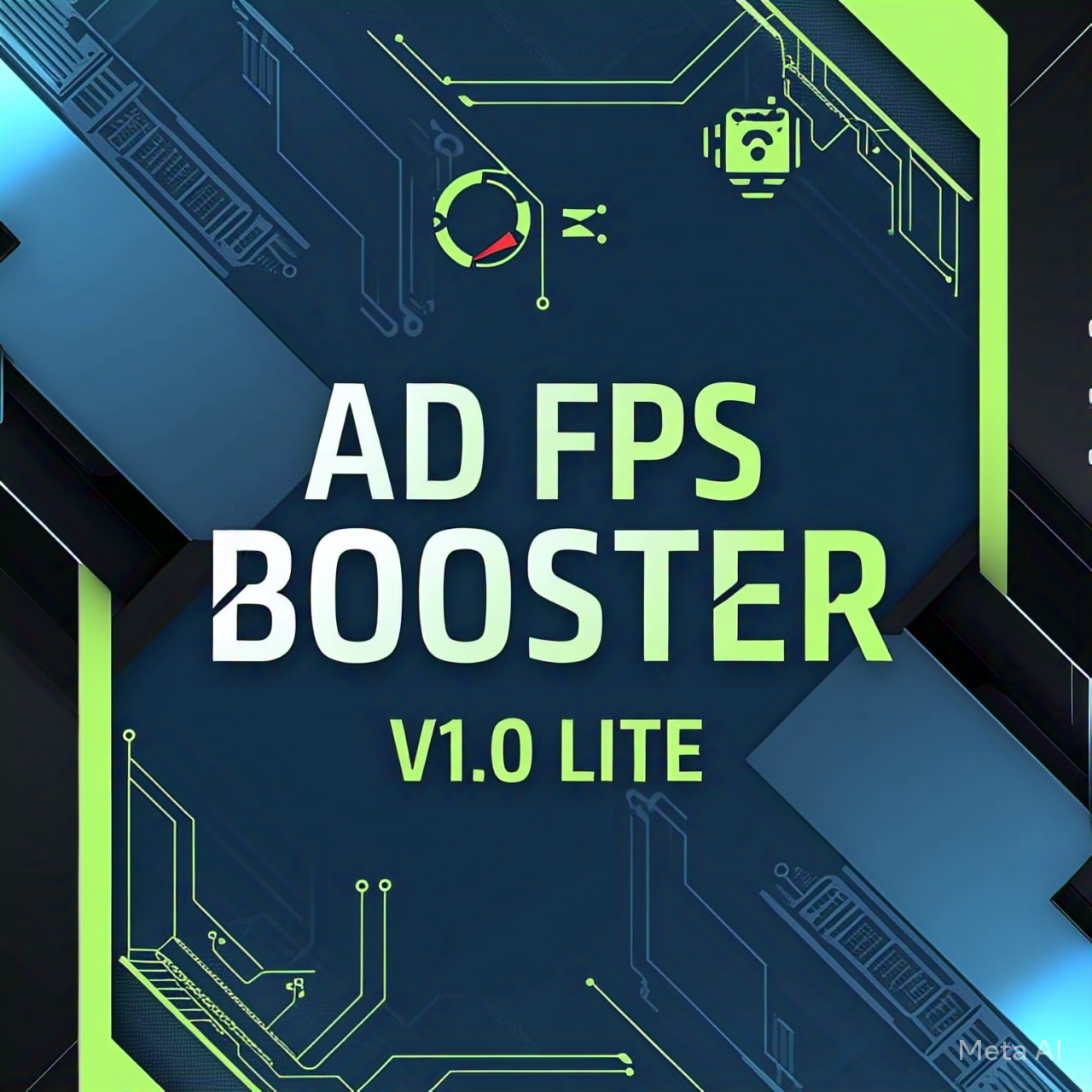
AD FPS BOOSTER LITE (BG)
Bedrock texture pack listed for Minecraft 26.x. File opened and checked on 13 Sep 2026; installs from the MC Bedrock Mods app on Android.
⬇ Download on CurseForge
Discord
🌀 AD FPS BOOSTER V1.0 Lite
⚡ Ultra Lite • Max FPS • No Extra Stuff
Minecraft lag making you rage quit? 😤 The Lite version of AD FPS Booster is here to save your device’s soul.
Think of this as the bare-bones performance mode — everything unnecessary is stripped out. No animations, no fancy UI, no particles spamming your screen. Just clean, fast, buttery-smooth gameplay. 🧈
This pack is made for low-end phones and tablets that usually cry when you load into a big world. It’s like giving your device a cup of coffee and saying, “Alright buddy, let’s push those frames.” ☕⚡
📦 What Lite Removes / Simplifies
- 🎨 Texture Optimization: Introduced a new texture management system that automatically balances visual fidelity with performance, ensuring you get the best look for your hardware without the lag.
- 🌿 Optimized Models & Leaves: Replaced standard complex models with new, lightweight alternatives—including simplified leaf rendering—to provide an immediate and noticeable boost to FPS.
- 🌍 Terrain Optimization: Overhauled terrain rendering logic to improve chunk loading speeds and reduce CPU overhead when traversing the world.
- 👁️ Visuals Optimization(Beta stage): Streamlined core visual shaders and materials. We've cut down on unneeded rendering calculations, achieving higher base FPS numbers while preserving the addon's signature look.
- 🖥️ UI Optimization: Improved the performance of UI elements and forms. Navigating menus and interacting with the game interface is now snappier, more responsive, and consumes less memory.
- 🧹 Smart AI Particles Reduction(Beta State) → Implemented a smarter particle culling system. Unnecessary or non-visible particles are now dynamically reduced, slashing render times without making the game feel empty.
- 📉 Super Lightweight → Only ~170 KB file size. Runs on almost anything.(I am aware that the file size is 20 KB larger than the standard version, as it includes specific optimization methods.)
🎮 What Lite Feels Like
- PvP → Cleaner fights, no laggy potion spam.
- Survival → Exploring forests/caves feels smooth instead of a slideshow.
- Building → Large builds load without constant stutters.
- Casual Play → Longer sessions without crashing.
📊 FPS Gains
-
📱 Low-end (1–2 GB RAM, weak GPU)
➤ +50% to +80% FPS
➤ Example: 18–20 FPS → 35–40 FPS 🎉 -
📱 Mid-range (3–4 GB RAM)
➤ +30% to +50% FPS
➤ Example: 40 FPS → 55–65 FPS
⚠️ But honestly, if you’re mid-range, you’ll prefer the Normal Version (V3.0). -
💻 High-end (6 GB+ RAM)
➤ Tiny boost (+5–10 FPS).
👉 Just use the Normal Version (V3.0) instead.
⚠️ Known Issues
- PowerVR GPUs → Sometimes cause flickering.
👉 Fix: Restart the game after enabling the pack. - Some servers re-enable particles → Can’t be bypassed.(But New Smart AI Particles Reduction can Reduce those custom particles if possible)
✅ Who Should Use Lite?
✔️ Players on low-end devices (1–2 GB RAM)
✔️ PvP grinders who hate particle spam
✔️ Hardcore Survival lag sufferers
✔️ Anyone who just wants Minecraft to run fast
❌ Mid/High-end device users → Go Normal Version (V3.0).
⚡ Final Word:
Lite = pure speed. Normal = speed + visuals.
Pick Lite only if your device really struggles. Otherwise, grab AD FPS Booster Normal (V3.0) for the best experience. 🚀
- Edition: Minecraft Bedrock
- File type: .mcpack
- Minecraft versions listed: 26.0.02, 26.0, 26.3
- How to install: Download the .mcpack. → Open it — Minecraft imports it under Resource Packs. → Activate it in Global Resources, or for one world under Resource Packs → Available.
- Where to get it: Opens on CurseForge — not every file is mirrored on our own servers.
Install steps are the general flow for this file type — How to install Minecraft Bedrock texture packs walks through it step by step.
- Pack type: .mcaddon — behaviour and resource pack in one file
- Manifest requires Minecraft 1.26.0 or newer
- Complete pack — everything it depends on is inside the file
- Download size: 168 KB
- Download link checked 26 Oct 2026 — working
These come from our own check of the pack file, not from the source page.