
Texture packsBedrock
another ui
Bedrock texture pack listed for Minecraft 26.x. File opened and checked on 2 Sep 2026; installs from the MC Bedrock Mods app on Android.
⬇ Download
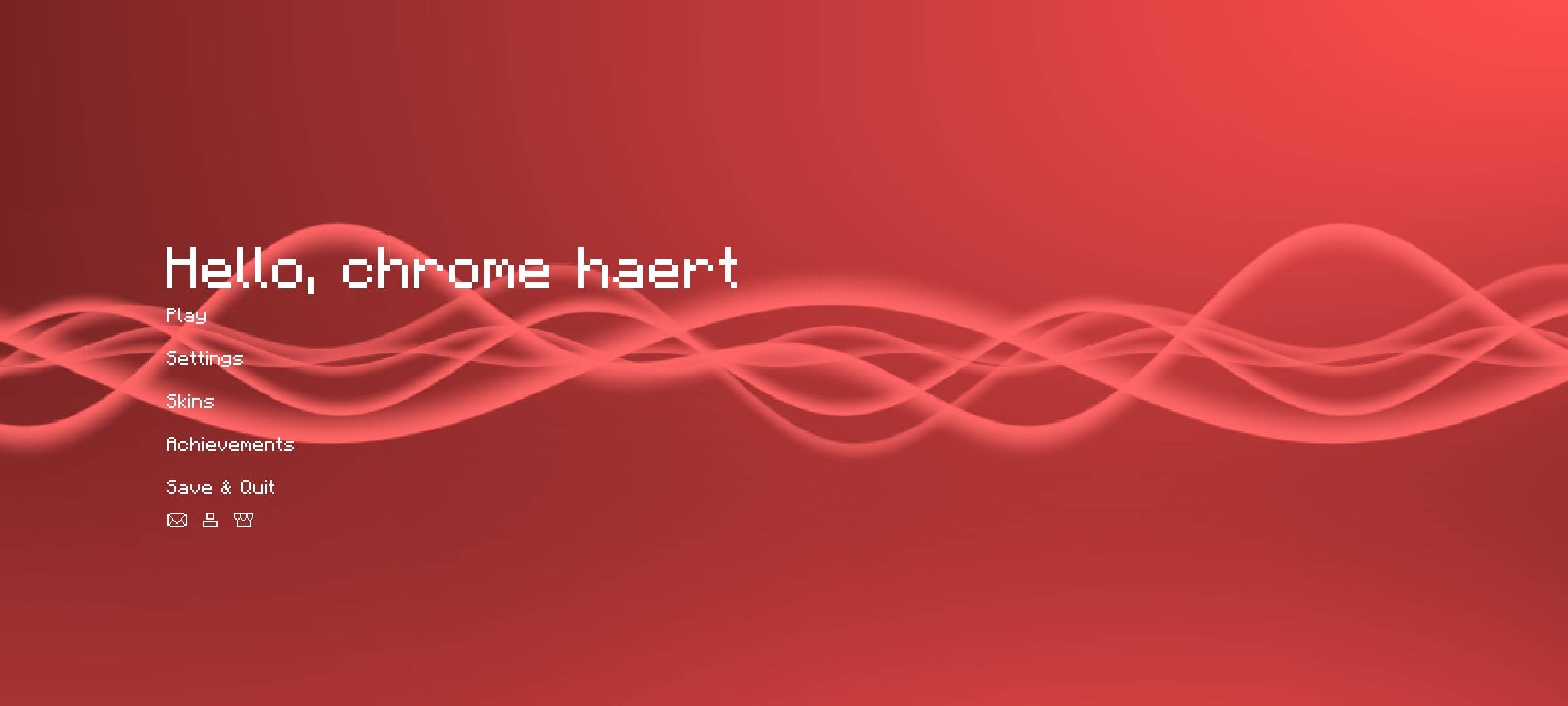



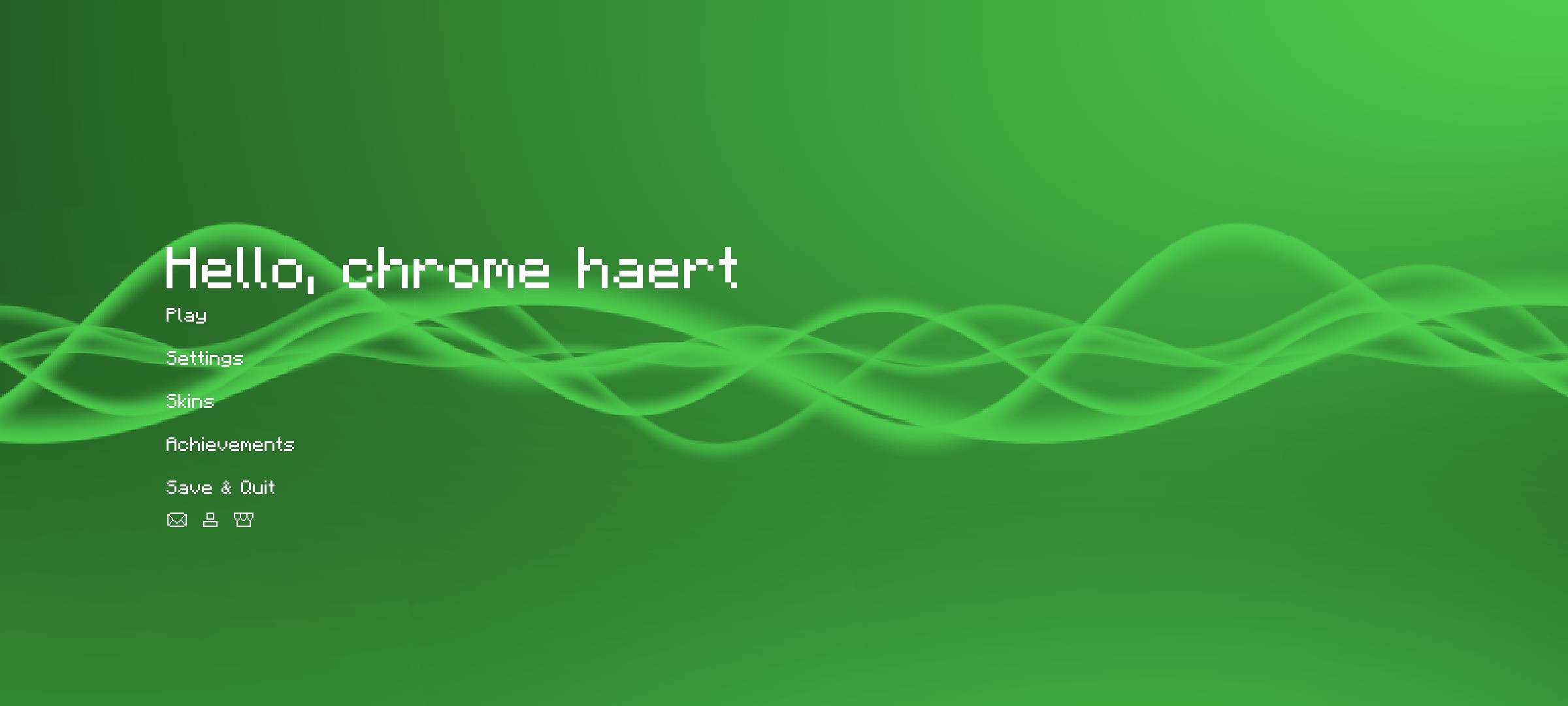
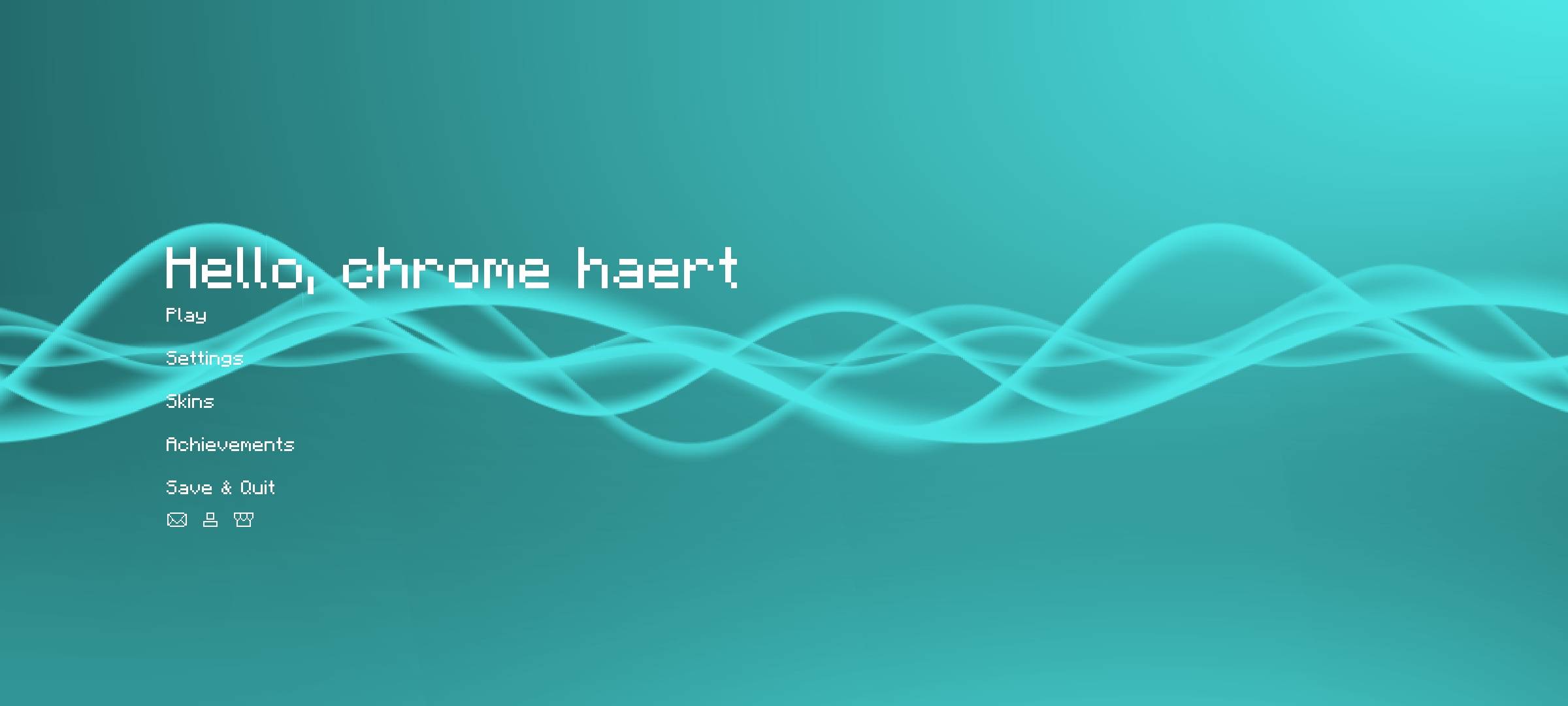

texture preview:
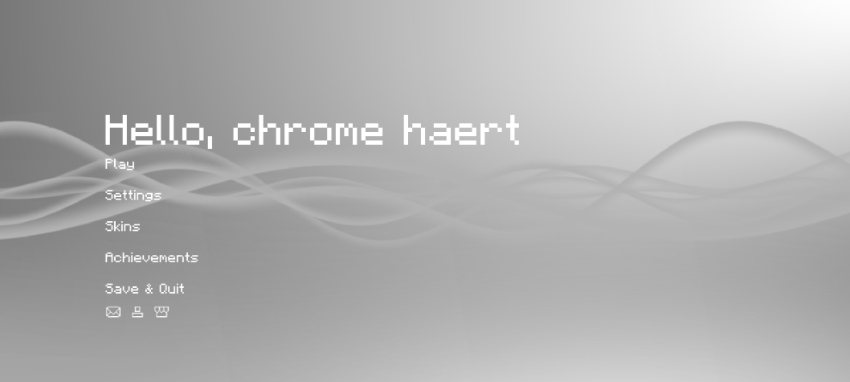
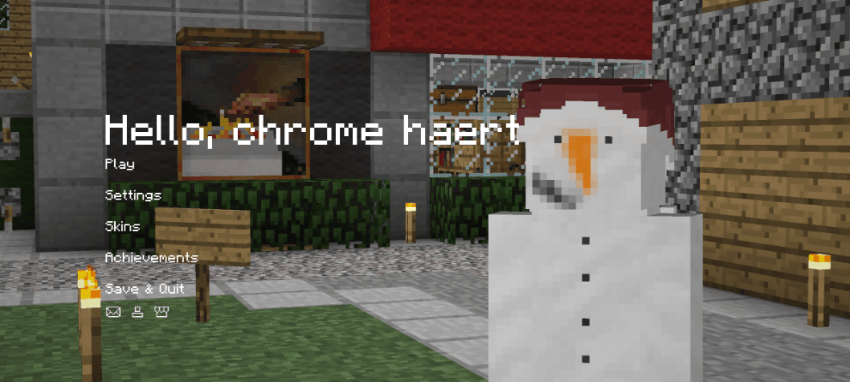
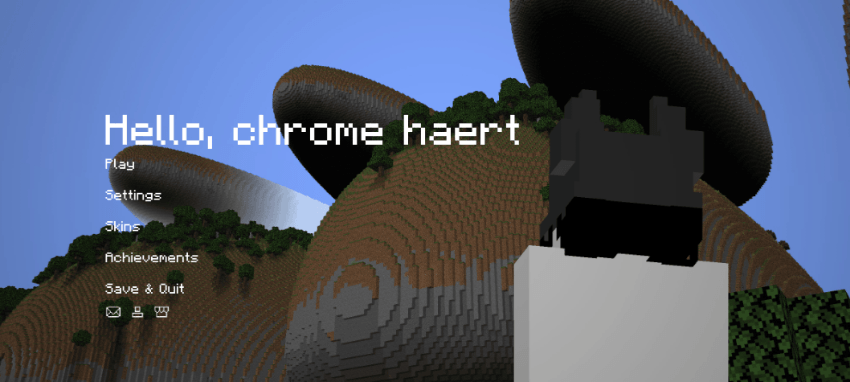
background:
whitespace
blackspace
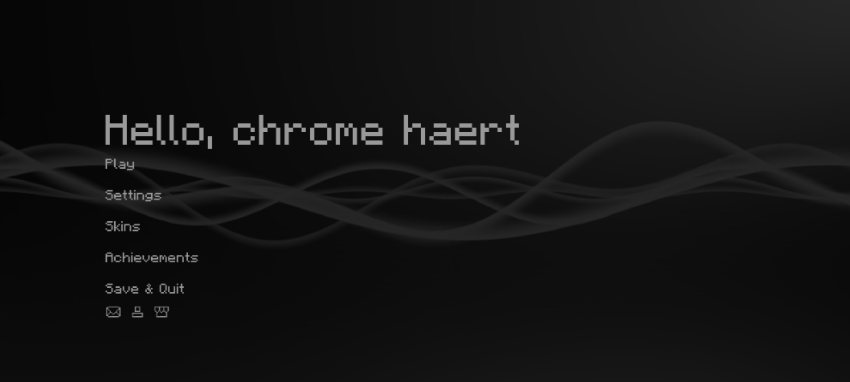
if you want more colors other than black and white, please download "morecolors.mcpack". the preview of the colors will be in the media section.
classic
circle
self
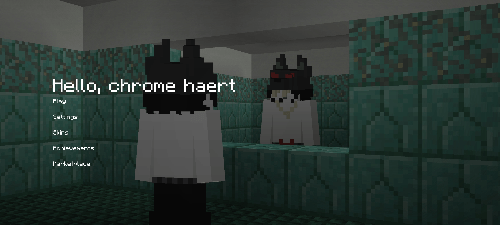
chross
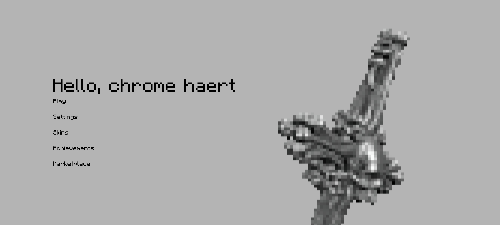
features:
- animated xp bar ( new )
- animated selected hotbar ( new )
- custom start menu background
- smooth chat animation
- hidden xp-bar ( when xp is 0 )
- 3rd person crosshair render
- ...
removed settings ui bc of oreui
check it out yourself! let me know if there is a bug
special thanks to:
Minecraft君9a7z ( https://b23.tv/1ln4tcr ) - animated selected hotbar
@ya_rifat / EchoRif (discord) - animated bar for xp bar
play.modernbeta.org ( server ) - "classic" screenshot background
terramath ( java mod ) - "circle" screenshot background
Quick facts
- Edition: Minecraft Bedrock
- File type: .mcpack
- Minecraft version listed: 26.30
- How to install: Download the .mcpack. → Open it — Minecraft imports it under Resource Packs. → Activate it in Global Resources, or for one world under Resource Packs → Available.
- Where to get it: In MCModsHub, or directly above on this page.
Install steps are the general flow for this file type — How to install Minecraft Bedrock texture packs walks through it step by step.
File checked by MCModsHub
- Pack type: .mcpack — a single pack
- Complete pack — everything it depends on is inside the file
- Download size: 3.0 MB
- Download link checked 25 Aug 2026 — working
These come from our own check of the pack file, not from the source page.