Better Bedwars. (Bedrock)
Bedrock texture pack listed for Minecraft 26.x. File opened and checked on 19 Sep 2026; installs from the MC Bedrock Mods app on Android.
Better Bedwars (Bedrock) is a texture pack that simplifies your experience while still keeping the original look and feel of Minecraft. The aim is to…
⬇ DownloadThe author built this one for Minecraft 26.40. On other versions it may install and then do nothing.


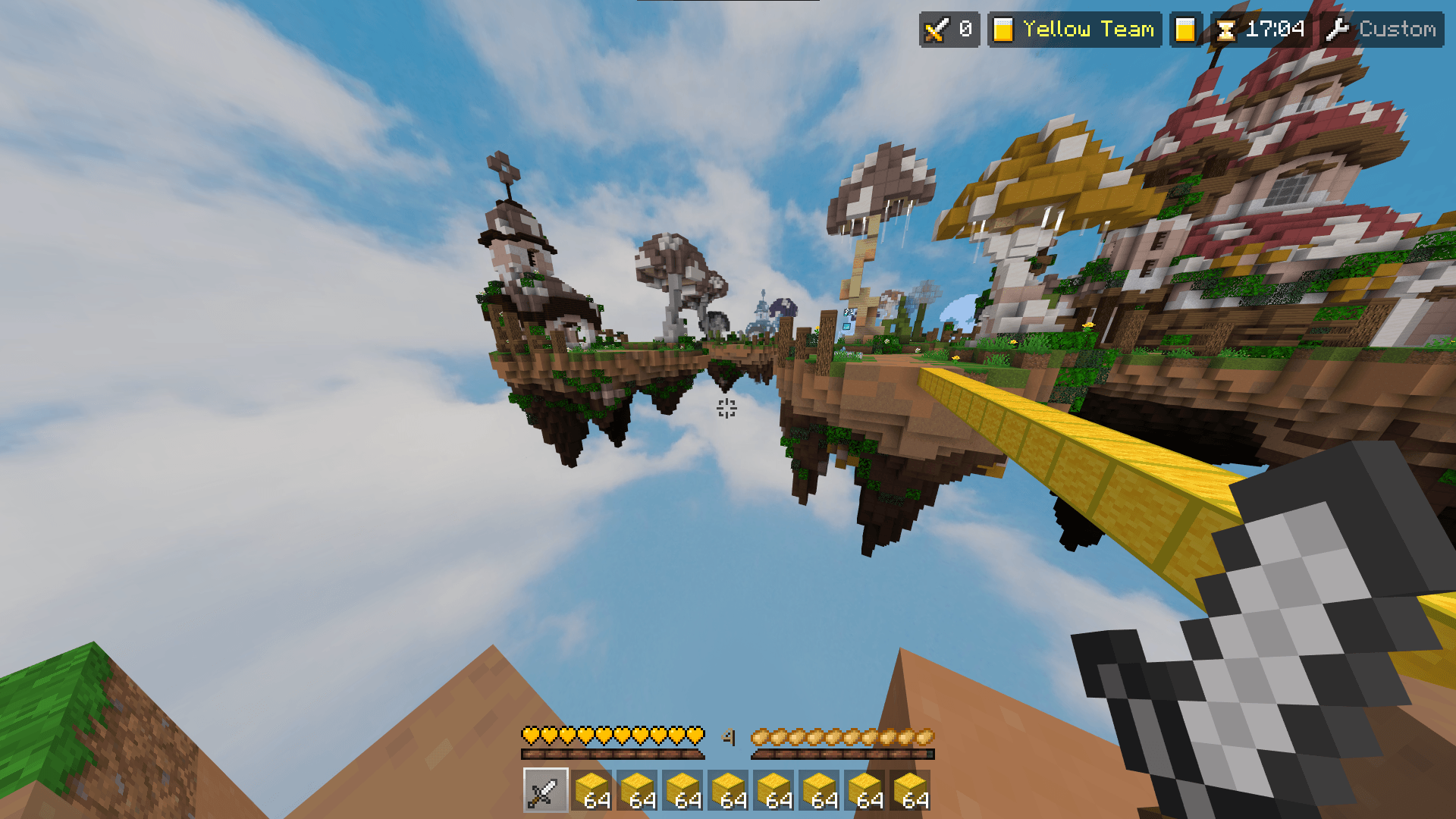
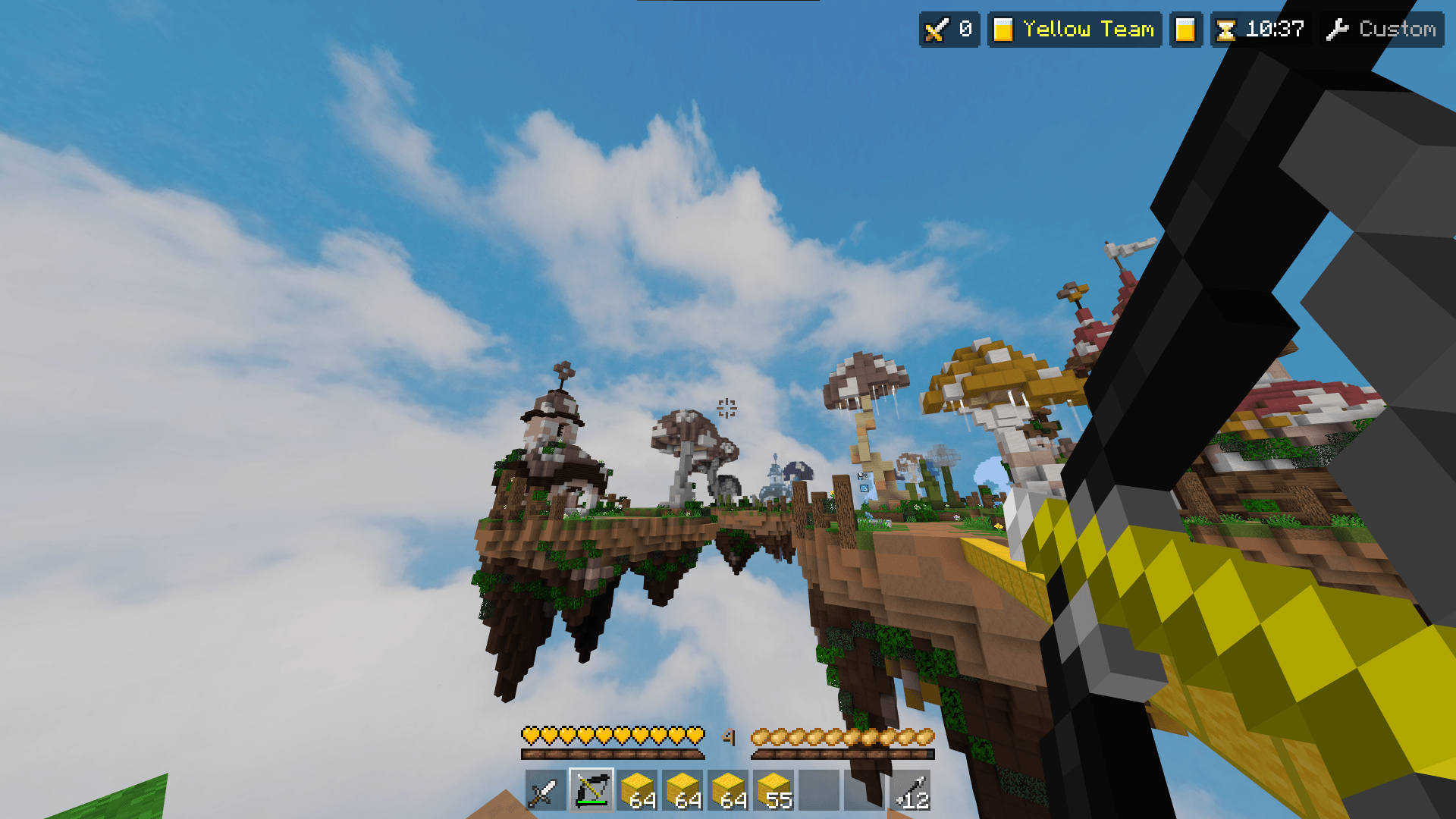
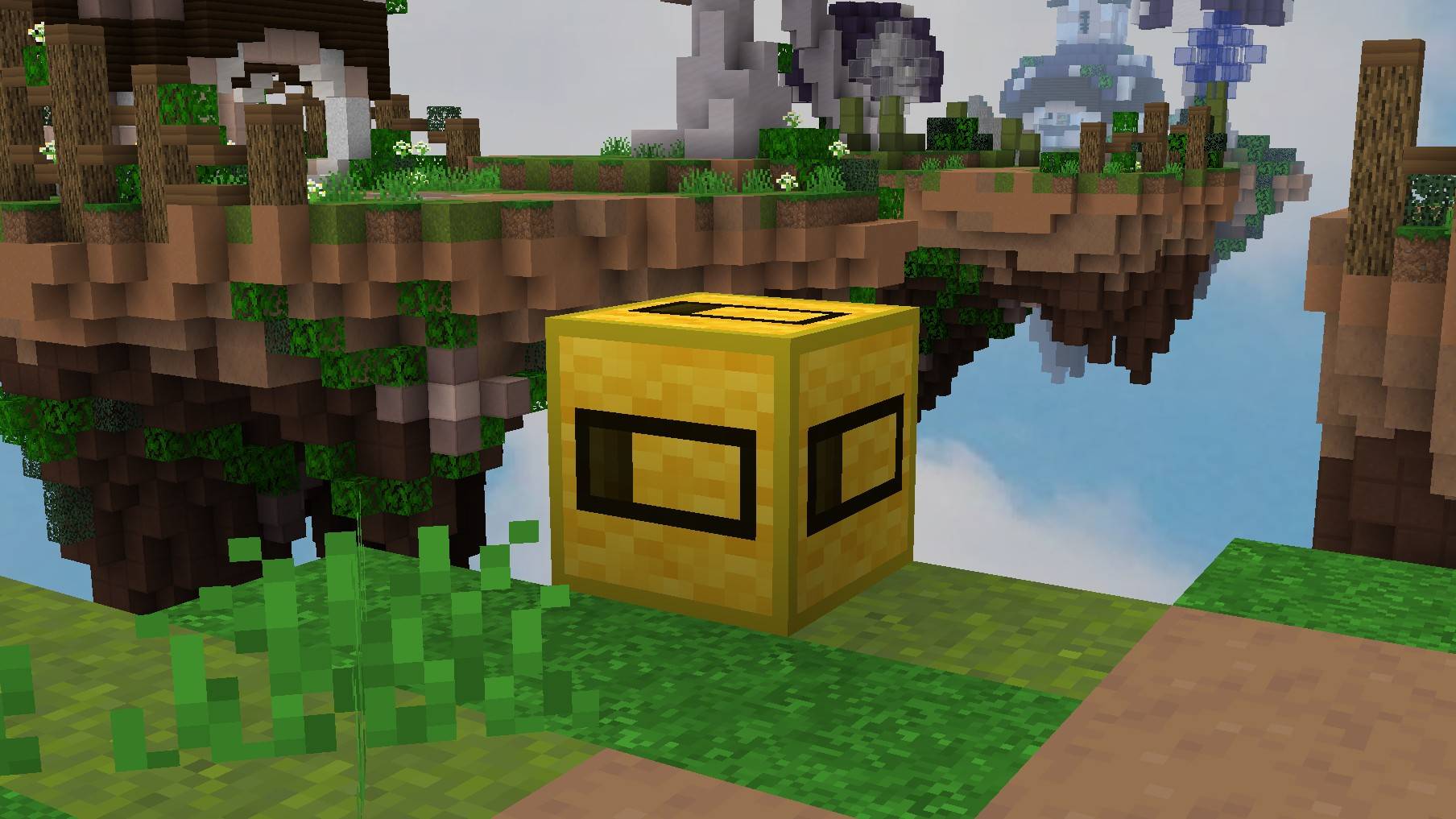
Early access / previews available via Discord by Server Boosting ↓




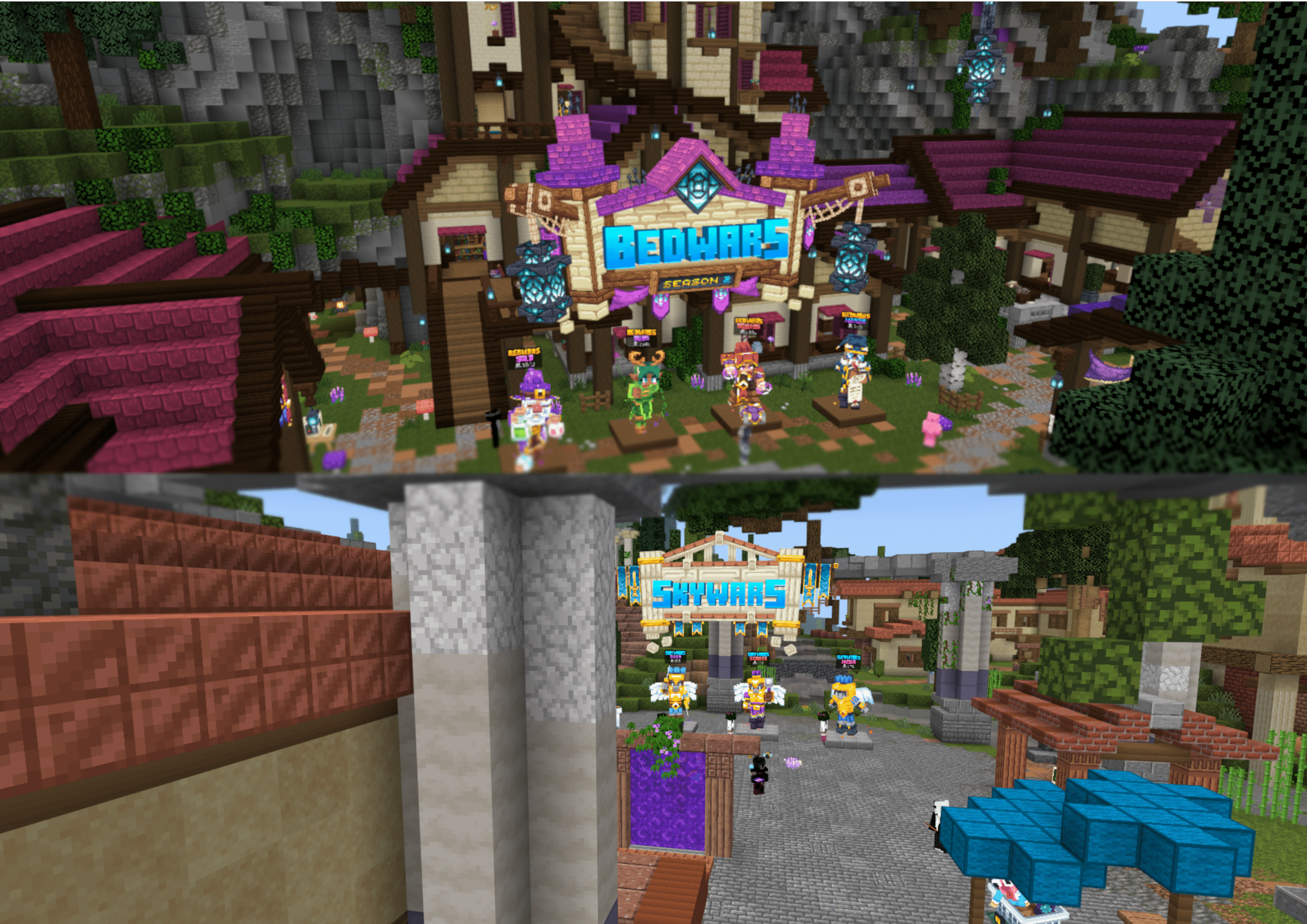
Better Bedwars is a texture pack that simplifies your experience while still keeping the original look and feel of Minecraft. The aim is to simplify your Bedwars experience by making stuff less distracting.

If you ask a question that's already answered in the spoiler below, I will most likely ignore it.
Frequently Asked Questions:
Q: What features from Better Bedwars are missing from Better Bedwars (Bedrock)?A: Better Bedwars and Better Bedwars (Bedrock) are nearly identical, however Better Bedwars (Bedrock) is missing the custom creative inventory tabs.Q: Can you add _________ to Better Bedwars (Bedrock)?
A: Most likely not. I work and add new stuff to Better Bedwars (Bedrock) at my own pace and when I feel that it is necessary. However, if you do have any request or suggestions, feel free to leave a comment or say something in the Discord.Q: How do I get rid of the weird missing texture that shows up when opening my inventory?A: Go to Video Settings and disable Screen Animations
Q: How do I fix the weird overlapping and offset issue that happens when the recipe book is fully or partially visible?A: Unfortunately, there was nothing we could do to fix this, as this seems to be caused by something that Mojang did. So, it is recommened that you just simply switch your inventory view to inventory only.Q: I found a bug/issue with Better Bedwars (Bedrock). What should I do?A: Create a ticket on the Discord server

Terms of Use:
Better Bedwars: Terms & Conditions
- By using this texture pack, you agree to be bound by these terms and conditions
- ColinMcCl is the creator and copyright owner of this texture pack and its logo
- These terms are subject to change at any time
- These terms only apply if you intend to use the texture pack in your own content you want to share publicly
- The terms listed on the official CurseForge, and MCPEDL pages supersede any license, readme, or terms/conditions information provided anywhere else, including in the texture pack files
- If you use assets from this texture pack in your own, credit is required. Preferably including its name and a link to the official CurseForge, or MCPEDL page
- The creator has the final say about which terms apply to your use of this texture pack and its assets
With this texture pack, YOU MAY:
- modify the texture pack if it's for personal use only, meaning you cannot share it publicly
- include this texture pack in your mod pack or server
- use this texture pack in forms of content such as videos, live streams, and blog posts (with appropriate credit; preferably including its name and a link to the official CurseForge, or MCPEDL page by putting it in the description or by leaving a pinned comment)
- use an edited version of this texture pack in forms of content such as videos, live streams, and blog posts (the same terms regarding appropriate credit apply here as well)
With this texture pack, YOU MAY NOT:
- redistribute this texture pack
- include unedited assets in your own texture pack, unless you have permission from the creator
- earn money using remixed, transformed, and built-upon assets in your own texture pack
- include assets from this texture pack in a paid product or paid access to a product, unless you have permission from the creator

- Edition: Minecraft Bedrock
- File type: .mcpack
- Minecraft version listed: 26.40
- How to install: Download the .mcpack. → Open it — Minecraft imports it under Resource Packs. → Activate it in Global Resources, or for one world under Resource Packs → Available.
- Where to get it: In MCModsHub, or directly above on this page.
Install steps are the general flow for this file type — How to install Minecraft Bedrock texture packs walks through it step by step.
- Pack type: .mcpack — a single pack
- Complete pack — everything it depends on is inside the file
- Download size: 15.7 MB
- Download link checked 18 Jun 2026 — working
These come from our own check of the pack file, not from the source page.


