Completify — Performance Optimizer and Quality of Life
Bedrock texture pack listed for Minecraft 1.21–26.x. File opened and checked on 19 Sep 2026; installs from the MC Bedrock Mods app on Android.
Completify is an all-in-one FPS optimizer and Quality of Life pack. It improves performance, visibility, gameplay and UI
I don't know my version
Description:
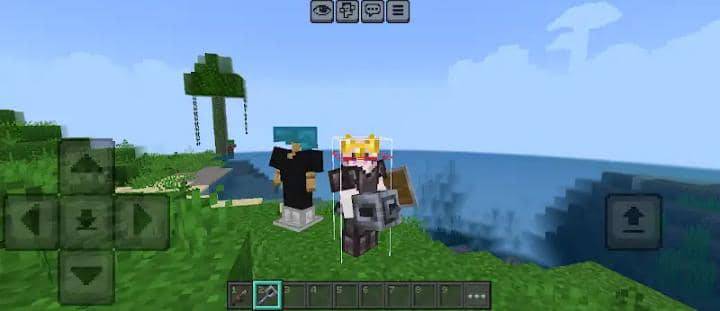
Completify is an all-in-one performance, visibility, and UI enhancement pack for Minecraft Bedrock Edition. Designed for players who want smoother gameplay, a cleaner interface, and improved visuals while preserving the vanilla Minecraft experience. Whether you're playing PvP, exploring survival worlds, or building large redstone projects, Completify helps you see more, lag less, and play better.
Highlights:
- FPS Optimized
- Enhanced Visibility
- Improved User Interface
- PvP Focused
- Vanilla Friendly
Features:
Performance
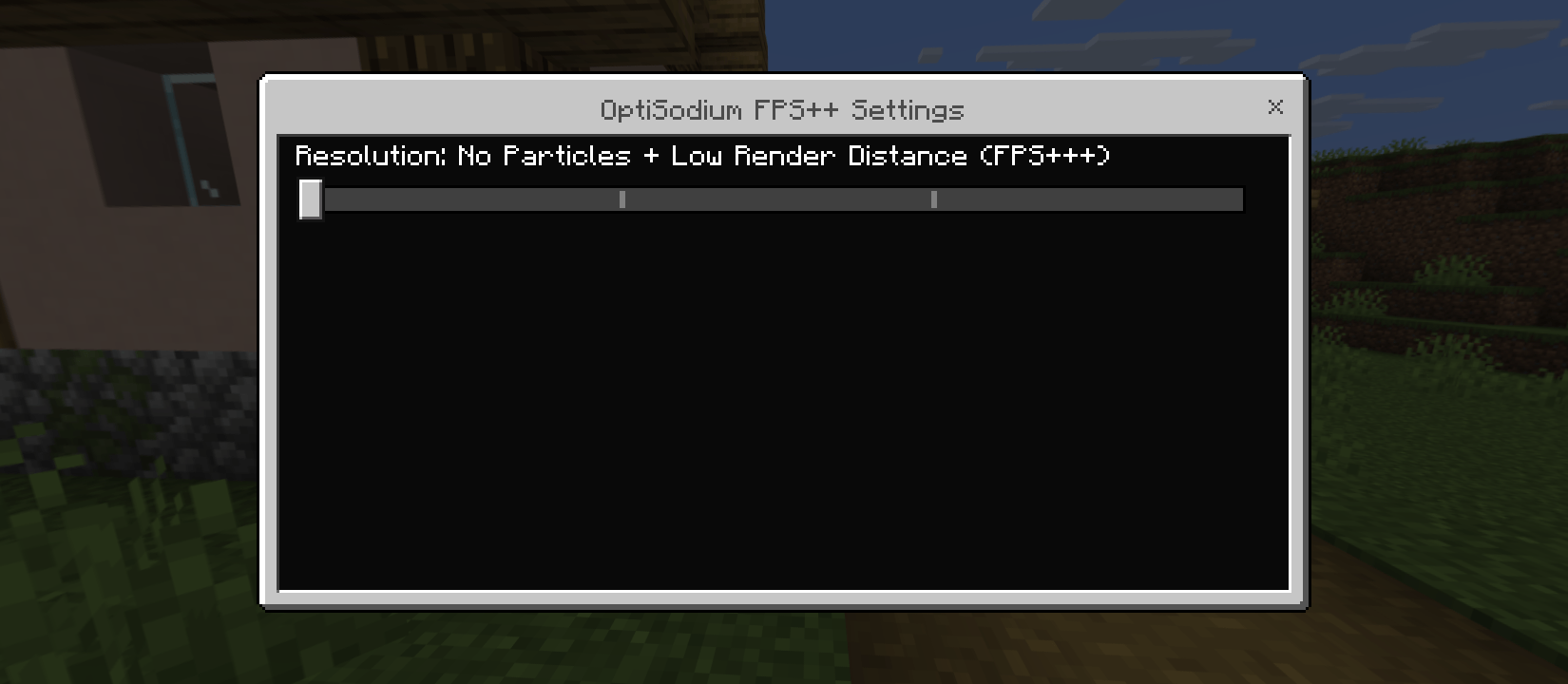
- Low Render Distance
- Normal Render Distance
- No Particles
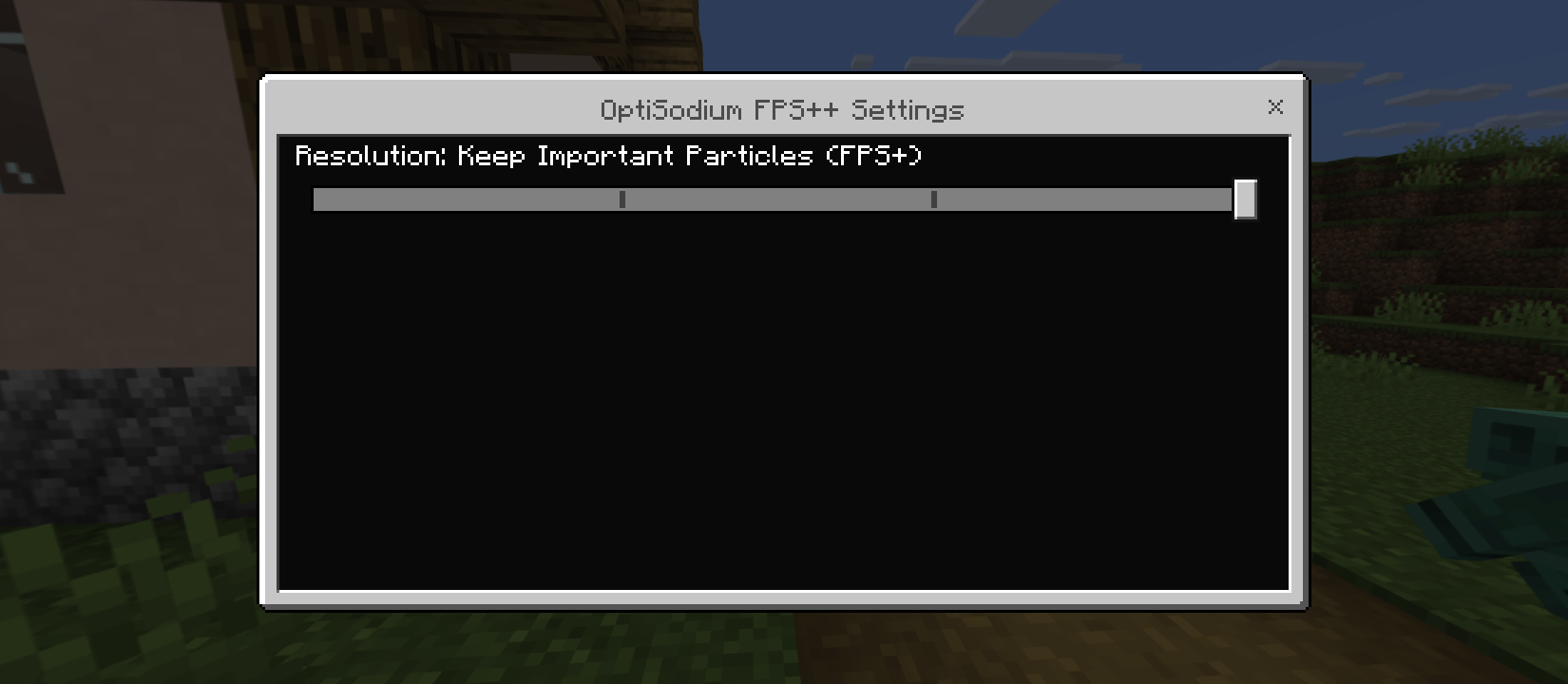
- Keep Important Particles
- V-Sync
- No Rain Particles
- No Block Animation
PvP
- Hitbox
- Low Shield
- Short Sword
- Bow Indicator
- Low Fire
Visual Enhancements
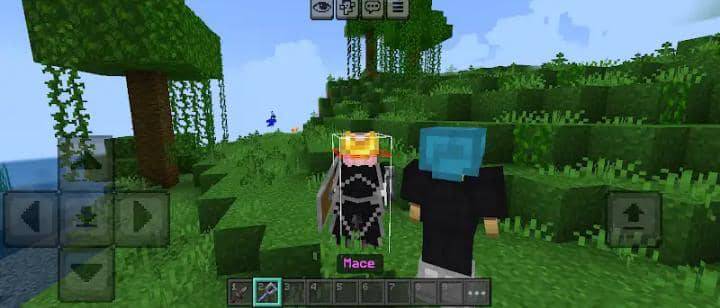
- 3D Mace
- Glassed Door
- Java Dragon Fireball
- Ender Dragon Elytra
- Clean Netherite Armor
- Crown Golden Helmet
- Clean Leather Armor
- Short Grass
- Round Texture Log
- Arrowed Observer
- Arrowed Hopper
- Outlined Ore
- Outlined Suspicious Sand
- Outlined Powdered Snow
- Outlined Infested Stone
- Outlined Trapped Chest
- Clean & Outlined Wool
- Blue String
- Clear Water
- Clear Glass
- Opaque Honey & Slime
- Simplified Lava
- Full Grass Block
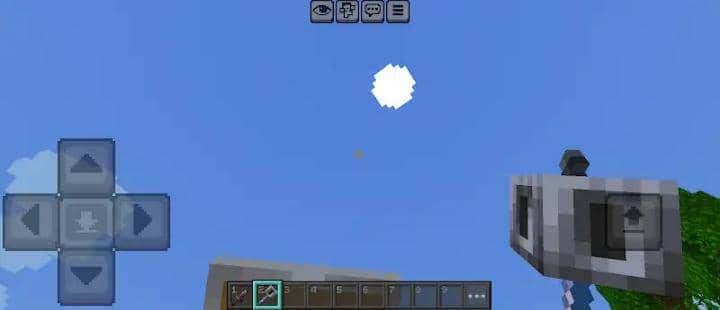
- Round Sun & Moon
- Square Destroy Stage
- Advanced Glint
- Clean Redstone
- Clean Font
UI & Utility
- Dark UI
- Quick Craft
- Quick Chat
- Rainbow XP Bar
- Cyan Hotbar Selection
- Brewing Guide
- Numbered Hotbar
- Visible Withered Heart
- Visible Trade
- Improved Settings
- Food Hunger Bar Info
- Music Disc Redstone Signal Info
Accessibility
- Labelled Potion
- No Pumpkin Blur
- No Spyglass Overlay
- No How To Play Button
- Edition: Minecraft Bedrock
- File type: .mcpack
- Minecraft versions listed: 26.0.02, 26.0, 26.3
- How to install: Download the .mcpack. → Open it — Minecraft imports it under Resource Packs. → Activate it in Global Resources, or for one world under Resource Packs → Available.
- Where to get it: Opens on CurseForge — not every file is mirrored on our own servers.
Install steps are the general flow for this file type — How to install Minecraft Bedrock texture packs walks through it step by step.
- Save it as Completify V2.mcaddon before opening — it downloads as .mcpack, but it is a .mcaddon pack
- Manifest requires Minecraft 1.26.0 or newer
- Complete pack — everything it depends on is inside the file
- Download size: 1.8 MB
- Download link checked 5 Oct 2026 — working
These come from our own check of the pack file, not from the source page.