HSD Full High-Definition Shader | MCPE
Bedrock texture pack listed for Minecraft 26.x. File opened and checked on 24 Oct 2026; installs from the MC Bedrock Mods app on Android.
I don't know my version

Supports 1.21.100 (above)
For "Windows, Android and iOS" Download from the link provided!
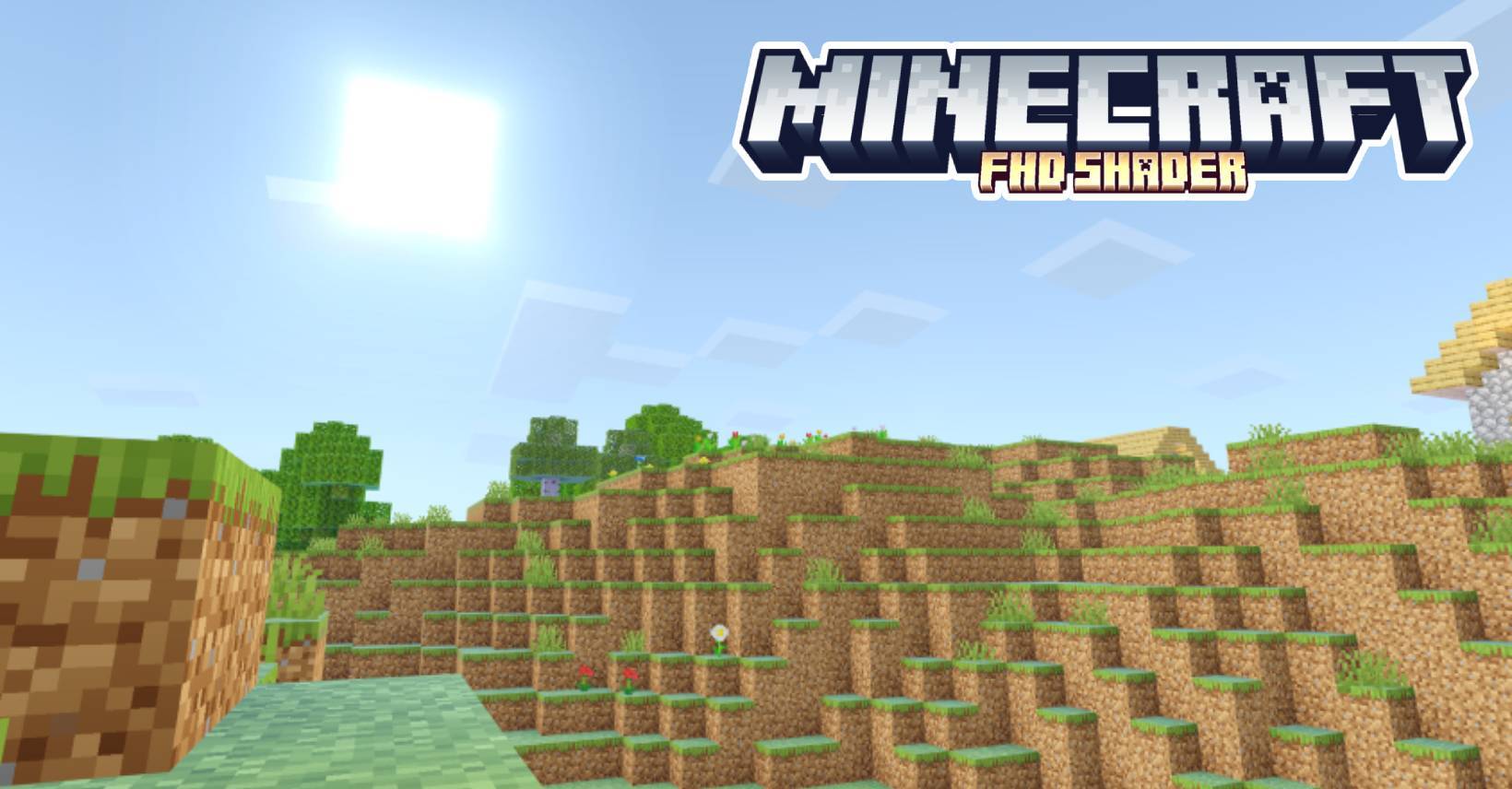
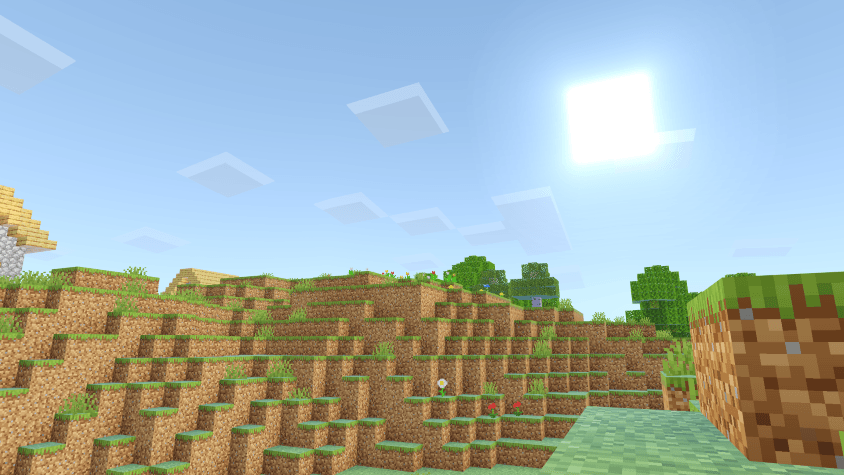
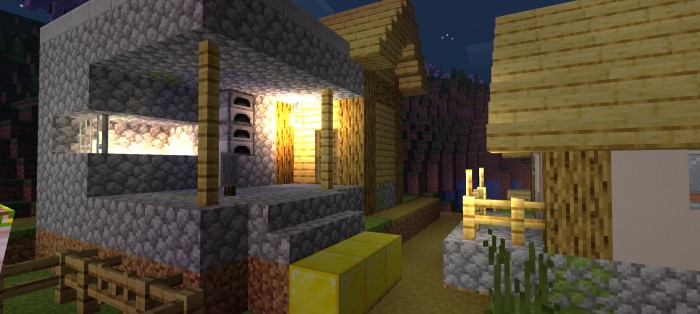
The FHD Shader is a beautiful and smooth shader for Minecraft Bedrock that I created to revive the older HSD Shader. Since HSD Shader stopped working with Minecraft's new updates, I made FHD Shader to keep that great look alive. It has brighter colors, realistic lighting, and smooth shadows, all without slowing down the game. If you’re looking for a shader that looks amazing and still runs well, FHD Shader is perfect.
This shader will not work without using required patches! Please read the installation guide before downloading.
Features
- Aesthetic Color Upgrades – Balanced, vibrant visuals
- Redesigned Clouds – Natural and dynamic skies
- Enhanced End & Nether – Mystical and fiery worlds reimagined
- Improved Underwater Look – Greater depth and realism
- Metallic & Rough Reflections – Lifelike surfaces and textures
- Refined Night Sky – Sharper, more immersive stars
- Revamped Water System – Next-level realism
- Built-in Normal Mapping – Added surface detail
- High-Quality Sun Bloom – Stunning light effects
- Glowing Ores – Easier to spot, more vibrant
- Swaying Plants – Natural movement and life
- Sharper, Realistic Shadows – Defined and immersive
- ...and much more!
Installation
Disclaimer: Minecraft Bedrock does not officially support loading custom shaders. The following are unofficial methods for loading shaders.
Android
1. Install MB Loader APK.
2. Import the resource pack to Minecraft and activate it in global resources.
3. Launch Minecraft through MB Loader APK.
Windows
- Use BetterRenderDragon to enable MaterialBinLoader.
- Import the resource pack and activate it in global resources.
If BetterRenderDragon does not support your Minecraft version, use this Matject tool instead to install shaders.
Linux (x86_64 arch)
This method is for mcpelauncher-manifest.
1. Install mcpelauncher-materialbinloader-mod.
2. Import the resource pack and activate it in global resources.
*iOS
Sorry. There isn't an easy method to install shaders on iOS devices. You either require jailbreak or would have to install an untrusted IPA.
For "Windows, Android and iOS" Download from the link provided!
NOTE:
- Edition: Minecraft Bedrock
- File type: .mcpack
- Minecraft versions listed: 26.30, 26.40, 26.10
- How to install: Download the .mcpack. → Open it — Minecraft imports it under Resource Packs. → Activate it in Global Resources, or for one world under Resource Packs → Available.
- Where to get it: In MCModsHub, or directly above on this page.
Install steps are the general flow for this file type — How to install Minecraft Bedrock texture packs walks through it step by step.
- Pack type: .mcpack — a single pack
- Complete pack — everything it depends on is inside the file
- Download size: 2.5 MB
- Download link checked 25 Aug 2026 — working
These come from our own check of the pack file, not from the source page.


