Better Buttons
Bedrock texture pack listed for Minecraft 1.18–1.21. File opened and checked on 20 Sep 2026; installs from the MC Bedrock Mods app on Android.
⬇ Download on CurseForge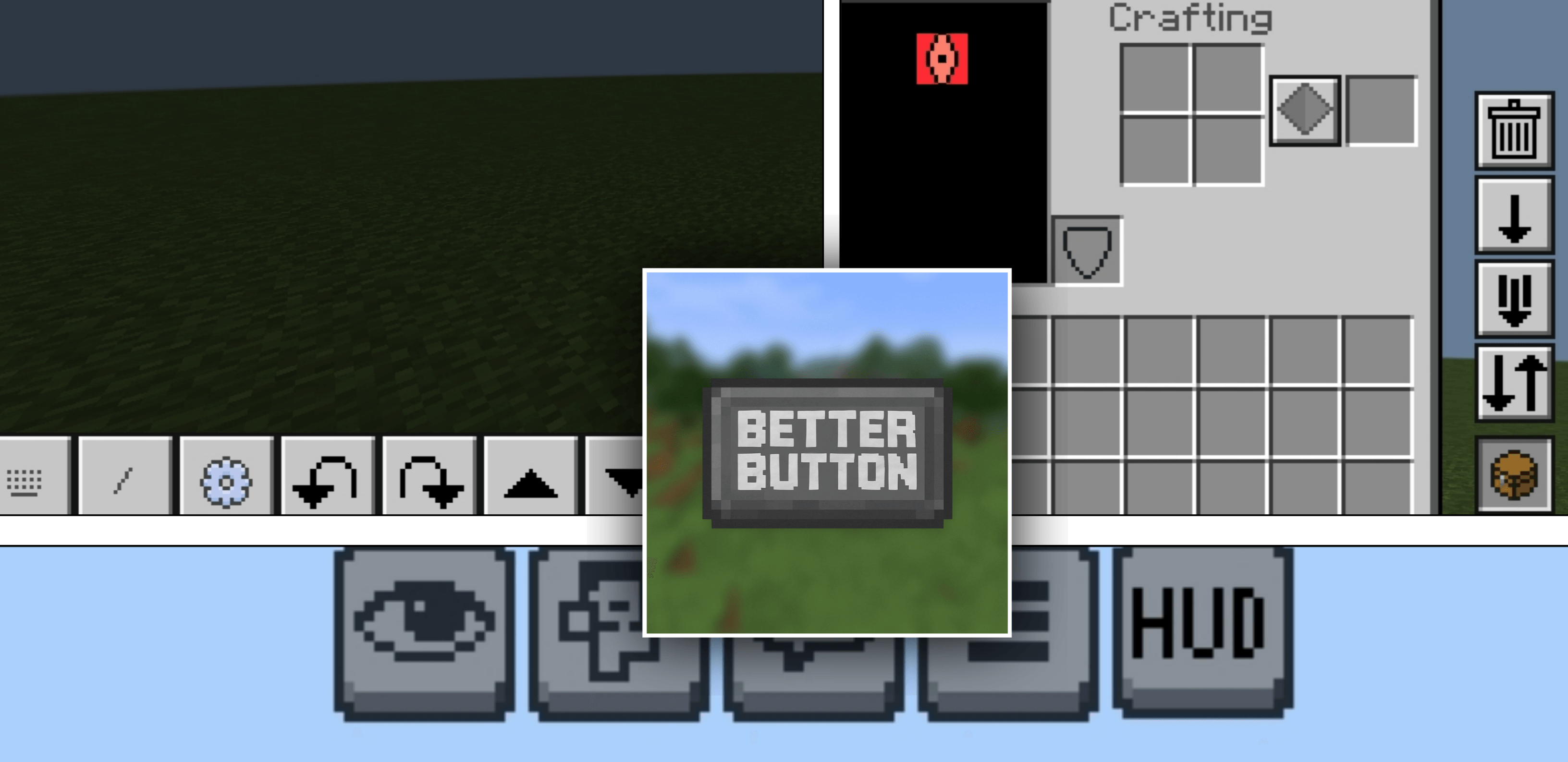
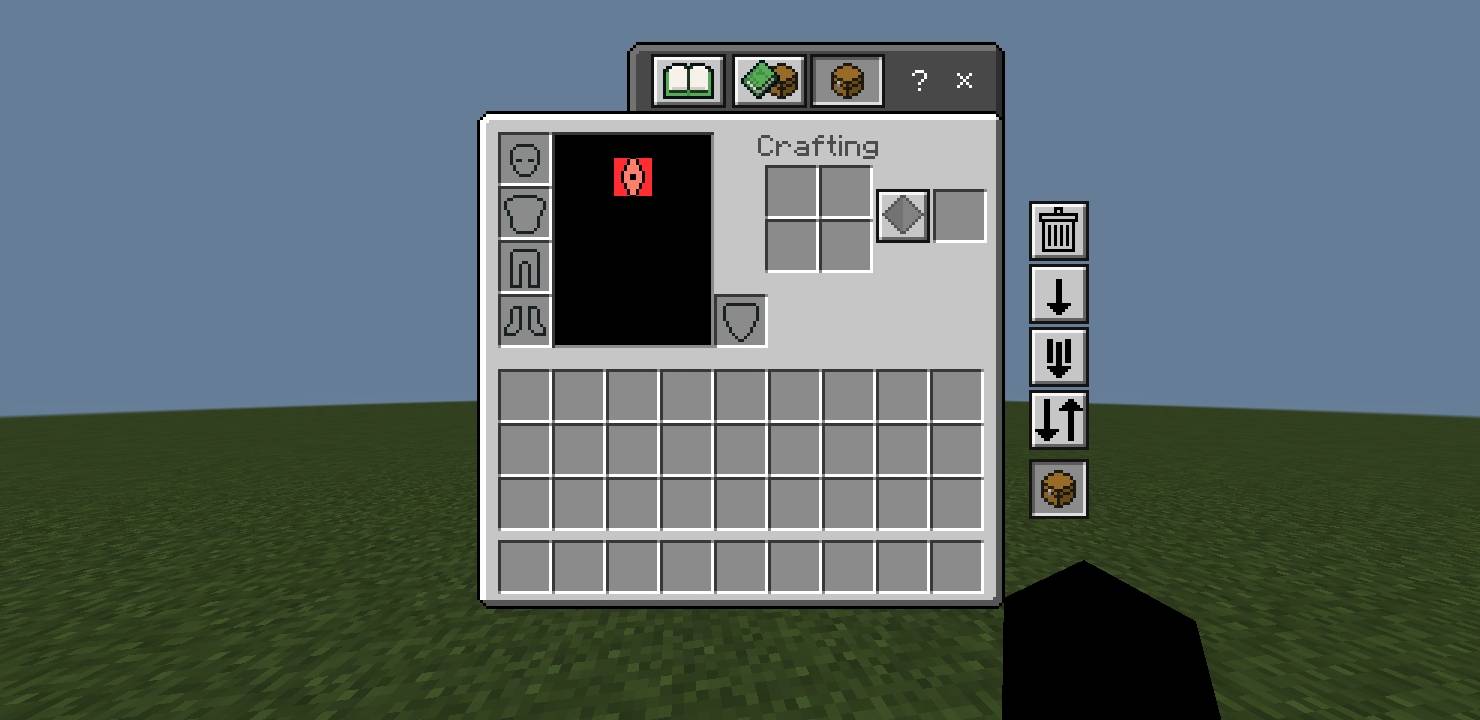
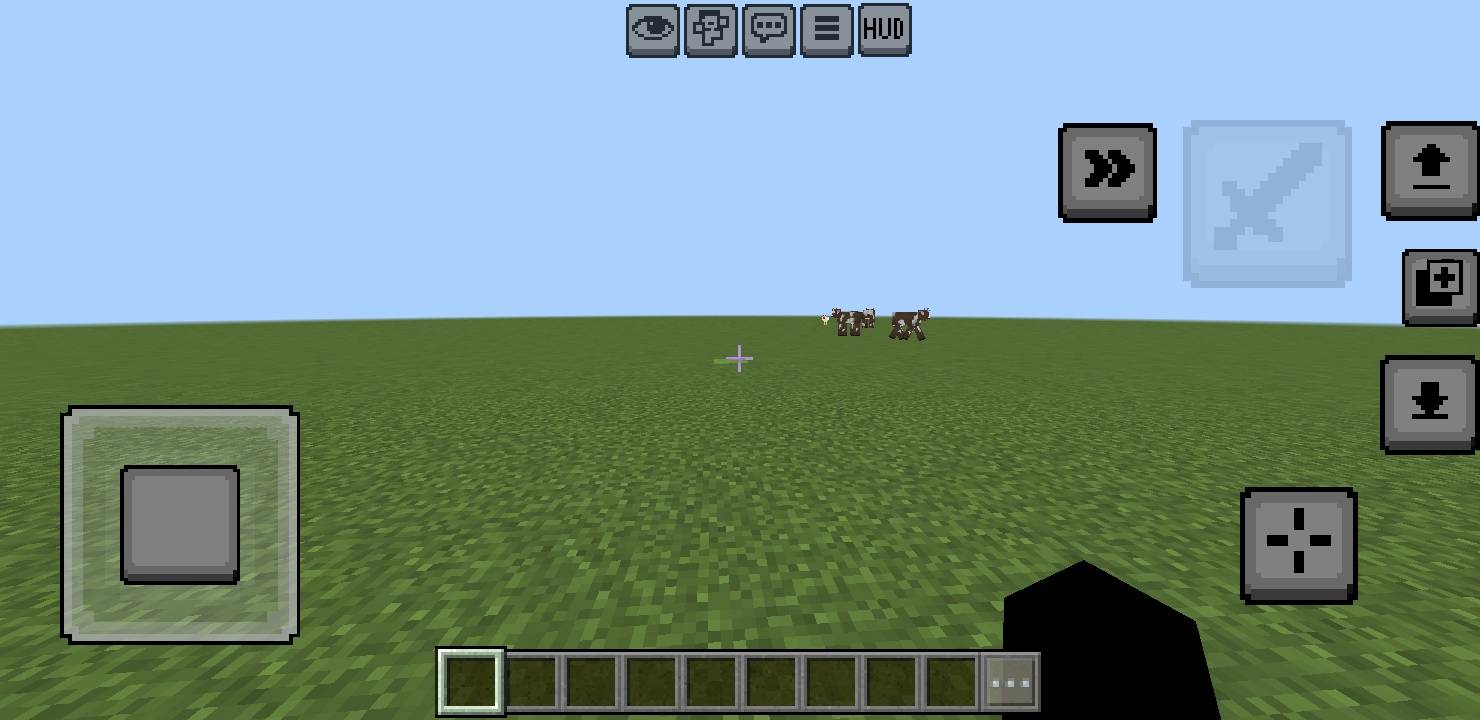
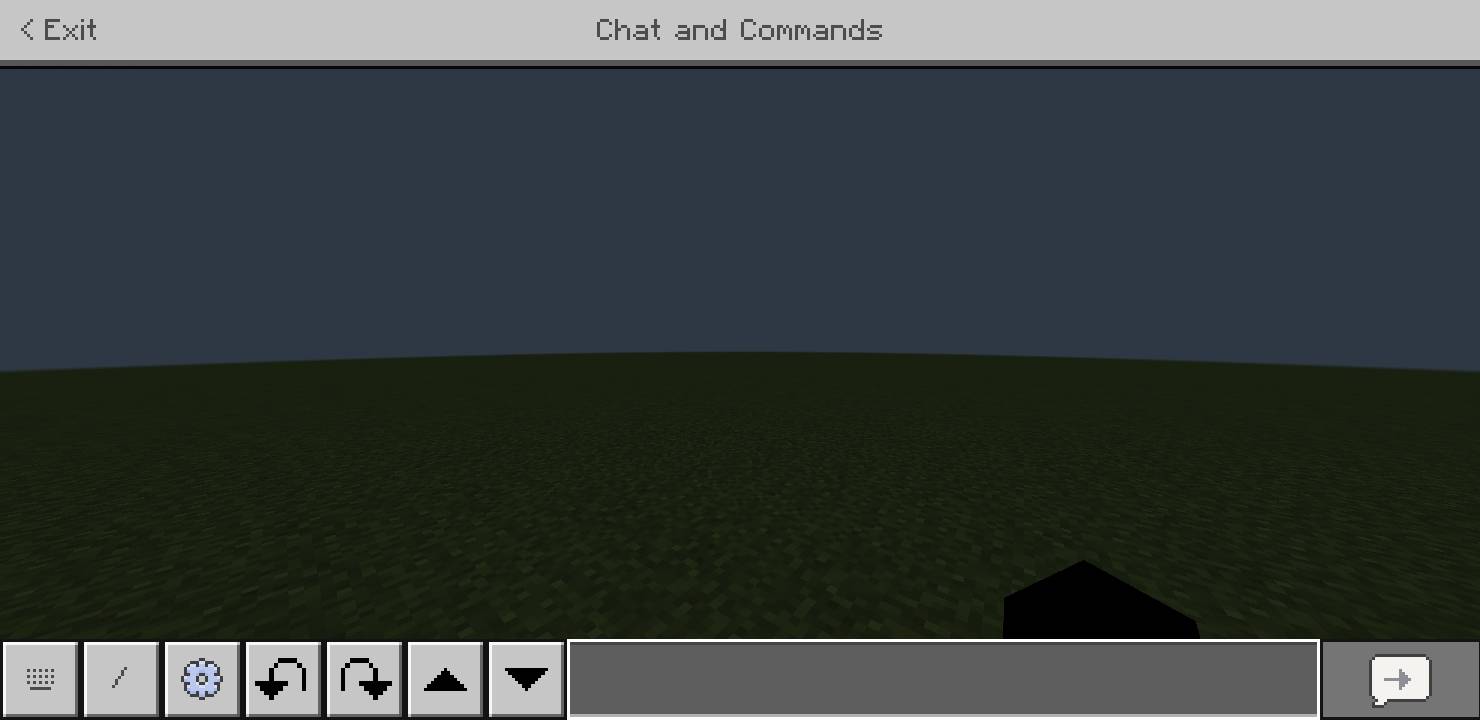
Are you tired of addons that add useful buttons but drastically change the UI? Well, here's the solution — this addon adds only the essential buttons you need without modifying the original UI. Your game will remain just as you know it, with the useful additions you've been looking for
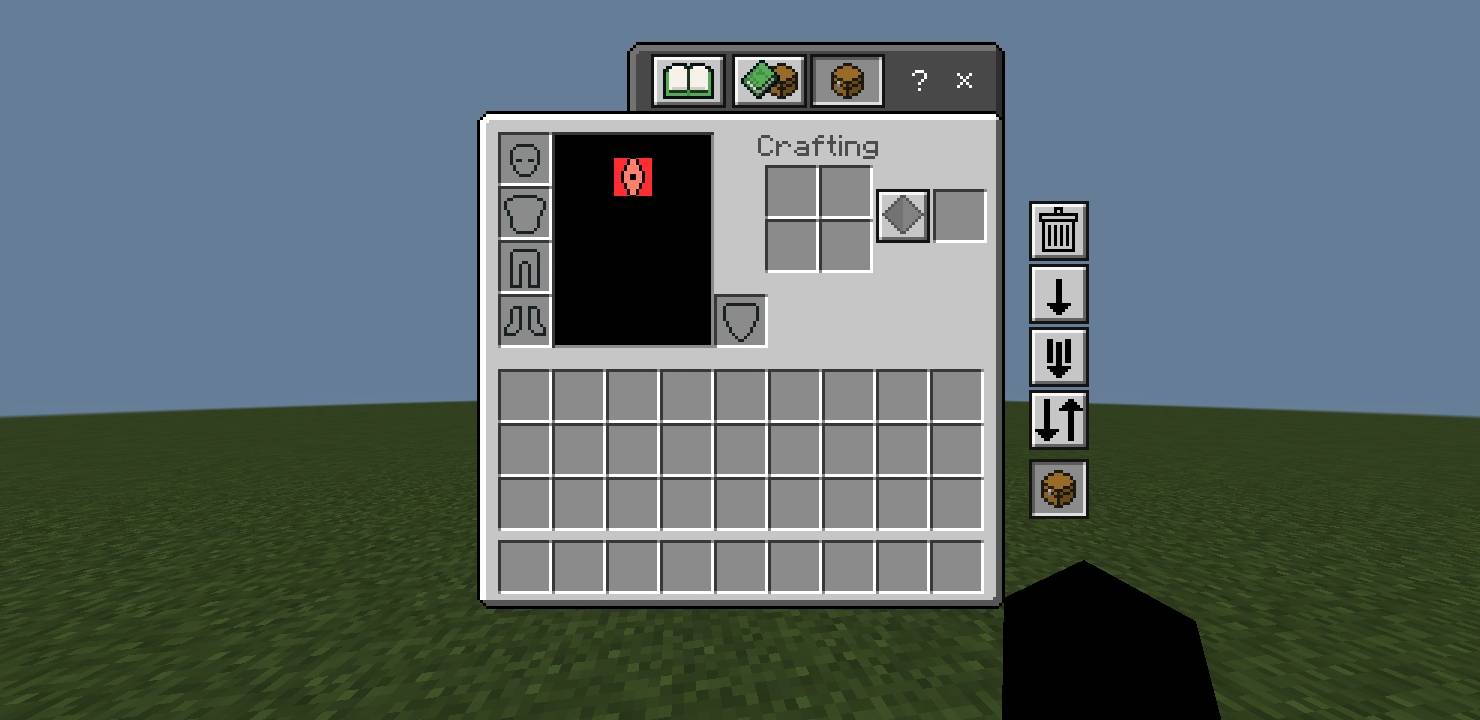
Inventoy Buttons
•destroy Button
•drop one Button
•drop all Buttton
•auto place Button
•default Buttons
•Quick craft Button
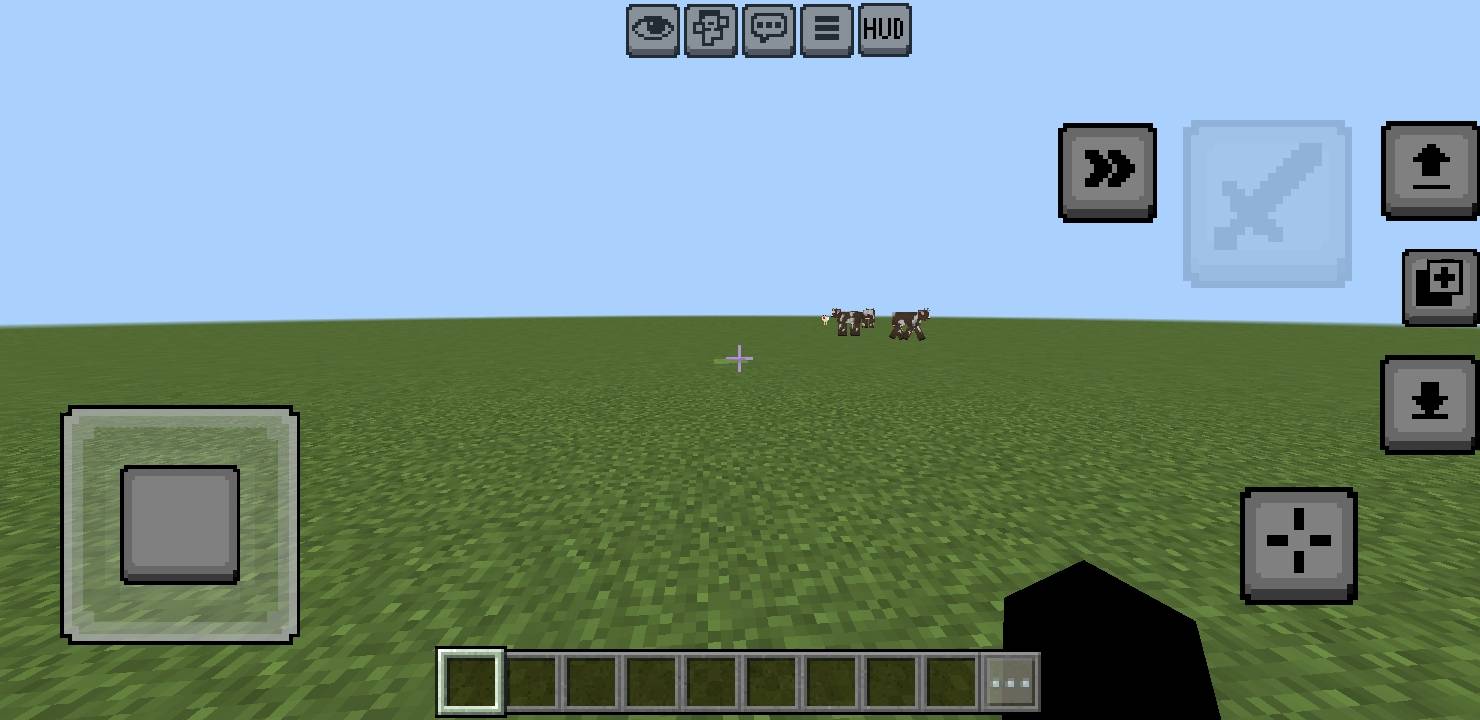
HUD Button
This button controls the HUD visibility, functioning identically to the F1 key toggle
Chat Buttons
No need to explain, right? 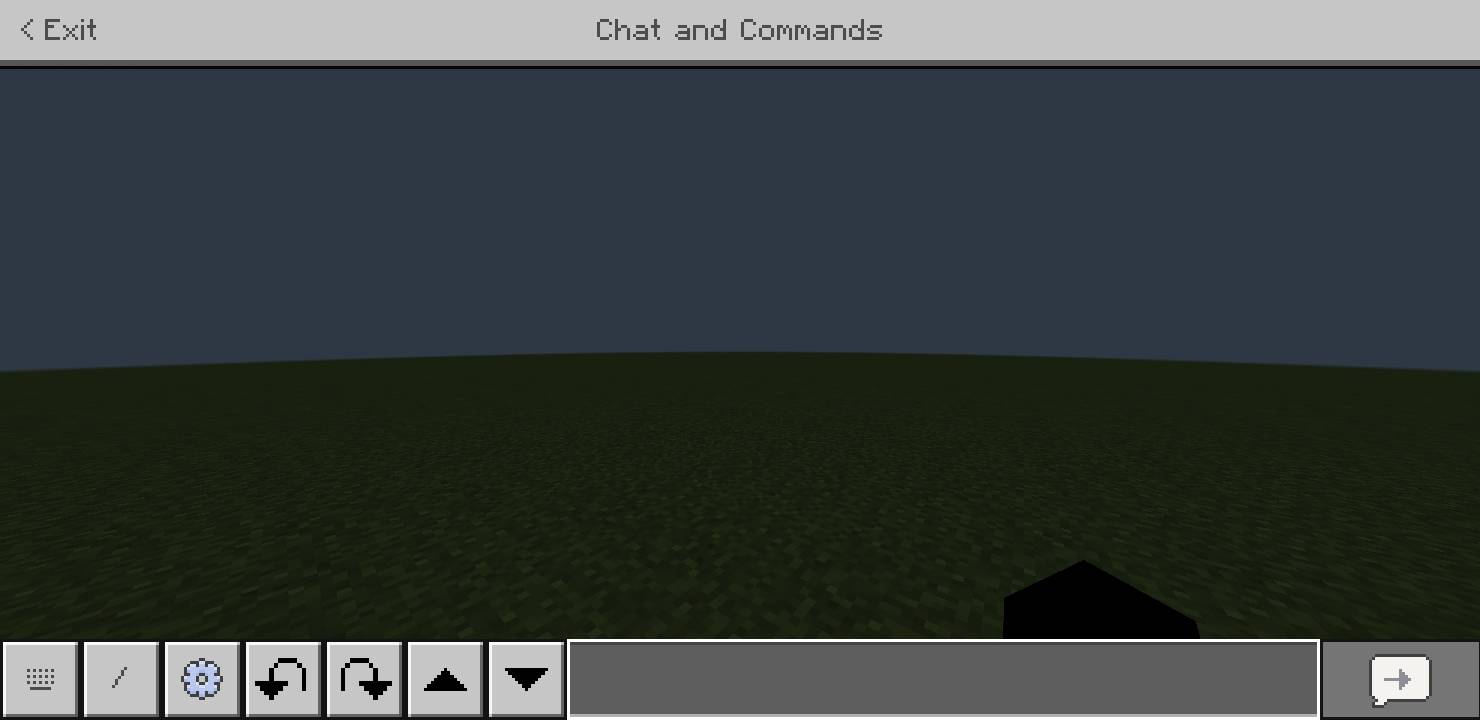
This mod was made using a simple mobile phone and a collection of different mods
- Edition: Minecraft Bedrock
- File type: .mcpack
- Minecraft versions listed: 1.18, 1.19, 1.20
- How to install: Download the .mcpack. → Open it — Minecraft imports it under Resource Packs. → Activate it in Global Resources, or for one world under Resource Packs → Available.
- Where to get it: Opens on CurseForge — not every file is mirrored on our own servers.
Install steps are the general flow for this file type — How to install Minecraft Bedrock texture packs walks through it step by step.
- Pack type: .mcpack — a single pack
- Manifest requires Minecraft 1.20.0 or newer
- Complete pack — everything it depends on is inside the file
- Download size: 1.2 MB
- Download link checked 5 Oct 2026 — working
These come from our own check of the pack file, not from the source page.