
Quick move : loot & drop
Bedrock texture pack listed for Minecraft 1.20–26.x. File opened and checked on 2 Sep 2026; installs from the MC Bedrock Mods app on Android.
🚀 Quick Move & Loot Utility [1.21+] Created by Arrow Studios Official Tired of slow inventory management in Minecraft Bedrock? Quick Move & Loot is a…
⬇ Download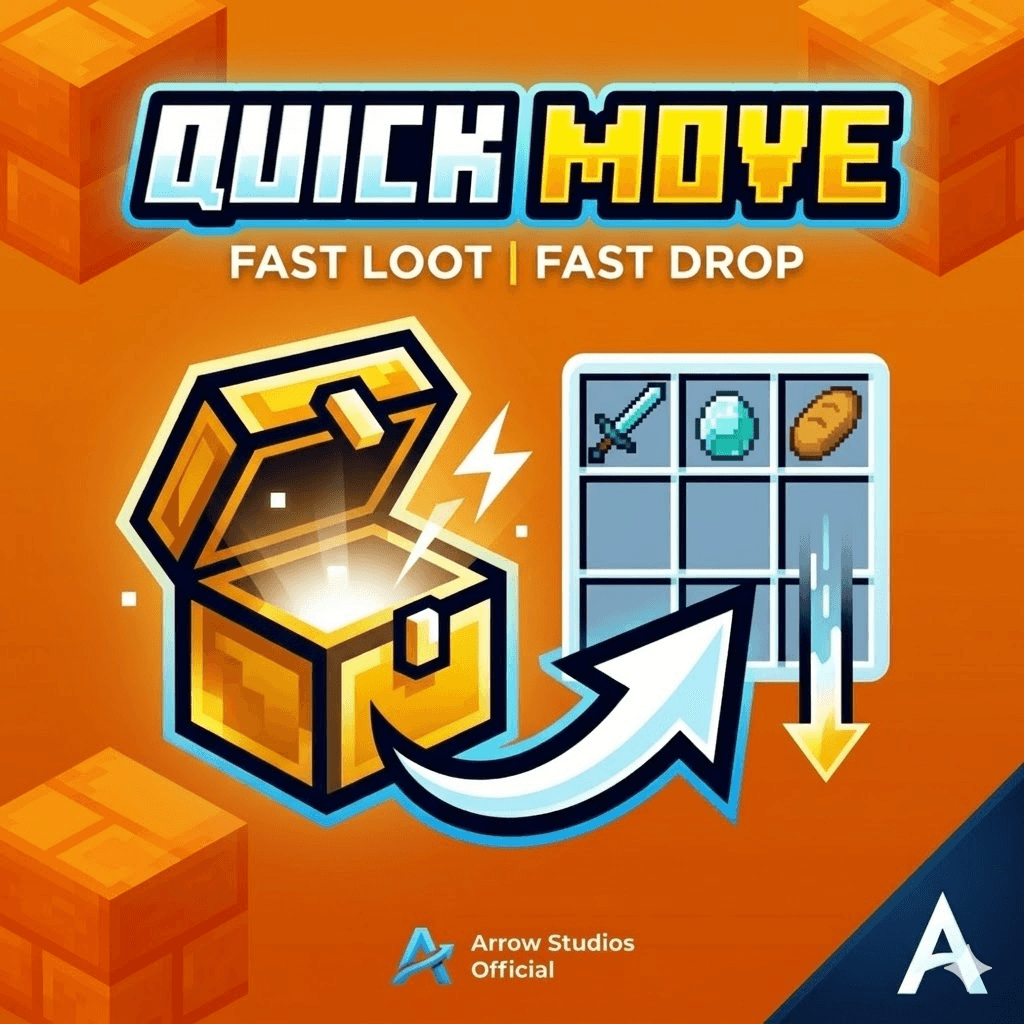
🚀 Quick Move & Loot Utility [1.21+]
Created by Arrow Studios Official
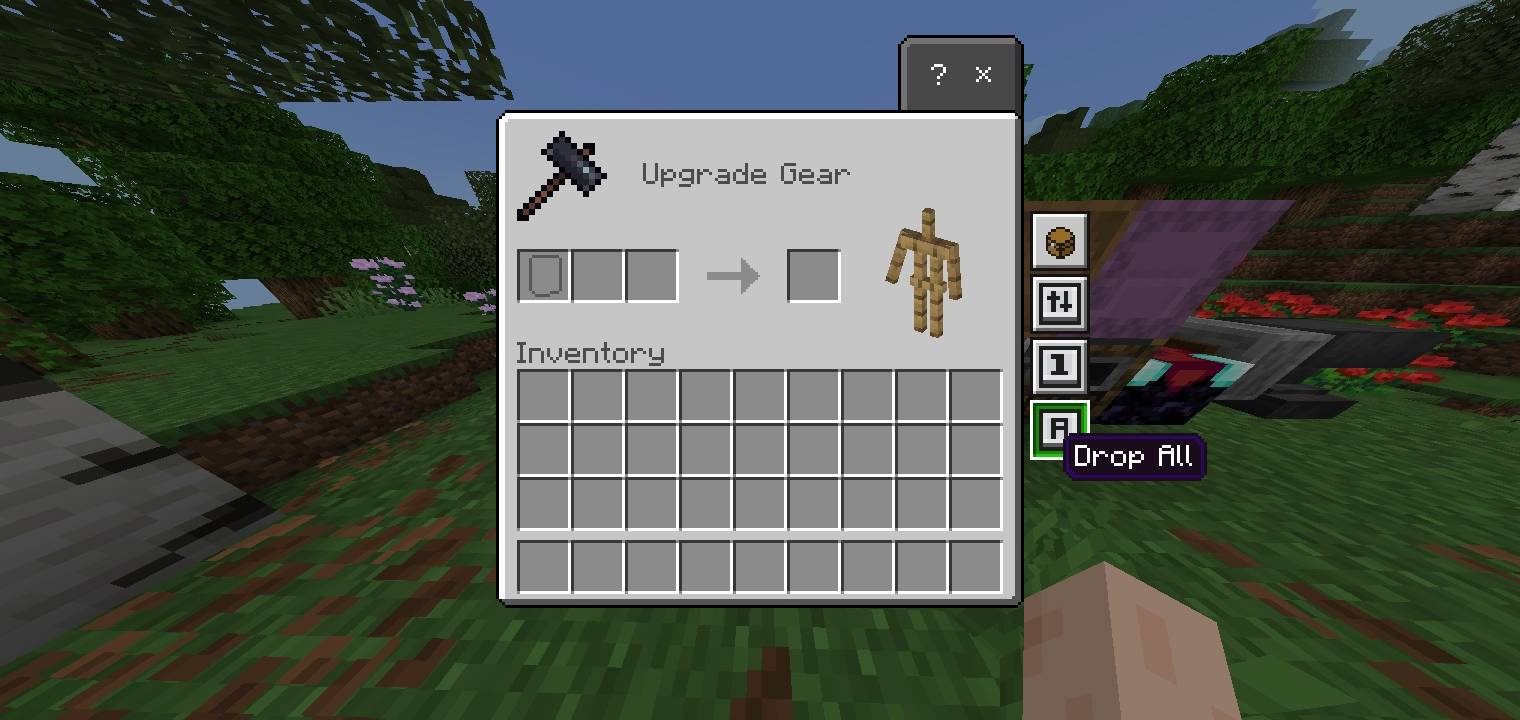
Tired of slow inventory management in Minecraft Bedrock? Quick Move & Loot is a lightweight utility designed to make looting, moving, and dropping items instantaneous. Perfect for PVP, Skywars, and Survival players who need speed!
🔥 Key Features:
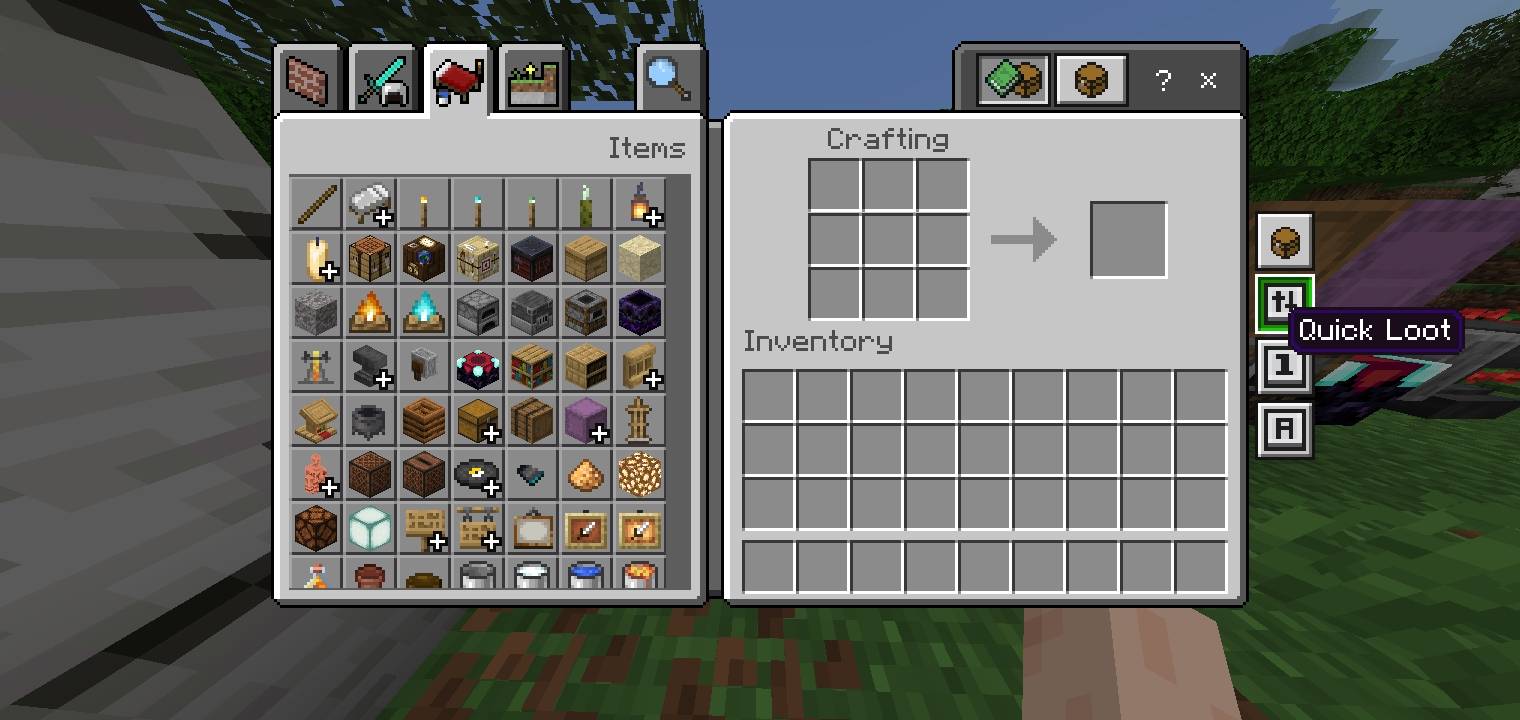
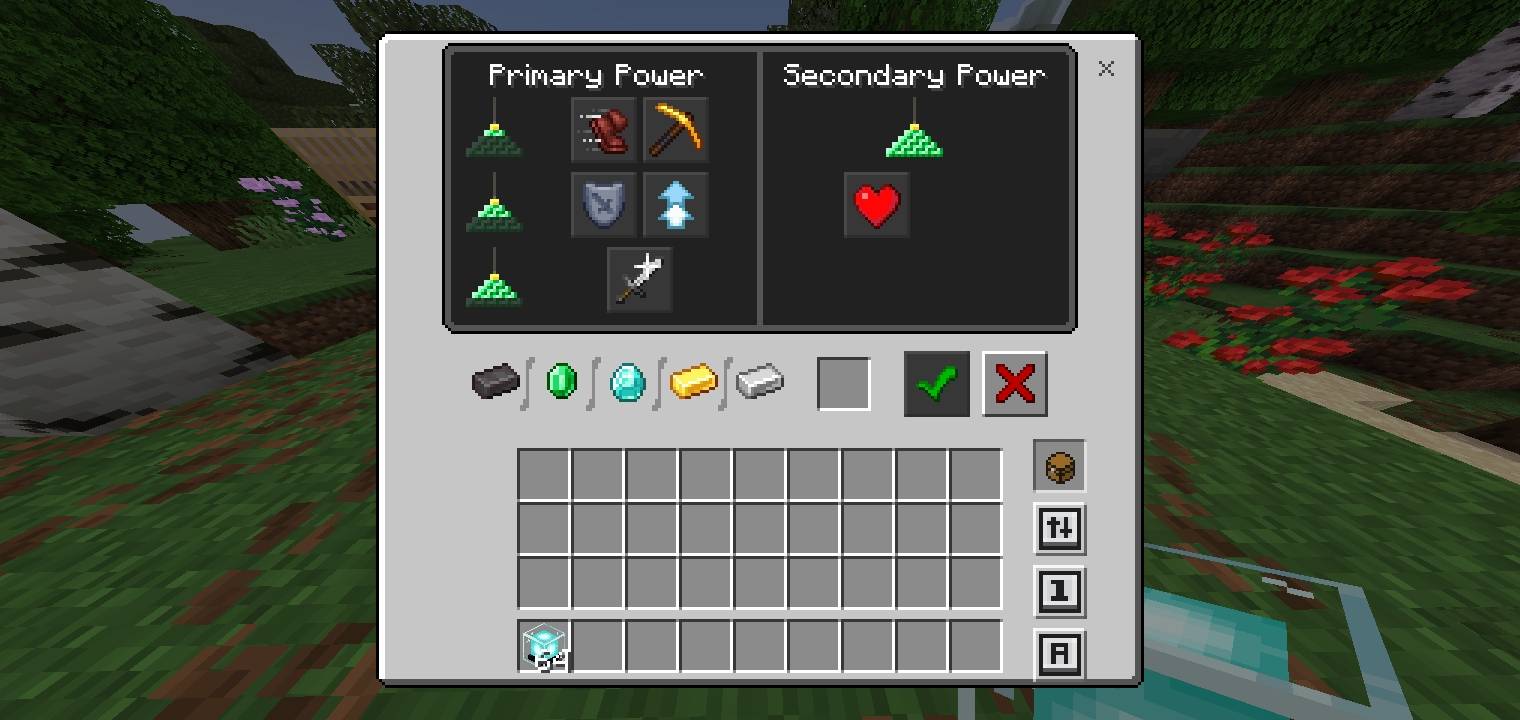
• One-Tap Looting: Move items from chests to your inventory in a flash.
• Instant Drop: Clear your inventory or drop items to teammates without the lag.
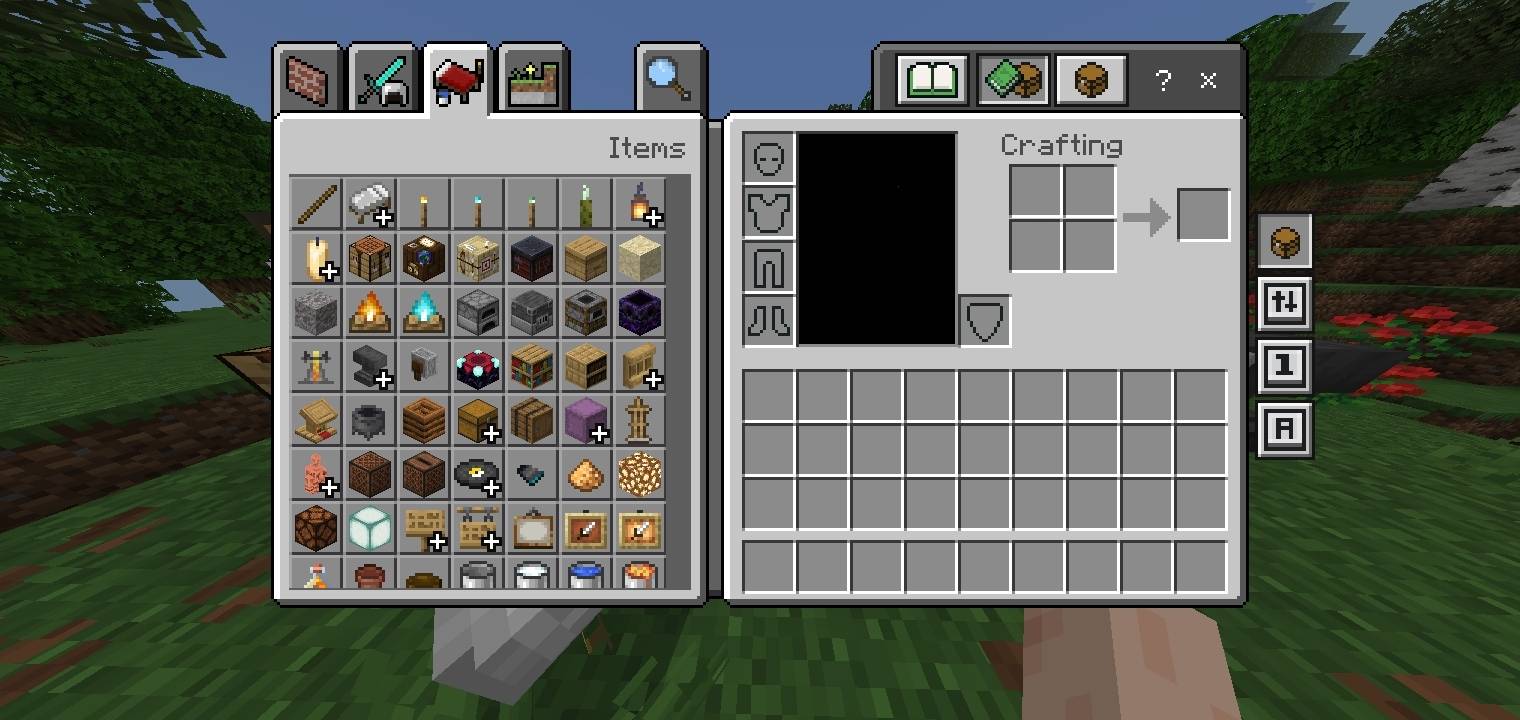
• Better Inventory Layout: Enjoy a cleaner, more organized grid for faster navigation and better visibility.
• Zero Particles: Optimized code to ensure your FPS stays at the maximum.
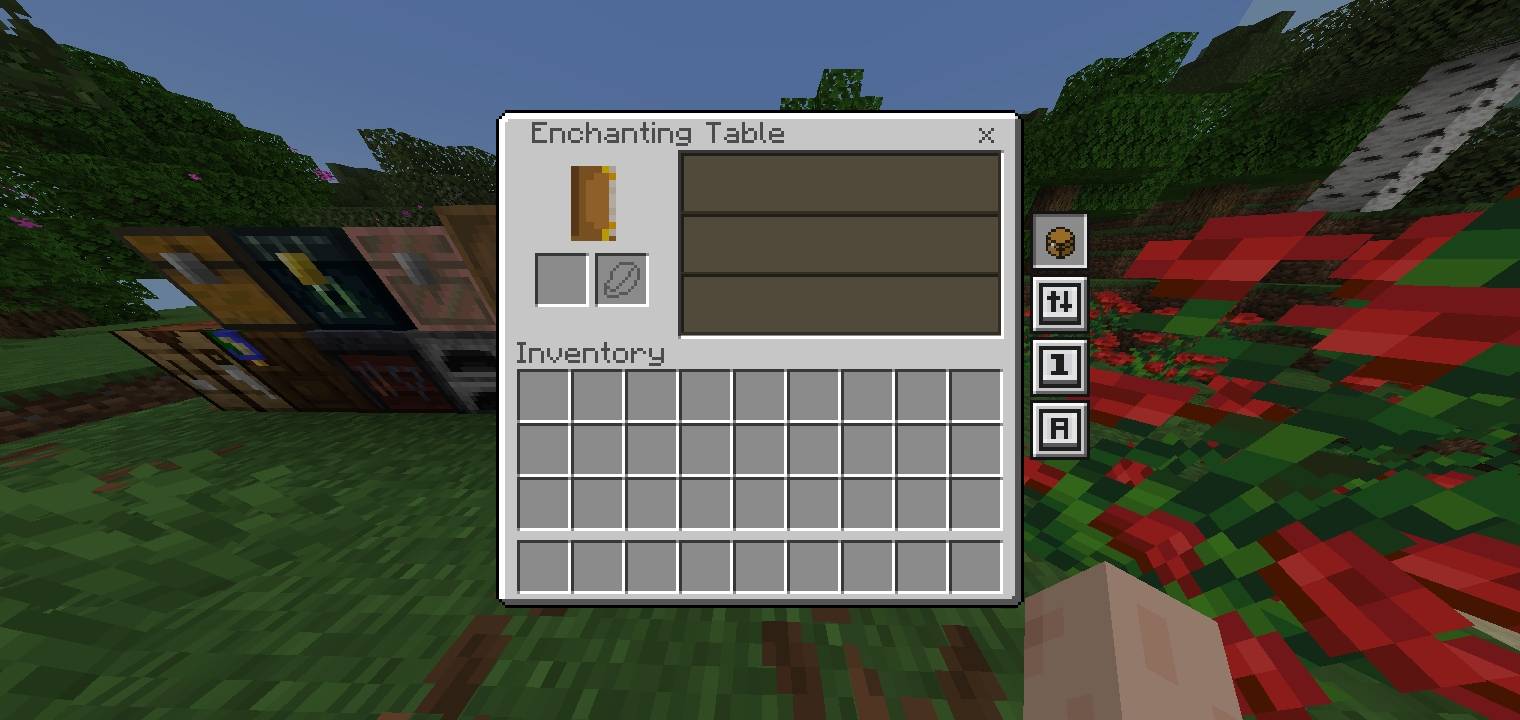
• Clean UI: Simple, intuitive buttons that don't clutter your screen.
• 1.21+ Ready: Fully compatible with the latest Minecraft Bedrock/Pocket Edition versions.
Follow me for More new update!
- Edition: Minecraft Bedrock
- File type: .mcpack
- Minecraft versions listed: 1.21.30, 1.21.50, 1.21.81
- How to install: Download the .mcpack. → Open it — Minecraft imports it under Resource Packs. → Activate it in Global Resources, or for one world under Resource Packs → Available.
- Where to get it: In MCModsHub, or directly above on this page.
Install steps are the general flow for this file type — How to install Minecraft Bedrock texture packs walks through it step by step.
- Pack type: .mcpack — a single pack
- Complete pack — everything it depends on is inside the file
- Download size: 185 KB
- Download link checked 25 Aug 2026 — working
These come from our own check of the pack file, not from the source page.