Home›Bedrock›Texture packs›R135 Vaimagined Shader | Vanilla Reimagined Shader | Support Minecraft BE 1.21+ (Render Dragon)
Texture packsBedrock
R135 Vaimagined Shader | Vanilla Reimagined Shader | Support Minecraft BE 1.21+ (Render Dragon)
Bedrock texture pack listed for Minecraft 1.21. File opened and checked on 19 Sep 2026; installs from the MC Bedrock Mods app on Android.
Lightweight, RTX-like vanilla shaders are perfect for low-end devices and are also supported in the render dragon engine
I don't know my version
Open Minecraft and look at the bottom-left corner of the main screen — the version is printed there, like v1.26.30.
The game writes a 1. in front; the buttons above leave it off. v1.26.30 in the game is 26.30 here.
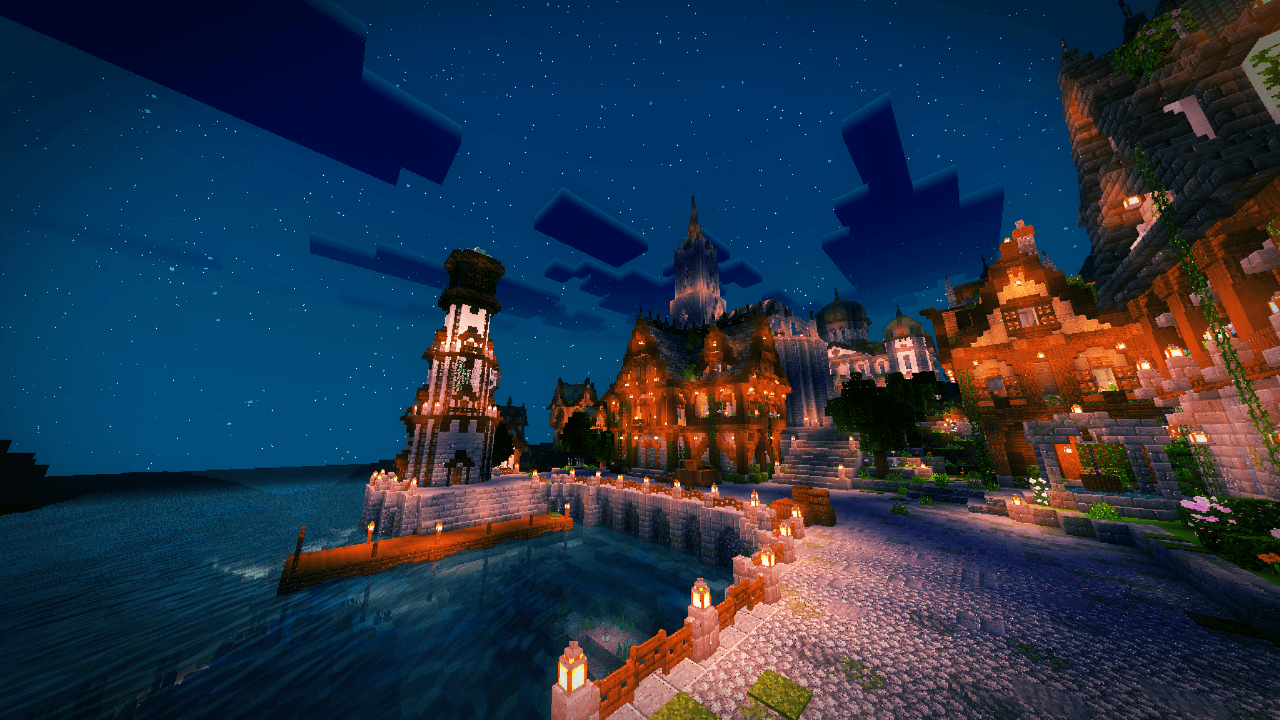
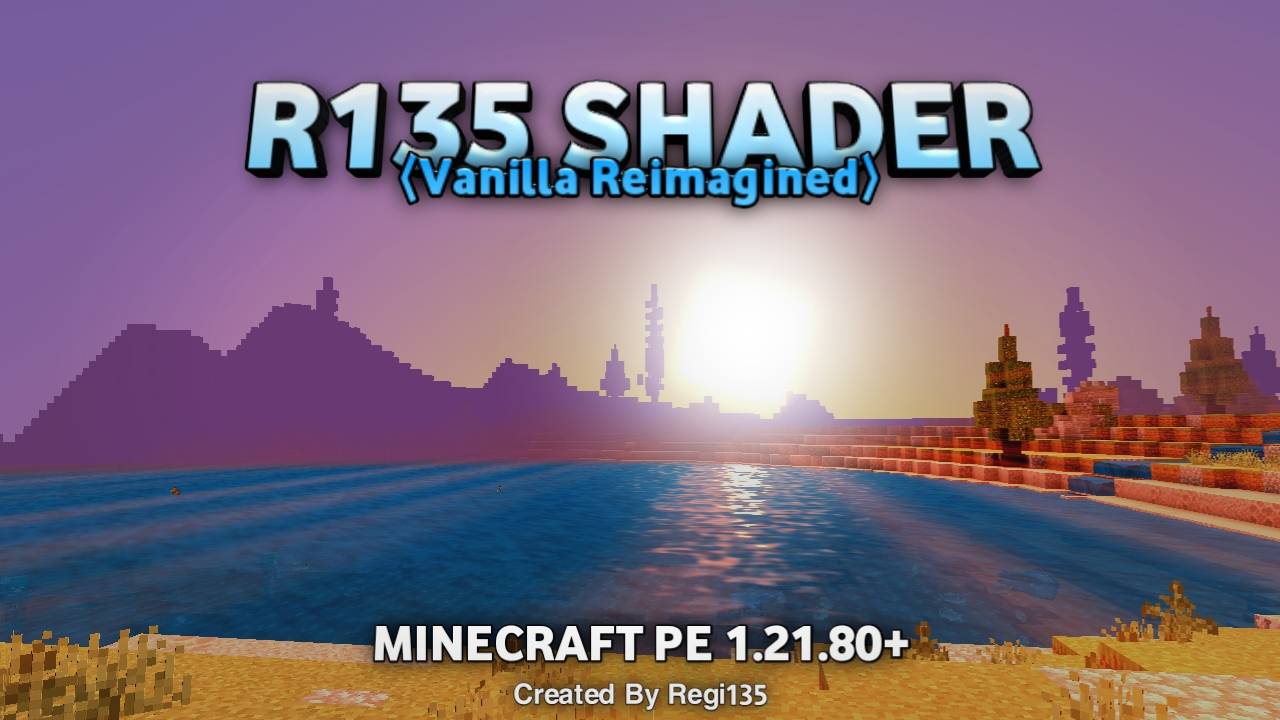
R135 Vaimagined
(R135 Vanilla Reimagined)
Aesthetic Shaders For Minecraft PE 1.21.80+
Attention:
- Please use MB Loader or Minecraft Patched for shaders to work
- If you want to share this shader please use this link!
- Shaders only work in Minecraft PE 1.21.20+
Feature:
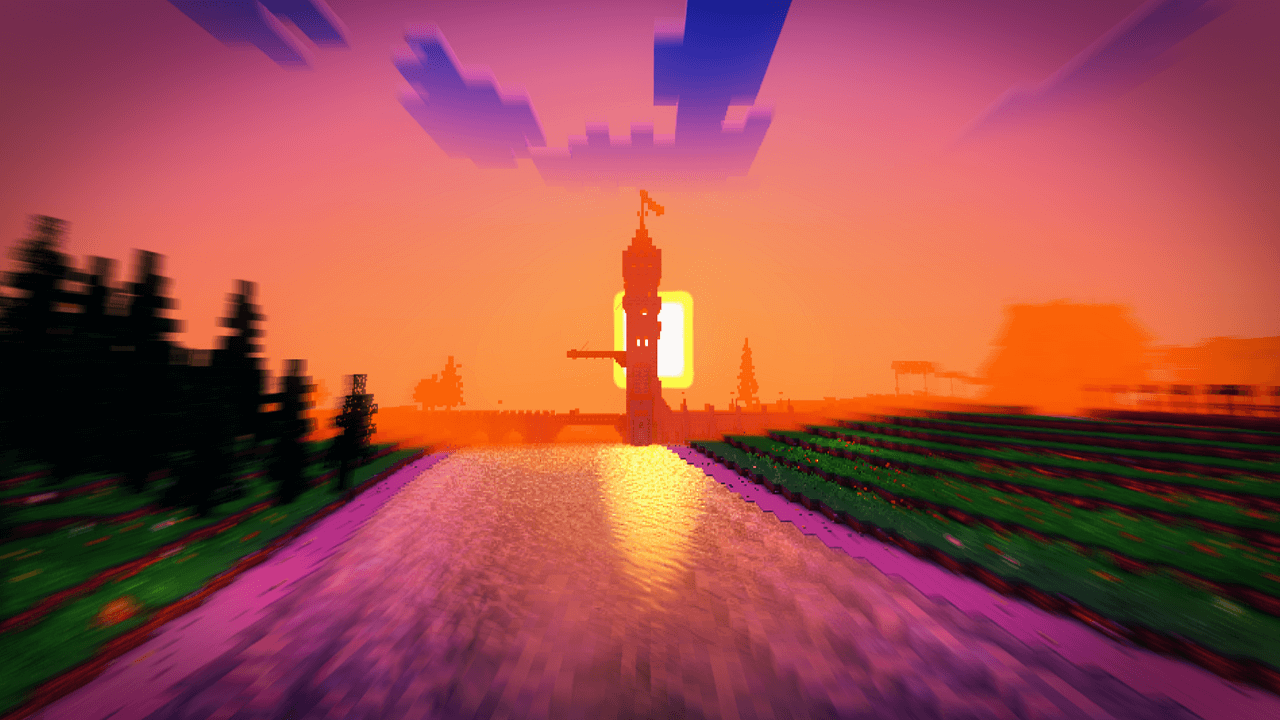
- World coloring is not too bright
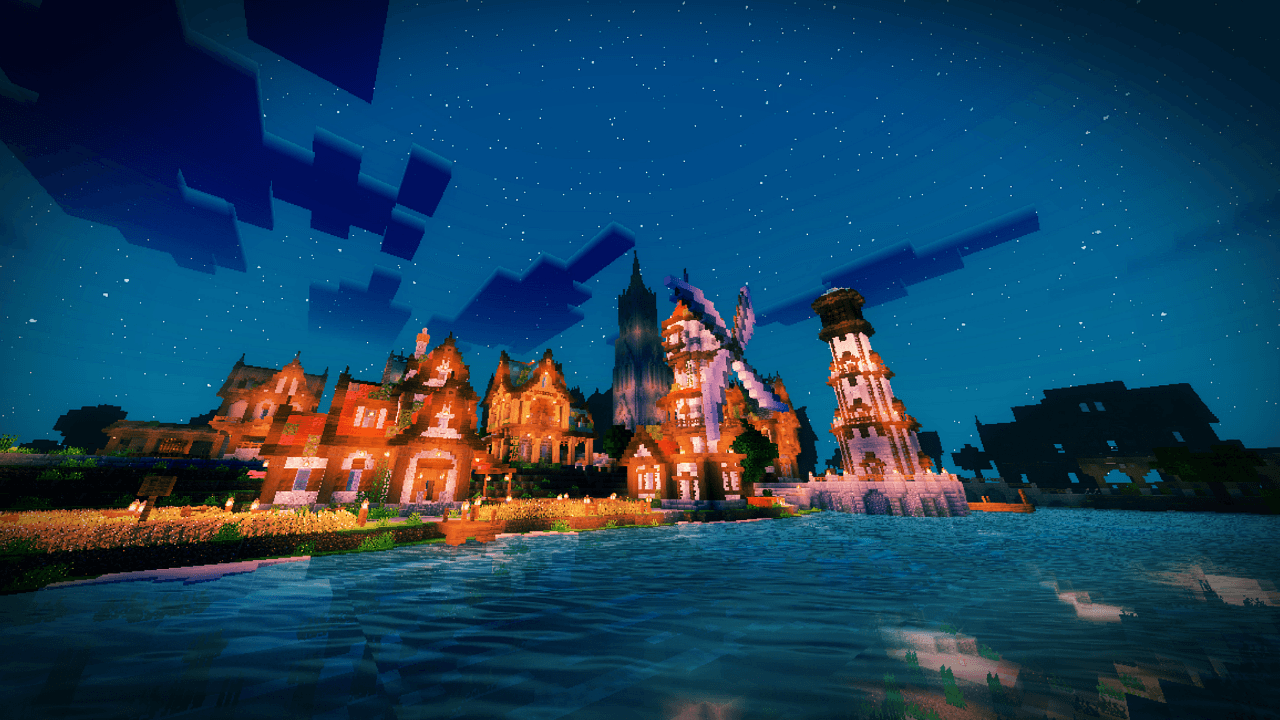
- Improved World Lighting
- Smooth shadow block
- Enhanced tonemap
- Coloring in every dimension(Overworld, Nether, And The End)
- Leaves Wave
- Grass Wave
- Water Wave
- Lava Wave
- Underwater Wave
- Added Fake PBR(Normal Map) to block
- Adding Rain Splash
- Improved Cave Lighting
- Improved Underwater Lighting
- Added Glowing Ore and other glowing Blocks
- Adding Ground Reflection to blocks
- Adding Underwater Caustics
- Improved Fog Color
- Improved Sky Coloring
- Adding Aurora and Galaxy Spiral to the Sky in End Dimension
- Adding gradient colors to clouds
- And other features..
Creator:
- Created By Regi135
THANKS FOR DOWNLOADING!!🔥
Quick facts
- Edition: Minecraft Bedrock
- File type: .mcpack
- Minecraft versions listed: 1.21.124, 1.21.130, 1.21.131
- How to install: Download the .mcpack. → Open it — Minecraft imports it under Resource Packs. → Activate it in Global Resources, or for one world under Resource Packs → Available.
- Where to get it: Opens on CurseForge — not every file is mirrored on our own servers.
Install steps are the general flow for this file type — How to install Minecraft Bedrock texture packs walks through it step by step.
File checked by MCModsHub
- Save it as Project Shader v0.1[Android].mcaddon before opening — it downloads as .mcpack, but it is a .mcaddon pack
- Manifest requires Minecraft 1.21.20 or newer
- Complete pack — everything it depends on is inside the file
- Download size: 383 KB
- Download link checked 5 Oct 2026 — working
These come from our own check of the pack file, not from the source page.

