GUI Overhaul
Bedrock texture pack listed for Minecraft 26.x. File opened and checked on 28 Aug 2026; installs from the MC Bedrock Mods app on Android.
⬇ Download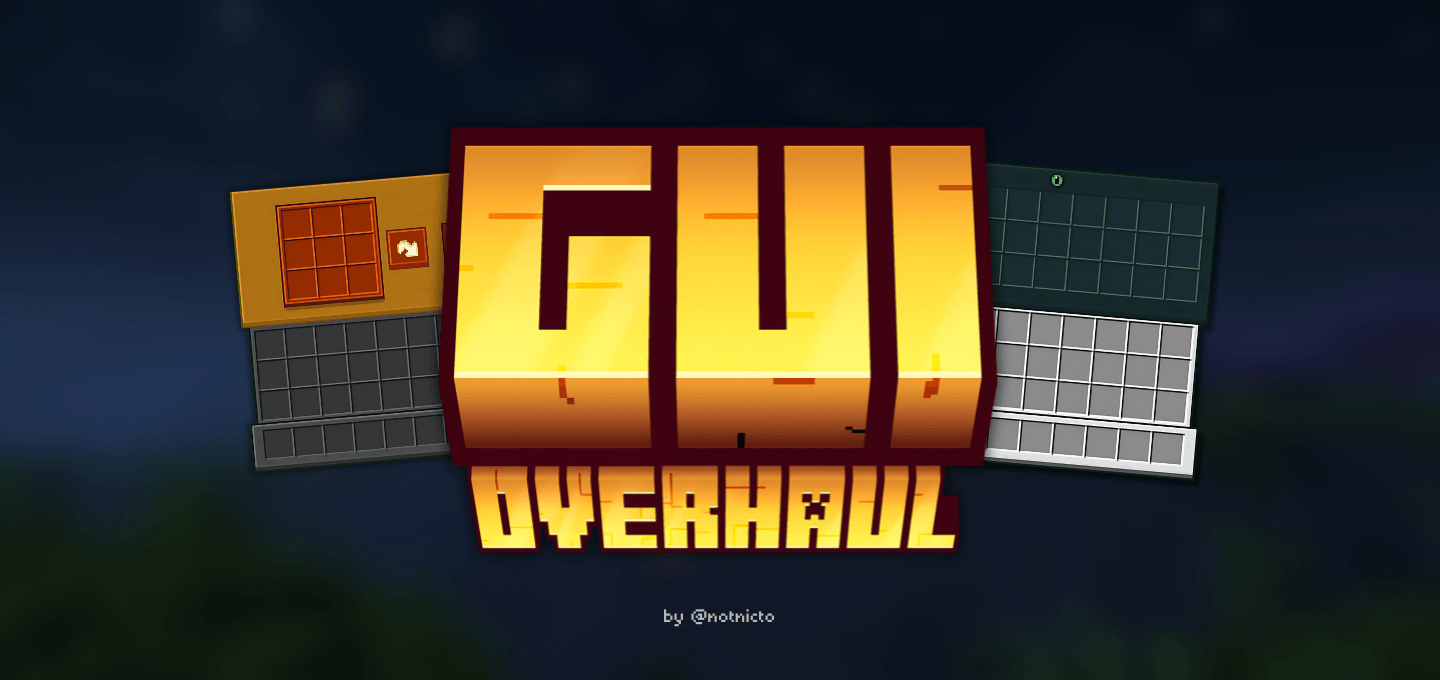
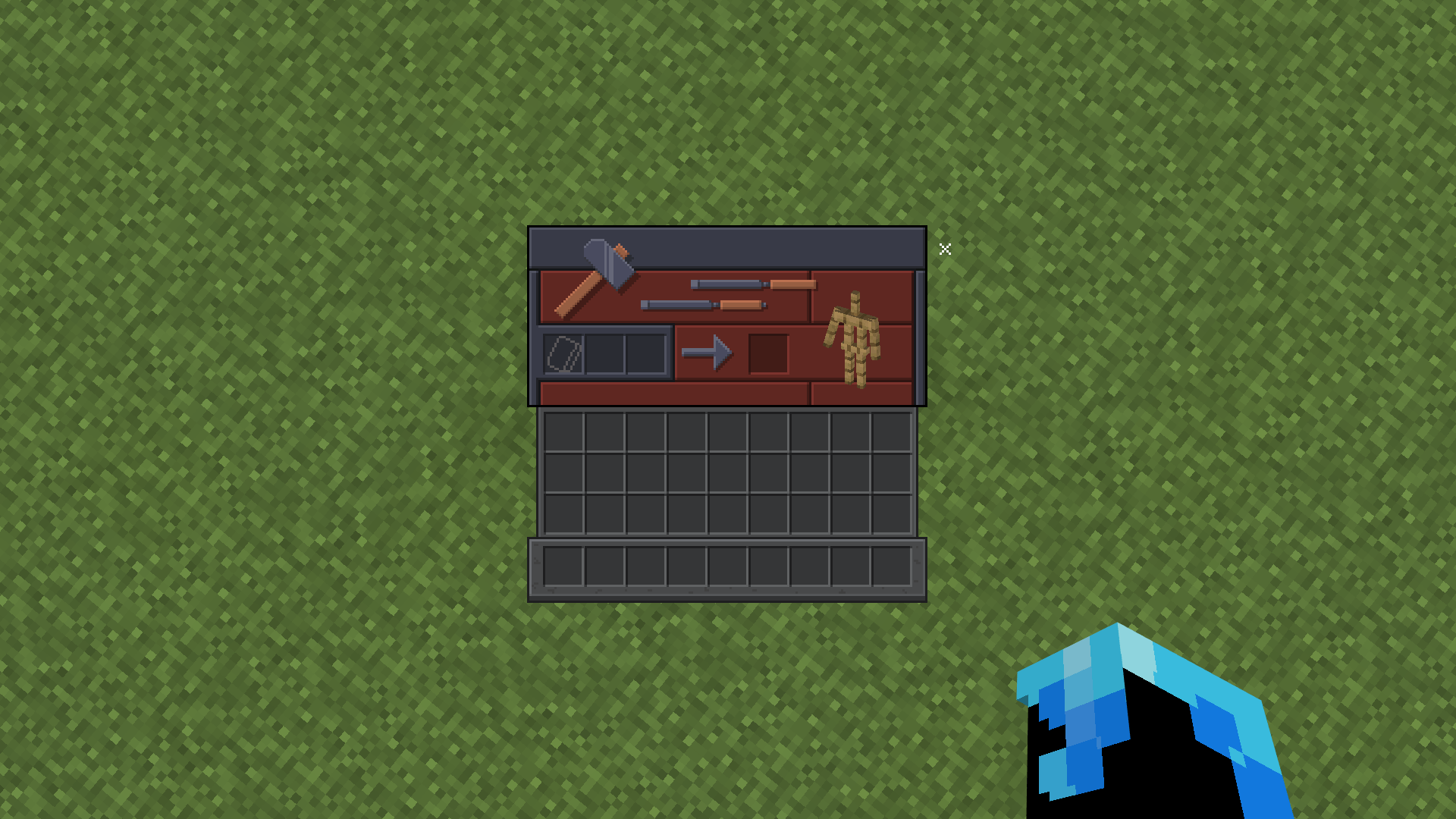
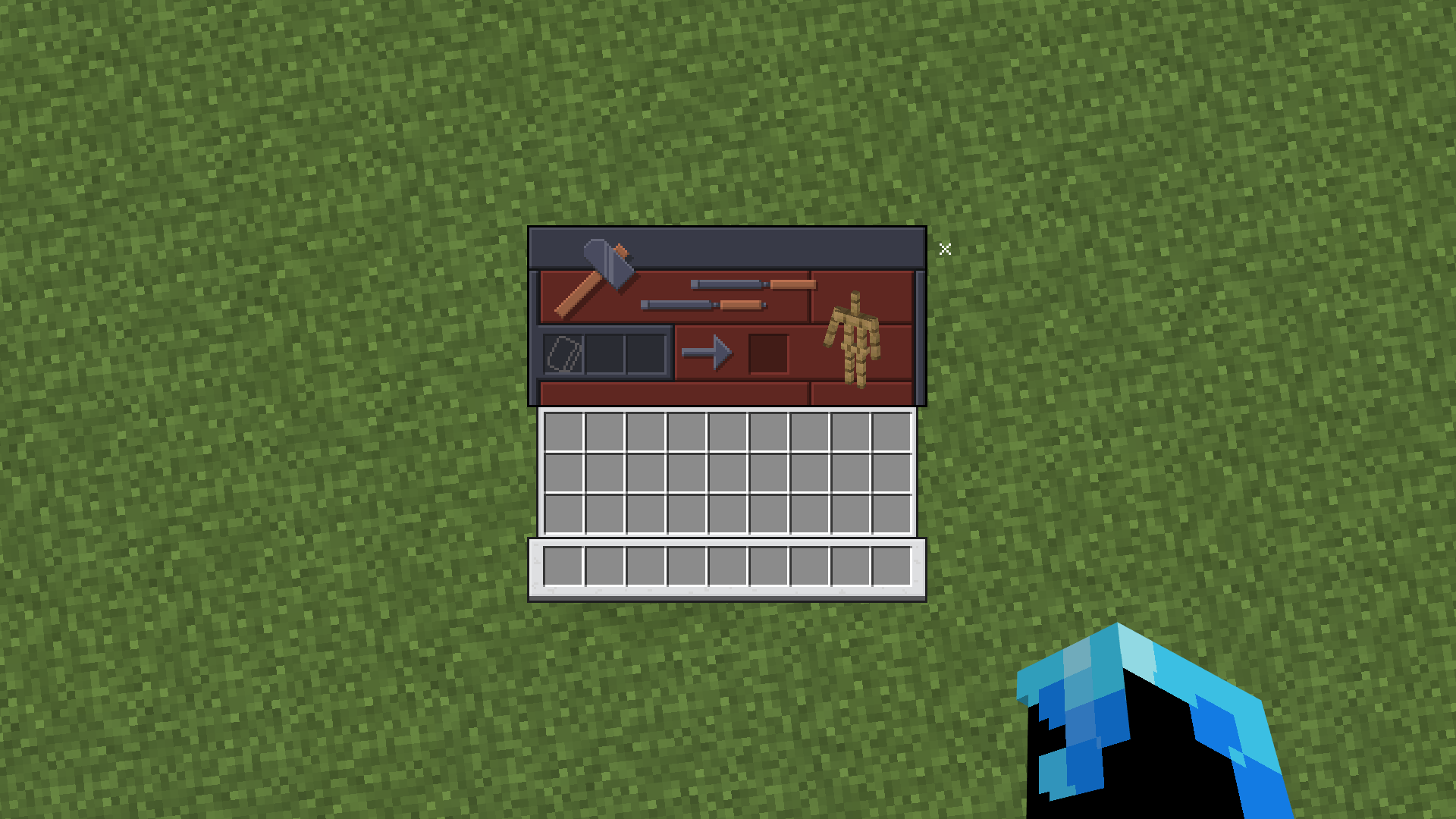
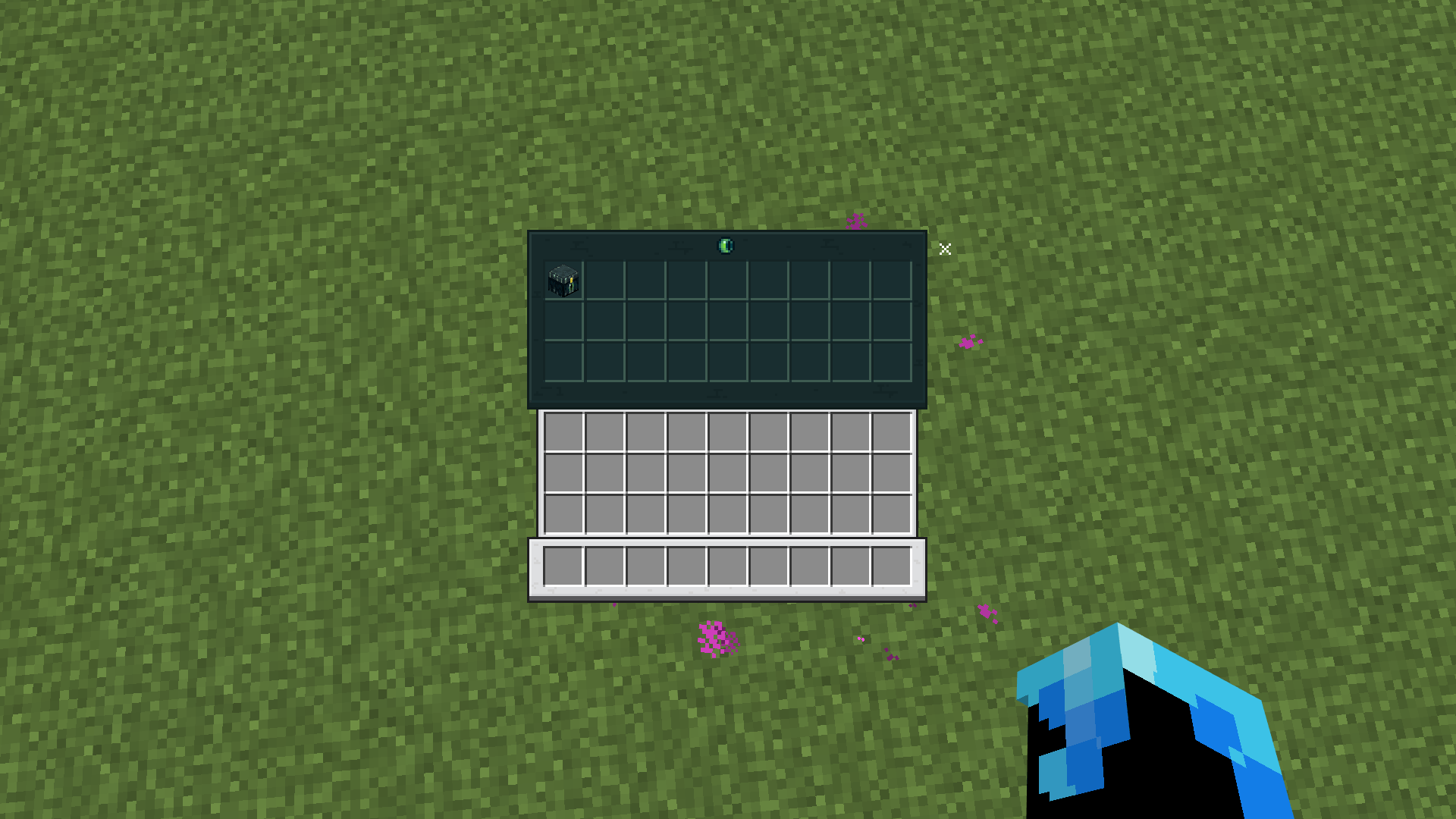
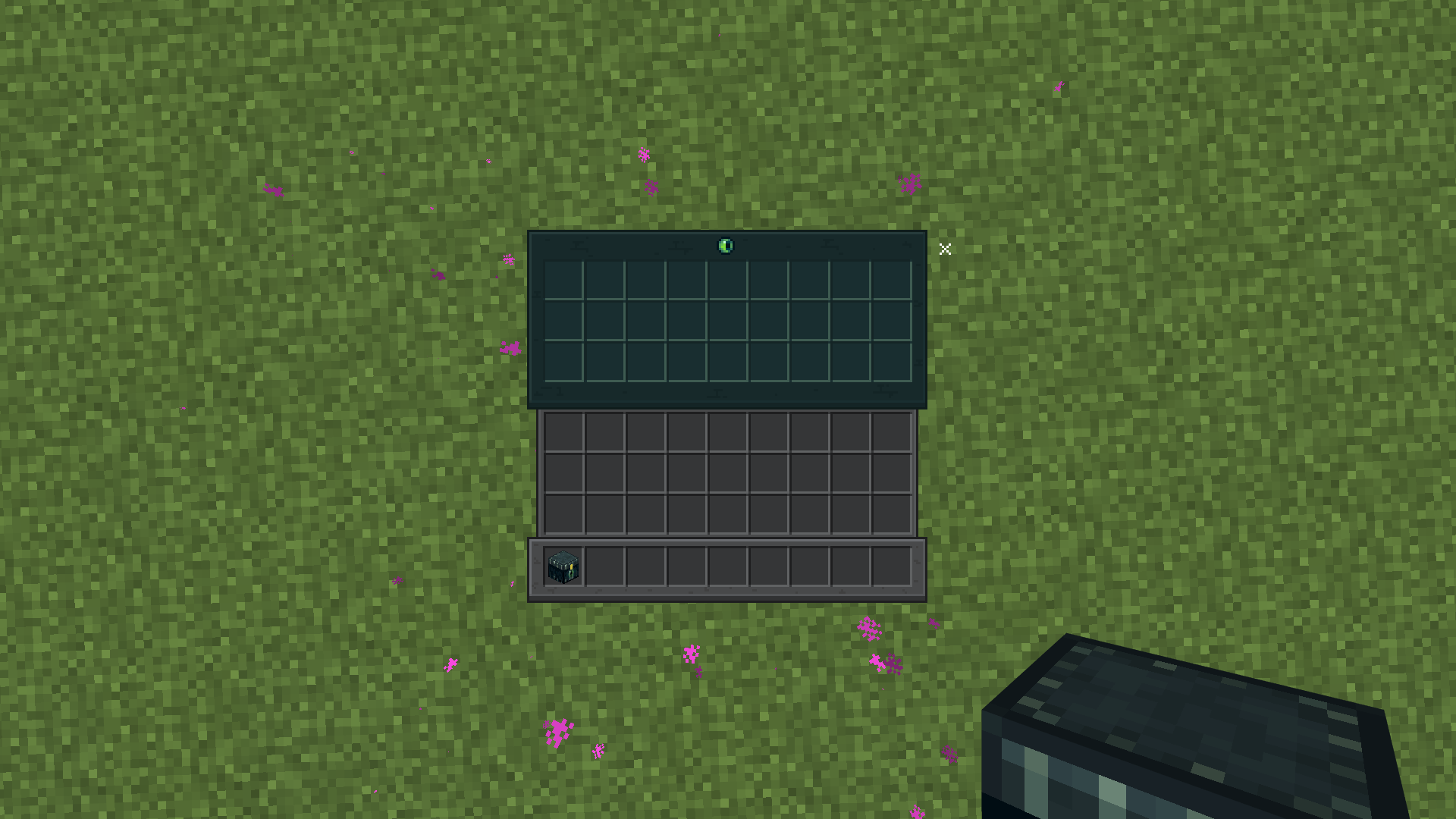
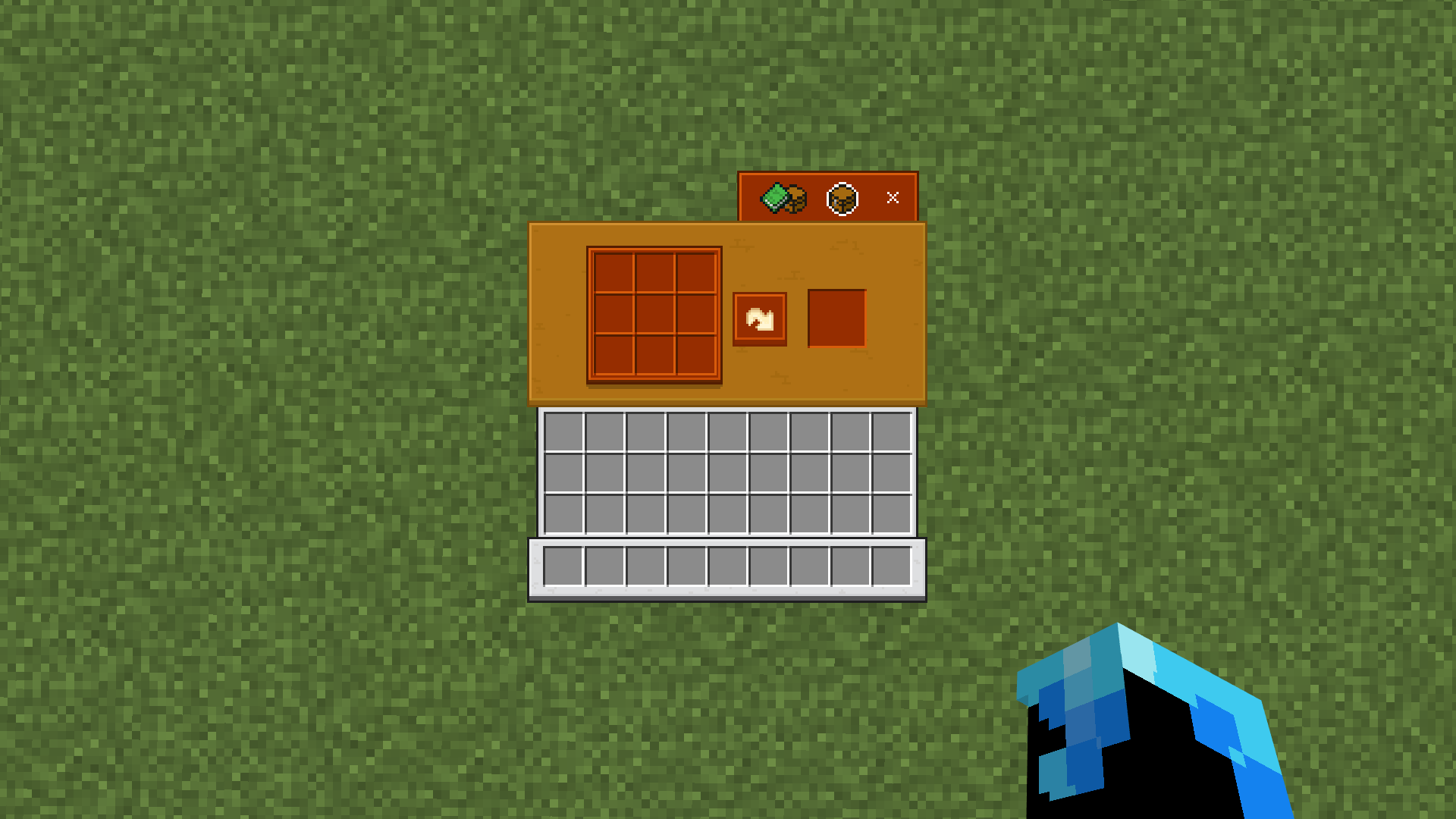
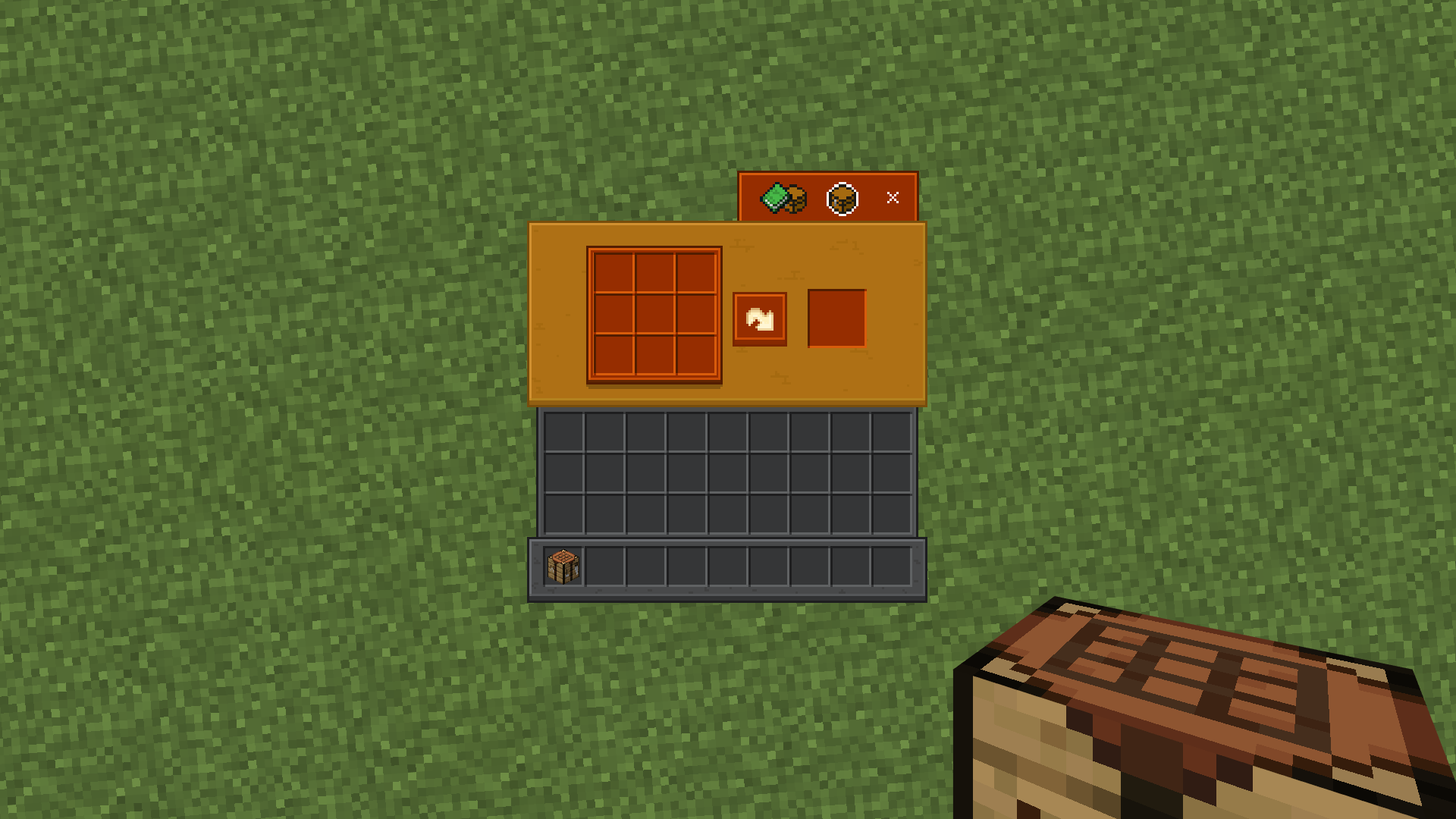

GUI Overhaul — Transform Minecraft’s default interfaces into a vibrant and immersive experience. GUI Overhaul replaces many of the standard block menus with beautifully redesigned interfaces inspired by their respective blocks.
From the Crafting Table to the Enchanting Table and Furnace, each interface has been carefully redesigned to feel more alive and visually engaging. Some menus even include subtle animations, adding movement and personality to the game’s UI.
Choose between Dark Mode and Light Mode to match your preferred style and enjoy a cleaner, more colorful Minecraft interface every time you open a menu.
❤︎ Support us ❤︎
By downloading this pack you agree to the Terms & Policies .
- Edition: Minecraft Bedrock
- File type: .mcpack
- Minecraft versions listed: 26.0.02, 26.0, 26.3
- How to install: Download the .mcpack. → Open it — Minecraft imports it under Resource Packs. → Activate it in Global Resources, or for one world under Resource Packs → Available.
- Where to get it: In MCModsHub, or directly above on this page.
Install steps are the general flow for this file type — How to install Minecraft Bedrock texture packs walks through it step by step.
- Pack type: .mcpack — a single pack
- Complete pack — everything it depends on is inside the file
- Download size: 1.3 MB
- Download link checked 25 Aug 2026 — working
These come from our own check of the pack file, not from the source page.