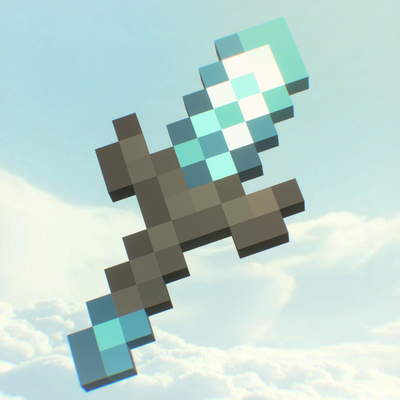
Texture packsBedrock
Overture 16x
Bedrock texture pack listed for Minecraft 1.21–26.x. File opened and checked on 10 Oct 2026; installs from the MC Bedrock Mods app on Android.
⬇ Download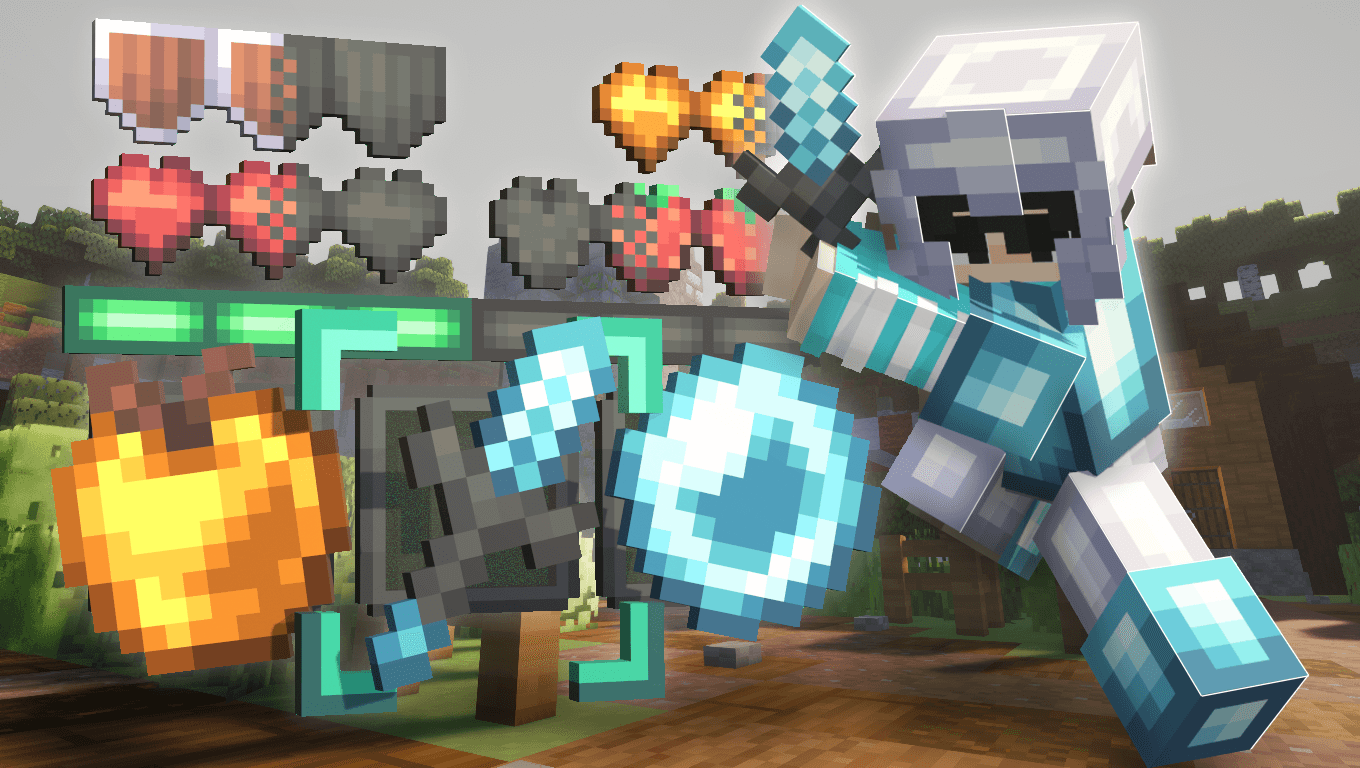
“Every small step you take today is an overture to the success you build tomorrow.”
Overture 16x — The prodigal son of LowoFault is here! Complete with BETTER blocks, items, colors, UI, and everything in between!
Here’s a video showcasing what the texture pack has in store!
Like reading? Well then, let’s continue!
The first thing I think is worth showing off is the sky! It’s always on your screen, so I couldn’t make it too distracting. I made a cloudy sky to reflect the light vibe this pack has!

“Yeah, the sky’s cool and all, Lowo, but what about the blocks? Are they at least decent?”
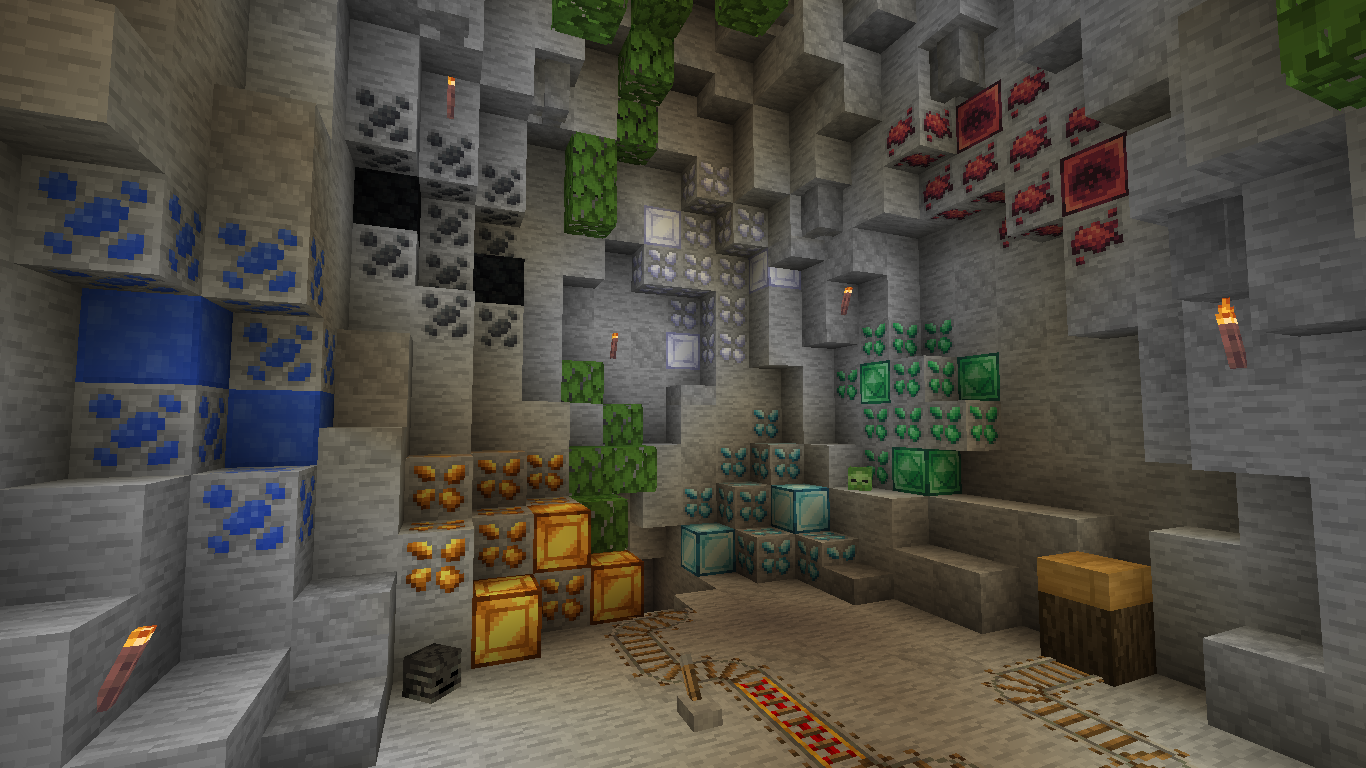
Oh, it’s more than just decent! It’s amazing, spectacular, fantastic, everything in between! The blocks are made with a lot of attention to ensure that server lobbies look better with Overture!
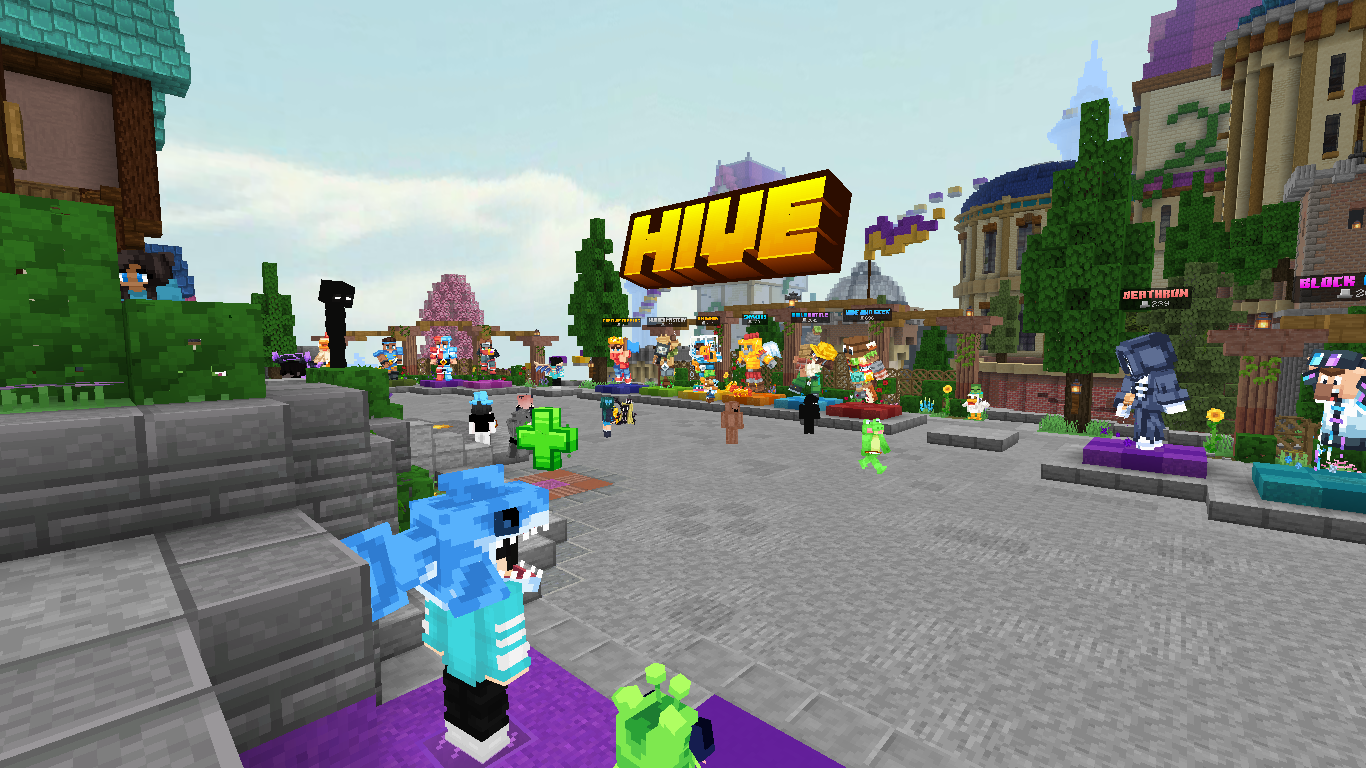
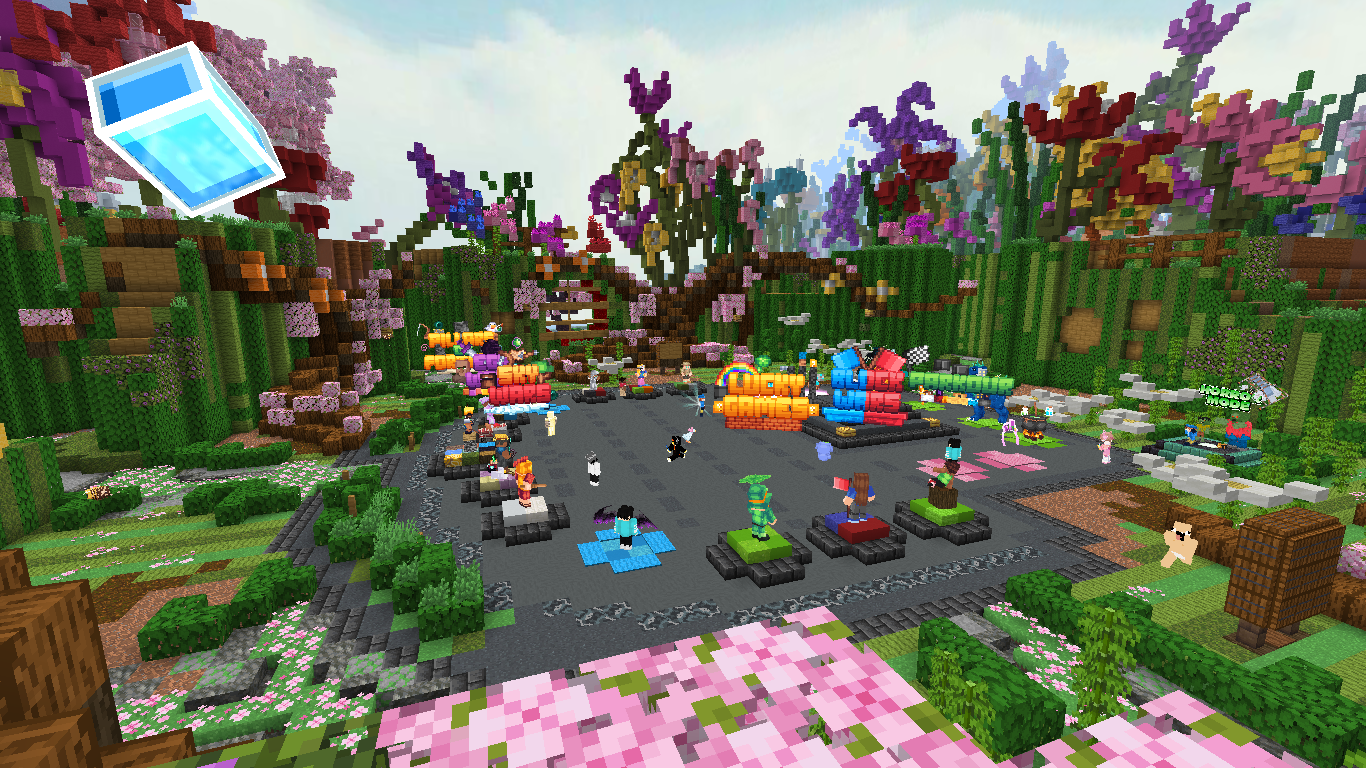
“Okay, that’s cool and all, but we’re really here for the PvP items.”
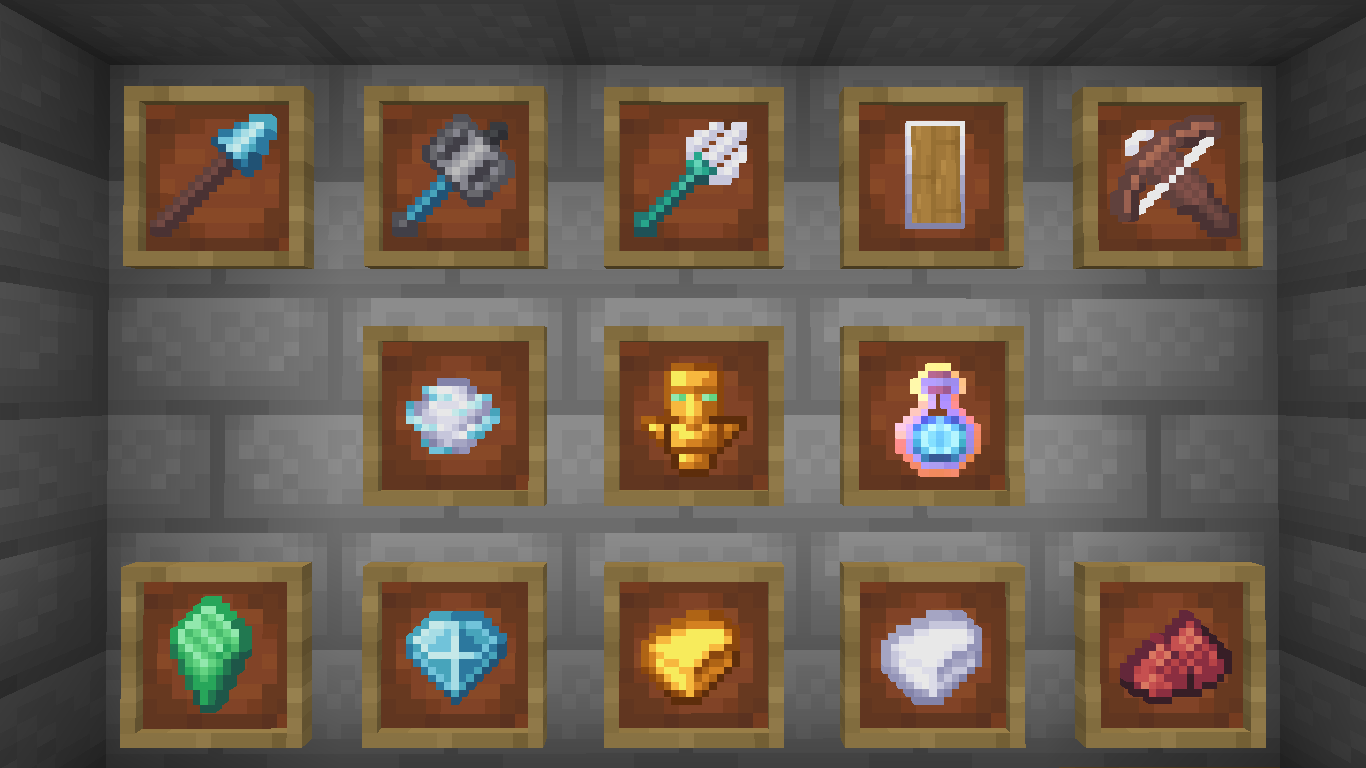
Okay, okay! Sorry for making you guys wait! The PvP items are made with just as much attention as the blocks to ensure everyone has a smooth experience while playing!
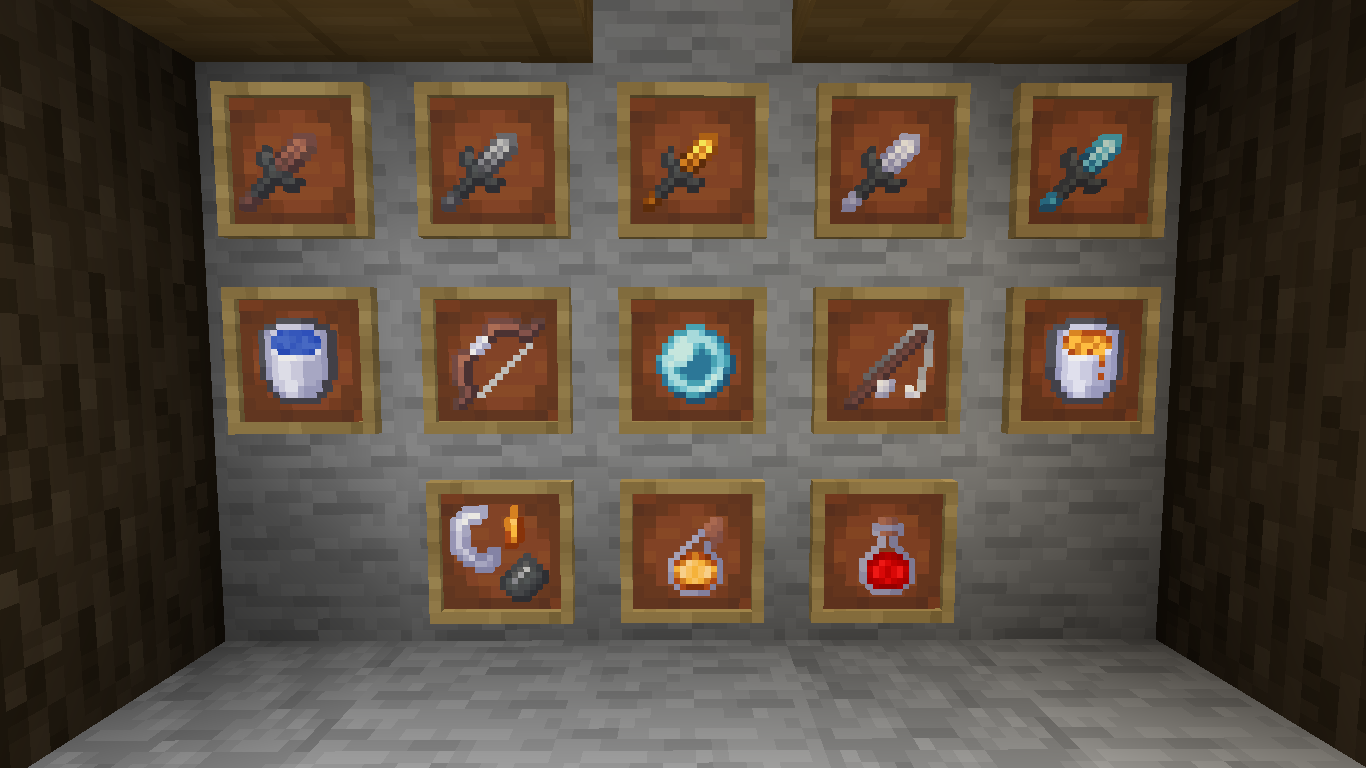
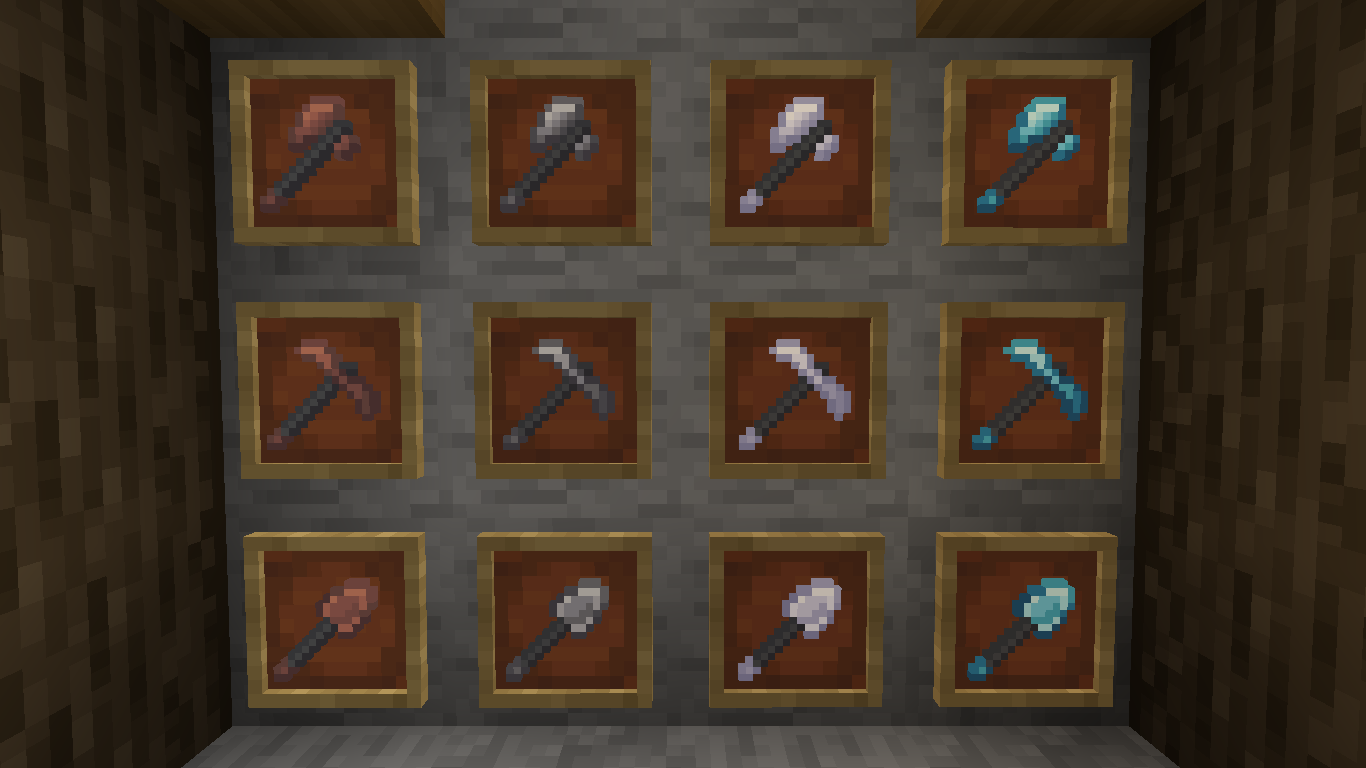
Of course, this time I didn’t forget the mace, spears, shield, crossbow, trident, and more!
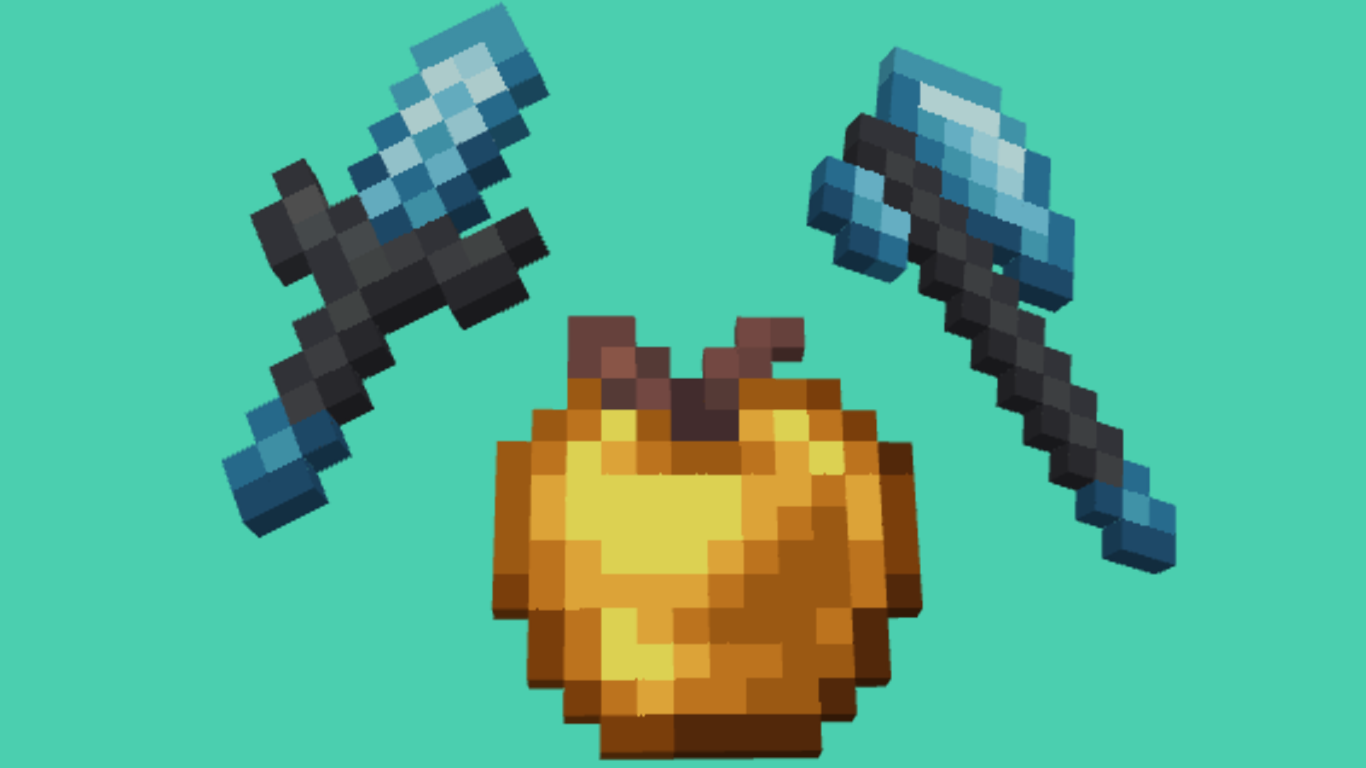
A better look at the sword, the axe, and the golden apple:
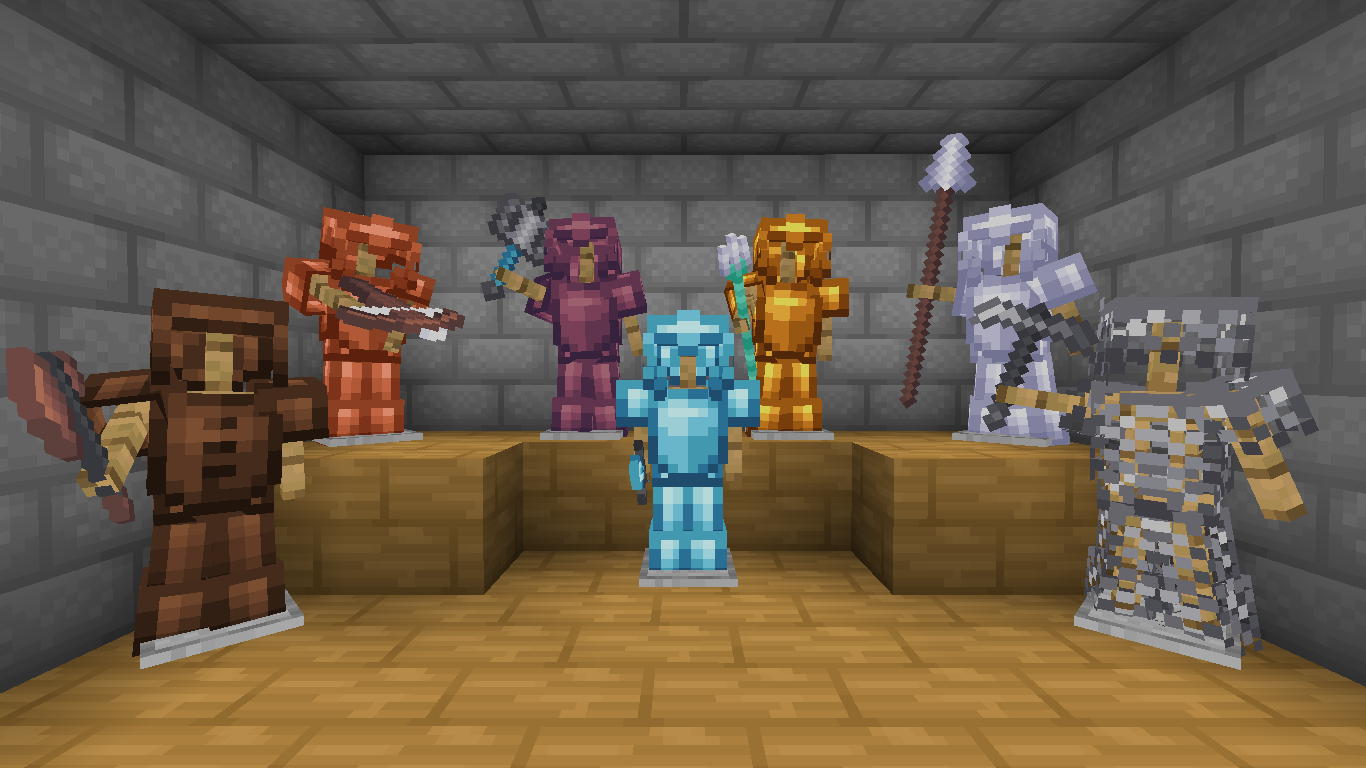
Here’s the armor! This time, we have copper and netherite joining us!
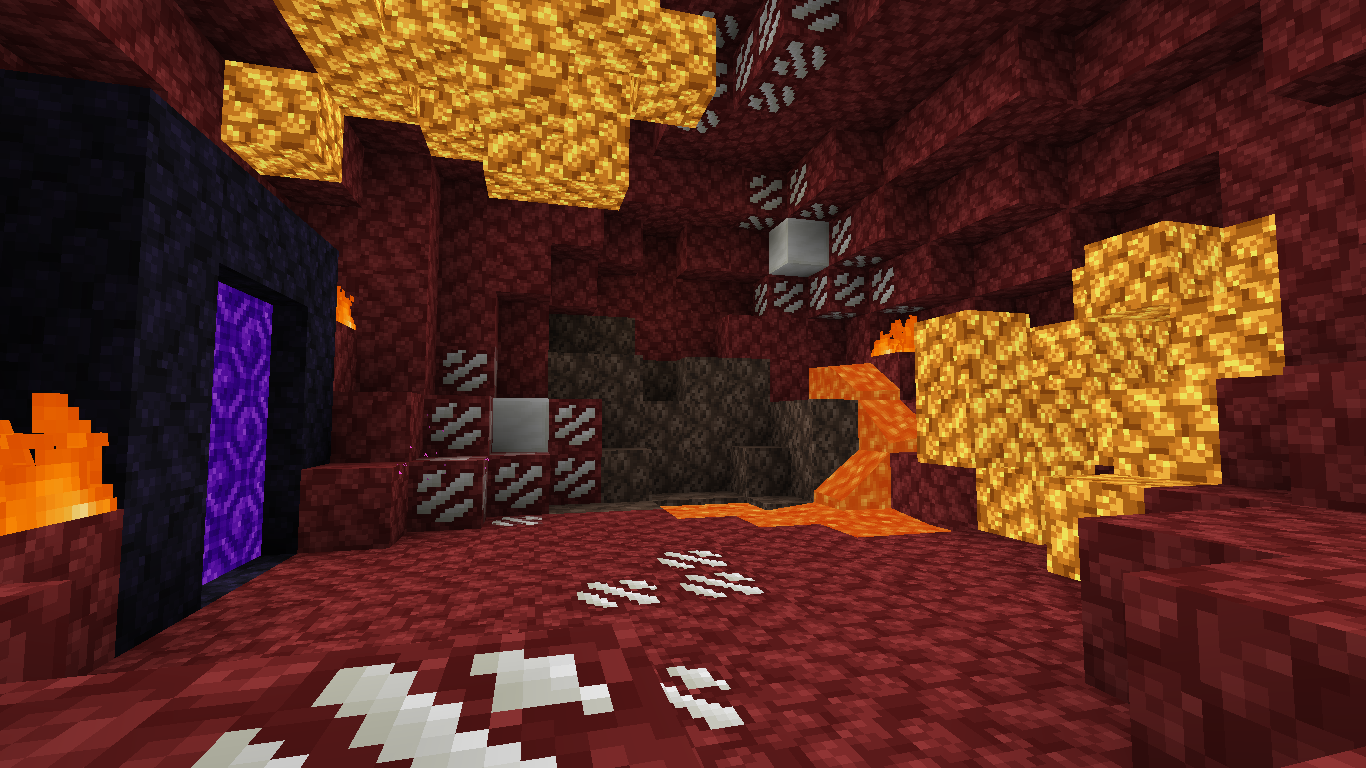
The Nether!
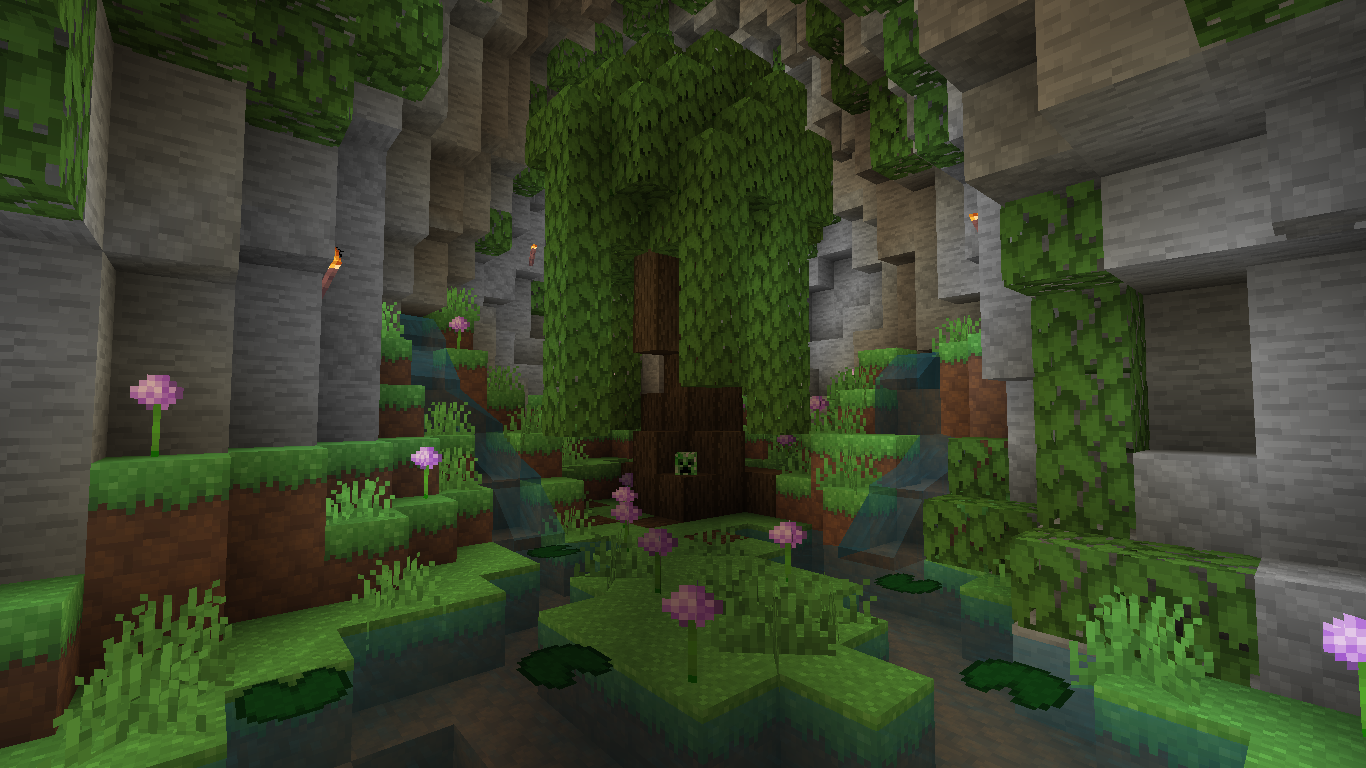
A look at the biomes:
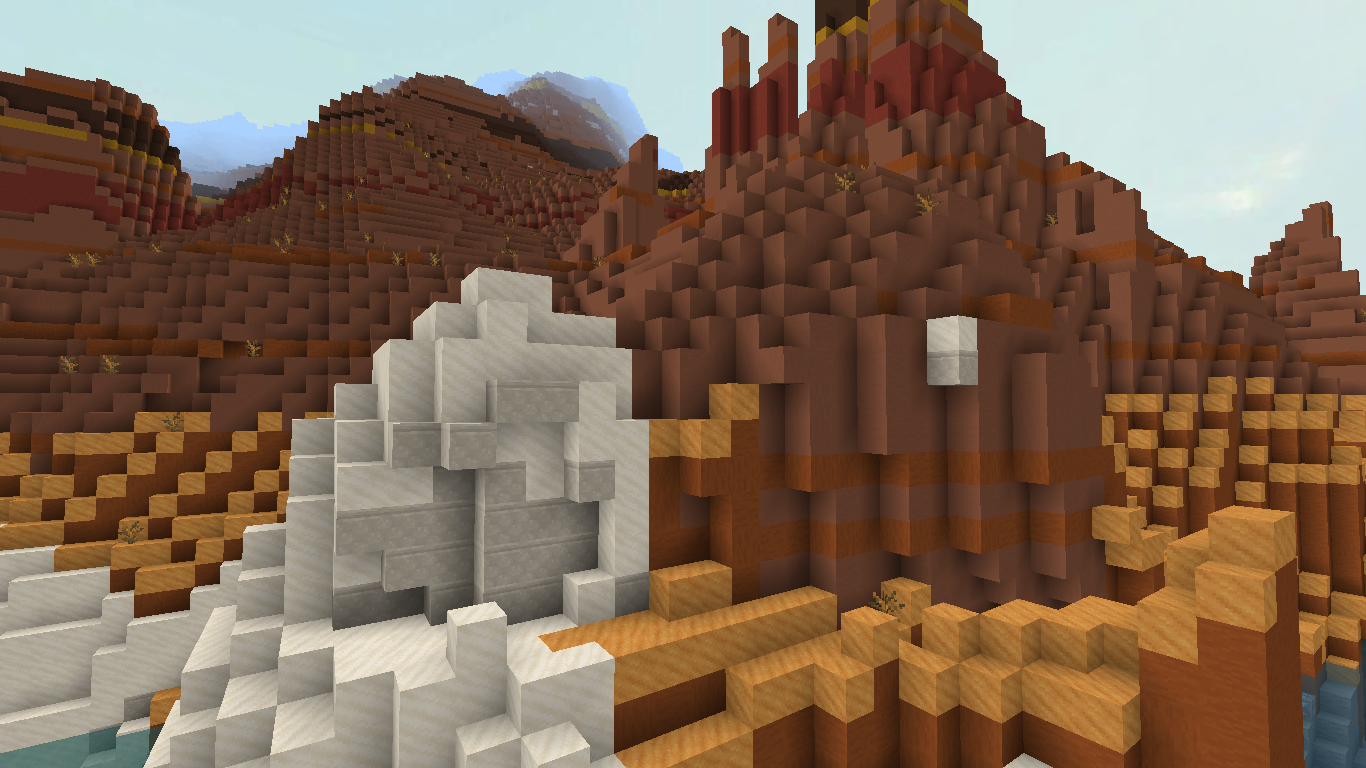
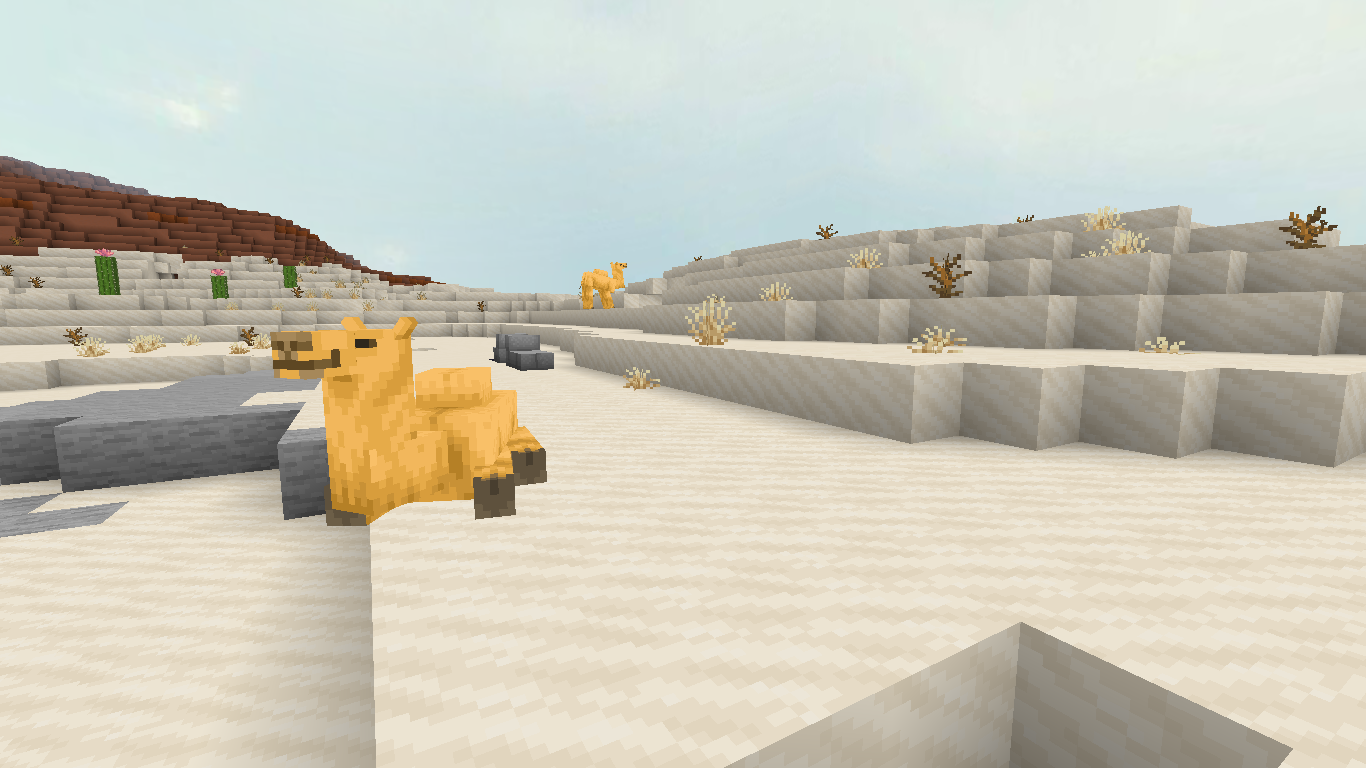
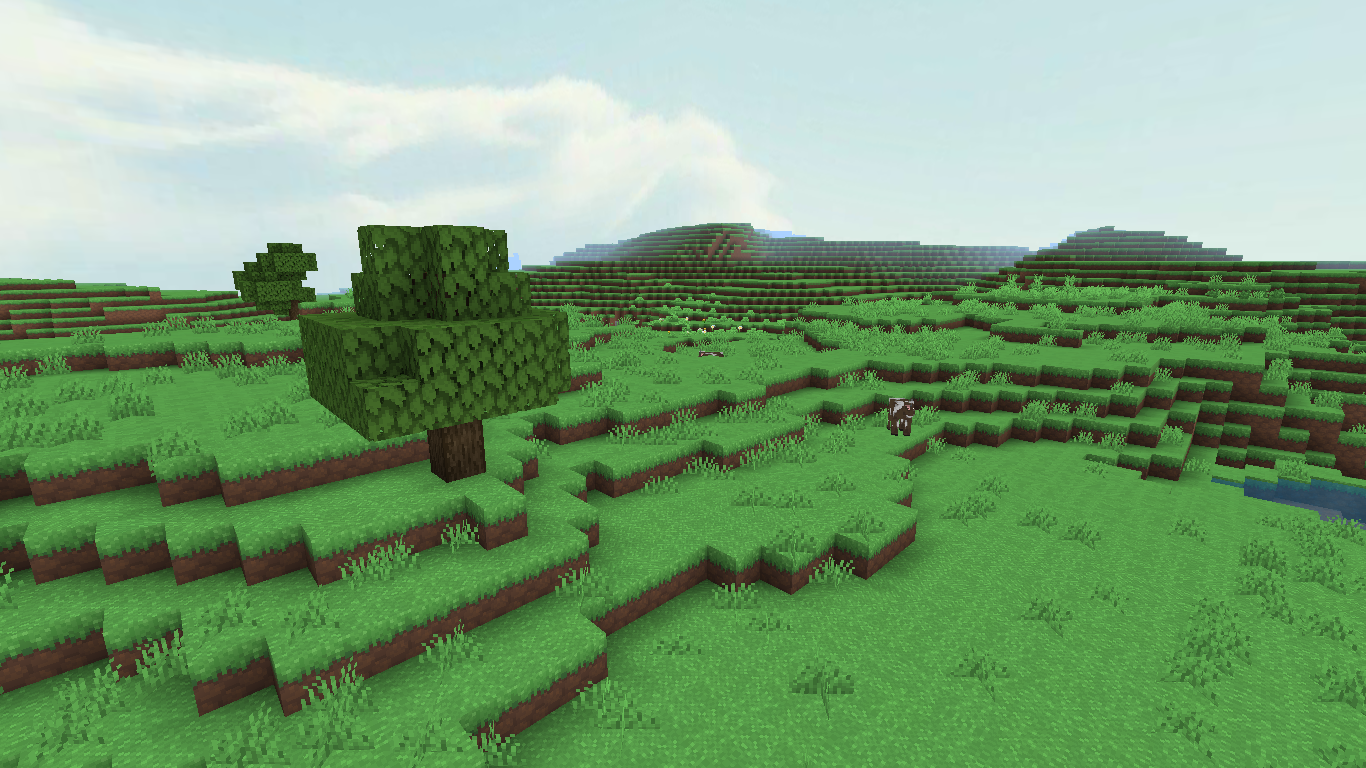
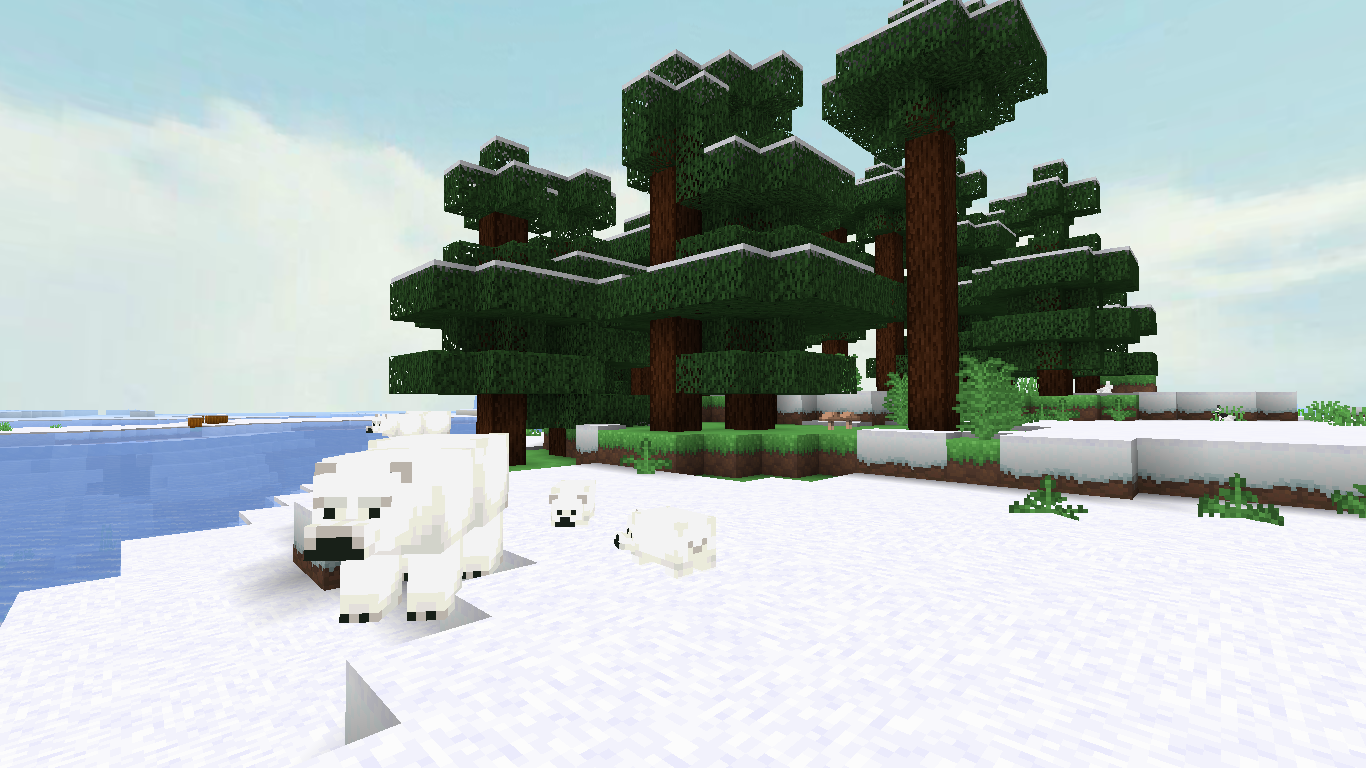
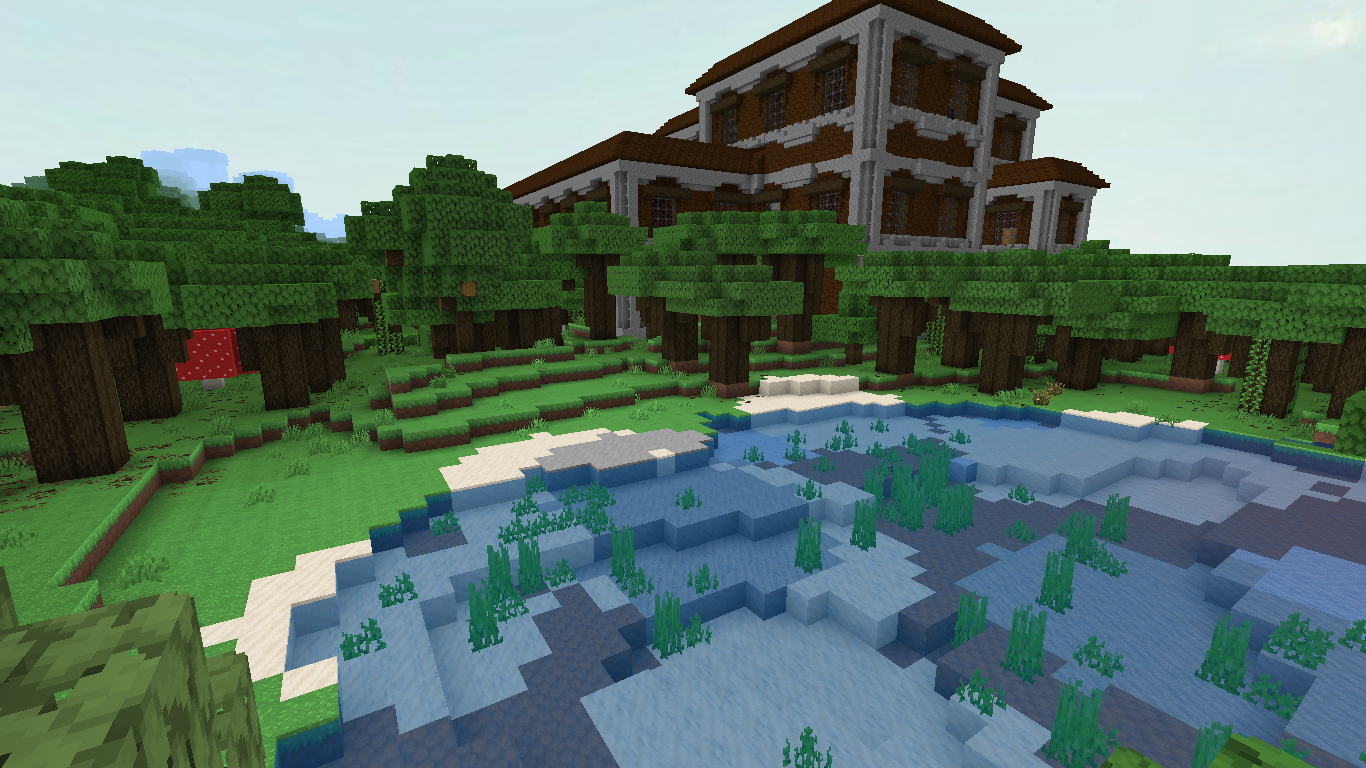
I also included custom sounds in the pack. So if that’s what you’re into, check them out!
That wraps up most of Overture! Of course, you’ll have to use it to get the full experience. Subscribe to my YouTube channel so I can stay motivated to make more packs for everyone!
Quick facts
- Edition: Minecraft Bedrock
- File type: .mcpack
- Minecraft versions listed: 1.21.101, 1.21.100, 1.21.111
- How to install: Download the .mcpack. → Open it — Minecraft imports it under Resource Packs. → Activate it in Global Resources, or for one world under Resource Packs → Available.
- Where to get it: In MCModsHub, or directly above on this page.
Install steps are the general flow for this file type — How to install Minecraft Bedrock texture packs walks through it step by step.
File checked by MCModsHub
- Pack type: .mcpack — a single pack
- Complete pack — everything it depends on is inside the file
- Download size: 7.3 MB
- Download link checked 5 Oct 2026 — working
These come from our own check of the pack file, not from the source page.