Texture packsBedrock
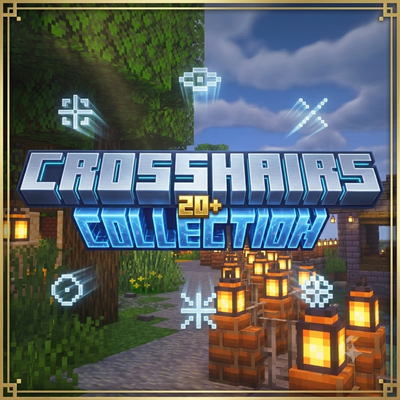
Crosshairs Collection Pack
Bedrock texture pack listed for Minecraft 1.16–26.x. File opened and checked on 17 Sep 2026; installs from the MC Bedrock Mods app on Android.
⬇ Download on CurseForge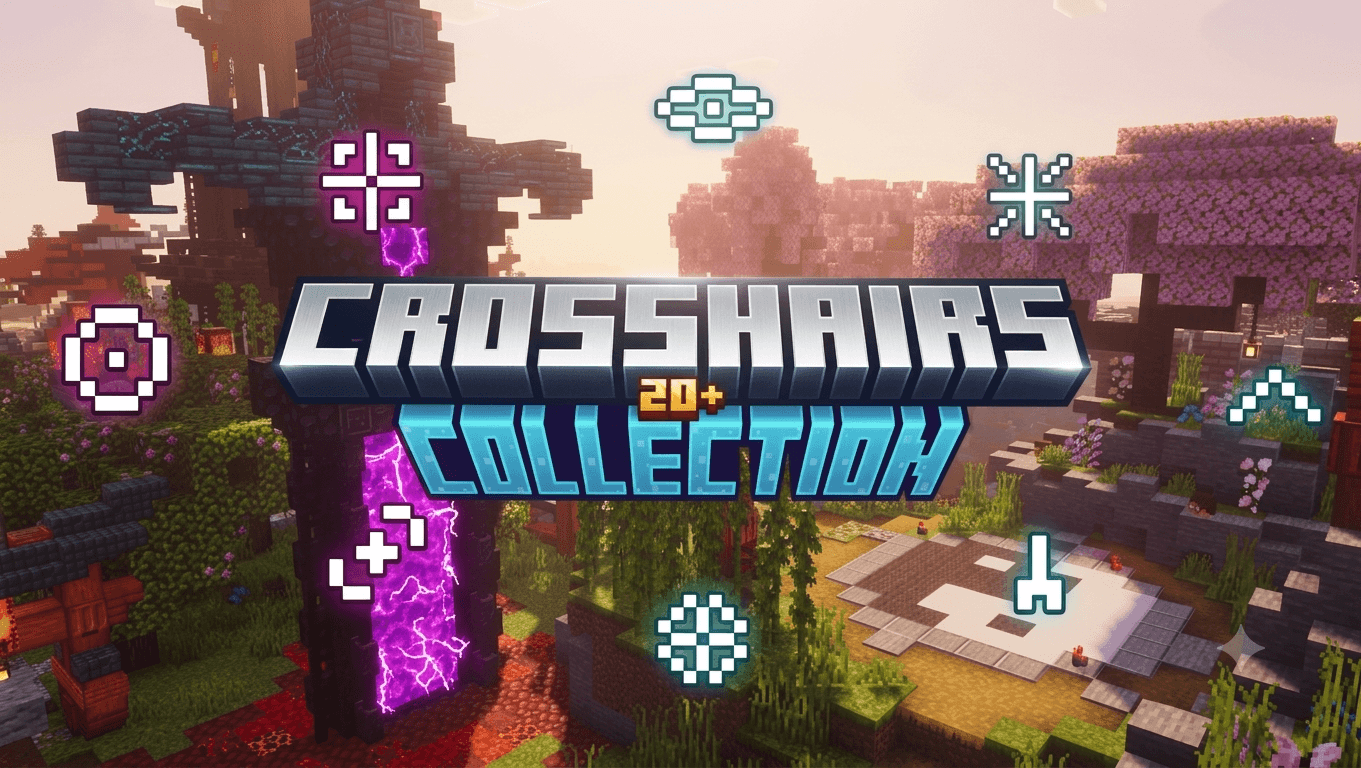
Crosshair Pack — 22 Custom Styles for Minecraft Bedrock. Take full control of your aim with this crosshair collection pack featuring 22 unique crosshair styles. Whether you prefer clean and minimal or bold and flashy, there's something here for every playstyle.

Simply install the pack and switch between styles anytime from Settings → Global Resources → Subpacks.
Included Crosshairs: Classic Plus · Dot · Diamond Dot · Diamond · Broken Star · Star Plus · Star Dot · Sunburst · X Cross · Open X · Arrow Down · Half X Top · Caret Down · Bowtie · Square Crosshair · Circle Cross · Circle Open · Rounded Square · S Curve · Mini T · Hex Cluster · Double X
Features:
- 22 switchable crosshair styles in one pack
- Lightweight — no lag, no performance impact
- Compatible with Minecraft Bedrock 1.16.0 and above
- No mods required — works on all platforms
Quick facts
- Edition: Minecraft Bedrock
- File type: .mcpack
- Minecraft versions listed: 1.21.50, 1.21.90, 1.21.100
- How to install: Download the .mcpack. → Open it — Minecraft imports it under Resource Packs. → Activate it in Global Resources, or for one world under Resource Packs → Available.
- Where to get it: Opens on CurseForge — not every file is mirrored on our own servers.
Install steps are the general flow for this file type — How to install Minecraft Bedrock texture packs walks through it step by step.
File checked by MCModsHub
- Pack type: .mcpack — a single pack
- Manifest requires Minecraft 1.16.0 or newer
- Complete pack — everything it depends on is inside the file
- Download size: 1.8 MB
- Download link checked 26 Oct 2026 — working
These come from our own check of the pack file, not from the source page.