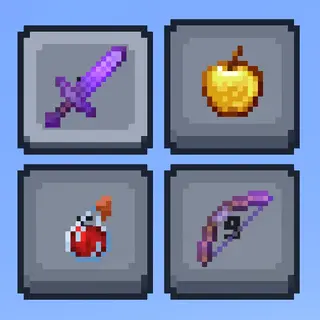
Small Tools : PvP Edition
Bedrock texture pack listed for Minecraft 1.20–26.x. File opened and checked on 2 Sep 2026; installs from the MC Bedrock Mods app on Android.
⬇ Download
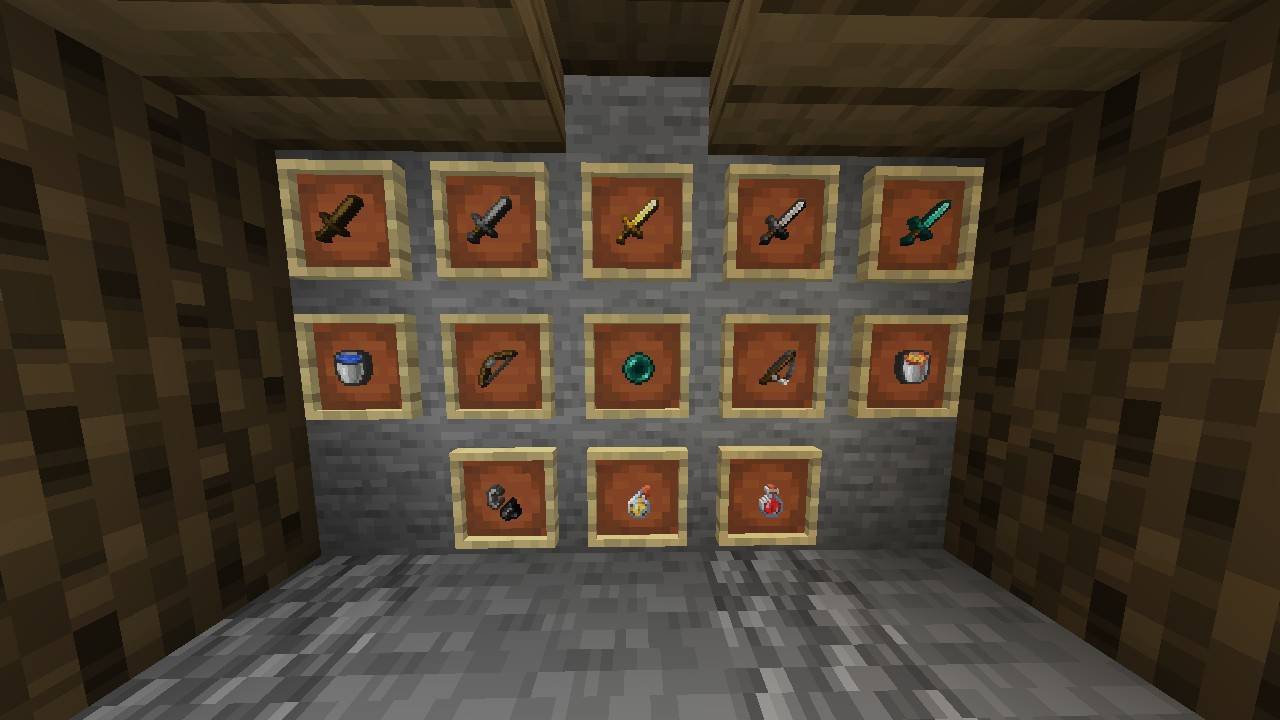
Small Tools 🛠️
Subtitle: Clearer Vision, Better Performance!
Description:
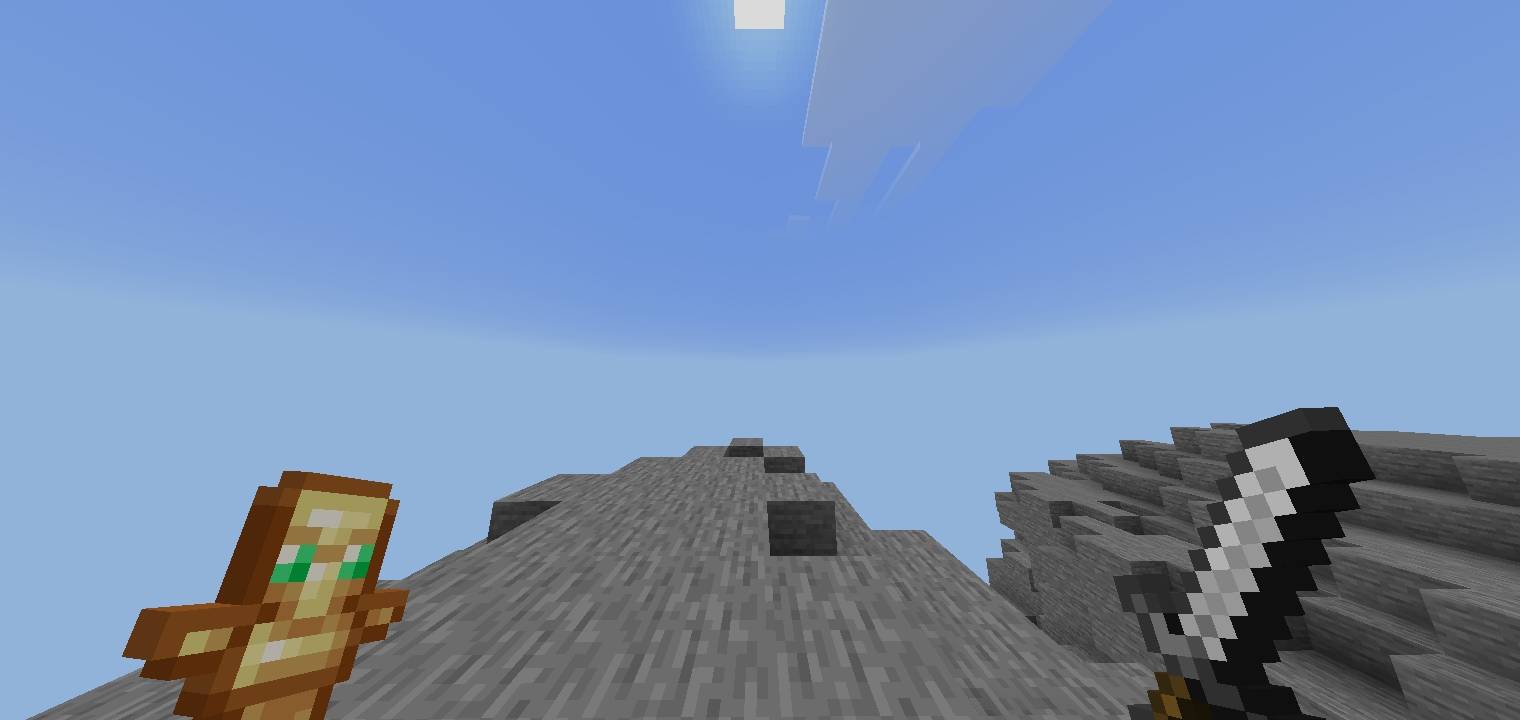
Tired of bulky tools taking up half your screen? Small Tools 16x is designed specifically for PvP and Survival players who want a clean, minimalist look without losing the vanilla feel. This pack shrinks your tools to give you a massive visibility advantage during combat!
Key Features:
•Minimalist Design: All tools (Swords, Pickaxes, Axes, Shovels, Hoes) are resized for maximum screen space.
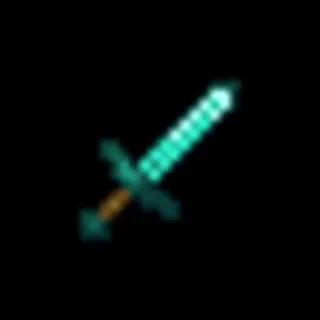
•Diamond Sword Focus: Specially crafted Short Diamond Sword for better hit-timing and visibility.
•FPS Friendly: High-quality 16x textures that won't lag your game.
•Perfect for PvP: No more getting distracted by large item models in the heat of battle.
•Universal Compatibility: Works as an overlay on top of any other resource pack!
- Edition: Minecraft Bedrock
- File type: .mcpack
- Minecraft versions listed: 1.20.40, 1.21.30, 1.21.50
- How to install: Download the .mcpack. → Open it — Minecraft imports it under Resource Packs. → Activate it in Global Resources, or for one world under Resource Packs → Available.
- Where to get it: In MCModsHub, or directly above on this page.
Install steps are the general flow for this file type — How to install Minecraft Bedrock texture packs walks through it step by step.
- Pack type: .mcpack — a single pack
- Complete pack — everything it depends on is inside the file
- Download size: 511 KB
- Download link checked 25 Aug 2026 — working
These come from our own check of the pack file, not from the source page.