Utility Dark
Bedrock texture pack listed for Minecraft 1.20–26.x. File opened and checked on 27 Aug 2026; installs from the MC Bedrock Mods app on Android.
Useful texture pack, that adds various features and textures that enhance your gameplay, while also helping to optimize Minecraft Bedrock with simple…
⬇ Download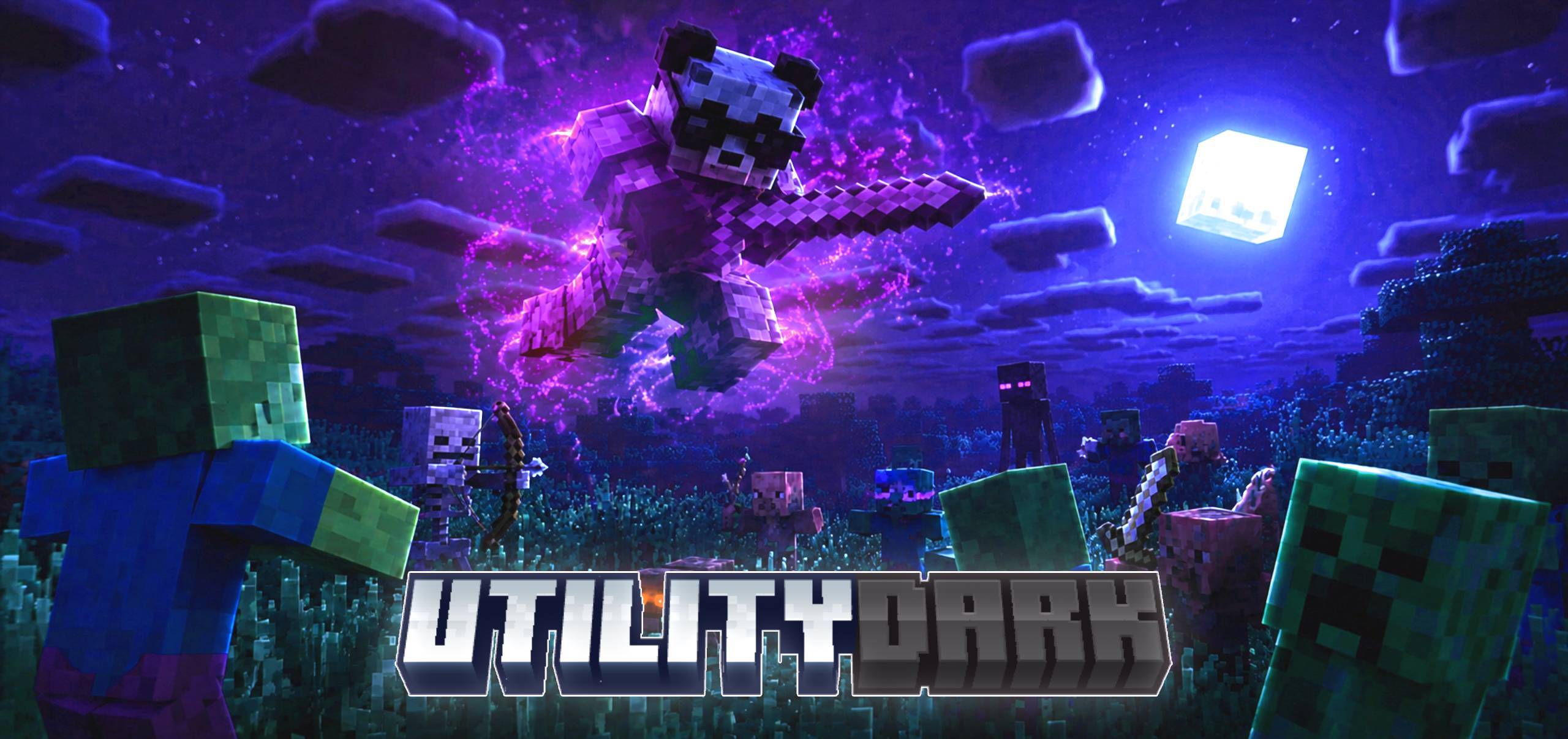
This is a texture pack that changes your interface to a pleasant dark mode, adds various new features and textures to your Minecraft Bedrock, and also helps you achieve better optimization and a better gaming experience.

FEATURES:
AESTHETICS:
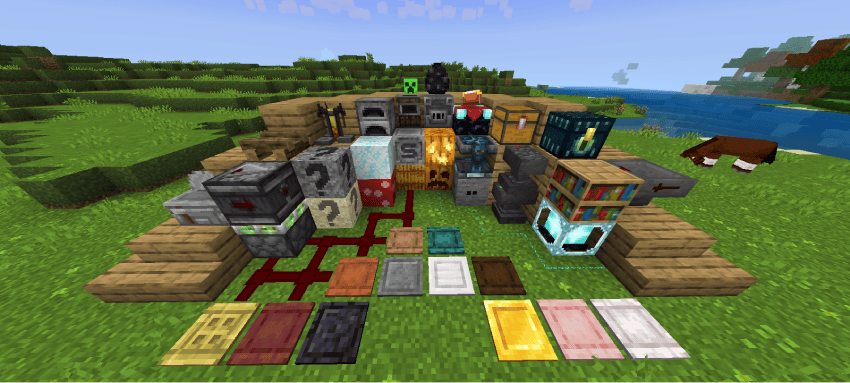
- Bright decorative templates
- Clear water
- Invisible bright frame
- White selection border
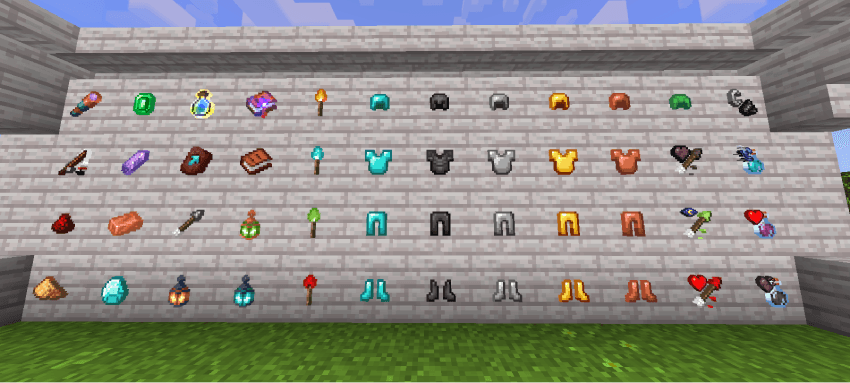
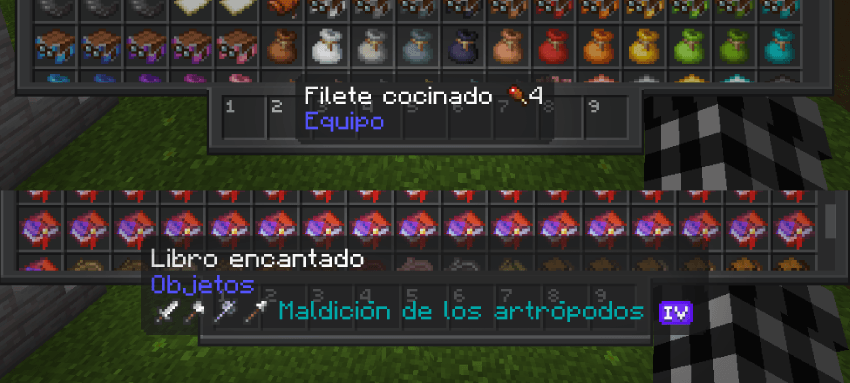
- Enchantment levels with improved icons
- Enchanted books with guide icons
- Arrows with guide icons
- Potions with guide icons
- Powder snow is more visible
- Vault rewards are more visible
- Suspicious sand and gravel are more visible
- Infested stones are more visible
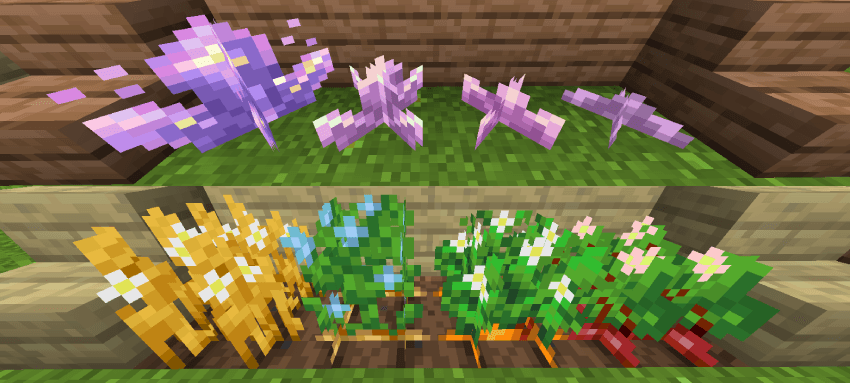
- Amethyst growth is more visible
- Anvil states are more visible
- Trap chests are more visible
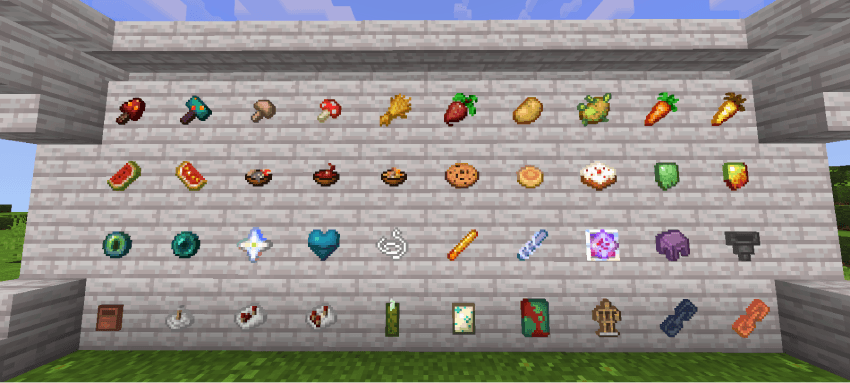
- Vases with colorful designs
- Max crops decorated with flowers
- Horizontal nuggets
- Softer wool
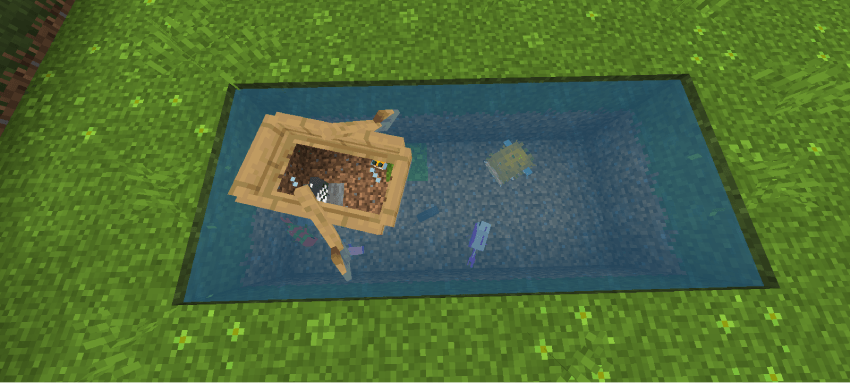
- Boats with glass
- Enchanting table with colored particles
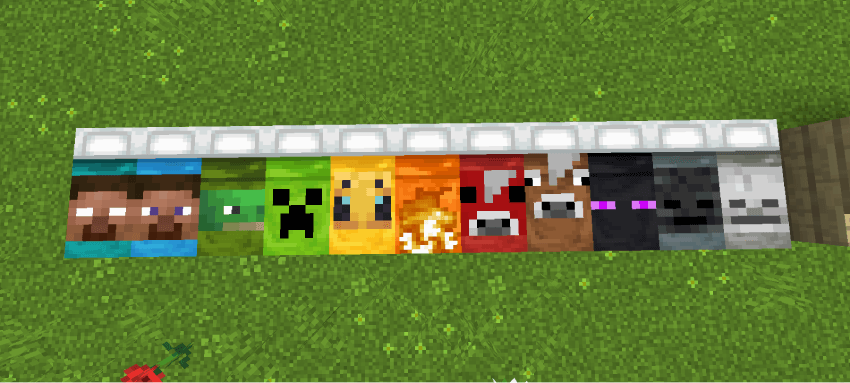
- HD banner patterns
- Pink rods
- Beds with designs
- Campfires without ash
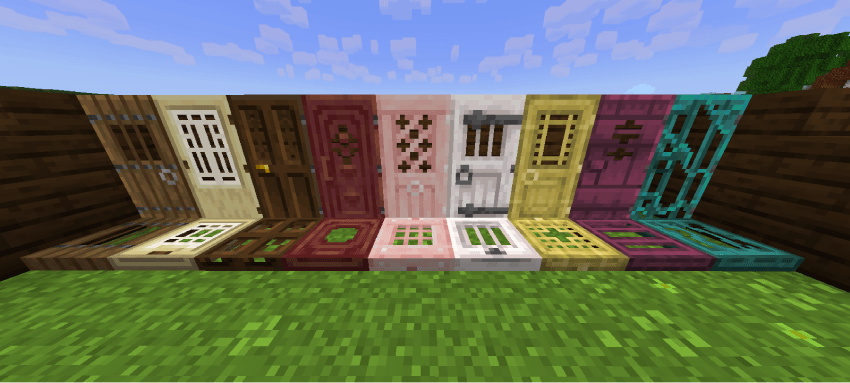
- Improved doors and trapdoors
- Improved pressure plate
- Orange birch leaf
- Accurate spyglass
- Alternate cut copper
- Polished stones with Bricks
SOUNDS:
- New menu sounds
- New immersive game sounds
TERRAIN:
- Brighter grass
- Half-grass sides, mycelium, grass path, podzol, snow, crimson nill, warped nill
- Shorter grass
- Shorter and taller grass
- Alternate bedrock
- Circular log tops
- Smoother oak logs
- Smoother stones
- Brighter Nether
- Elegant sunflowers
VARIATION:
- Top section decorated with grass, mycelium, grass path, podzol, snow, crimson nill, and various deformed nill
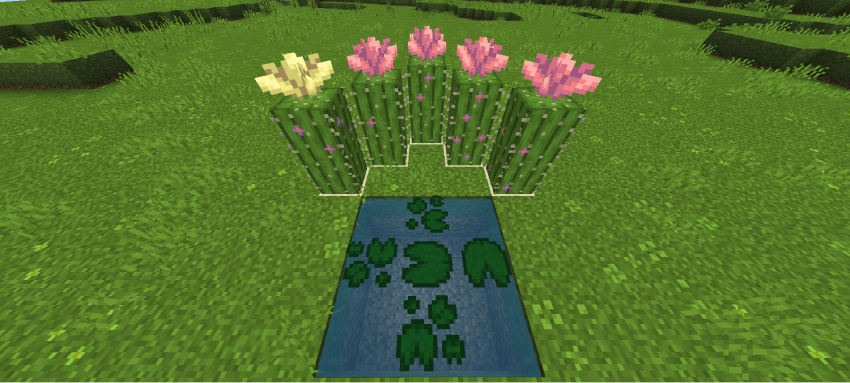
- Various cacti and cactus flowers
- Various water lilies
- Various bricks
- Various red mushroom blocks
- Various shelves
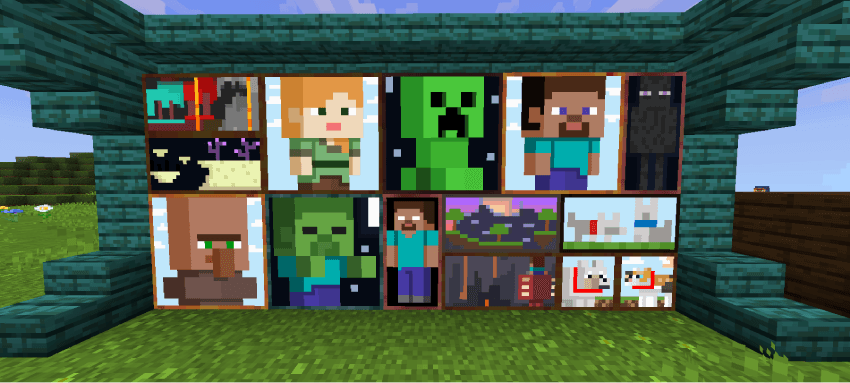
- Paintings with new designs
UTILITY:
- Map with cardinal directions
- Various stems
- 25-year-old kelp
- Piston sides Sticky
- Directional Hoppers
- Directional Observers
- Visible Tripwires
- Lodestone Compass
- Potion Brewing Guide
DISCREET:
- Discreet Rain
- Discreet Snow
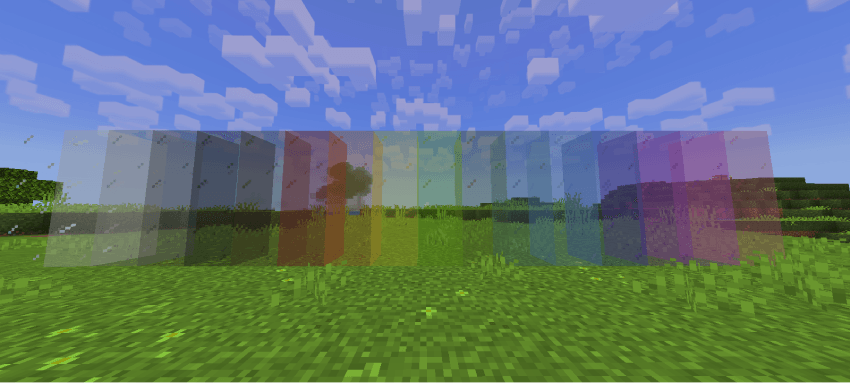
- Frameless Glass and Crystal
- Clean Scaffolding
- Reduced and Transparent Fire
- Reduced Shield
- No Pumpkin Overlay
- No Spyglass Overlay
- No Vignette
3D:
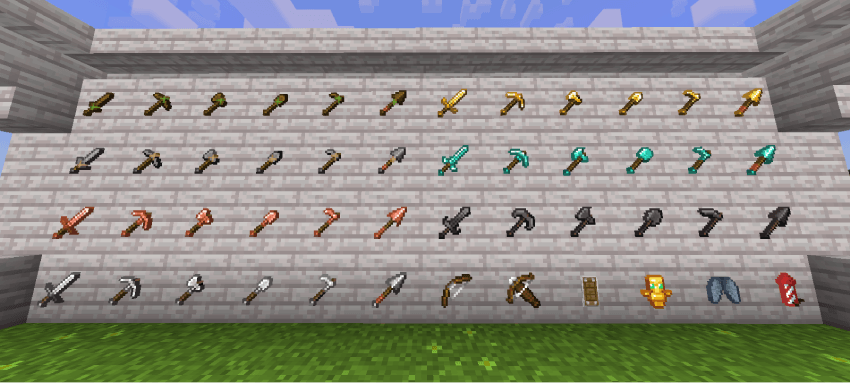
- 3D Mallet
- 3D Sun and Moon
- 3D Bundles
- More Cubic Sun, Moon, and Clouds
- Projectiles with 3D Models
GUI:
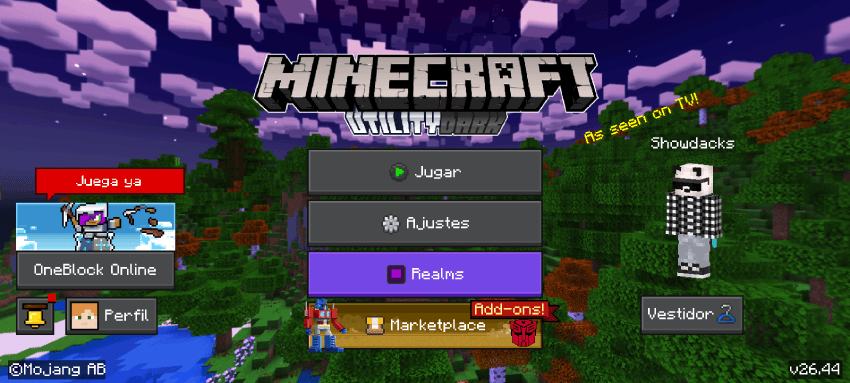
- Dark Mode
- New Panorama to Match the Package
- New Menu Icons
- Translucent Tooltips
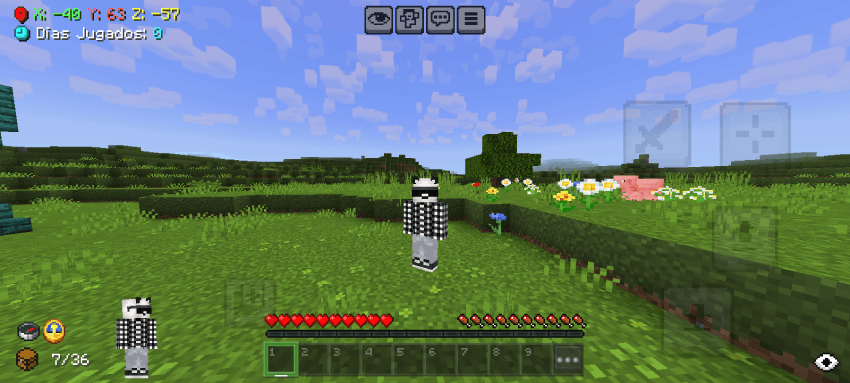
- Improved Coordinates and Days Played
- Paper Doll Enabled at the Bottom
- Compass and Clock on Game Screen
- Less Intrusive Item Names
- Added F1 Button
- Added Durability and Inventory Viewer
- Haptic Button Invisible
- Trade Assistant
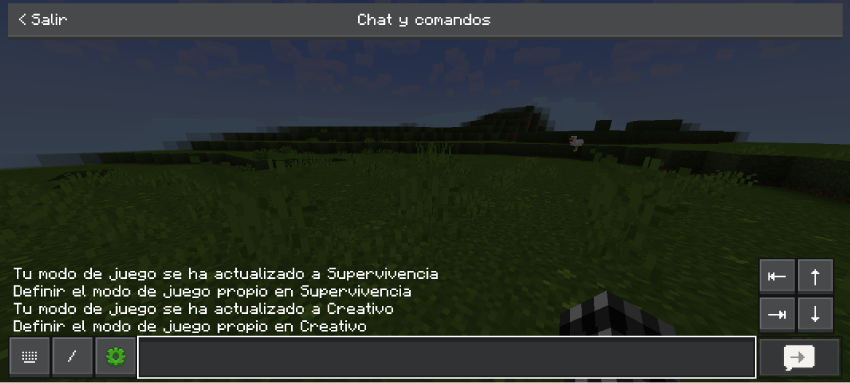
- Quick Buttons
- Quick Chat
- No Game Instructions
COLOR:
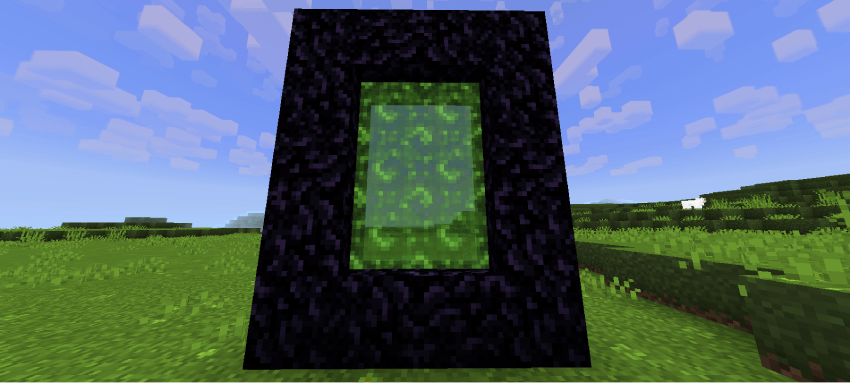
- Nether Portal RGB
- Experience Bar RGB
- Enchantment Glow RGB
AIM:
- Crosshair and Cross Stitch
FIXES AND CONSISTENCIES:
- Redstone Wire Fix
- Cactus Background Fix
- Cocoa Bean Fix
- Double Slab Fix
- Uniform Smooth Stone
- Smoker Background Fix
- Prettier and Faster Leaves
- Consistent Cubes
- Consistent Tadpole Cube
SUBPACKS:
- No Particles Mode
- No Animations Mode
COMPATIBILITY:
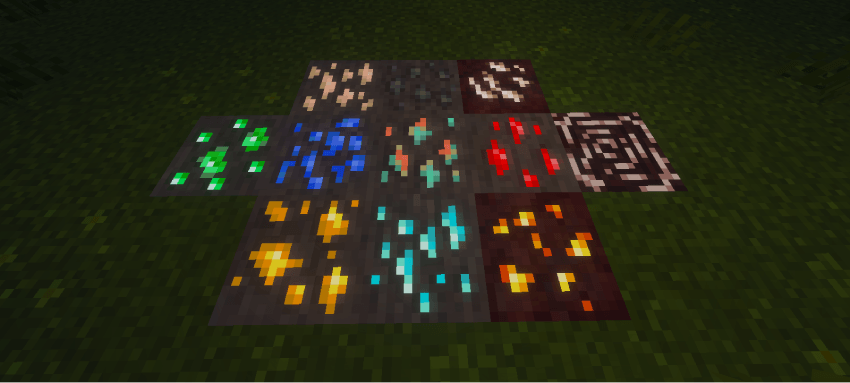
- Vibrant Visuals Support (Glowing Minerals)
- Actions and Stuff Support (Only 16x and 32x)
IMAGES
TERMS OF USE
IF ALLOWED
• You are allowed to modify my texture for personal use.
• You can use the contents of my texture pack for new creations but, you have to contact me first and credit me.
NOT ALLOWED
• Claim the texture pack as yours.
• You may not upload my texture pack to other sites without first notifying me.
• You may not steal the content.
CREDITS
ADVERTISEMENT



⬇ One click download ⬇

- Edition: Minecraft Bedrock
- File type: .mcpack
- Minecraft versions listed: 1.20, 1.21, 26.0.02
- How to install: Download the .mcpack. → Open it — Minecraft imports it under Resource Packs. → Activate it in Global Resources, or for one world under Resource Packs → Available.
- Where to get it: In MCModsHub, or directly above on this page.
Install steps are the general flow for this file type — How to install Minecraft Bedrock texture packs walks through it step by step.
- Pack type: .mcpack — a single pack
- Complete pack — everything it depends on is inside the file
- Download size: 11.3 MB
- Download link checked 25 Aug 2026 — working
These come from our own check of the pack file, not from the source page.