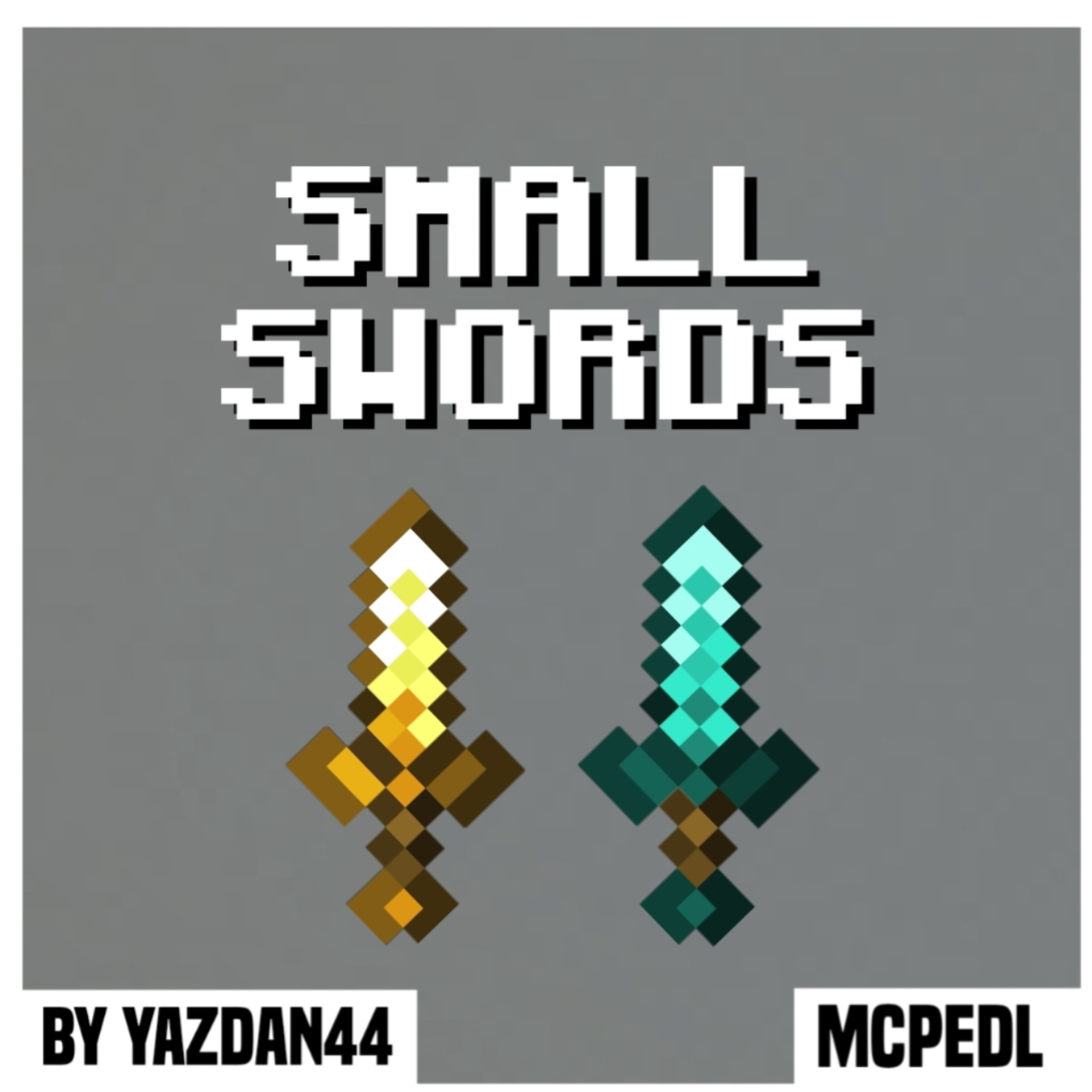
Small Swords
Bedrock texture pack listed for Minecraft 1.21–26.x. File opened and checked on 20 Sep 2026; installs from the MC Bedrock Mods app on Android.
⬇ Download
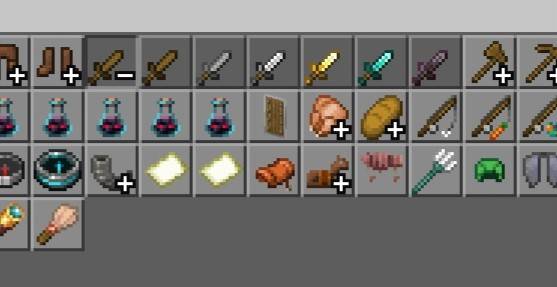
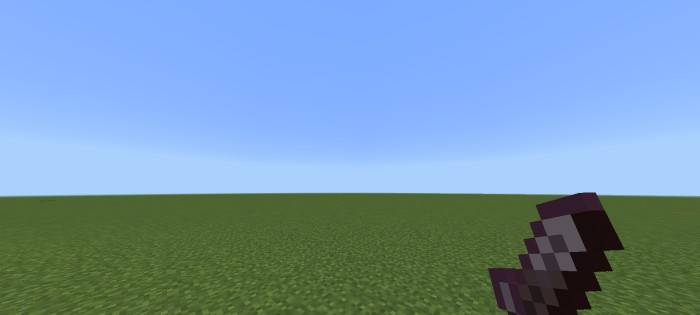
This texture pack reduces the size of swords in Minecraft, making them shorter and more compact while retaining their original design and color schemes. The primary feature is a visual overhaul of all sword models, shrinking their blade length without altering hitboxes or attack mechanics. This change provides a cleaner, less obstructive appearance during gameplay, particularly in first-person view, where oversized swords often dominate the screen.
The smaller sword models improve visibility during combat, reducing visual clutter when swinging or blocking. Players who prefer a more minimalist aesthetic will appreciate the streamlined look, especially in PvP or fast-paced survival scenarios where screen space matters. Additionally, the pack maintains vanilla texture fidelity, ensuring compatibility with other visual mods or resource packs.
By minimizing sword size without affecting functionality, this pack enhances gameplay immersion, allowing players to focus on movement and precision rather than being distracted by bulky weapon models. If you want a less intrusive combat experience while keeping the vanilla art style, this texture pack offers a practical yet noticeable improvement.
- Edition: Minecraft Bedrock
- File type: .mcpack
- Minecraft versions listed: 26.3, 26.10, 26.11
- How to install: Download the .mcpack. → Open it — Minecraft imports it under Resource Packs. → Activate it in Global Resources, or for one world under Resource Packs → Available.
- Where to get it: In MCModsHub, or directly above on this page.
Install steps are the general flow for this file type — How to install Minecraft Bedrock texture packs walks through it step by step.
- Pack type: .mcaddon — behaviour and resource pack in one file
- Complete pack — everything it depends on is inside the file
- Download size: 484 KB
- Download link checked 18 Jun 2026 — working
These come from our own check of the pack file, not from the source page.