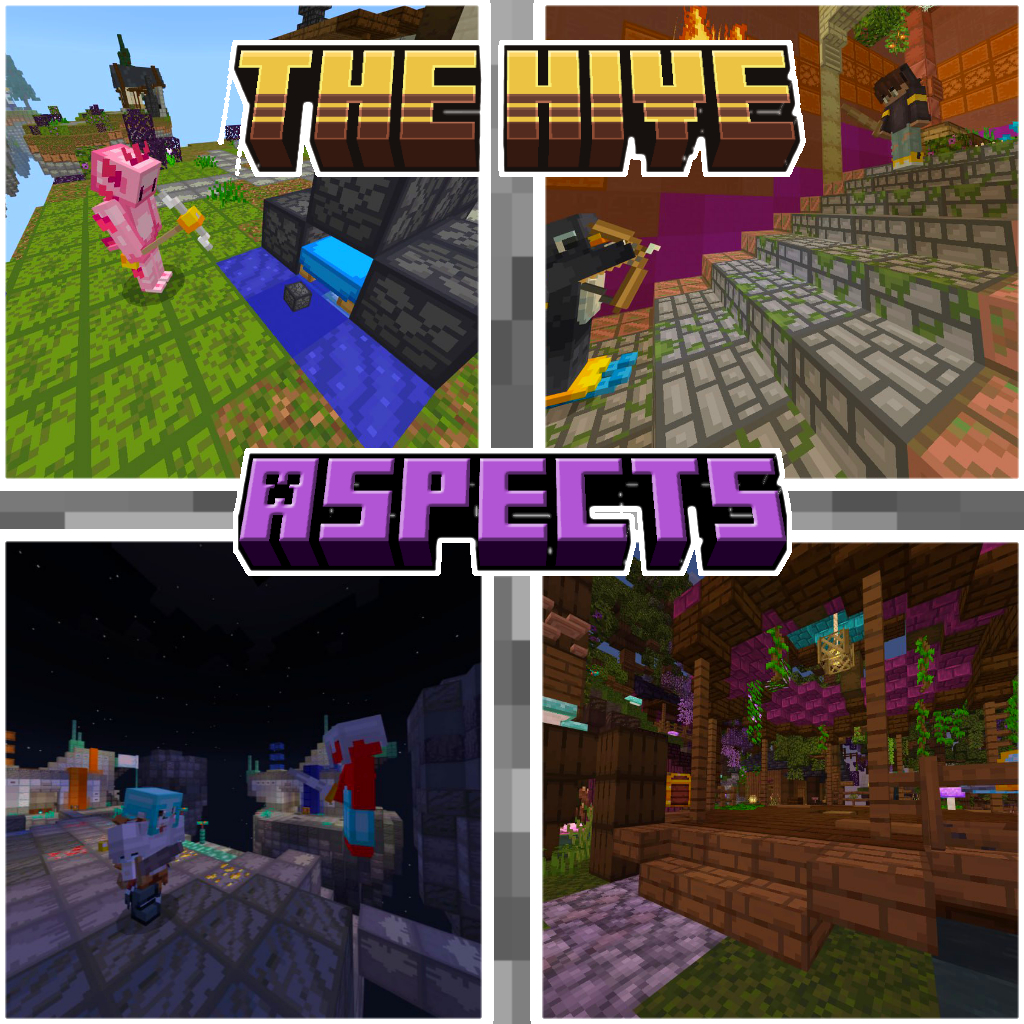
The Hive Aspects (Texture Pack)
A fresh take on the iconic Hive style! This pack enhances your Minecraft Bedrock experience with smooth animations, vibrant colors, and crisp details, all…
⬇ Download

✨ Features:
✔️ Clean, modern textures – optimized for PvP and minigames
✔️ Subtle animations (swords, bows, particles) for extra immersion
✔️ Custom GUI & HUD – sleek menus matching The Hive’s vibe
✔️ 16x & 32x resolution options (performance-friendly but stylish)
✔️ Works with Bedrock Edition (mobile, console, Windows 10/11)
---
🎨 What’s Different?
- Weapons & Tools in 3D!
- Armor without losing vanilla feel
- Environment: Brighter colors, better contrast for visibility
- UI Overhaul: Inventory bar in Hive’s signature style
⚠️ Important Note:
This is an unofficial fan-made pack created by Reisho, not affiliated with *The Hive* server. It’s designed to complement gameplay while respecting the original art direction.


Tags:
Hive style texture pack The Hive textures The Hive Style textures Texturepack in The Hive Style Texture Pack in The Hive Style
- Edition: Minecraft Bedrock
- File type: .mcpack
- Minecraft versions listed: 1.21.73, 1.21.61, 1.21.72
- How to install: Download the .mcpack. → Open it — Minecraft imports it under Resource Packs. → Activate it in Global Resources, or for one world under Resource Packs → Available.
- Where to get it: In MCModsHub, or directly above on this page.
Install steps are the general flow for this file type — How to install Minecraft Bedrock texture packs walks through it step by step.
- Save it as TheHiveAspects2.mcaddon before opening — it downloads as .mcpack, but it is a .mcaddon pack
- Complete pack — everything it depends on is inside the file
- Download size: 1.0 MB
- Download link checked 3 Aug 2026 — working
These come from our own check of the pack file, not from the source page.