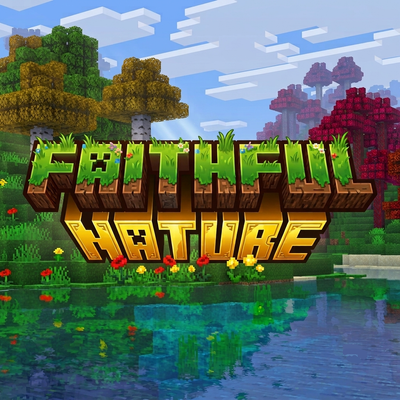
Faithful Nature
Bedrock texture pack listed for Minecraft 1.20–26.x. File opened and checked on 9 Sep 2026; installs from the MC Bedrock Mods app on Android.
⬇ Download on CurseForge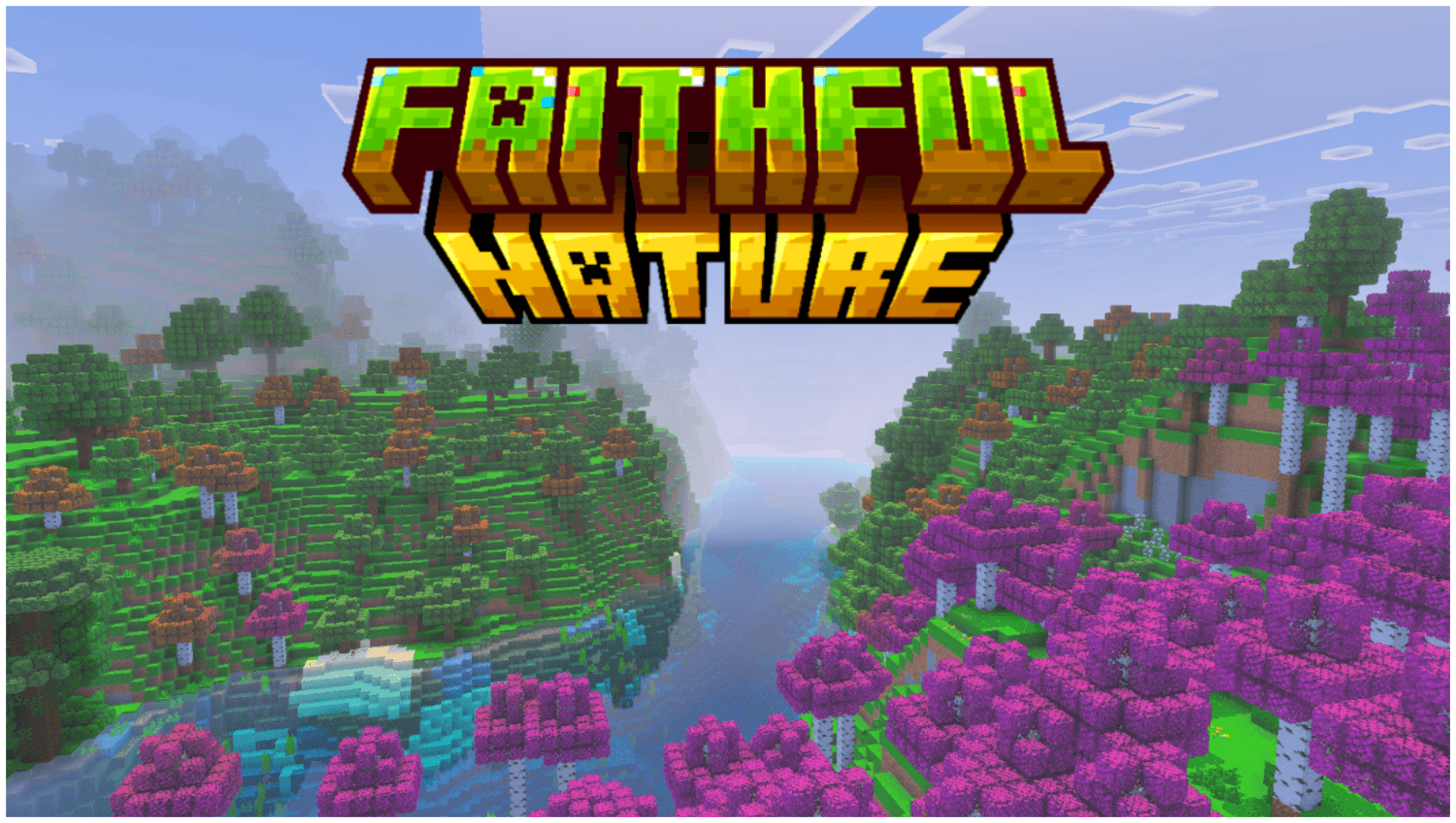
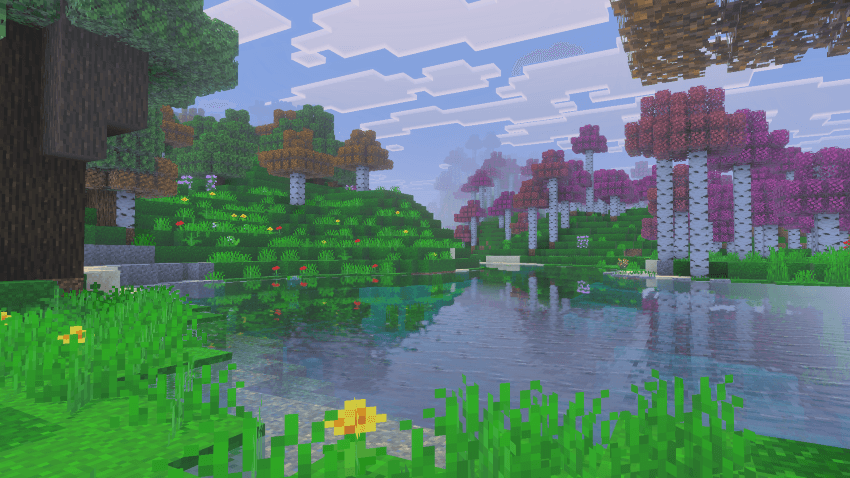
Faithful Nature is a Minecraft Bedrock resource pack that transforms how the natural world looks — without changing how the game feels. Every tree, leaf, grass block, and biome has been carefully retextured to be sharper, richer, and more detailed.
🌿 Lush Foliage
- All tree leaves reworked with cleaner edges and deeper color — Oak, Birch, Jungle, Acacia, Spruce, Dark Oak, Cherry, and Azalea
- Leaves feel voluminous and layered rather than flat
- Opaque leaf variants included for better performance without sacrificing looks
- Cherry blossom leaves bloom in vivid pink, making Cherry Groves feel truly magical
🌲 Natural Wood & Logs
- Log tops retextured for Acacia, Cherry, Crimson, and Warped stems
- Stripped Nether stem tops refined for a cleaner, more natural appearance
- Wood grain details that feel hand-crafted and consistent
🎨 Two Grass Modes — Pick Your Style
- Default (Normal Grass) — Balanced, clean greens faithful to vanilla Minecraft's palette, just sharper and more refined
- Lush (Greener Grass) — Rich, vivid greens for players who want their world overflowing with life and color
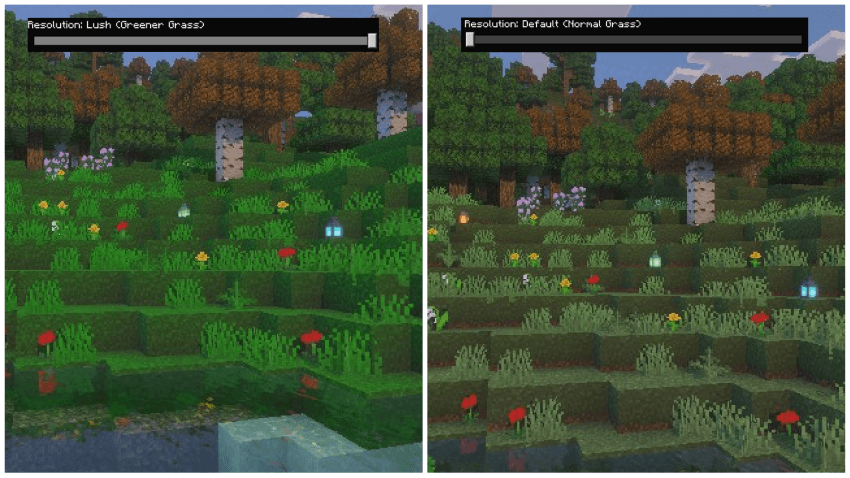
Switch between them anytime in your pack settings.
🔧 How It Works
Faithful Nature is a pure resource pack — no behavior changes, no commands, no setup required. Simply install and your world instantly looks better. It works on top of any world, new or existing, and is fully compatible with your existing addons and saves.
→ Install the pack → Activate it in your world's Resource Packs → Done. Every forest, grove, and biome looks better immediately.
📌 Important Note
This is a resource pack, not a behavior pack. Activate it by going to Settings → Storage → Resource Packs or through your world's Resource Pack settings when creating or editing a world.
📥 How To Use
- Download and install the
.mcpackfile - Open or create a world
- Go to Resource Packs and enable Faithful Nature
- Choose your grass subpack — Default or Lush
- Play — every tree and biome looks better instantly
✅ Compatibility
- Minecraft Bedrock 1.20.30+
- Works in Survival and Creative
- Multiplayer compatible
- Fully compatible with other resource packs and addons
- No gameplay or behavior changes — purely visual
The Faithful Nature Team
- Edition: Minecraft Bedrock
- File type: .mcpack
- Minecraft versions listed: 1.21.90, 1.21.101, 1.21.61
- How to install: Download the .mcpack. → Open it — Minecraft imports it under Resource Packs. → Activate it in Global Resources, or for one world under Resource Packs → Available.
- Where to get it: Opens on CurseForge — not every file is mirrored on our own servers.
Install steps are the general flow for this file type — How to install Minecraft Bedrock texture packs walks through it step by step.
- Pack type: .mcpack — a single pack
- Manifest requires Minecraft 1.20.30 or newer
- Complete pack — everything it depends on is inside the file
- Download size: 1.7 MB
- Download link checked 5 Oct 2026 — working
These come from our own check of the pack file, not from the source page.