Texture packsBedrock
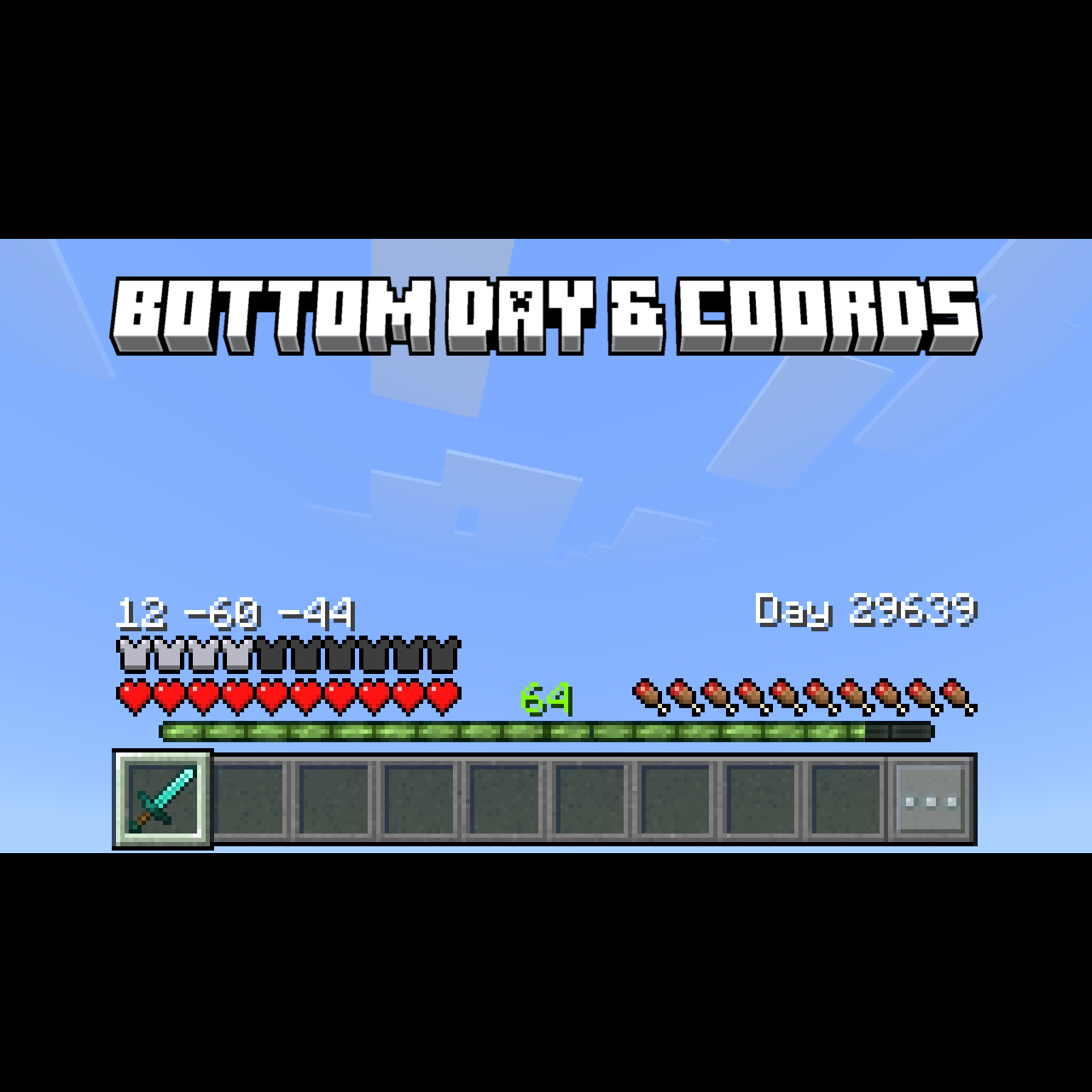
Bottom Day And Coords
Bedrock texture pack listed for Minecraft 1.20–1.21. File opened and checked on 20 Sep 2026; installs from the MC Bedrock Mods app on Android.
⬇ Download on CurseForge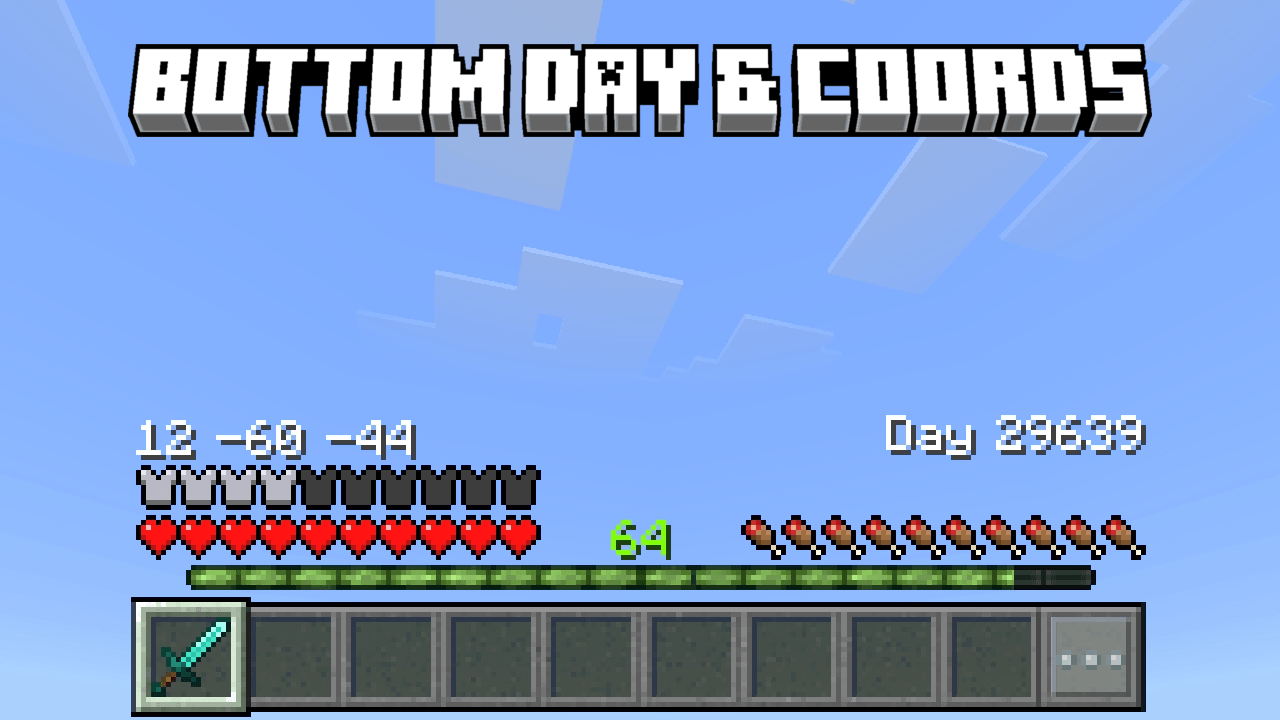
images
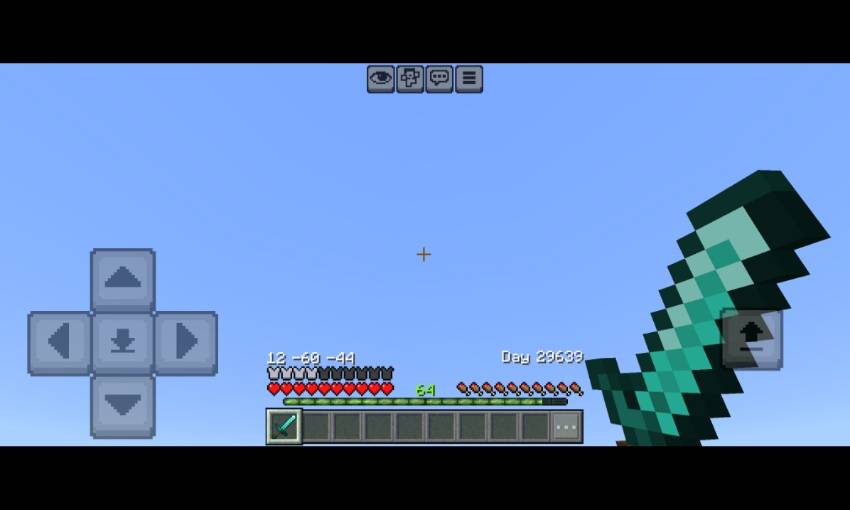
- Moved the coordinate text to top of the XP Bar in left section, and removed the "position:" text to make it clean
- Moved the day played to top of the XP bar in right section, and removed the “number of ... Played" to make it clean
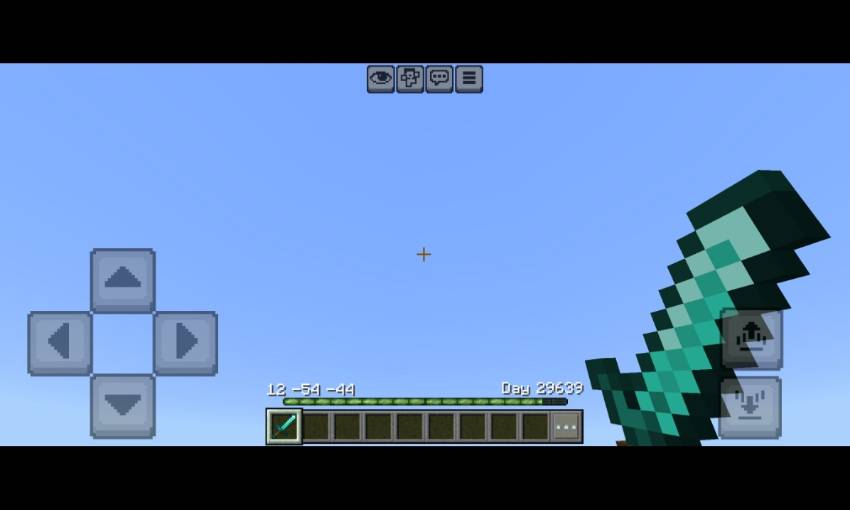
- And this how it looks in survival mode
Credits
- Pepe - days played bindings template
- Dimzcraft - player position text bindings template
also try Bedrock UI+. It's have many features in a single pack!
Quick facts
- Edition: Minecraft Bedrock
- File type: .mcpack
- Minecraft versions listed: 1.21.30, 1.21.50, 1.21.81
- How to install: Download the .mcpack. → Open it — Minecraft imports it under Resource Packs. → Activate it in Global Resources, or for one world under Resource Packs → Available.
- Where to get it: Opens on CurseForge — not every file is mirrored on our own servers.
Install steps are the general flow for this file type — How to install Minecraft Bedrock texture packs walks through it step by step.
File checked by MCModsHub
- Pack type: .mcpack — a single pack
- Manifest requires Minecraft 1.20.0 or newer
- Complete pack — everything it depends on is inside the file
- Download size: 9 KB
- Download link checked 5 Oct 2026 — working
These come from our own check of the pack file, not from the source page.