NeBux GUI
Bedrock texture pack listed for Minecraft 1.19–1.21. File opened and checked on 31 Aug 2026; installs from the MC Bedrock Mods app on Android.
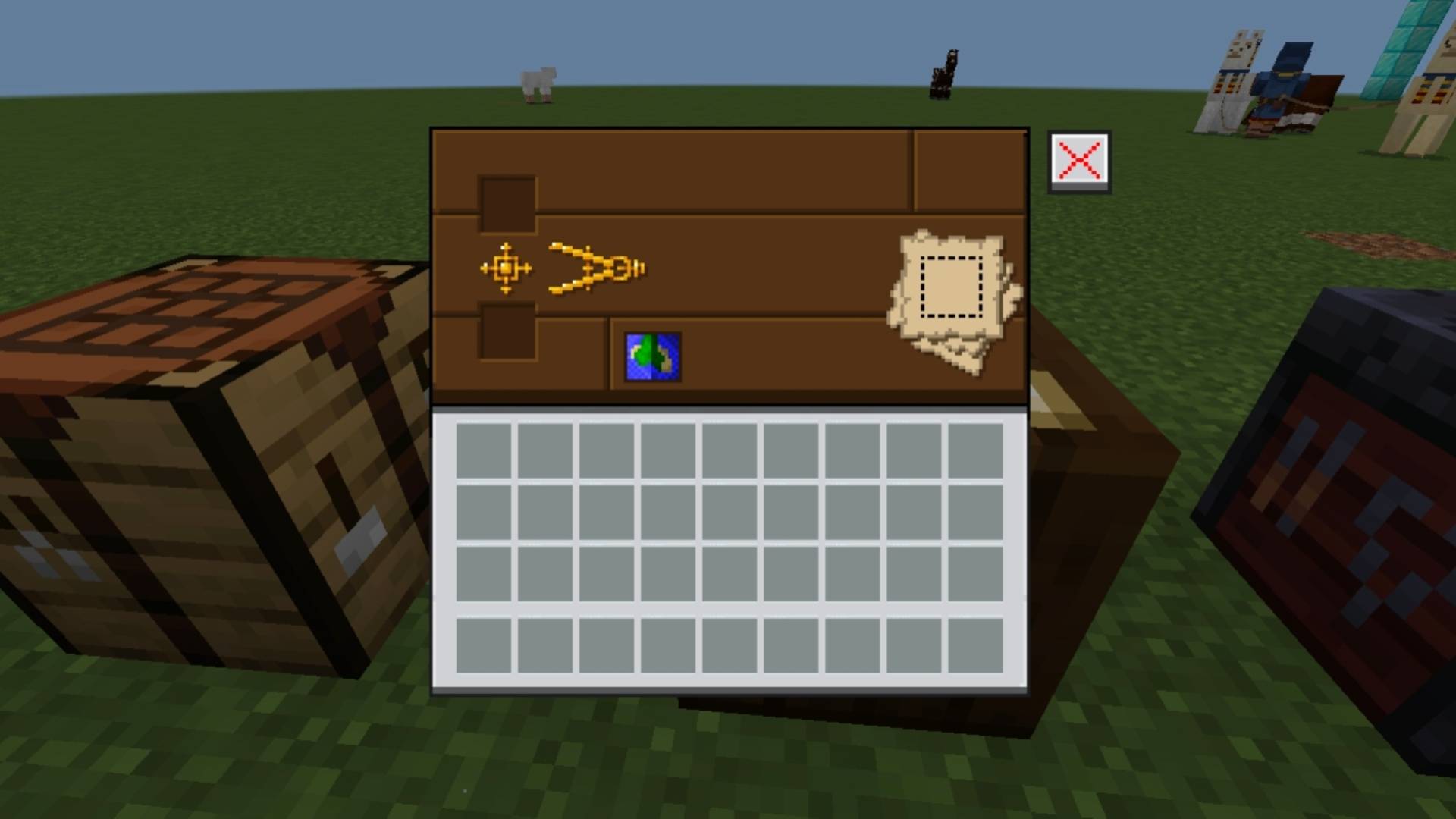
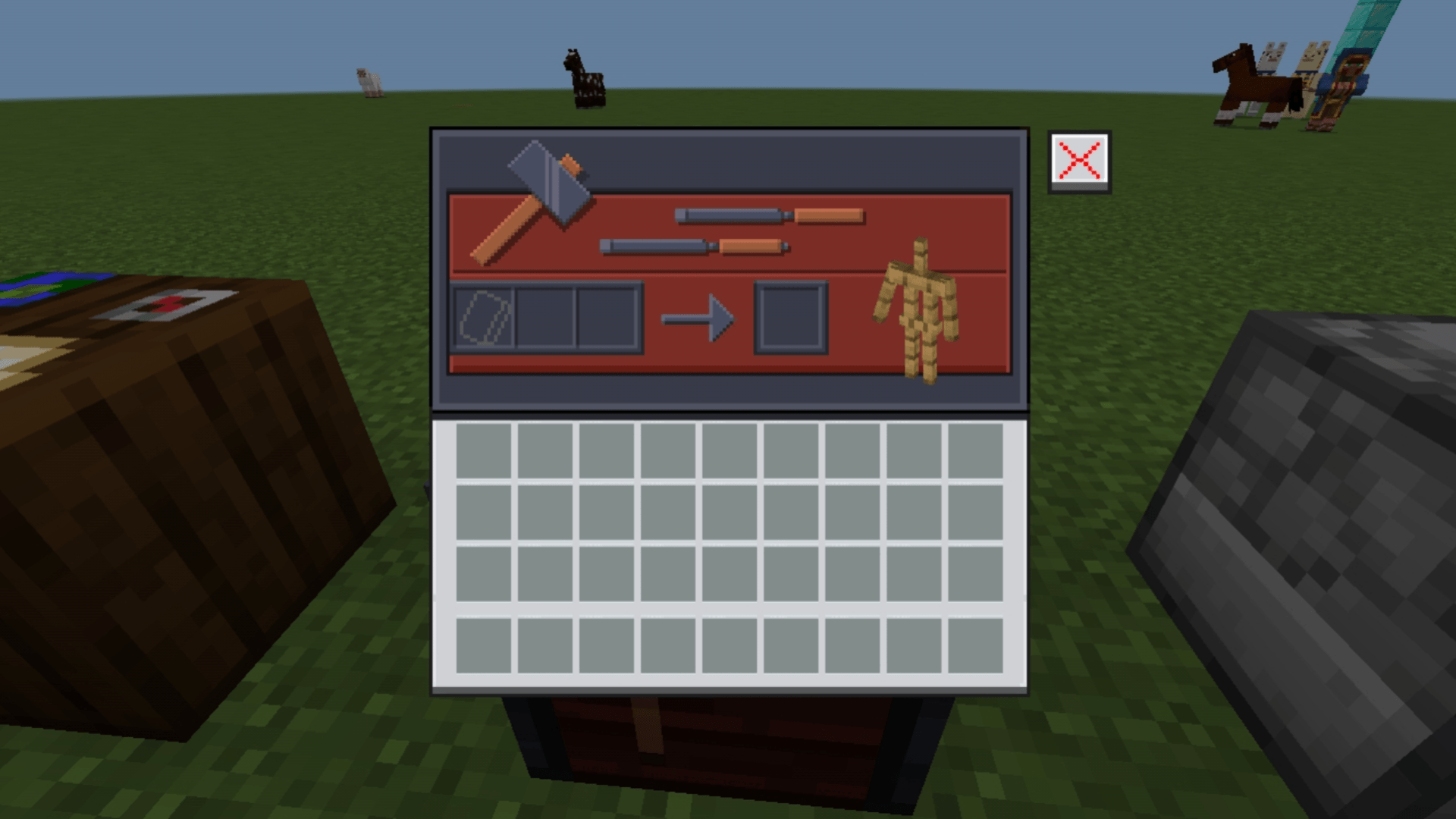
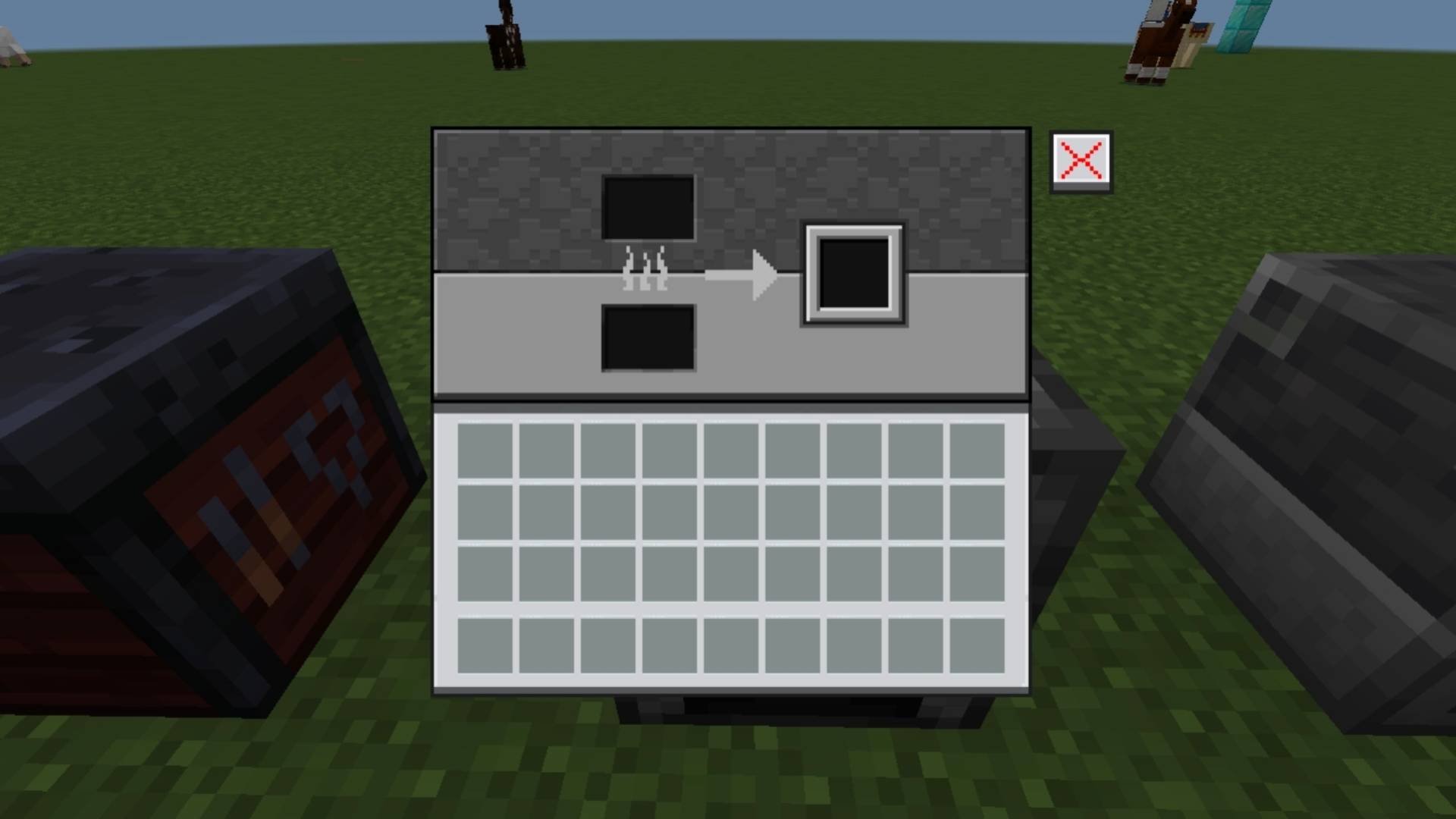
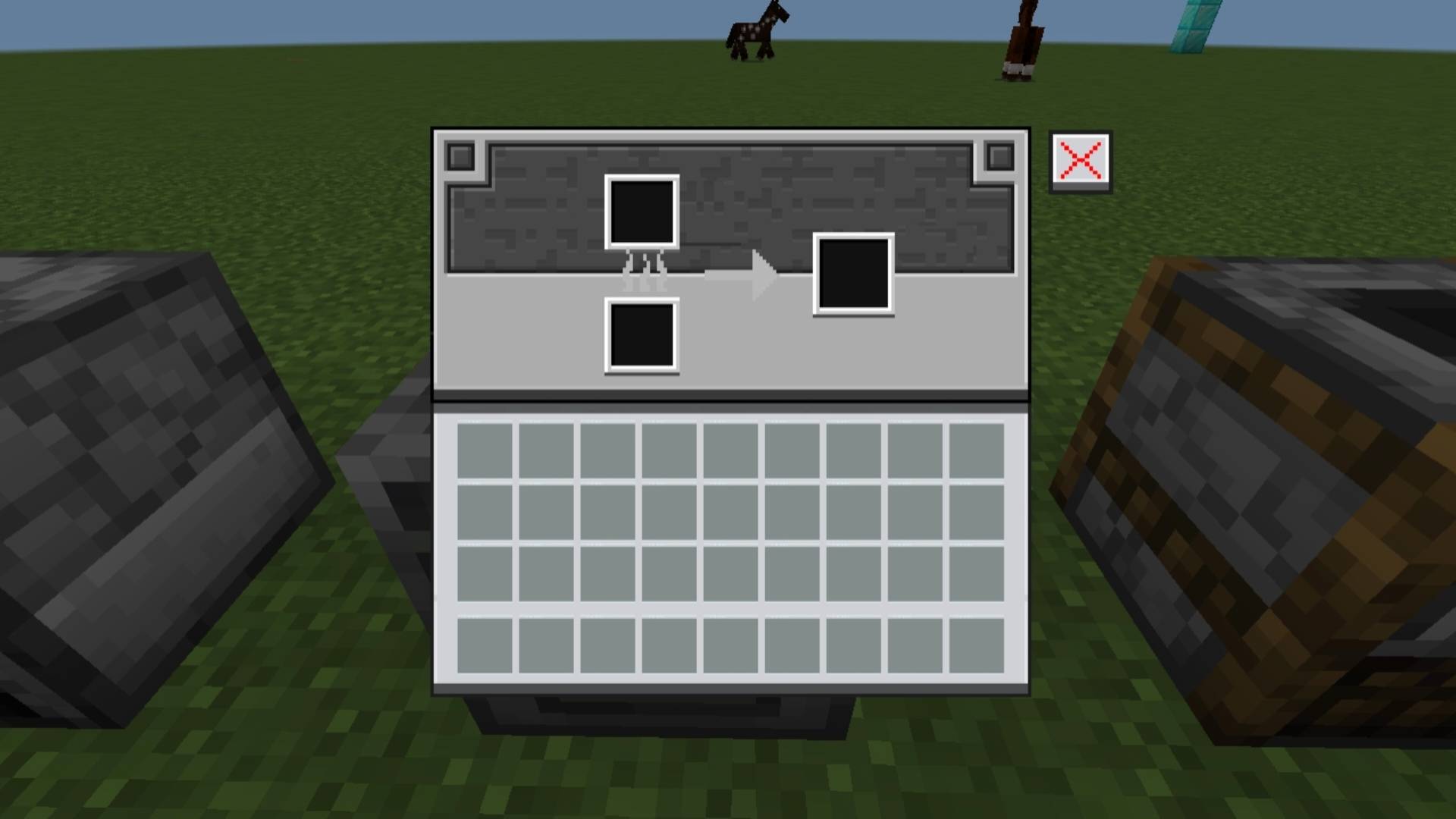
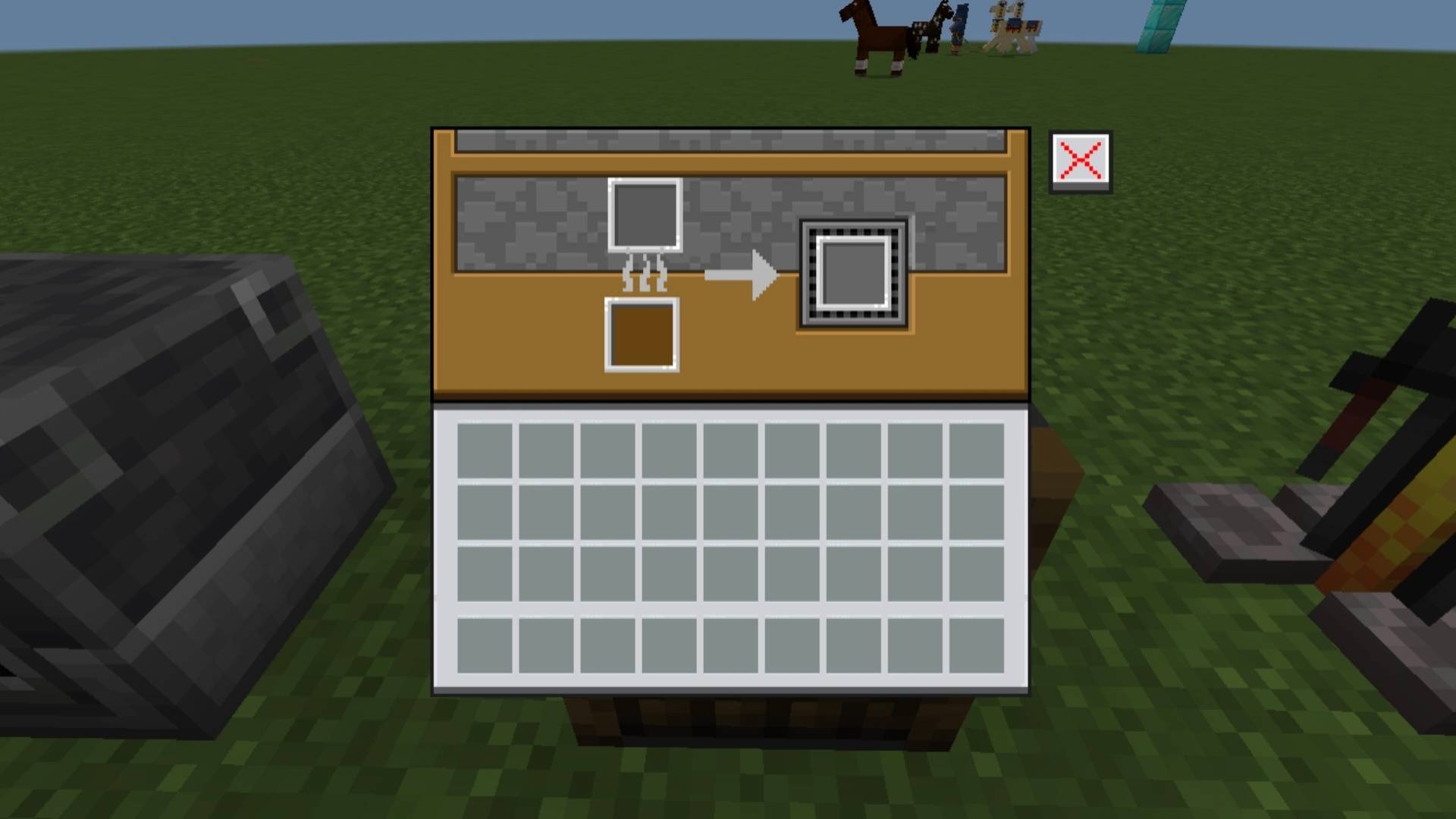
NeBux GUI adds a clean themed interface to every usable block in Minecraft Bedrock, giving each block its own matching GUI for a consistent and immersive…
I don't know my version
NeBux GUI
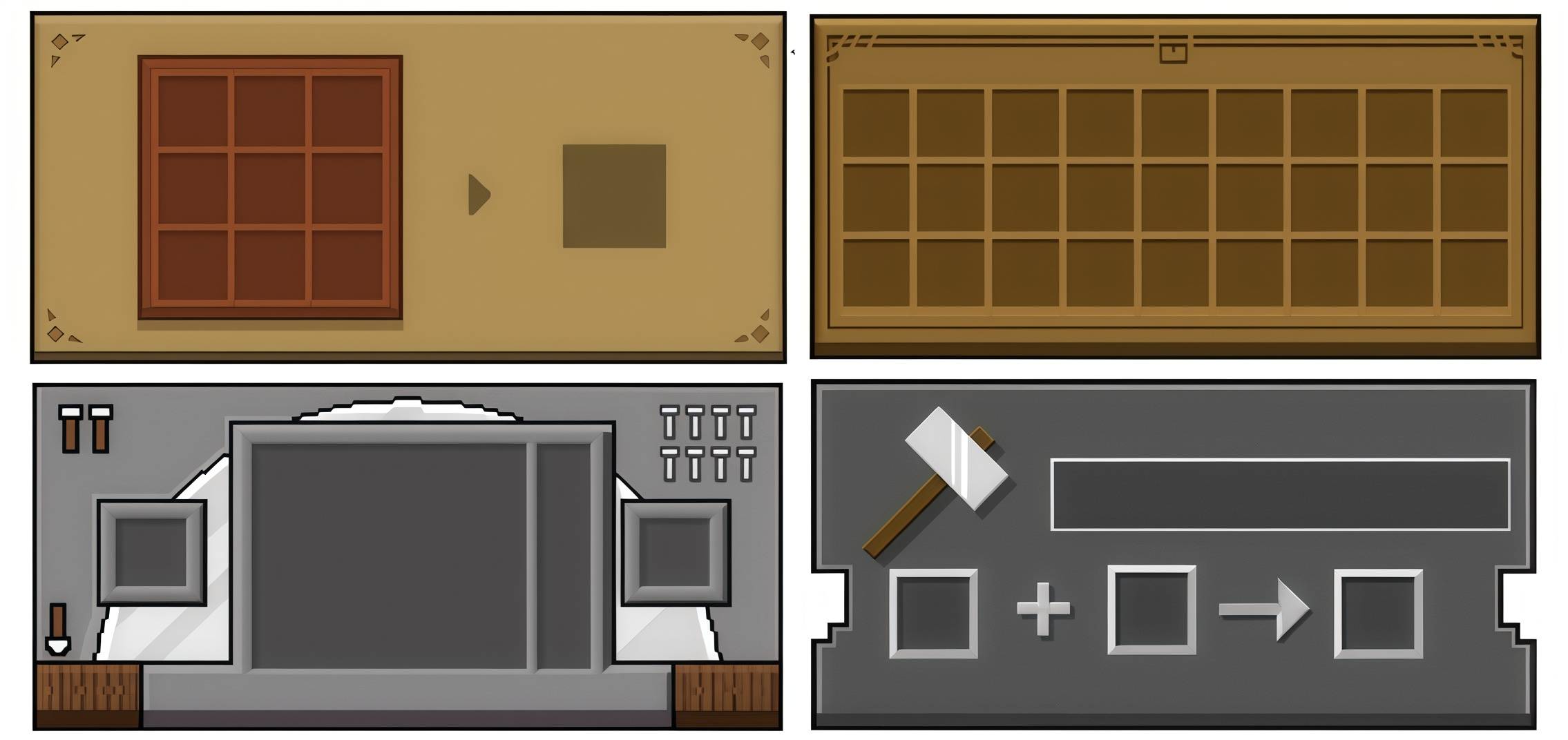
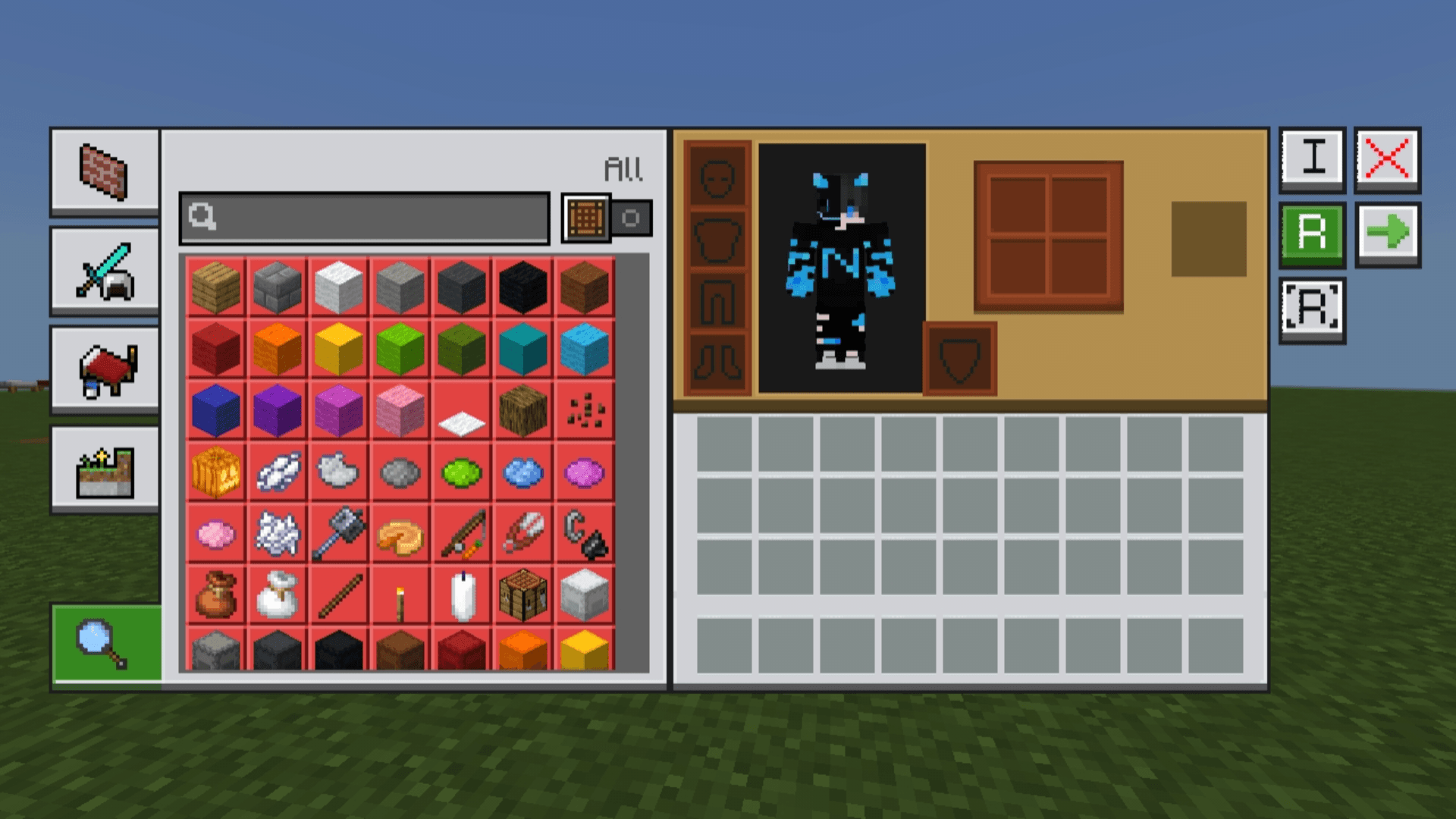
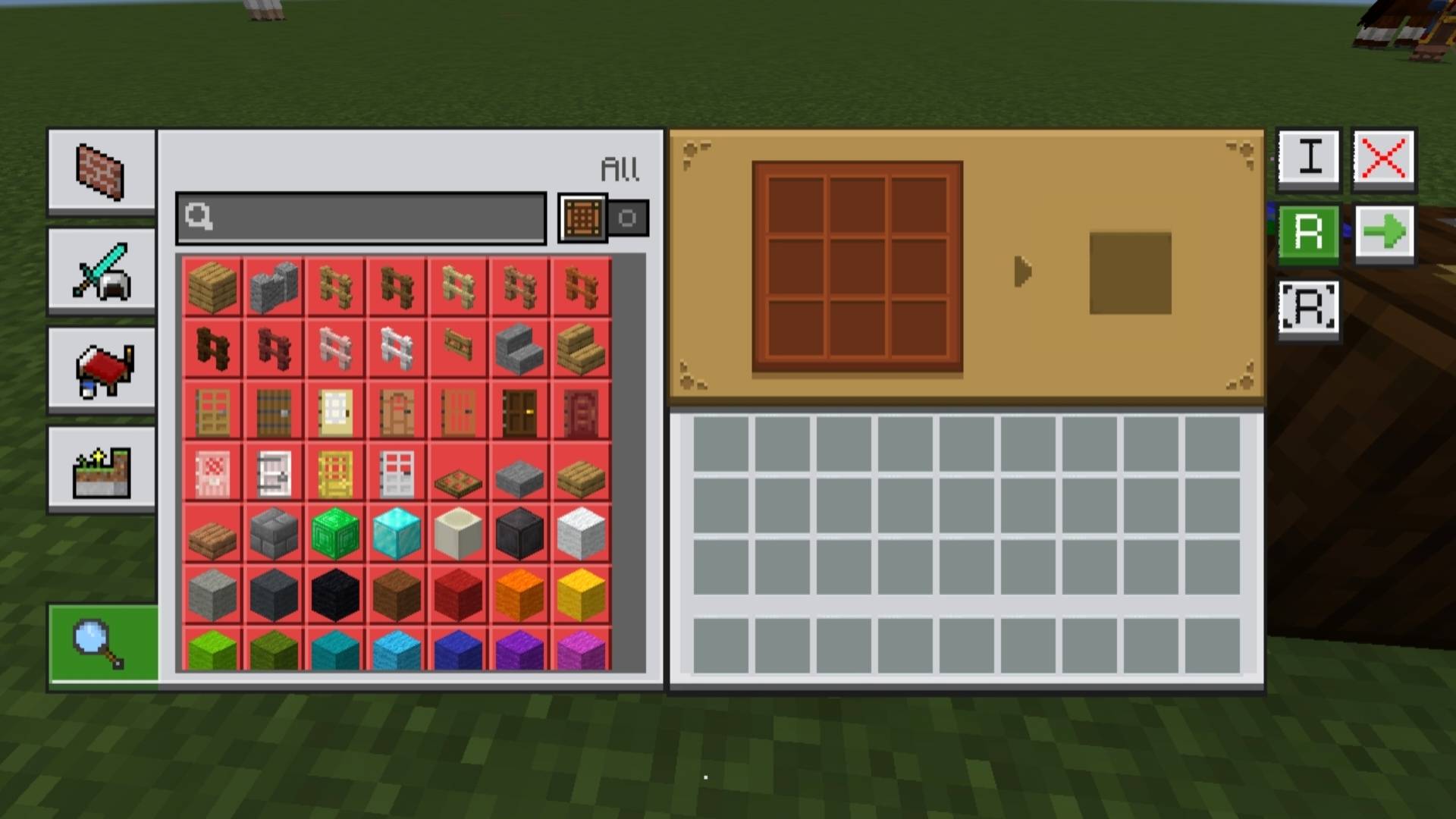
NeBux GUI is a Minecraft Bedrock resource pack that gives every usable block its own themed interface. Each block has a matching GUI for a clean and consistent look, enhancing the visual experience.
This pack is a standalone version of my NeBux UI.
If you want this GUI along with additional features like Guides, Quick Loot, Drop One Item, Drop All Items, and Quick Move, check:
Features
- Themed GUIs for all usable blocks (crafting table, furnace, anvil, etc.)
- Clean and consistent design for immersive gameplay
Support My Work
If you find my packs helpful and would like to support my work, you can do so here:
Support me on Ko-fi- Edition: Minecraft Bedrock
- File type: .mcpack
- Minecraft versions listed: 1.21.130, 1.21.122, 1.21.111
- How to install: Download the .mcpack. → Open it — Minecraft imports it under Resource Packs. → Activate it in Global Resources, or for one world under Resource Packs → Available.
- Where to get it: In MCModsHub, or directly above on this page.
Install steps are the general flow for this file type — How to install Minecraft Bedrock texture packs walks through it step by step.
- Pack type: .mcpack — a single pack
- Complete pack — everything it depends on is inside the file
- Download size: 1.8 MB
- Download link checked 25 Aug 2026 — working
These come from our own check of the pack file, not from the source page.