Better Coord And Days
Bedrock texture pack listed for Minecraft 1.20–26.x. File opened and checked on 20 Sep 2026; installs from the MC Bedrock Mods app on Android.
⬇ Download on CurseForge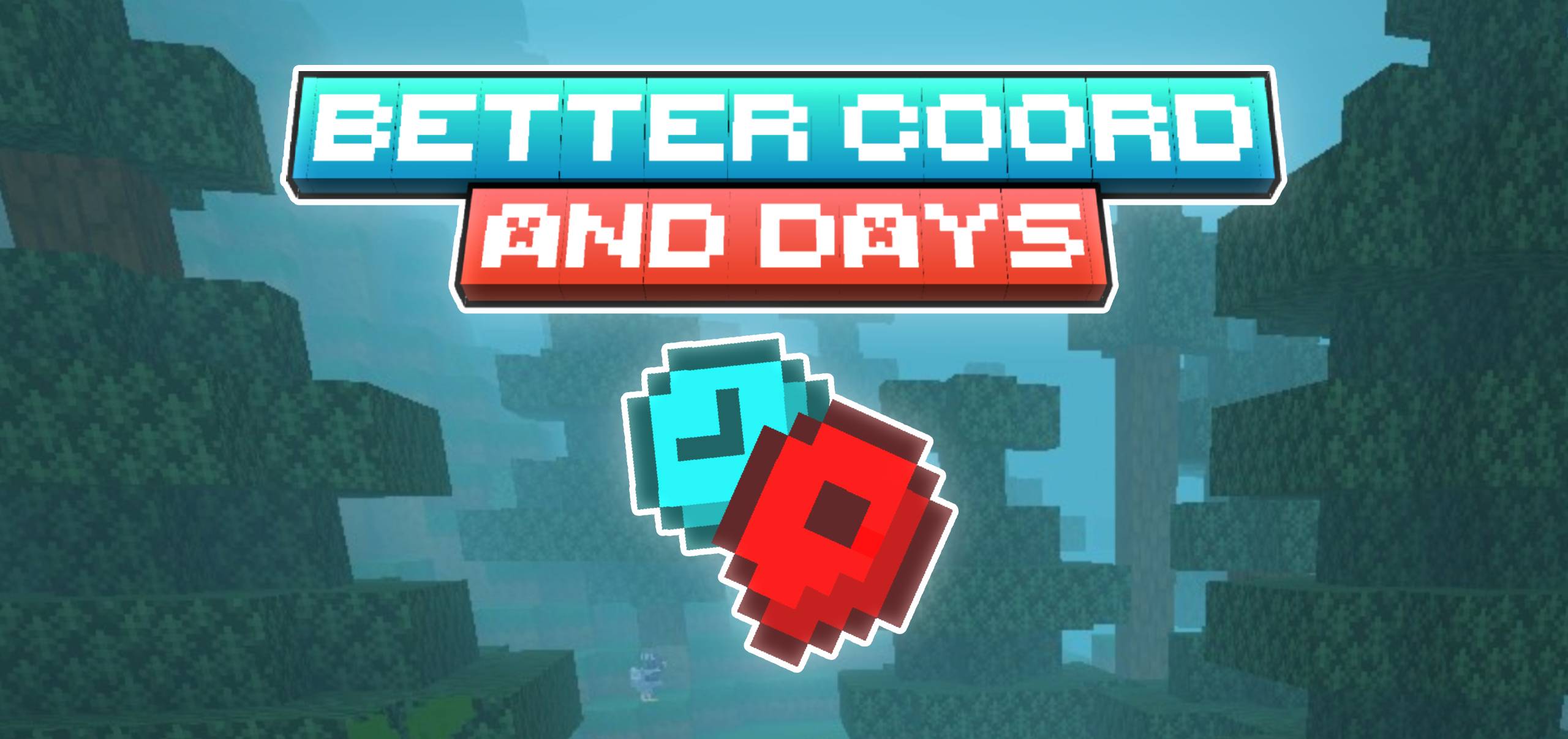
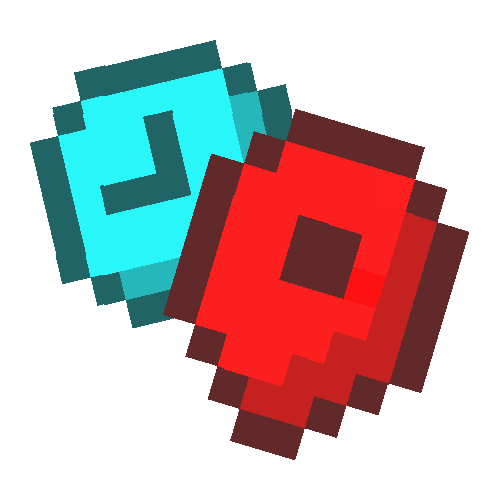
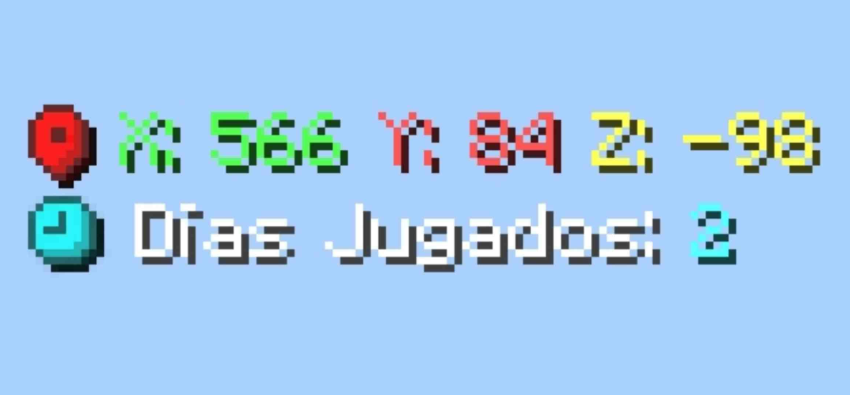
This texture pack adds three different custom colors and an icon to the coordinates, making mining and other related tasks much easier. Finally, days played will also have a special icon, and the number of days will have a custom color.
DETAILS:
- 'Coordinates' replaced by icon of waypoint: X, Y, Z
- Only a clock icon is added to the 'Days played' and number of days also colorful.
IMAGES:
Complete 'Utility Dark' texture pack, with many more useful textures and features.

TERMS OF USE
IF ALLOWED
• You are allowed to modify my texture for personal use.
• You can use the contents of my texture pack for new creations but, you have to contact me first and credit me.
NOT ALLOWED
• Claim the texture pack as yours.
• You may not upload my texture pack to other sites without first notifying me.
• You may not steal the content.
ADVERTISEMENT


⬇ One click download ⬇

- Edition: Minecraft Bedrock
- File type: .mcpack
- Minecraft versions listed: 1.20, 1.21, 1.21.120
- How to install: Download the .mcpack. → Open it — Minecraft imports it under Resource Packs. → Activate it in Global Resources, or for one world under Resource Packs → Available.
- Where to get it: Opens on CurseForge — not every file is mirrored on our own servers.
Install steps are the general flow for this file type — How to install Minecraft Bedrock texture packs walks through it step by step.
- Pack type: .mcpack — a single pack
- Manifest requires Minecraft 1.21.100 or newer
- Complete pack — everything it depends on is inside the file
- Download size: 9 KB
- Download link checked 26 Oct 2026 — working
These come from our own check of the pack file, not from the source page.