Texture packsBedrock
Clear Lava
Bedrock texture pack listed for Minecraft 1.21–26.x. File opened and checked on 2 Sep 2026; installs from the MC Bedrock Mods app on Android.
⬇ Download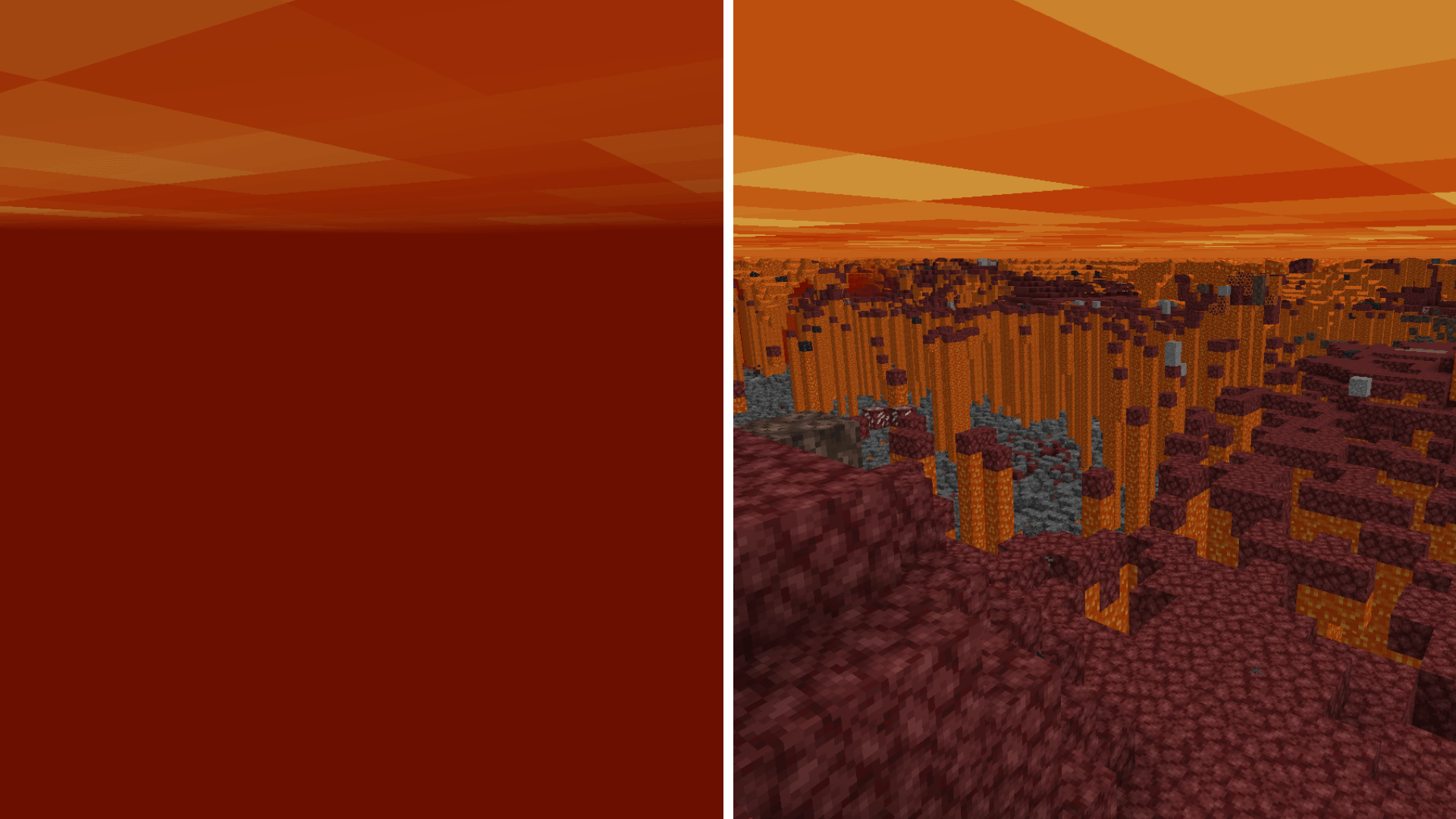
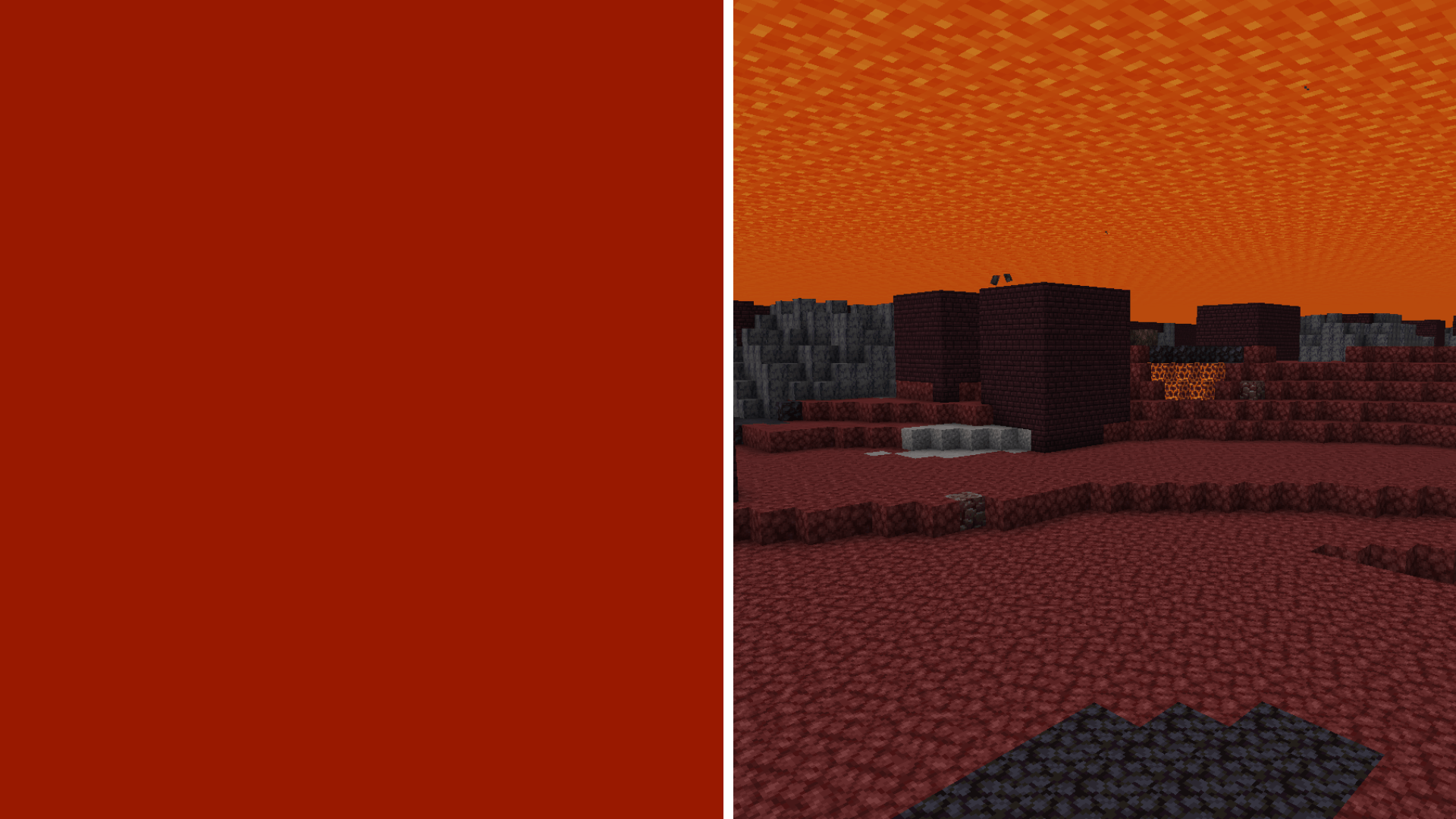
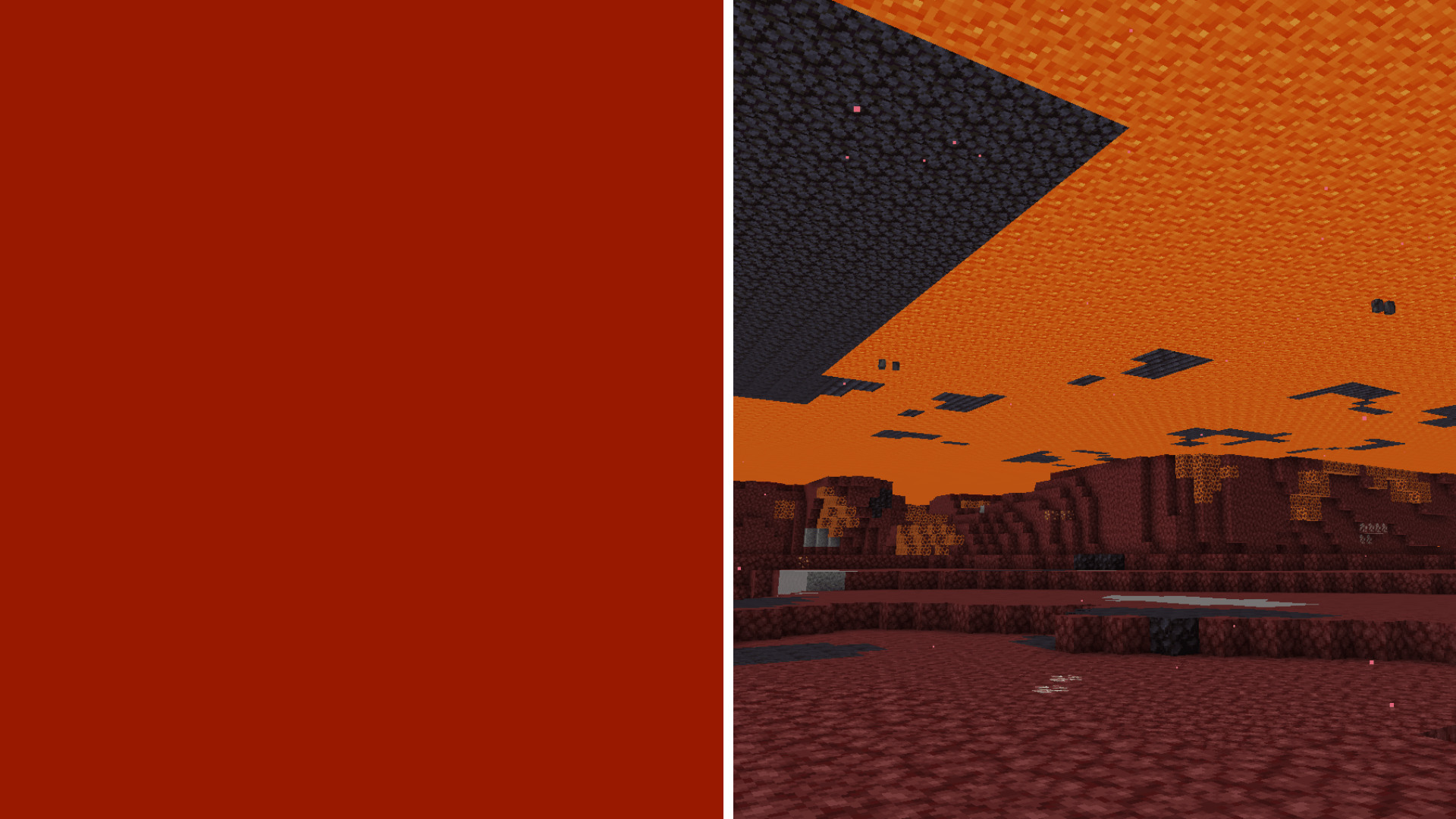
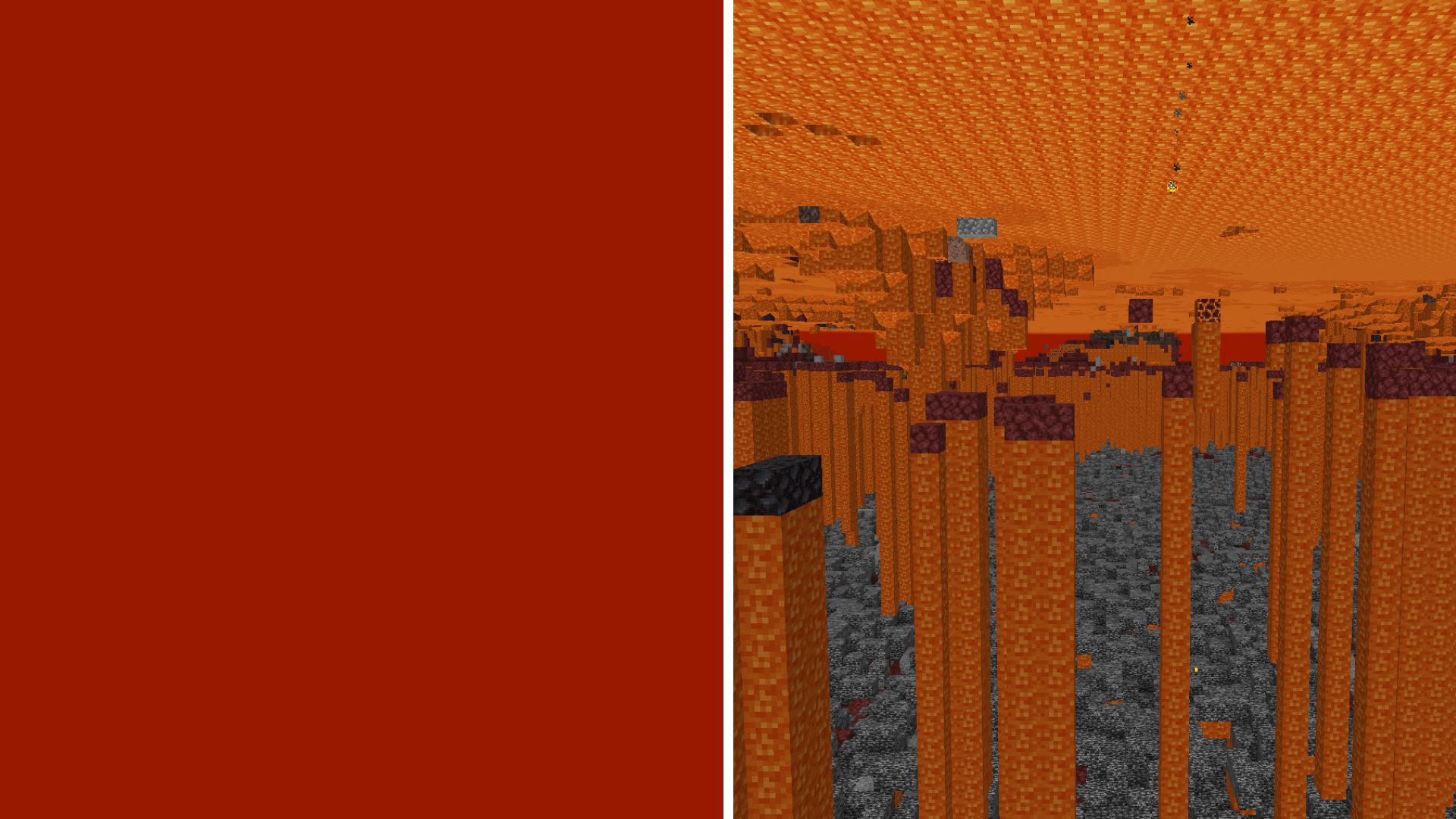
Clear Lava resource pack is a simple yet essential tool designed to entirely eliminate the lava fog effect in Minecraft Bedrock Edition.
Features
- Fog Removal: Say goodbye to the blindness caused by vanilla lava fog.
- Nether Navigation: Easily spot landmarks, ancient debris, and structures in lava oceans.
- PvP/PvE Advantage: Gain a massive tactical edge against mobs and other players.
Installation Guide
- Download the
.mcpackfile from the CurseForge download page. - Open the
.mcpackfile to automatically import it into Minecraft Bedrock. - Go to Settings -> Global Resources or access your World Settings.
- Activate the "Clear Lava" pack and ensure it is placed at the top of your resource pack list for maximum compatibility.
Quick facts
- Edition: Minecraft Bedrock
- File type: .mcpack
- Minecraft versions listed: 1.21.30, 1.21.50, 1.21.81
- How to install: Download the .mcpack. → Open it — Minecraft imports it under Resource Packs. → Activate it in Global Resources, or for one world under Resource Packs → Available.
- Where to get it: In MCModsHub, or directly above on this page.
Install steps are the general flow for this file type — How to install Minecraft Bedrock texture packs walks through it step by step.
File checked by MCModsHub
- Pack type: .mcpack — a single pack
- Complete pack — everything it depends on is inside the file
- Download size: 22 KB
- Download link checked 25 Aug 2026 — working
These come from our own check of the pack file, not from the source page.