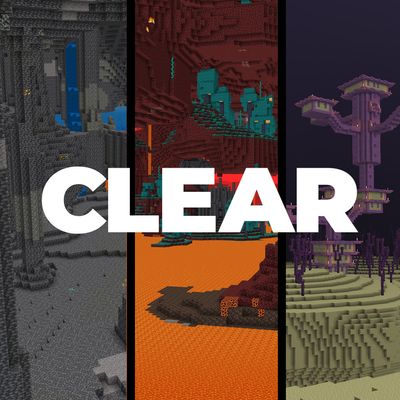
Clear Sight
Bedrock texture pack listed for Minecraft 1.21–26.x. File opened and checked on 9 Oct 2026; installs from the MC Bedrock Mods app on Android.
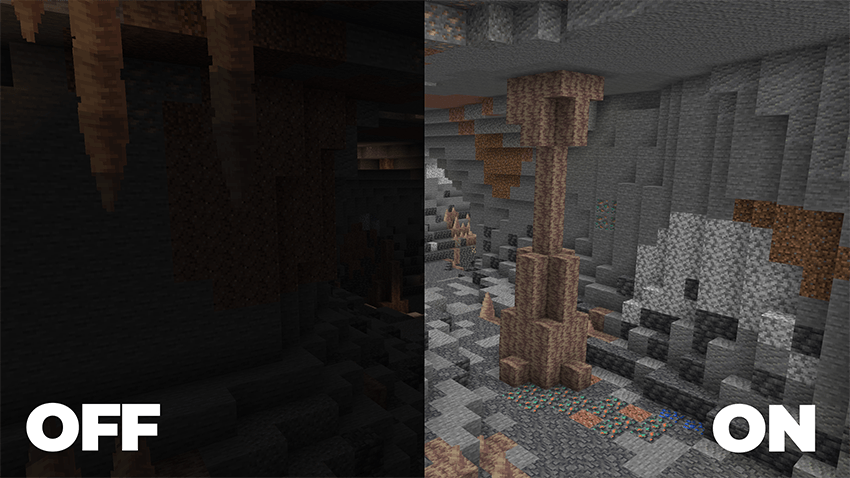
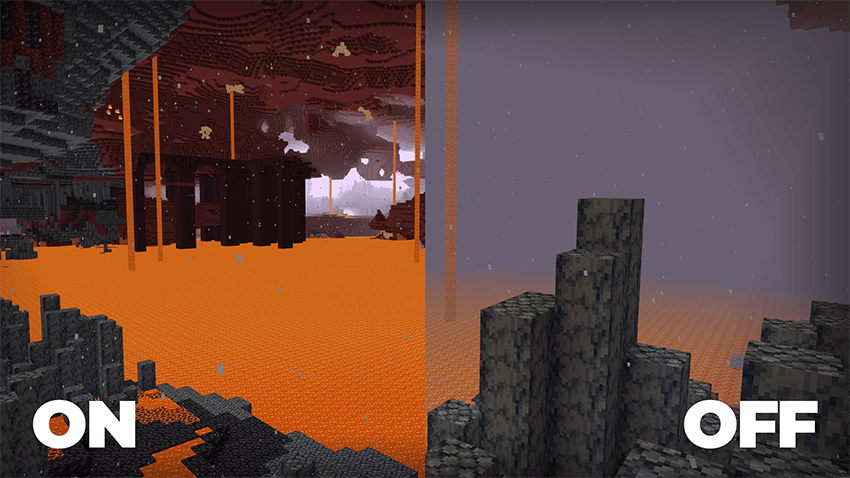
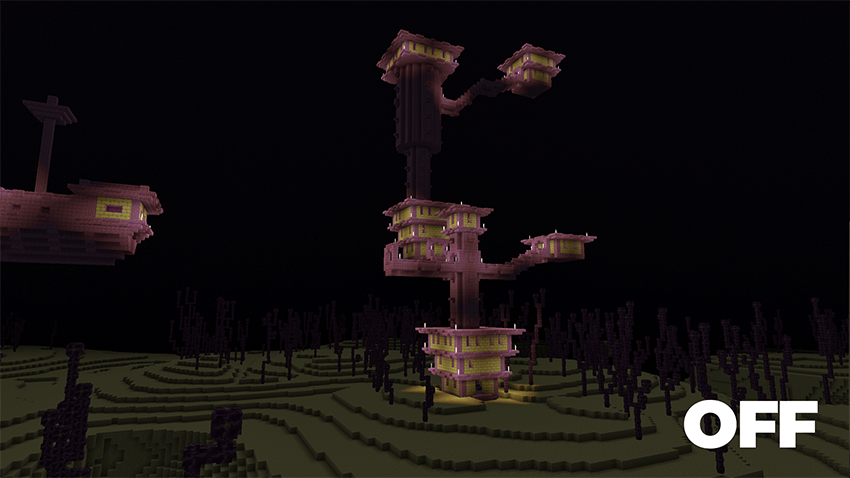
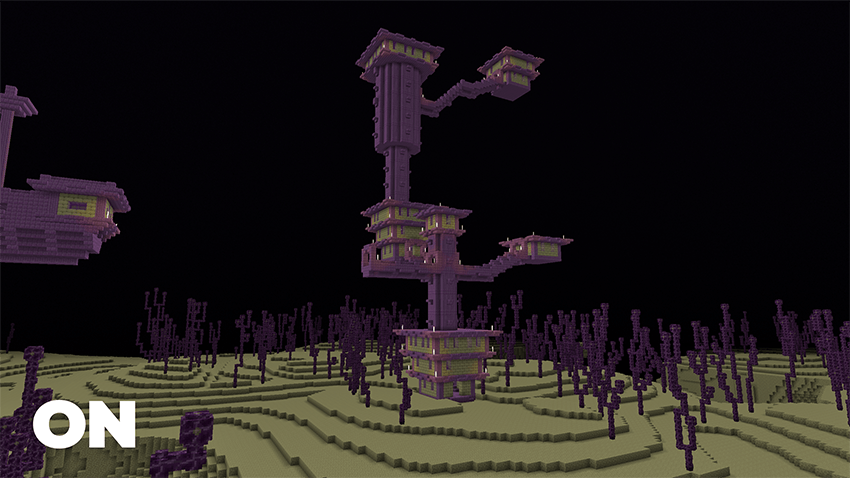
Clear Sight gives you enhanced vision in caves, the Nether, and other dark areas, while staying fully compatible with Vibrant Visuals. All without turning…
I don't know my version
Clear Sight
See clearly in caves, underground tunnels, and during the darkest nights. All without turning off achievements.
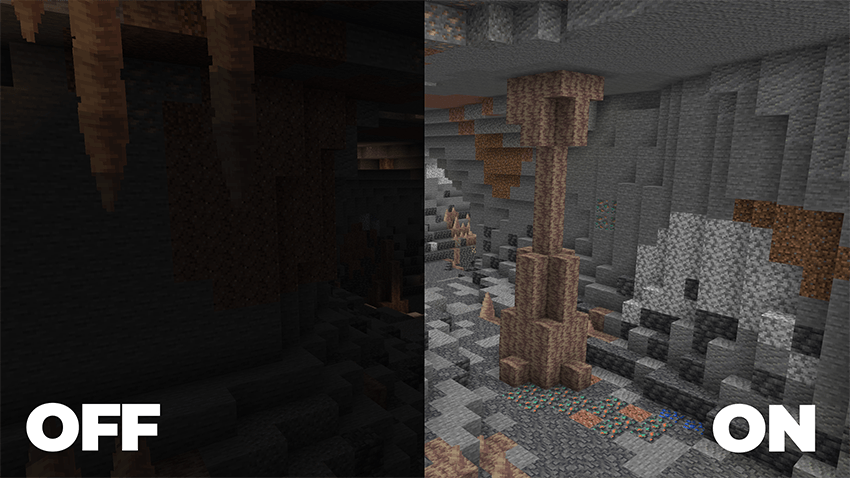
Clear Sight is a lightweight, achievement-friendly resource pack/addon designed to improve visibility in dark environments while preserving Minecraft's vanilla feel. Whether you're exploring massive cave systems, mining for rare resources, surviving your first night, or building in low-light areas, Clear Sight helps you see more of the world around you.
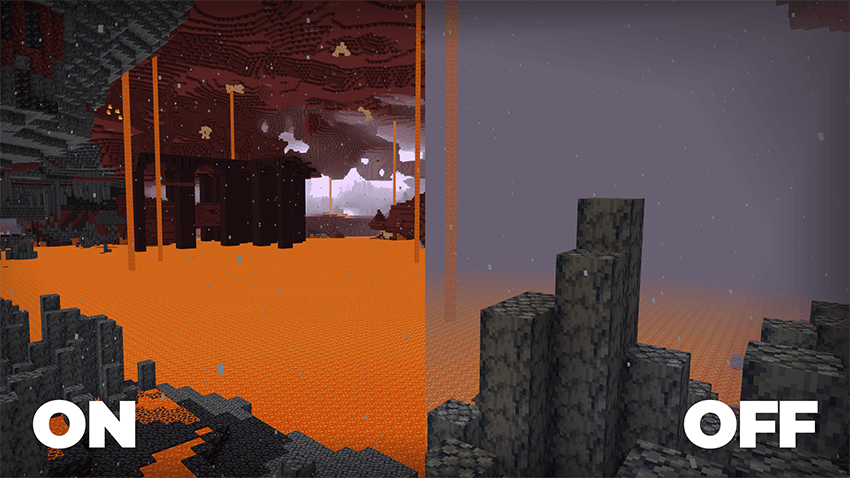
Unlike many visibility-enhancing packs, Clear Sight is built to work seamlessly with Vibrant Visuals, allowing you to enjoy improved visibility while still benefiting from Minecraft's modern visual enhancements.
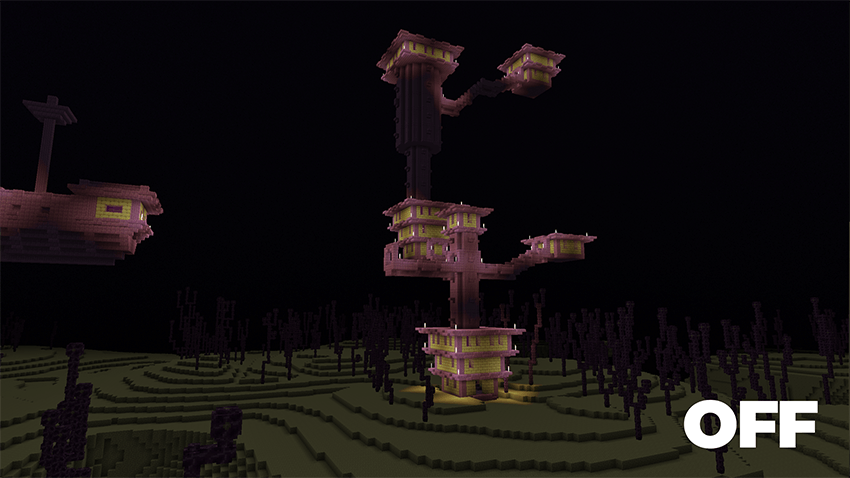
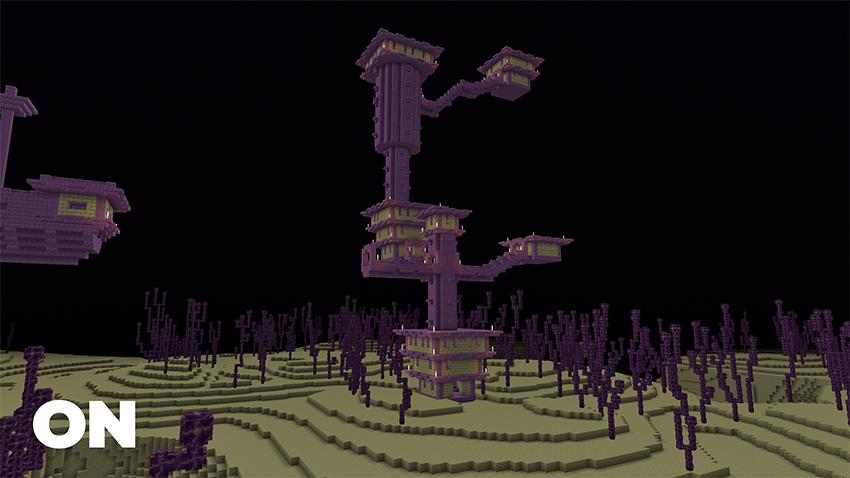
Features:
✅ Enhanced visibility in caves and dark environments
✅ Compatible with Vibrant Visuals
✅ Preserves the vanilla gameplay experience
✅ Works without turning off achievements
Installation:
- Download the pack.
- Import it into Minecraft Bedrock Edition.
- Open the world where you want to use Clear Sight.
- Enable the pack in the world's Resource Packs settings.
- Join the world and enjoy improved visibility.
- Edition: Minecraft Bedrock
- File type: .mcpack
- Minecraft versions listed: 1.21.120, 1.21.122, 1.21.121
- How to install: Download the .mcpack. → Open it — Minecraft imports it under Resource Packs. → Activate it in Global Resources, or for one world under Resource Packs → Available.
- Where to get it: Opens on CurseForge — not every file is mirrored on our own servers.
Install steps are the general flow for this file type — How to install Minecraft Bedrock texture packs walks through it step by step.
- Pack type: .mcaddon — behaviour and resource pack in one file
- Manifest requires Minecraft 1.21.50 or newer
- Complete pack — everything it depends on is inside the file
- Download size: 191 KB
- Download link checked 5 Oct 2026 — working
These come from our own check of the pack file, not from the source page.

