Texture packsBedrock
Vanilla Reforged RTX
Bedrock texture pack listed for Minecraft 1.20–1.21. File opened and checked on 19 Sep 2026; installs from the MC Bedrock Mods app on Android.
I don't know my version
Open Minecraft and look at the bottom-left corner of the main screen — the version is printed there, like v1.26.30.
The game writes a 1. in front; the buttons above leave it off. v1.26.30 in the game is 26.30 here.
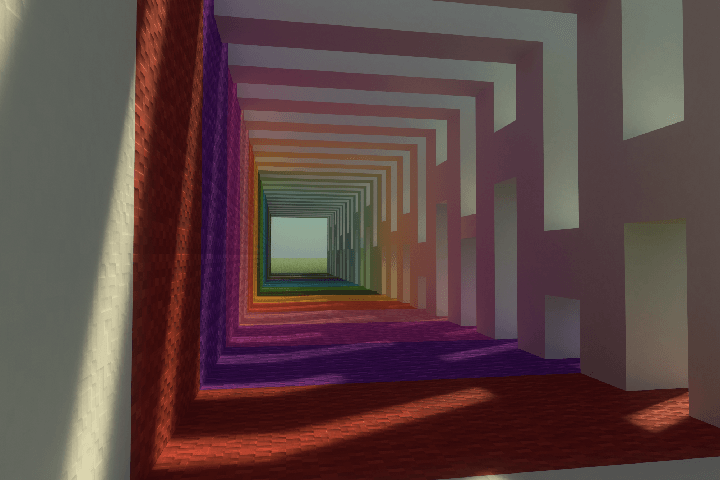
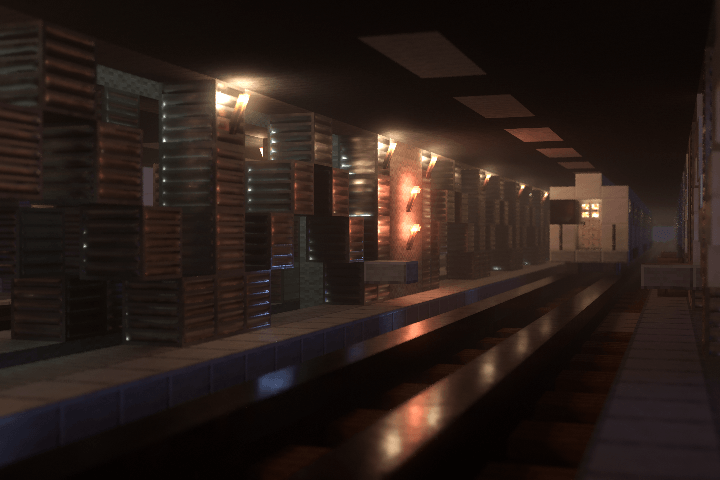
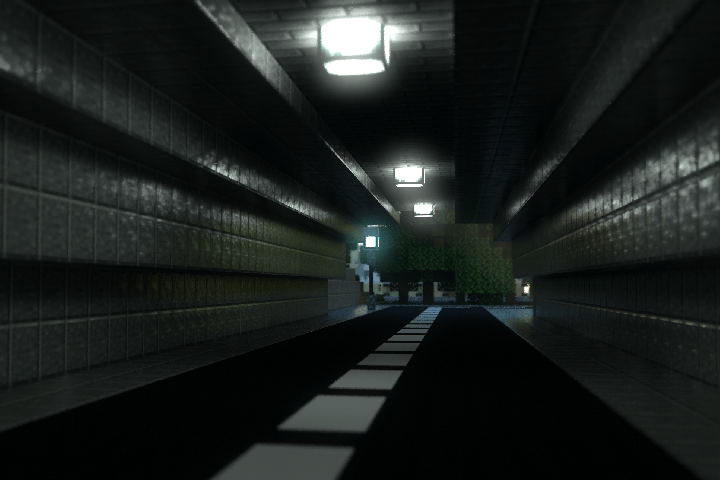
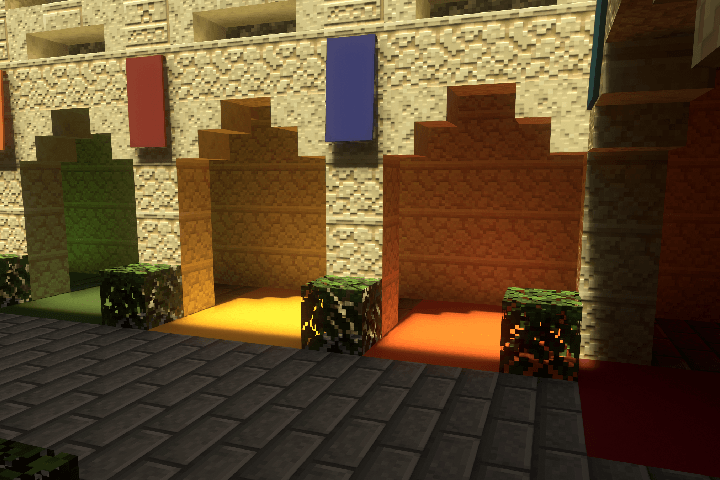
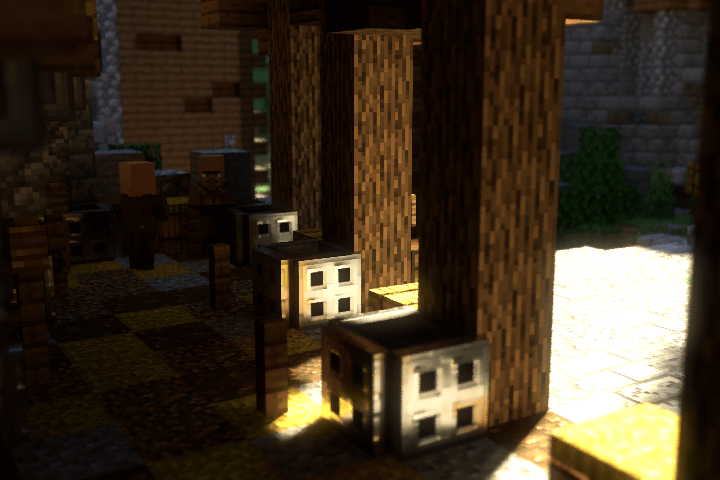
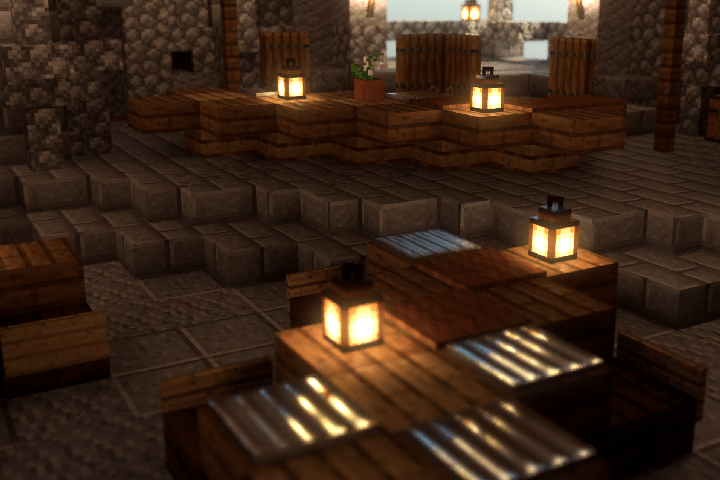
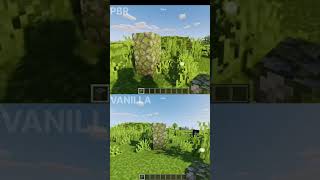
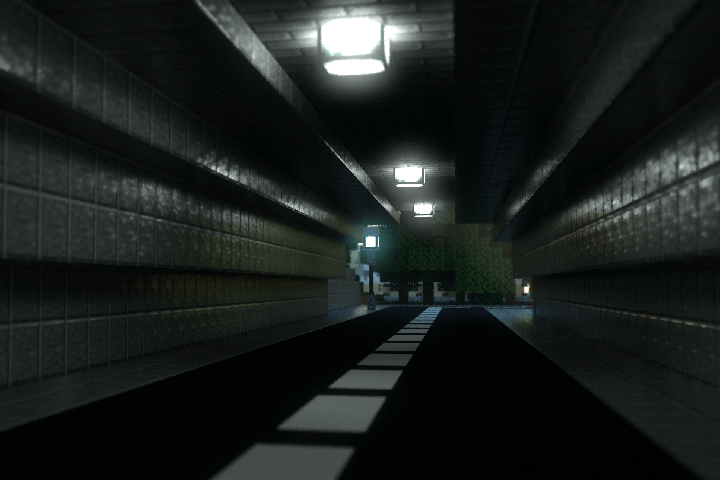
Vanilla Reforged RTX leverages the raytracing pipeline to deliver high quality pbr and lighting to your minecraft world.
The Infectious BetterRTX Preset IS HIGHLY RECOMMENDED as without it your game will not look like provided screenshots
Join the discord for development updates!
https://discord.gg/BQAJxnQHMb
Features:
Upscaled vanilla textures to 128x
Utilizing 128x bent normals to create immersive levels of texture detail
High quality pbr effects
Per biome volumetric fogs for increased immersion
Custom vanilla cloud shapes
Custom hand drawn sun texture
Images: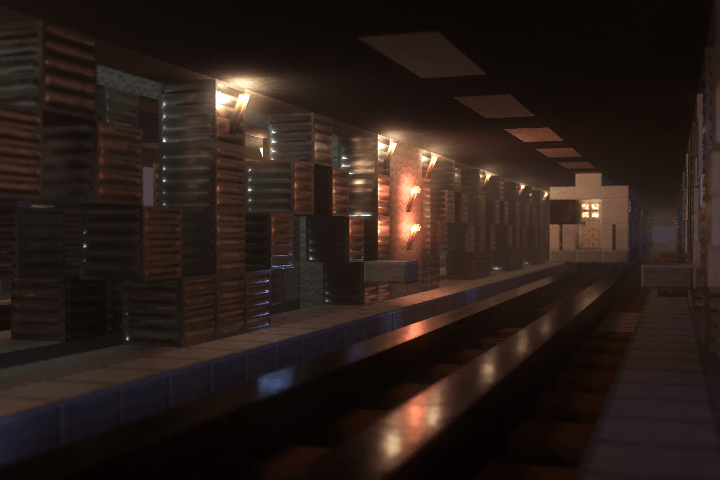
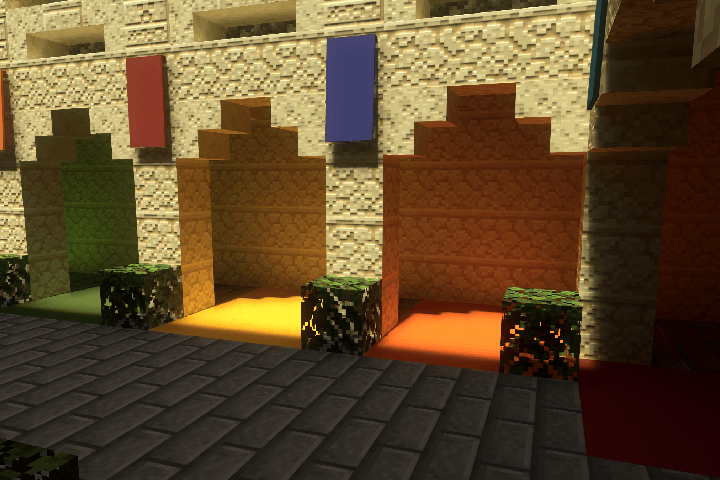

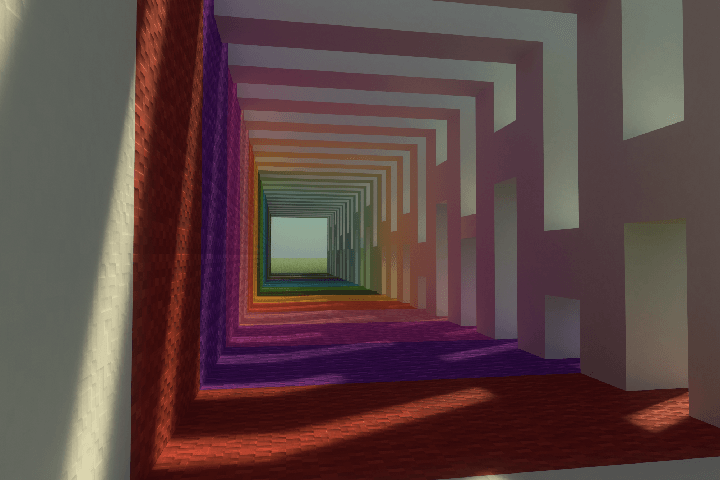
Quick facts
- Edition: Minecraft Bedrock
- File type: .mcpack
- Minecraft versions listed: 1.21.80, 1.21.61
- How to install: Download the .mcpack. → Open it — Minecraft imports it under Resource Packs. → Activate it in Global Resources, or for one world under Resource Packs → Available.
- Where to get it: Opens on CurseForge — not every file is mirrored on our own servers.
Install steps are the general flow for this file type — How to install Minecraft Bedrock texture packs walks through it step by step.
File checked by MCModsHub
- Save it as Vanilla Reforged RTXV1.0.1.mcaddon before opening — it downloads as .mcpack, but it is a .mcaddon pack
- Manifest requires Minecraft 1.20.0 or newer
- Complete pack — everything it depends on is inside the file
- Download size: 37.0 MB
- Download link checked 5 Oct 2026 — working
These come from our own check of the pack file, not from the source page.