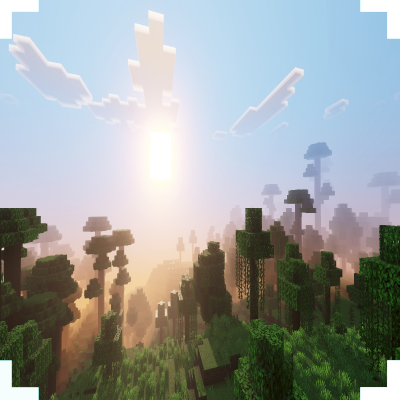
Aria Vision Shade
Bedrock texture pack listed for Minecraft 1.20–26.x. File opened and checked on 25 Sep 2026; installs from the MC Bedrock Mods app on Android.
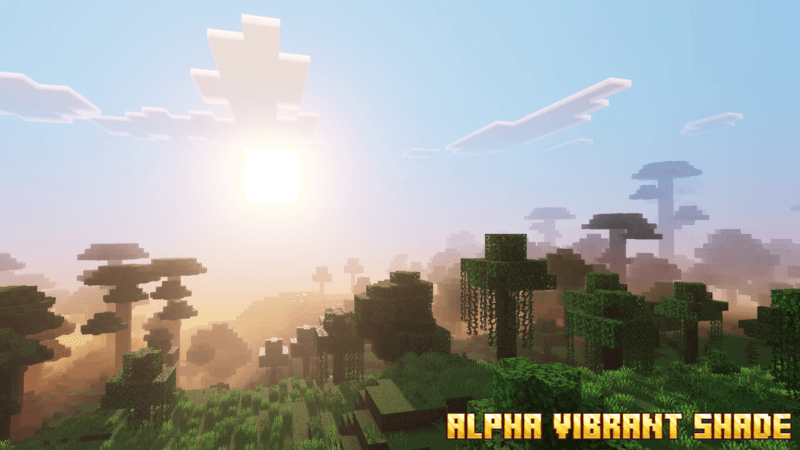
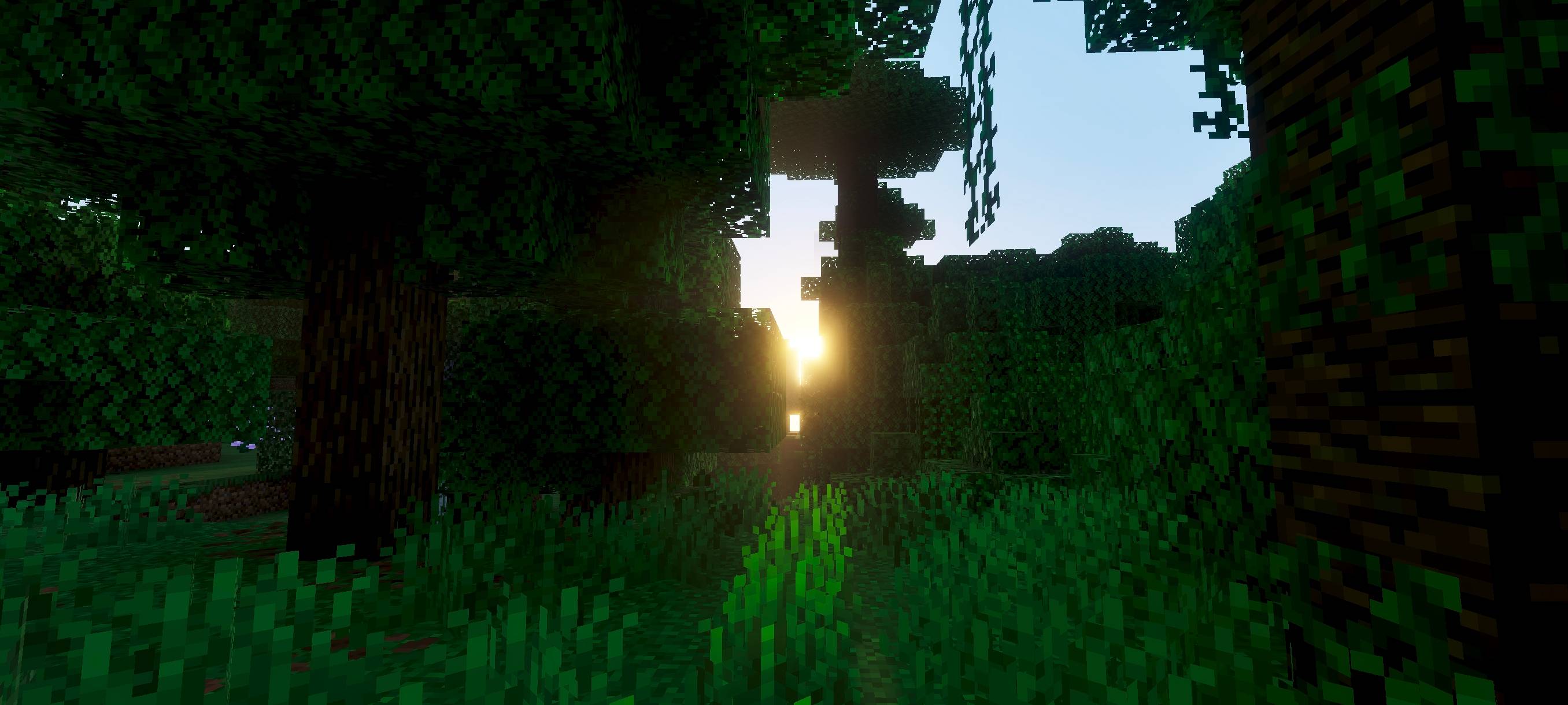
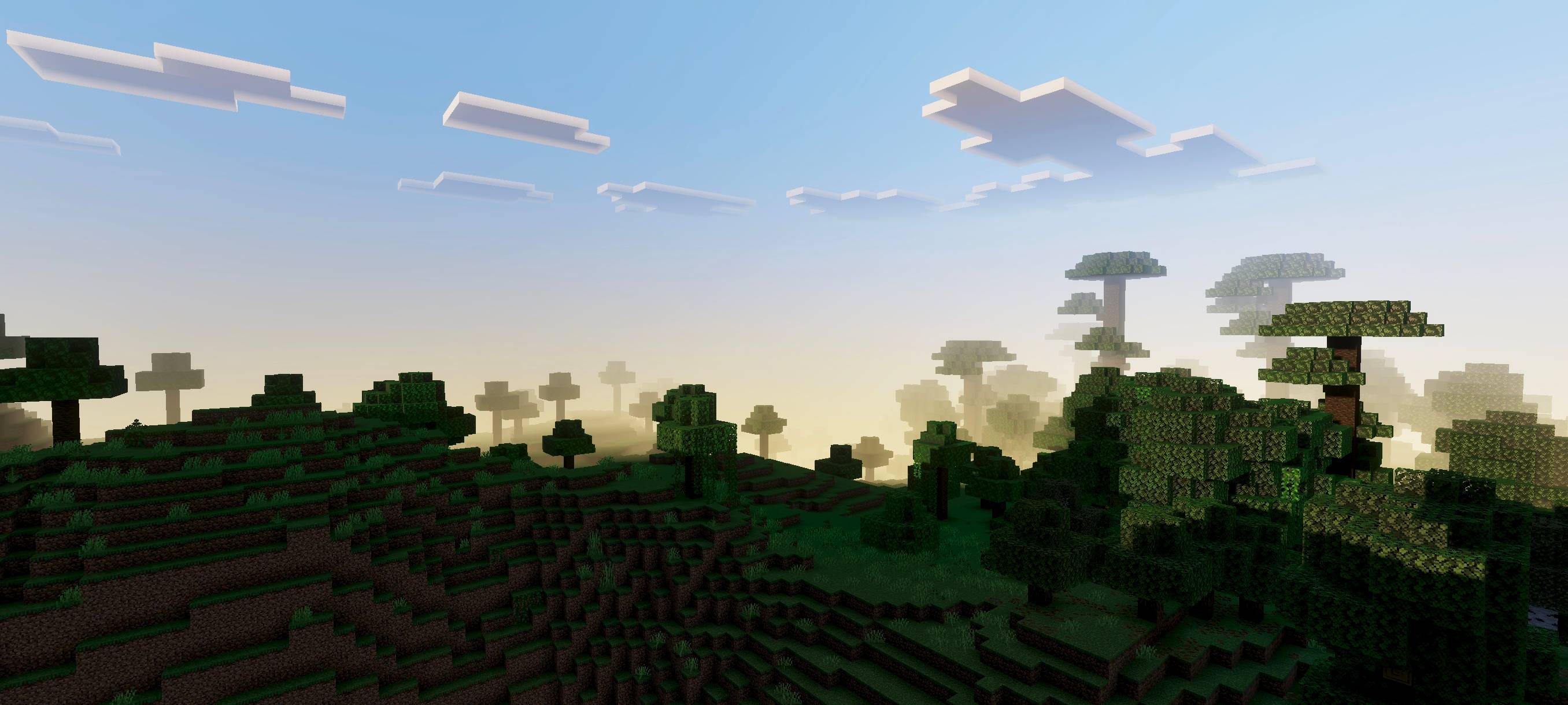
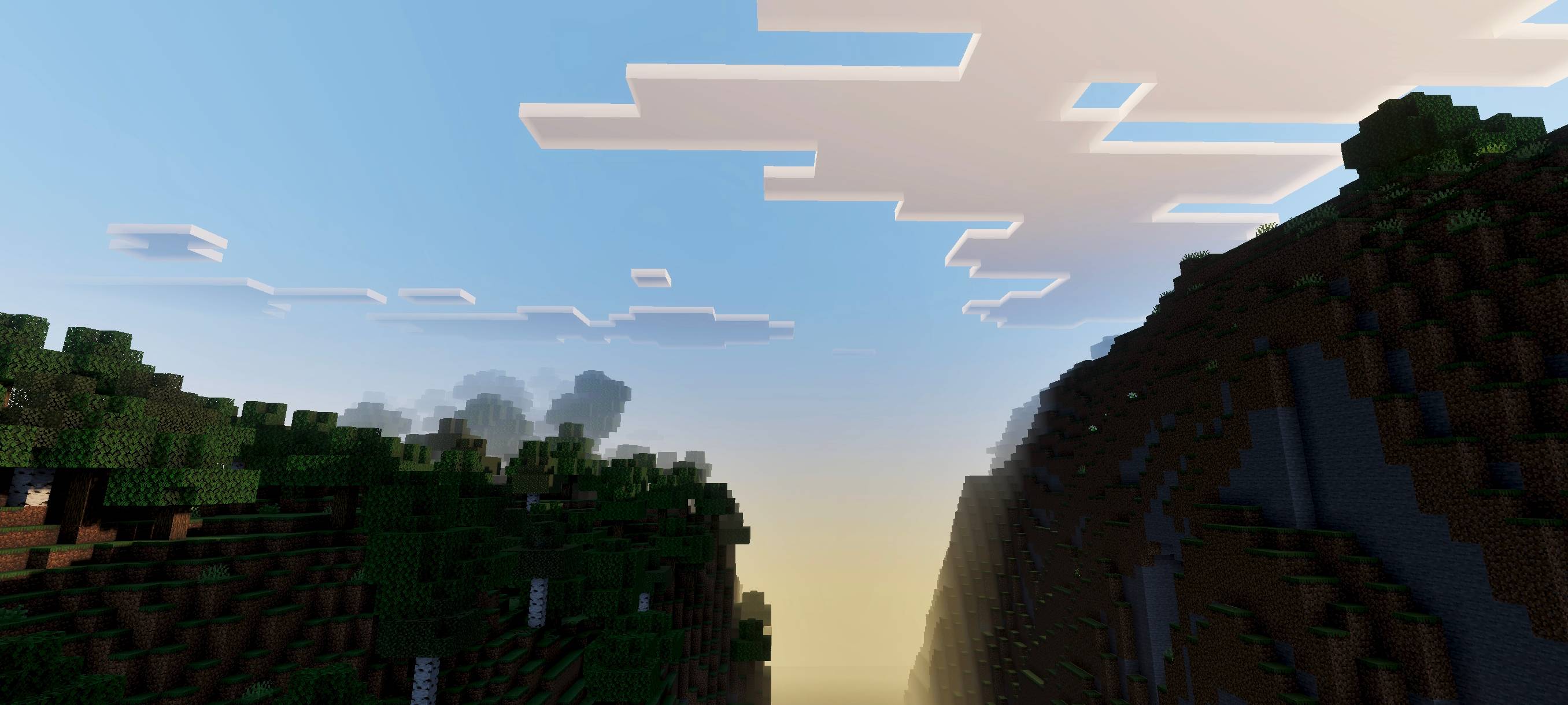
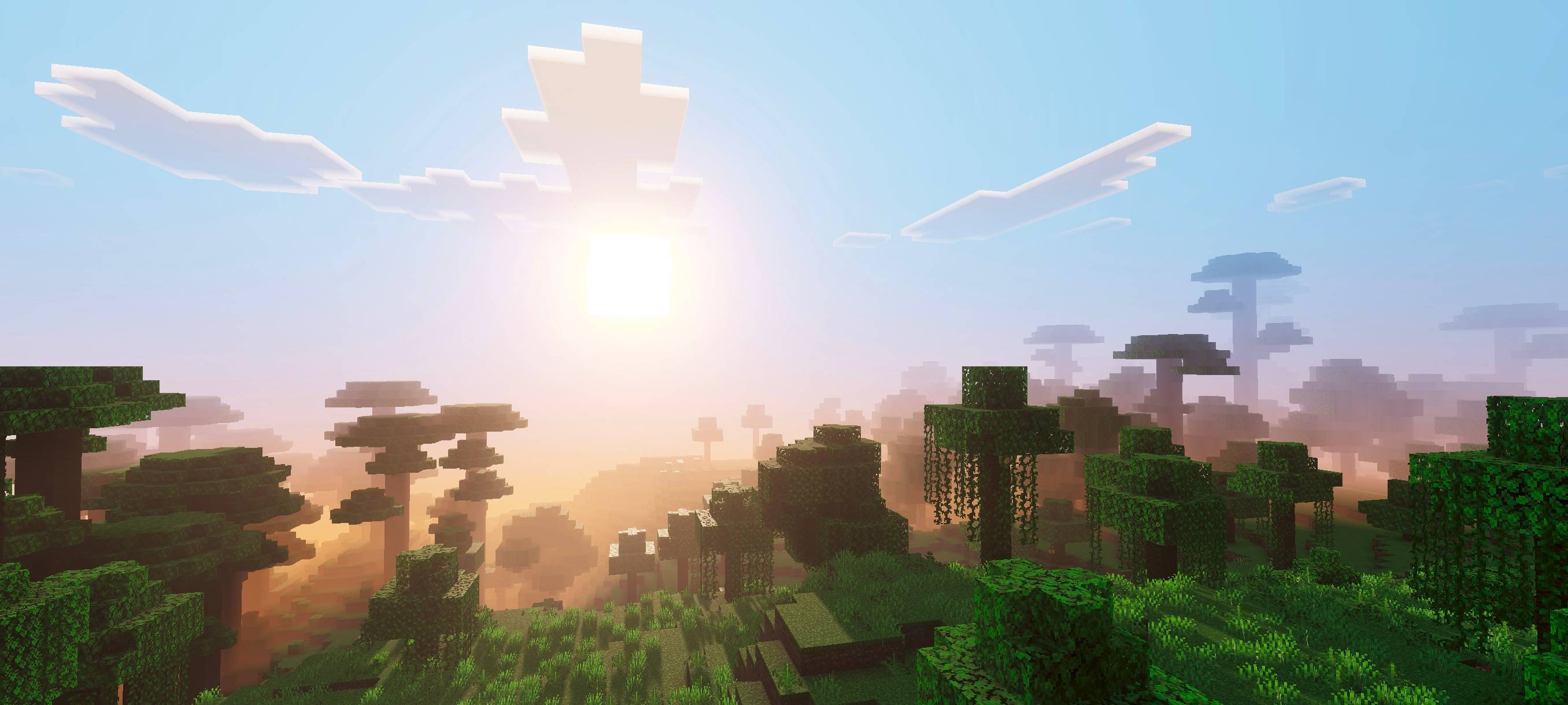
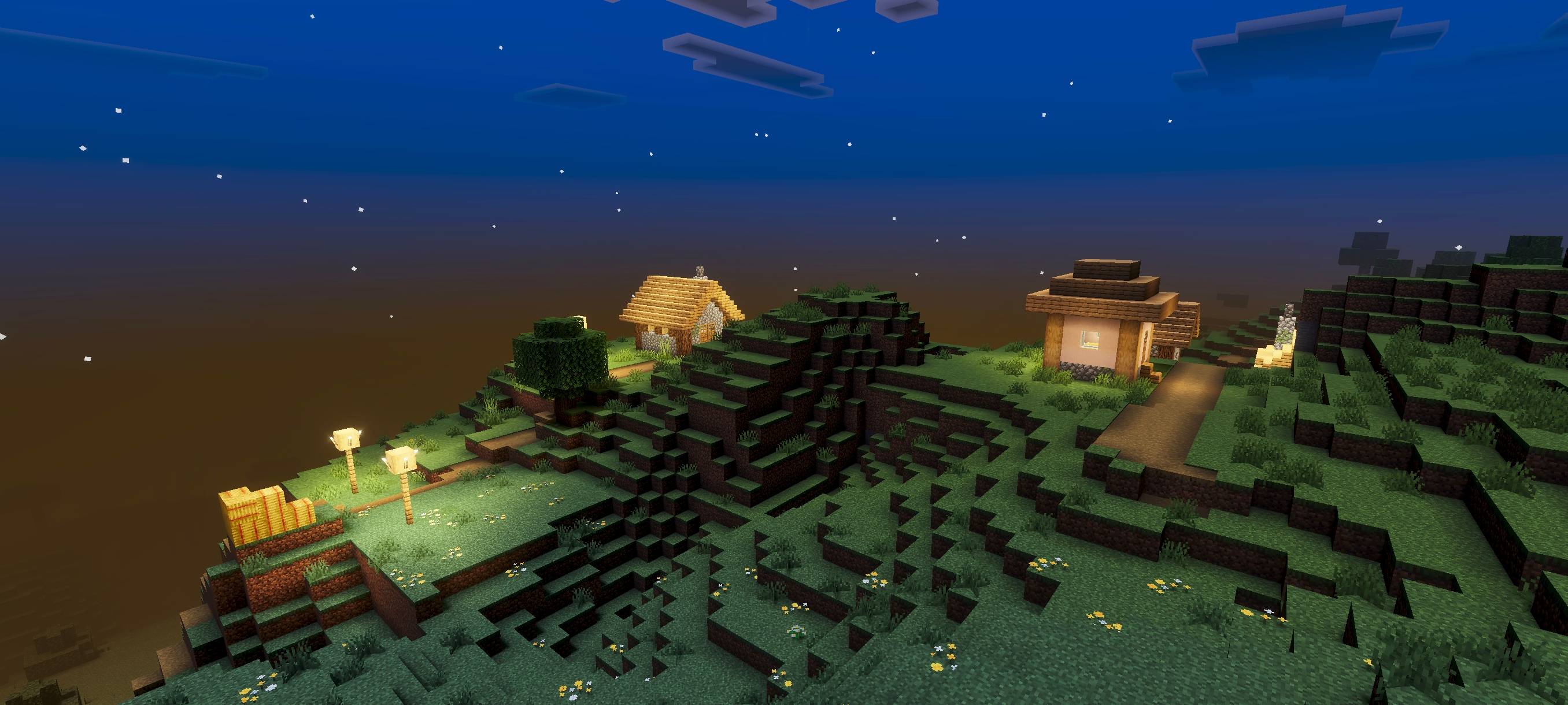
Aria Vision Shade makes your world feel warmer and more beautiful and dynamic. make your world pop with energy.
I don't know my version
(no player.json)
(no experimental)
(achievement friendly)
(join discord for feedback)
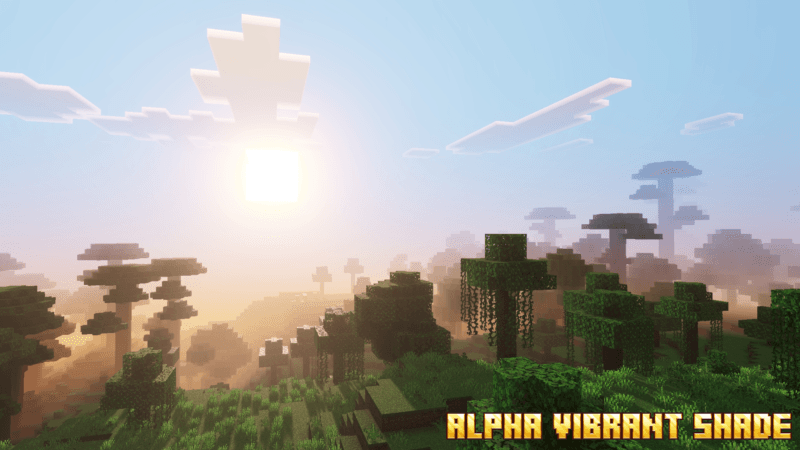
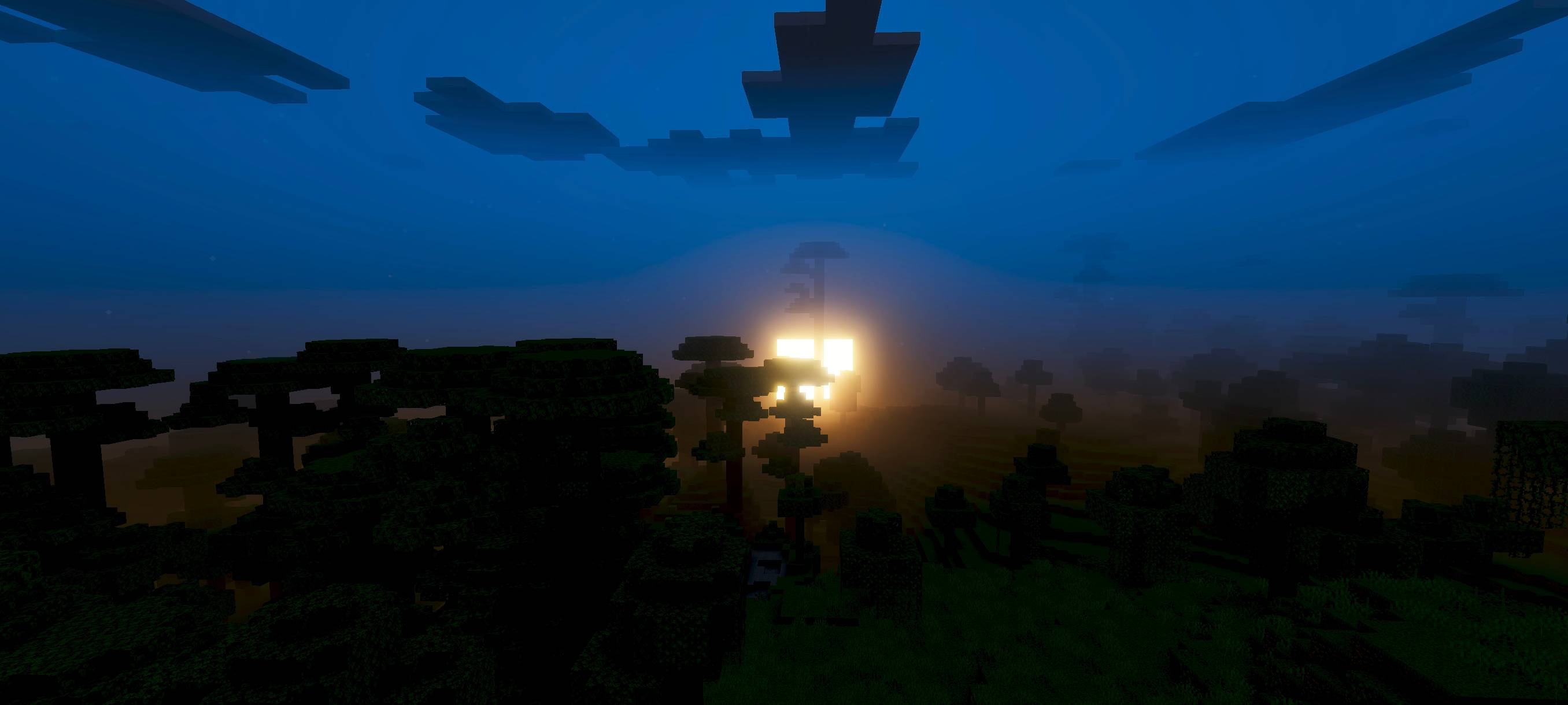
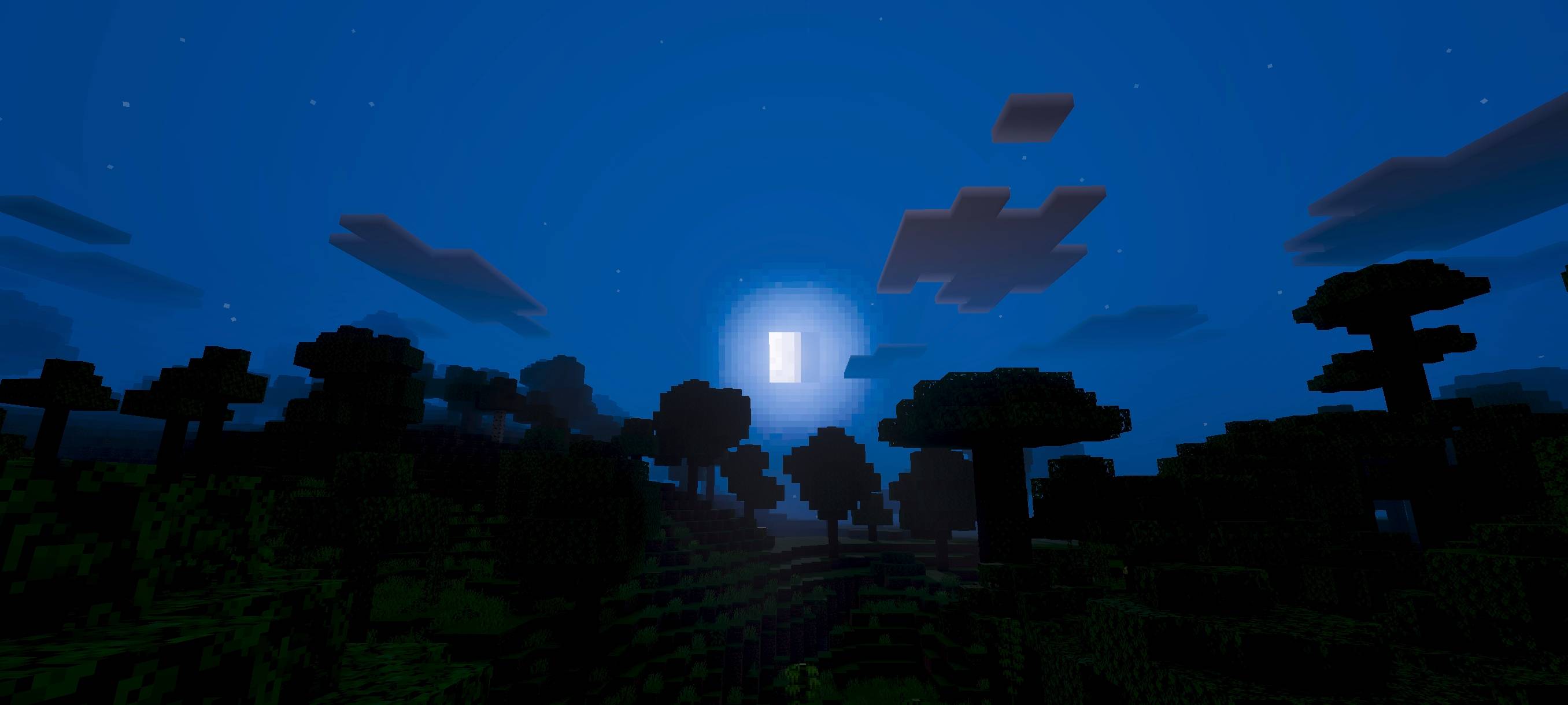
Alpha Vision Shade will make your world more dynamic, more beautiful, and visually similar to Alpha from The Eminence in Shadow. Yes, this addon is indeed inspired by Alpha the Shadow. Because of this, you will get better visuals at night. Let’s say this is a bonus from the Shadow Lord’s power.
uploaded photo
- Edition: Minecraft Bedrock
- File type: .mcpack
- Minecraft versions listed: 26.50, 26.30, 26.10
- How to install: Download the .mcpack. → Open it — Minecraft imports it under Resource Packs. → Activate it in Global Resources, or for one world under Resource Packs → Available.
- Where to get it: Opens on CurseForge — not every file is mirrored on our own servers.
Install steps are the general flow for this file type — How to install Minecraft Bedrock texture packs walks through it step by step.
- Save it as aria vision shade 1.8.mcaddon before opening — it downloads as .mcpack, but it is a .mcaddon pack
- Manifest requires Minecraft 1.20.30 or newer
- Complete pack — everything it depends on is inside the file
- Download size: 263 KB
- Download link checked 5 Oct 2026 — working
These come from our own check of the pack file, not from the source page.