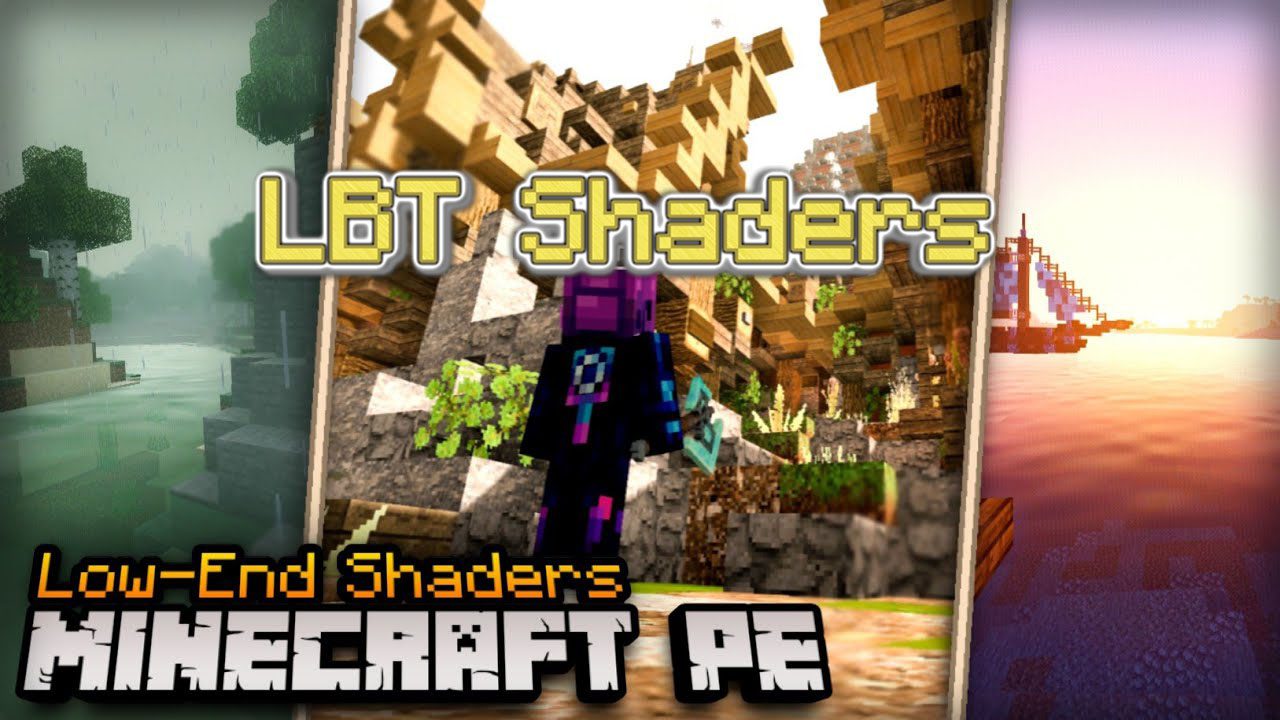
LBT Shader (1.18) – Light Beauty for Low-End Devices
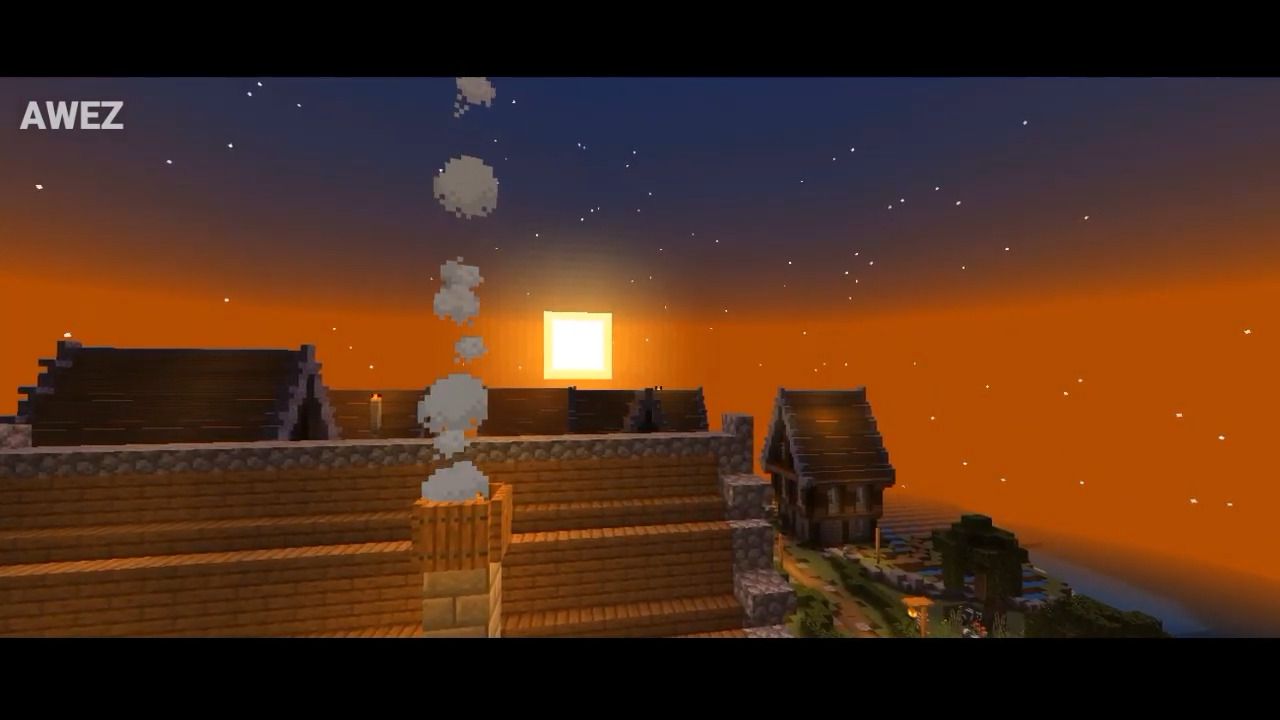
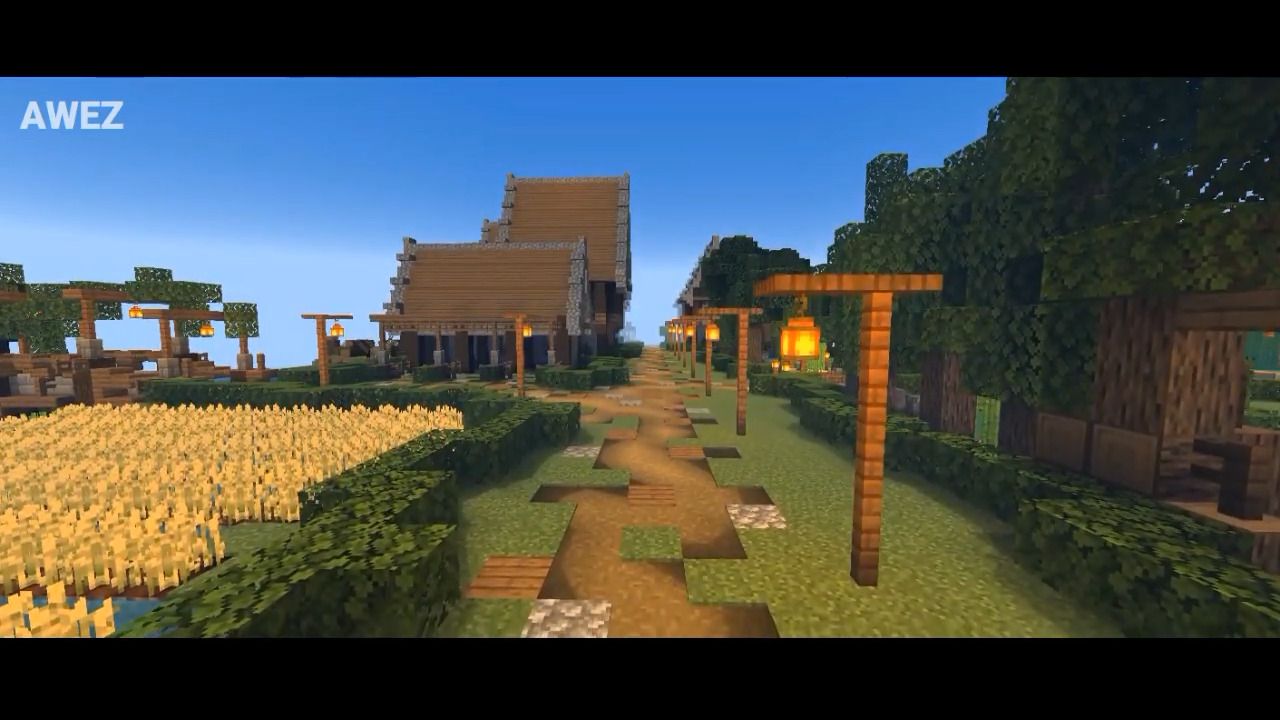
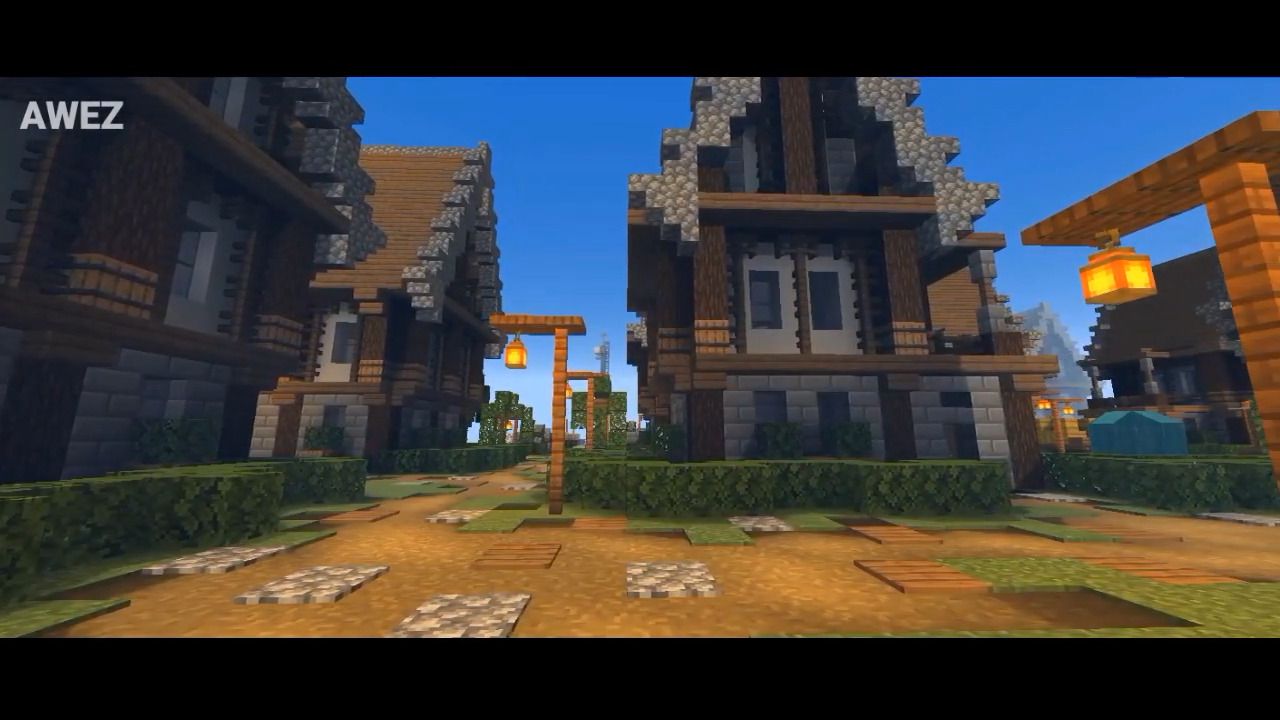
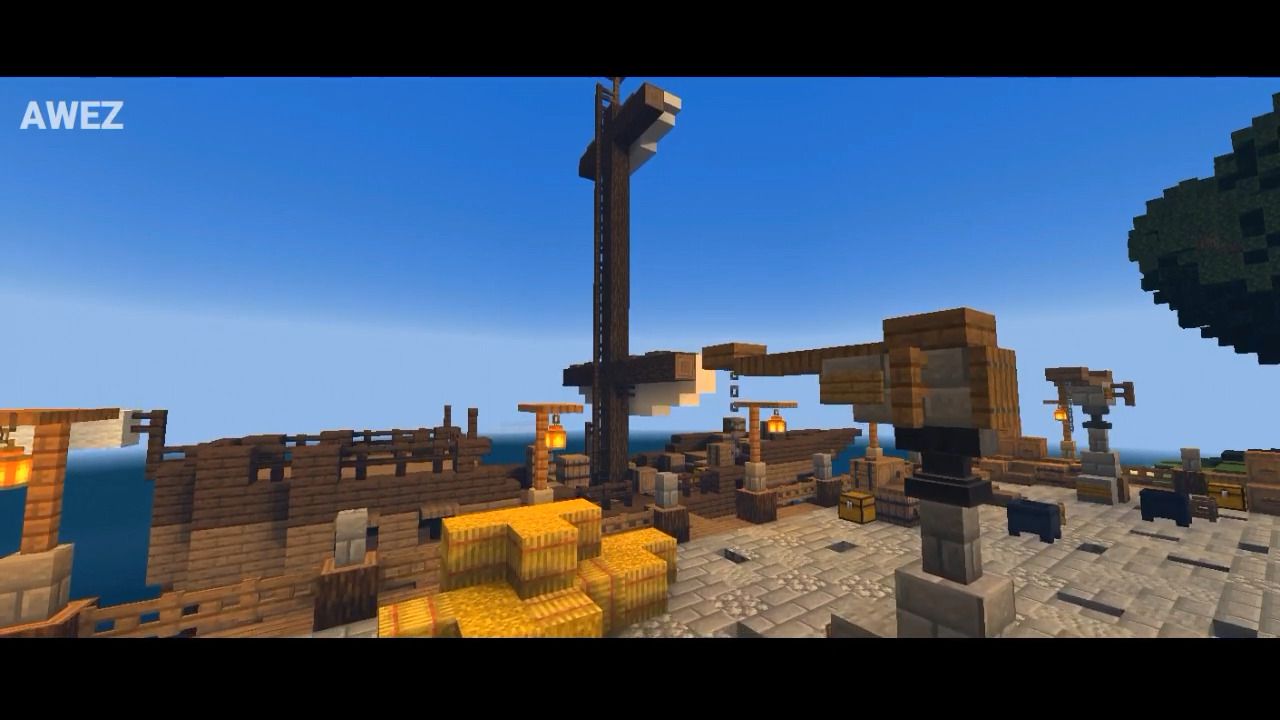
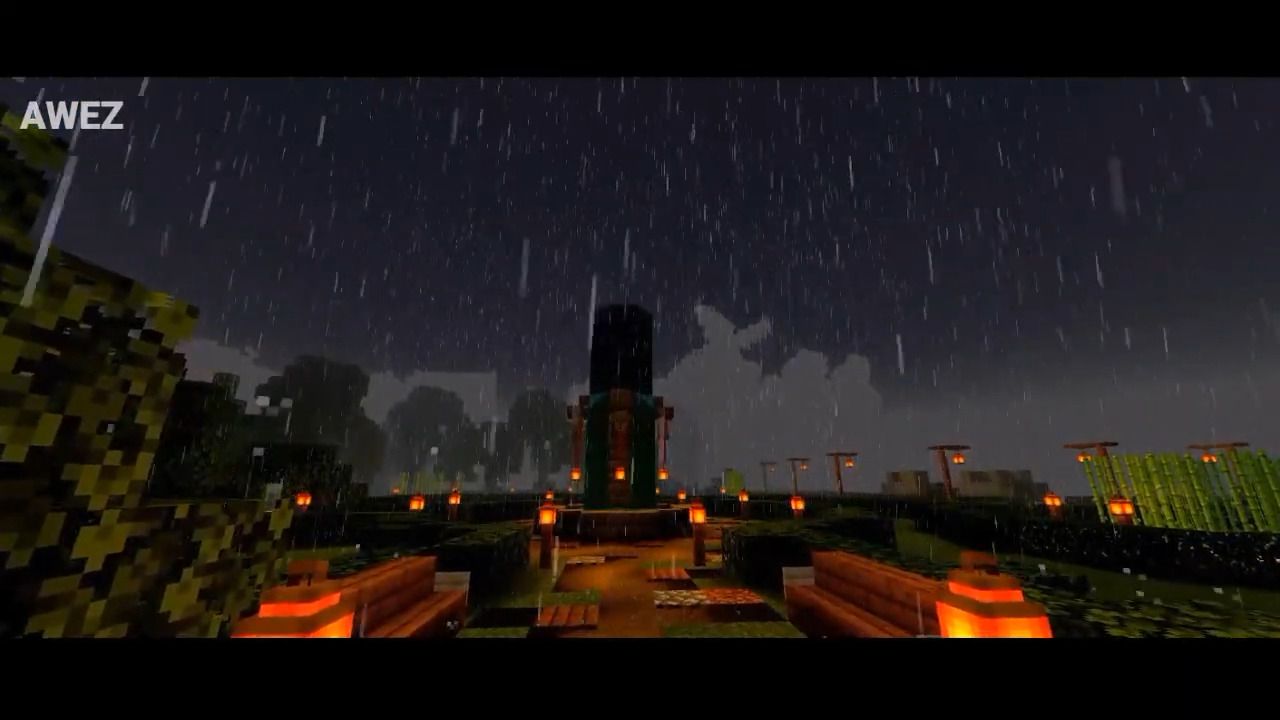
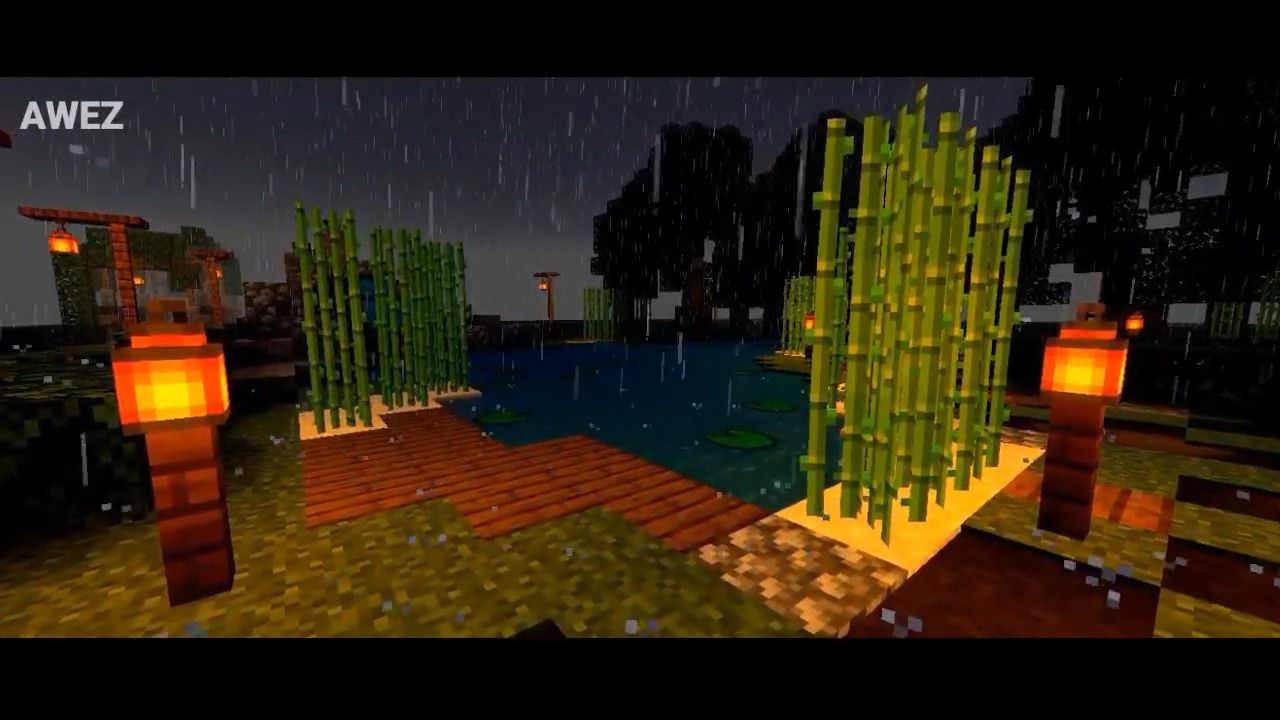
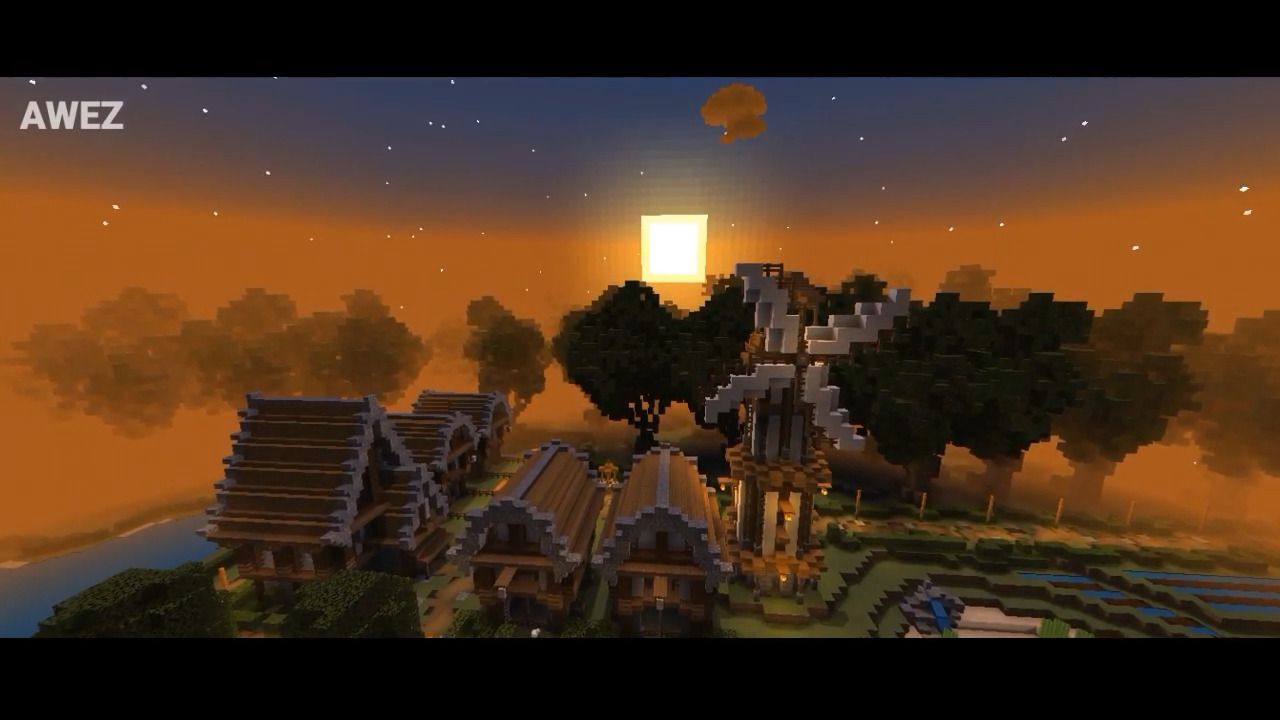
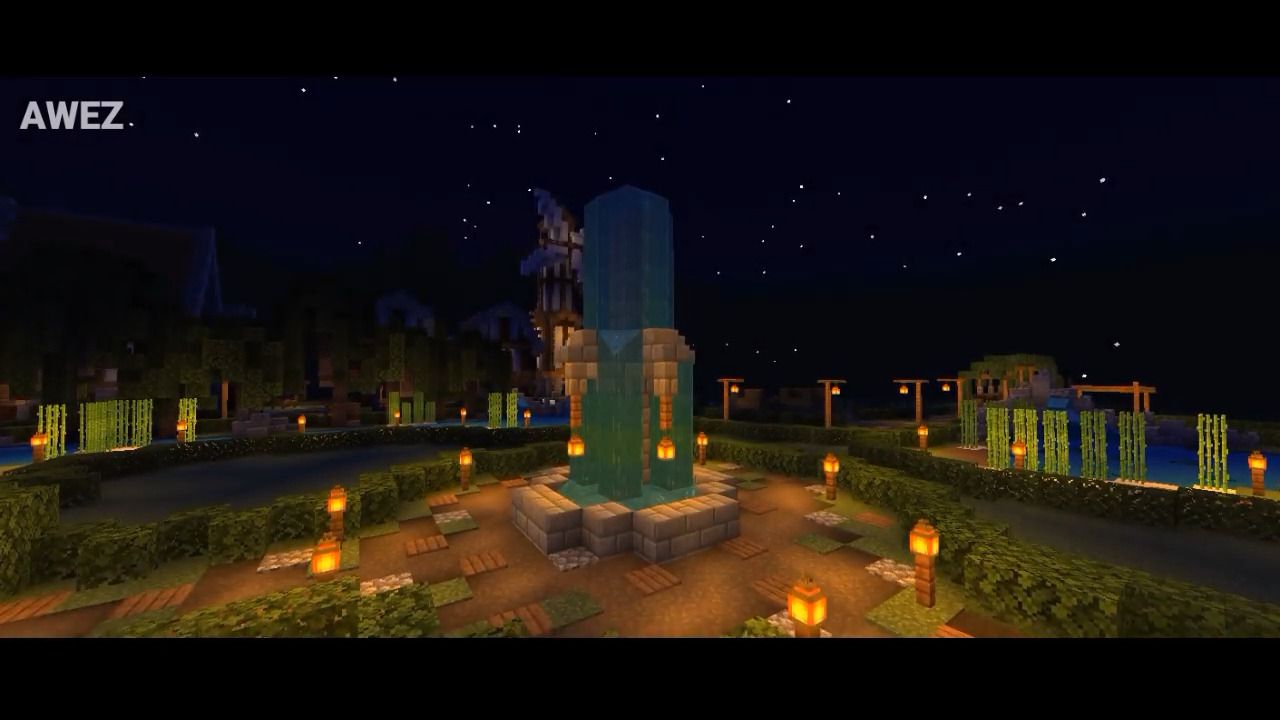
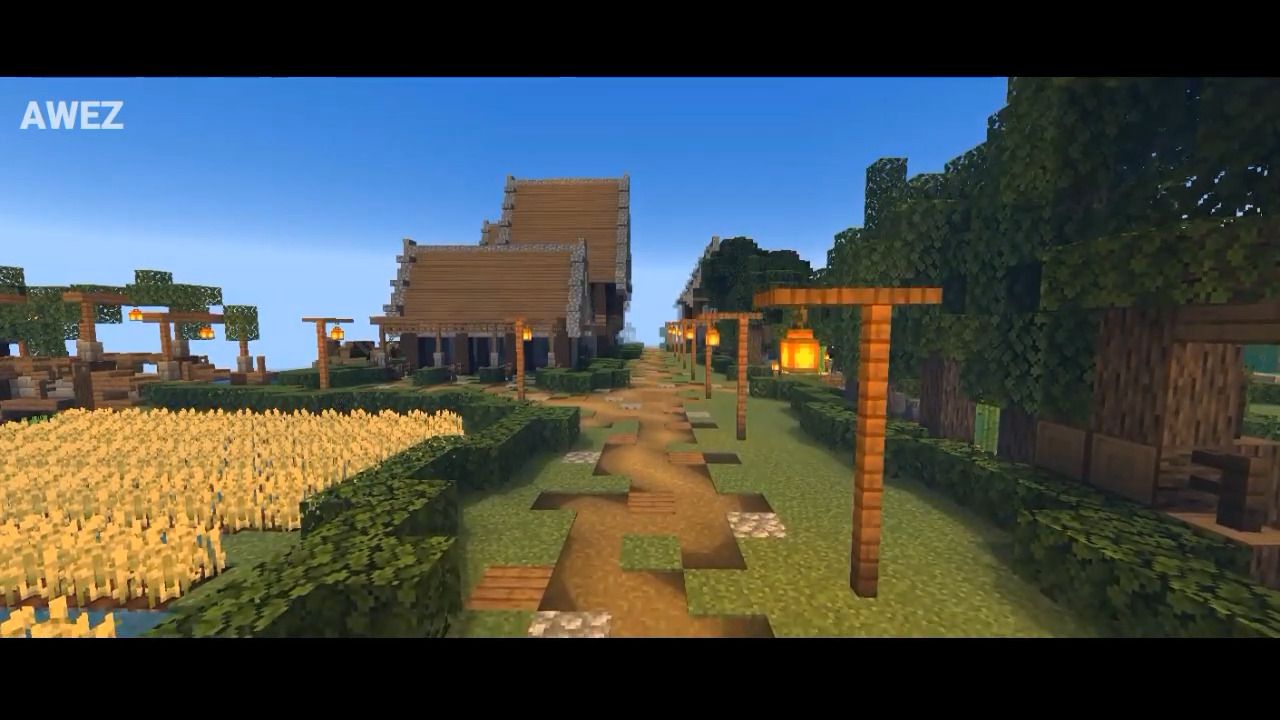
LBT Shader will make your world more beautiful by changing the colors of day, night, rain, torch, and more. This shader will also make fog in your world…
⬇ DownloadOpen in MCModsHubGet it on Google Play →LBT Shader will make your world more beautiful by changing the colors of day, night, rain, torch, and more. This shader will also make fog in your world more beautiful. LBT stands for “Light Beauty” to describe this shader without lagging for all devices. So these shaders will not lag your device. You should set the brightness to 100.
Screenshots:
Beautiful Daylight and Blue Sky
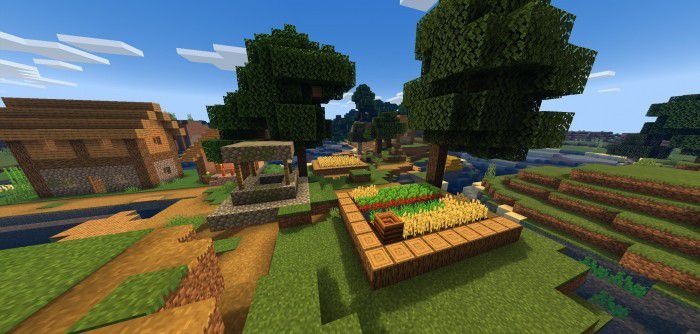
Sunset
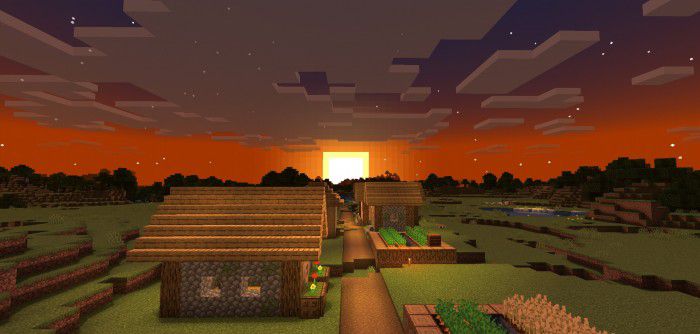
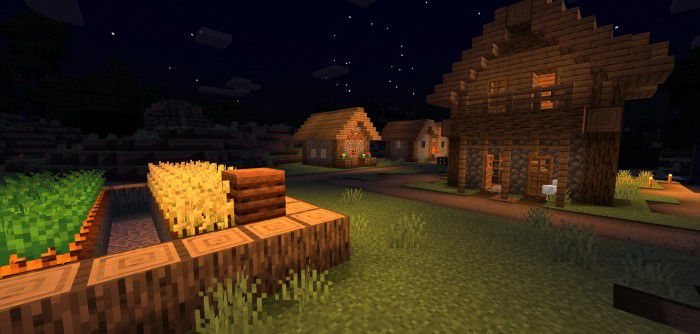
Night
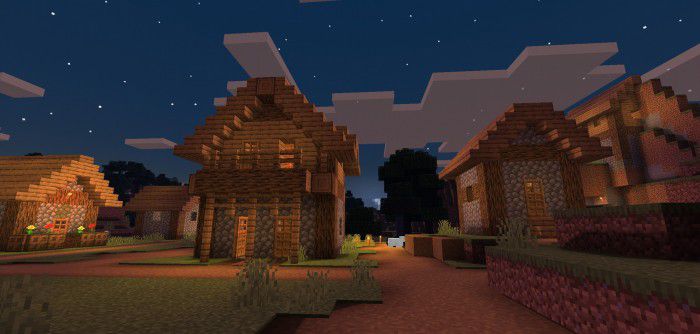
Rain
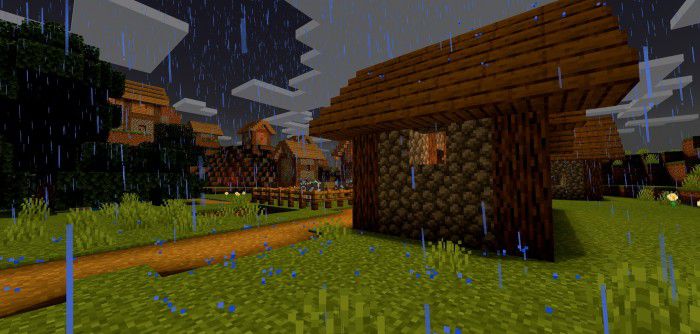
Beauty Night and Sky Star
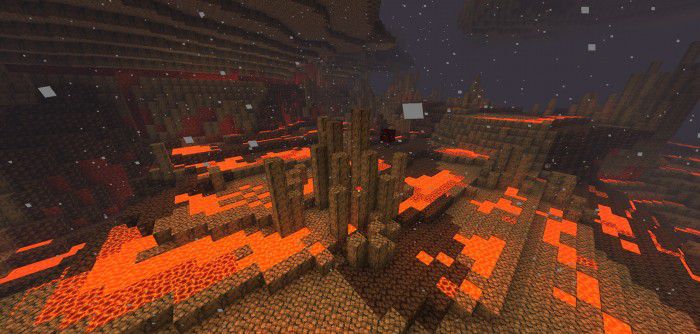
Nether
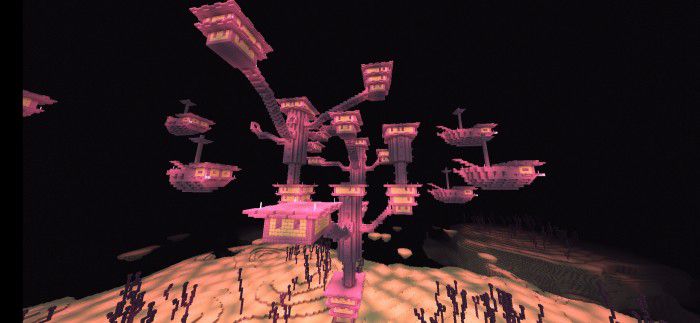
End
More in-game screenshots:
LBT Shader Download Links
You may also like
For MCPE/Bedrock 1.18
LBT Shader: Download from server 1 – Download from server 2
LBT Shader Without Wave: Download from server 1 – Download from server 2
- Pack type: .mcpack — a single pack
- Manifest requires Minecraft 1.13.0 or newer
- Complete pack — everything it depends on is inside the file
- Download link checked 17 Jun 2026 — working
- Mirrored on our own servers — the download does not depend on the original host
These come from our own check of the pack file, not from the source page.