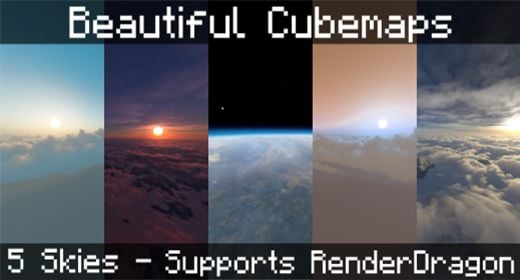
Beautiful Cubemaps Pack (1.26+) – Support RenderDragon
Bedrock texture pack listed for Minecraft 1.16–26.x. File opened and checked on 24 Sep 2026; installs from the MC Bedrock Mods app on Android.
⬇ Download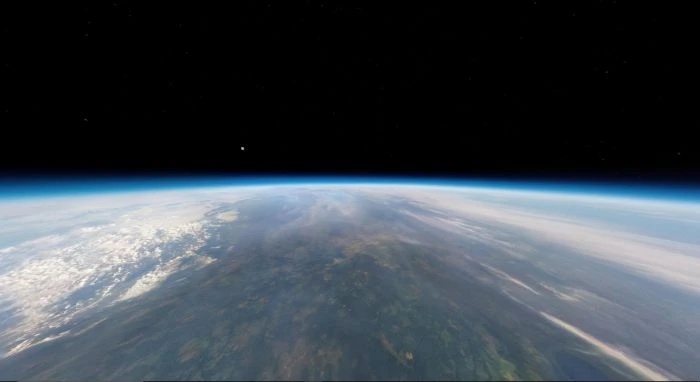
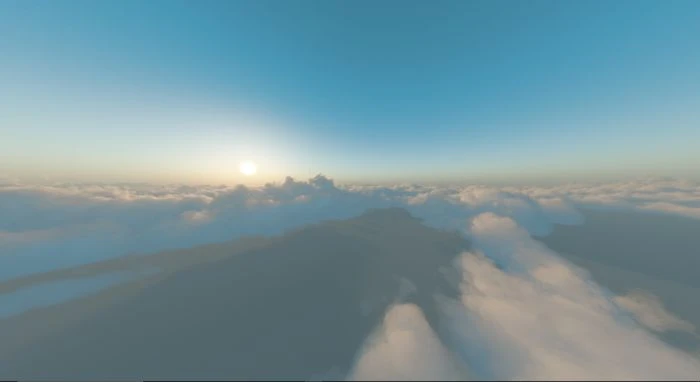
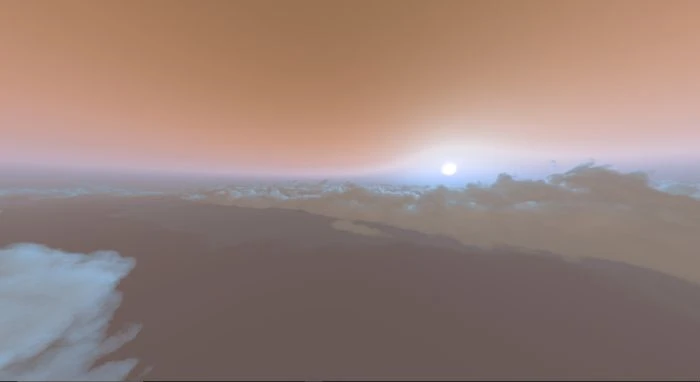
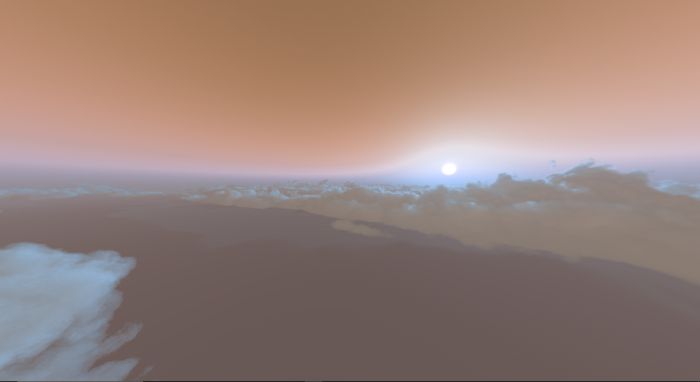
Beautiful Cubemaps Pack aims to have the Best looking sky boxes on Minecraft bedrock. They are all specifically designed to look seamless on RenderDragon, without the annoying boxy look that a lot of other custom skies have. There are currently 5 Skies to choose from. Do you hate the look and feel of Sky-Boxes that don’t fit properly or look awfully like you’re inside a big box? Well, worry no more, as this is the first pack that works around all of these issues!
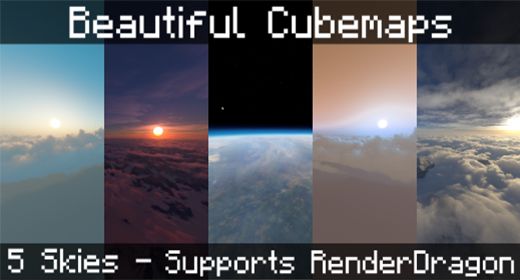
Features:
- 5 Seamless skyboxes tailored specifically for RenderDragon versions of the game.
- Customized fog colors per skybox, making sure the fog and sky texture blend perfectly!
- Non-RenderDragon version (in the future update)
🎛️ Compare Bedrock Shaders Side by Side →
Drag across real in-game scenes — find YOUR perfect MCPE shader.
Screenshots:
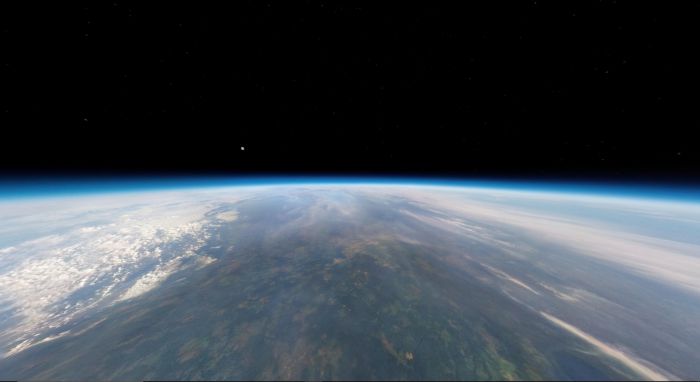
Stratosphere
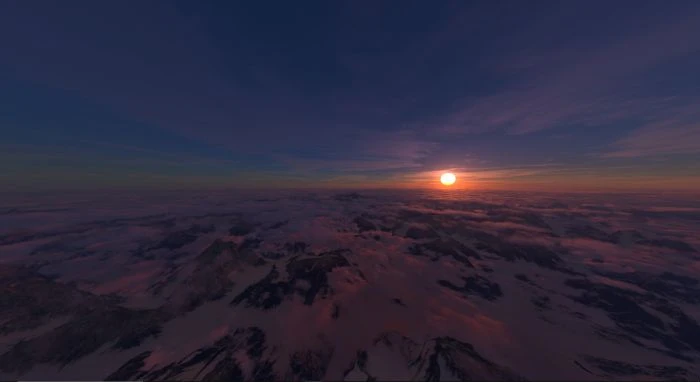
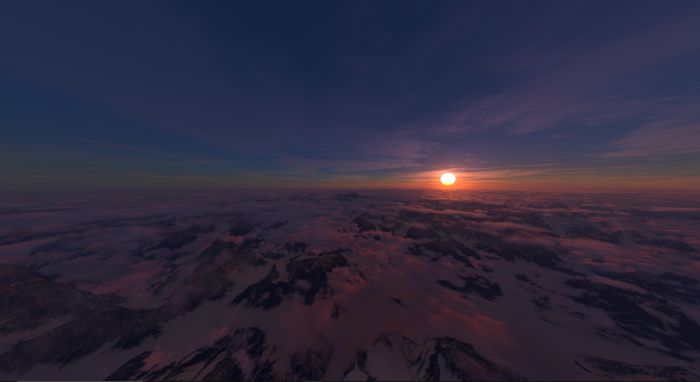
Red Mountains
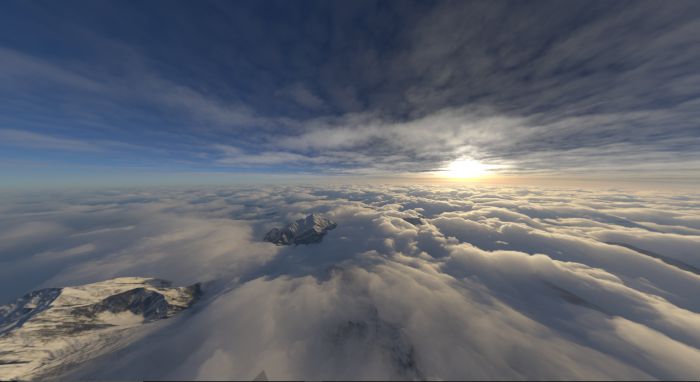
Mountains
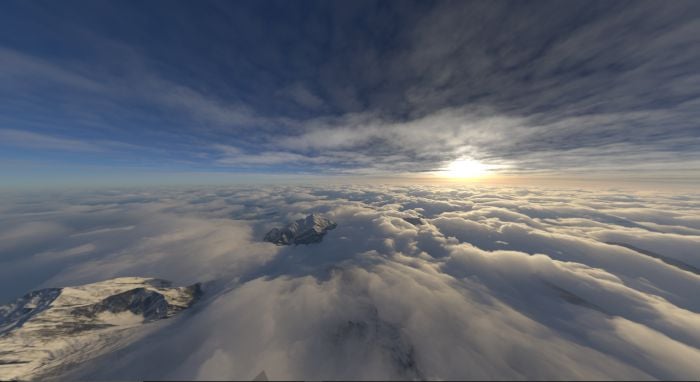
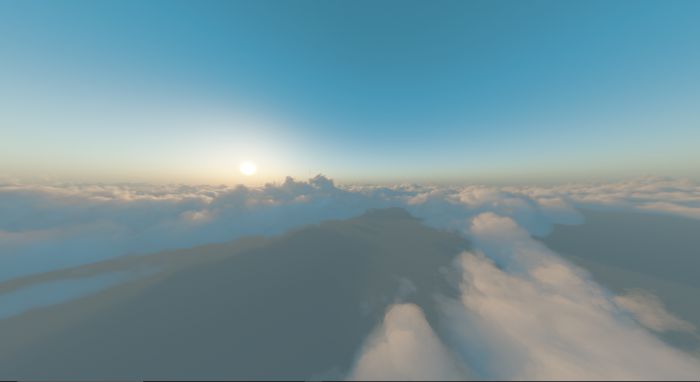
Clouds
Martian Sky
Installation Note:
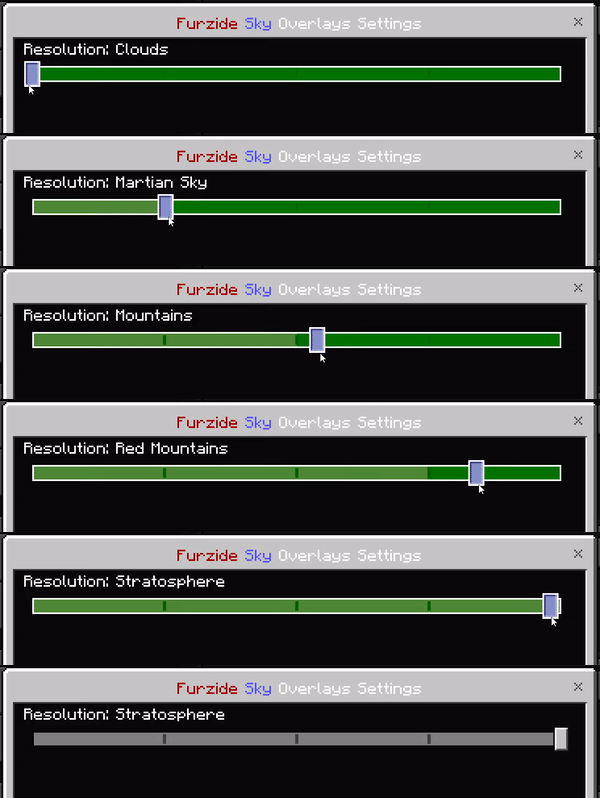
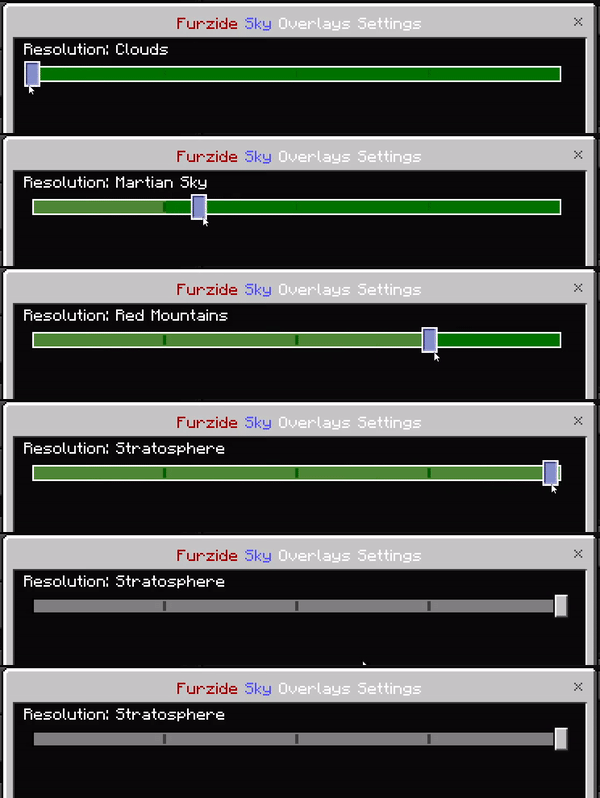
- You can change the cubemap using the subpacks:
Supported Devices:
- Win10
- Xbox
- Ps4
- Android
- IOS
Beautiful Cubemaps Pack Download Links
You may also like
For Minecraft PE/Bedrock 1.19
mcpack: Download from server 1 – Download from server 2
- Edition: Minecraft Bedrock
- File type: .mcpack
- Minecraft version listed: 1.26
- How to install: Download the .mcpack. → Open it — Minecraft imports it under Resource Packs. → Activate it in Global Resources, or for one world under Resource Packs → Available.
- Where to get it: In MCModsHub, or directly above on this page.
Install steps are the general flow for this file type — How to install Minecraft Bedrock texture packs walks through it step by step.
- Pack type: .mcpack — a single pack
- Manifest requires Minecraft 1.16.200 or newer
- Complete pack — everything it depends on is inside the file
- Download link checked 17 Jun 2026 — working
- Mirrored on our own servers — the download does not depend on the original host
These come from our own check of the pack file, not from the source page.