
Texture packsBedrock
Look at My Skin
Bedrock texture pack listed for Minecraft 1.18–26.x. File opened and checked on 28 Aug 2026; installs from the MC Bedrock Mods app on Android.
I don't know my version
Open Minecraft and look at the bottom-left corner of the main screen — the version is printed there, like v1.26.30.
The game writes a 1. in front; the buttons above leave it off. v1.26.30 in the game is 26.30 here.
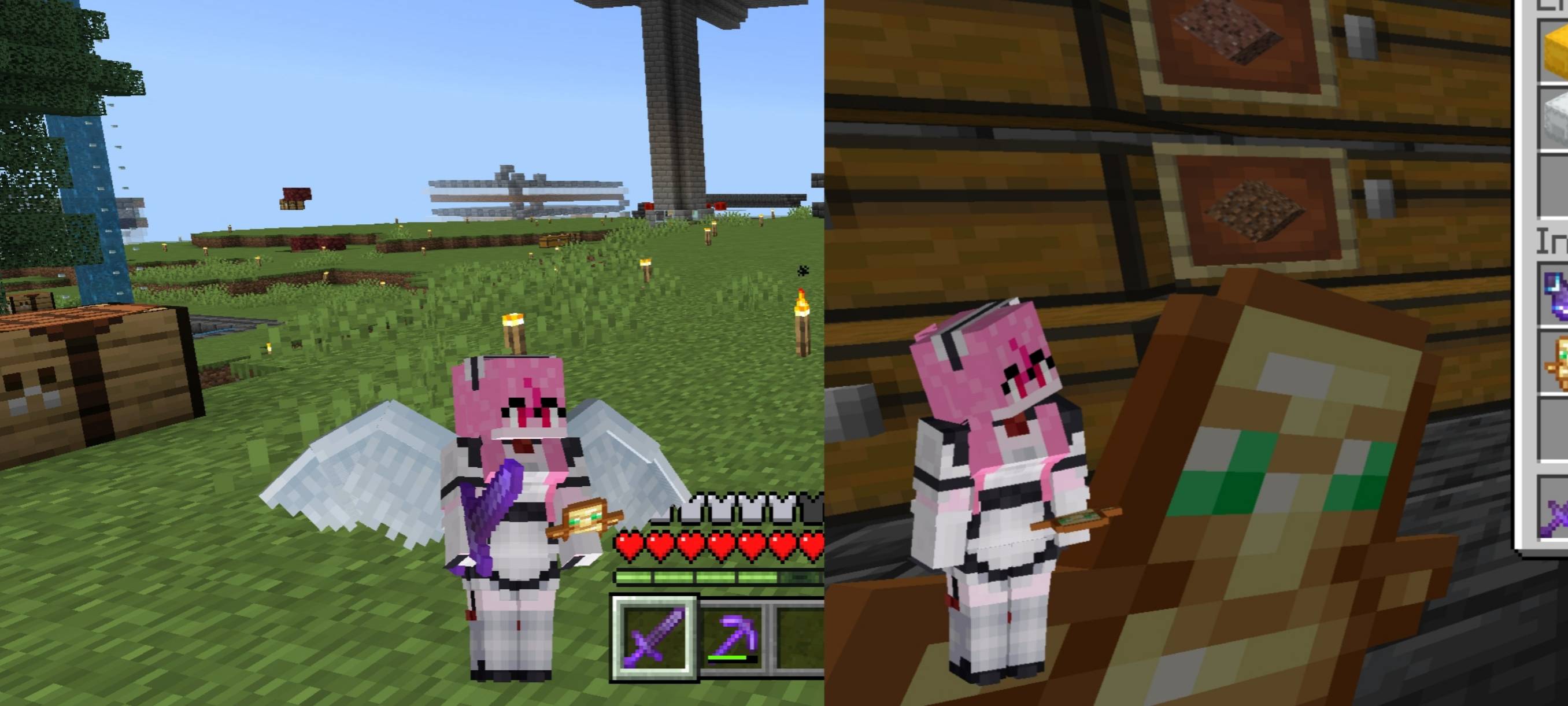
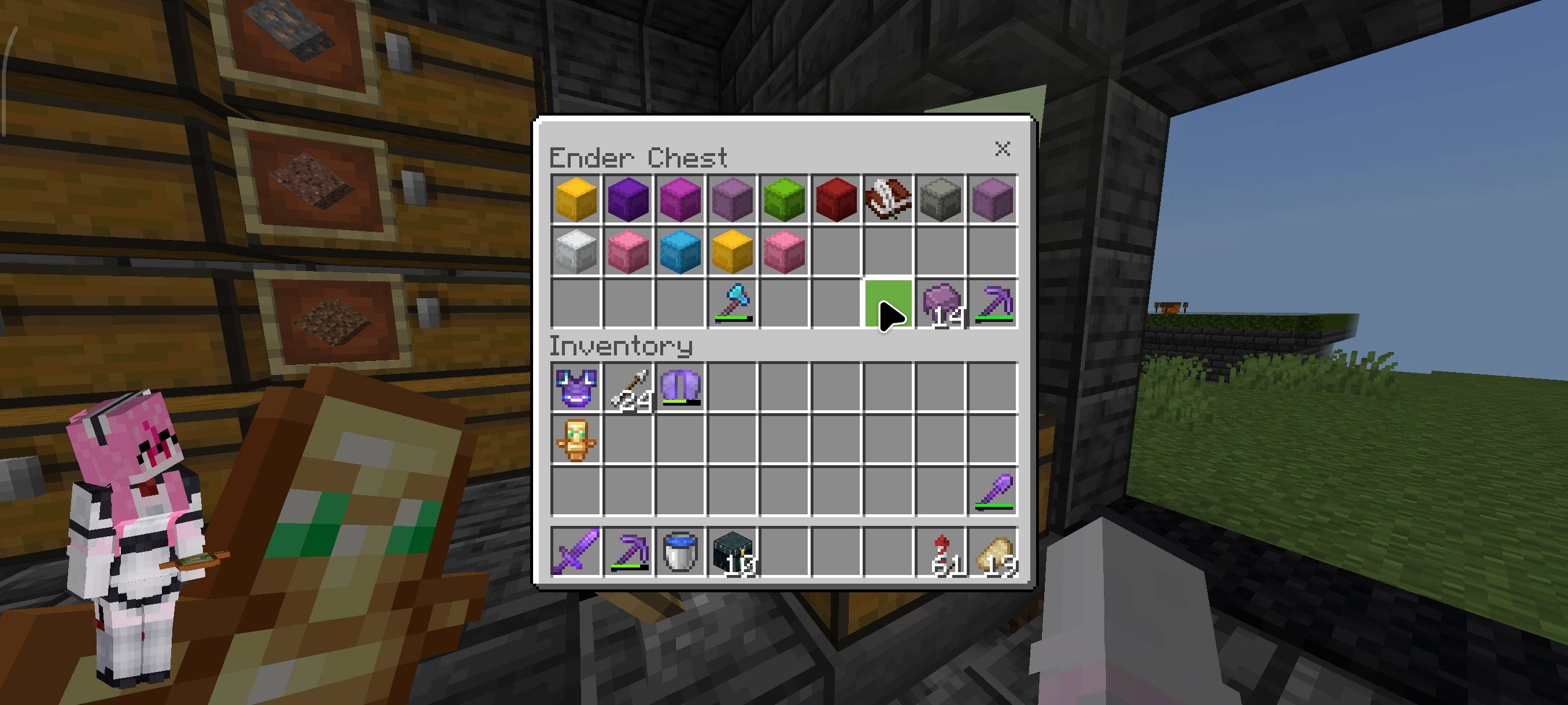
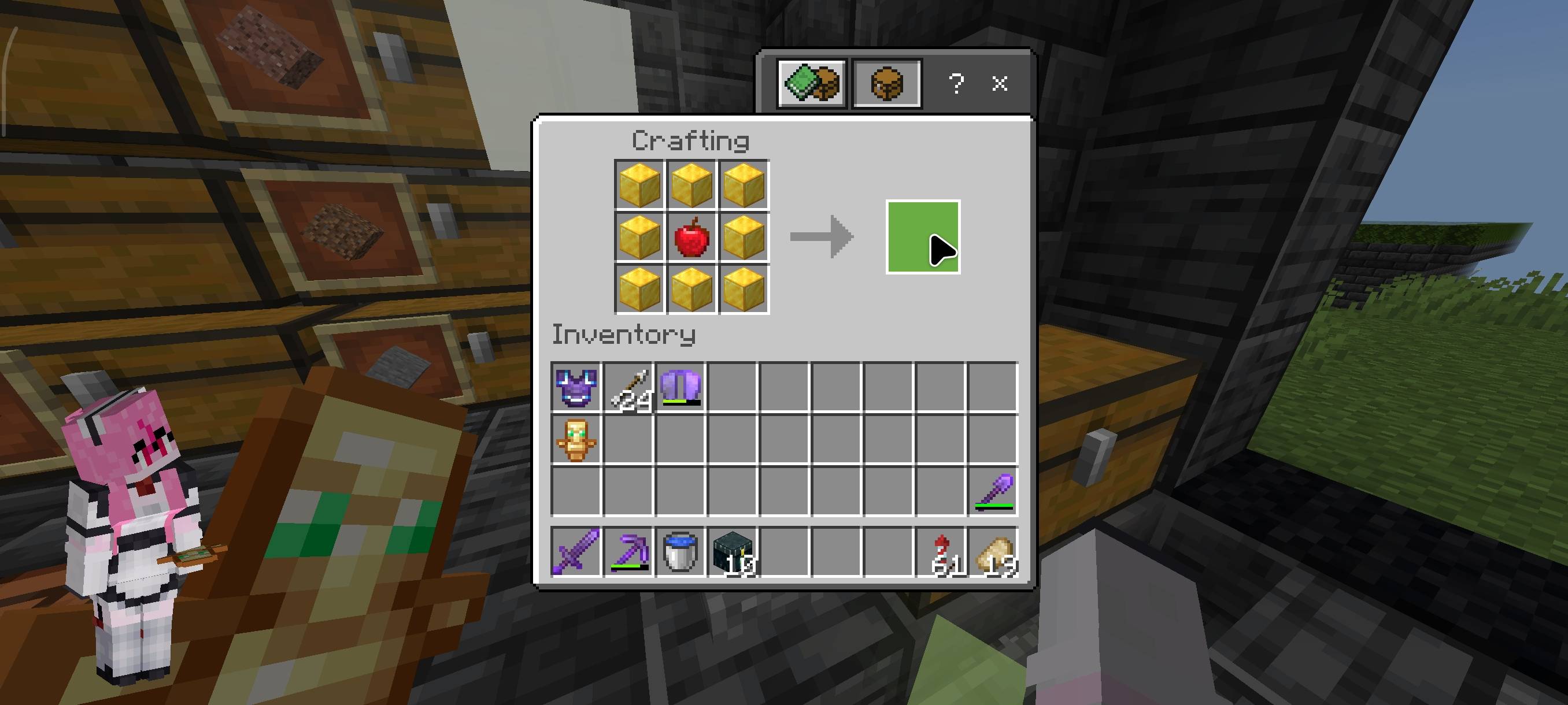
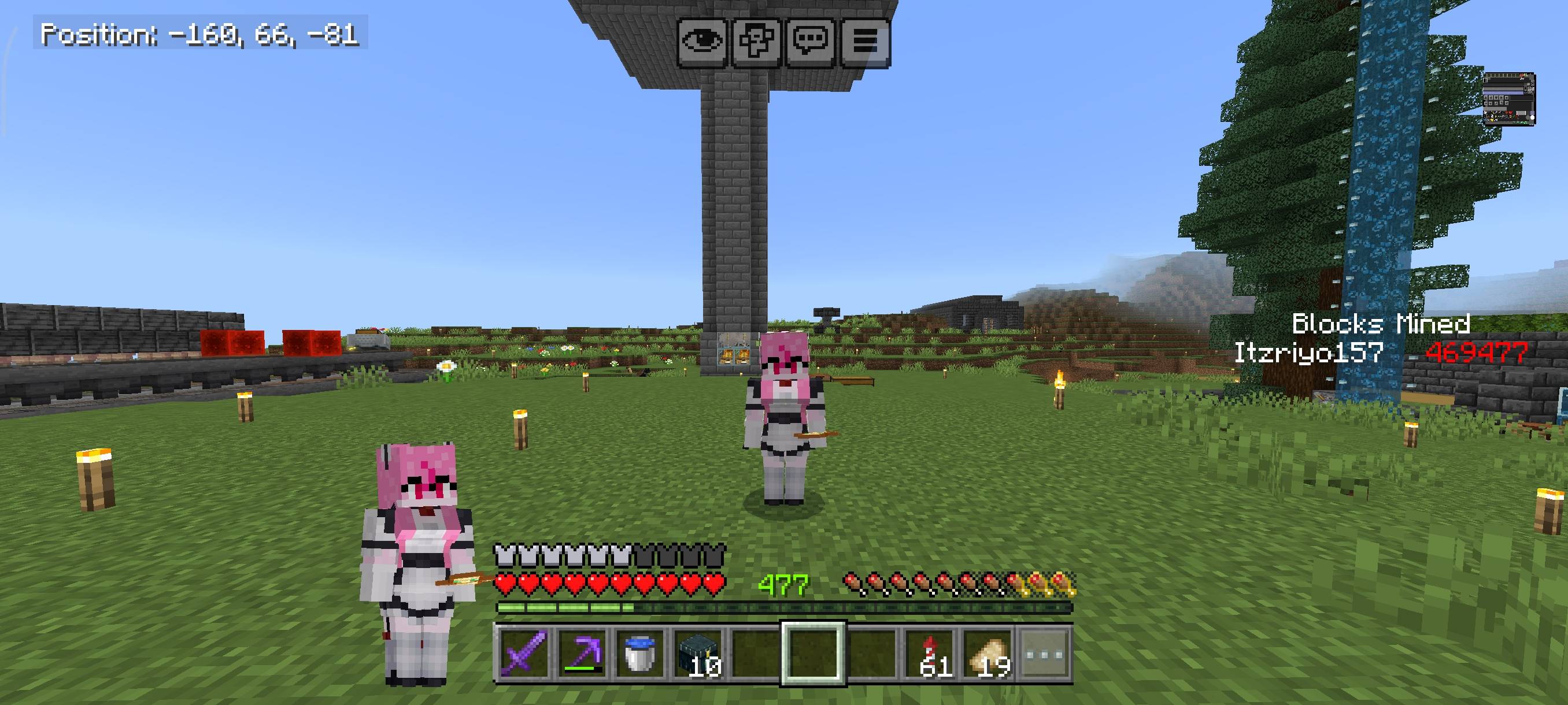
Do you want to see your players while they're playing? Well, this resource pack is for you!
This resource pack adds a paper doll player to your HUD, chest, and crafting screens. You can also use this resource pack to view your armor.
There are 2 subpacks in this resource pack: 'Dynamic, but not always visible' and 'Always visible, but flat'.
Terms Of Use:
You are ALLOWED to:
- Modify this pack only for personal uses.
- Make a review about this pack, as long as you put original download link in description (Curseforge or Mcpedl).
You are NOT ALLOWED to:
- Use or claim my codes from this pack without my permission.
- Distribute the modified pack to public.
- Redistribute this pack to other sites (9minecraft, modbay and etc.)
- Share links that are not from original sources (Curseforge or Mcpedl).
Quick facts
- Edition: Minecraft Bedrock
- File type: .mcpack
- Minecraft versions listed: 1.21.30, 1.21.50, 1.21.20
- How to install: Download the .mcpack. → Open it — Minecraft imports it under Resource Packs. → Activate it in Global Resources, or for one world under Resource Packs → Available.
- Where to get it: In MCModsHub, or directly above on this page.
Install steps are the general flow for this file type — How to install Minecraft Bedrock texture packs walks through it step by step.
File checked by MCModsHub
- Pack type: .mcpack — a single pack
- Complete pack — everything it depends on is inside the file
- Download size: 47 KB
- Download link checked 25 Aug 2026 — working
These come from our own check of the pack file, not from the source page.