Texture packsBedrock
Default PvP
Bedrock texture pack listed for Minecraft 1.21–26.x. File opened and checked on 20 Sep 2026; installs from the MC Bedrock Mods app on Android.
I don't know my version
Open Minecraft and look at the bottom-left corner of the main screen — the version is printed there, like v1.26.30.
The game writes a 1. in front; the buttons above leave it off. v1.26.30 in the game is 26.30 here.
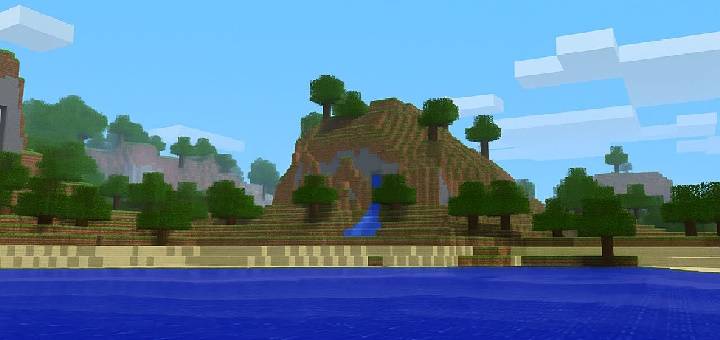
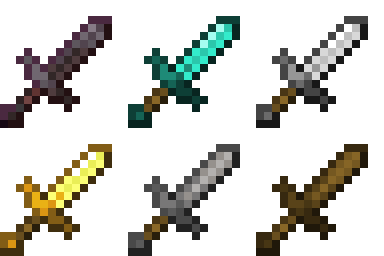
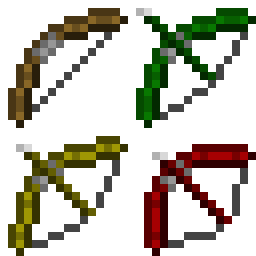
Enhance your PvP skills with the Default PvP texture pack! This pack keeps the default Minecraft feel while adding crucial competitive advantages.
Changes Include:
- Shorter Swords: For a less obstructed view during combat.
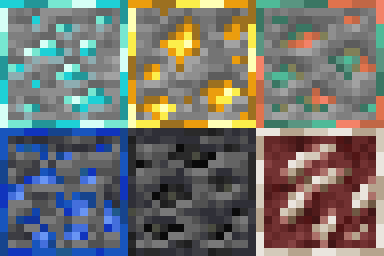
- Outlined Ores: Makes spotting valuable resources quick and easy.
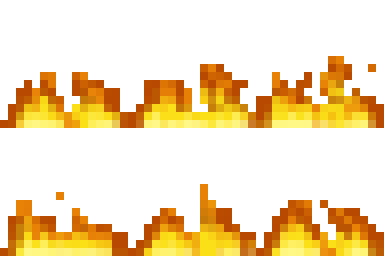
- Low Fire: Keeps your vision clear even when you're on fire.
- Transparent Water: For better visibility of enemies and terrain underwater.
- Bow Charge Indicator: A visual cue lets you know when your bow is fully drawn for maximum damage.
- Transparent GUI: See the world around you even when managing your inventory.

Quick facts
- Edition: Minecraft Bedrock
- File type: .mcpack
- Minecraft versions listed: 1.21.93, 1.21.90, 1.21.101
- How to install: Download the .mcpack. → Open it — Minecraft imports it under Resource Packs. → Activate it in Global Resources, or for one world under Resource Packs → Available.
- Where to get it: Opens on CurseForge — not every file is mirrored on our own servers.
Install steps are the general flow for this file type — How to install Minecraft Bedrock texture packs walks through it step by step.
File checked by MCModsHub
- Pack type: .mcpack — a single pack
- Complete pack — everything it depends on is inside the file
- Download size: 471 KB
- Download link checked 26 Oct 2026 — working
These come from our own check of the pack file, not from the source page.