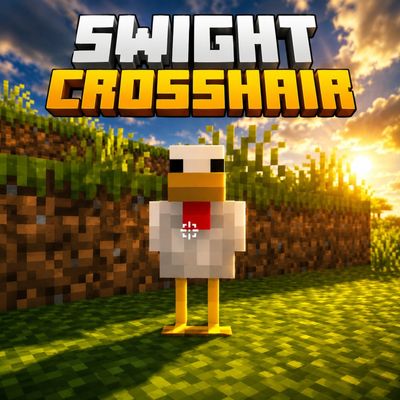
SWIGHT CROSSHAIR
Bedrock texture pack listed for Minecraft 1.21–26.x. File opened and checked on 3 Oct 2026; installs from the MC Bedrock Mods app on Android.
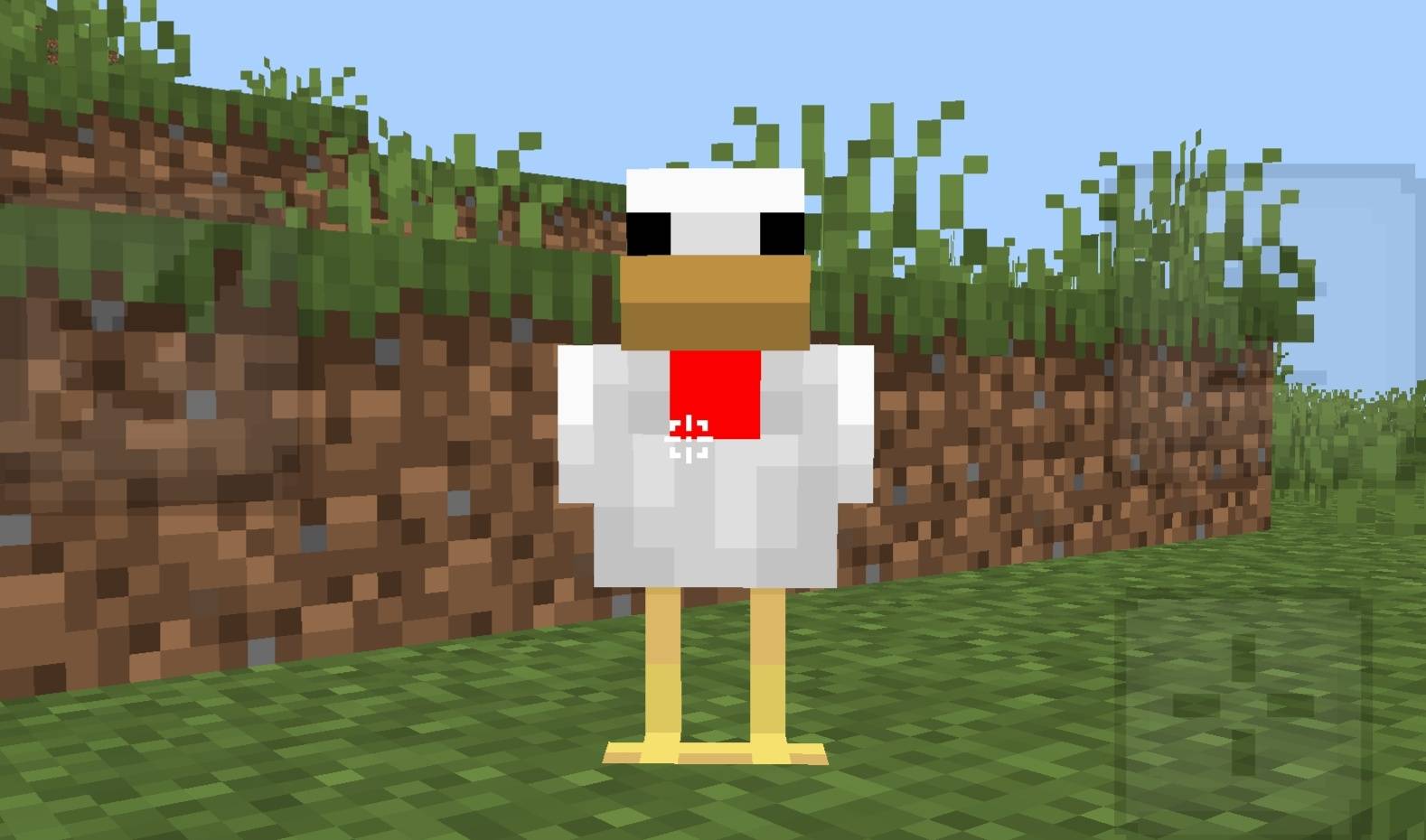
Dynamic Crosshair pack for Minecraft Bedrock! Crosshair turns red when aiming at entities and stays white normally. Includes custom PvP UI, stylish…
⬇ Download on CurseForge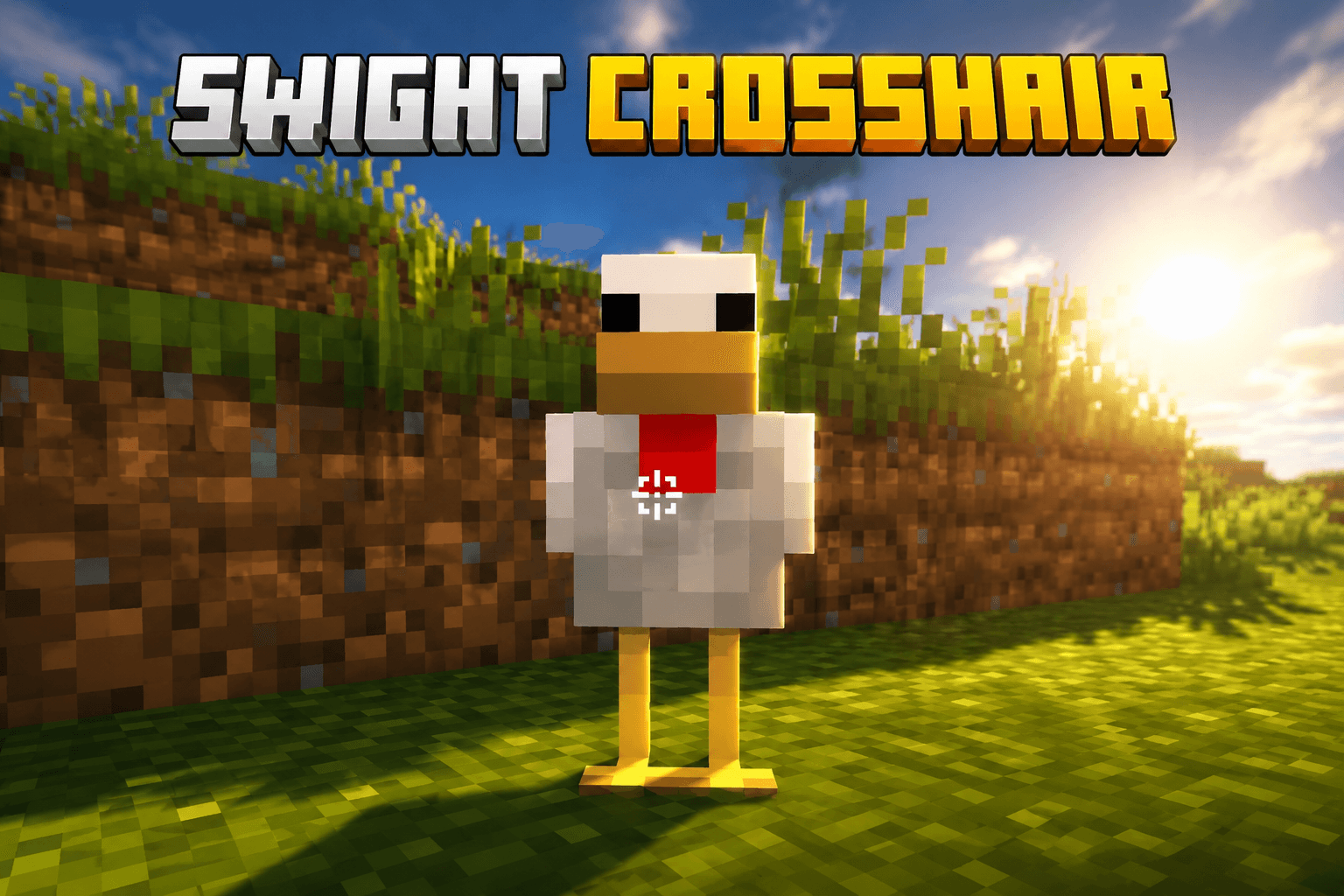
🎯 Dynamic Crosshair Pack – PvP UI & Stylish Hotbar
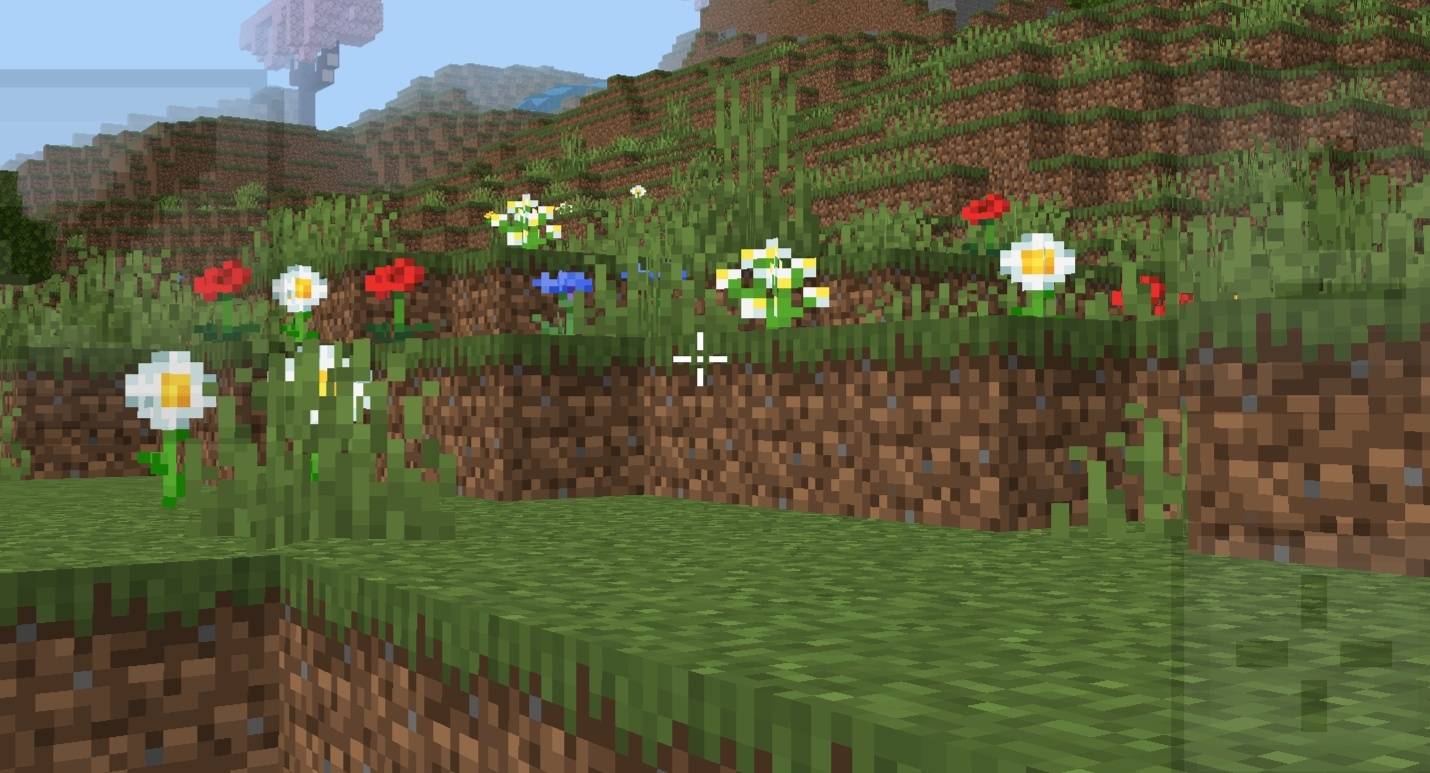
Welcome to the Dynamic Crosshair Pack, designed for players who want a modern PvP experience with smooth and responsive gameplay ⚔️. This pack features a dynamic crosshair that turns red when aiming at entities and stays white normally.
Along with the crosshair system, the pack also includes a custom PvP UI, stylish hotbar, and clean interface for a more immersive combat experience 🔥.
🎯 Pack Features
- 🔴 Dynamic Crosshair – Turns red while aiming at entities.
- ⚪ Normal White Crosshair – Clean default look during normal gameplay.
- ⚔️ Custom PvP UI – Stylish interface designed for combat players.
- 🧰 Stylish Hotbar – Modern and aesthetic hotbar textures.
⚡ Gameplay Benefits
- 🎯 Better Combat Feedback – Easily know when you're targeting enemies.
- ⚔️ PvP Optimized – Built for smoother fighting experience.
- 🧼 Clean Interface – Minimal and polished UI design.
- 🚀 Smooth Gameplay Feel – Lightweight and responsive textures.
🌍 Pack Highlights
- 🎯 Dynamic Red Crosshair
- ⚔️ Custom PvP UI
- 🧰 Stylish Hotbar Design
- 🔥 Smooth & Modern Feel
⚙️ Pack Info
- 🎮 Type: PvP Utility Pack
- 📦 Features: Dynamic Crosshair + PvP UI
- 📱 Platform: Minecraft Bedrock
- ⚡ Performance Friendly
⭐ Why Use This Pack?
If you want a clean and modern PvP texture pack with dynamic combat feedback, stylish UI, and smooth gameplay feel, this pack is perfect for you 💯.
👤 Credits
Pack Creator: BAKU
💬 Support & Feedback
⭐ Please rate this pack and leave a review if you enjoyed it — it really helps!
💭 Have any questions or suggestions?
Join my Discord and ask here 👉 Click to Join Discord
- Edition: Minecraft Bedrock
- File type: .mcpack
- Minecraft versions listed: 26.0.02, 26.3, 26.10
- How to install: Download the .mcpack. → Open it — Minecraft imports it under Resource Packs. → Activate it in Global Resources, or for one world under Resource Packs → Available.
- Where to get it: Opens on CurseForge — not every file is mirrored on our own servers.
Install steps are the general flow for this file type — How to install Minecraft Bedrock texture packs walks through it step by step.
- Pack type: .mcpack — a single pack
- Manifest requires Minecraft 1.21.0 or newer
- Complete pack — everything it depends on is inside the file
- Download size: 183 KB
- Download link checked 26 Oct 2026 — working
These come from our own check of the pack file, not from the source page.