Dungeons UI
Bedrock texture pack listed for Minecraft 1.21–26.x. File opened and checked on 13 Oct 2026; installs from the MC Bedrock Mods app on Android.
I don't know my version
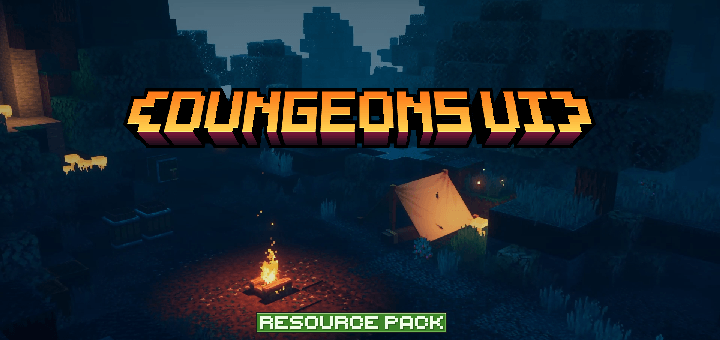
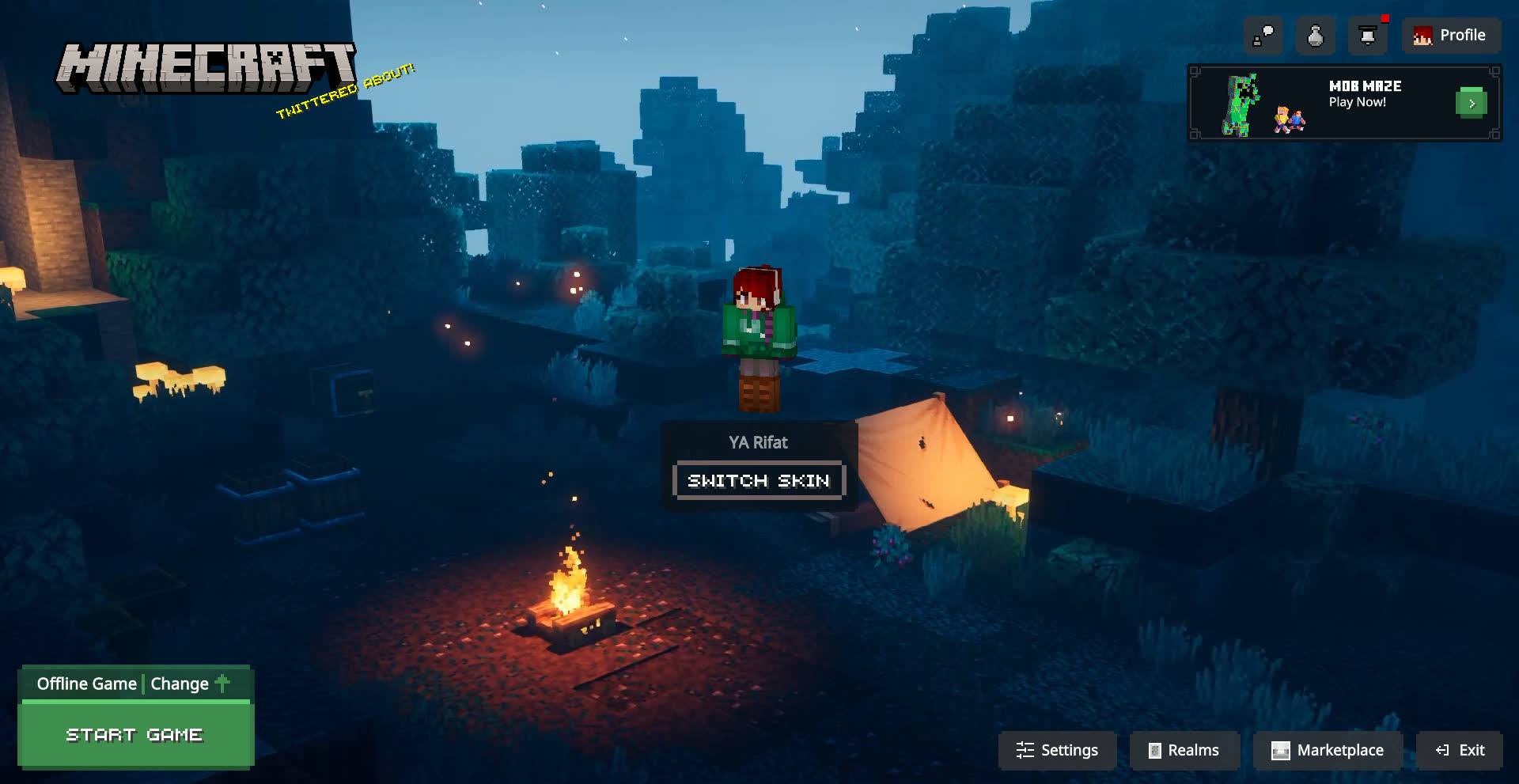
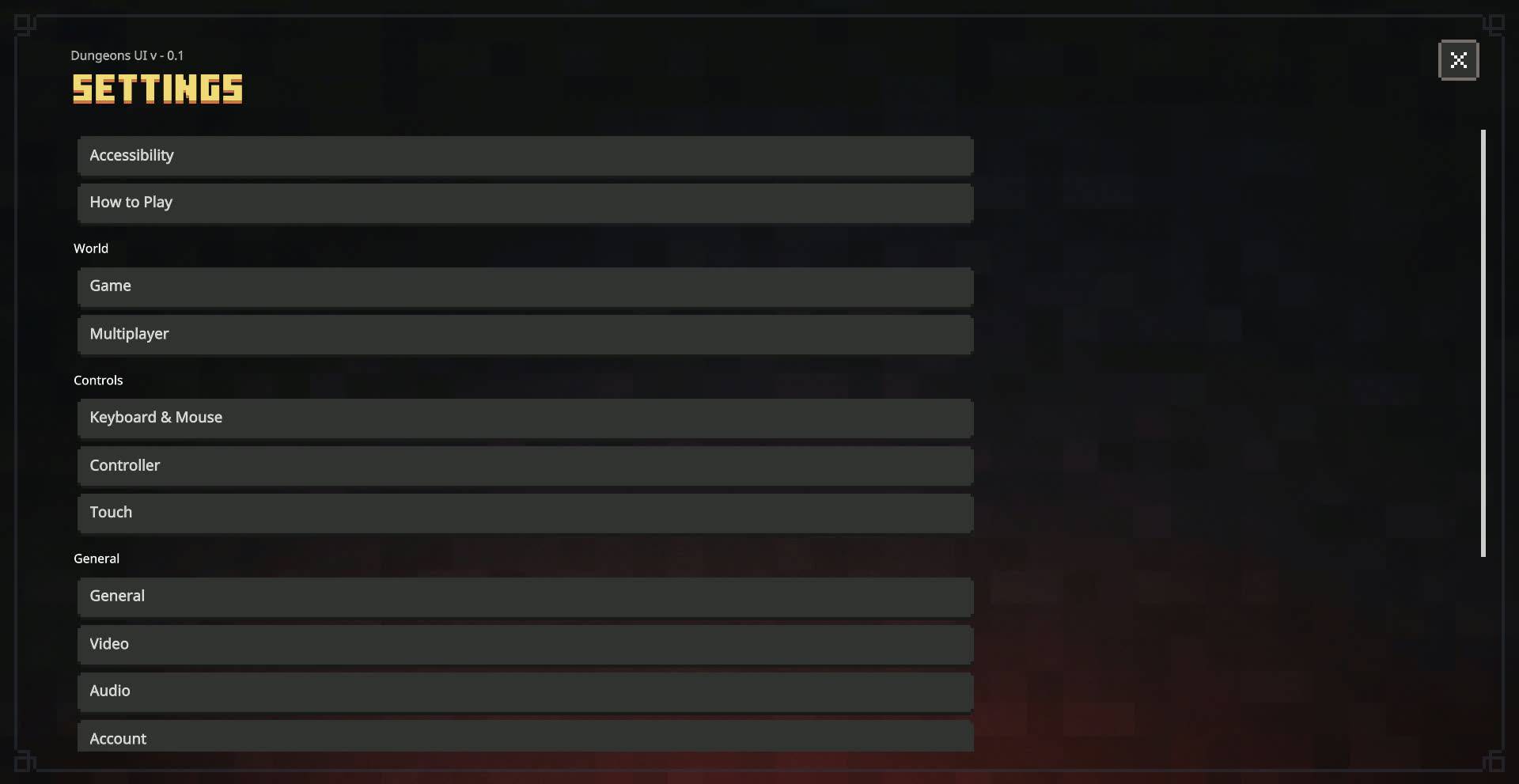
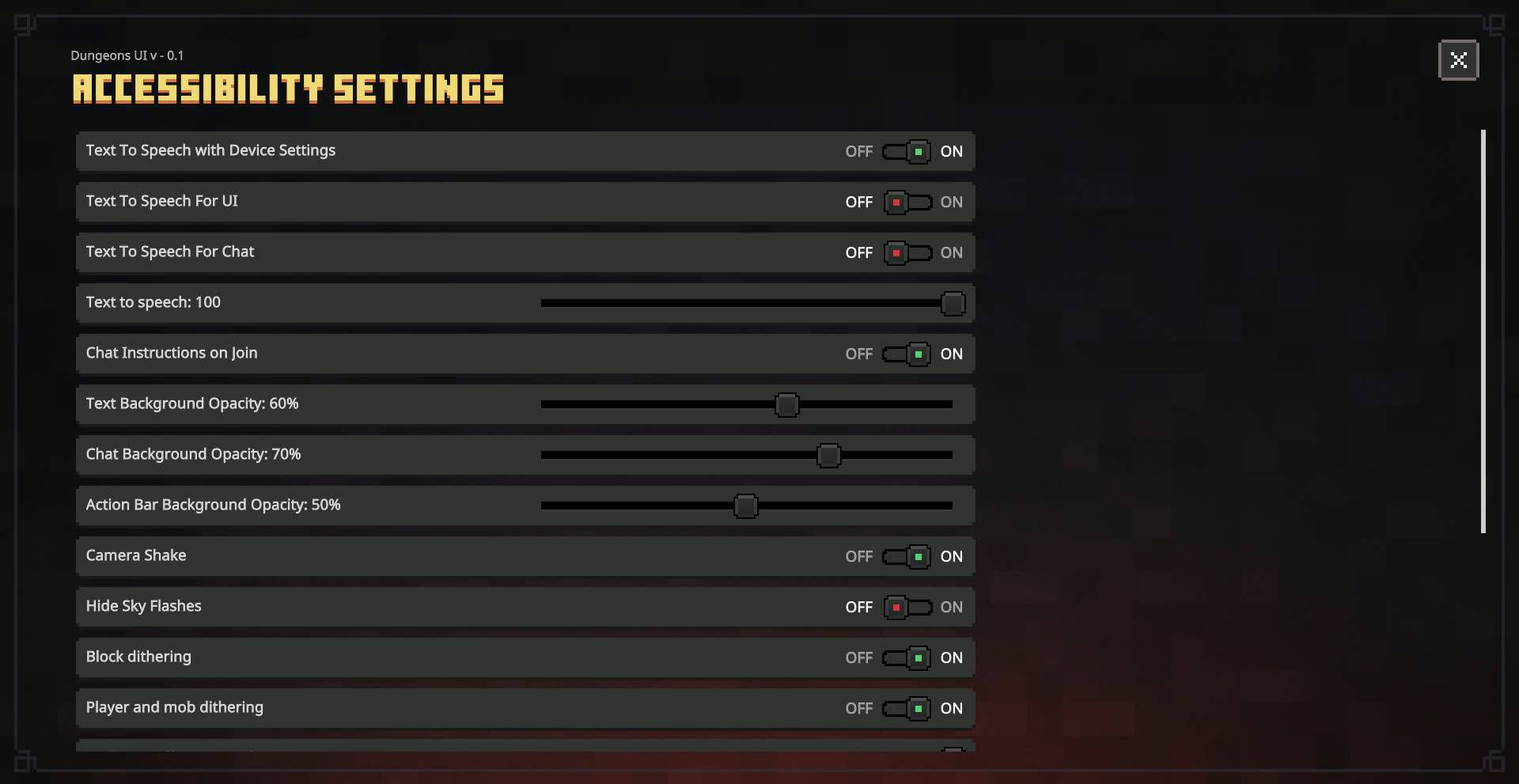
Dungeons UI V-0.2.1
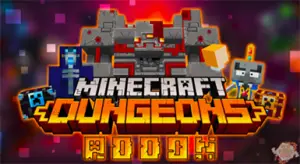
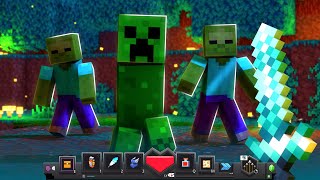
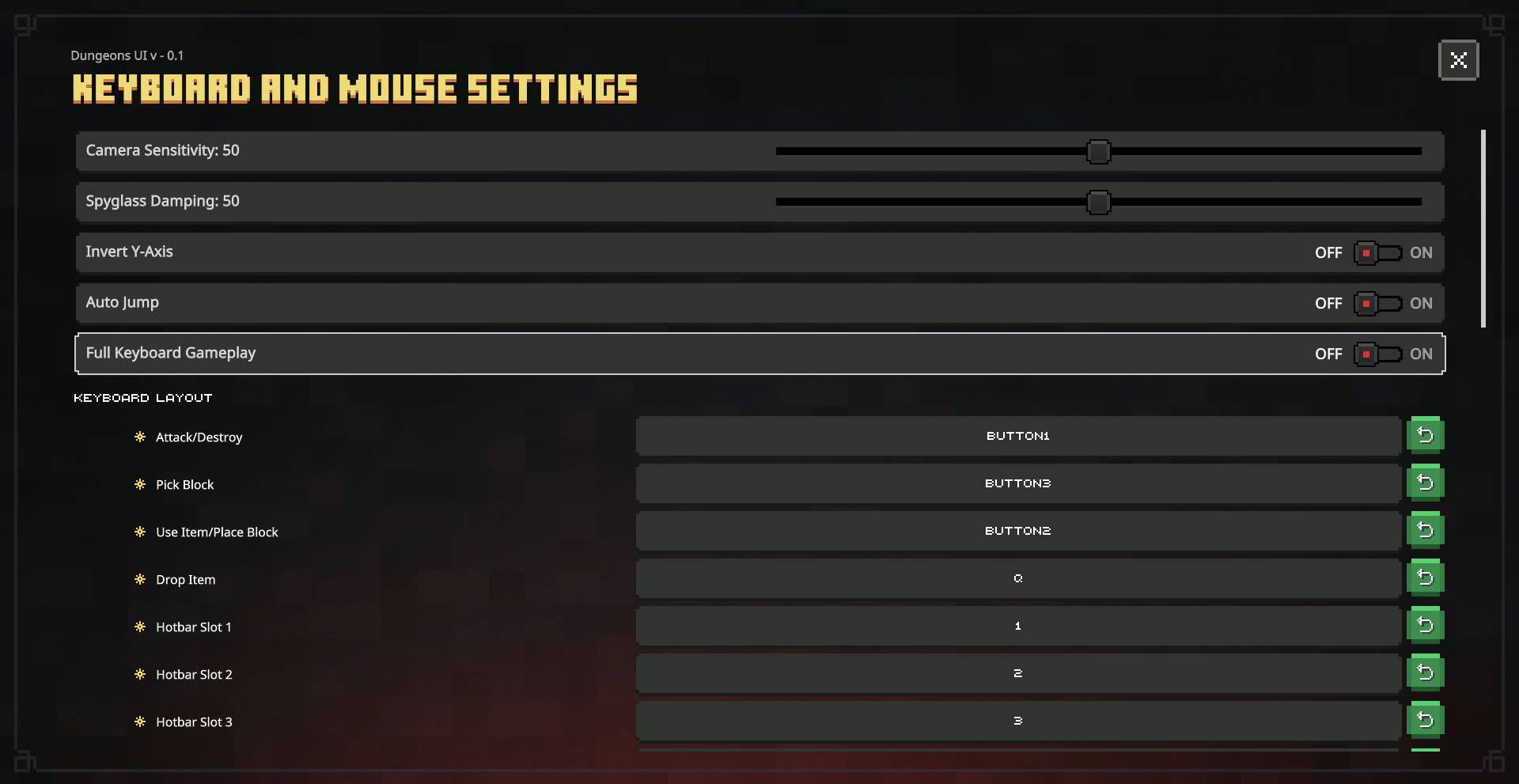
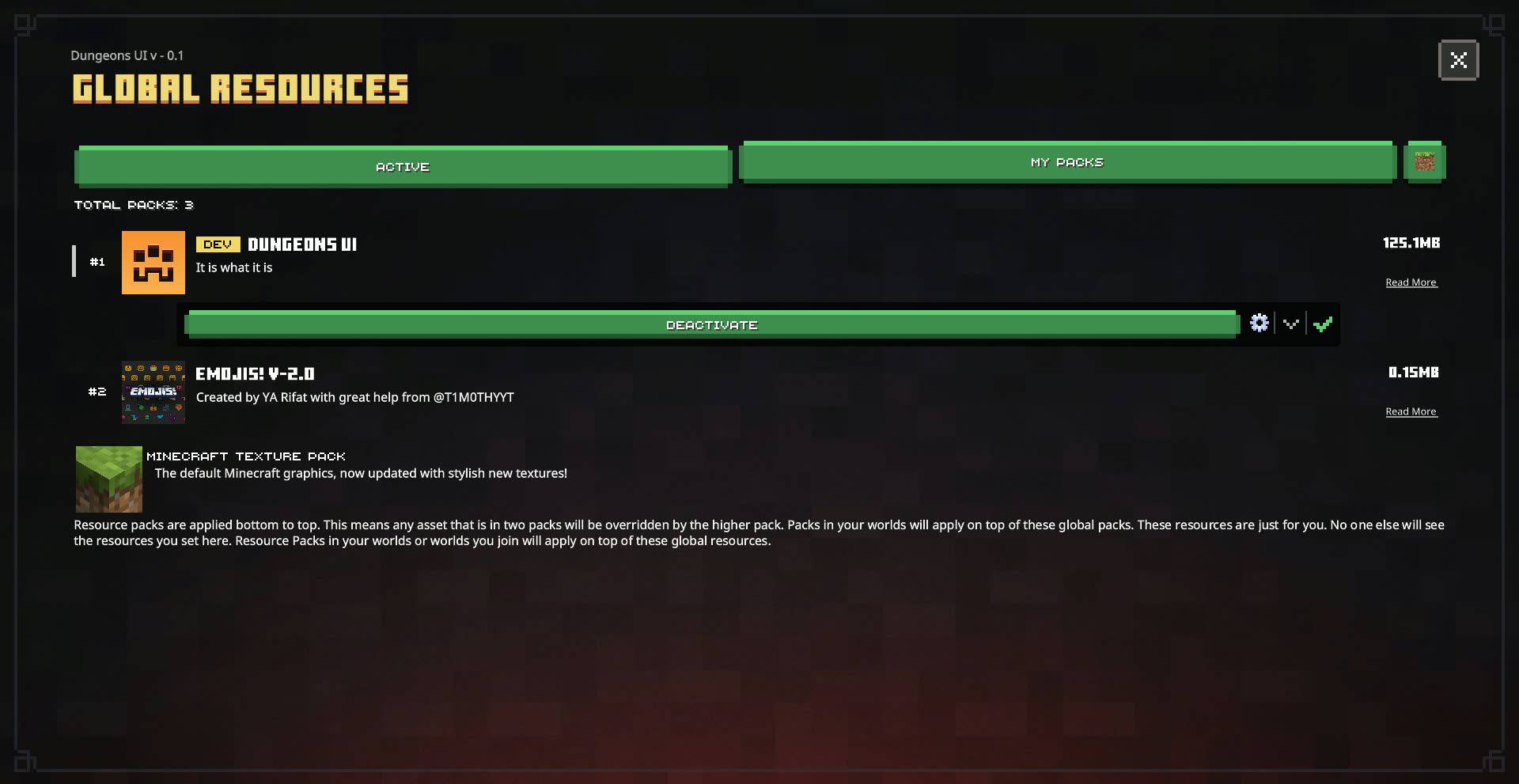
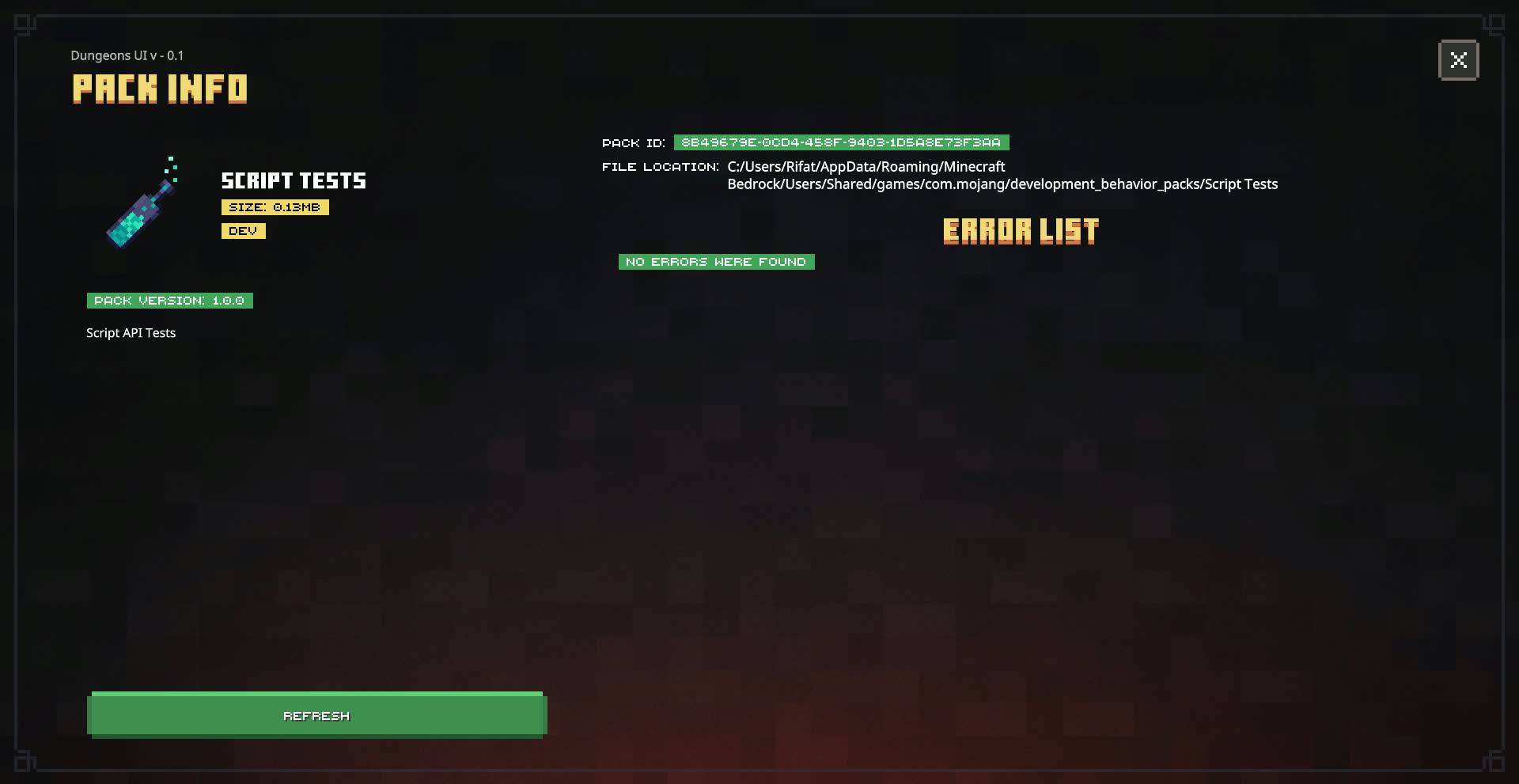
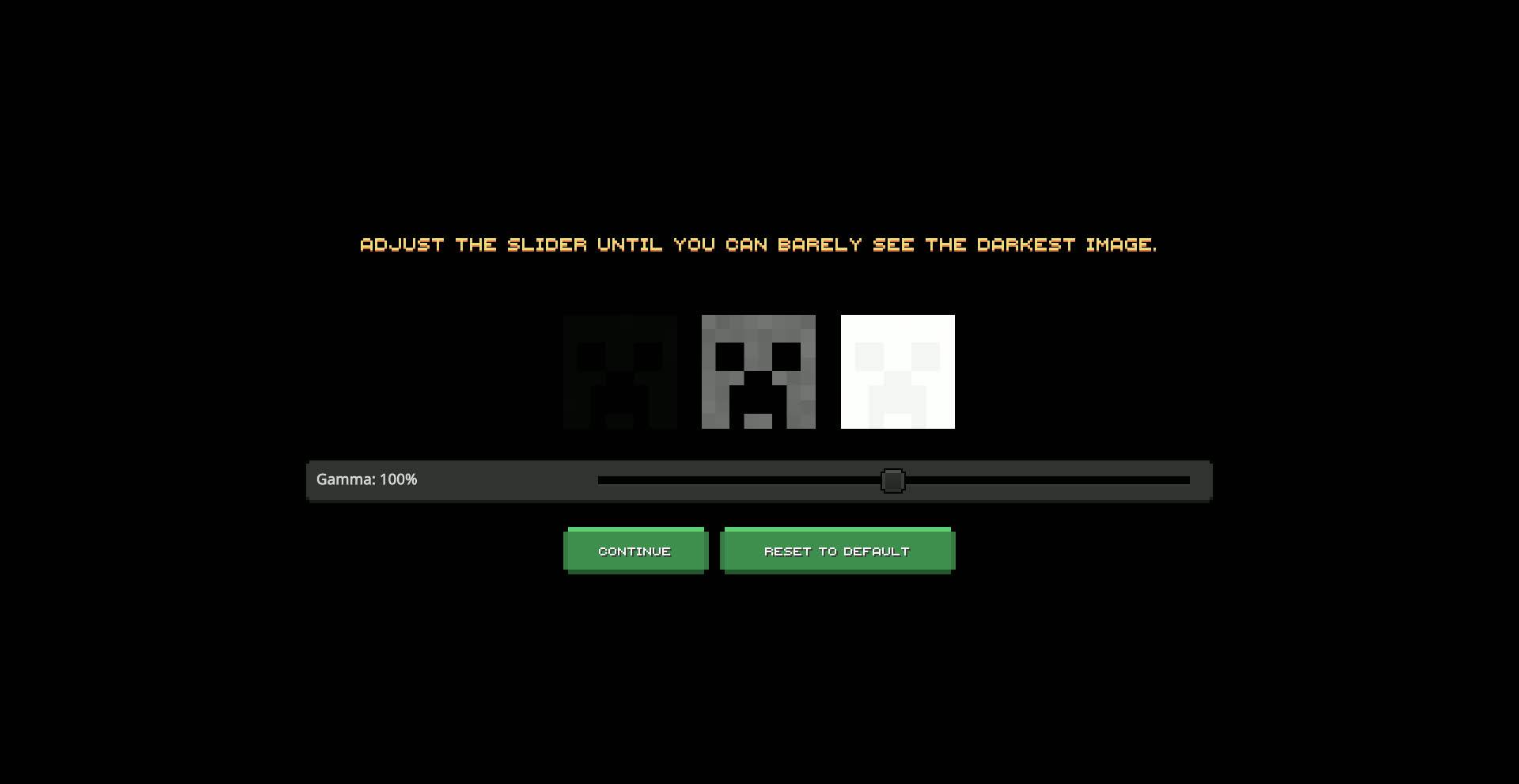
It's a close replica of the Minecraft Dungeons UI. It's still an early version so not all screens are remade. Here's a list of all the screens that have been remade:
Screens modified:
- Settings Screen (Complete Overhaul)
- Start Screen
- Inventory Screen (New!)
- Crafting Screen (New!)
- Furnace Screen (New!)
- Blast Furnace Screen (New!)
- Smoker Screen (New!)
- Pack Settings
- Manifest Validation Screen
- HUD Screen
- Chat Screen
- Invite Screen
- Content Log Screen
- Pause Screen
- Progress Screen
- Resource Pack Screen
- Safe Zone Screen
- Server Form
- Improved Popups
- Structure Editor Screen
- Command Block Screen
Notes: (Don't ignore)
There is an animated background pack for this which you can use by activating Animated Background pack and keeping it above Dungeons UI Pack. This might impact performance, beware of that.
Some of the screens will be replaced with Ore UI very soon. Until then enjoy this overhauled version!
Recommended GUI Scale: -1 or lower
Download extra packs:
MCPEDL link - Dungeons UI
- Edition: Minecraft Bedrock
- File type: .mcpack
- Minecraft versions listed: 26.30, 26.40, 26.20
- How to install: Download the .mcpack. → Open it — Minecraft imports it under Resource Packs. → Activate it in Global Resources, or for one world under Resource Packs → Available.
- Where to get it: Opens on CurseForge — not every file is mirrored on our own servers.
Install steps are the general flow for this file type — How to install Minecraft Bedrock texture packs walks through it step by step.
- Pack type: .mcpack — a single pack
- Manifest requires Minecraft 1.21.0 or newer
- Complete pack — everything it depends on is inside the file
- Download size: 2.8 MB
- Download link checked 5 Oct 2026 — working
These come from our own check of the pack file, not from the source page.