
Hide Player Armor
Bedrock texture pack listed for Minecraft 1.21. File opened and checked on 24 Sep 2026; installs from the MC Bedrock Mods app on Android.
⬇ Download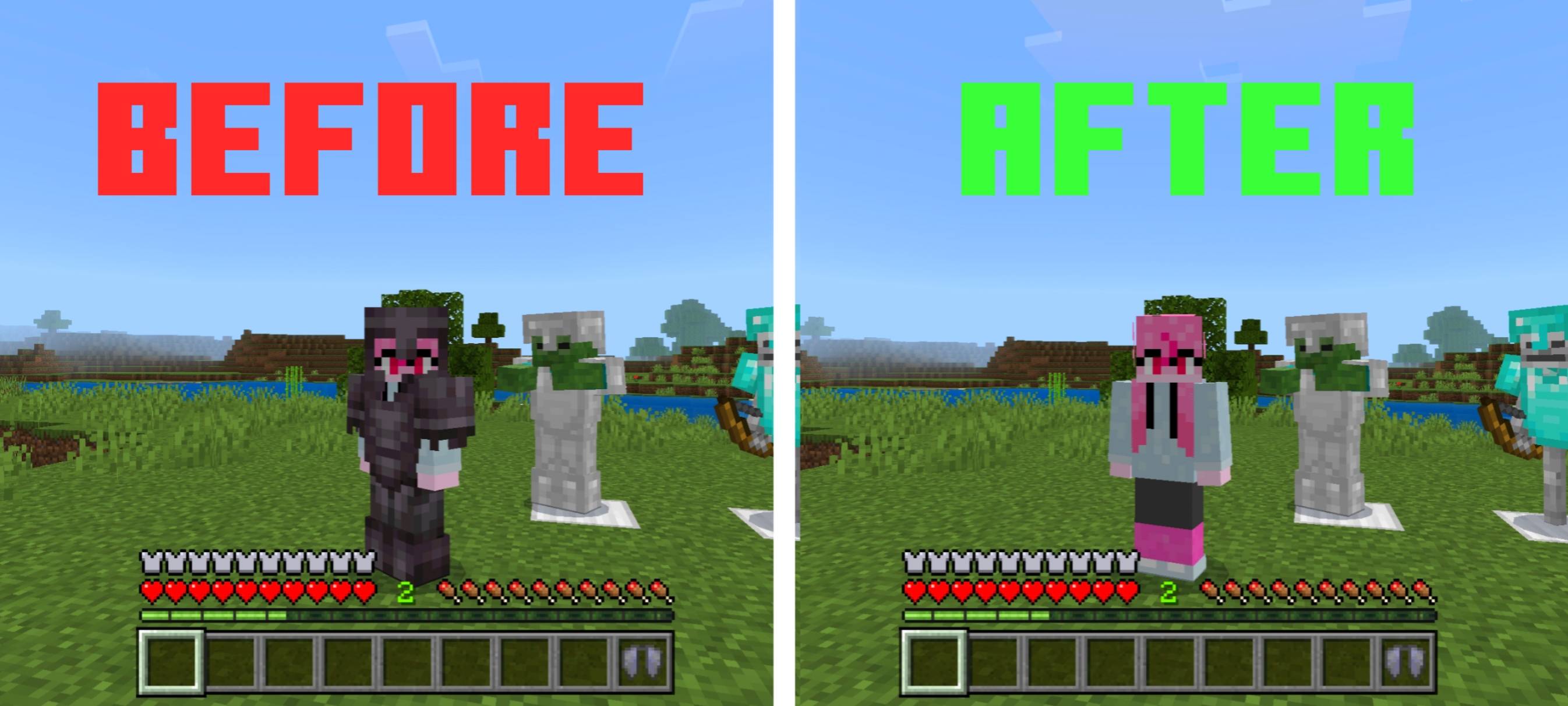
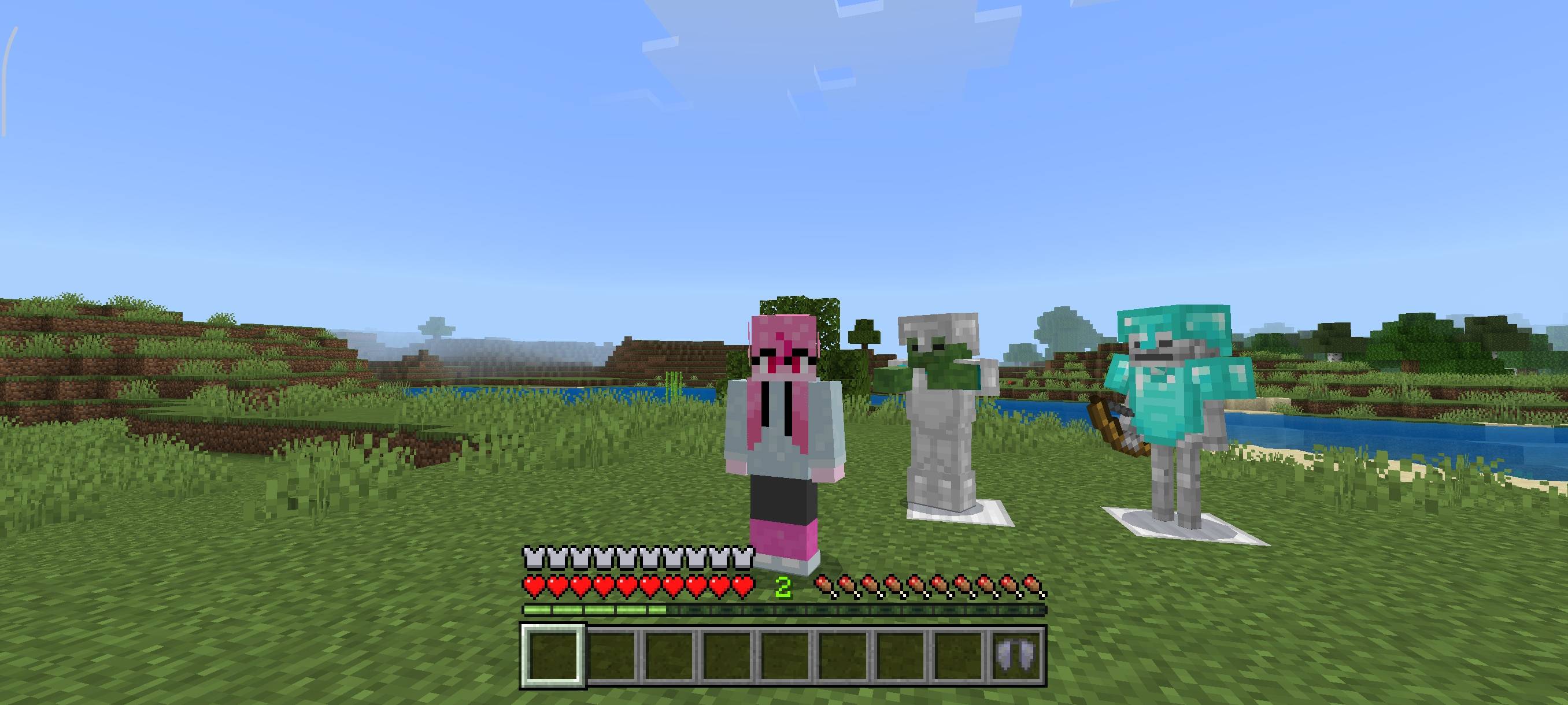
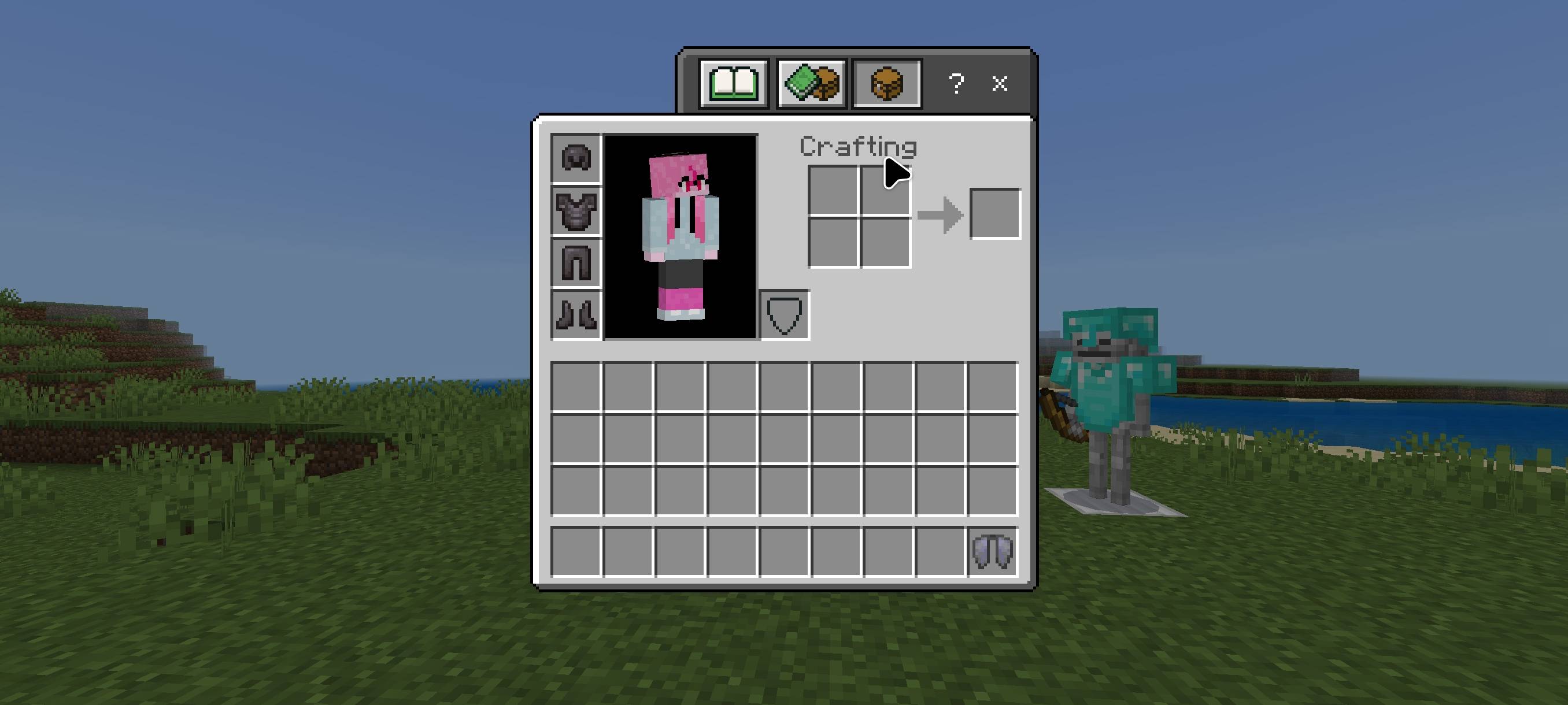
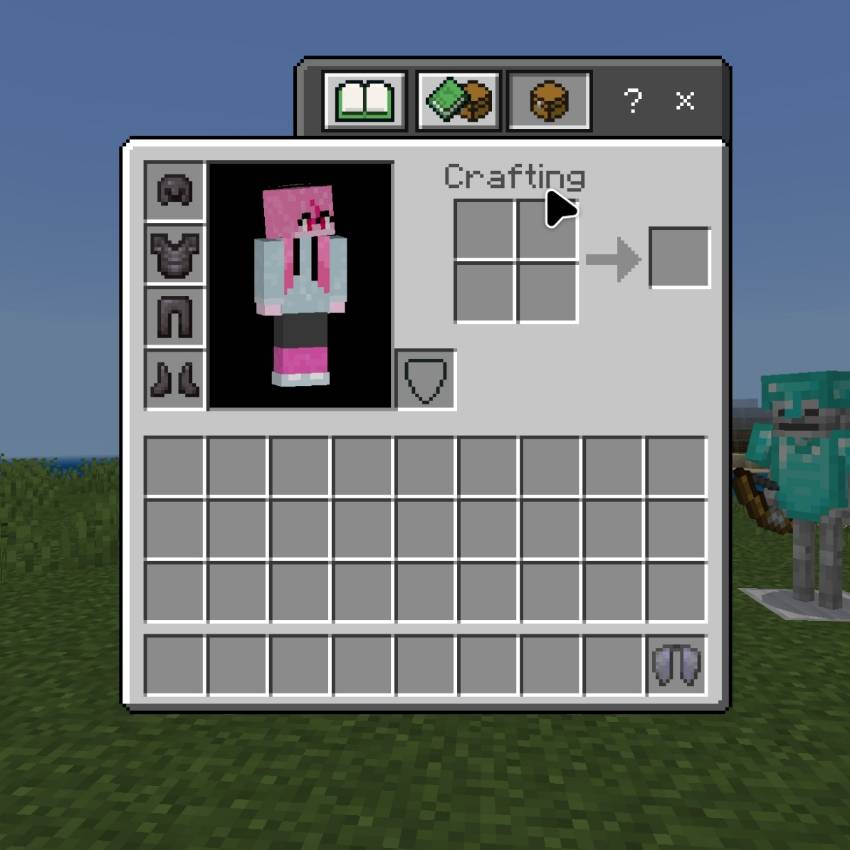
Are you annoyed with your armor because you can't see your beautiful skin? Well, this resource pack is for you!
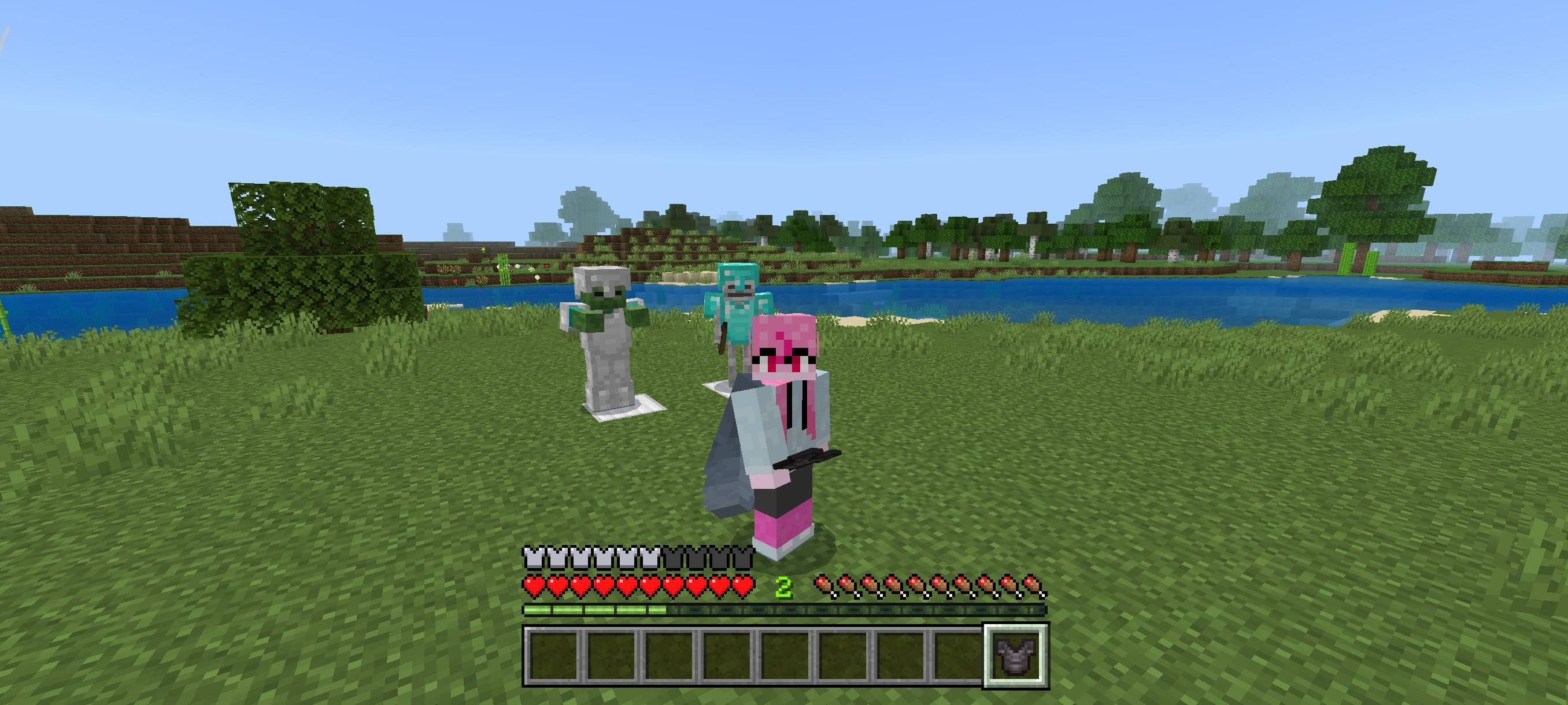
This resource pack hides the armor models on your player and other players as well, but it does not remove the effects of the armor. This only hides armor, it does not hide elytra for aesthetics.
Why choose this resource pack? Unlike other similar resource packs, this one doesn't remove armor from mobs! This is great because when playing survival, you can still see mobs wearing armor.
Terms Of Use:
You are ALLOWED to:
- Modify this pack only for personal uses.
- Make a review about this pack, as long as you put original download link in description (Curseforge or Mcpedl).
You are NOT ALLOWED to:
- Use or claim my codes from this pack without my permission.
- Distribute the modified pack to public.
- Redistribute this pack to other sites (9minecraft, modbay and etc.)
- Share links that are not from original sources (Curseforge or Mcpedl).
- Edition: Minecraft Bedrock
- File type: .mcpack
- Minecraft versions listed: 1.21.50, 1.21.90, 1.21.101
- How to install: Download the .mcpack. → Open it — Minecraft imports it under Resource Packs. → Activate it in Global Resources, or for one world under Resource Packs → Available.
- Where to get it: In MCModsHub, or directly above on this page.
Install steps are the general flow for this file type — How to install Minecraft Bedrock texture packs walks through it step by step.
- Pack type: .mcpack — a single pack
- Complete pack — everything it depends on is inside the file
- Download size: 2 KB
- Download link checked 15 Sept 2026 — working
These come from our own check of the pack file, not from the source page.