Lynx's Post Processing
Bedrock texture pack listed for Minecraft 1.14–26.x. File opened and checked on 15 Sep 2026; installs from the MC Bedrock Mods app on Android.
I don't know my version
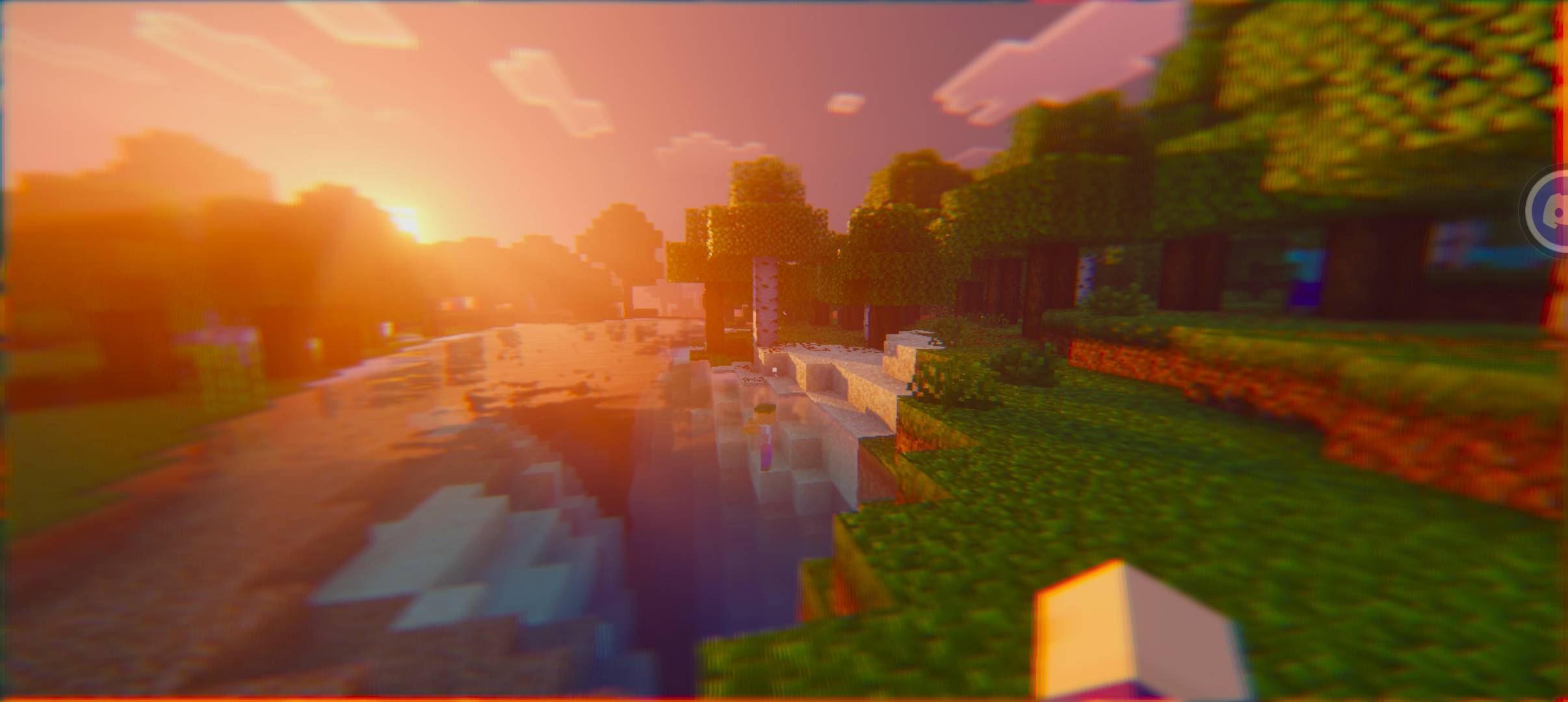
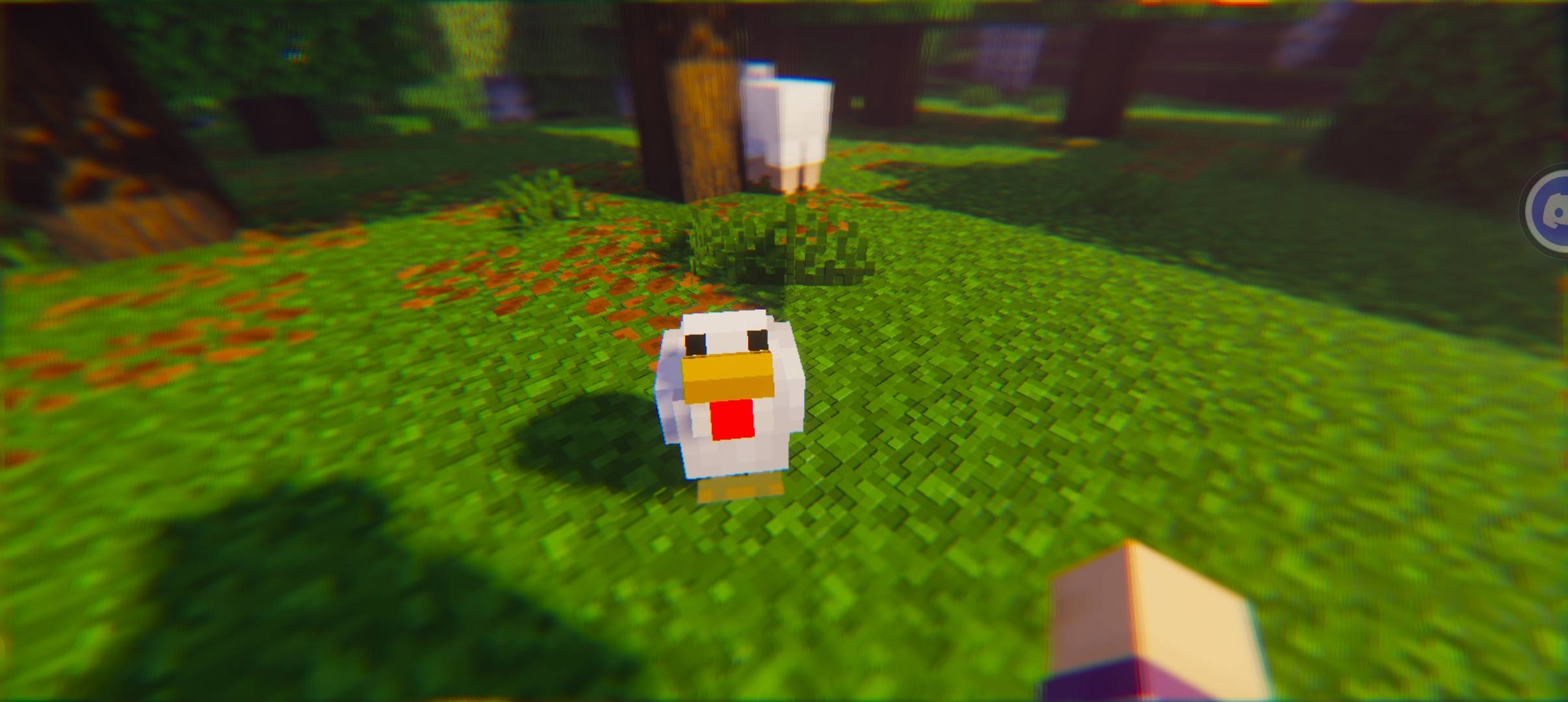
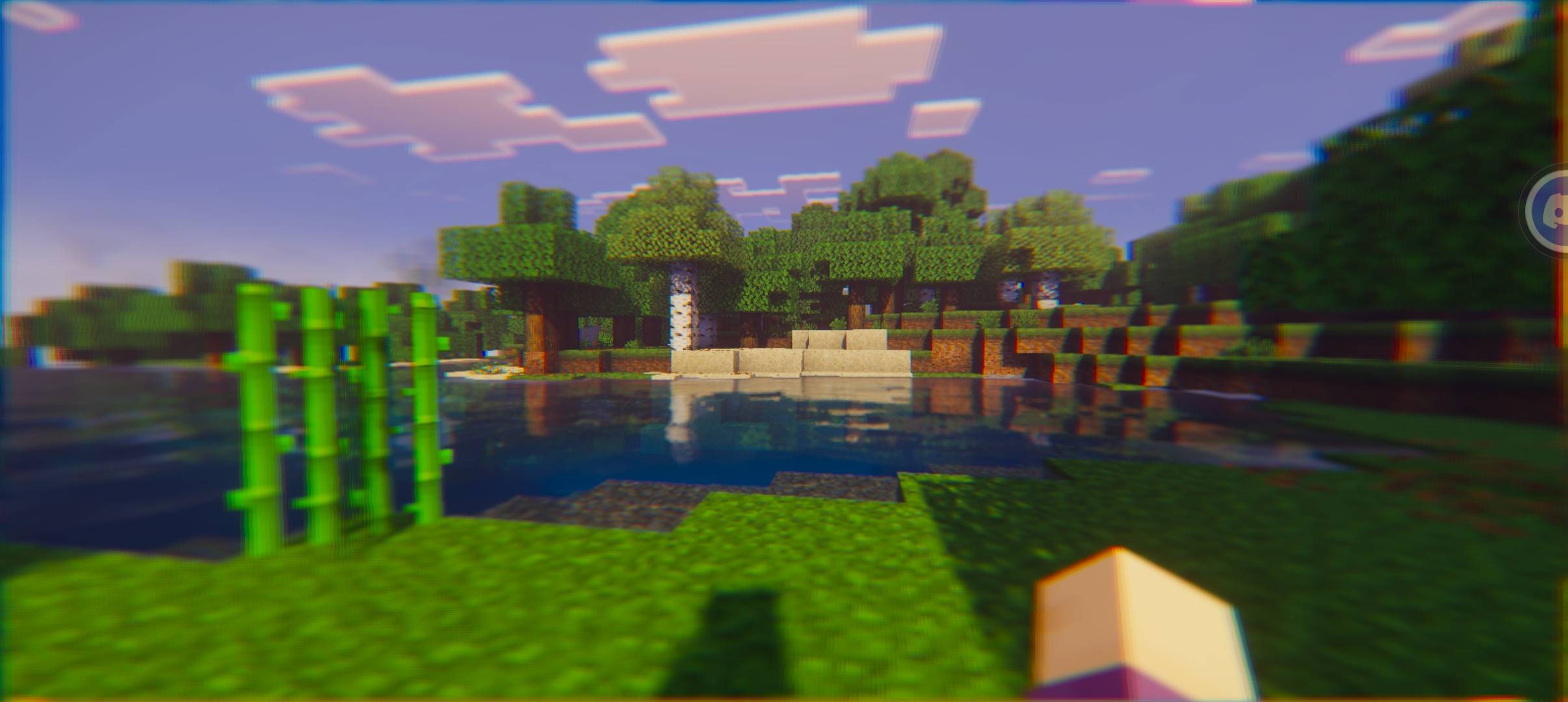
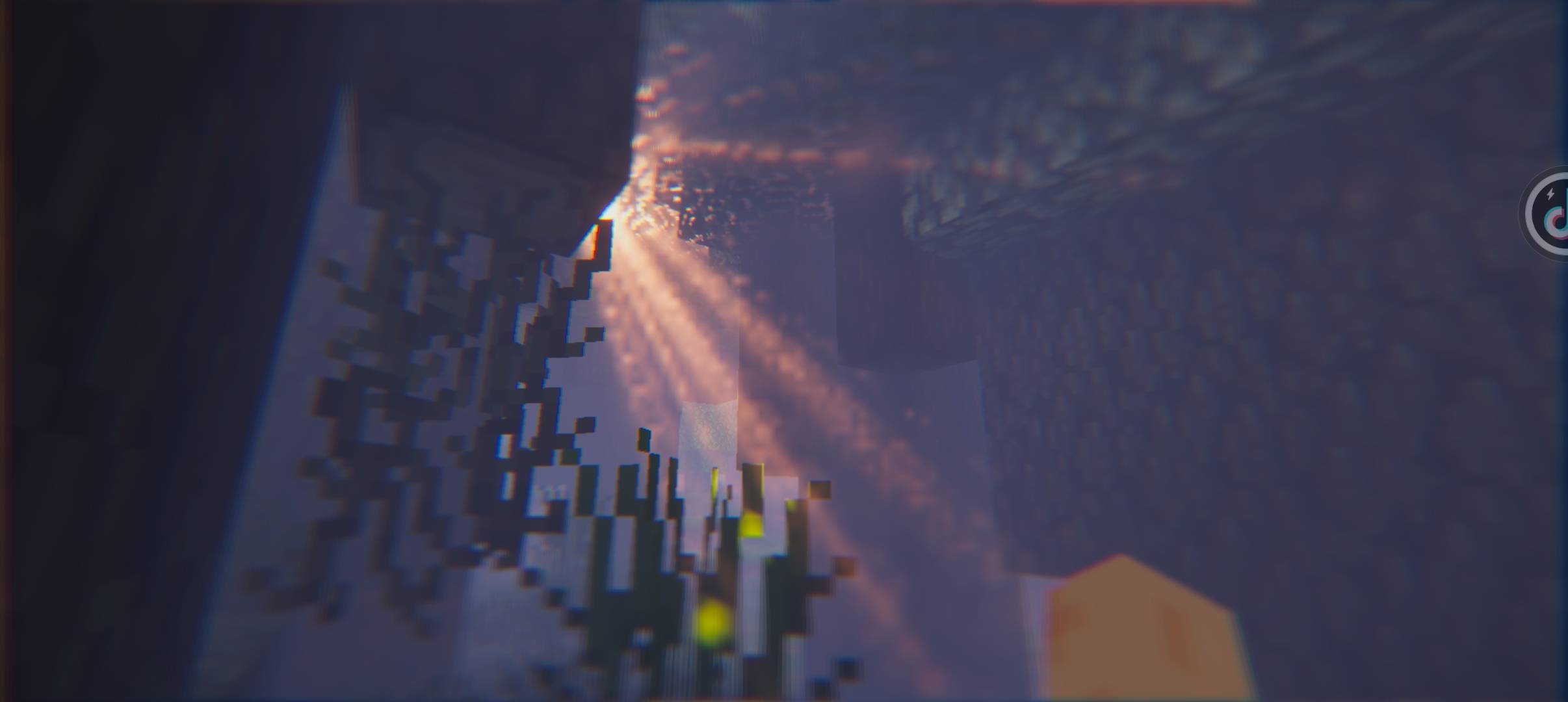
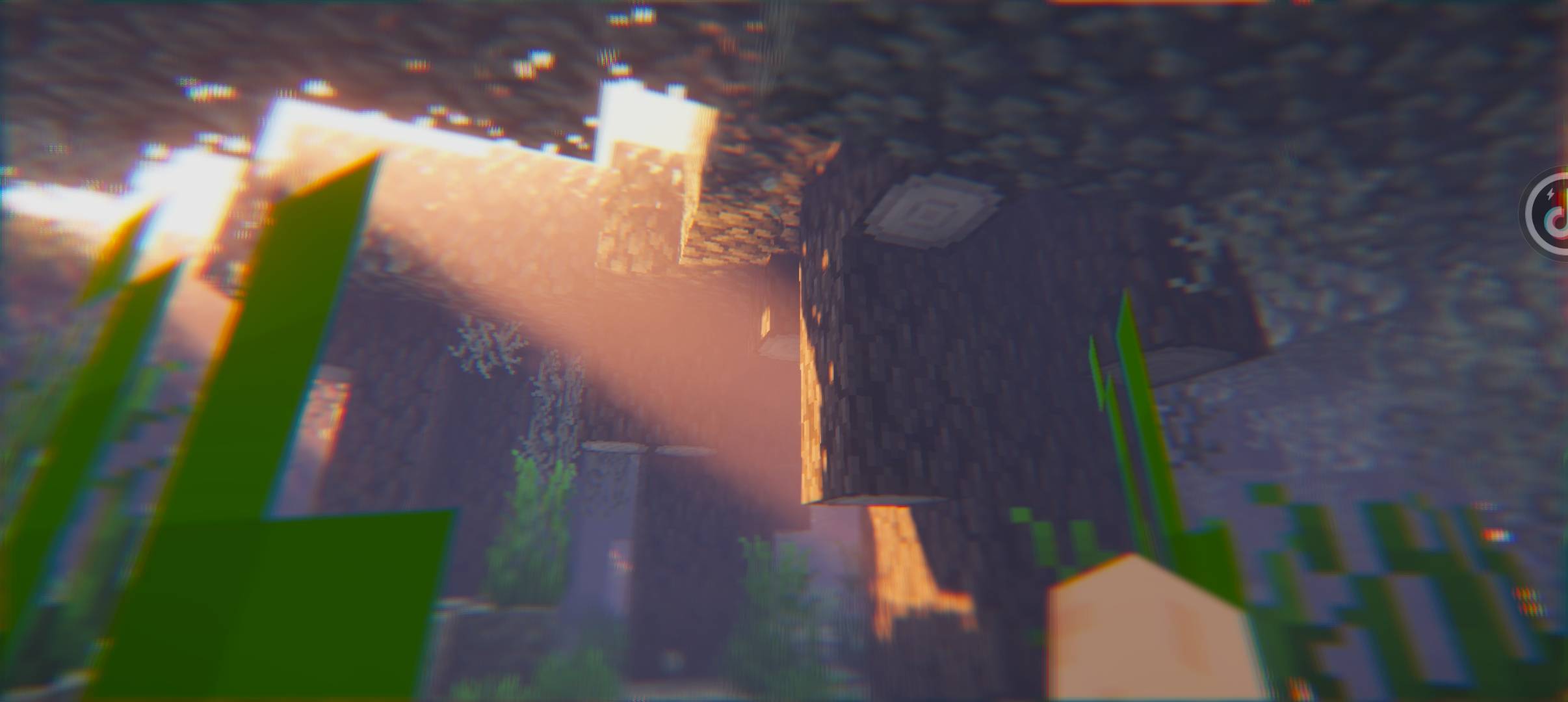
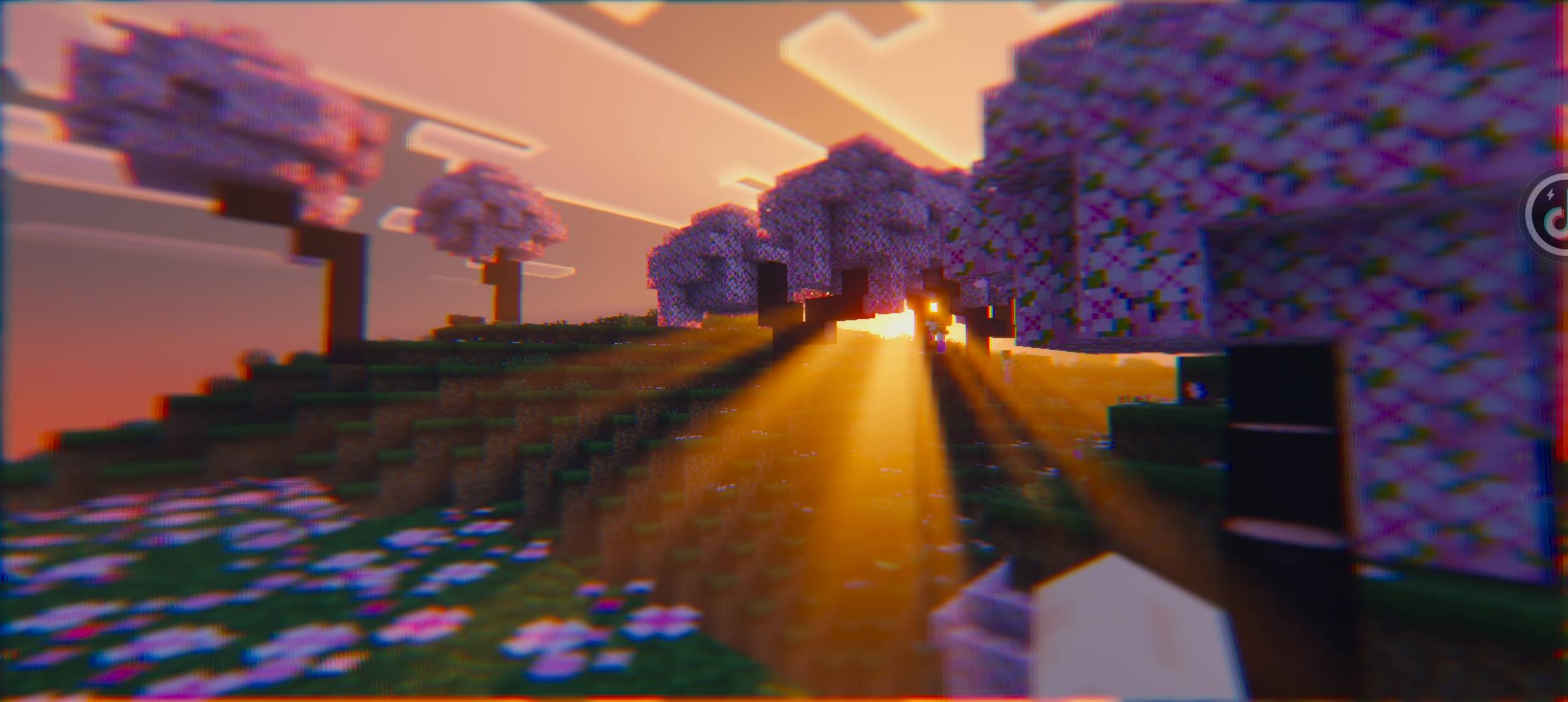
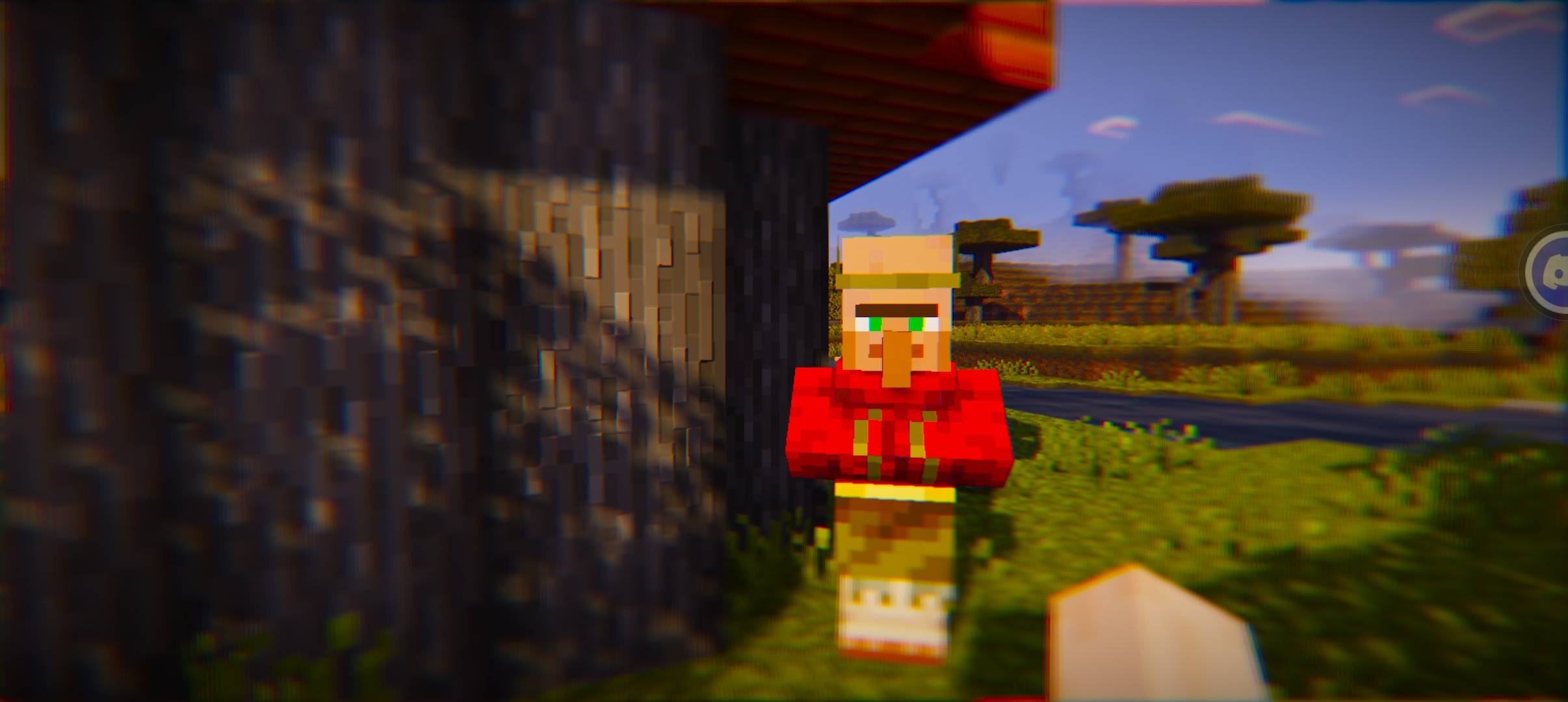
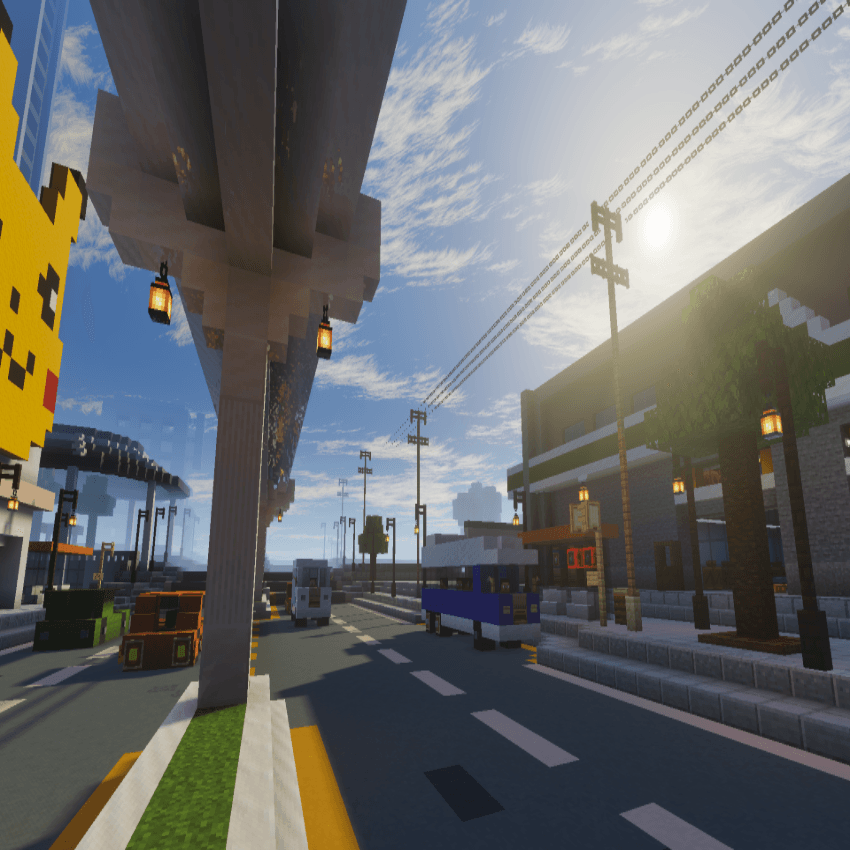
This is a shaderpack that adds additional effects to vibrant visuals for Minecraft bedrock edition
Features include
• Custom sky
• chromatic aberration
• fake depth of field
• enhanced volumetric fog
• aces tonemaping
• rain drop on screen during rain [see subpacks]
• Pixelation [see subpacks]
THIS REQUIRES A SHADER LOADER AND VIBRANT VISUALS TO BE ENABLED
examples of shaderloaders are: mb loader(android), betterrenderdragon/wyvern(windows)
Installation:
Follow this awesome guide on how to install shaders:
https://faizul726.github.io/blog/how-to-use-renderdragon-shaders/
If you need help or have suggestions, Join the bedrockgraphics discord
https://discord.gg/yQvmHVacRT
Recommended to use with vibrant visual texture packs
- Edition: Minecraft Bedrock
- File type: .mcpack
- Minecraft versions listed: 26.30, 26.40, 1.21.90
- How to install: Download the .mcpack. → Open it — Minecraft imports it under Resource Packs. → Activate it in Global Resources, or for one world under Resource Packs → Available.
- Where to get it: Opens on CurseForge — not every file is mirrored on our own servers.
Install steps are the general flow for this file type — How to install Minecraft Bedrock texture packs walks through it step by step.
- Pack type: .mcpack — a single pack
- Manifest requires Minecraft 1.14.1 or newer
- Complete pack — everything it depends on is inside the file
- Download size: 606 KB
- Download link checked 5 Oct 2026 — working
These come from our own check of the pack file, not from the source page.