vibrant brightness
Bedrock texture pack listed for Minecraft 1.17–26.x. File opened and checked on 18 Oct 2026; installs from the MC Bedrock Mods app on Android.
This Texture pack will make your survival world look more vibrant, and brightness. This texture also helps you see in the dark, so at certain levels you…
I don't know my version
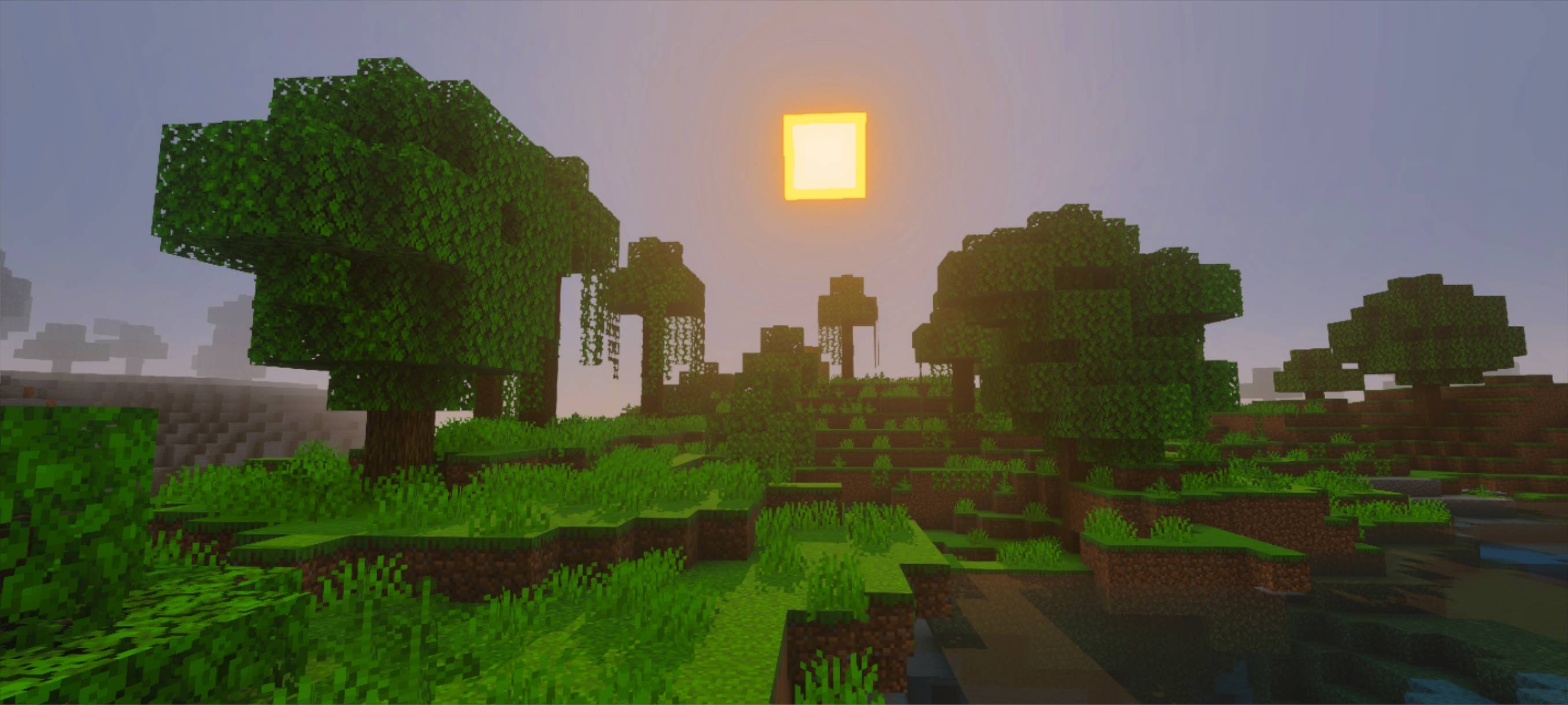
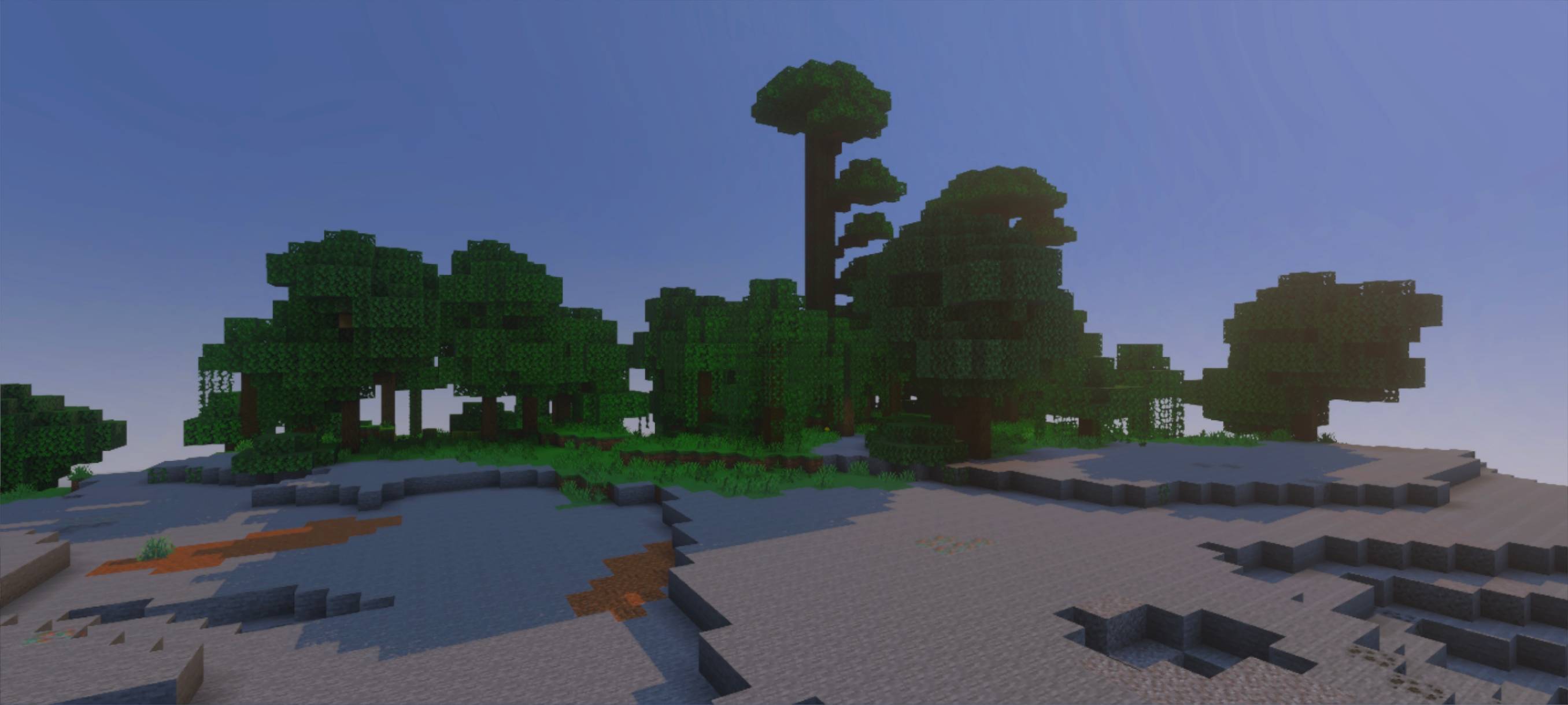
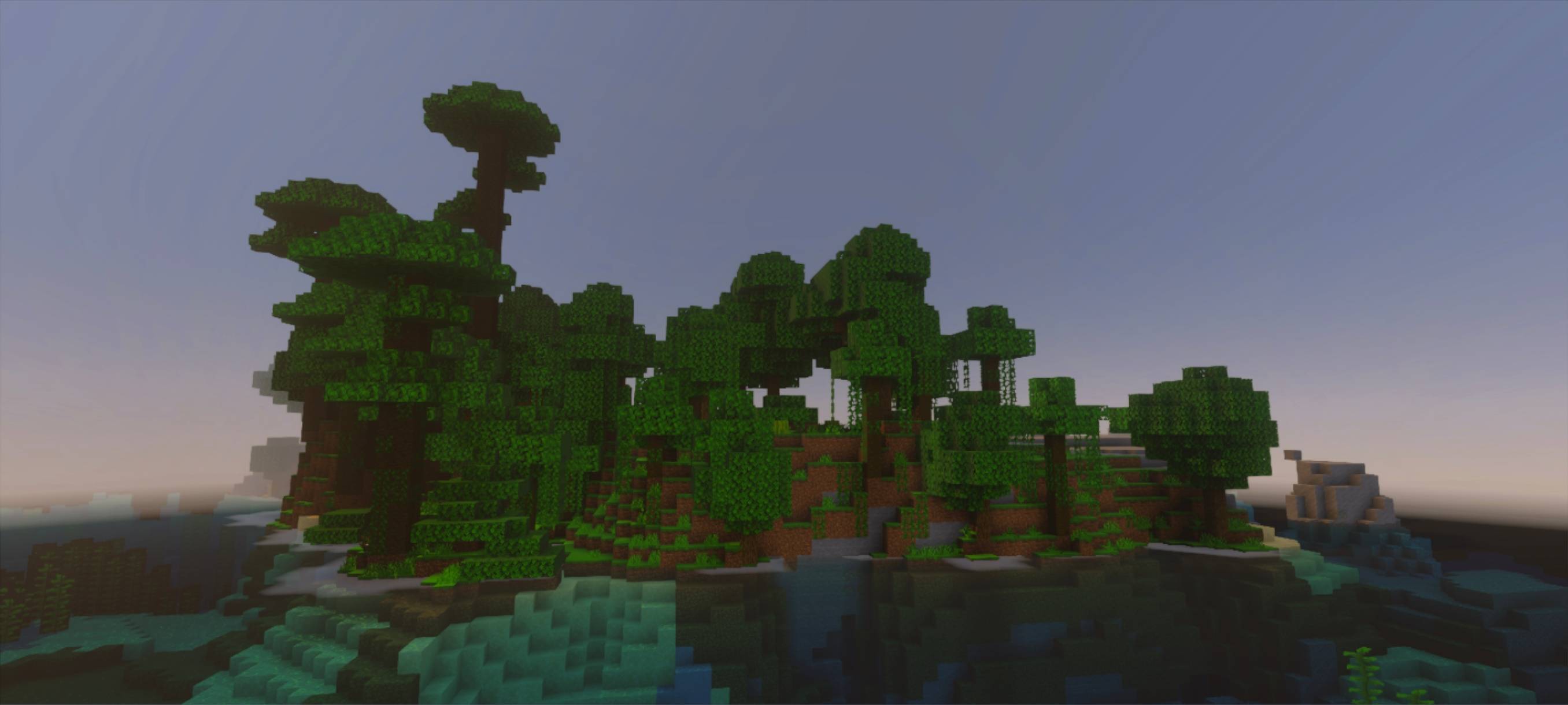
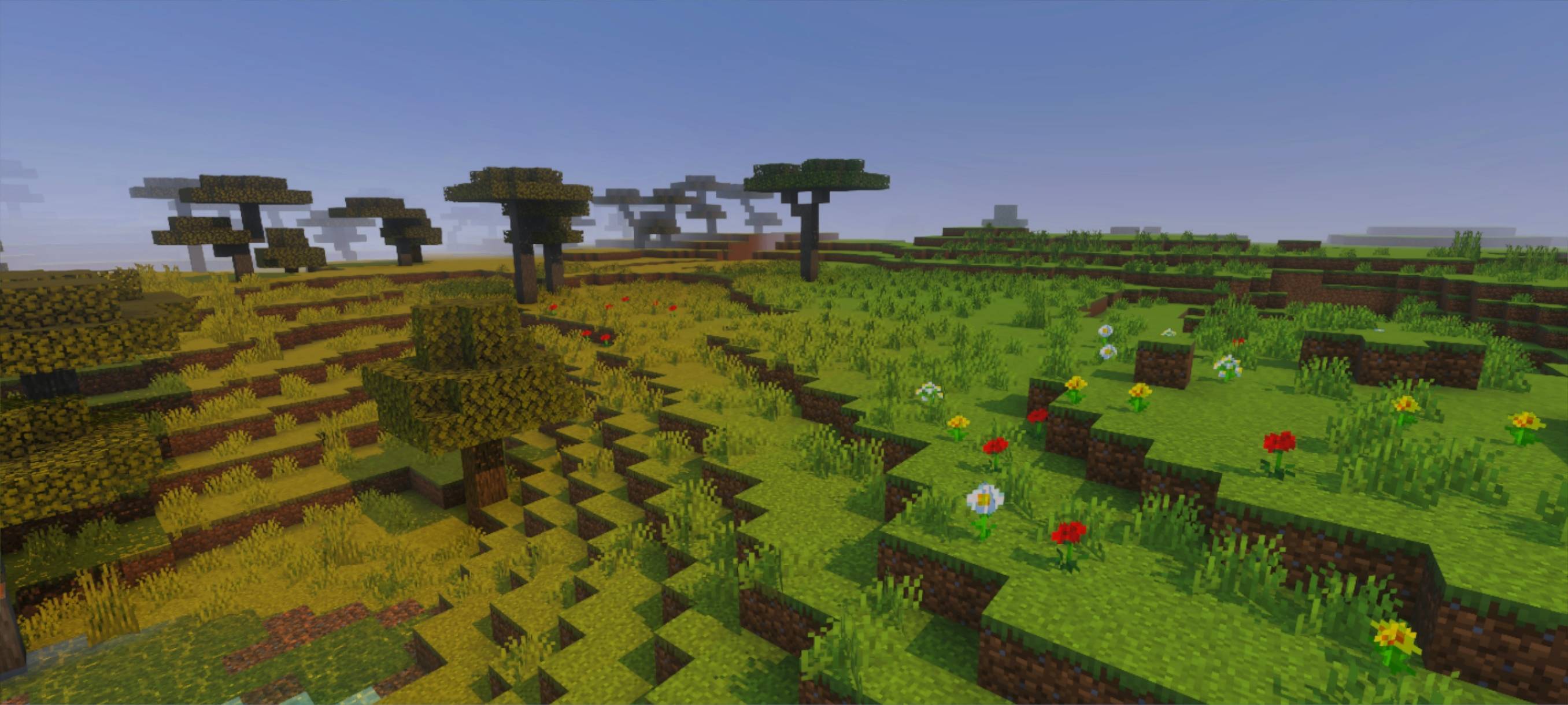
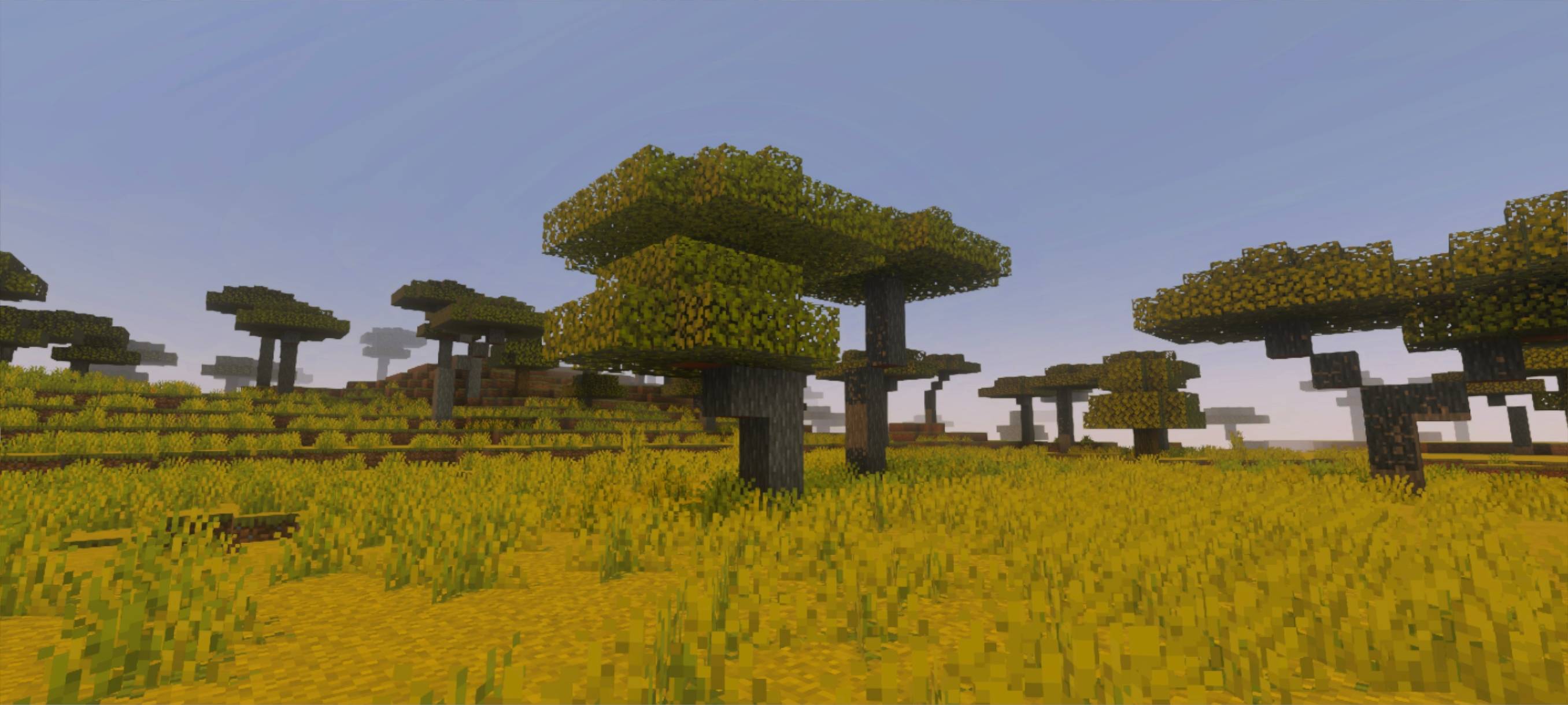
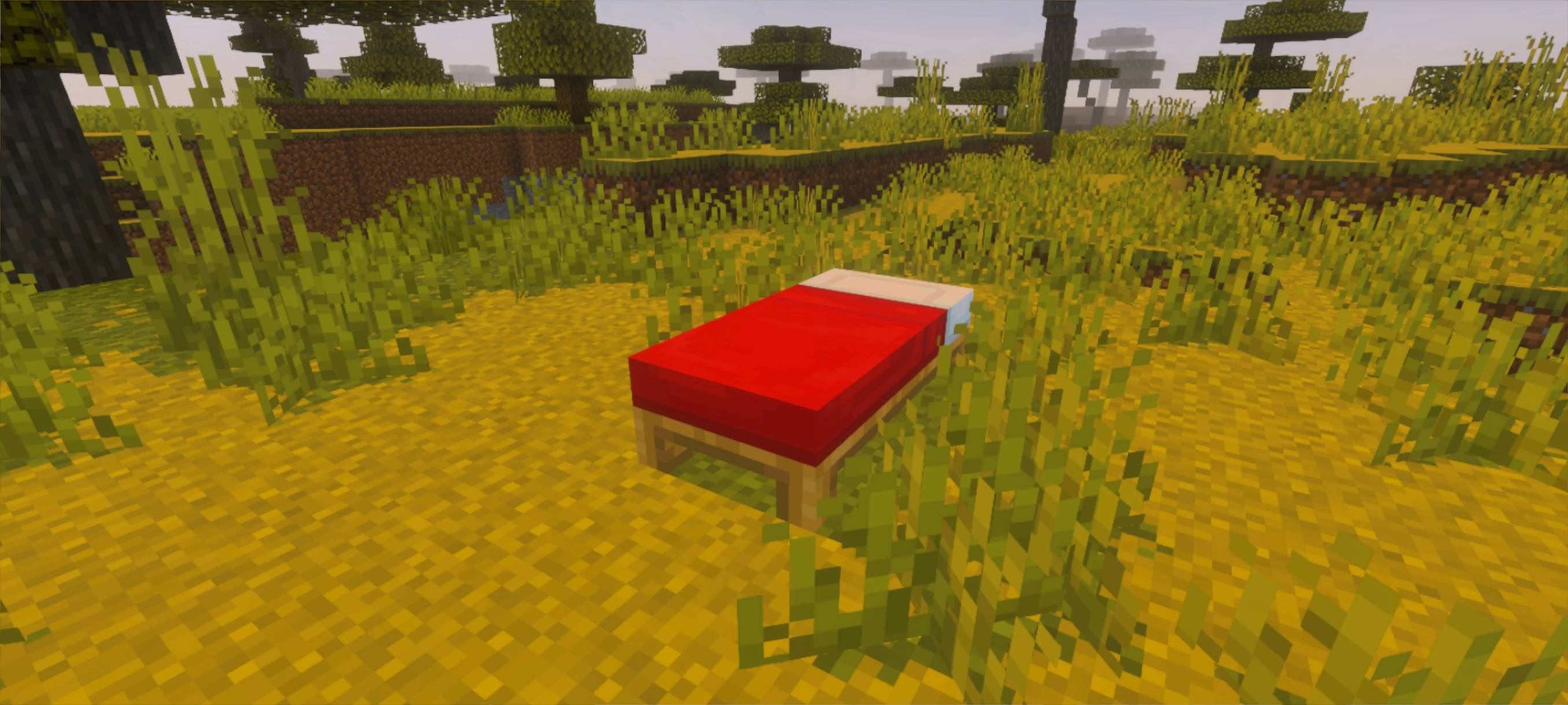
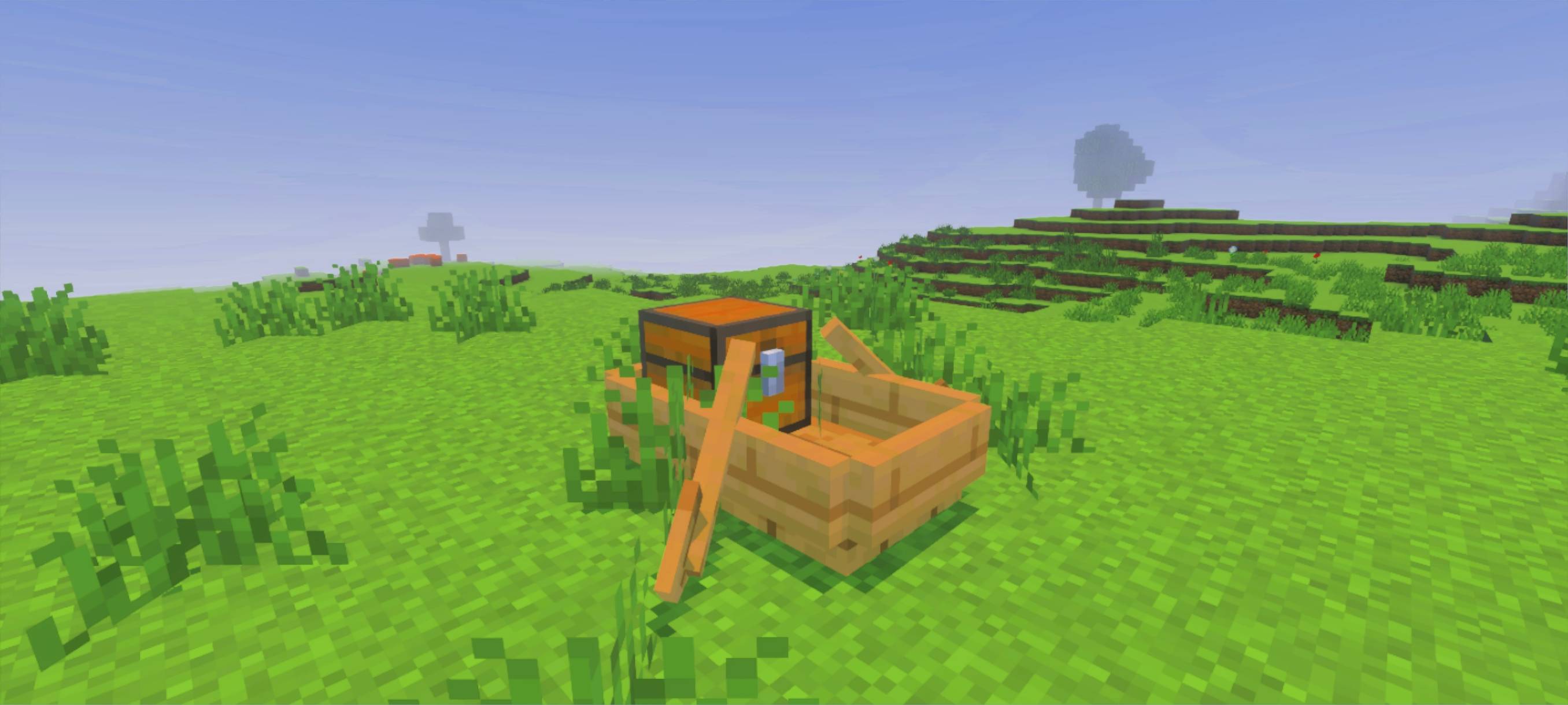
This addon will improve your textures and visuals.
Subpacks are also added, so if you want the weakest or strongest version, you can set the level in the settings.
This texture pack has subpacks, and you can adjust the level settings before entering the world.
(join discord for feedback and news)
all details (in-game real screenshot proof) about the pack in the picture below
you can set the level of the texture on the setting too
- Edition: Minecraft Bedrock
- File type: .mcpack
- Minecraft versions listed: 26.10, 26.20, 26.30
- How to install: Download the .mcpack. → Open it — Minecraft imports it under Resource Packs. → Activate it in Global Resources, or for one world under Resource Packs → Available.
- Where to get it: Opens on CurseForge — not every file is mirrored on our own servers.
Install steps are the general flow for this file type — How to install Minecraft Bedrock texture packs walks through it step by step.
- Save it as vibrant_brightness 1.0.8.mcaddon before opening — it downloads as .mcpack, but it is a .mcaddon pack
- Manifest requires Minecraft 1.17.0 or newer
- Complete pack — everything it depends on is inside the file
- Download size: 37.2 MB
- Download link checked 5 Oct 2026 — working
These come from our own check of the pack file, not from the source page.