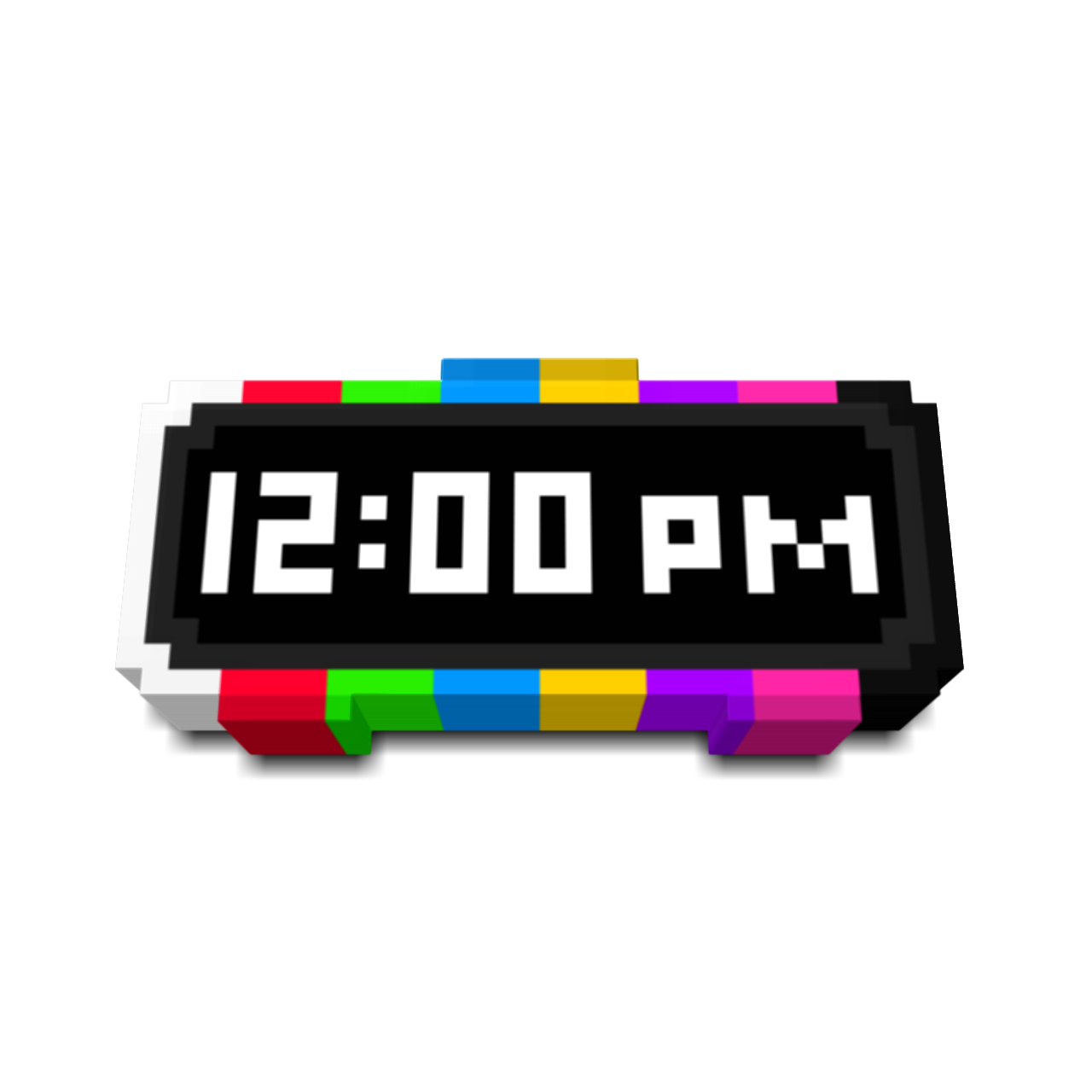
Fzul's Digital Clock
Bedrock texture pack listed for Minecraft 1.20–1.21. File opened and checked on 1 Oct 2026; installs from the MC Bedrock Mods app on Android.
⬇ Download on CurseForge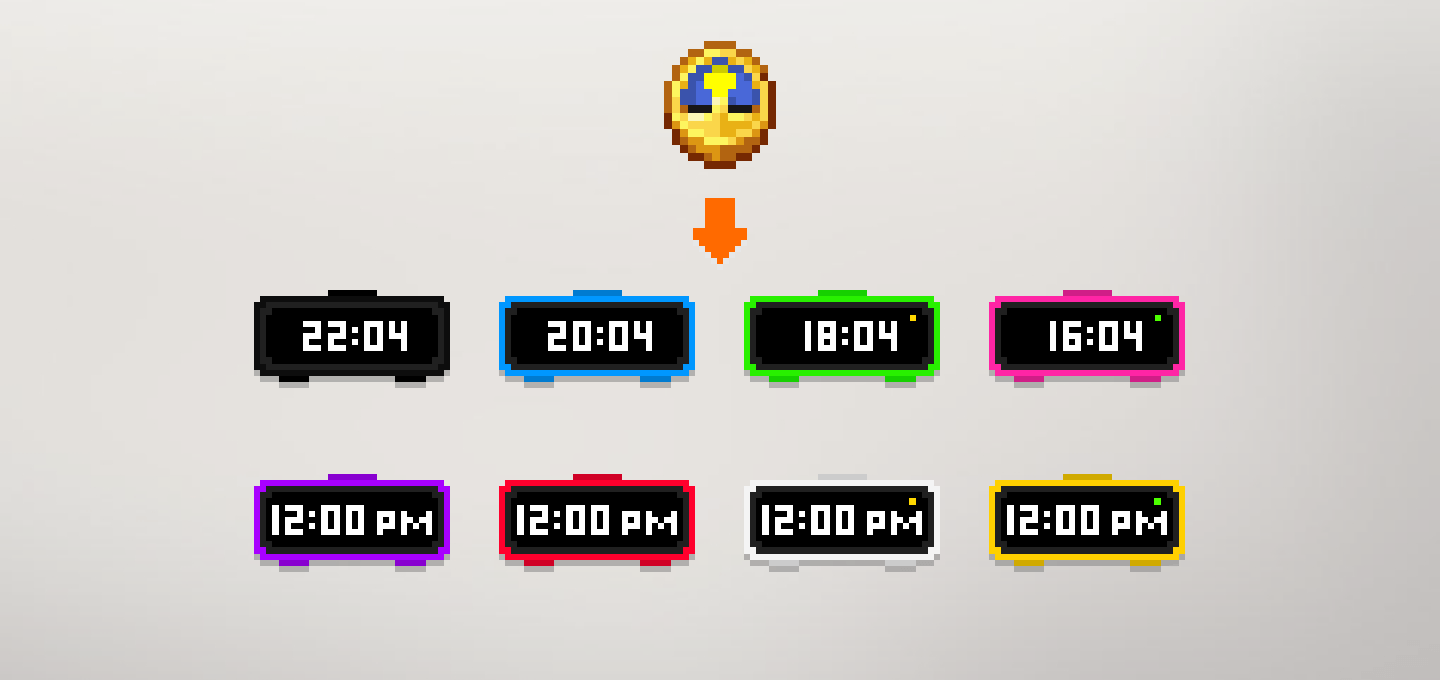
DO NOT REDISTRIBUTE/MIRROR ON ANY OTHER SITE
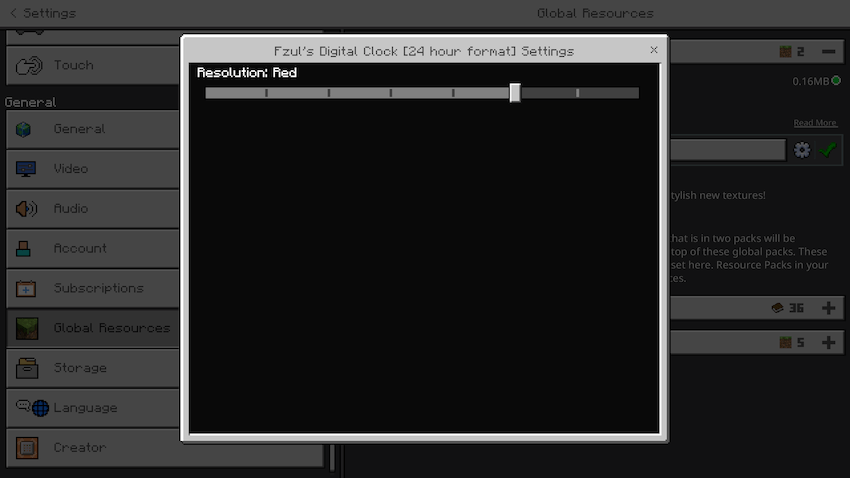
This resource pack changes the clock in Minecraft to a digital one. You can choose between 8 different colors from resource pack settings
Available in 12 and 24 hour time format.
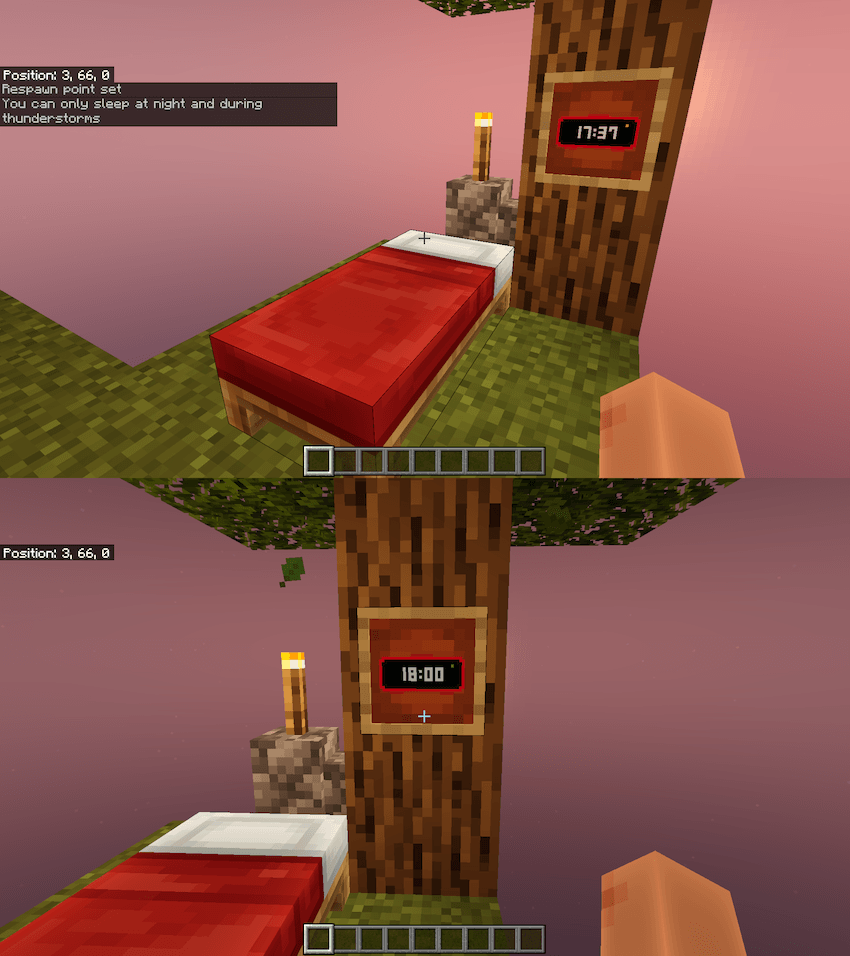
It also indicates when you can sleep.
Yellow dot = You will be able to sleep soon or now
Green dot = You can sleep now
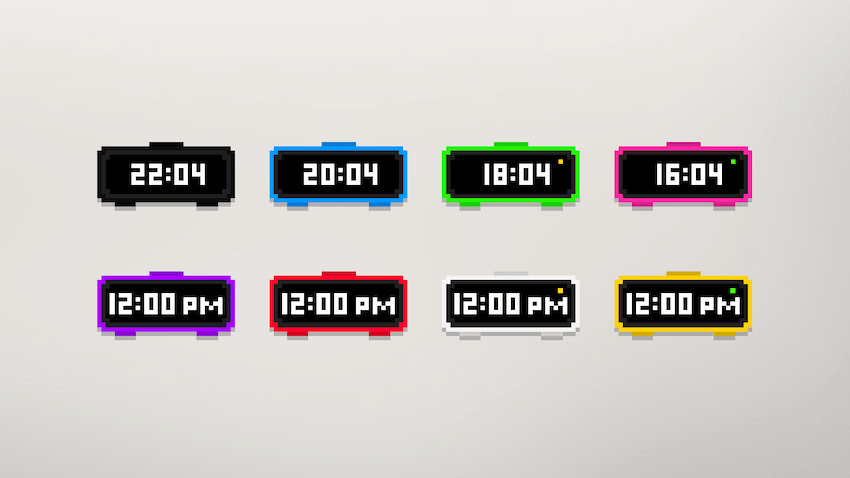
Available colors:
- Black
- Blue
- Green
- Pink
- Purple
- Red
- White
- Yellow
Thanks for the old comments. I can't reply there so doing here…
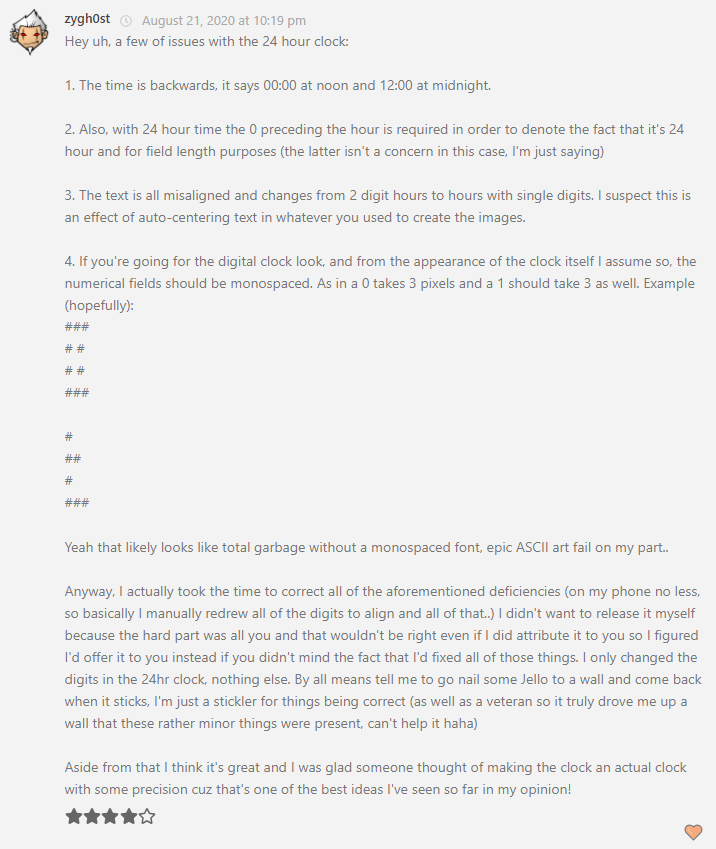
My reply: I have fixed some of the issues. I will consider the other ones soon. 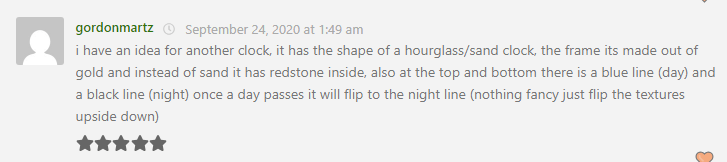
My reply: Noted. I will make it. 
My reply: Fixed in this version. Thank you for letting me know. 
My reply: I have fixed it in this version. Back then I was not so familiar with 24 hour time format. 
My reply: I am not sure what you mean. If you see this please clarify and I will try to make.
- Edition: Minecraft Bedrock
- File type: .mcpack
- Minecraft versions listed: 1.20.40, 1.21.30, 1.21.50
- How to install: Download the .mcpack. → Open it — Minecraft imports it under Resource Packs. → Activate it in Global Resources, or for one world under Resource Packs → Available.
- Where to get it: Opens on CurseForge — not every file is mirrored on our own servers.
Install steps are the general flow for this file type — How to install Minecraft Bedrock texture packs walks through it step by step.
- Pack type: .mcpack — a single pack
- Manifest requires Minecraft 1.20.0 or newer
- Complete pack — everything it depends on is inside the file
- Download size: 135 KB
- Download link checked 5 Oct 2026 — working
These come from our own check of the pack file, not from the source page.