Item Rarity Viewer
Bedrock texture pack listed for Minecraft 1.20–26.x. File opened and checked on 28 Aug 2026; installs from the MC Bedrock Mods app on Android.
After a Minecraft update to item rarity, there are many item that had a rarity Change, and with this pack you can see the rarity of the item more easily…
⬇ Download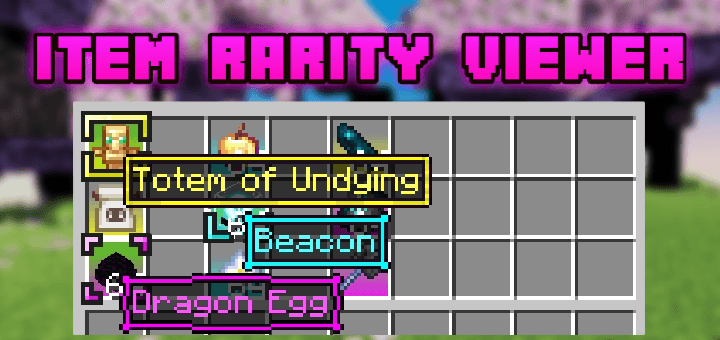
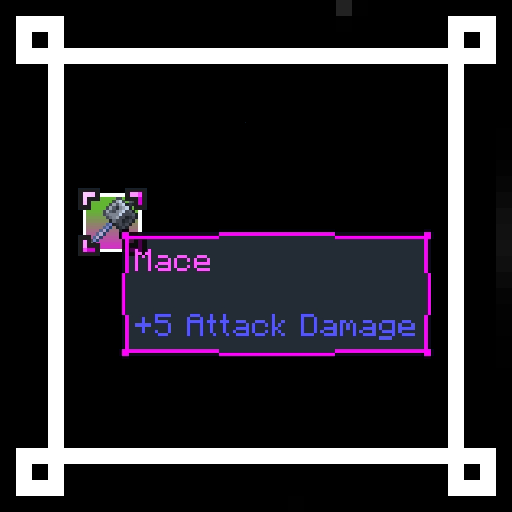
Item Rarity highlight: a highlight Color background Will Appear according to item rarity.
Yellow: uncommon
Blue: rare
Magenta: epic
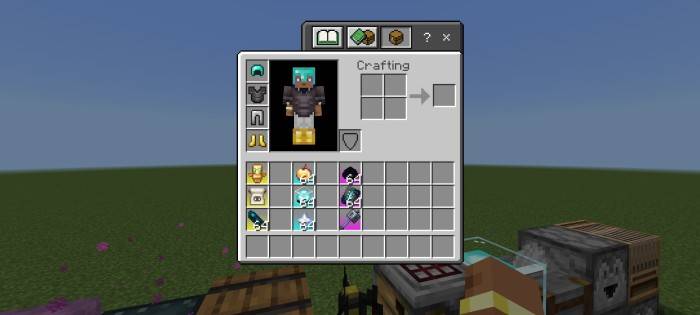
Dynamic item tooltip Border: the tooltip texture Will change according to item rarity.
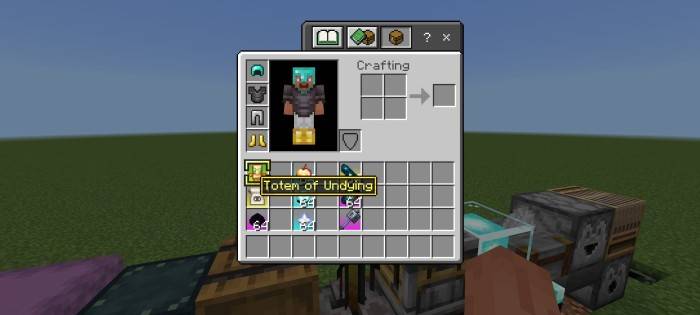
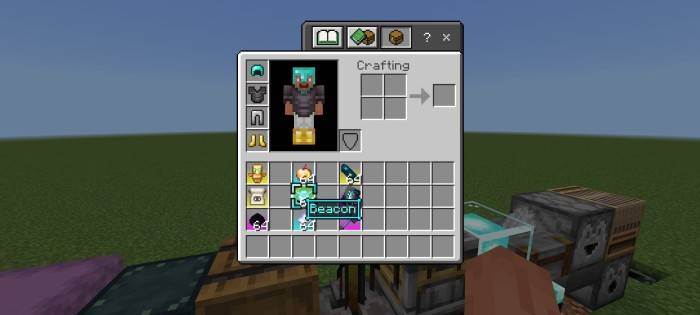
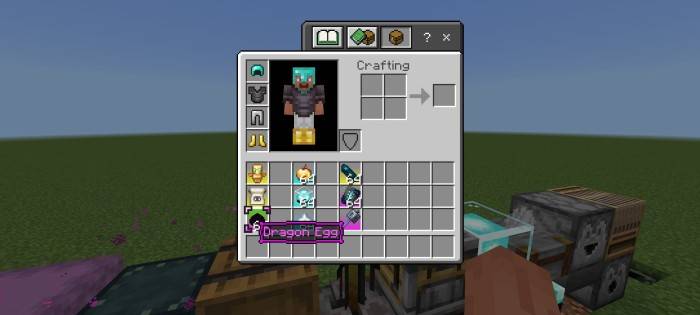
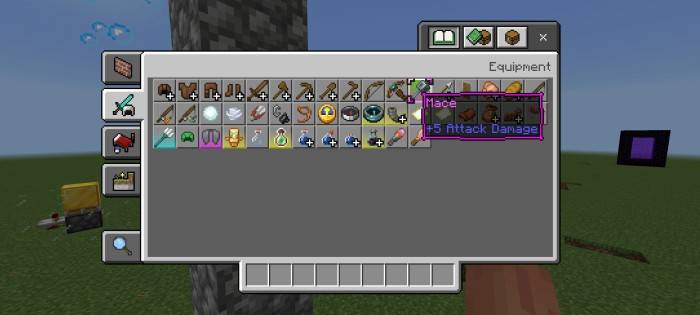
Colored item name border, you need to rename the item first, color codes:
- §h = quartz
- §i = iron
- §j = netherite
- §m = redstone
- §n = copper
- §p = gold
- §q = emerald
- §s = diamond
- §t = lapis
- §u = amethyst

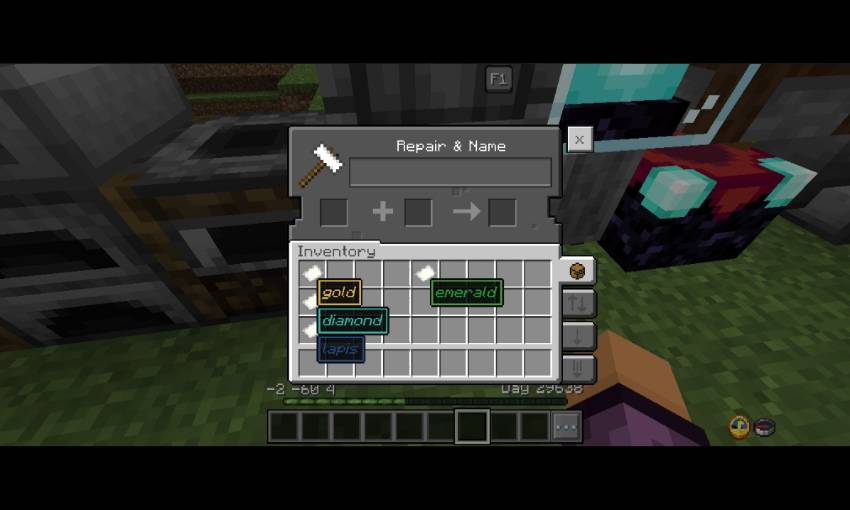
There's also special code:
- §f§a§r = mark the item as favorite
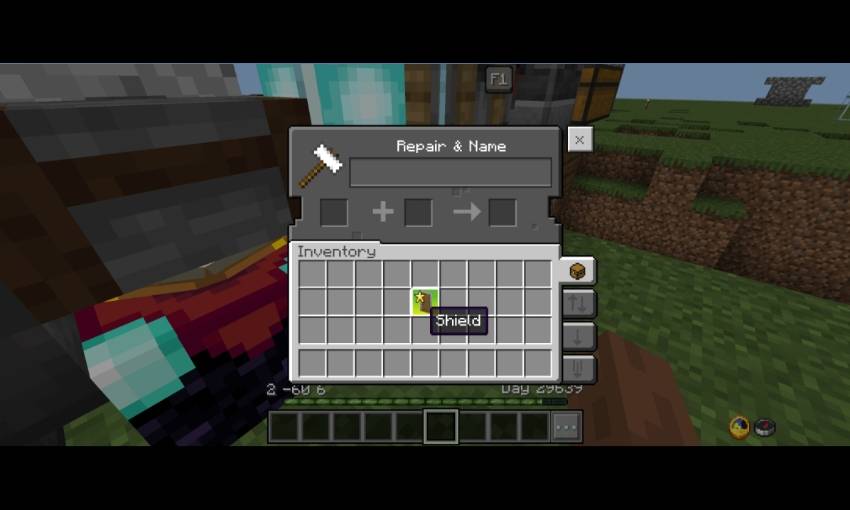
Config (_global_variables.json)
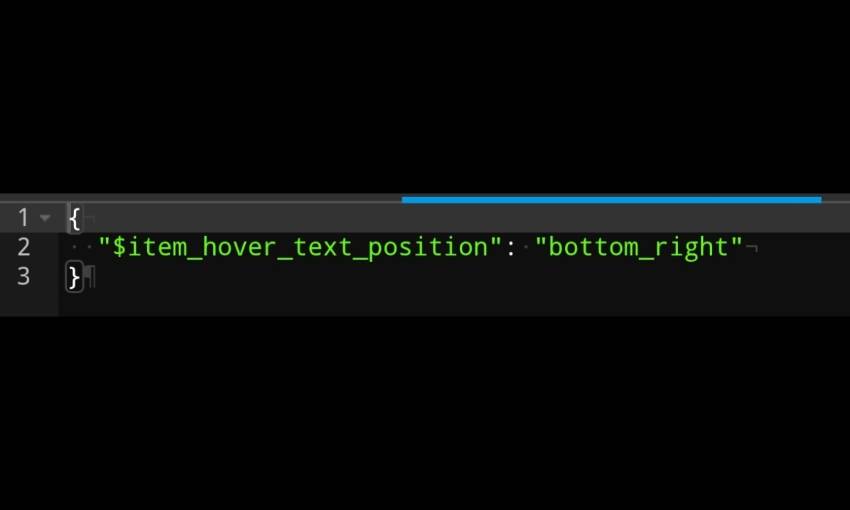
- $item_hover_text_position = bottom_right (default), bottom_left, top_lefr, top_right
Credits
- ItzRiyo157 - Helping Fixing Code
- Dal4y - Dal4y's Tooltip
Also try Bedrock UI+. It have many features in a single pack!
- Edition: Minecraft Bedrock
- File type: .mcpack
- Minecraft versions listed: 1.20.40, 1.21.30, 1.21.50
- How to install: Download the .mcpack. → Open it — Minecraft imports it under Resource Packs. → Activate it in Global Resources, or for one world under Resource Packs → Available.
- Where to get it: In MCModsHub, or directly above on this page.
Install steps are the general flow for this file type — How to install Minecraft Bedrock texture packs walks through it step by step.
- Pack type: .mcpack — a single pack
- Complete pack — everything it depends on is inside the file
- Download size: 50 KB
- Download link checked 25 Aug 2026 — working
These come from our own check of the pack file, not from the source page.