Texture packsBedrock
LEGENDARY PBR TEXTURES
Bedrock texture pack listed for Minecraft 1.18–26.x. File opened and checked on 30 Aug 2026; installs from the MC Bedrock Mods app on Android.
⬇ DownloadThe author built this one for Minecraft 1.18–1.21.101. On other versions it may install and then do nothing.
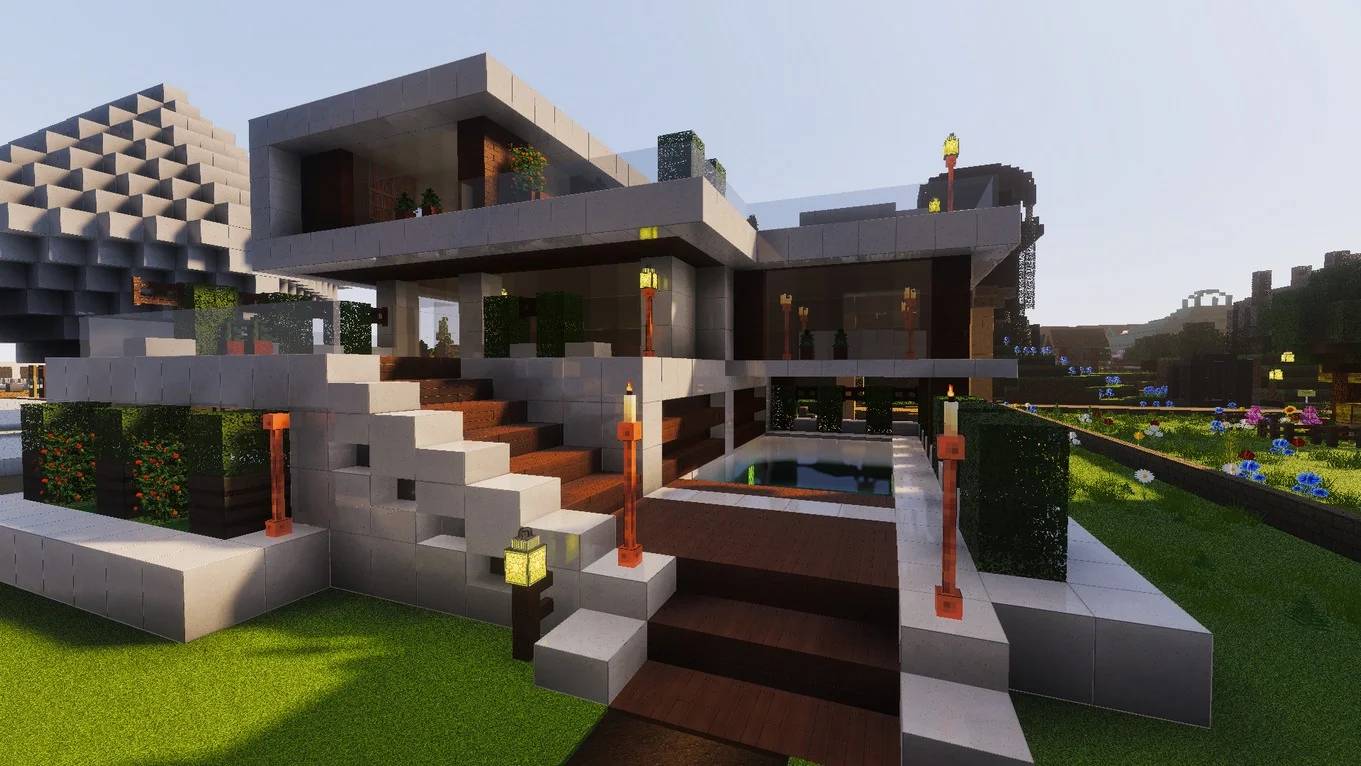
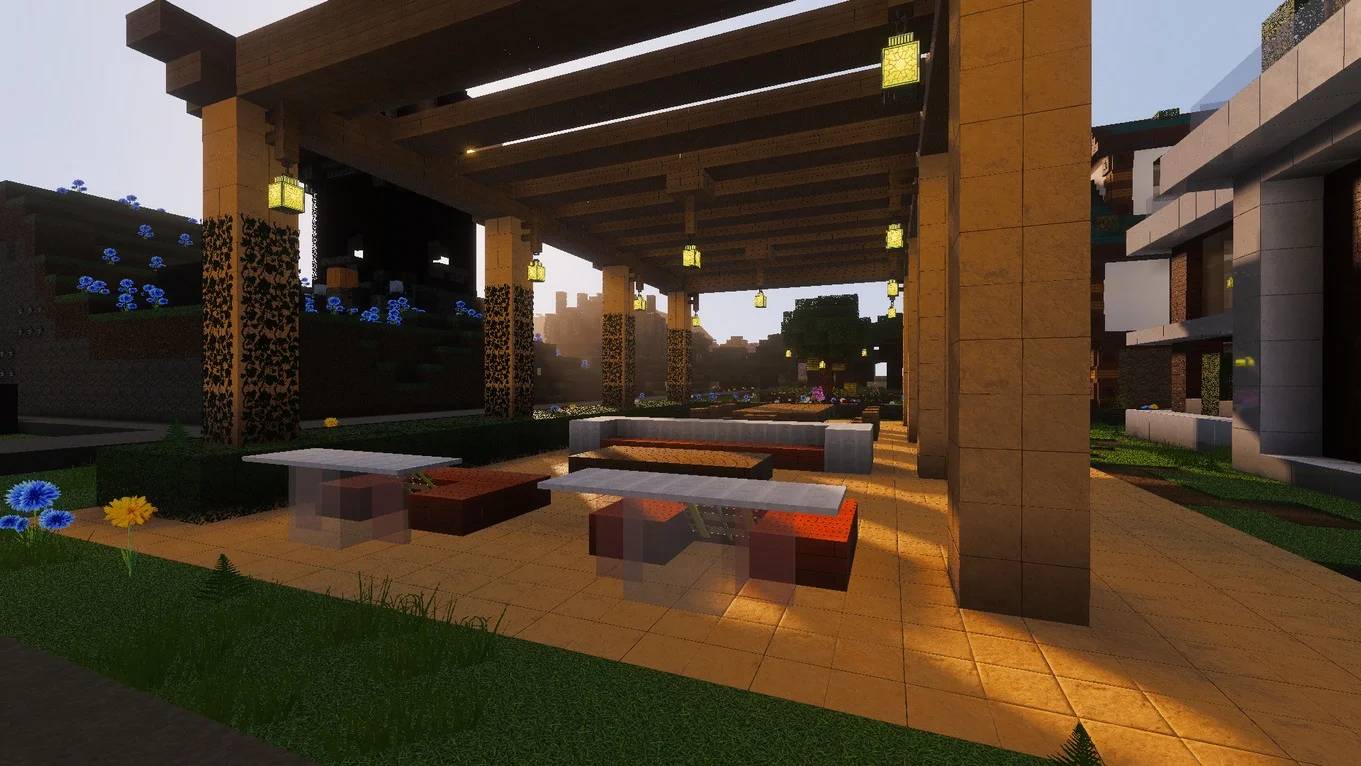
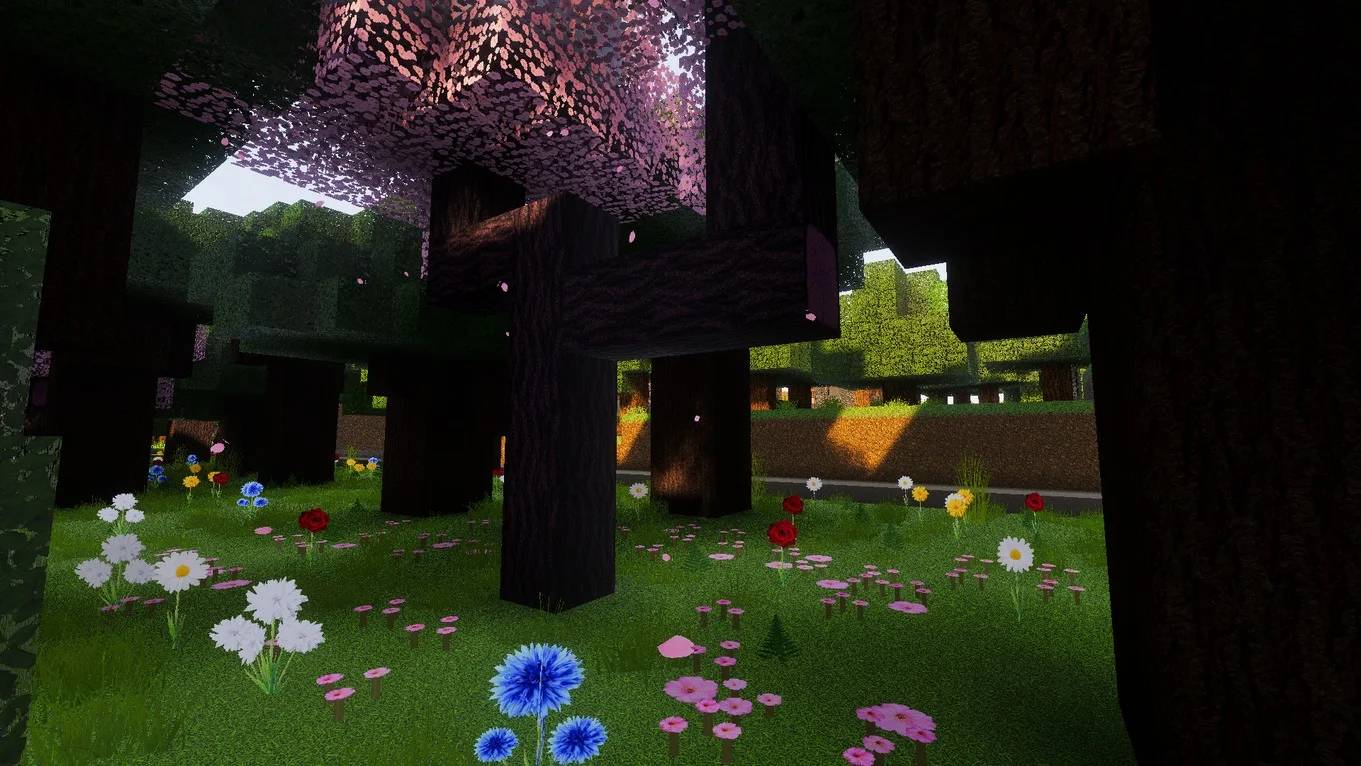
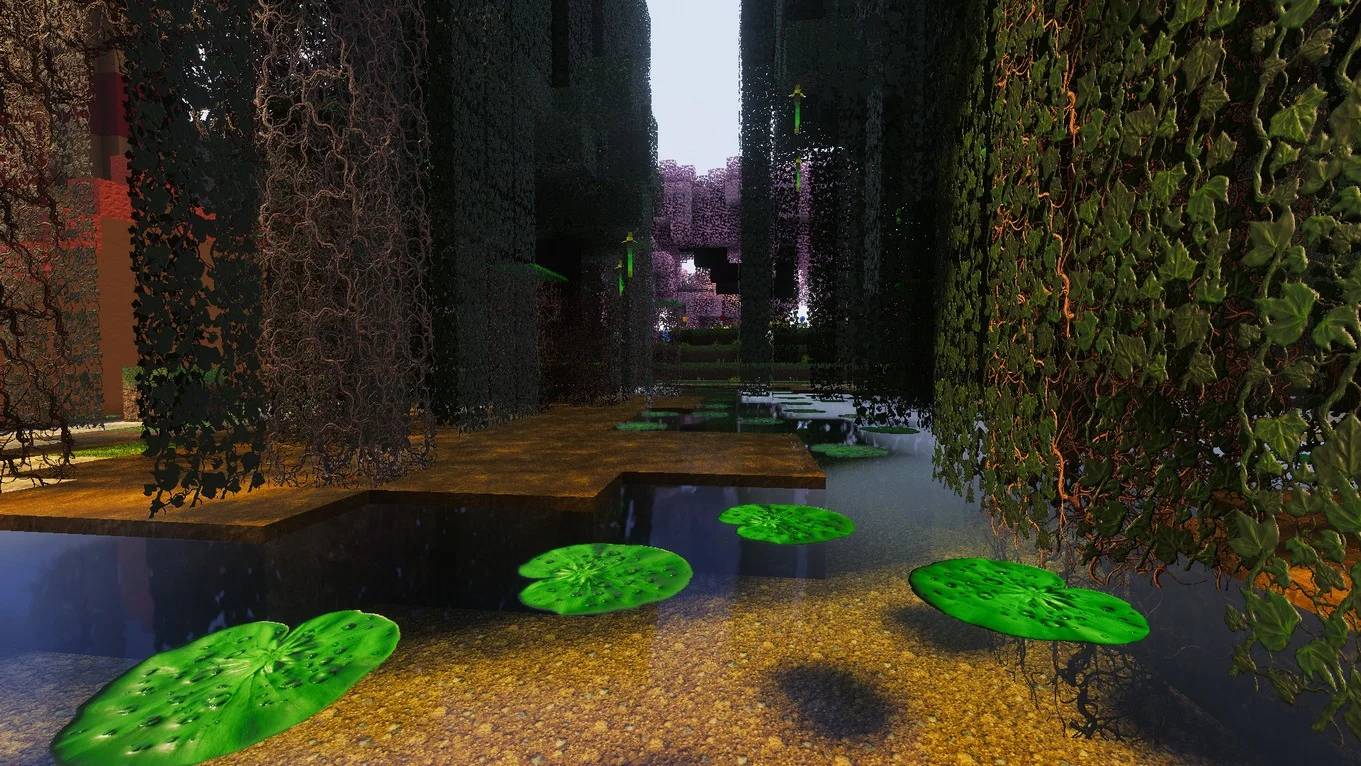
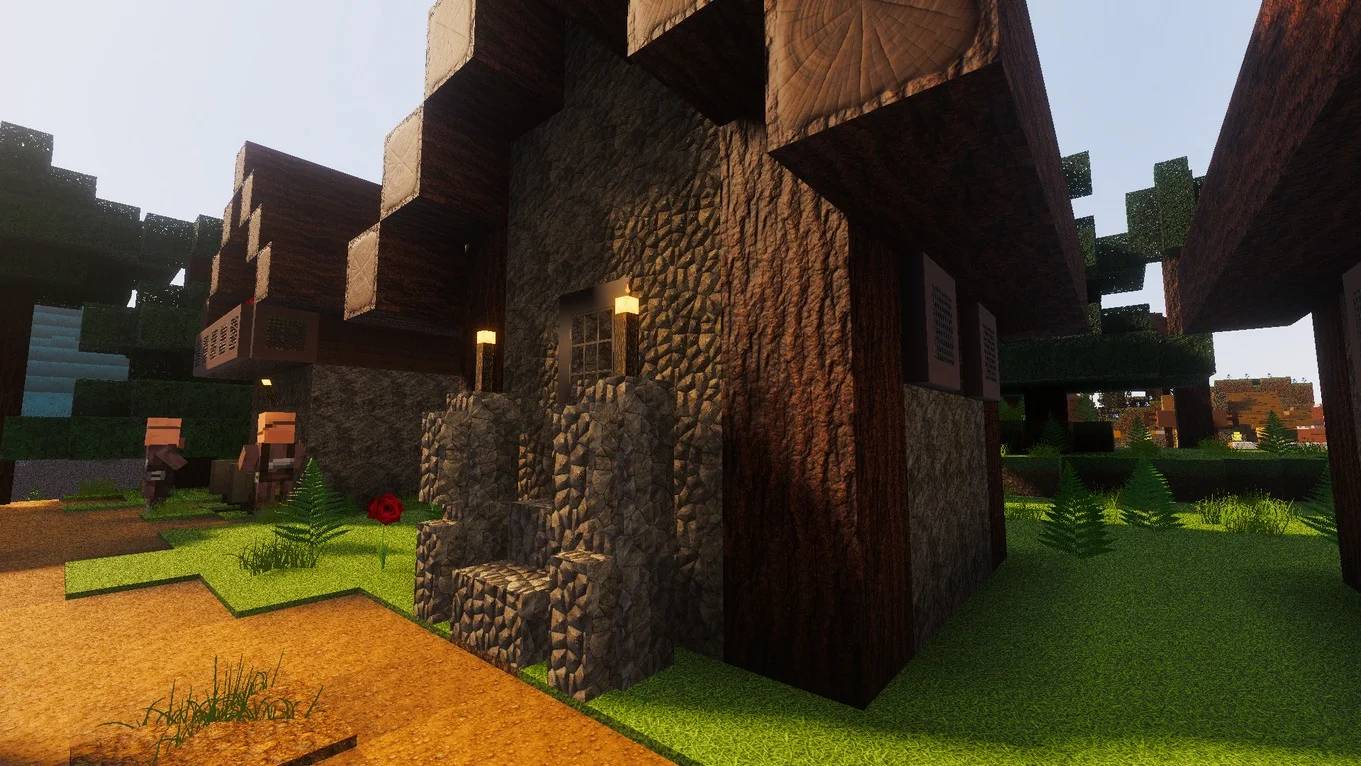
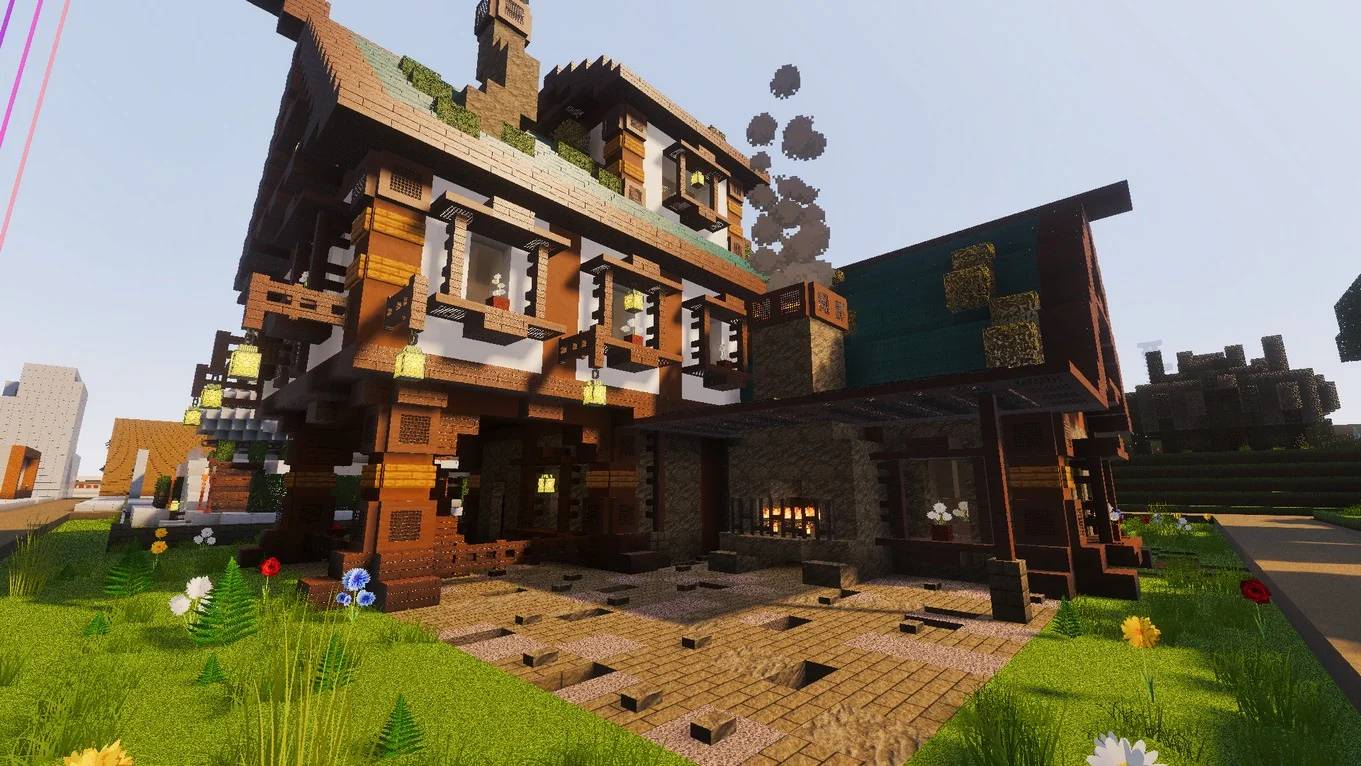
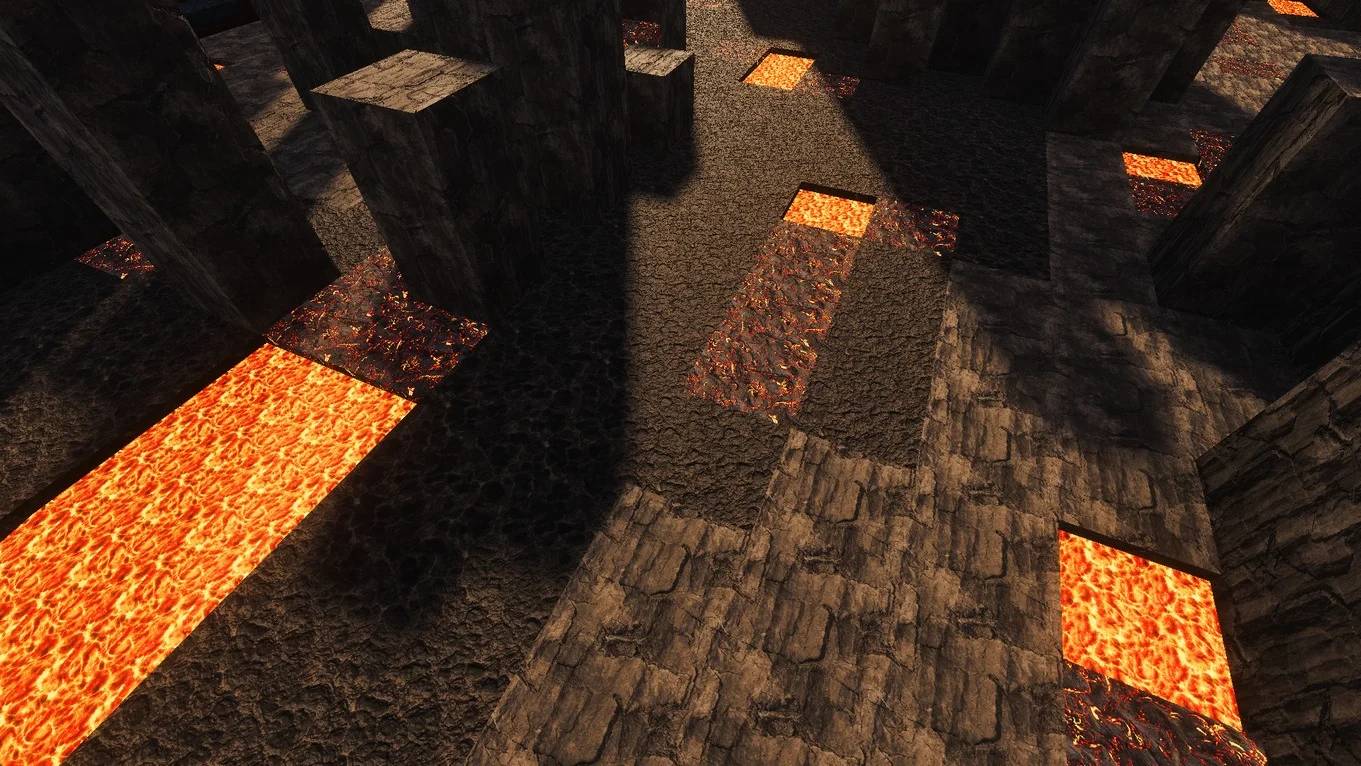
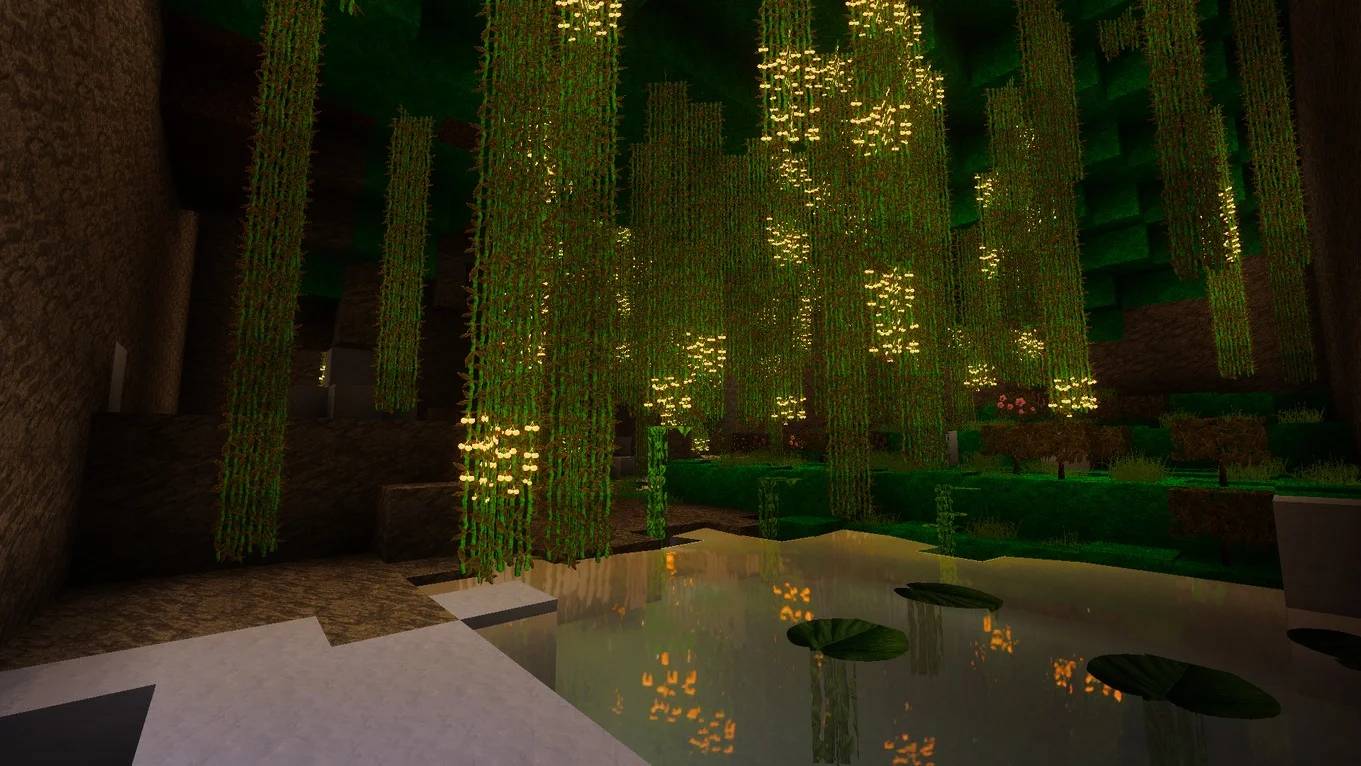
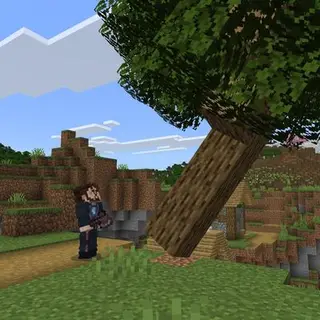
Legendary PBR Textures is a PBR-ready resource pack for Minecraft: Bedrock Edition that pairs physically-based materials with the Vibrant Visuals shader pipeline. It also fine-tunes fog, water, and environmental effects to push Bedrock toward a cinematic look.

Why it looks so good
- True PBR workflow: specular, roughness, metallic (and matte) maps tuned for Bedrock.
- Depth & micro-detail: subtle height data for convincing 3D relief without extra geometry.
- Visual polish: adjusted fog, water, and environment for a cohesive scene.
What you get
- Resolutions: Low (free), plus HD and FHD via membership.
- Changelog & updates: ongoing versioned releases with new blocks and tweaks.
Requirements & platforms
- Edition: Minecraft: Bedrock. Works on PC/laptop, mobile, tablet, and consoles, performance/visuals vary by device. (Optimized for Windows.)
- Vibrant Visuals: enable it to get the intended lighting/post-FX with this pack.
Quick install (Bedrock/Windows)
- Download the .mcpack for your chosen tier (Demo/Low/HD/FHD)
- Double-click the .mcpack to import into Minecraft (Bedrock).
- In Settings → Global Resources, activate the pack.
- In Settings → Video → Graphics Mode, enable Vibrant Visuals.
Add-ons to level it up
- Enhanced Visuals Add-on: fog, lighting/shadows, improved PBR tuning, and water effects.
- Mobs & Items Add-on: higher-fidelity entities and gear.
- Modern Paintings Add-on: contemporary art set to modernize interiors.
Performance tips
- Start with LOW or HD; move to FHD if frame rate is stable.
- Reduce render distance
- Keep drivers up to date, close background apps before high-res sessions.
Quick facts
- Edition: Minecraft Bedrock
- File type: .mcpack
- Minecraft versions listed: 1.20.40, 1.21.30, 1.18.2
- How to install: Download the .mcpack. → Open it — Minecraft imports it under Resource Packs. → Activate it in Global Resources, or for one world under Resource Packs → Available.
- Where to get it: In MCModsHub, or directly above on this page.
Install steps are the general flow for this file type — How to install Minecraft Bedrock texture packs walks through it step by step.
File checked by MCModsHub
- Pack type: .mcpack — a single pack
- Complete pack — everything it depends on is inside the file
- Download size: 71.6 MB
- Download link checked 25 Aug 2026 — working
These come from our own check of the pack file, not from the source page.