Enchantment Glint Customizer
Bedrock texture pack listed for Minecraft 26.x. File opened and checked on 19 Sep 2026; installs from the MC Bedrock Mods app on Android.
⬇ Download on CurseForge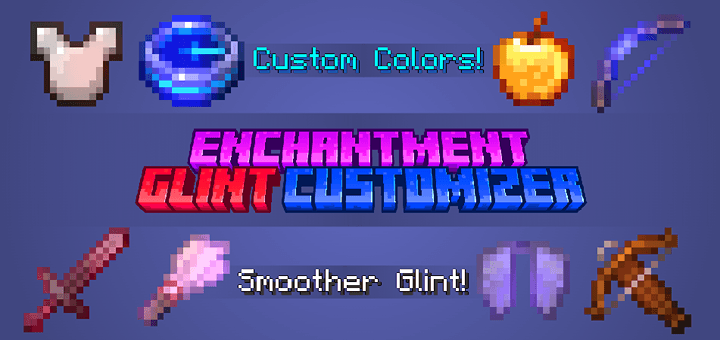
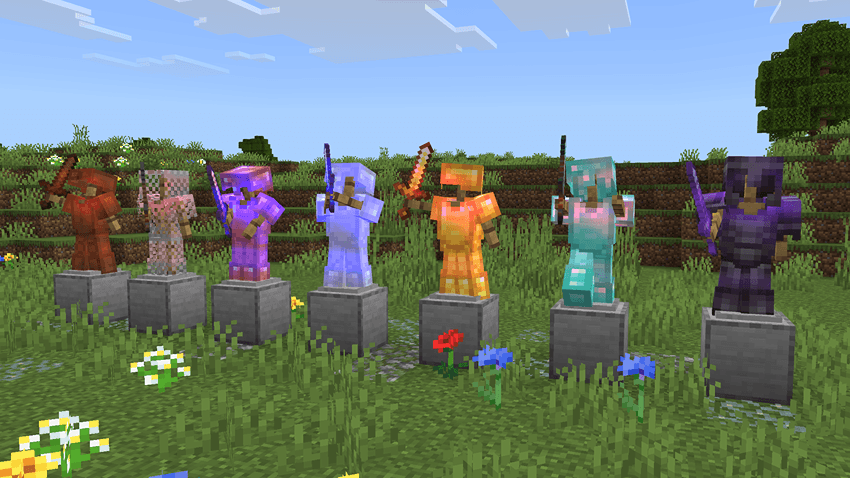
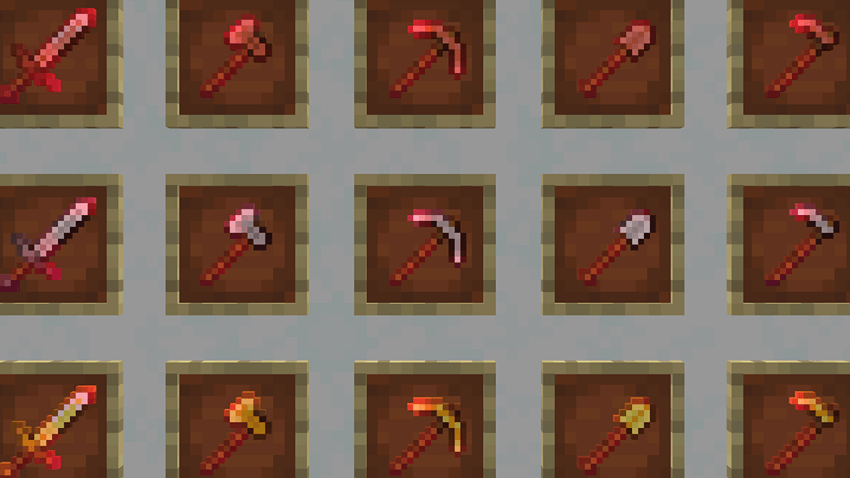
Enchantment Glint Customizer is a very simple pack which allows you to customize the enchantment glint color, and also makes the enchantment glint look much smoother on held items! There are a total of 15 subpacks to choose from, which allow for Classic Texture compatibility and let you disable the new smoother enchantment glint.
If you have any questions or find any issues with this pack, you can contact me in the comments or on Discord (lionhead07)
Enchantment Glint Colors
The available glint colors to choose from are Purple, Red, Blue, Orange, and Indigo. (Only one of these colors can be used at a time)
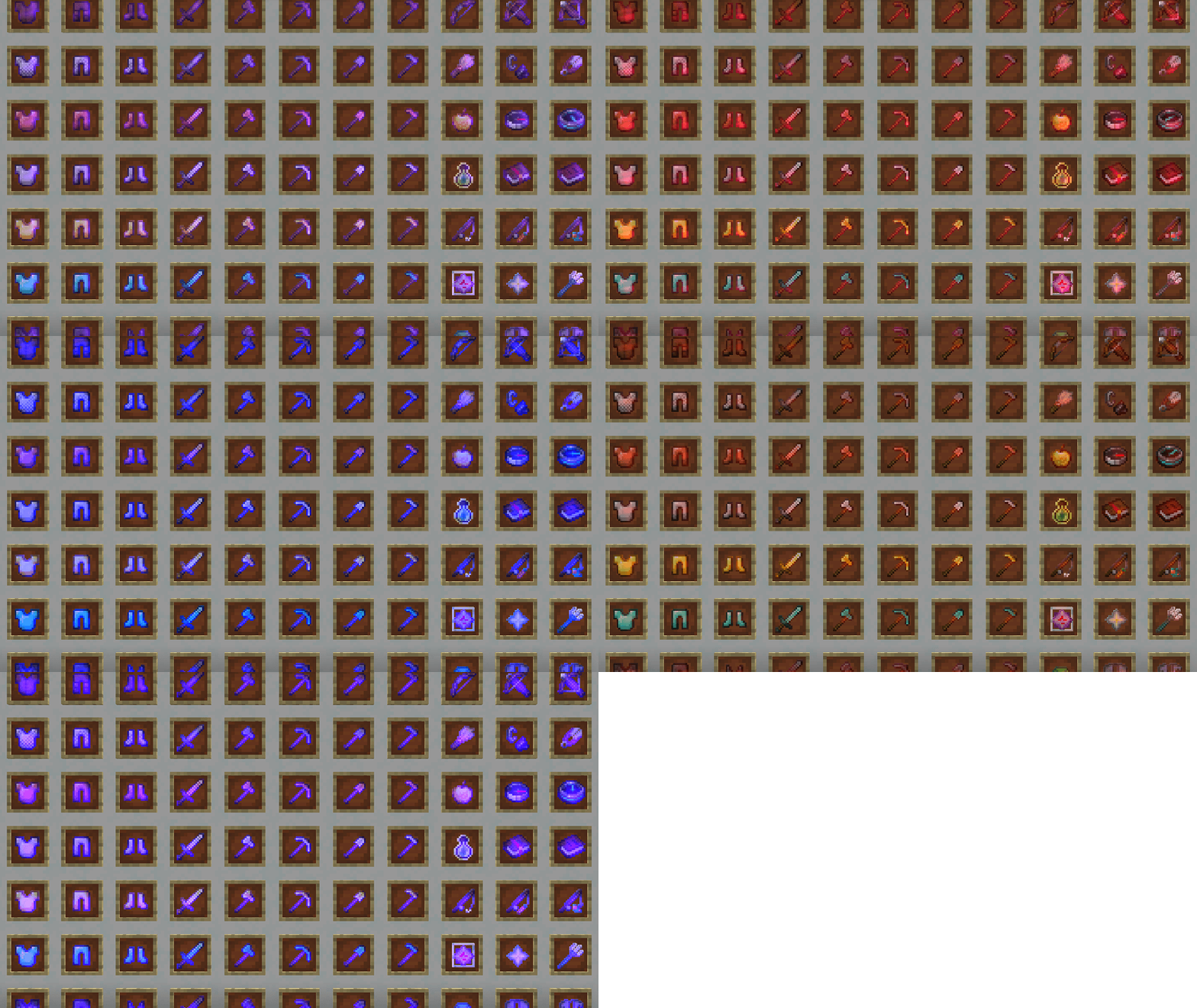
Yellow, Green, and White enchantment glints are not really possible with Render Dragon, so these colors are not available in this pack.
Smooth & Pixelated Glint Options
This pack makes the enchantment glint for items smoother by default. If you do not want the smoother enchantment glint and only want the different colors from this pack, then you can choose one of the "Pixelated Glint" subpacks.
Classic Textures Compatibility
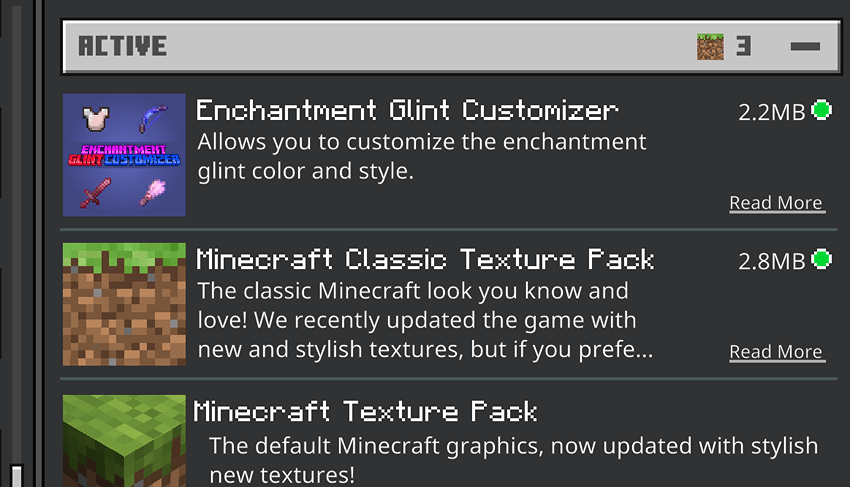
If you want to use the Classic Texture Pack with this pack, just make sure this pack is placed ABOVE it and that you are using one of the correct "Classic Textures" subpacks.
Other Resource Pack Compatibility
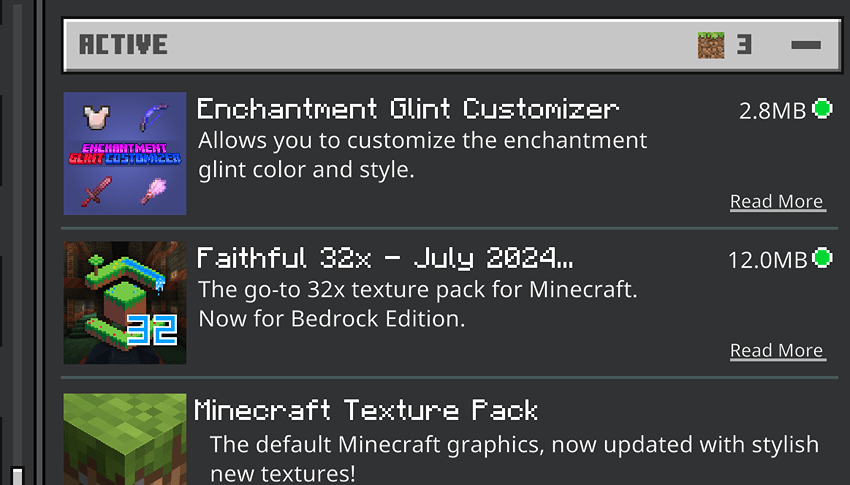
This pack can be used with pretty much any other texture pack that changes item textures, as long as you use the correct subpack and pack order. If you would like to use this pack with another, make sure this pack is placed ABOVE it, and that you are using one of the "Pixelated Glint" subpacks.
As always, you can change the enchantment glint speed and strength in Accessibility Settings. Also, make sure to restart your game after changing subpacks in order for the changes to take effect properly.
Permissions
You are allowed to:
- Use or showcase this pack in videos
- Modify this pack for personal use
- Use files from this pack that I have created if you ask and I give permission
You are not allowed to:
- Re-upload this pack on any other website
- Modify this pack for public use
- Use files from this pack without permission
- Edition: Minecraft Bedrock
- File type: .mcpack
- Minecraft versions listed: 26.20, 26.30
- How to install: Download the .mcpack. → Open it — Minecraft imports it under Resource Packs. → Activate it in Global Resources, or for one world under Resource Packs → Available.
- Where to get it: Opens on CurseForge — not every file is mirrored on our own servers.
Install steps are the general flow for this file type — How to install Minecraft Bedrock texture packs walks through it step by step.
- Pack type: .mcpack — a single pack
- Manifest requires Minecraft 1.26.30 or newer
- Complete pack — everything it depends on is inside the file
- Download size: 1.2 MB
- Download link checked 26 Oct 2026 — working
These come from our own check of the pack file, not from the source page.


