Dark UI mode
I don't know my version

The dark mode for Minecraft bedrock is missing a dark mode for the game, whether you like to have all the apps or programs in dark mode or at night, you don't want the Minecraft interface to burn your eyes, you whichever this texture pack or addon you will like.
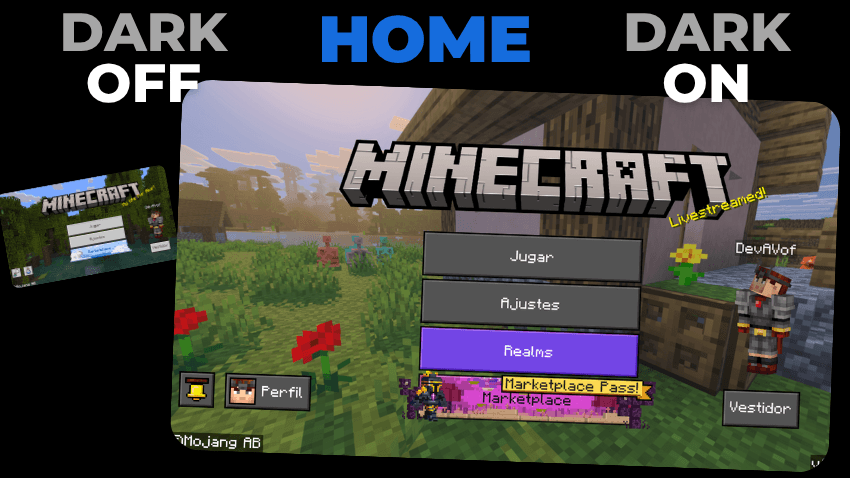
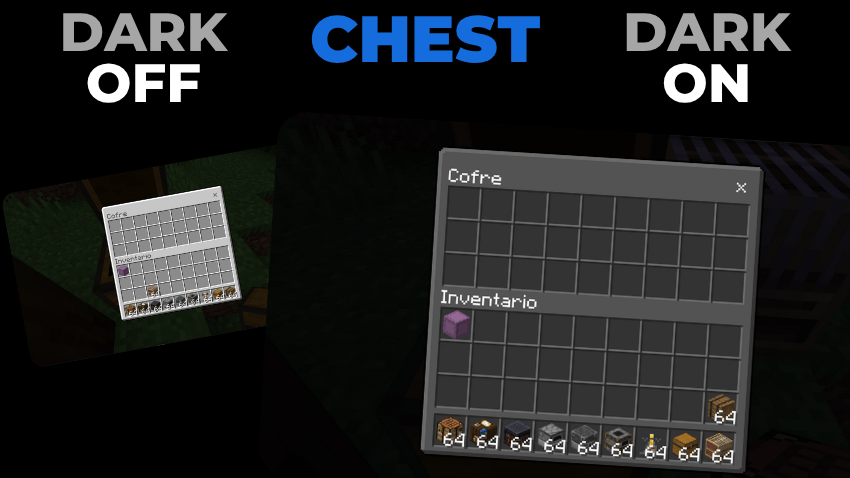
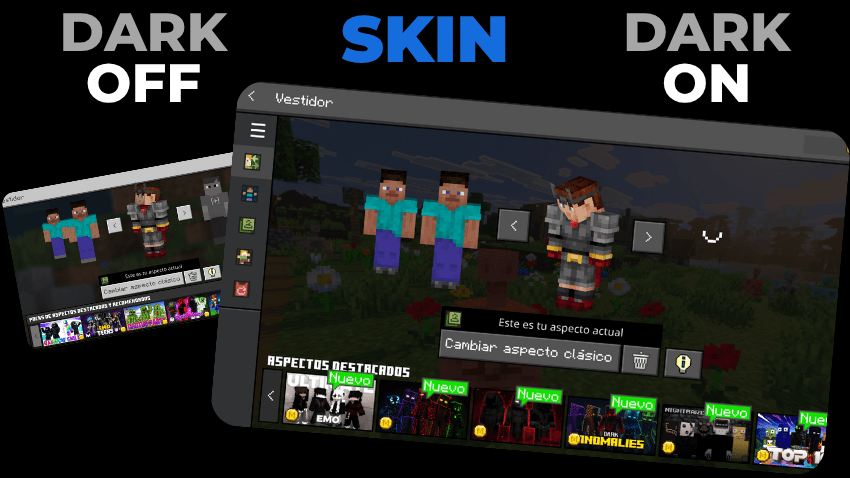
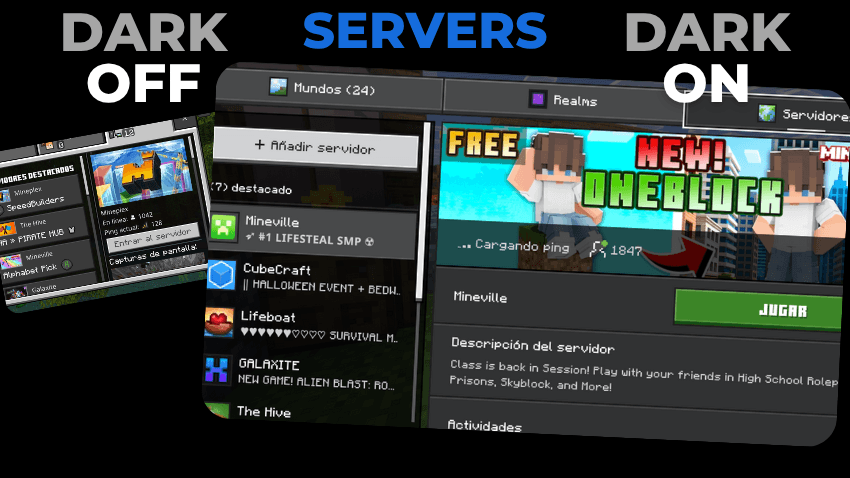
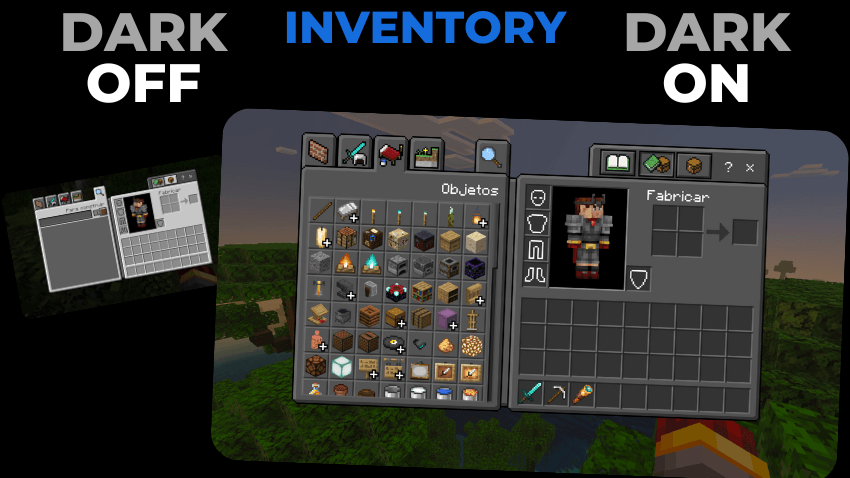
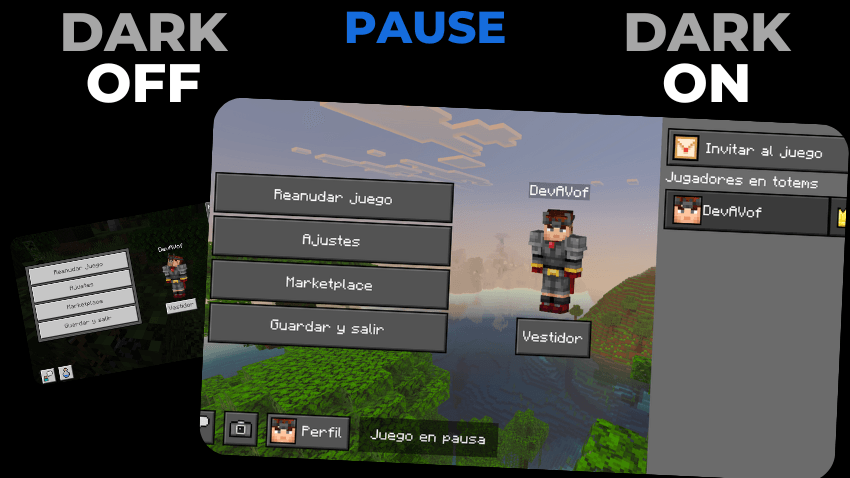
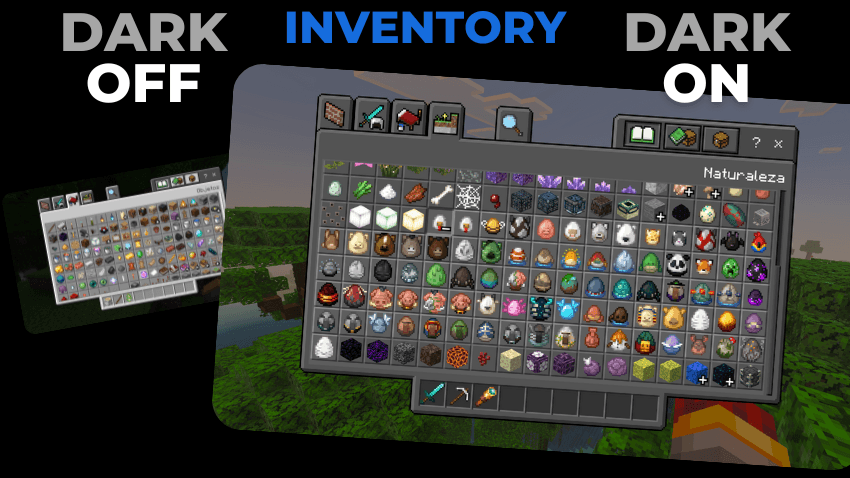
AND MUCH MORE BUT I GOT LAZY 😅
Everything absolutely everything is in dark mode
This Texture Pack is tested on Android and iOS phones also on Windows 10 and 11 and because of how Minecraft Bedrock works it should work on all versions of the on different platforms it works with all addons and texture packs you don't need to activate the experimental features.
DISCLAIMER OF LIABILITY
If You Are Recording And Show The Texture, Be Sure To Leave The Original MCPEDL Link.
PLEASE DO NOT PUT DIRECT LINK OR CUSTOM LINK.
THANKS A LOT.
Installation
- Download the file
- Open the file called Dark GUI mode.mcpack
- once installed, you must go to settings
- look for the global resources section
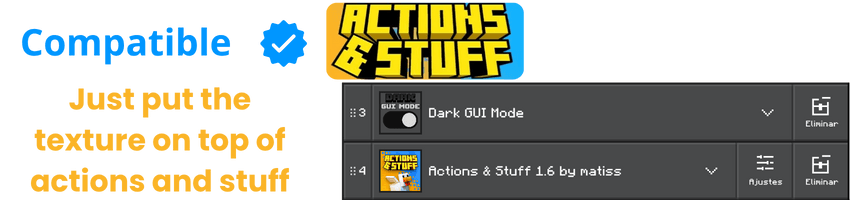
- choose the Dark Mode UI texture pack
- and ready you already have the pack active


- Edition: Minecraft Bedrock
- File type: .mcpack
- Minecraft versions listed: 1.21, 26.10, 1.20
- How to install: Download the .mcpack. → Open it — Minecraft imports it under Resource Packs. → Activate it in Global Resources, or for one world under Resource Packs → Available.
- Where to get it: Opens on CurseForge — not every file is mirrored on our own servers.
Install steps are the general flow for this file type — How to install Minecraft Bedrock texture packs walks through it step by step.
- Pack type: .mcpack — a single pack
- Manifest requires Minecraft 1.21.100 or newer
- Complete pack — everything it depends on is inside the file
- Download size: 251 KB
- Download link checked 25 Aug 2026 — working
These come from our own check of the pack file, not from the source page.