Dark Shader (1.19) – Support Render Dragon
Bedrock shader pack listed for Minecraft 1.19. Download on the author's site.
⬇ Download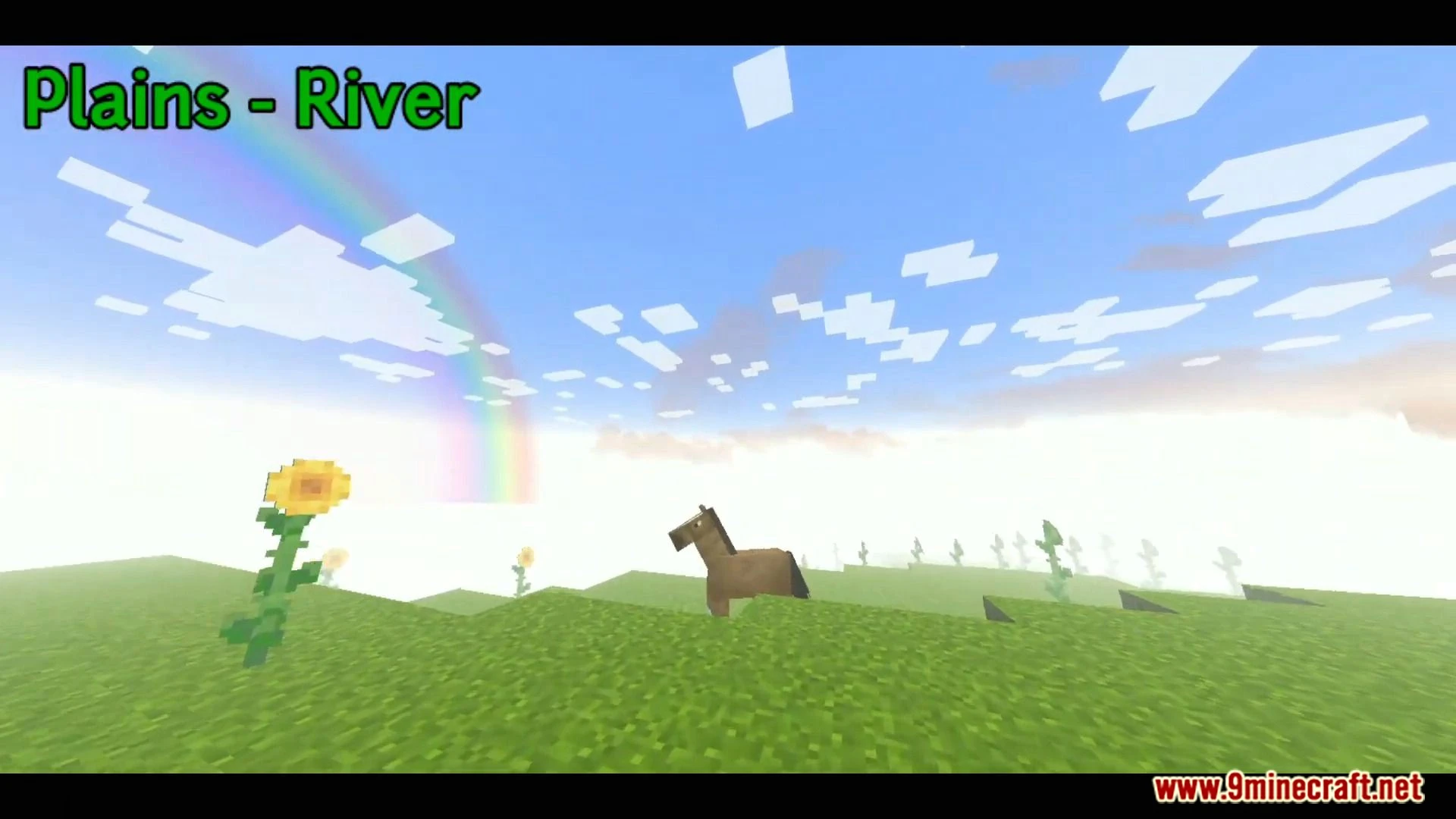
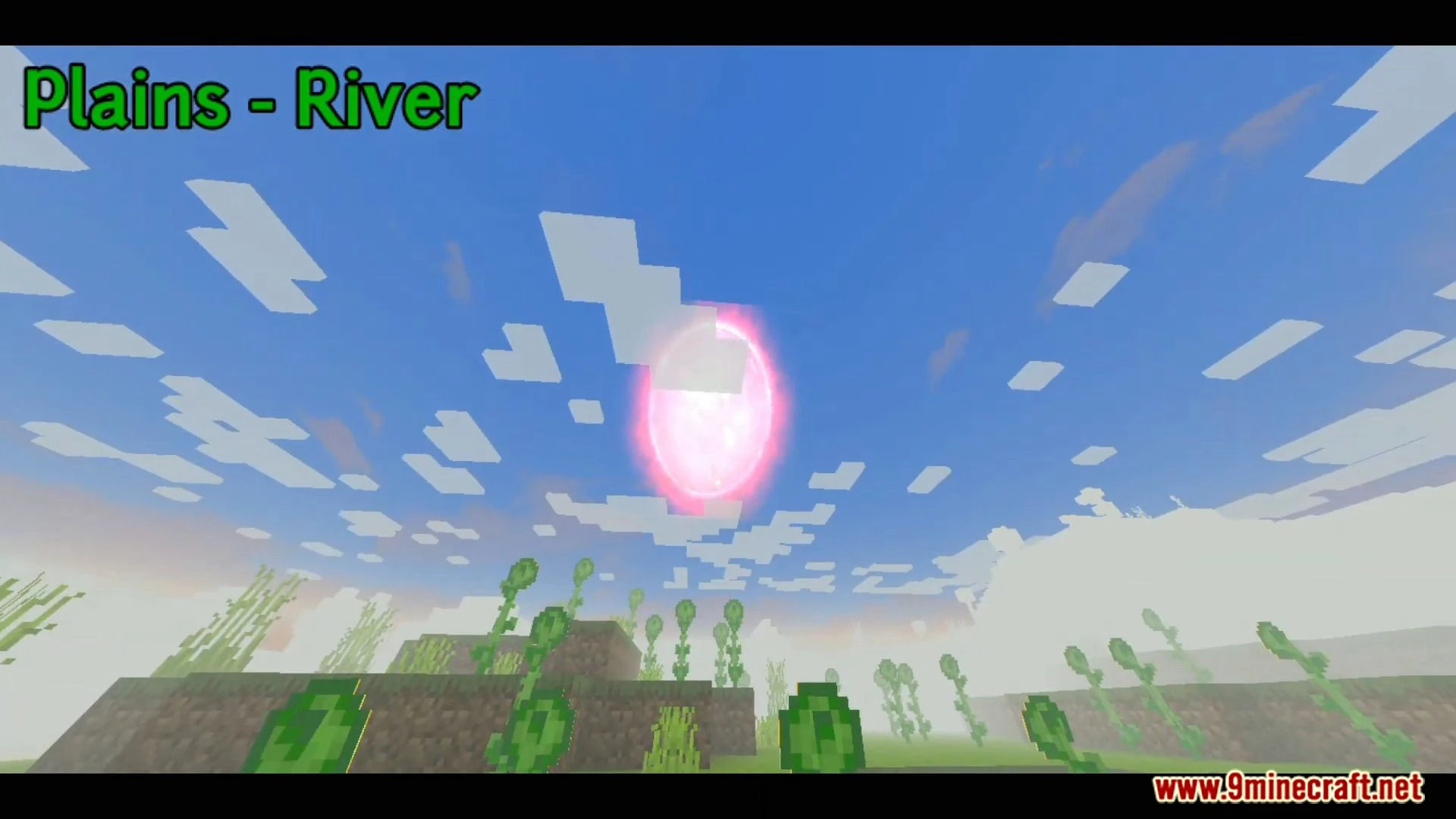
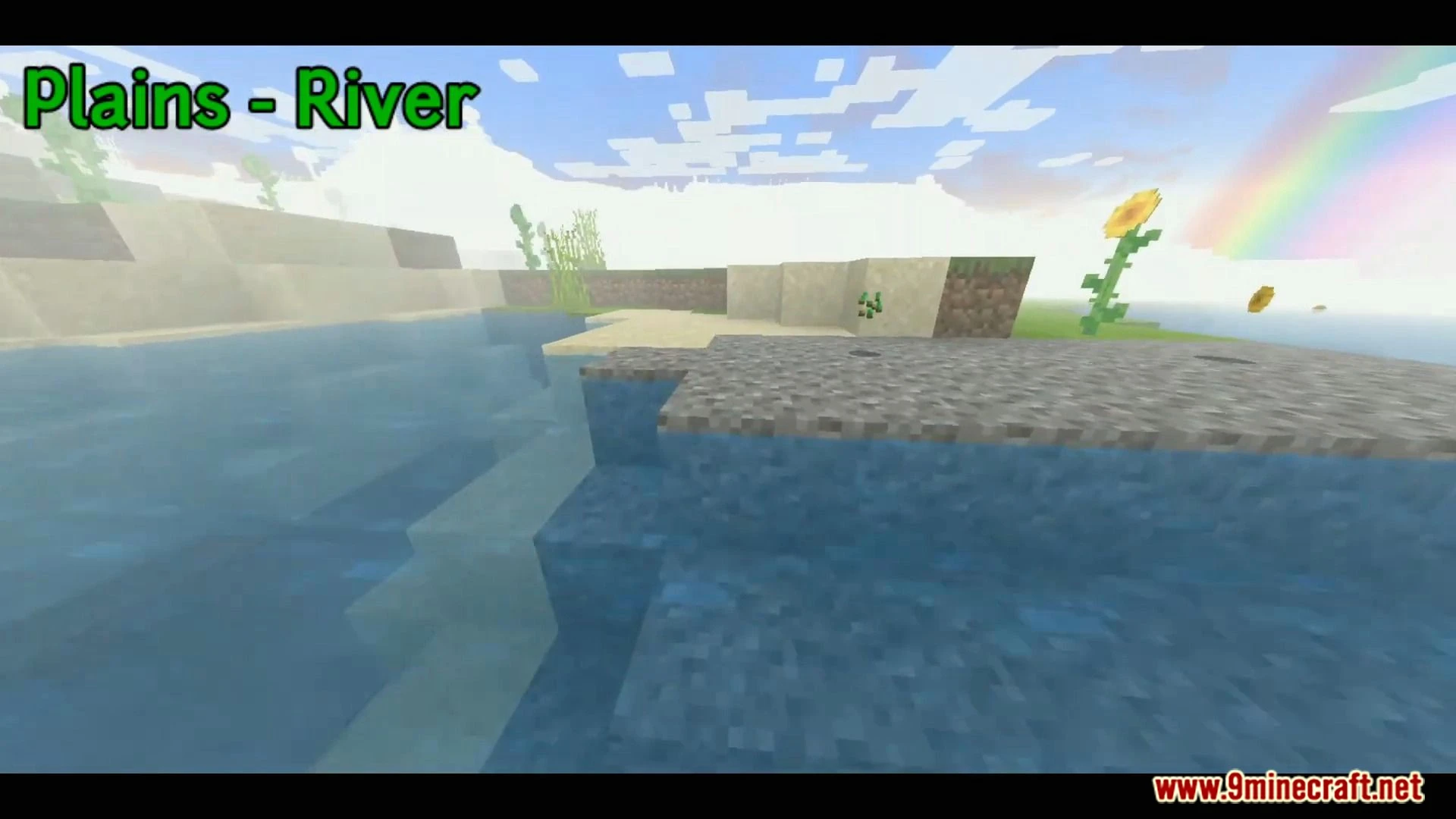
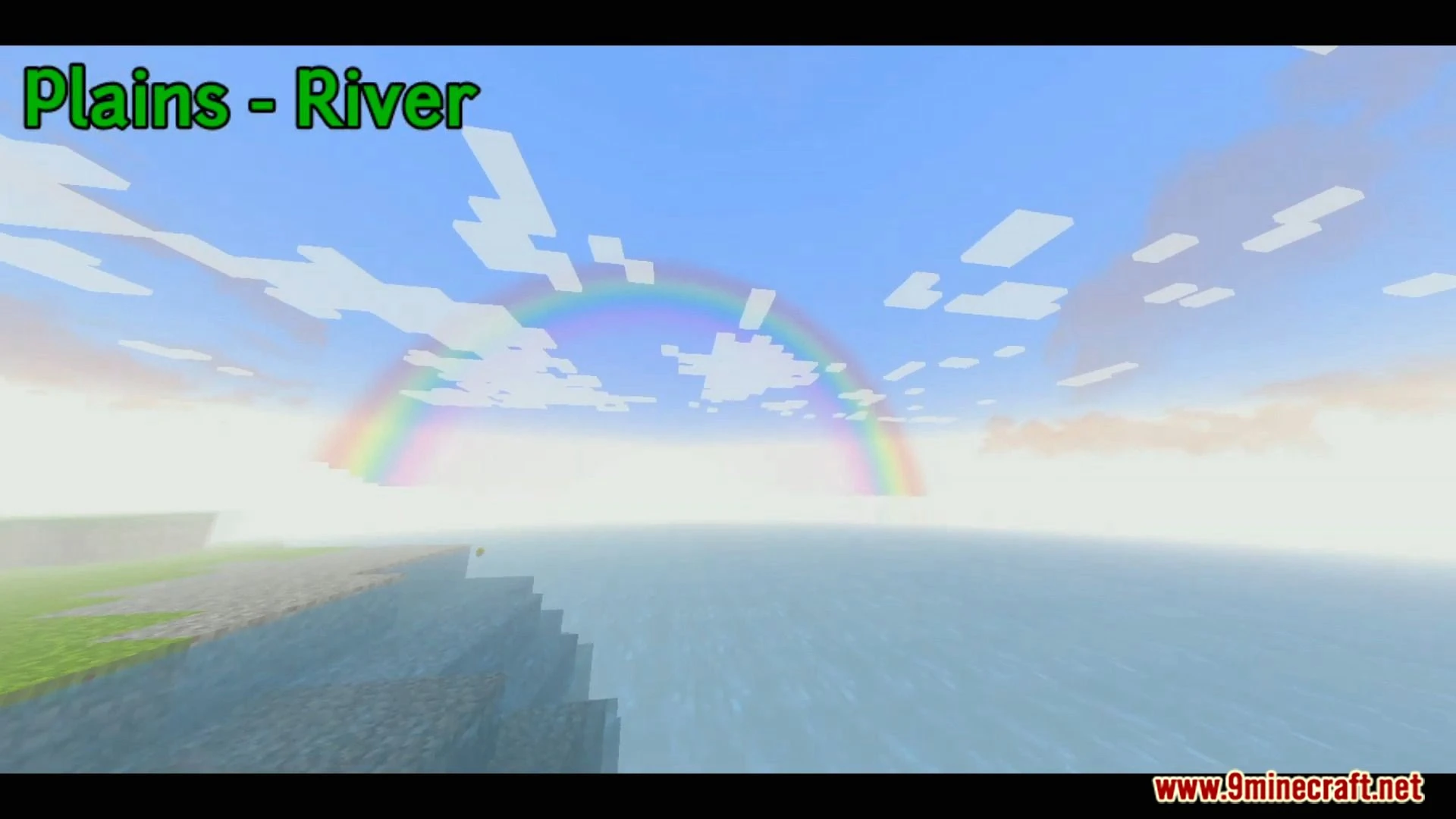
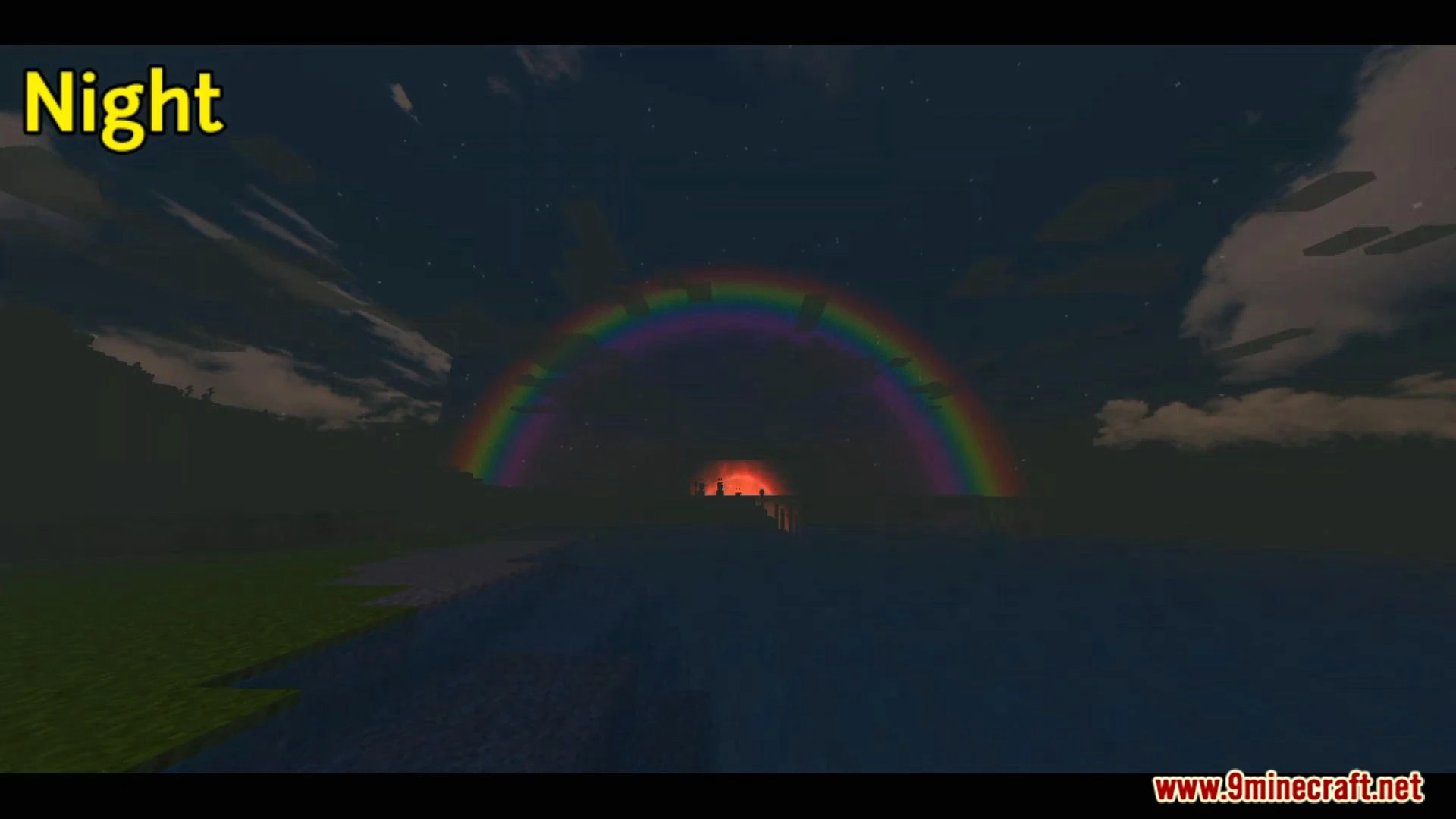
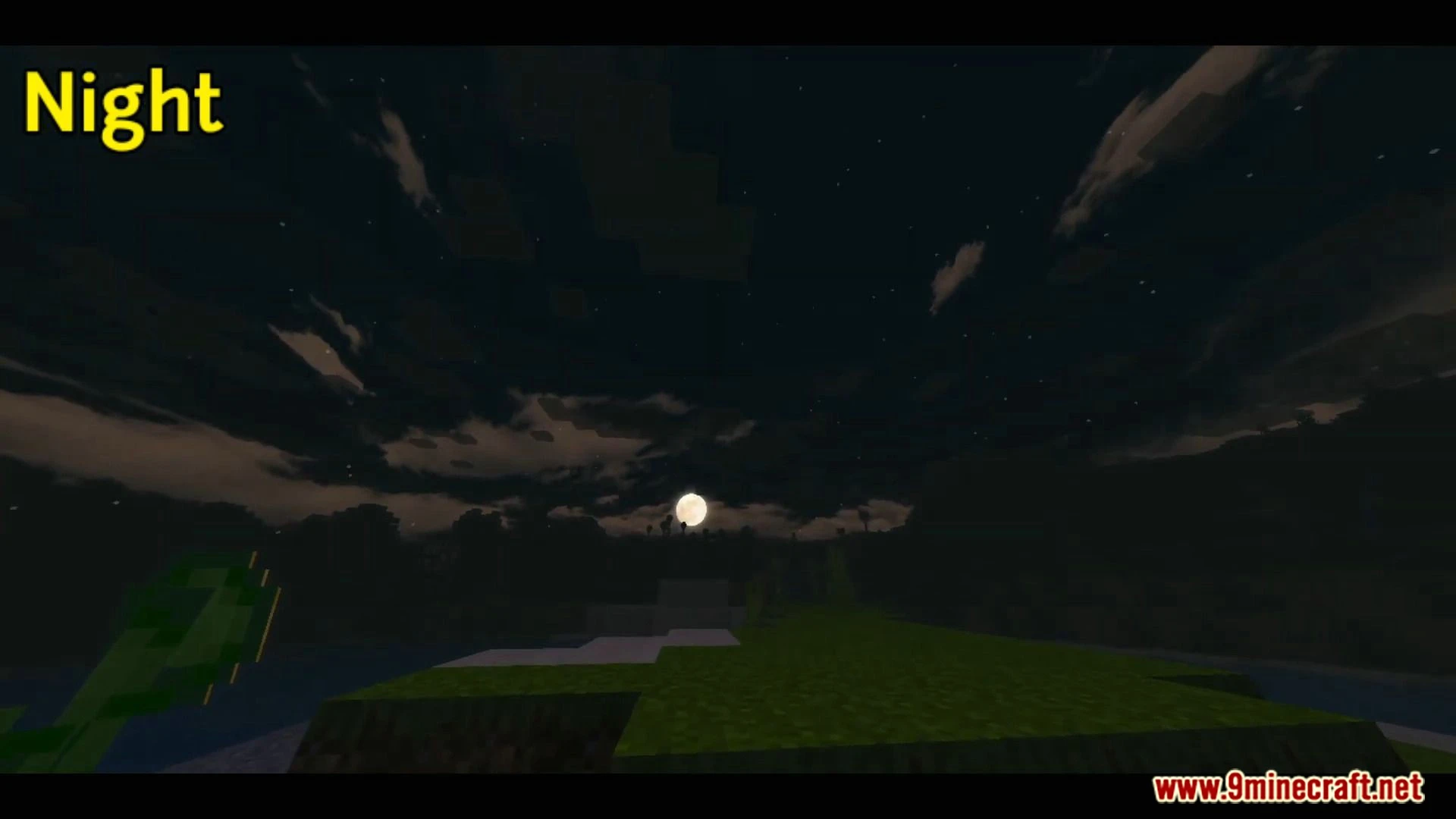
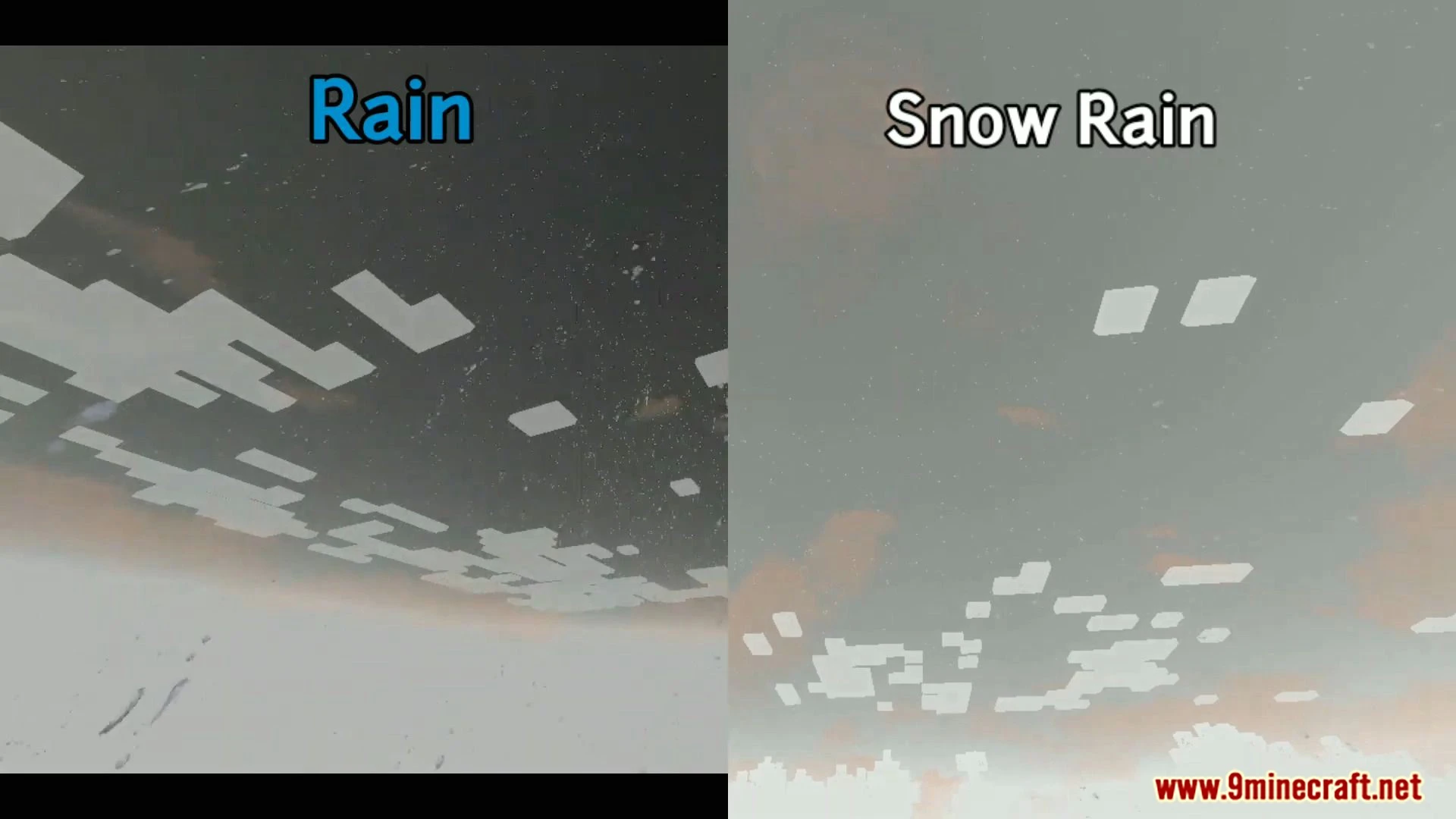
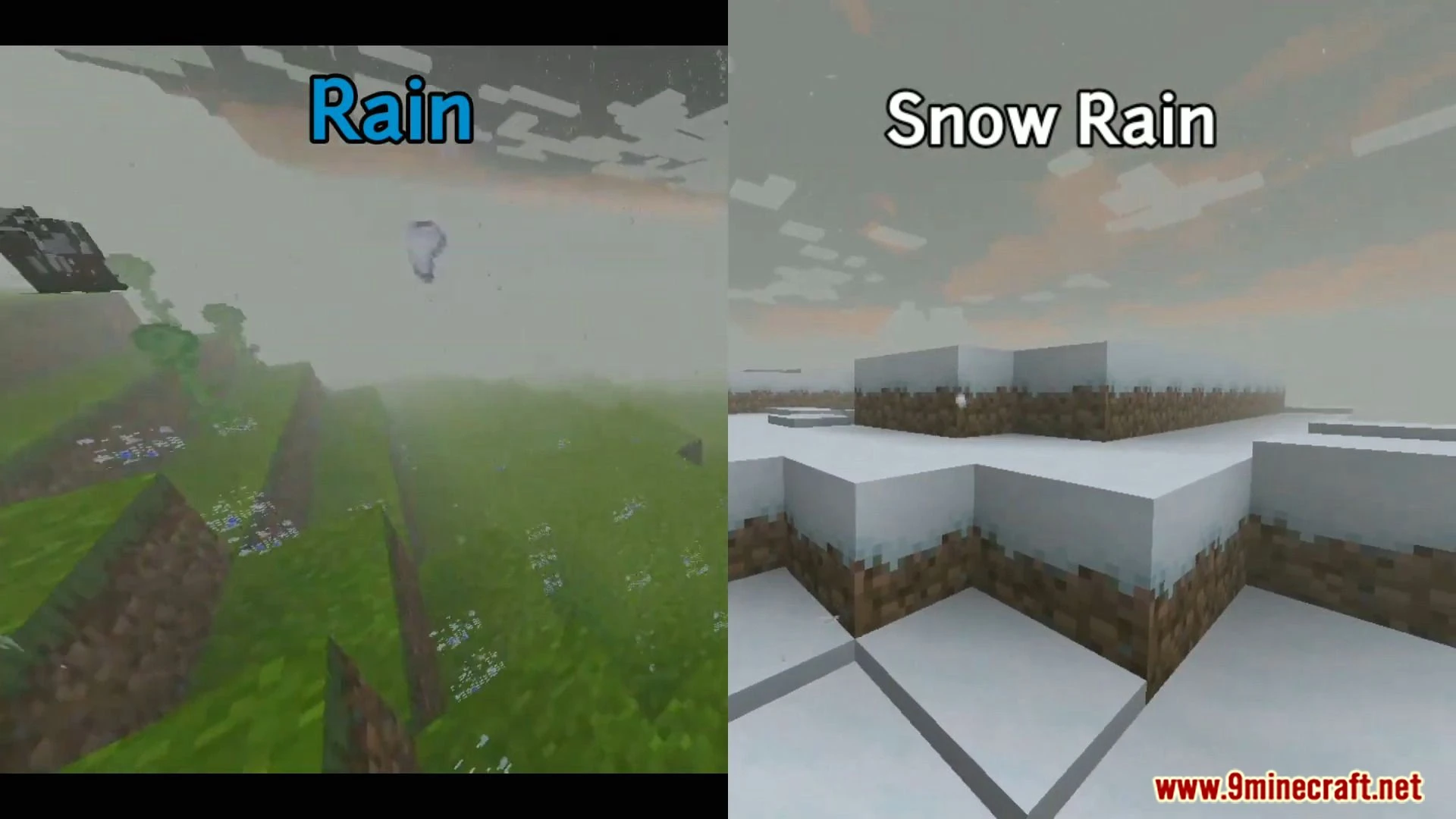
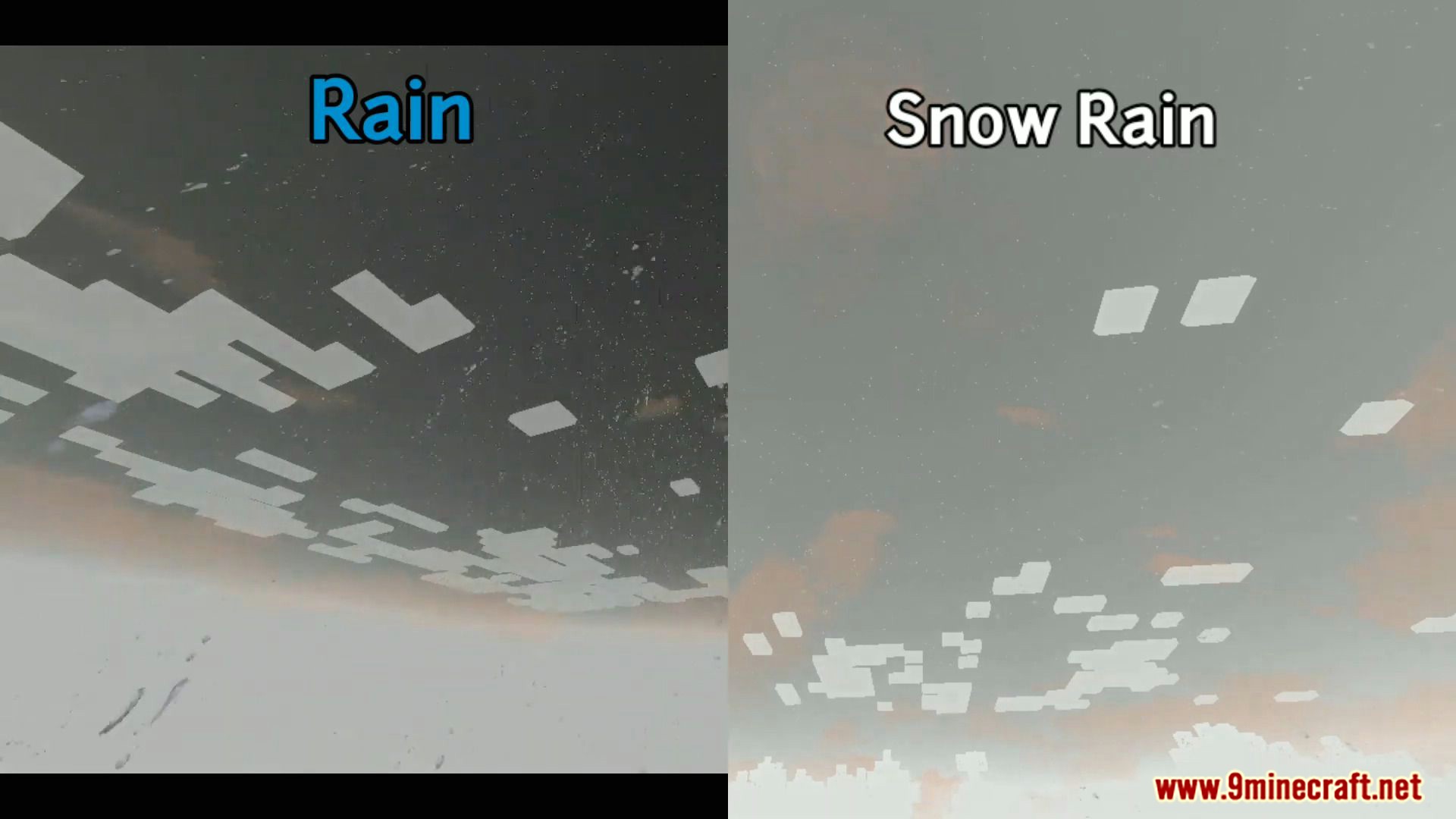
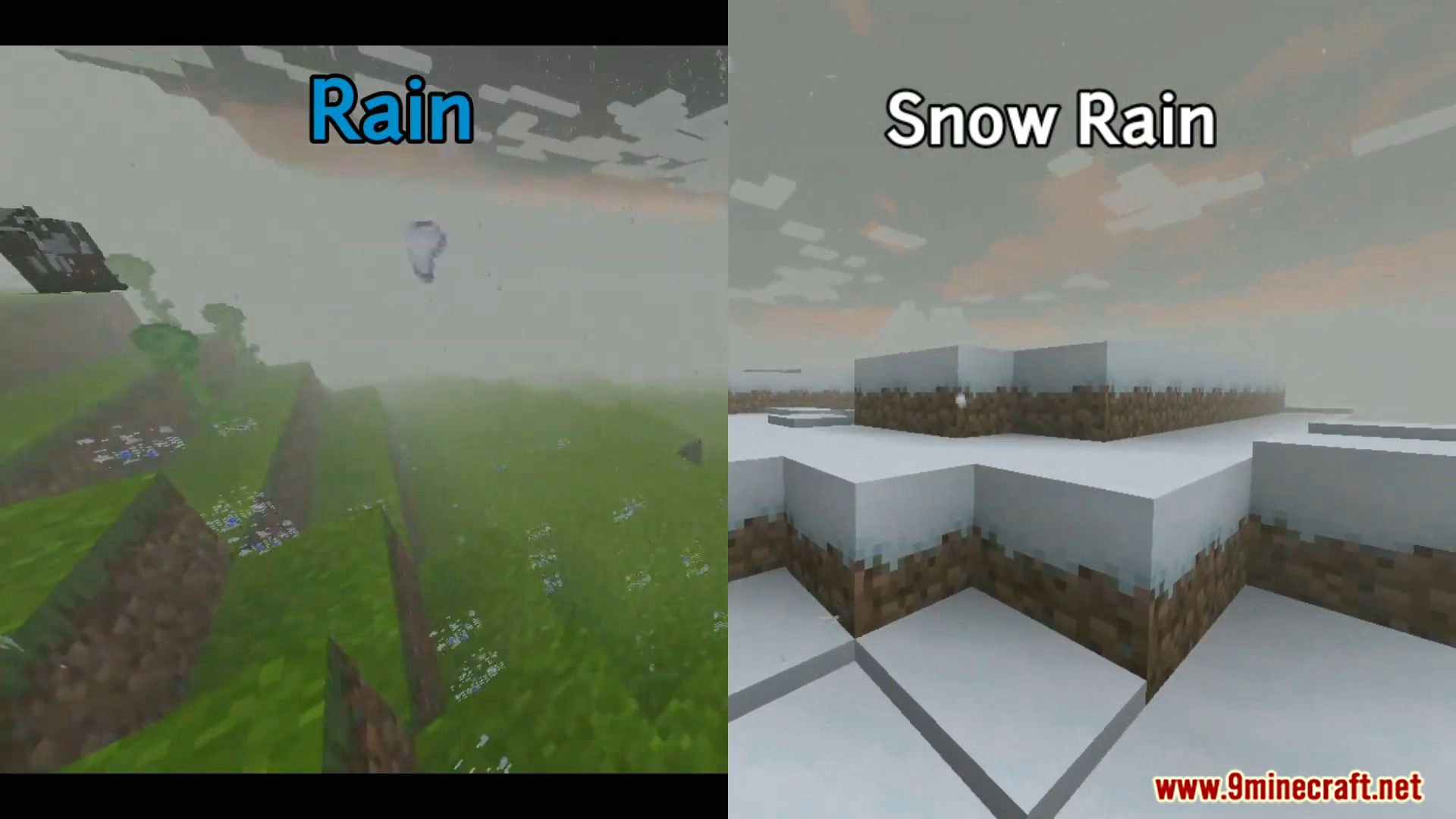
Dark Shader is a shader for Renderdragon which supports 1.19+ wild updates and supports Android. Well, it’s still in development, in updates the developer will try to make the shader more realistic. Try this shader and you’re gonna enjoy this shader with a new wild update.
Features:
- Realistic nether portal placeholder.
- Lava looks more realistic in the daytime.
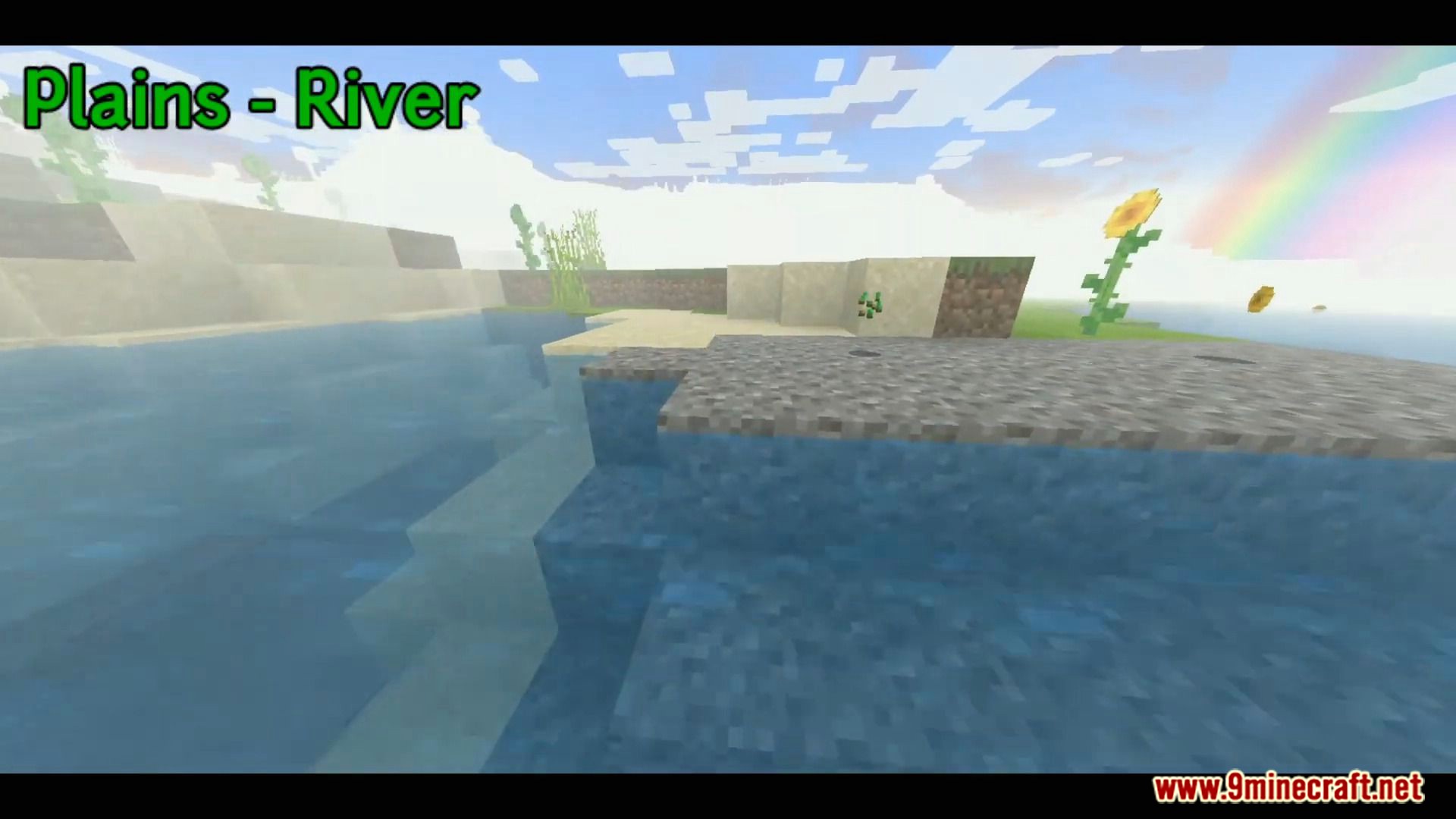
- Water Waves with Normals.
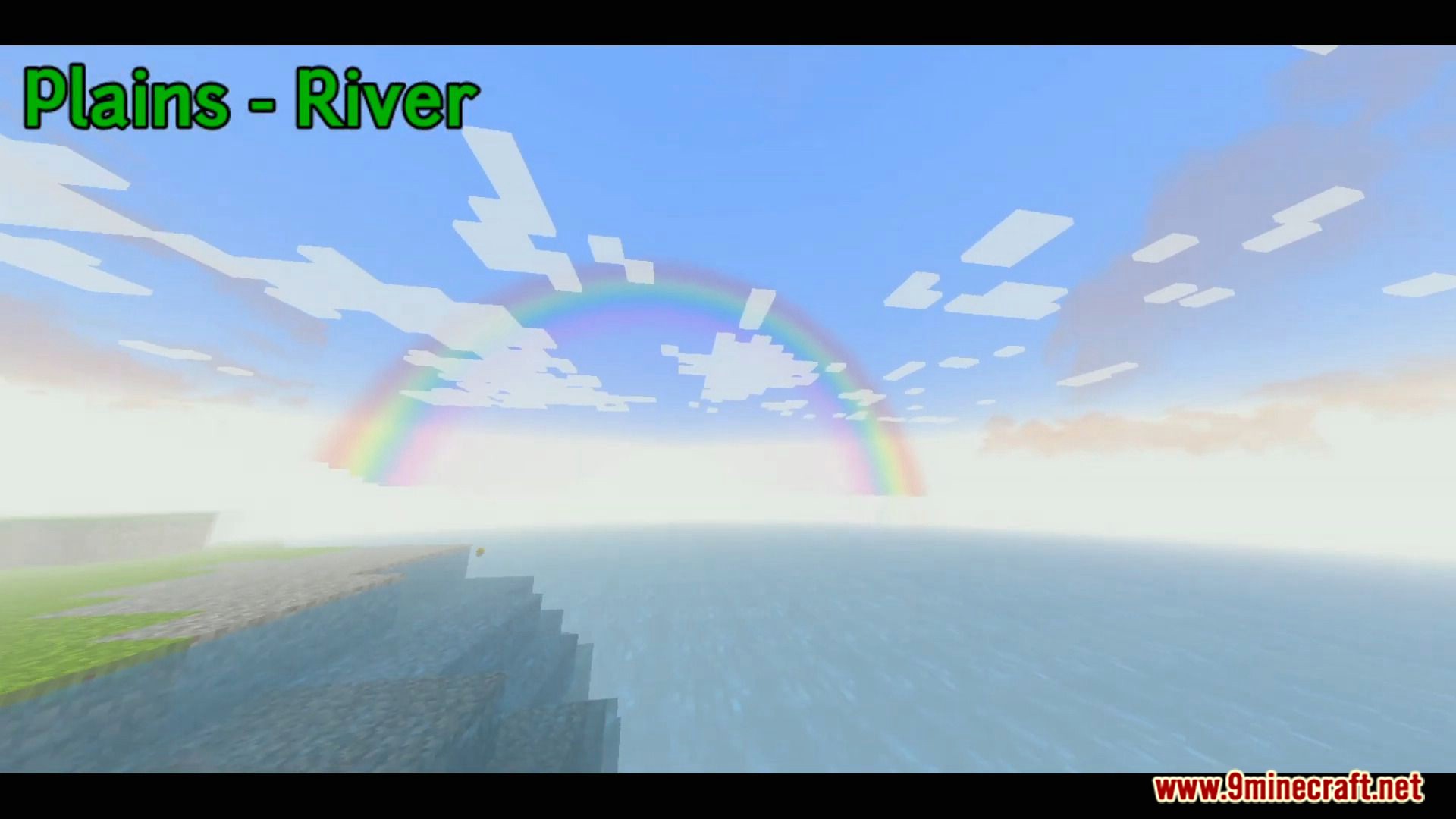
- Beautiful fog.
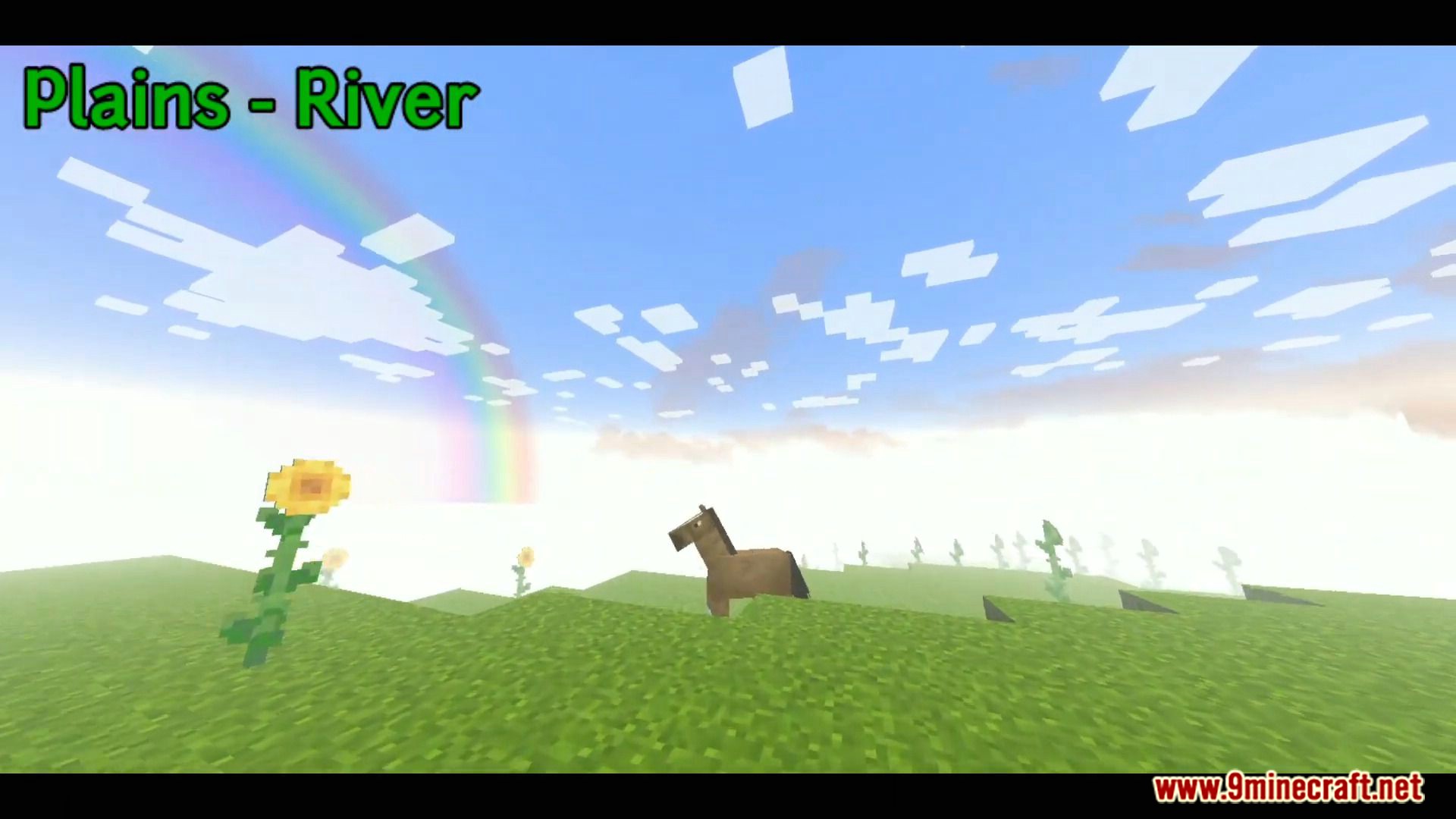
- Waving dandelion.
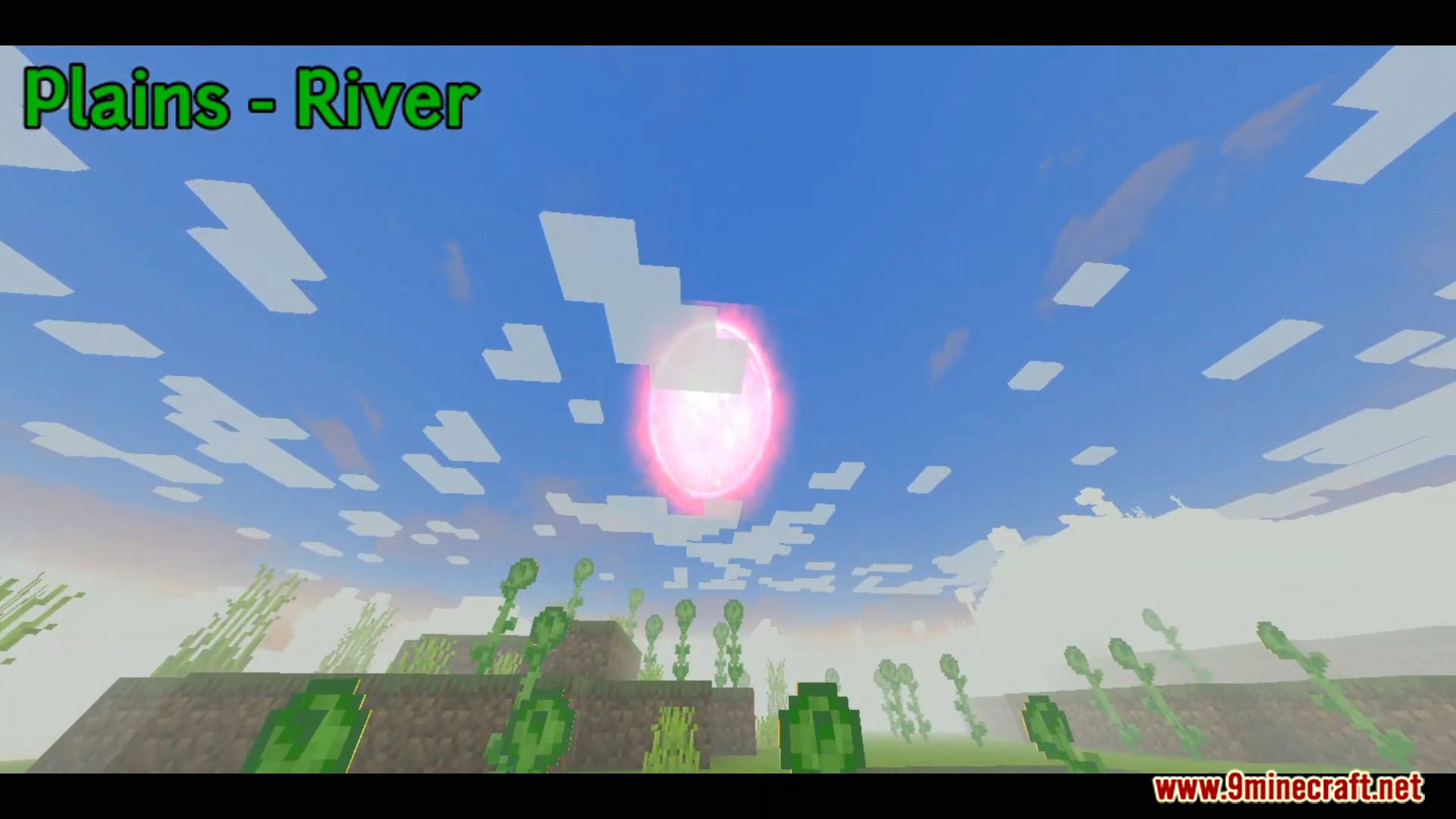
- Beautiful sunset.
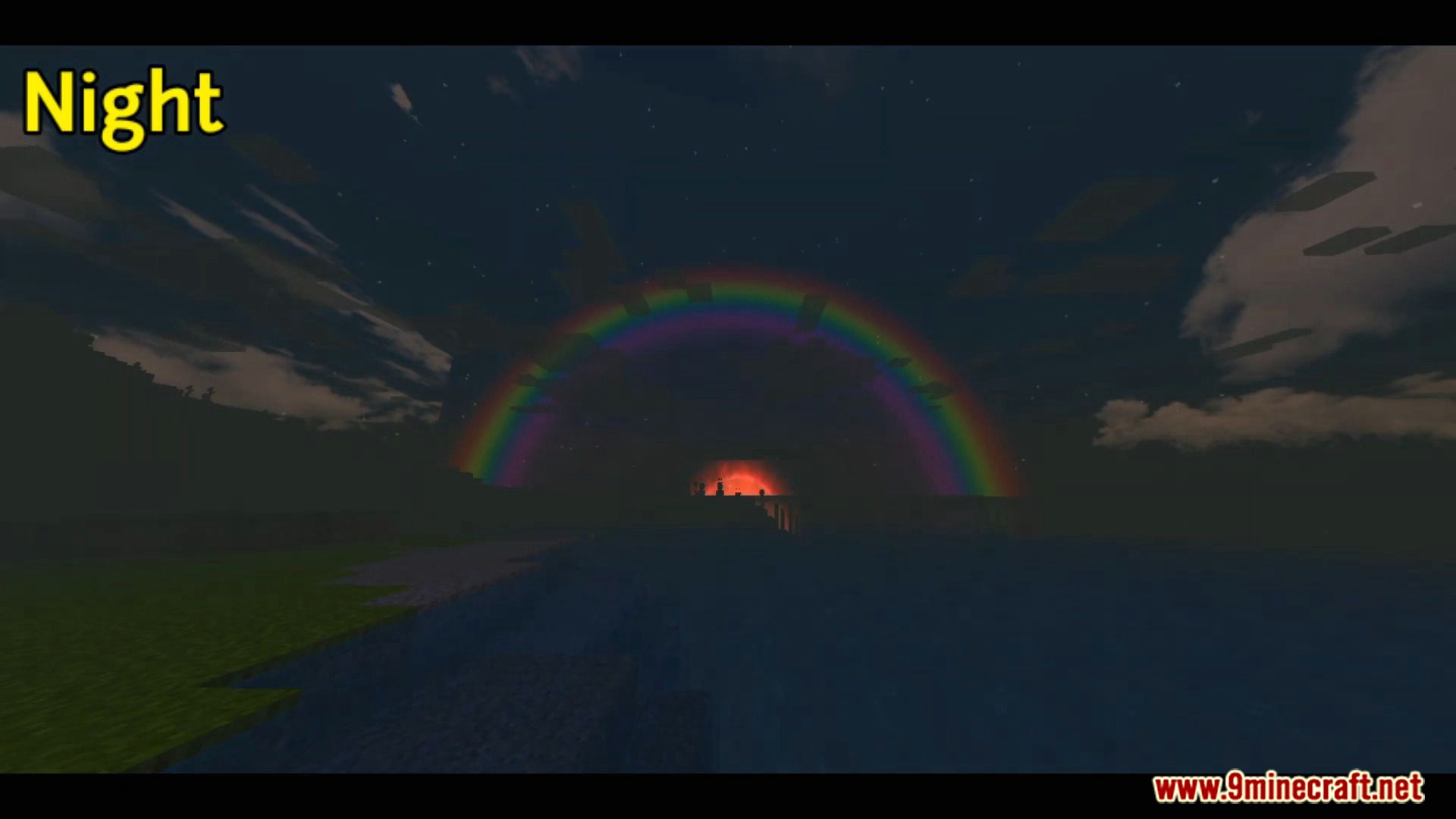
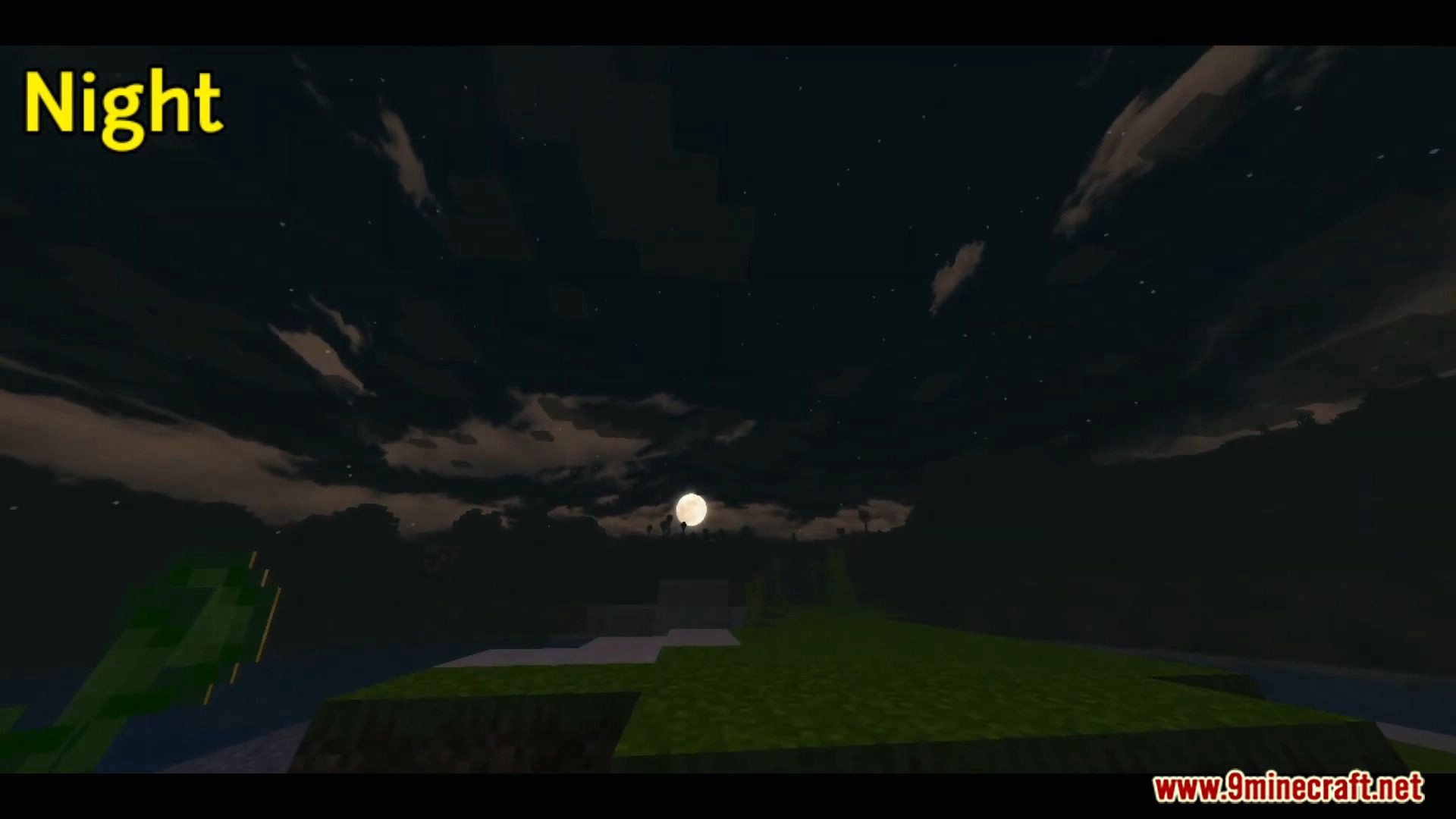
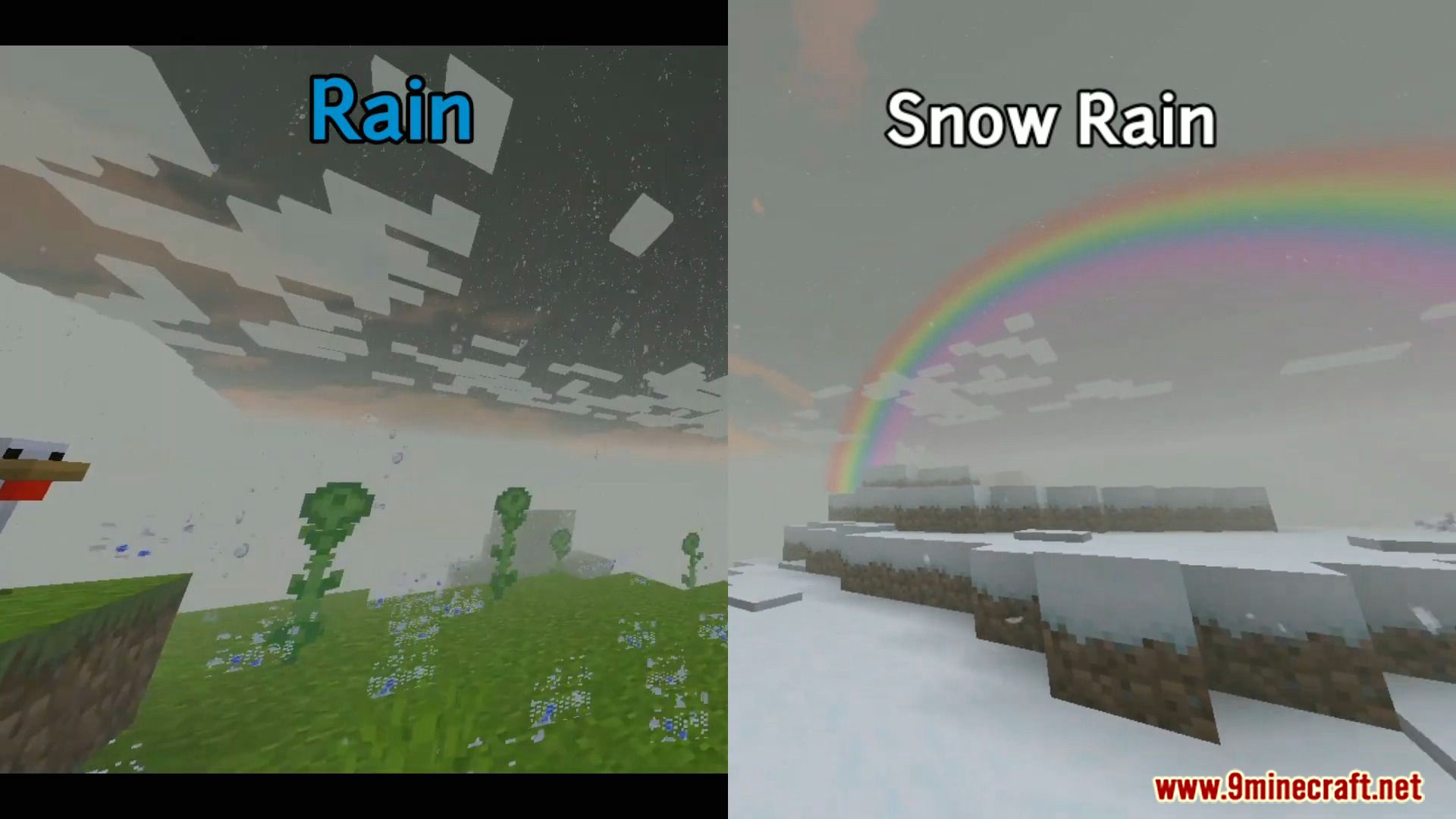
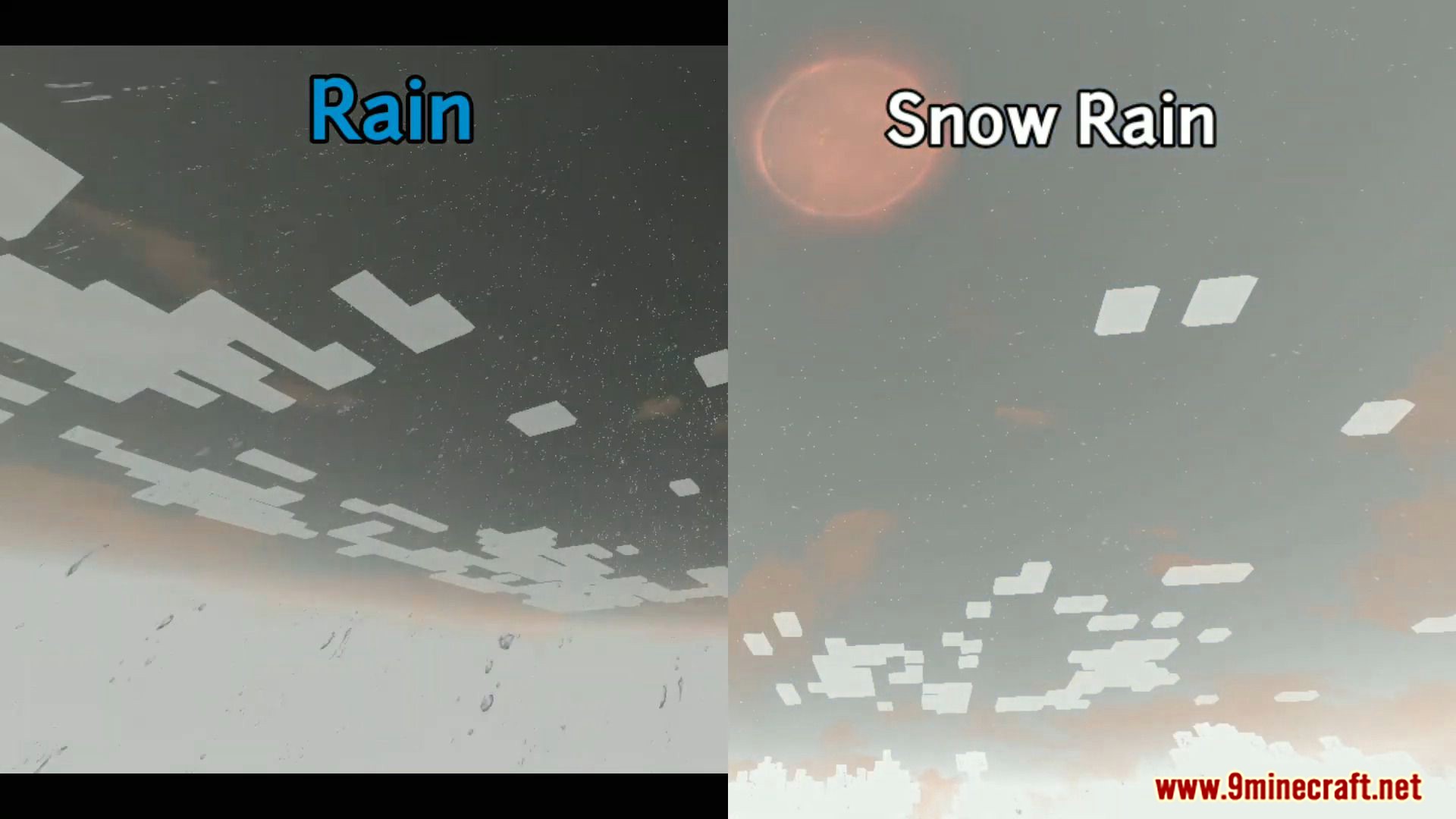
- Rainbow and realistic moon.
- This shader has a bit of an unsaturated theme with a bright style but is still dark.
🎛️ Compare Bedrock Shaders Side by Side →
Drag across real in-game scenes — find YOUR perfect MCPE shader.
Screenshots:
Dark Shader Download Links
You may also like
For Minecraft PE/Bedrock 1.19
mcpack: Download from Server 1
- Edition: Minecraft Bedrock
- File type: .mcpack
- Minecraft version listed: 1.19
- How to install: Download the .mcpack. → Open it — Minecraft imports it under Resource Packs. → Activate it in Global Resources, or for one world under Resource Packs → Available.
- Where to get it: Opens on the file's original source — not every file is mirrored on our own servers.
Install steps are the general flow for this file type — How to install Minecraft Bedrock texture packs walks through it step by step.
Dark Shader (1.19) – Support Render Dragon is a free Minecraft Bedrock shader. Compatible with Minecraft 1.19. Download it and open it directly in the game.