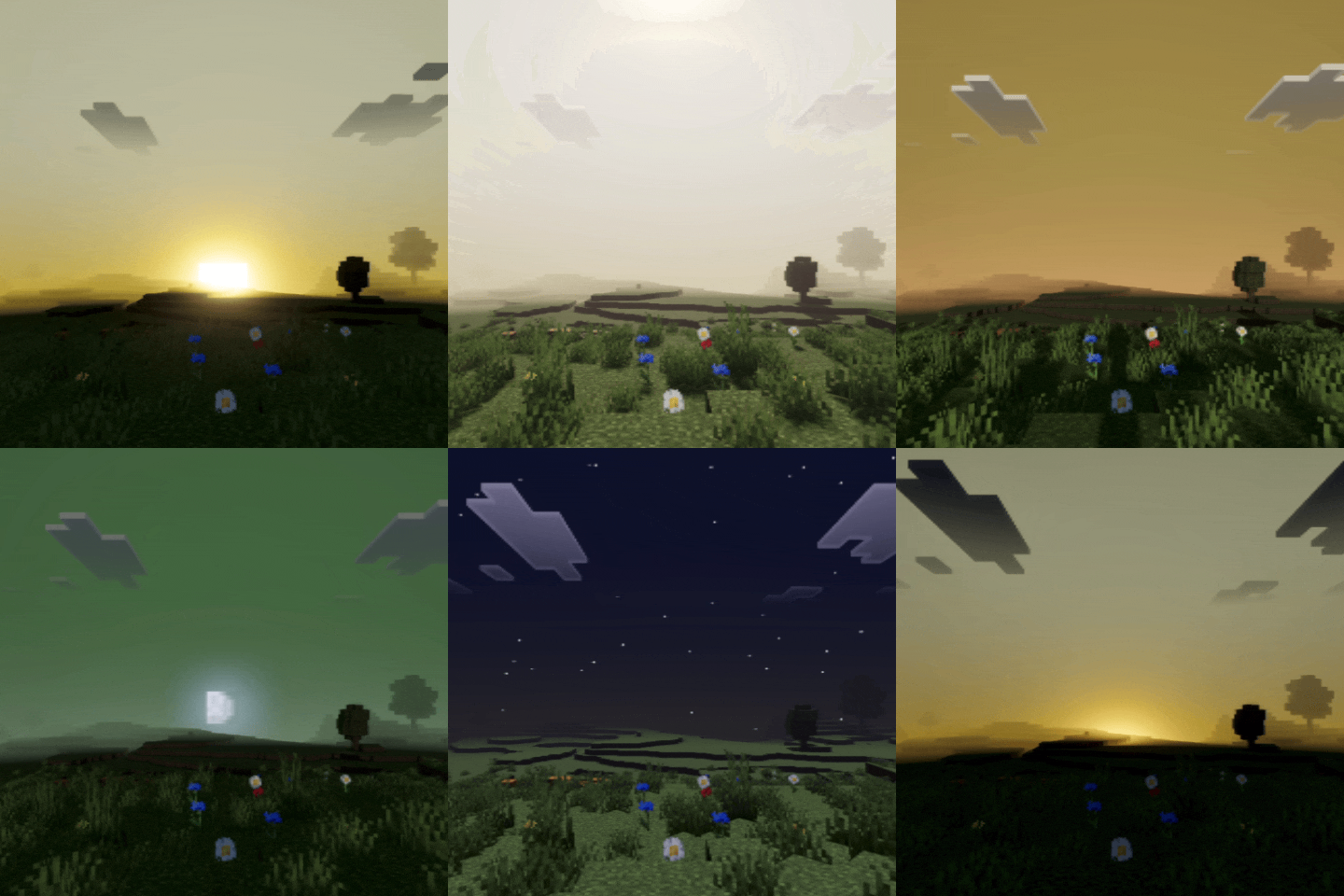
Cod Visual Shade
This shader gives your world a cinematic visual style. The main focus of this shader is to bring Call of Duty–style visuals into your Minecraft world.
⬇ Download on CurseForge


Call of Duty Visual Shade delivers a dynamic and epic visual experience. Your world will look 90–100% similar to the visual style of Call of Duty games. The atmosphere and environment in this shader are designed to strongly capture the feeling of Call of Duty itself.
It also features cinematic sunrise and sunset visuals, along with nights that are bright enough to see clearly—not too dark—so your PvP gameplay stays comfortable and stable.
This shader will enhance your visuals. It is equipped with PBR, ACE tone mapping, white balance temperature, and complex midtones.
(All photos can be checked in the media or below)
- Edition: Minecraft Bedrock
- File type: .mcpack
- Minecraft versions listed: 26.10, 26.20, 26.30
- How to install: Download the .mcpack. → Open it — Minecraft imports it under Resource Packs. → Activate it in Global Resources, or for one world under Resource Packs → Available.
- Where to get it: Opens on CurseForge — not every file is mirrored on our own servers.
Install steps are the general flow for this file type — How to install Minecraft Bedrock texture packs walks through it step by step.
- Save it as Cod Visual Shade 1.7.mcaddon before opening — it downloads as .mcpack, but it is a .mcaddon pack
- Manifest requires Minecraft 1.20.30 or newer
- Complete pack — everything it depends on is inside the file
- Download size: 203 KB
- Download link checked 25 Aug 2026 — working
These come from our own check of the pack file, not from the source page.