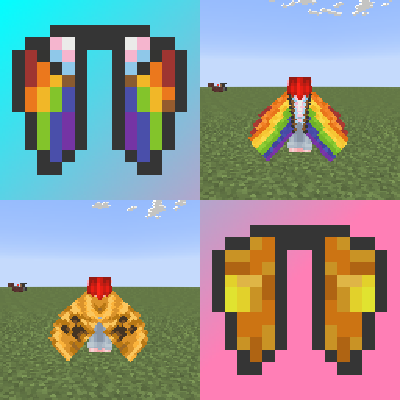
Cape Eyltra Icons
Bedrock texture pack listed for Minecraft 1.21. File opened and checked on 26 Sep 2026; installs from the MC Bedrock Mods app on Android.
I don't know my version
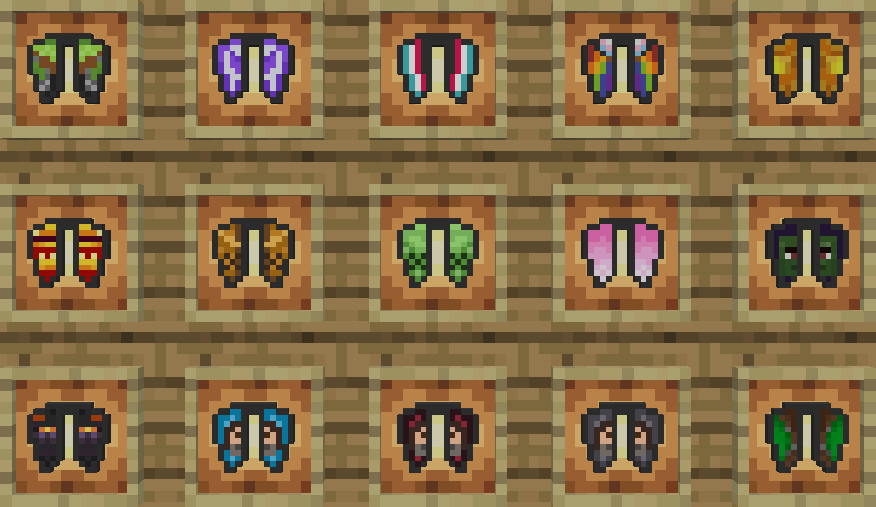
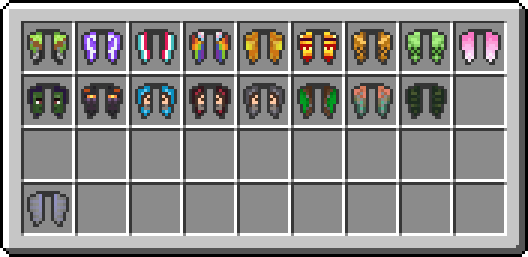
This pack lets you change the elytra item texture so that it matches the way your elytra looks when you use a cape, since capes change how your elytra looks!
(Note that this pack does NOT change the elytra when you are wearing it, it only changes the item texture)
Pancape
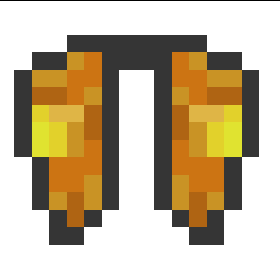
Founder's Cape
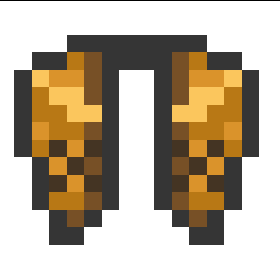
Cherry Cape
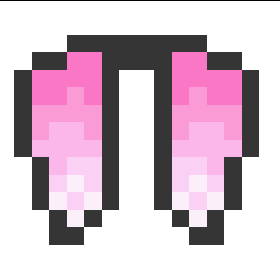
Follower's Cape (TikTok Cape)

Purple Heart Cape (Twitch Cape)
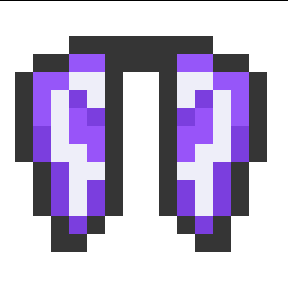
15th Anniversary Cape
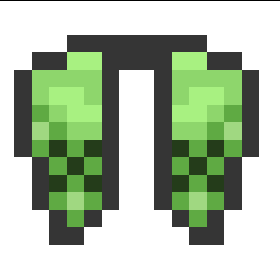
Progress Pride Cape
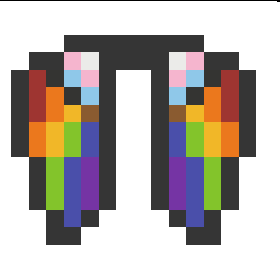
Vanilla Cape
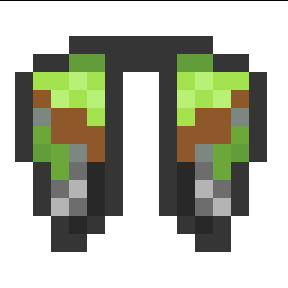
MCC 15th Year Cape
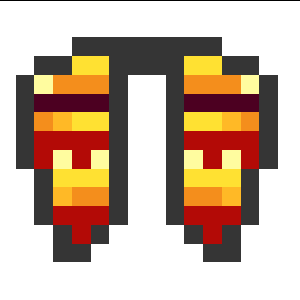
Minecraft Experience Cape
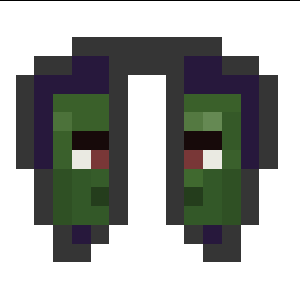
Mojang Office Cape
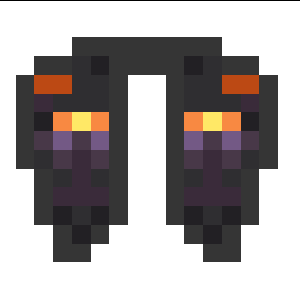
Home Cape
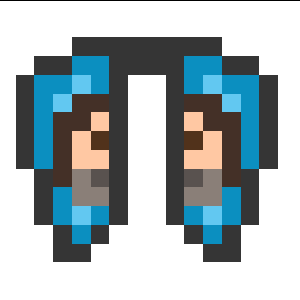
Menace Cape
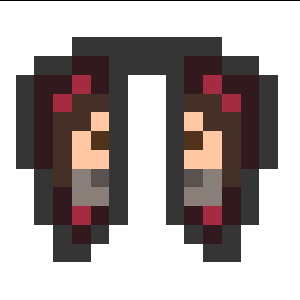
Yearn Cape
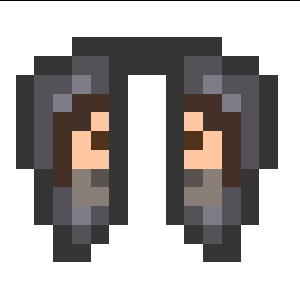 ]
]
Common Cape
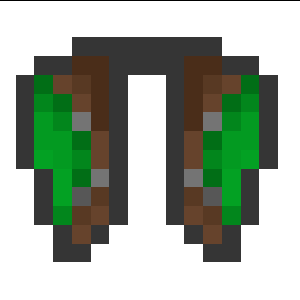
Copper Cape
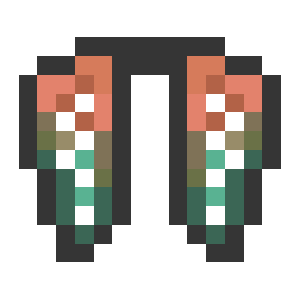
Zombie Horse Cape
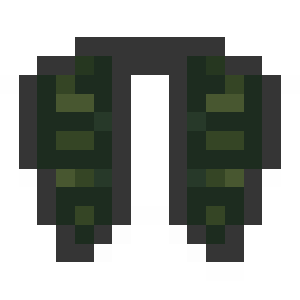
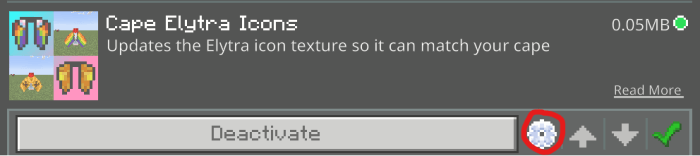
This pack will not automatically change the icon based on your cape. To change it, you click on the settings button whilst enabling the pack (depending on when you do this or any other packs you have on this may look different):

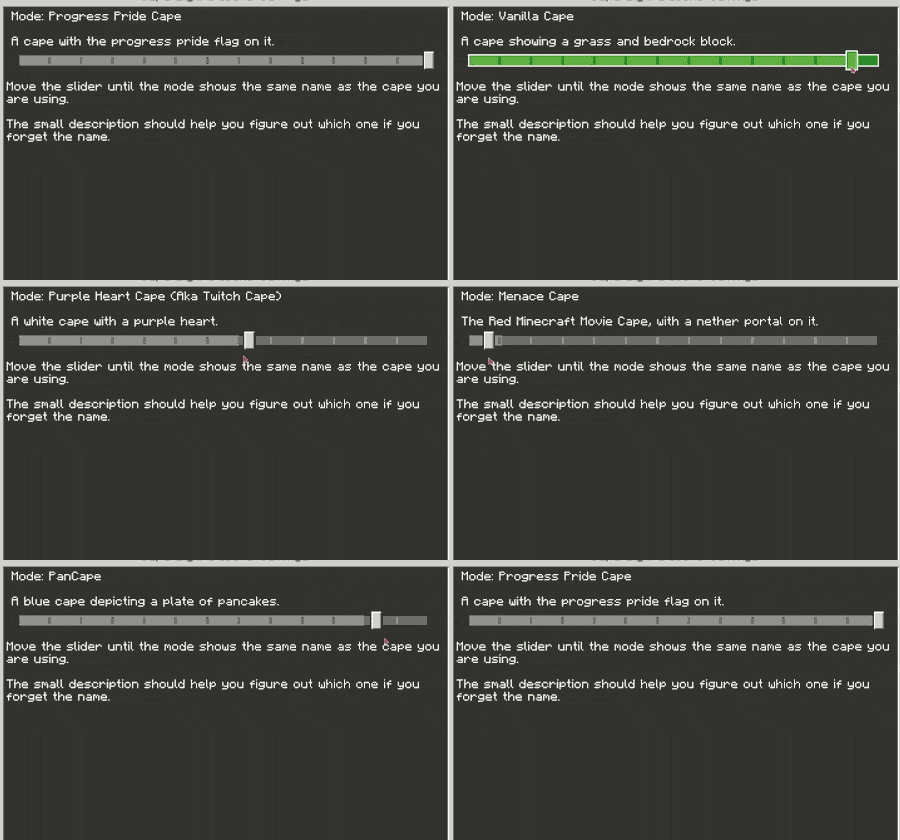
Then, move the slider until you see the name of the cape you are using:
This pack will be updated to include newer capes when they are added….
PORTED FROM MCPEDL: https://mcpedl.com/cape-eyltra-icons/
- Edition: Minecraft Bedrock
- File type: .mcpack
- Minecraft versions listed: 1.21.130, 1.21.111, 1.21.70
- How to install: Download the .mcpack. → Open it — Minecraft imports it under Resource Packs. → Activate it in Global Resources, or for one world under Resource Packs → Available.
- Where to get it: Opens on CurseForge — not every file is mirrored on our own servers.
Install steps are the general flow for this file type — How to install Minecraft Bedrock texture packs walks through it step by step.
- Pack type: .mcpack — a single pack
- Manifest requires Minecraft 1.21.130 or newer
- Complete pack — everything it depends on is inside the file
- Download size: 65 KB
- Download link checked 26 Oct 2026 — working
These come from our own check of the pack file, not from the source page.