Potato Optimizer
Bedrock texture pack listed for Minecraft 1.16–26.x. File opened and checked on 19 Sep 2026; installs from the MC Bedrock Mods app on Android.
Best Optimize For Potato Mobile / Pc . Don't Use others' Sodium as sodium is impossible to make for mcpe . Best for low-end devices. This optimizer will…
⬇ Download on CurseForge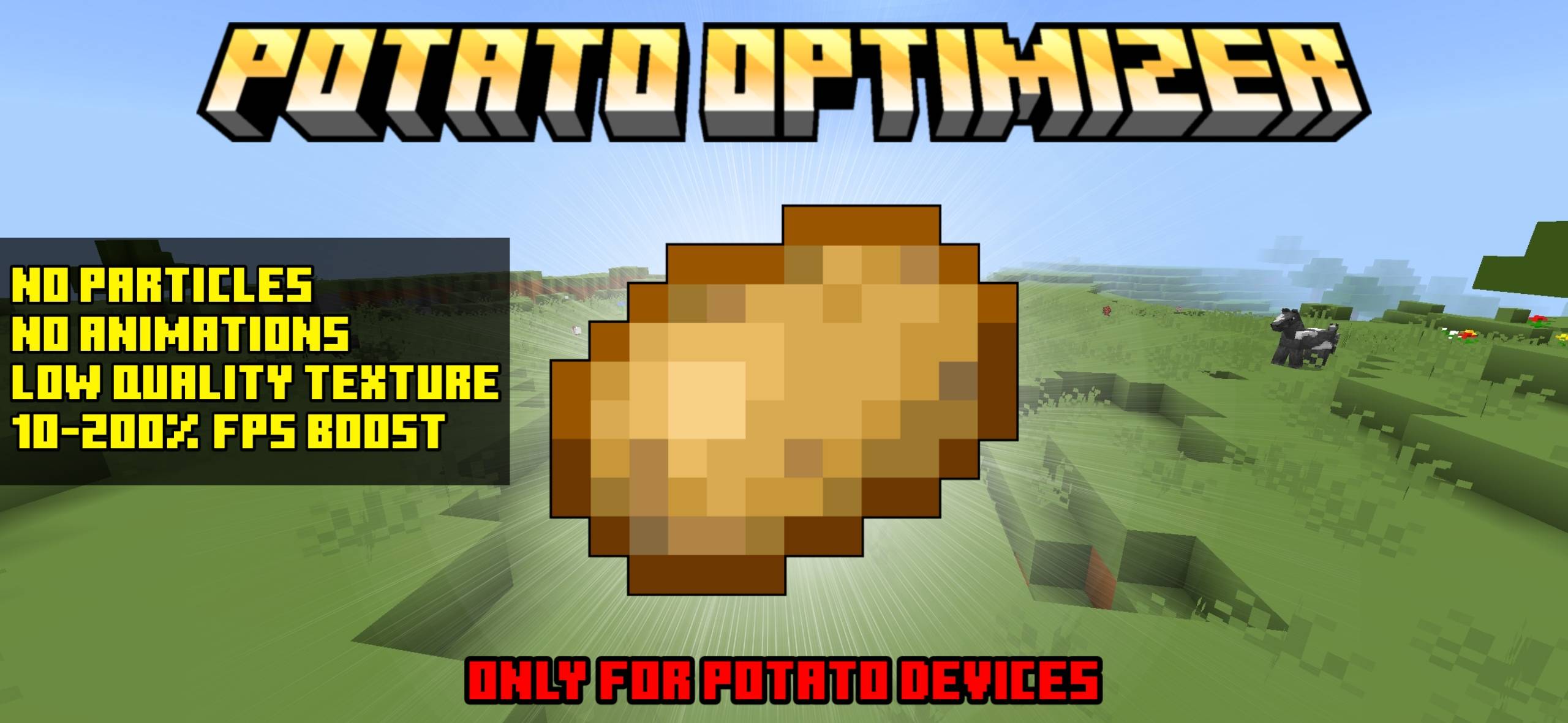

Some images:
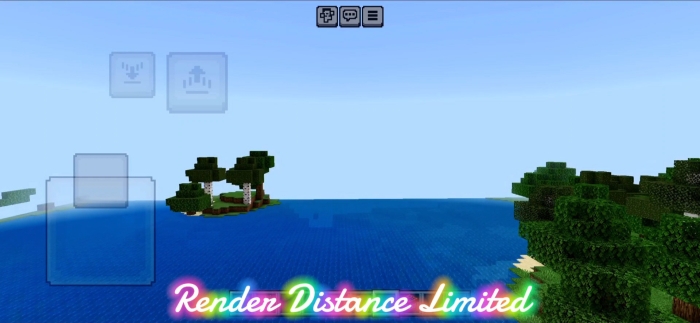
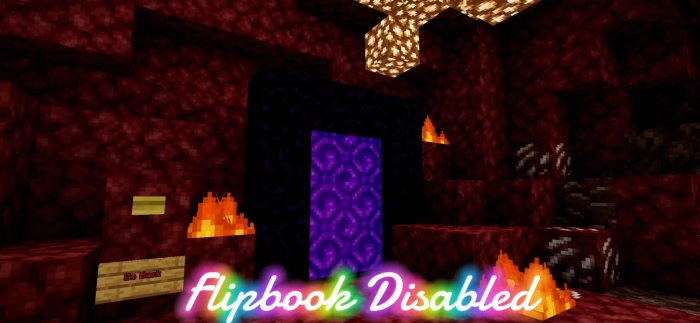
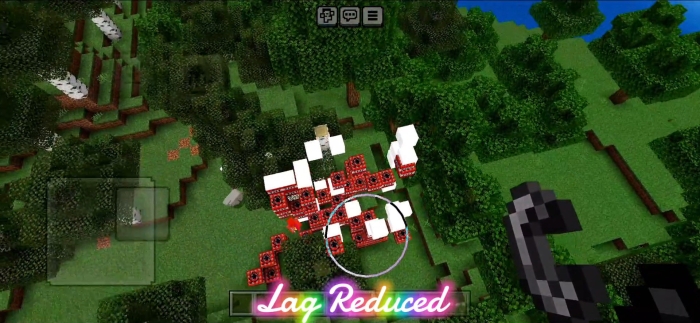
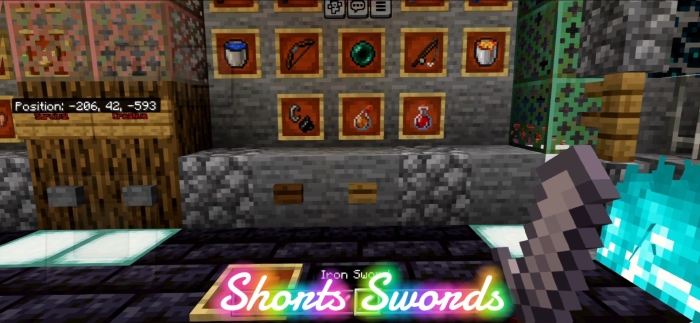
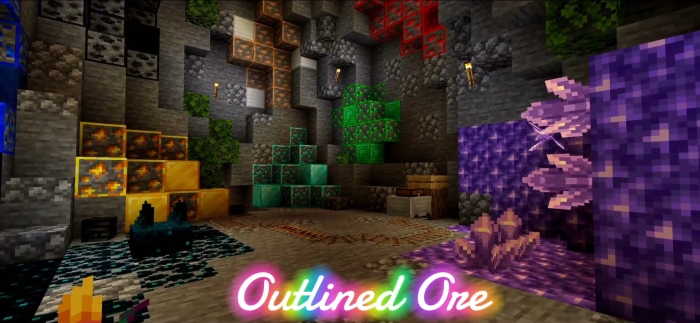
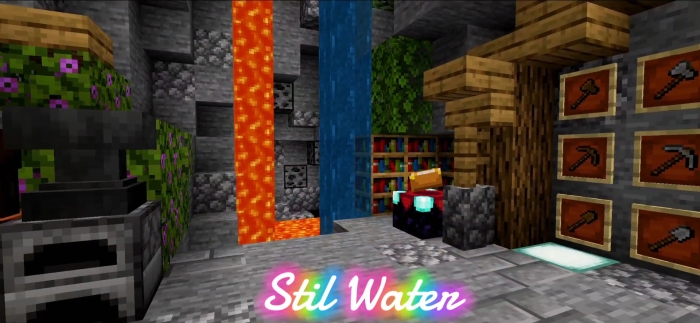
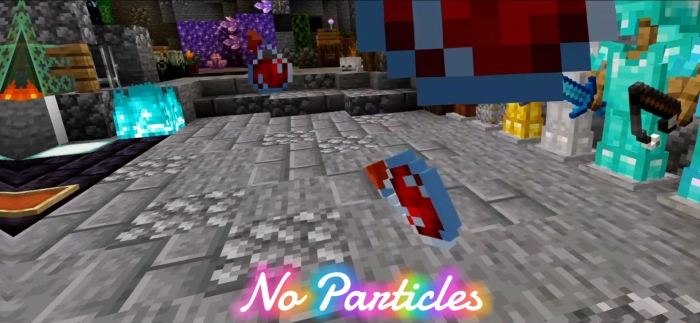
~ I know many people have low-end devices, so I am uploading this to make Minecraft more smooth by removing particles and removing animations and some codes. I claim your Minecraft will run smoother than before.

Socials:
Join our discord

Support On Kofi:

- You can showcase my work in videos/streams if you give proper credit (e.g., link to the official download).
- You can edit file for personal use only
❌ Not Allowed with My Projects
- You cannot distribute through monetized links (AdFly, Linkvertise, etc.).
- You cannot edit and re-share my projects .
- Edition: Minecraft Bedrock
- File type: .mcpack
- Minecraft versions listed: 1.21.30, 1.21.50, 1.21.81
- How to install: Download the .mcpack. → Open it — Minecraft imports it under Resource Packs. → Activate it in Global Resources, or for one world under Resource Packs → Available.
- Where to get it: Opens on CurseForge — not every file is mirrored on our own servers.
Install steps are the general flow for this file type — How to install Minecraft Bedrock texture packs walks through it step by step.
- Pack type: .mcpack — a single pack
- Manifest requires Minecraft 1.16.0 or newer
- Complete pack — everything it depends on is inside the file
- Download size: 662 KB
- Download link checked 5 Oct 2026 — working
These come from our own check of the pack file, not from the source page.